Bright Visual
Bedrock texture pack listed for Minecraft 1.21–26.x. File opened and checked on 10 Oct 2026; installs from the MC Bedrock Mods app on Android.
⬇ Download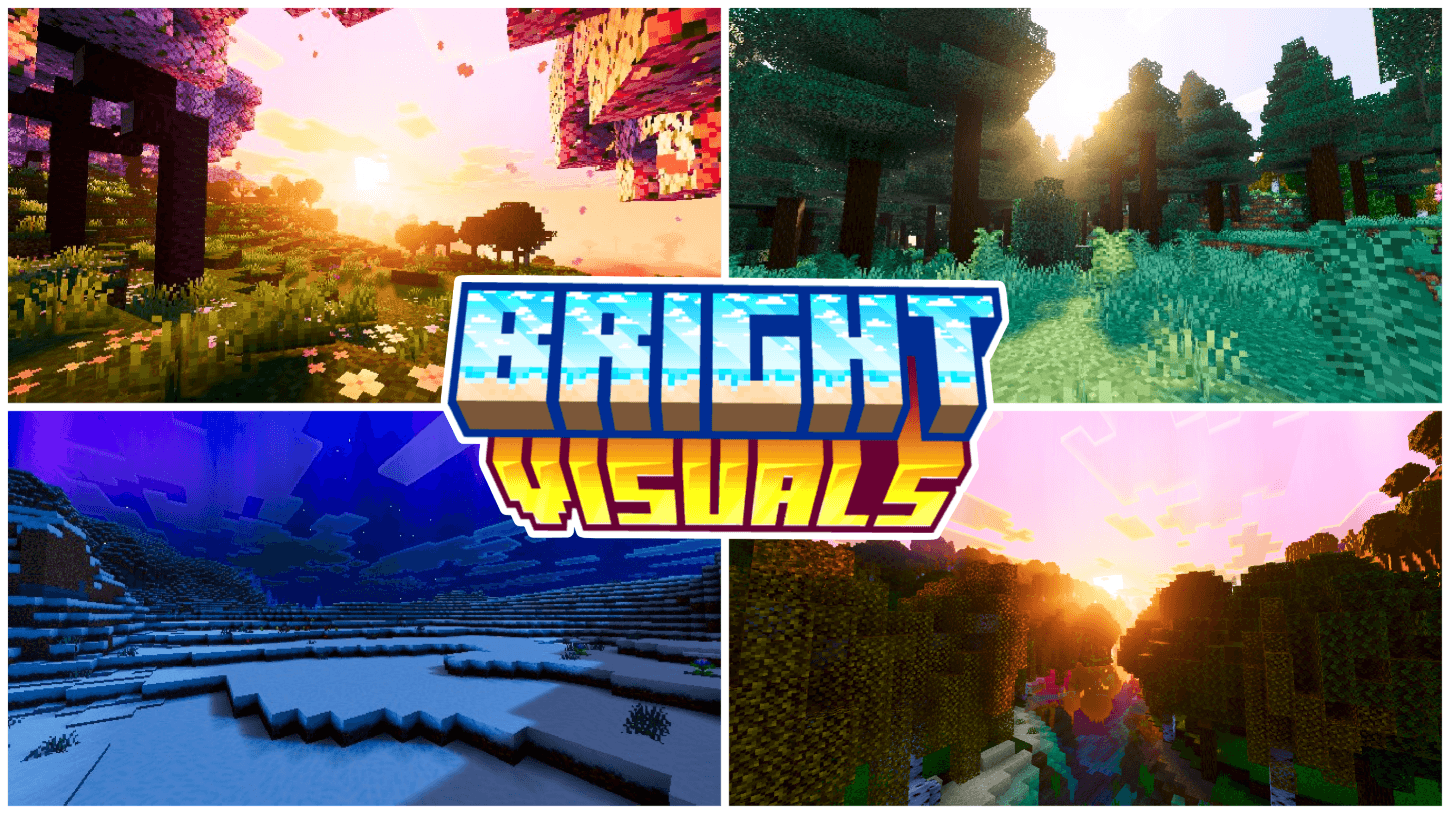
Bright Visuals is a full PBR resource pack for Minecraft Bedrock that transforms lighting, skies, and atmosphere with a bold, vibrant color identity — a crisp, cinematic upgrade for players with Vibrant Visuals enabled, covering all 87 vanilla biomes.

🎨 Reimagined Visual Style
- Vivid, high-clarity color identity that keeps builds looking crisp and alive
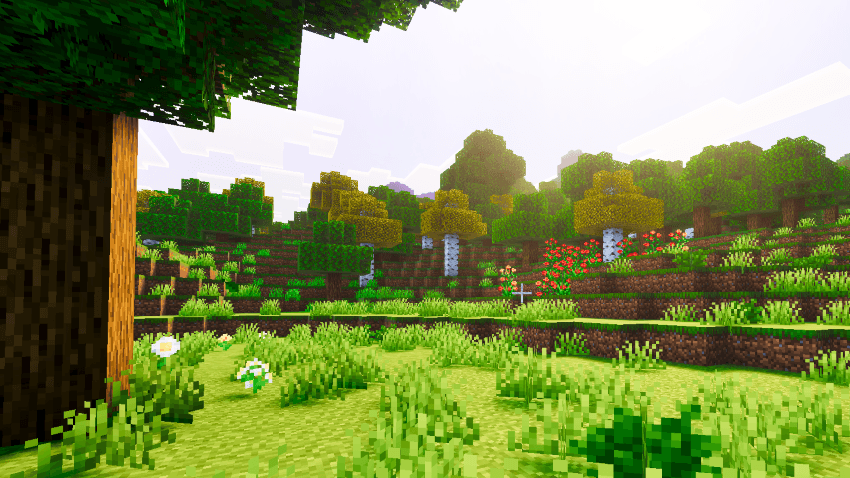
- Cohesive atmosphere layered across all 87 vanilla biomes
- Balanced depth and mood that enhances builds without overpowering them
- Cinematic color grading with ACES tone mapping for a polished, film-like look
🌤️ Advanced Atmospherics System
- Custom sky zenith and horizon color tuning for a smooth day-night gradient
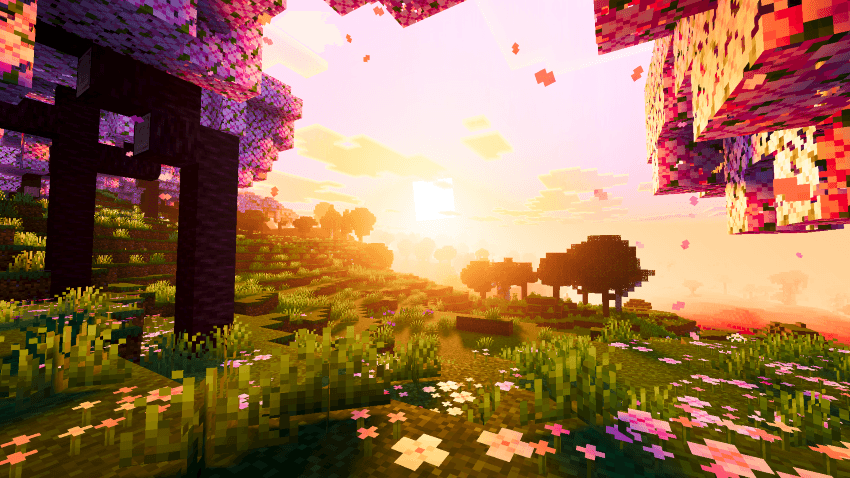
- Bright, saturated sunrise and sunset horizon tones with strong blending
- Clean, vivid daytime zenith for added sky depth
- Tuned Rayleigh scattering to prevent washed-out or overly dark skies
- Custom biome-specific fog colors and density tuning for added depth and immersion
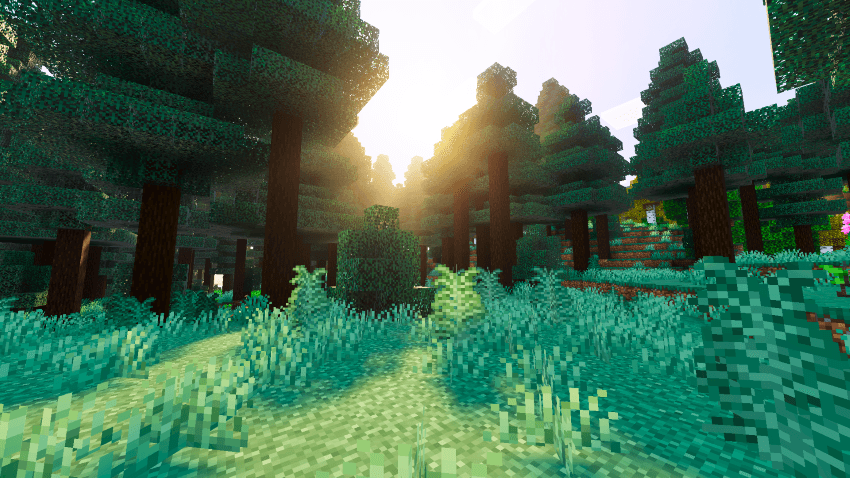
🕯️ Recolored Local Lighting
- Custom light colors for torches, lanterns, candles, campfires, and other light sources
- True-to-color glow from soul fire, redstone, copper variants, amethyst, and more
- Adds warmth and richer ambiance to builds without changing gameplay
⚙️ Full PBR Material Support
- Metalness, emissive, roughness, and subsurface maps applied across blocks, actors, particles, and items
- PBR-enhanced ores and terrain, including all deepslate ore variants and ancient debris
- Reworked water with custom flow/still textures, normal maps, and MER maps for realistic reflections
🌌 Vibrant Aurora Effect
- Custom animated aurora beam effect with organic, curve-driven movement
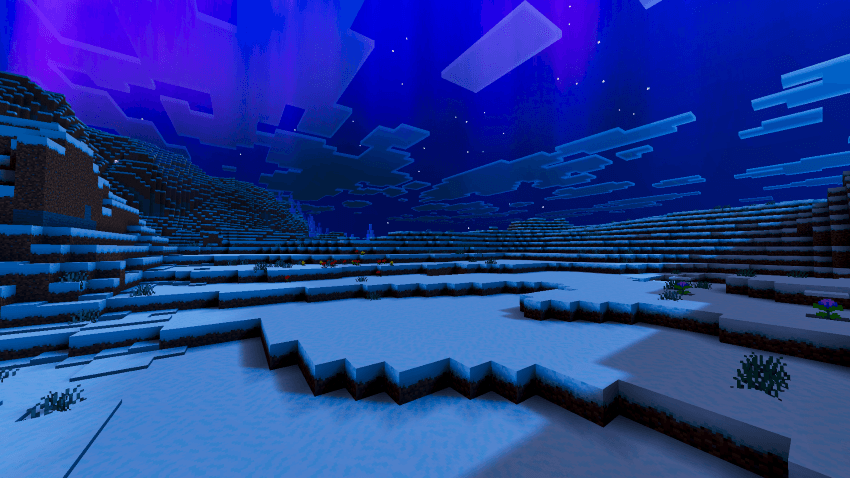
- Adds a striking extra layer of atmosphere without distracting from gameplay
Visuals:-
Shadows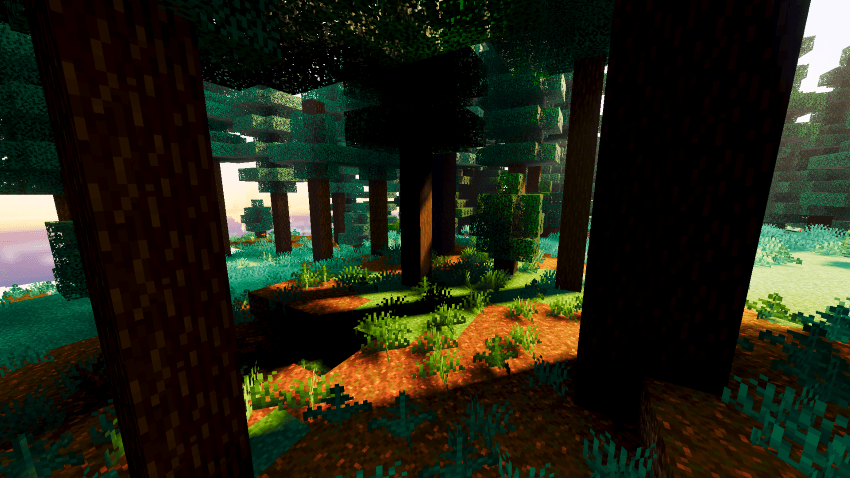
Ruined Portal in Rain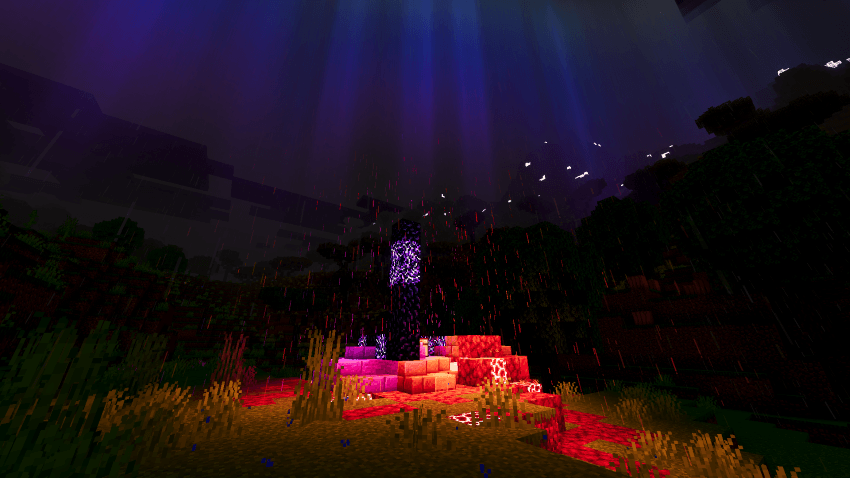
Village at Night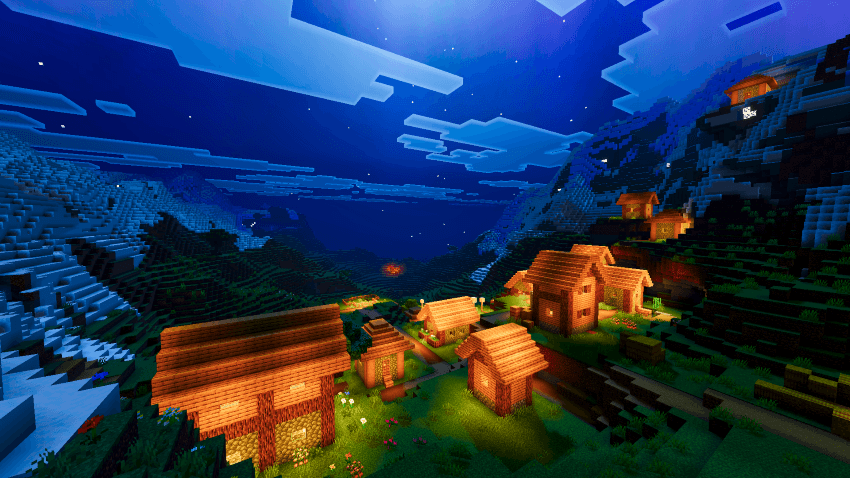
📌 Requirements
Bright Visuals requires Minecraft Bedrock/PE version 1.21.80 or higher, with Vibrant Visuals (PBR rendering) enabled in video settings.
📦 Installation
- Download the .mcpack file
- Open to import into Minecraft
- Enable Bright Visuals in Global Resources
- Turn on Vibrant Visuals in video settings
Bright Visuals — Ghoulcat_studios
The Ghoulcat_studios Team
- Edition: Minecraft Bedrock
- File type: .mcpack
- Minecraft versions listed: 1.21.81, 1.21.93, 1.21.20
- How to install: Download the .mcpack. → Open it — Minecraft imports it under Resource Packs. → Activate it in Global Resources, or for one world under Resource Packs → Available.
- Where to get it: In MCModsHub, or directly above on this page.
Install steps are the general flow for this file type — How to install Minecraft Bedrock texture packs walks through it step by step.
- Pack type: .mcpack — a single pack
- Complete pack — everything it depends on is inside the file
- Download size: 3.1 MB
- Download link checked 29 Sept 2026 — working
These come from our own check of the pack file, not from the source page.