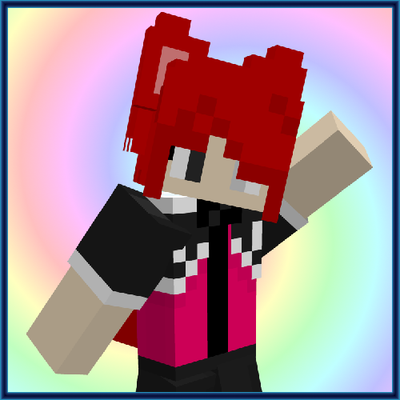
Skin 3D Accessories
The author built this one for Minecraft 26.40. On other versions it may install and then do nothing.


This texture pack gives standard Minecraft skins fully customizable 3D accessories
Create your own skin with 3D accessories; change the file extension to .zip and extract it to find a short tutorial on creating your own skin, create your skin adapted to the texture and import it to Minecraft as usual
It works in multiplayer; you and your friends can use your own skins with accessories and play
Keep in mind that you and your friends must use skins adapted to this texture's format even if your friends' skins don't use accessories for it to work, skins from other people that are not adapted to this texture format will appear glitched
- Edition: Minecraft Bedrock
- File type: .mcpack
- Minecraft version listed: 26.40
- How to install: Download the .mcpack. → Open it — Minecraft imports it under Resource Packs. → Activate it in Global Resources, or for one world under Resource Packs → Available.
- Where to get it: Opens on CurseForge — not every file is mirrored on our own servers.
Install steps are the general flow for this file type — How to install Minecraft Bedrock texture packs walks through it step by step.
- Pack type: .mcpack — a single pack
- Manifest requires Minecraft 1.20.80 or newer
- Complete pack — everything it depends on is inside the file
- Download size: 399 KB
- Download link checked 10 Sept 2026 — working
These come from our own check of the pack file, not from the source page.