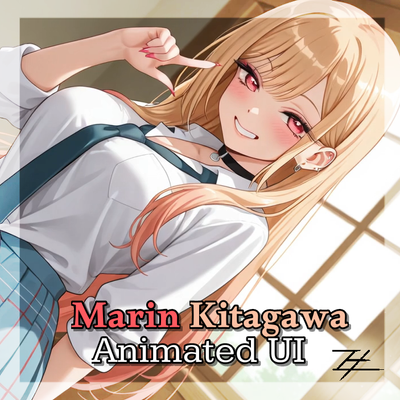
Marin Kitagawa Animated UI
Bedrock texture pack listed for Minecraft 1.21–26.x. File opened and checked on 9 Sep 2026; installs from the MC Bedrock Mods app on Android.
Tired of the same old default Minecraft menus? Marin Kitagawa Animated UI breathes fresh life into your game by replacing the classic panorama and static…
⬇ Download on CurseForge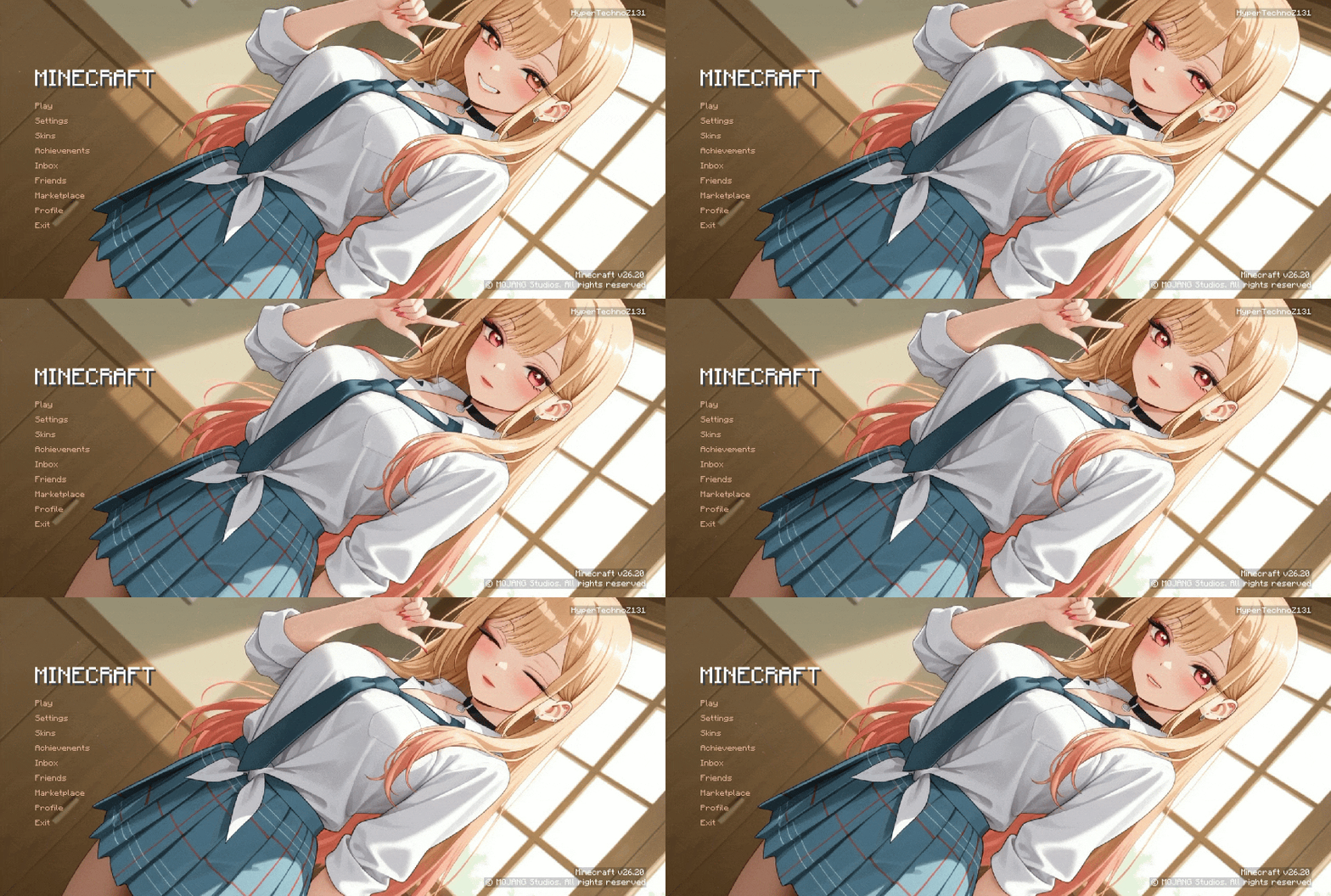
🌟 Overview
Tired of the same old default Minecraft menus? Marin Kitagawa Animated UI breathes fresh life into your game by replacing the classic panorama and static buttons with a stunning, high-quality animated interface. Whether you are a massive fan of the anime or just want a sleek, modern aesthetic for your Bedrock Edition setup, this pack delivers a premium visual overhaul.
⚡ Key Features
Fully Animated Main Menu:
Watch the interface come alive with a beautiful, dynamic display featuring Marin Kitagawa.
Complete UI Overhaul:
Custom button styles, reworked dialog frames, and refreshed title screens that match the overall anime theme.
Secret FPS Boost:
Optimized background elements and streamlined UI rendering help reduce menu lag and secretly boost your in-game performance.
Clean & Lightweight:
Programmed efficiently for Bedrock Edition to ensure smooth navigation without causing crashes or heavy memory strain.
Cross-Platform Support:
Works perfectly on mobile devices (Android/iOS), Windows 10/11, and consoles supporting custom resource packs.
🛠️ Installation Guide
Download the .mcpack file from the files section below.Double-click or open the file to automatically import it into Minecraft Bedrock Edition.Open Minecraft, go to Settings > Global Resources.Find Marin Kitagawa Animated UI under "My Packs" and click Activate.Restart your game or let the resources load, and enjoy your brand new animated menu!
📝 Creator Notes & Support
This pack was built with passion to give players a clean, beautiful, and smooth interface. If you encounter any bugs, have suggestions for future layout changes, or want to check out more performance-focused texture packs and Render Dragon shaders, feel free to visit my creator profile!
Developer: HyperTechnoZ131
Version: Bedrock Edition (Compatible with the latest updates)
- Edition: Minecraft Bedrock
- File type: .mcpack
- Minecraft versions listed: 1.21.2, 1.21, 1.21.71
- How to install: Download the .mcpack. → Open it — Minecraft imports it under Resource Packs. → Activate it in Global Resources, or for one world under Resource Packs → Available.
- Where to get it: Opens on CurseForge — not every file is mirrored on our own servers.
Install steps are the general flow for this file type — How to install Minecraft Bedrock texture packs walks through it step by step.
- Manifest requires Minecraft 1.21.0 or newer
- Complete pack — everything it depends on is inside the file
- Download size: 99.6 MB
- Download link checked 20 Oct 2026 — working
These come from our own check of the pack file, not from the source page.