BK Shader
Bedrock texture pack listed for Minecraft 1.21–26.x. File opened and checked on 9 Sep 2026; installs from the MC Bedrock Mods app on Android.
BK Shader by Baku_Studio — Premium Render Dragon style Vibrant Visuals with clean bright day, warm golden sunset, readable midnight, rich natural greens…
⬇ Download on CurseForge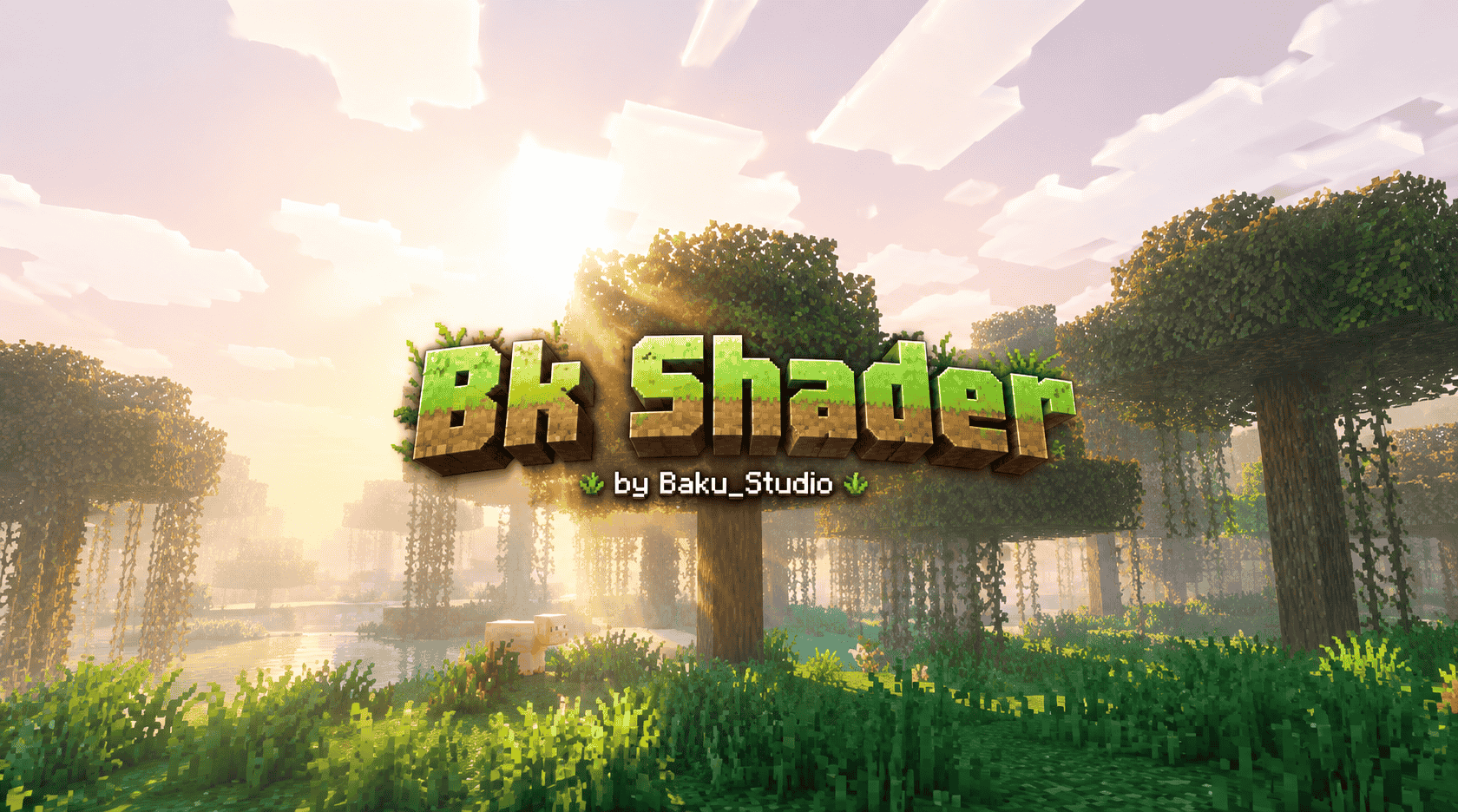
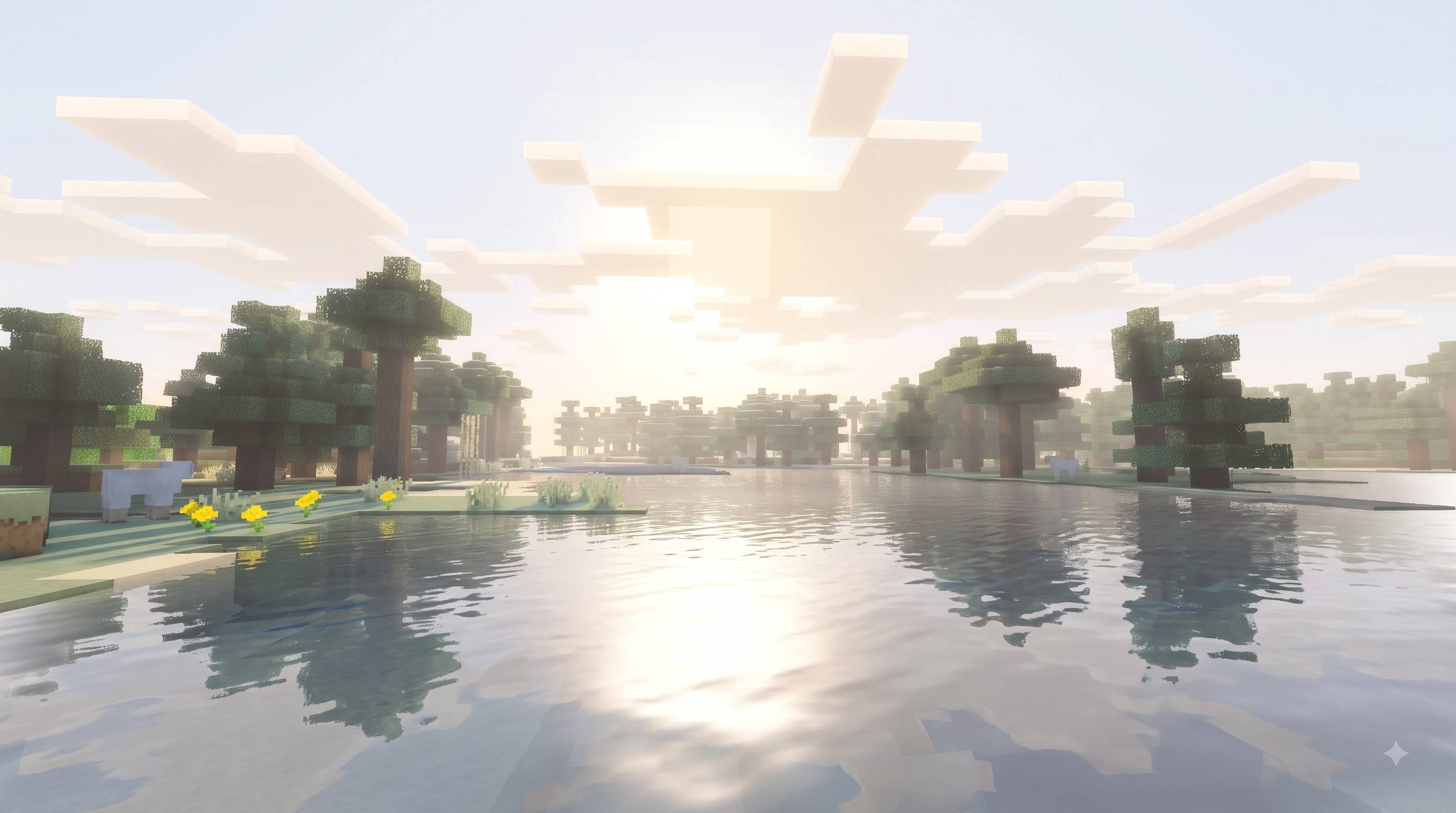
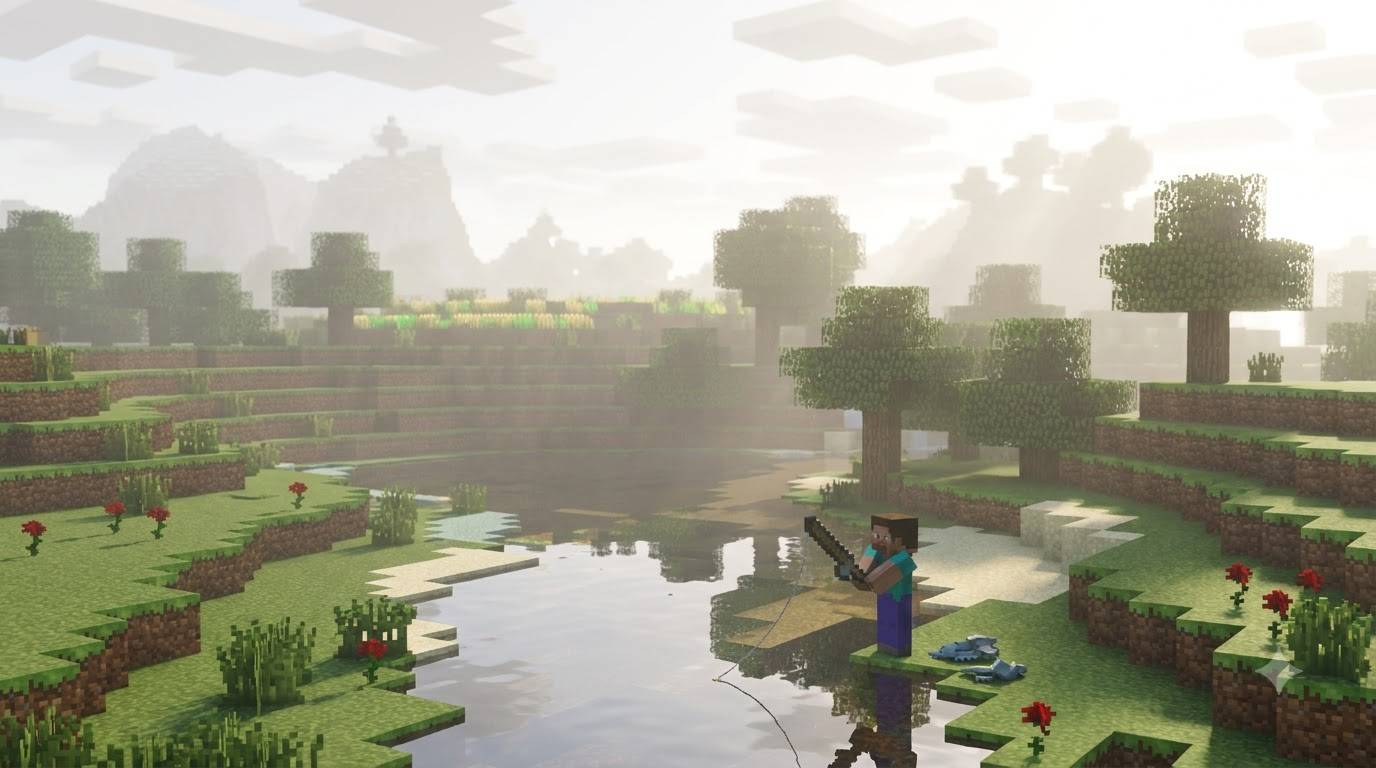
Author: Baku_Studio
BK Shader is an original Minecraft Bedrock Edition resource pack built for the official Vibrant Visuals graphics mode. It delivers a clean, premium cinematic look with natural lighting, rich greens, soft atmospheric depth and beautiful day-to-night transitions while fully preserving Minecraft’s classic block style.
Pack Information
- Pack Name: BK Shader
- Author: Baku_Studio
- Type: Vibrant Visuals / PBR Resource Pack
- Supported Versions: Minecraft Bedrock & Pocket Edition 1.21.120 and newer (1.21 – 1.26 generation)
- Required Mode: Vibrant Visuals
- Platforms: Android, iOS, Windows, Xbox, PlayStation (devices that support Vibrant Visuals)
Visual Style
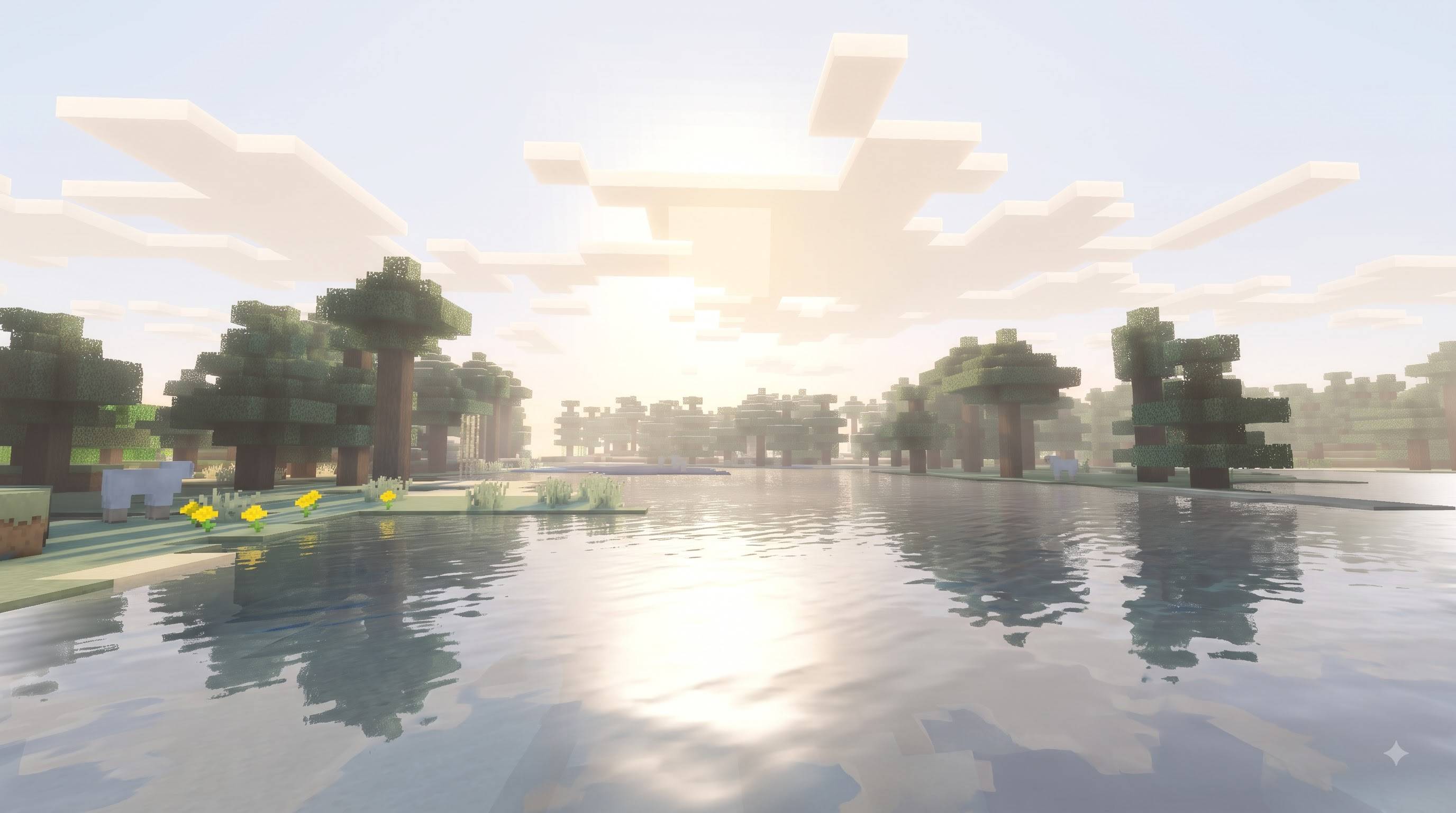
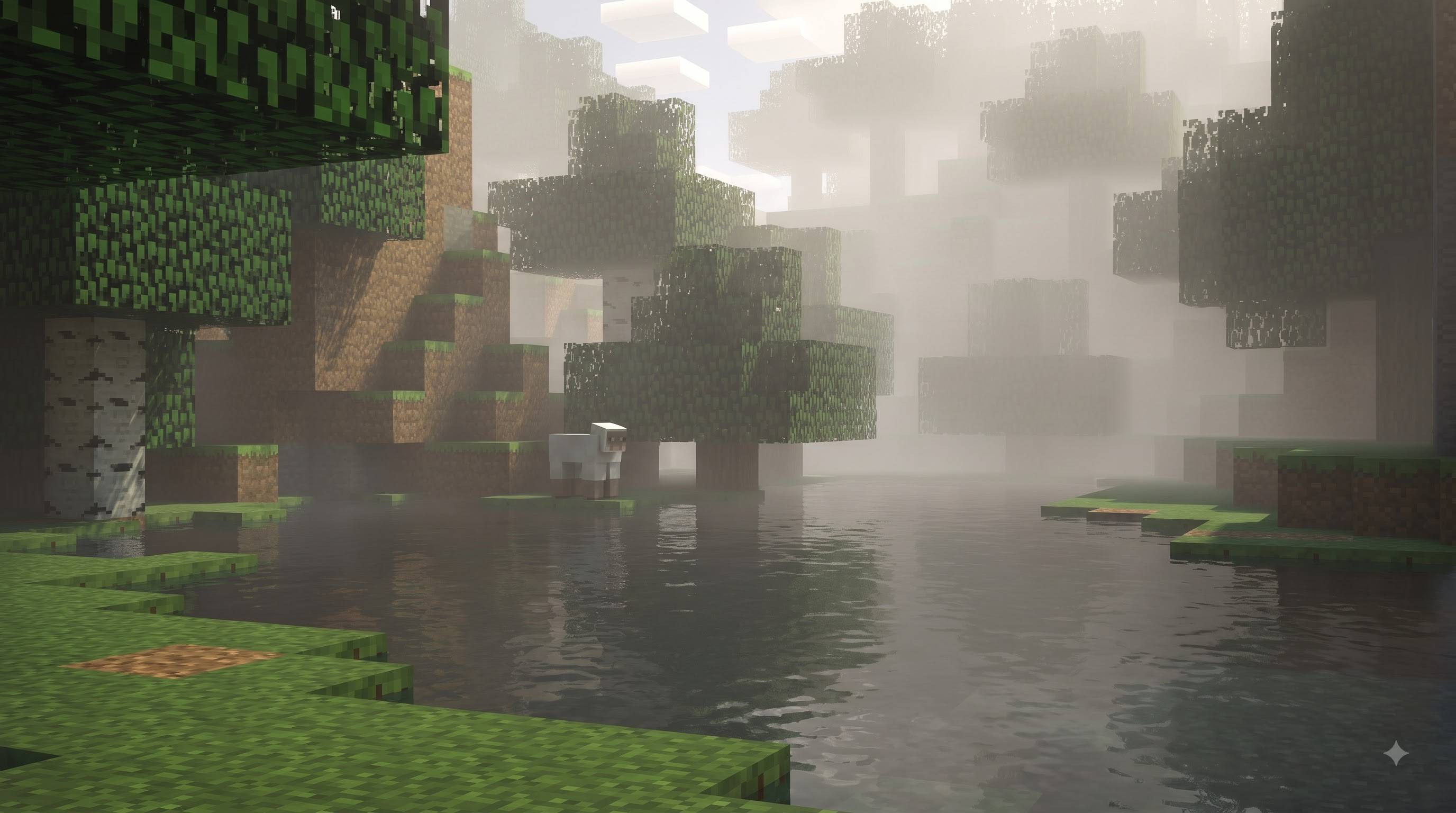
The pack focuses on a clean, polished and immersive atmosphere. Expect bright natural daylight, warm golden sunsets, readable midnight with cool blue ambient light, rich emerald green vegetation, soft shadows and clear cyan-blue water. The overall mood feels premium and cinematic while still looking unmistakably like Minecraft.
Features
Lighting
- Clean bright directional sunlight
- Soft golden-hour transitions
- Balanced ambient fill
- Readable shadows that never go pure black
Atmosphere
- Soft layered distance haze
- Warm golden horizon at sunset
- Cool readable nighttime atmosphere
- Smooth day → sunset → night transitions
Color Grading
- Rich natural emerald green vegetation
- Clean cinematic tone
- Soft shadow lift
- Controlled highlight compression
- Filmic tone mapping
Water
- Clear cyan-blue appearance
- Soft sky and environment reflections
- Gentle surface waves
- Depth-based coloration
Shadows & Materials
- Soft natural shadows
- Readable detail in shaded areas
- Default PBR material response
- Original Minecraft textures and geometry fully preserved
Installation
- Import the .mcpack file
- Activate BK Shader in Resource Packs (place near the top)
- Go to Settings → Video → Graphics Mode → Vibrant Visuals
- Enter any world
Performance
Lightweight configuration-only pack. Runs well on mobile and higher-end devices that support Vibrant Visuals.
Credits
Created by Baku_Studio.
Original implementation inspired by the visual characteristics of the reference screenshots.
No proprietary shader source was used or copied.
Notes
- Requires Vibrant Visuals to be enabled
- Fully original resource pack
- Safe for multiplayer and Realms
- No external dependencies
- Compatible with 1.21.120 through 1.26 generation
- Edition: Minecraft Bedrock
- File type: .mcpack
- Minecraft versions listed: 1.21.100, 26.0
- How to install: Download the .mcpack. → Open it — Minecraft imports it under Resource Packs. → Activate it in Global Resources, or for one world under Resource Packs → Available.
- Where to get it: Opens on CurseForge — not every file is mirrored on our own servers.
Install steps are the general flow for this file type — How to install Minecraft Bedrock texture packs walks through it step by step.
- Pack type: .mcpack — a single pack
- Manifest requires Minecraft 1.21.120 or newer
- Complete pack — everything it depends on is inside the file
- Download size: 5 KB
- Download link checked 20 Oct 2026 — working
These come from our own check of the pack file, not from the source page.