Home›Bedrock›Texture packs›Curse V Ultra Texture Pack (26.x) – Clean PvP Interface with Custom Sword Colors
Texture packsBedrock
Curse V Ultra Texture Pack (26.x) – Clean PvP Interface with Custom Sword Colors
Curse V Ultra Texture Pack enhances the game's interface to give PvP players a clean and distraction-free visual experience. It redesigns your hotbar…
⬇ Download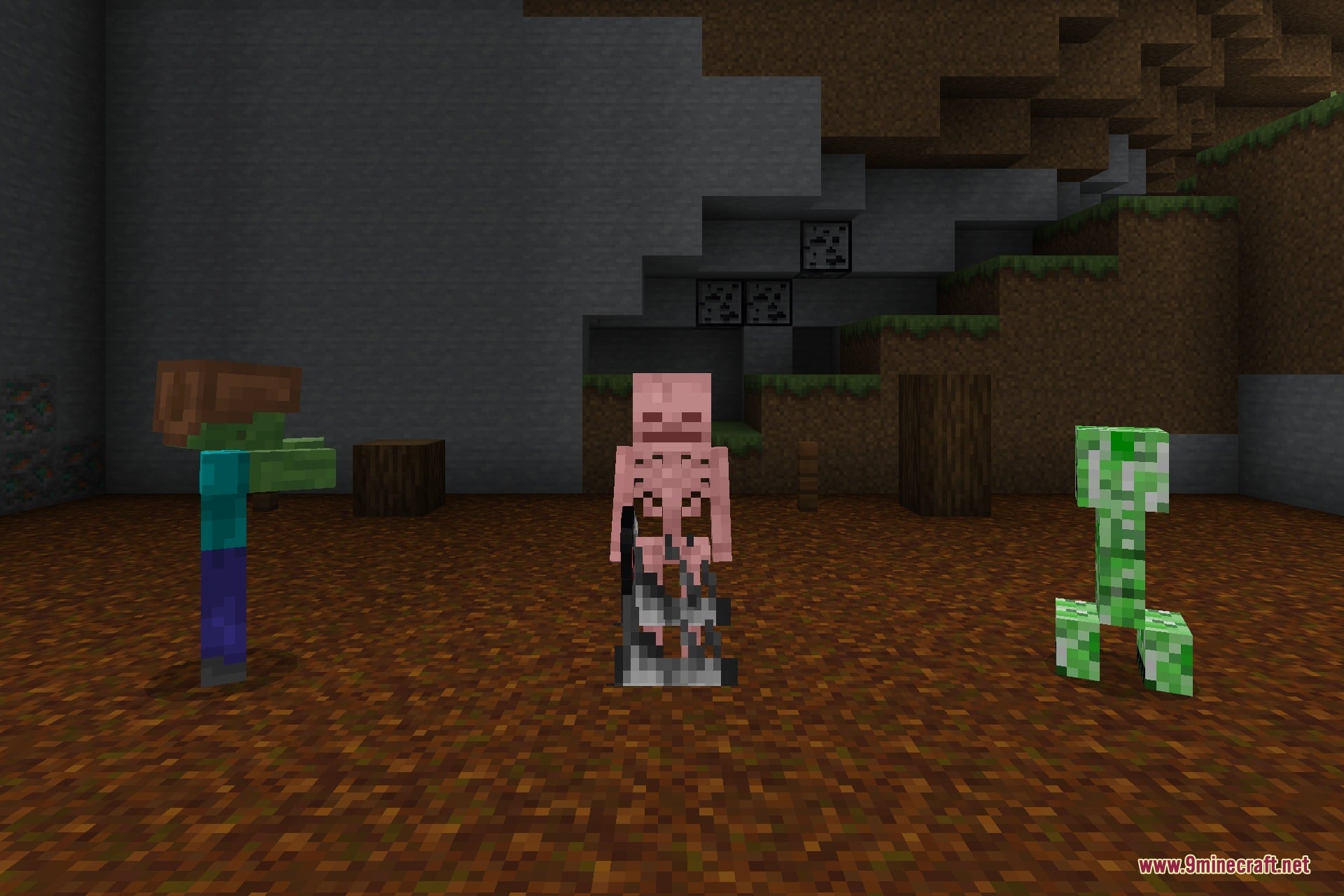
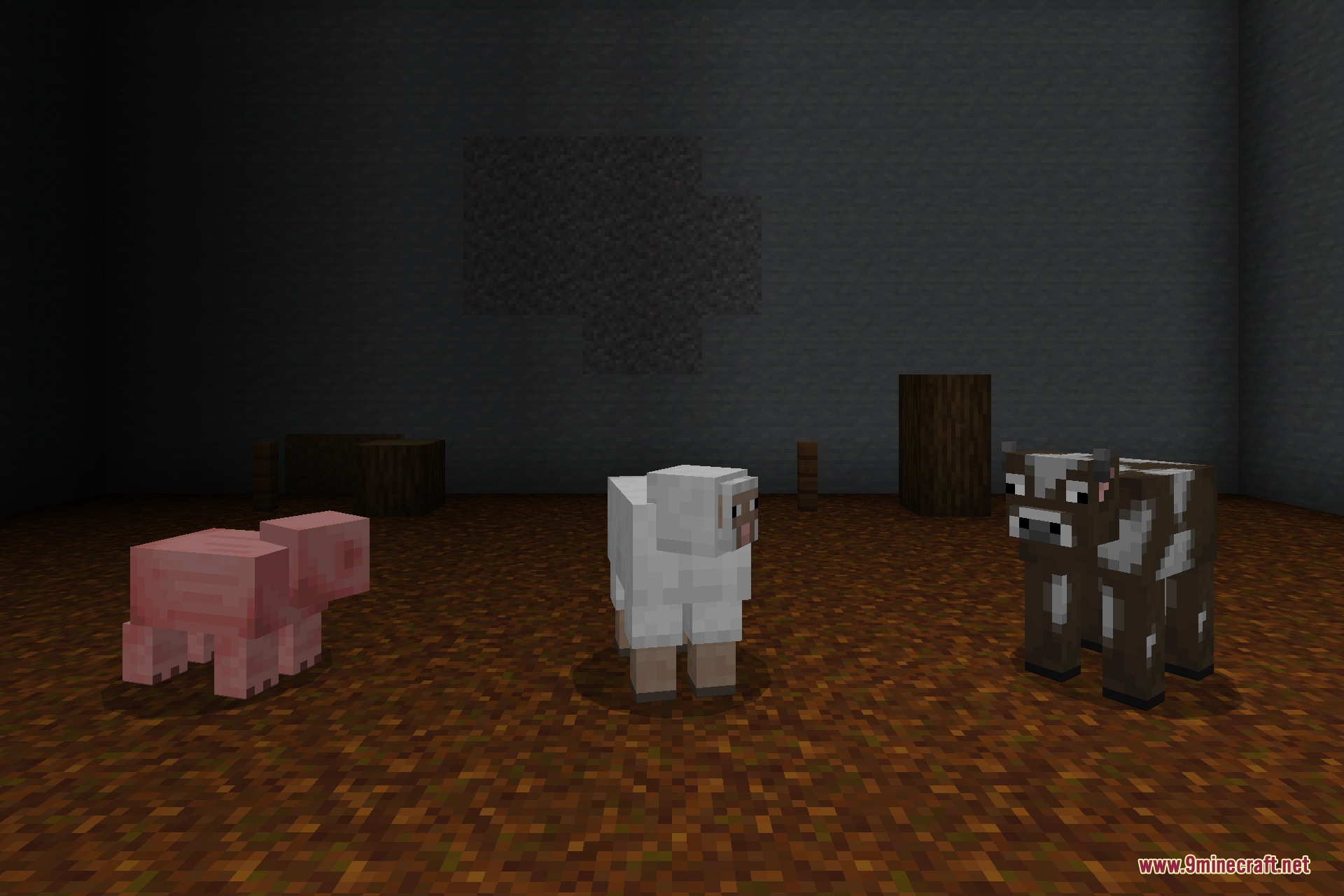
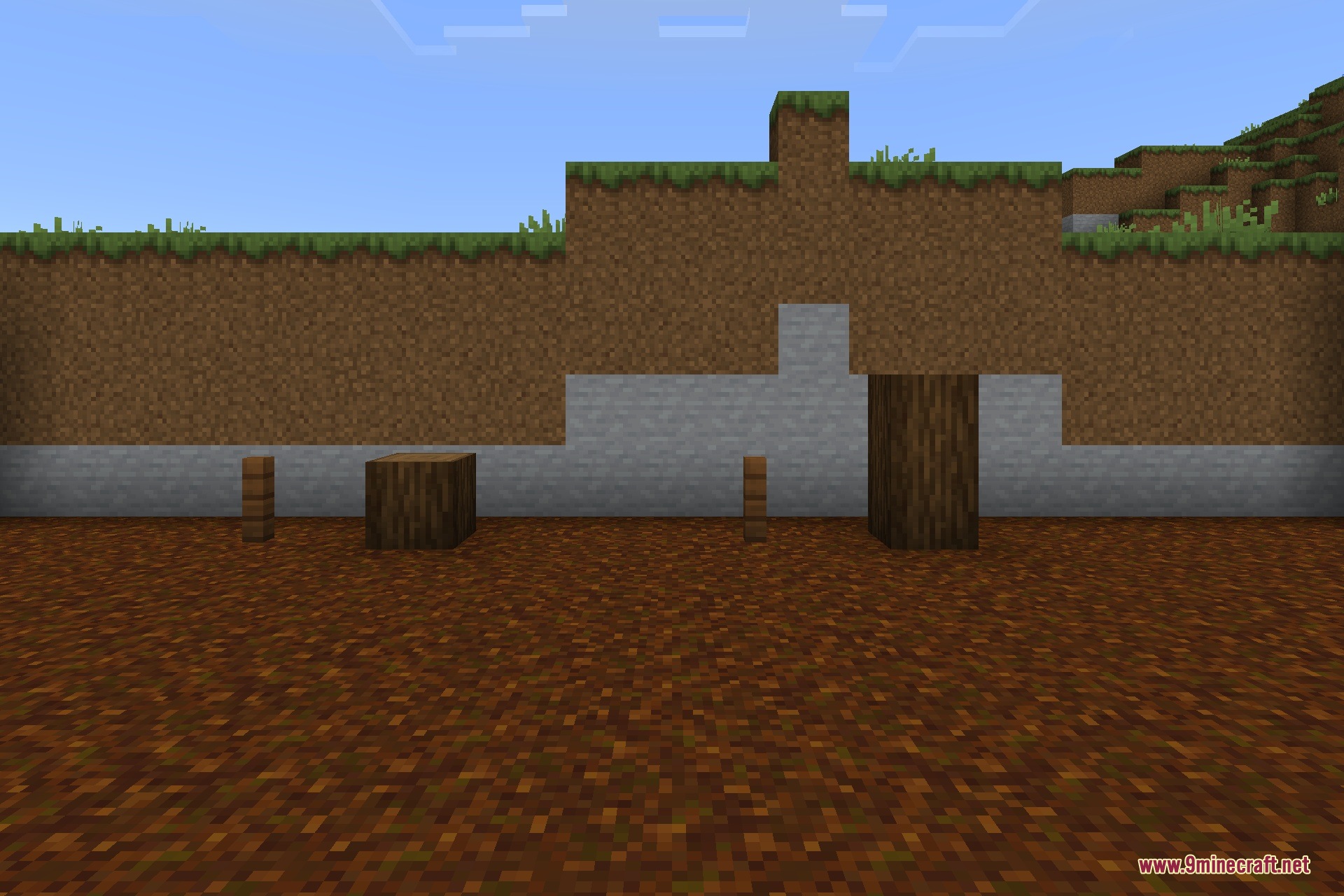
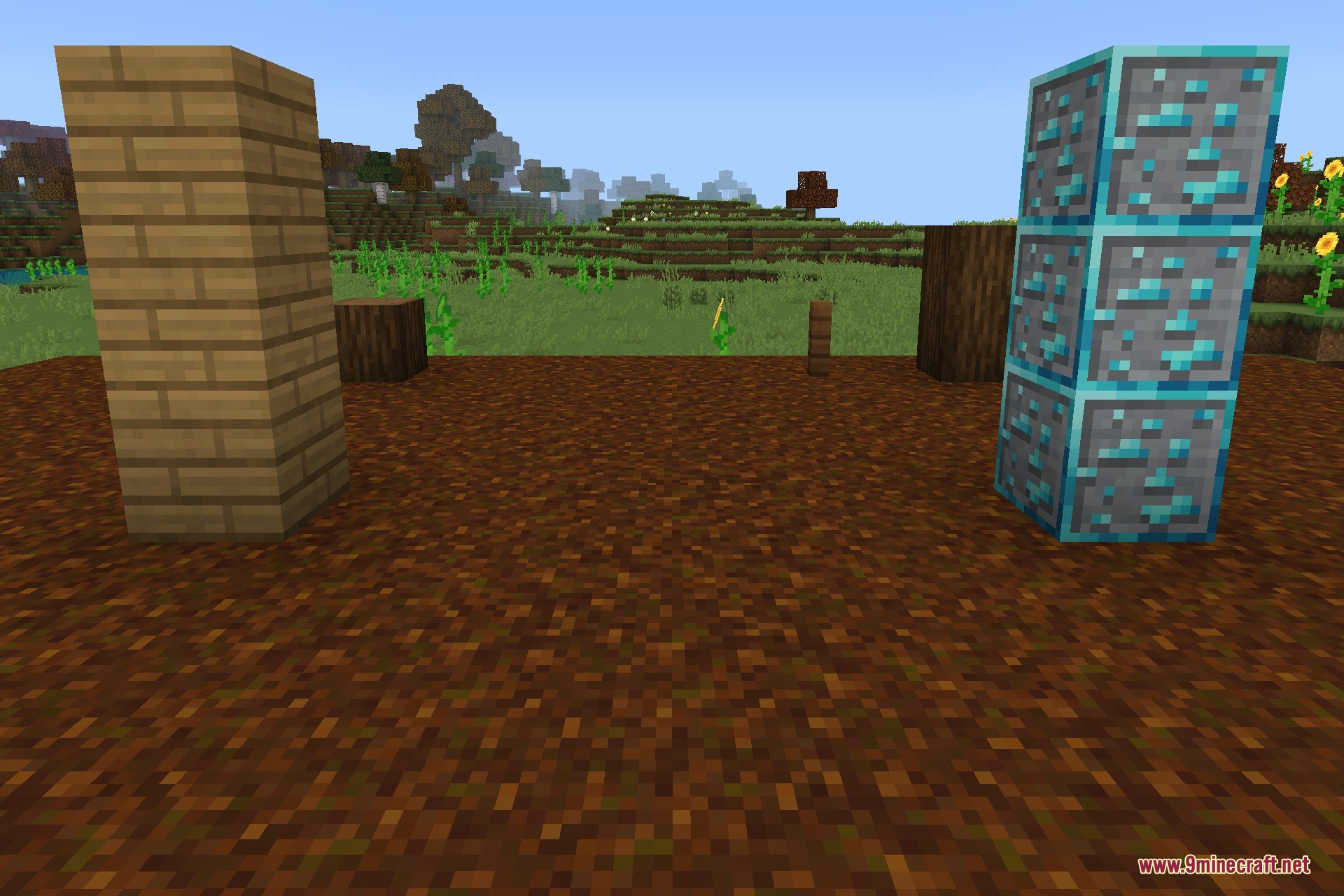
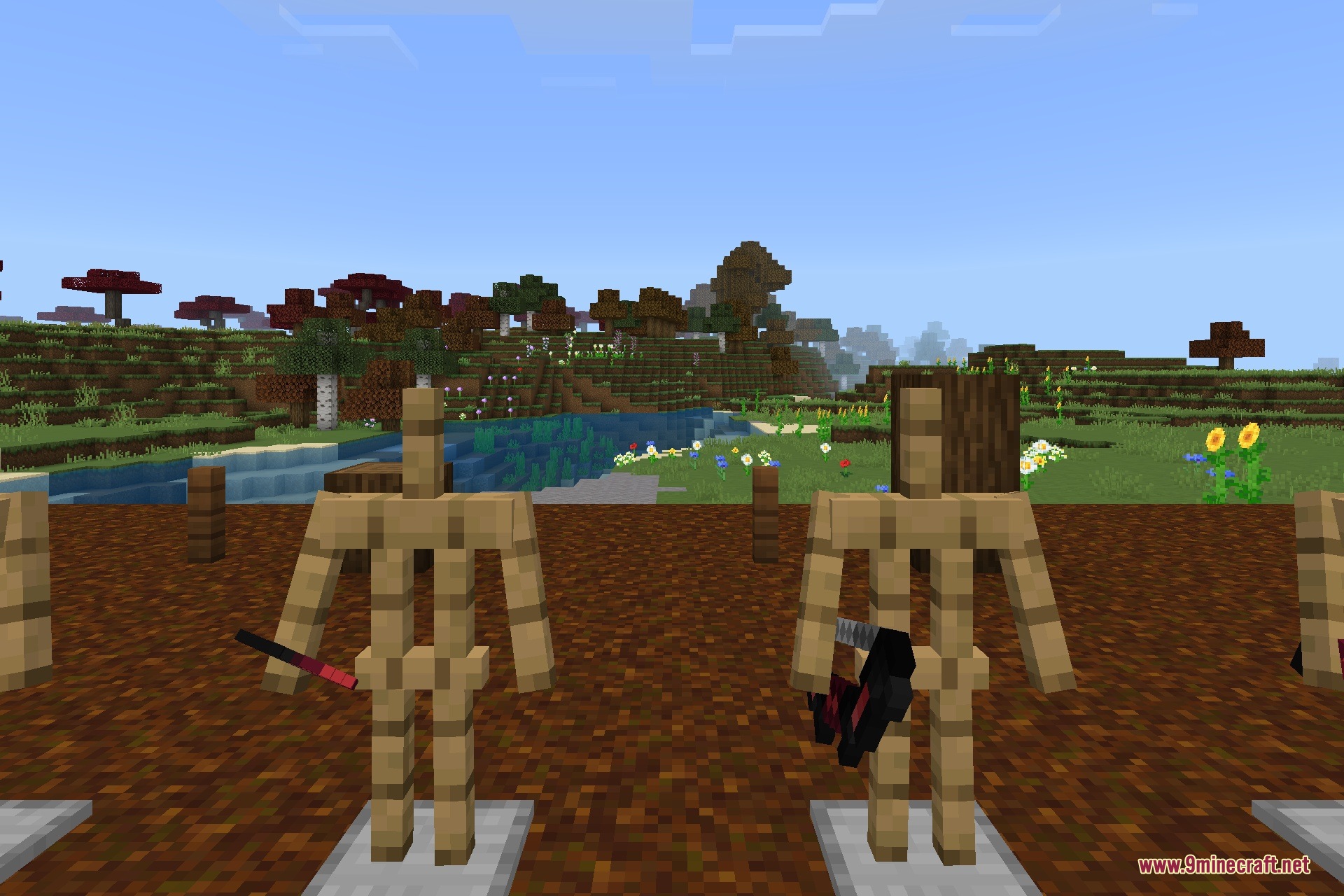
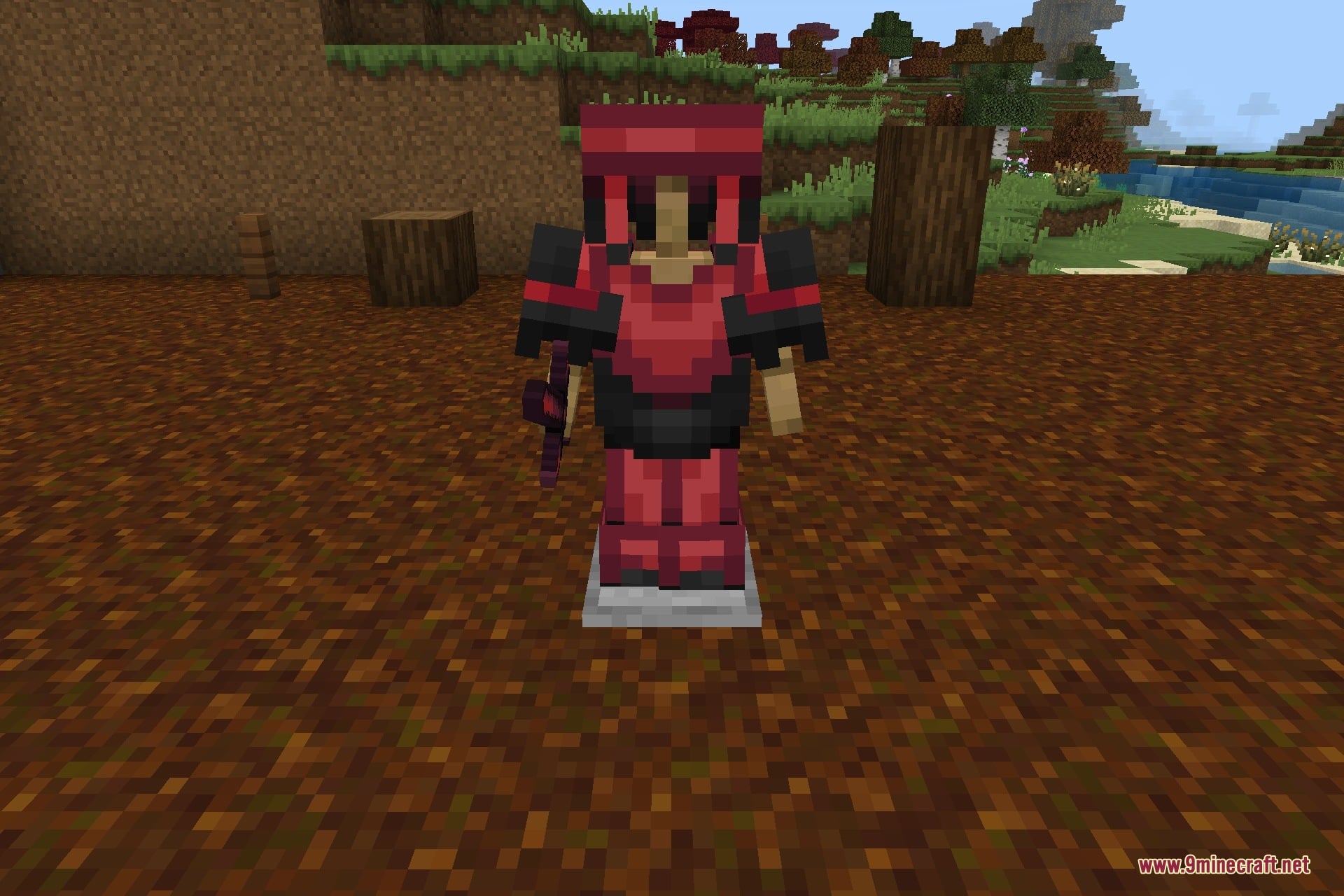
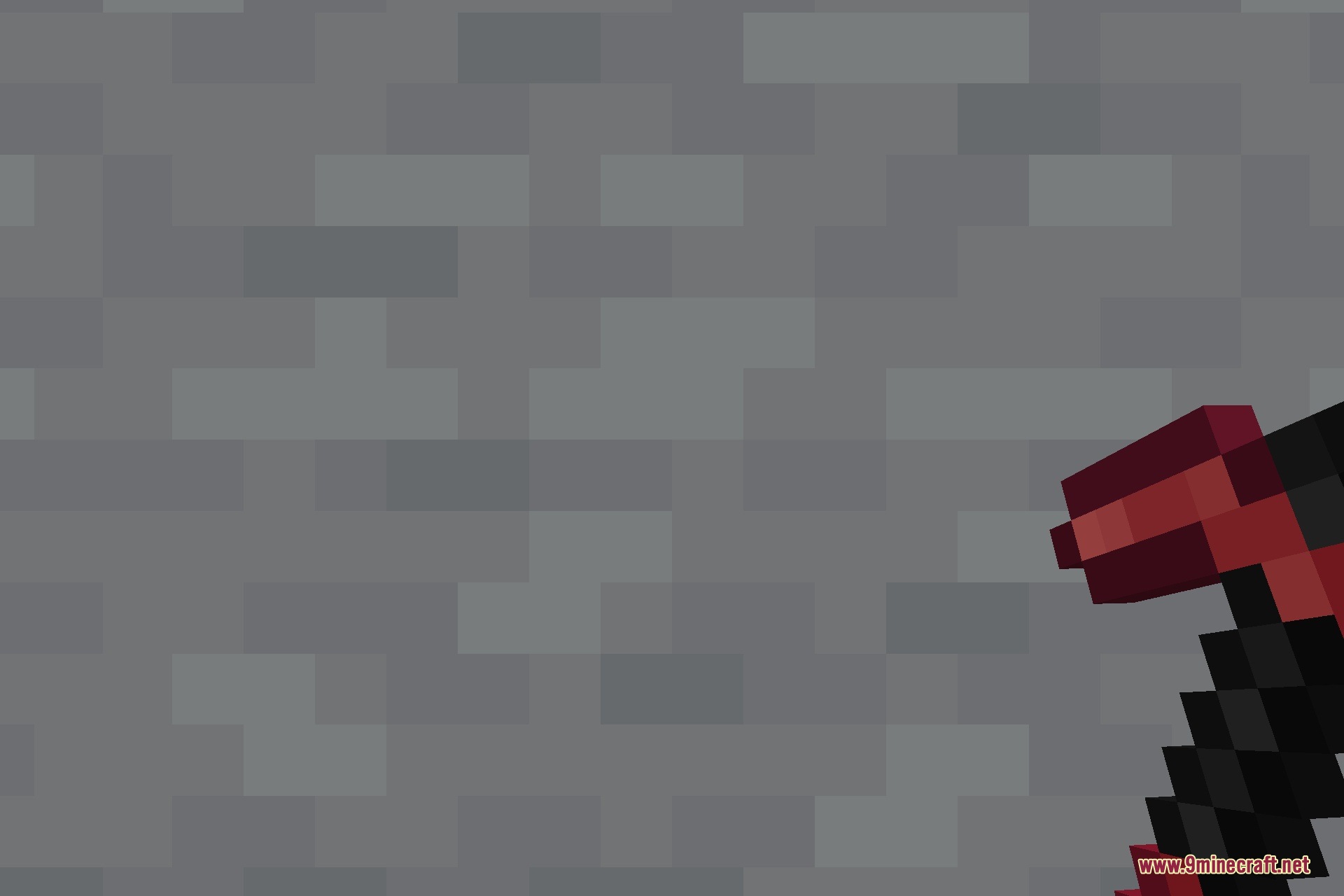
Curse V Ultra Texture Pack enhances the game’s interface to give PvP players a clean and distraction-free visual experience. It redesigns your hotbar, crosshair, and hearts while preserving the classic vanilla look. The pack also adds custom sword colors and improves overall visibility during combat without lowering your frame rate.
Features:
- Clean and minimal interface for distraction-free gameplay.
- Custom crosshair design for better aiming.
- Redesigned hotbar and improved health hearts.
- Custom sword colors for clearer visual combat.
- Lightweight performance with full multiplayer support.
Screenshots:
Curse V Ultra Texture Pack Download Links
Quick facts
- Edition: Minecraft Bedrock
- File type: .mcpack
- How to install: Download the .mcpack. → Open it — Minecraft imports it under Resource Packs. → Activate it in Global Resources, or for one world under Resource Packs → Available.
- Where to get it: In MCModsHub, or directly above on this page.
Install steps are the general flow for this file type — How to install Minecraft Bedrock texture packs walks through it step by step.
Verified by MCModsHub
- Download size: 3.2 MB
- Download link checked 10 Sept 2026 — working
- Mirrored on our own servers — the download does not depend on the original host
These come from our own check of the pack file, not from the source page.