Home›Bedrock›Texture packs›Void-Born Client Definitive Texture Pack (26.x) – Custom HUD Stats and FPS
Texture packsBedrock
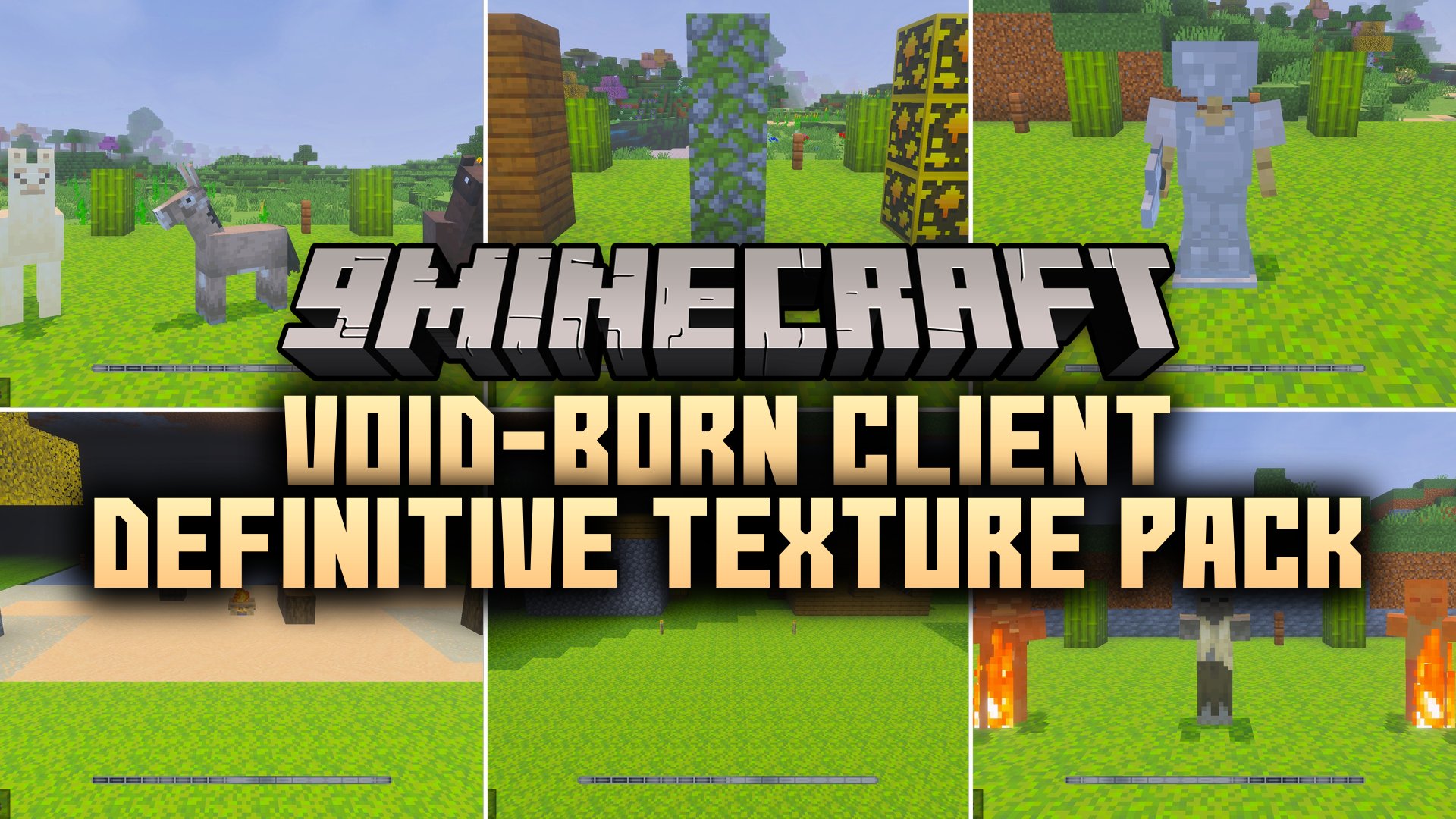
Void-Born Client Definitive Texture Pack (26.x) – Custom HUD Stats and FPS
Bedrock texture pack listed for Minecraft 1.20. File opened and checked on 10 Sep 2026; installs from the MC Bedrock Mods app on Android.
⬇ Download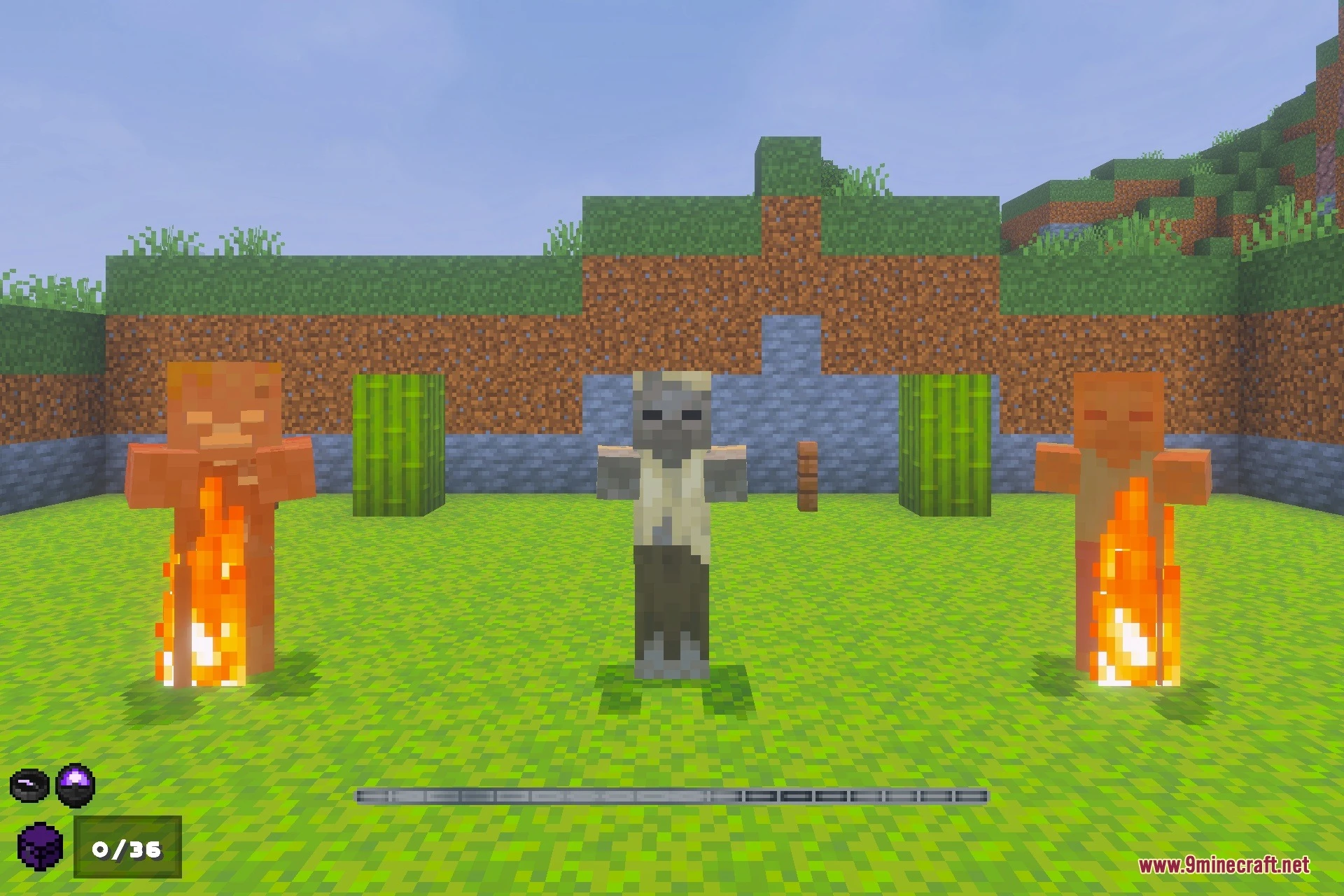
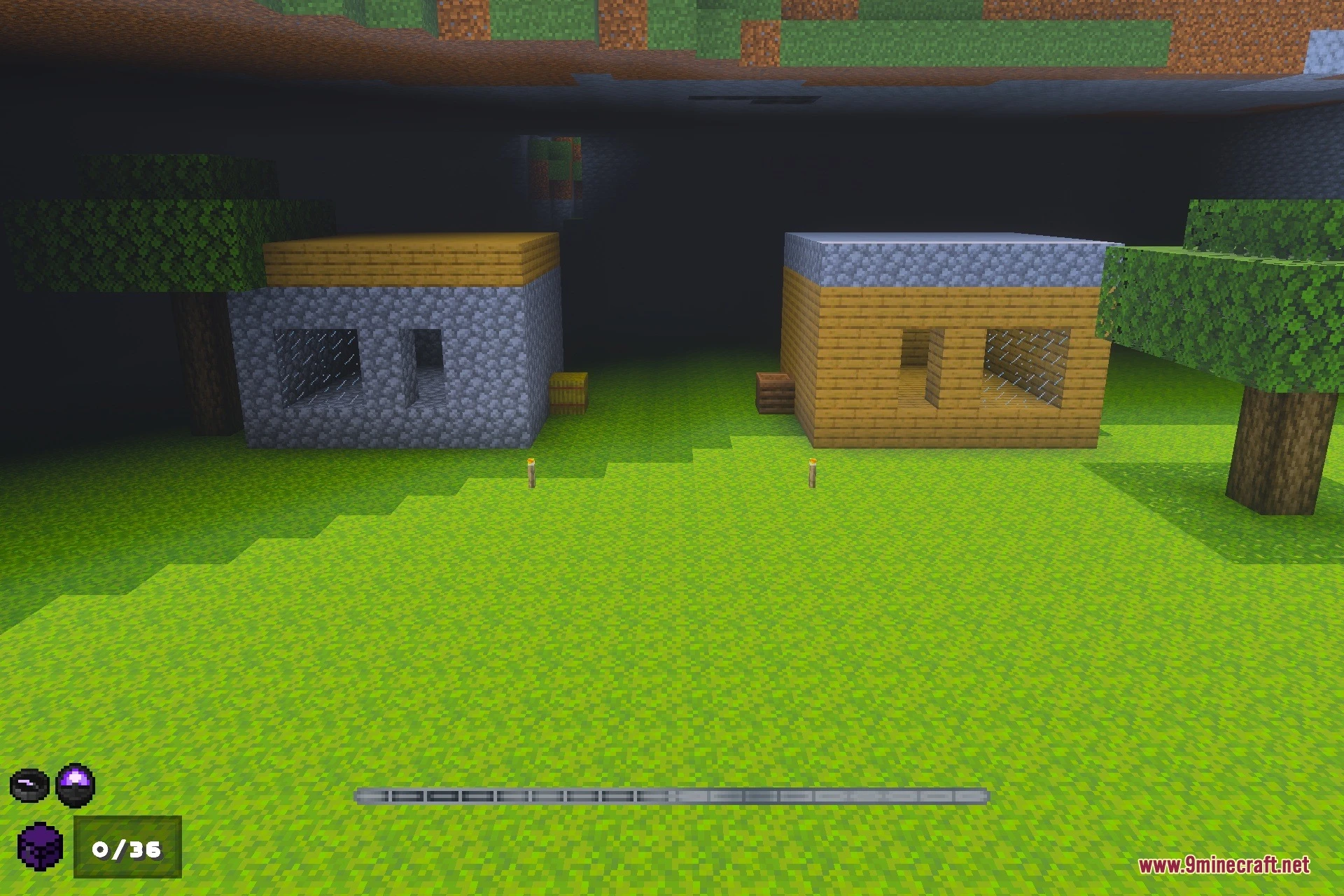
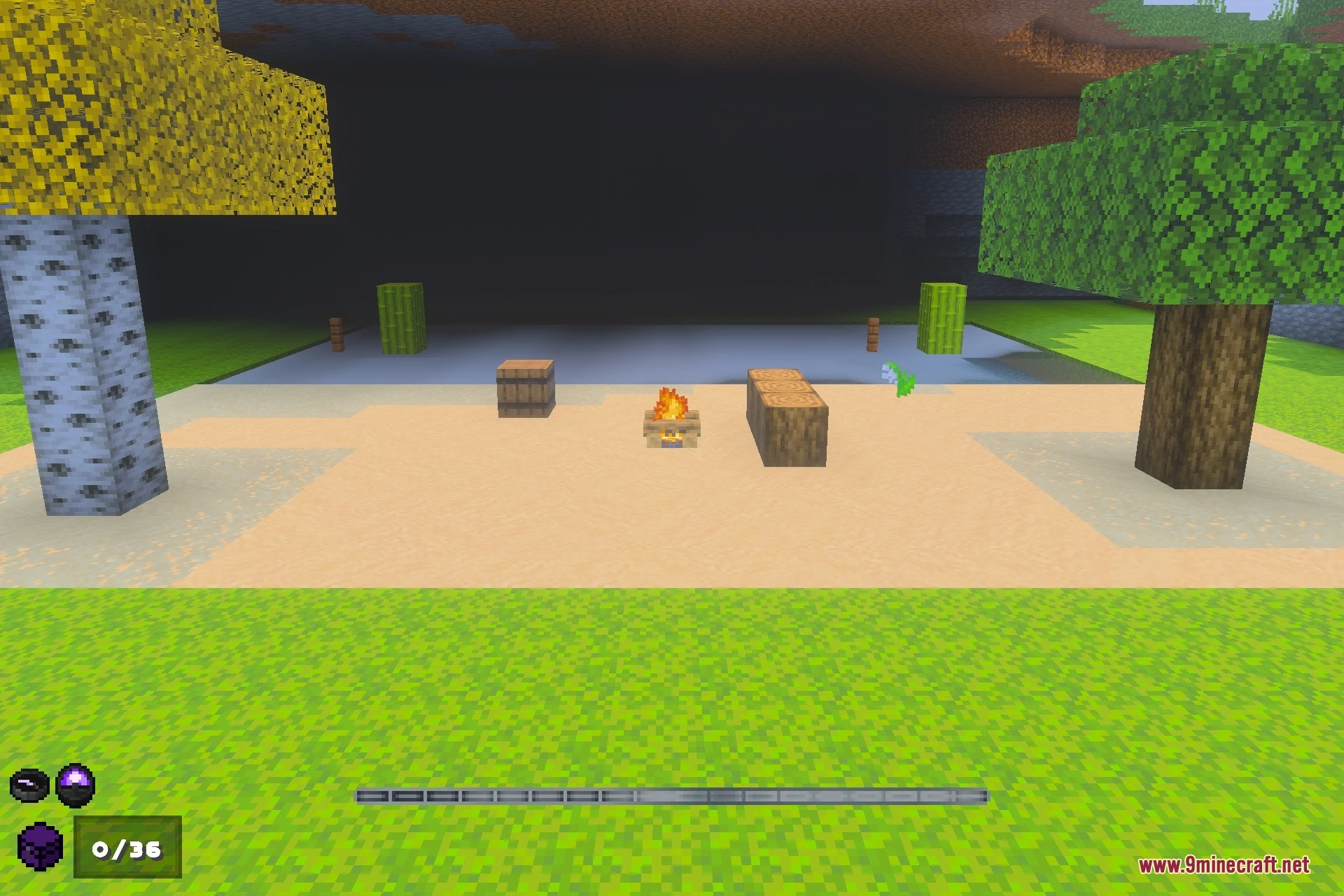
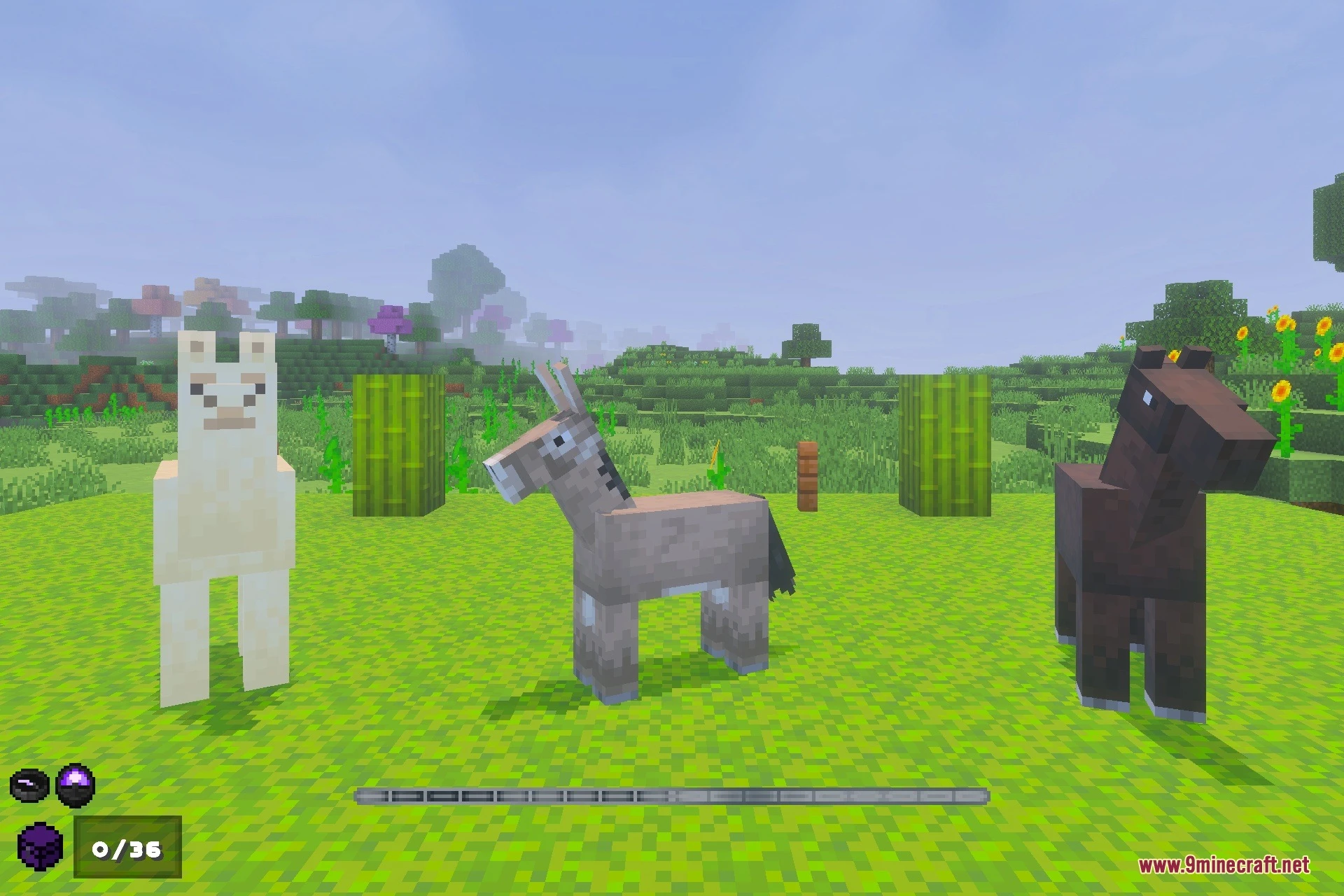
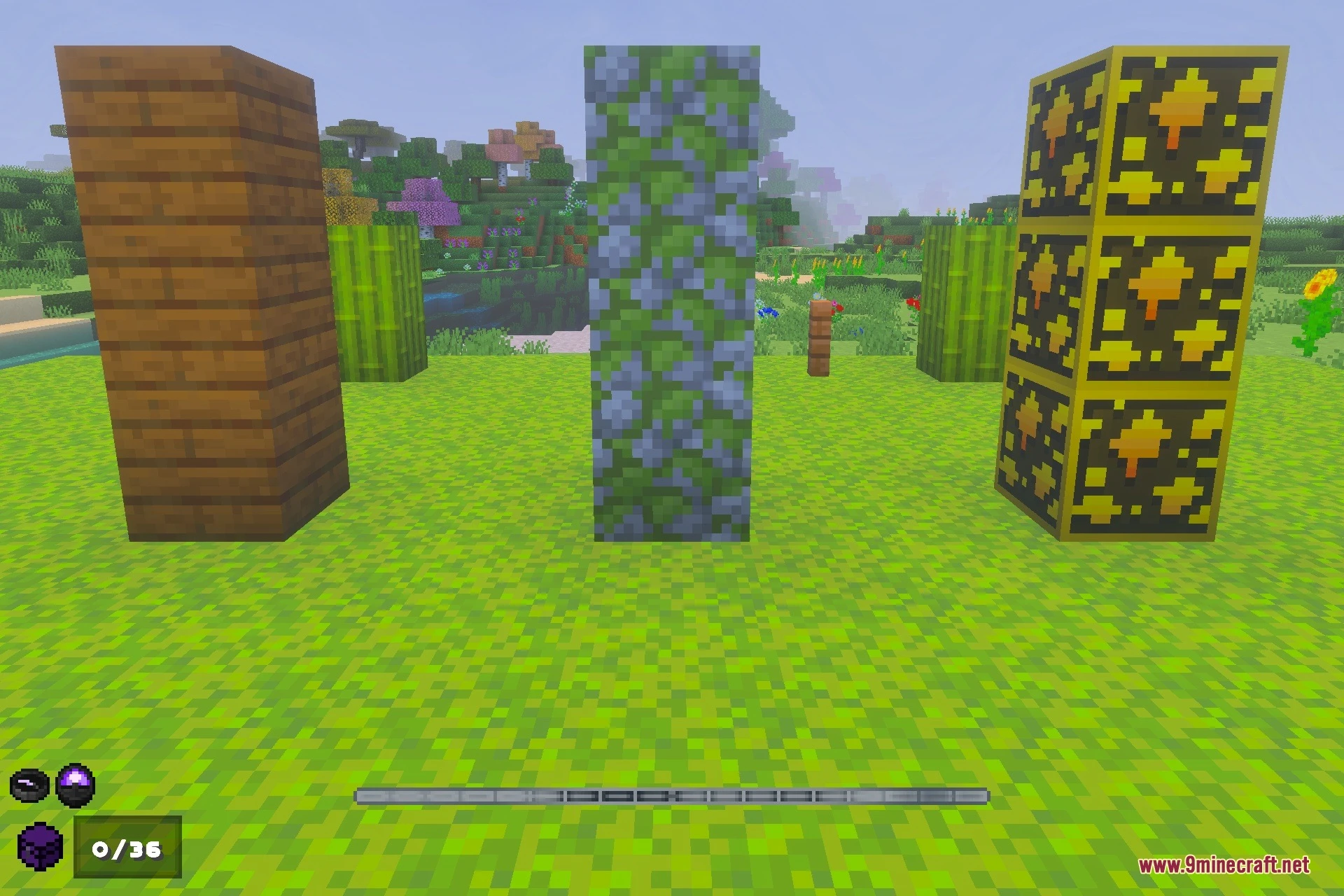
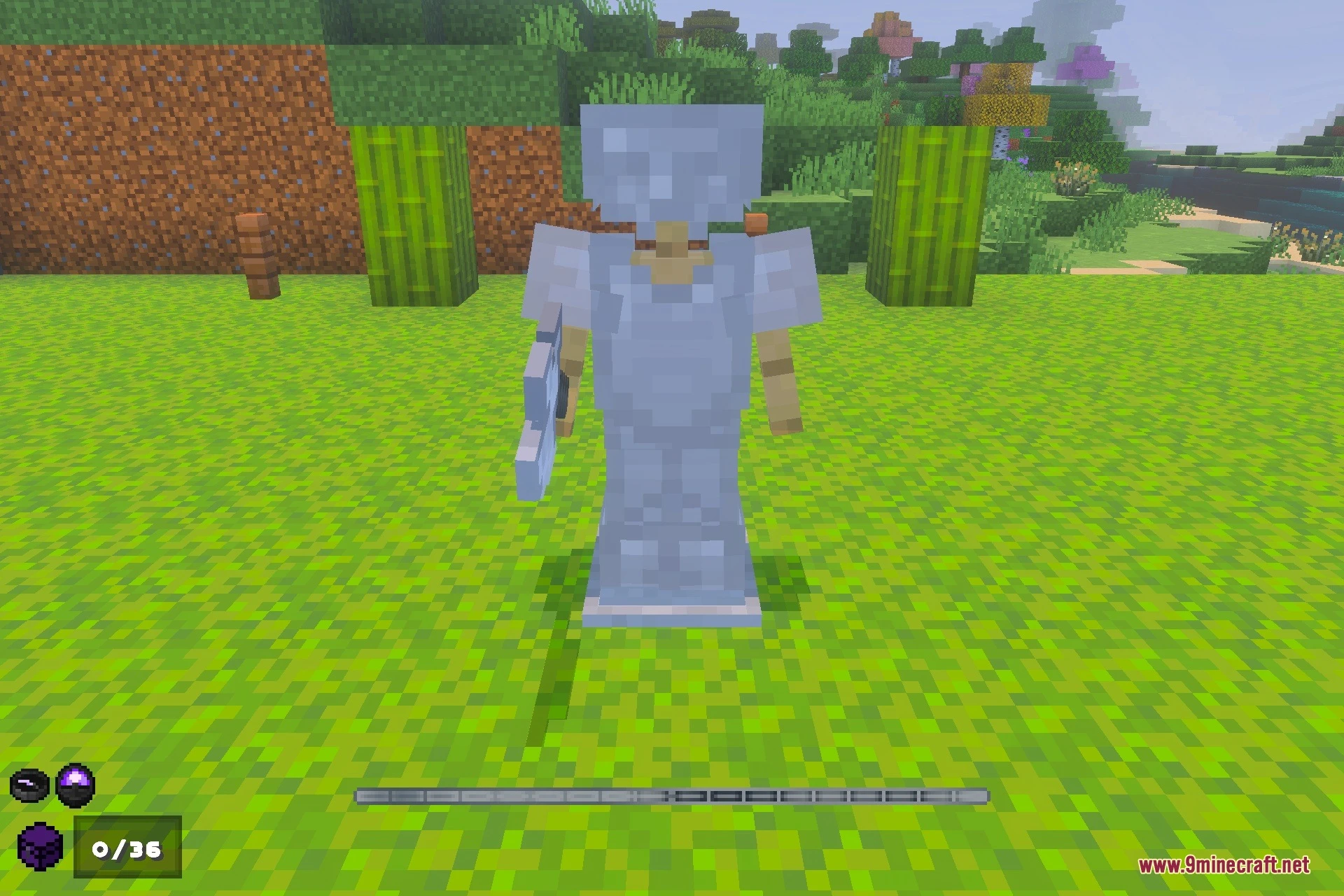
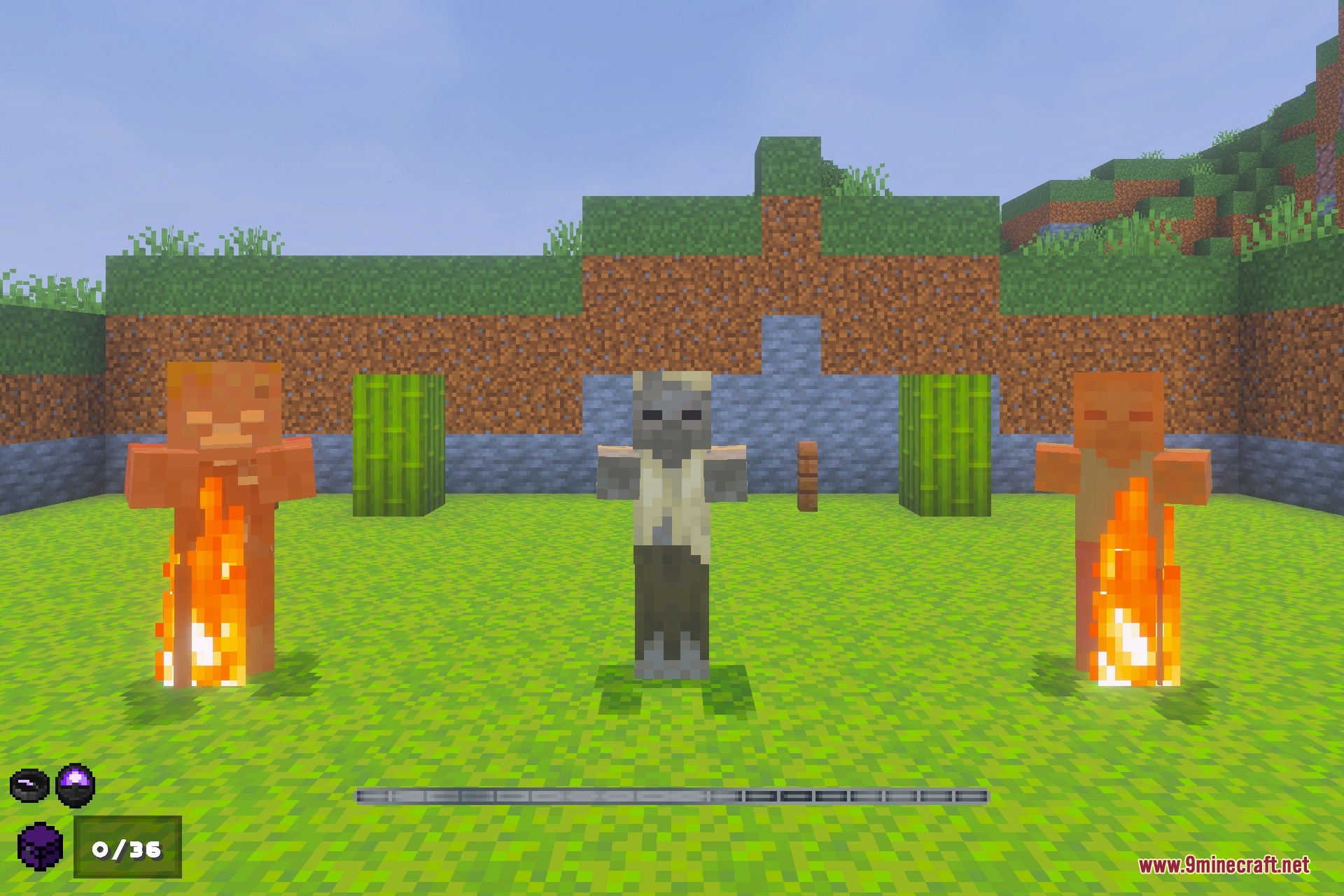
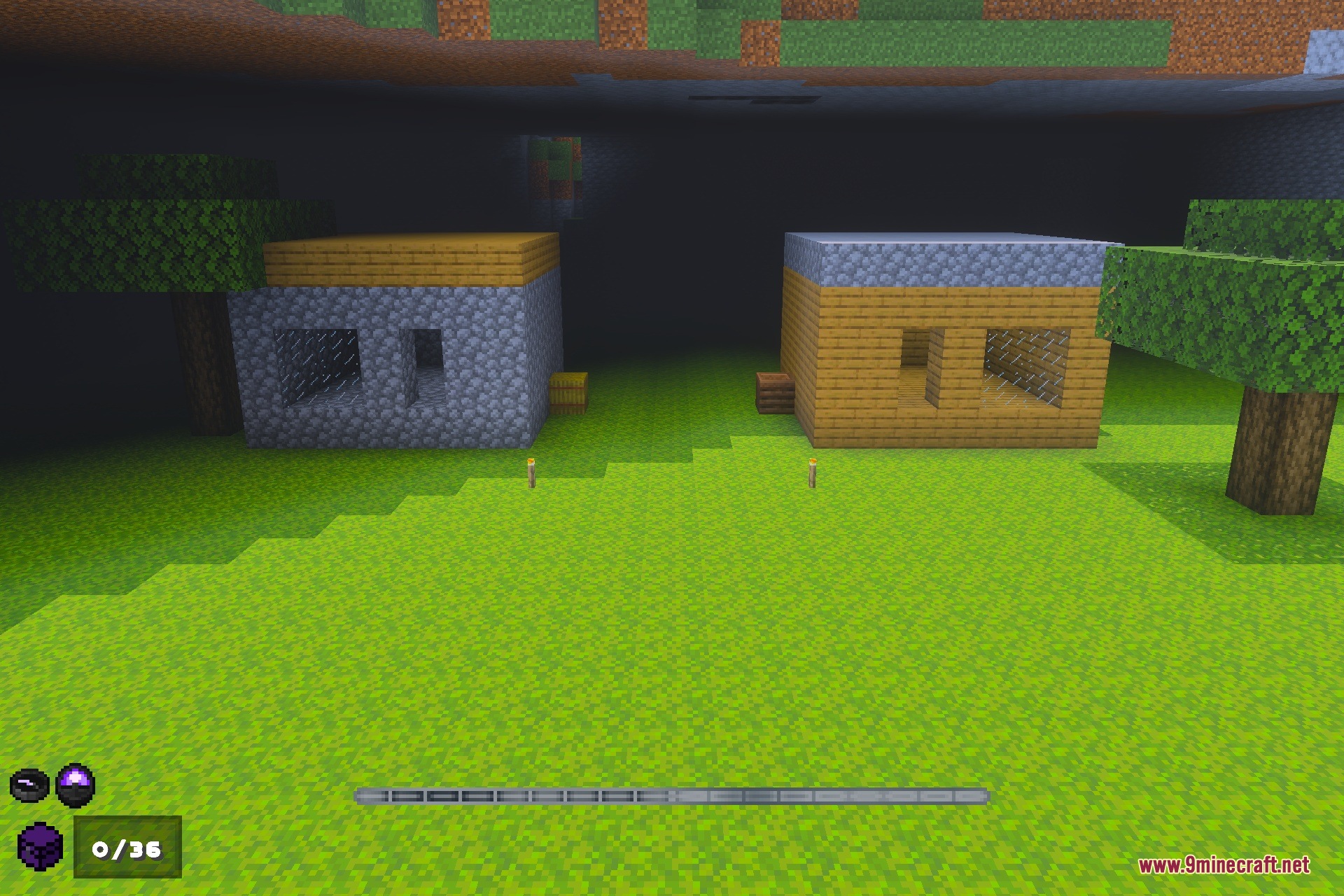
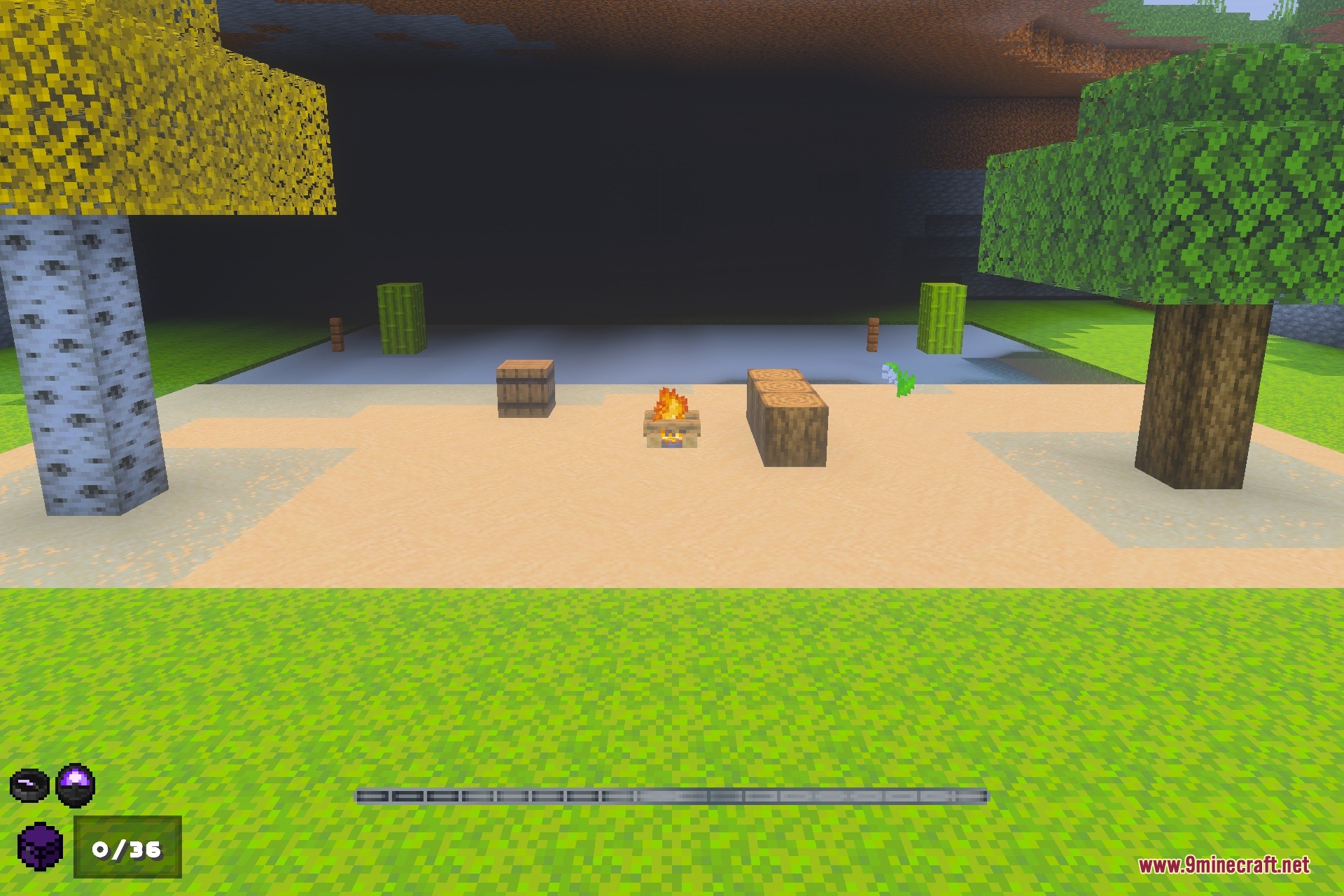
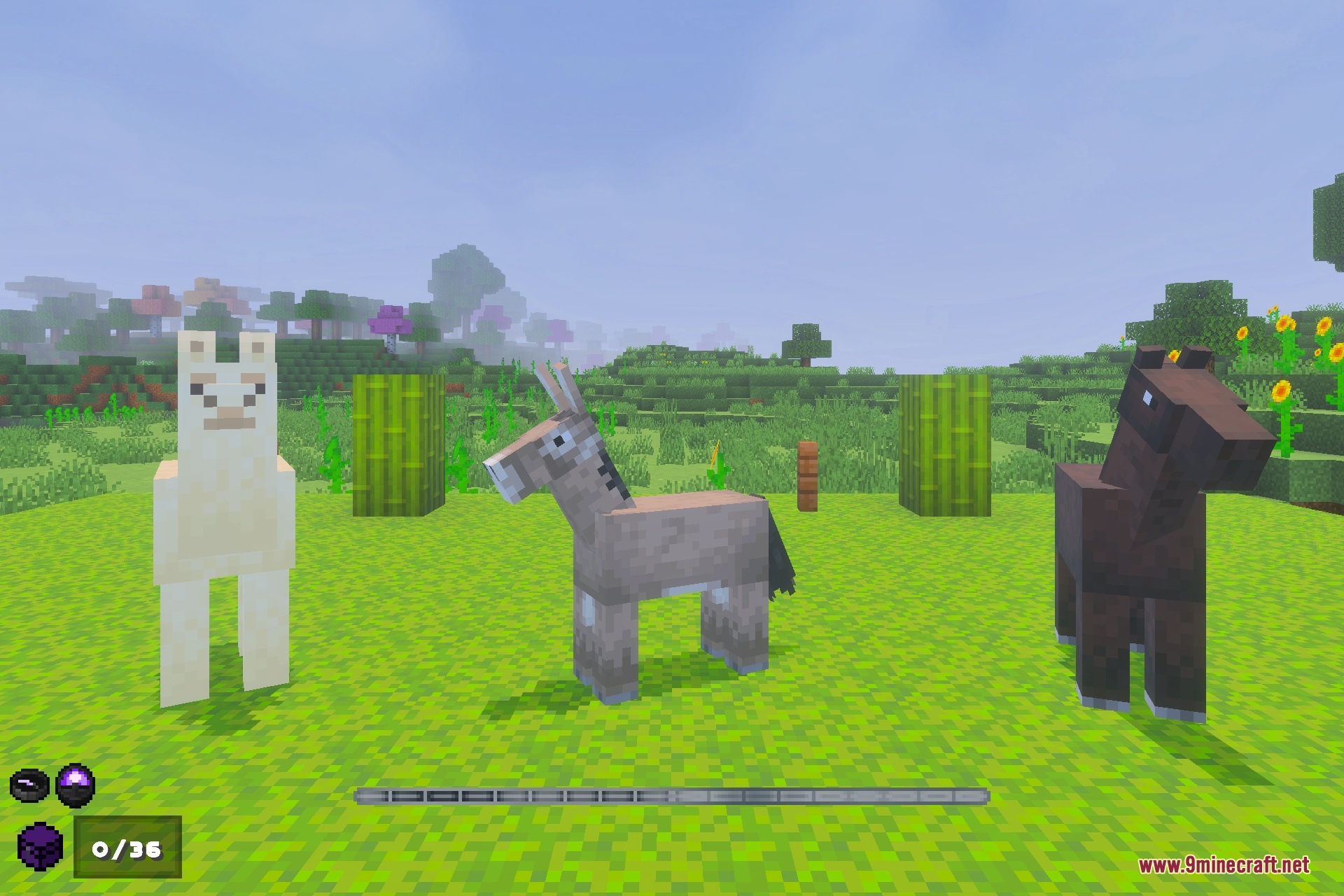
Void-Born Client Definitive Texture Pack enhances your gameplay with helpful interface upgrades, visual tweaks, and performance options. It adds item durability numbers, food hunger stats, and custom 3D animations for your gear. You can also switch between different visual modes to boost your frame rate or view technical chunk boundaries.
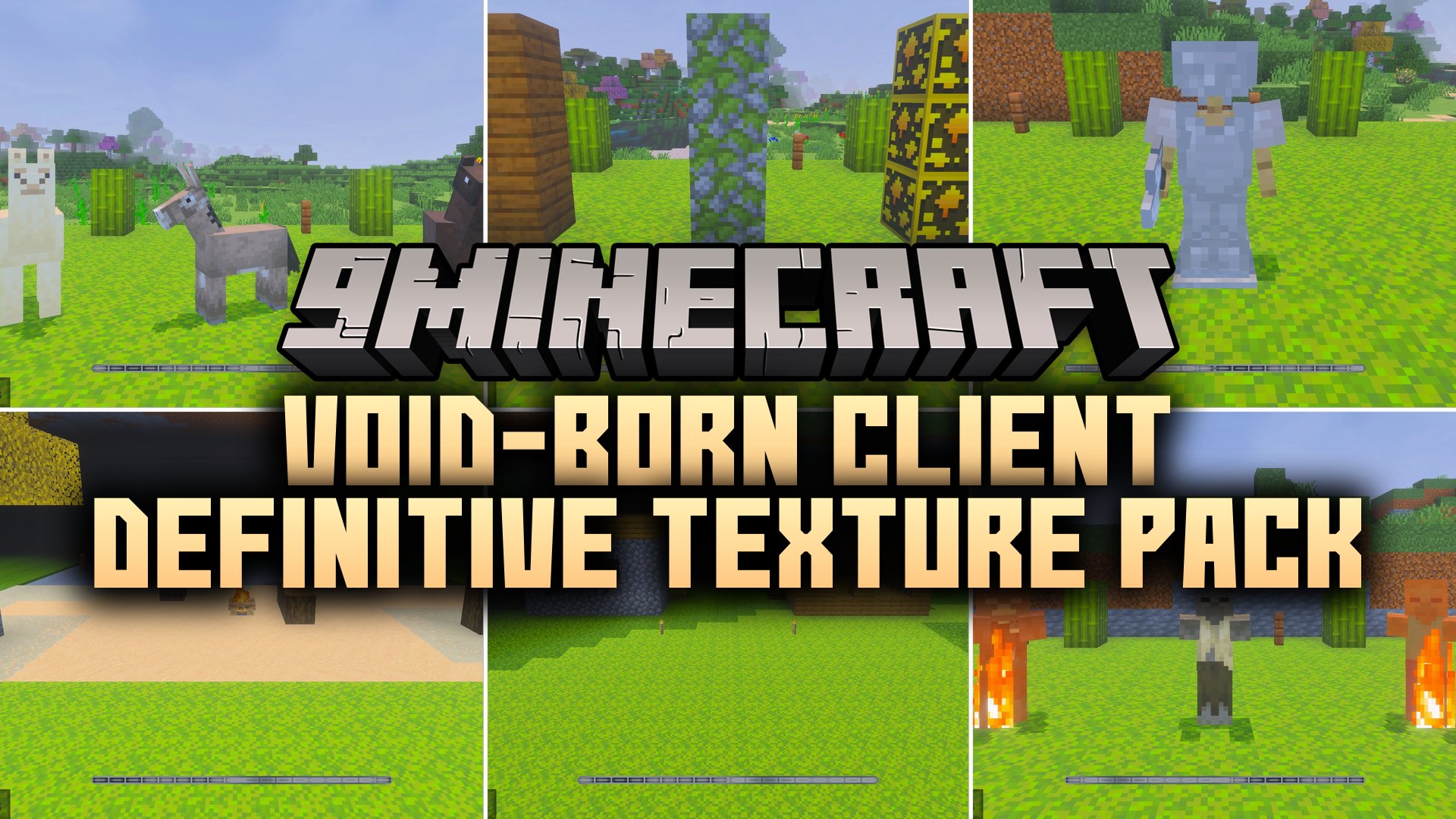
Features:
- Displays armor durability, enchantment icons, and food hunger values clearly.
- Adds quick crafting shortcuts, inventory counters, and an improved chat screen.
- Features cleaner water, tweaked lava particles, and 3D Elytra animations.
- Includes a Boosted FPS mode to reduce fog and particles.
- Offers chunk viewer and X-Ray modes for finding resources easily.
Screenshots:
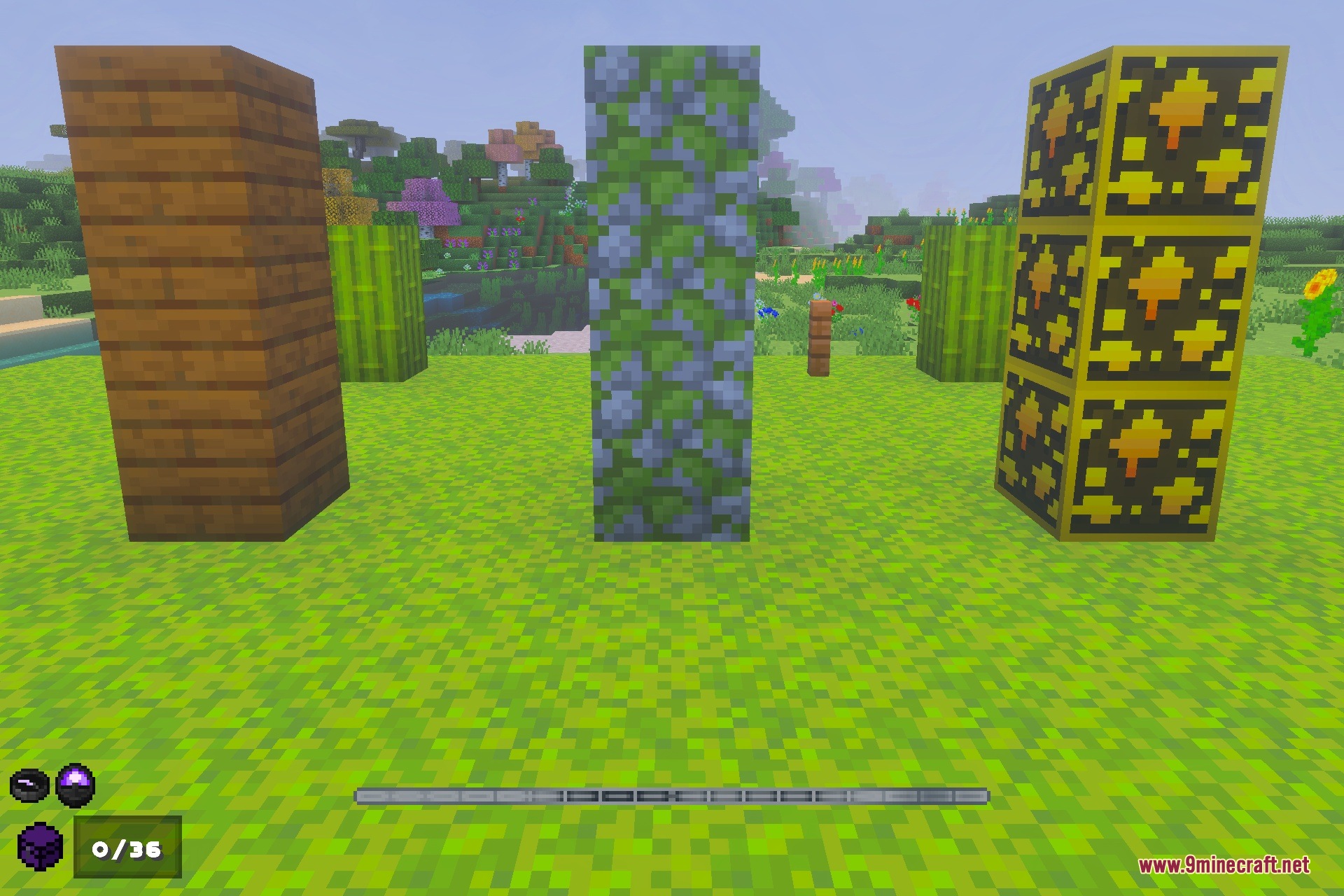
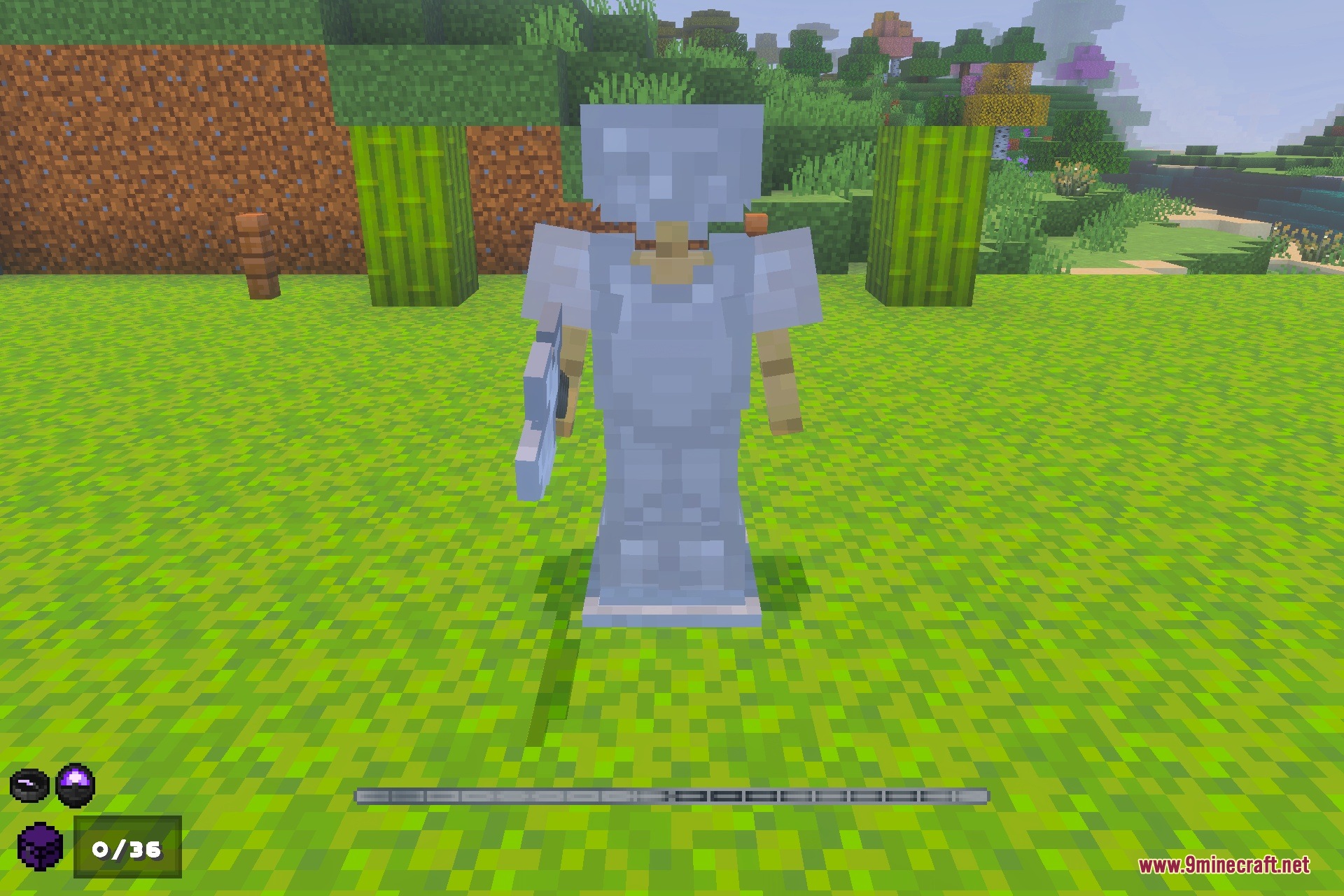
Void-Born Client Definitive Texture Pack Download Links
Quick facts
- Edition: Minecraft Bedrock
- File type: .mcpack
- How to install: Download the .mcpack. → Open it — Minecraft imports it under Resource Packs. → Activate it in Global Resources, or for one world under Resource Packs → Available.
- Where to get it: In MCModsHub, or directly above on this page.
Install steps are the general flow for this file type — How to install Minecraft Bedrock texture packs walks through it step by step.
File checked by MCModsHub
- Pack type: .mcpack — a single pack
- Manifest requires Minecraft 1.20.0 or newer
- Complete pack — everything it depends on is inside the file
- Download size: 7.6 MB
- Download link checked 10 Sept 2026 — working
- Mirrored on our own servers — the download does not depend on the original host
These come from our own check of the pack file, not from the source page.