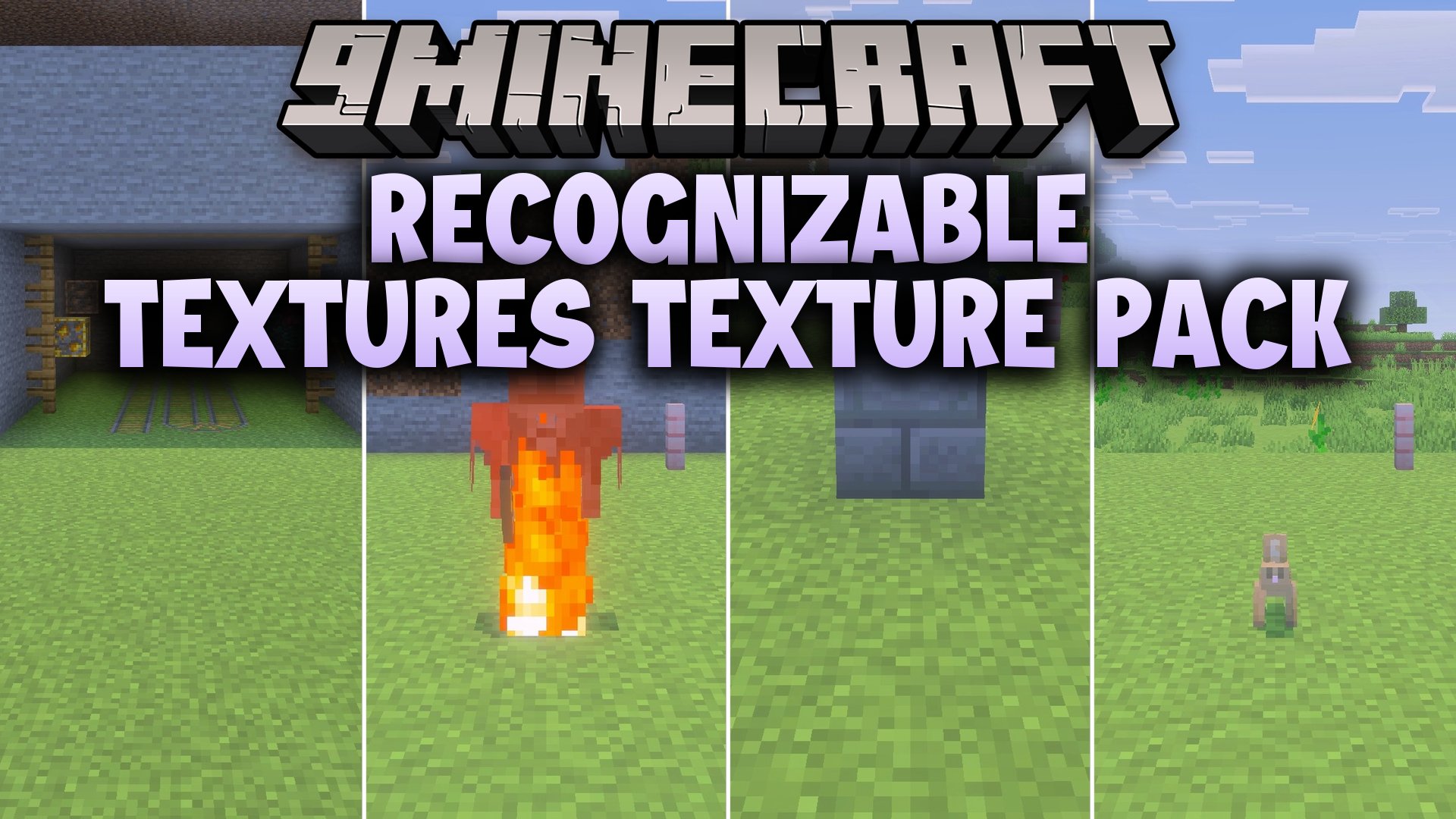
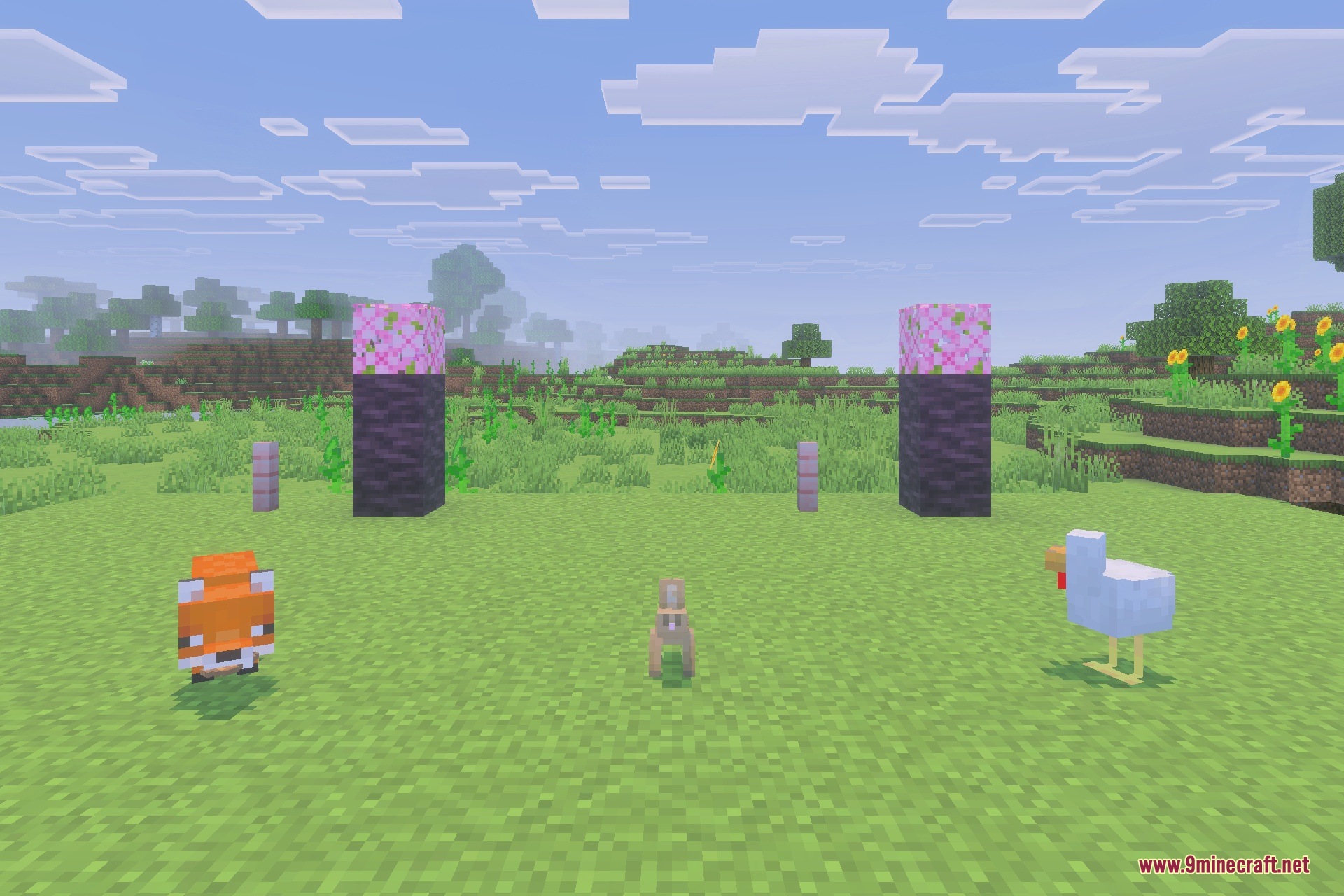
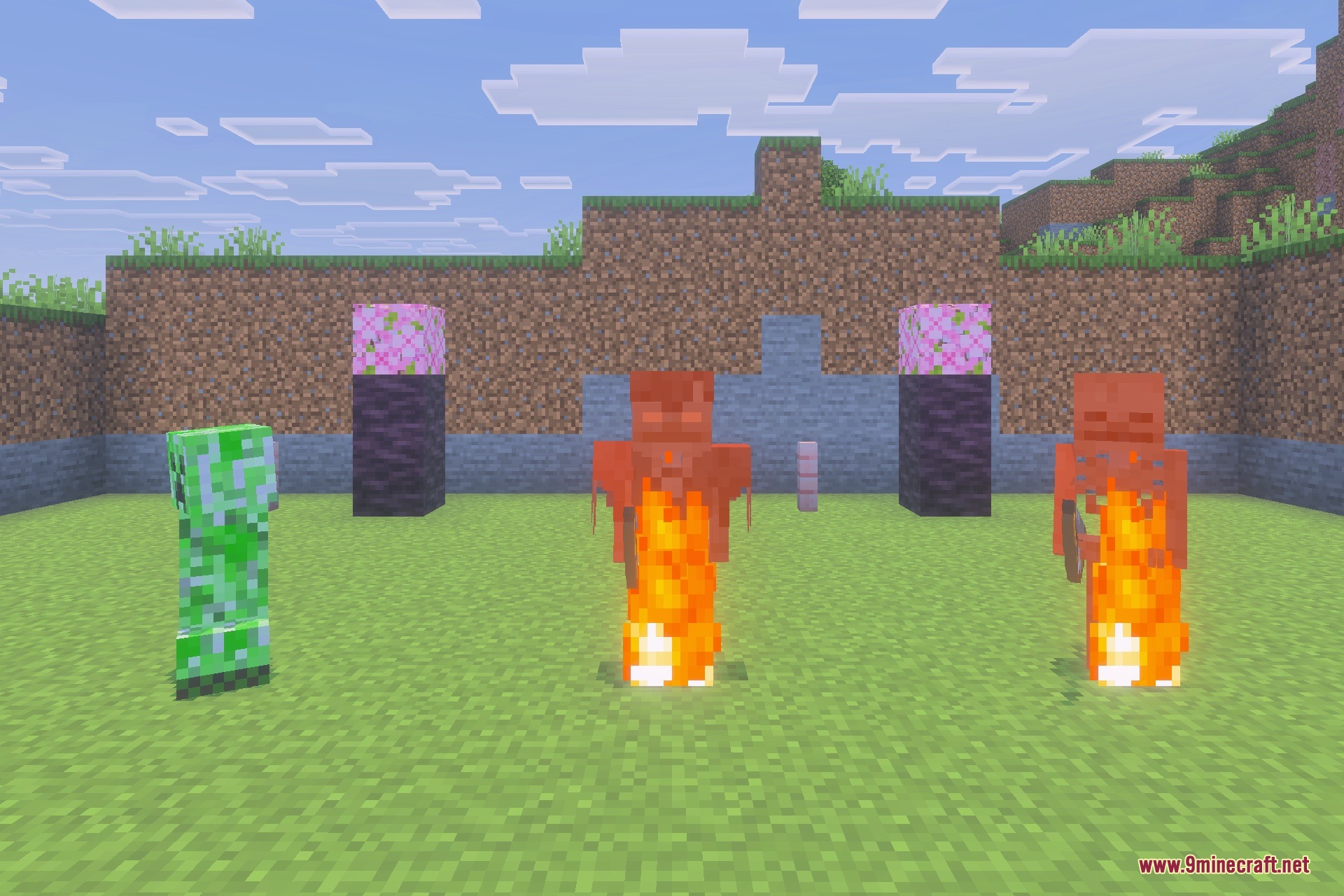
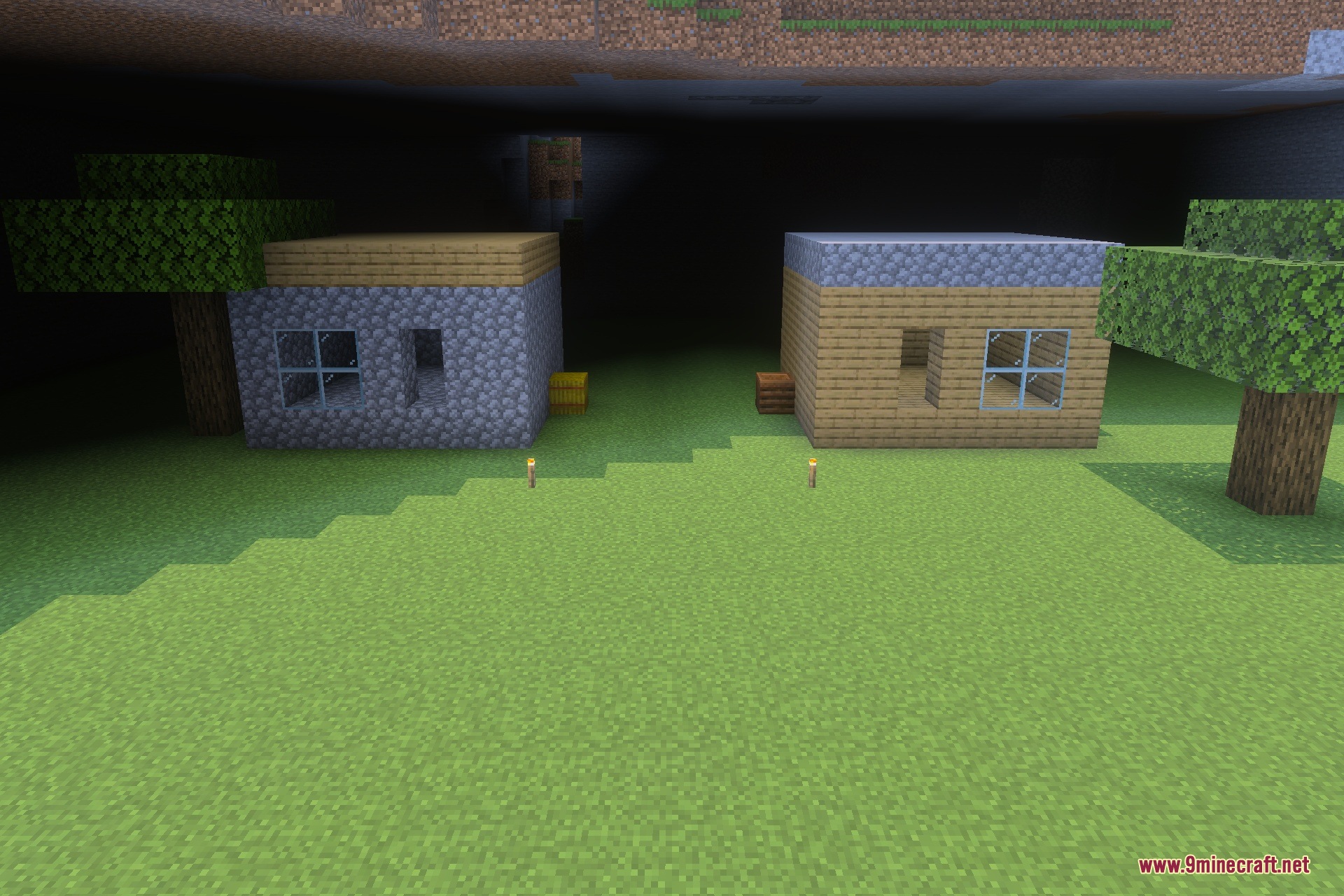
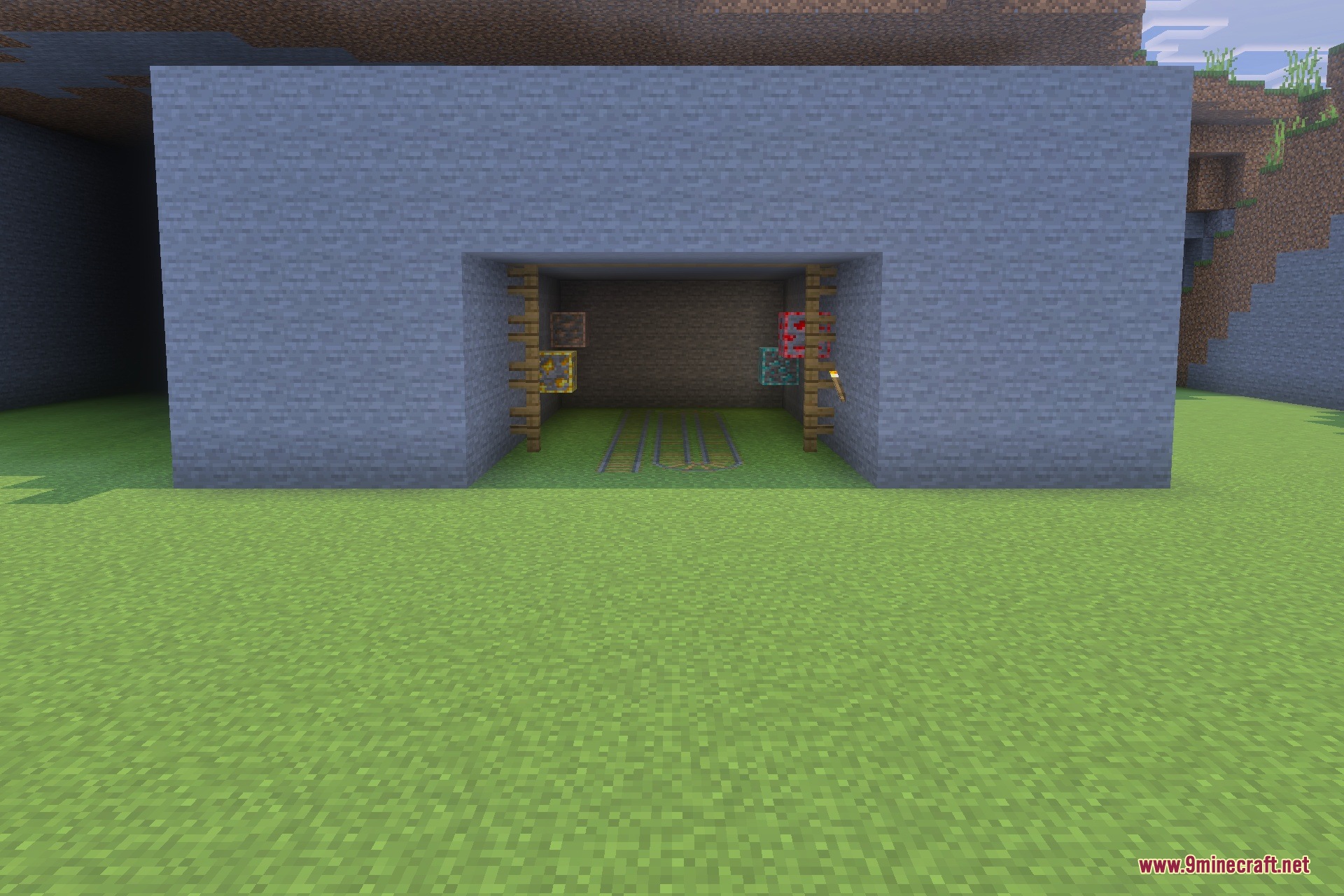
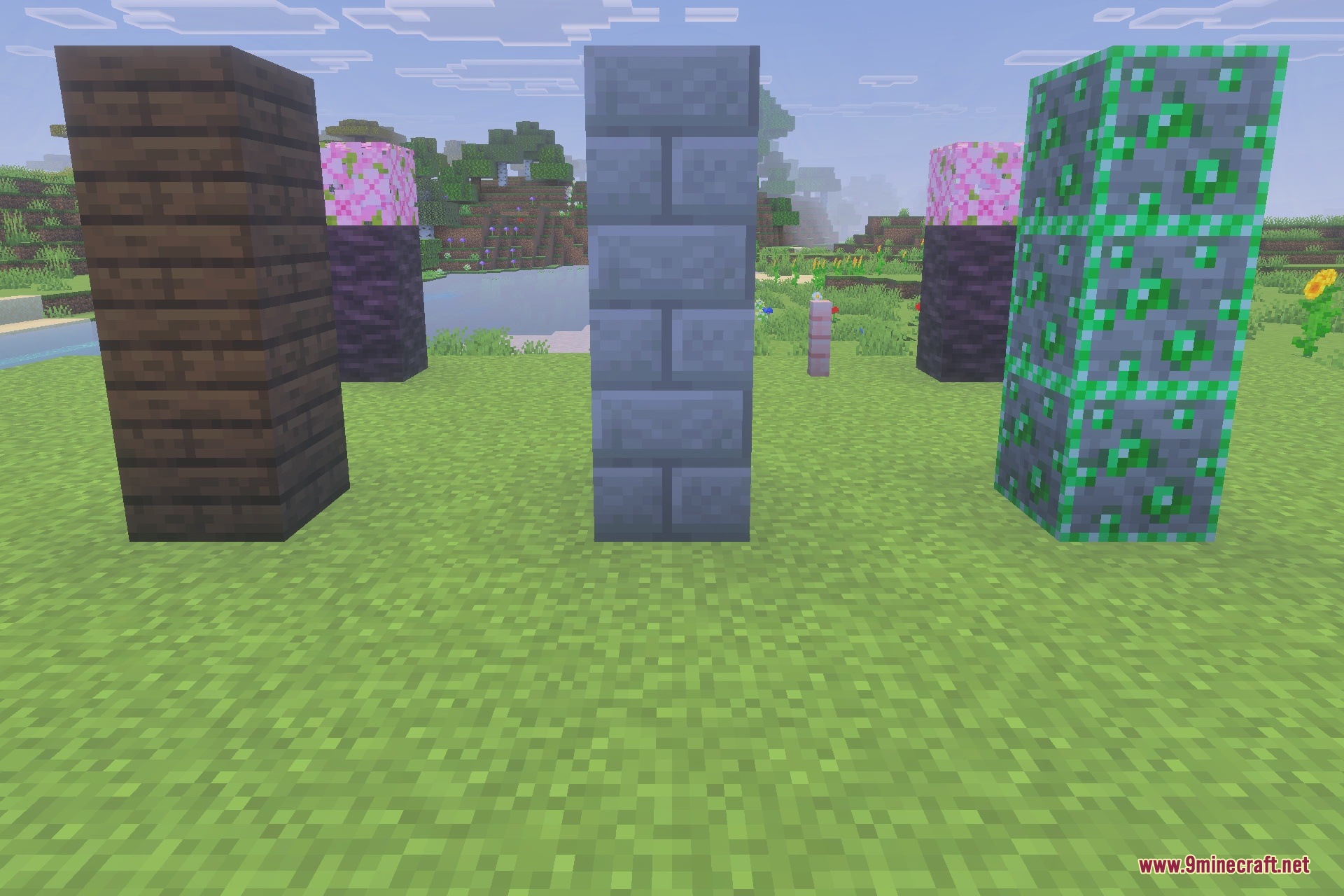
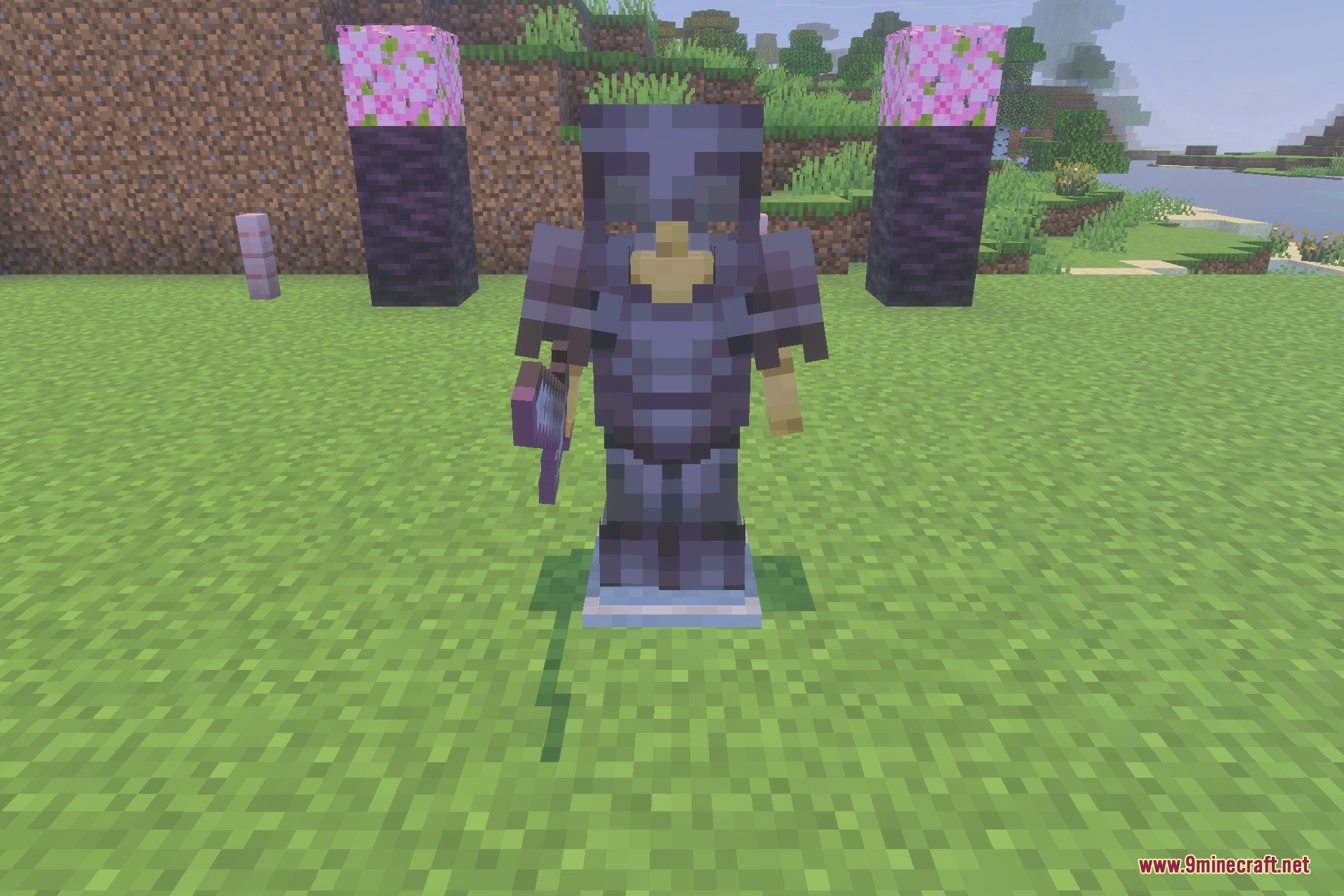
Recognizable Textures Texture Pack optimizes key visual elements in your world to make them easy to identify while keeping the classic vanilla look. It adds clear outlines around ores so you never miss valuable resources in dark caves. The pack also improves UI icons, status effect borders, and Redstone direction markers for smoother gameplay.
Features:
- Adds distinct outlines to ores for quick spotting in dark caves.
- Displays clear direction and state indicators on Redstone components.
- Includes visible colored borders around active potion and status effects.
- Revamps block destruction animations to keep your screen clear.
- Provides cleaner UI arrows and gauges for brewing stands and furnaces.
Configuration:
Click the pack gear icon to switch between Minimal, Redstone, PvP, Pure Gameplay, and Full presets.
Screenshots:
Recognizable Textures Texture Pack Download Links
Quick facts
- Edition: Minecraft Bedrock
- File type: .mcpack
- Minecraft version listed: 1.20
- How to install: Download the .mcpack. → Open it — Minecraft imports it under Resource Packs. → Activate it in Global Resources, or for one world under Resource Packs → Available.
- Where to get it: In MCModsHub, or directly above on this page.
Install steps are the general flow for this file type — How to install Minecraft Bedrock texture packs walks through it step by step.
Verified by MCModsHub
- Save it as 508401.mcaddon before opening — it downloads as .mcpack, but it is a .mcaddon pack
- Manifest requires Minecraft 1.17.0 or newer
- Complete pack — everything it depends on is inside the file
- Download size: 5.0 MB
- Download link checked 22 Sept 2026 — working
- Mirrored on our own servers — the download does not depend on the original host
These come from our own check of the pack file, not from the source page.