Zombiepolis Pocket Relaunch
Zombiepolis is a detailed post-apocalyptic city map for Minecraft Java and Bedrock Edition. Explore an abandoned coastal city, discover crashed vehicles…
⬇ Download on CurseForge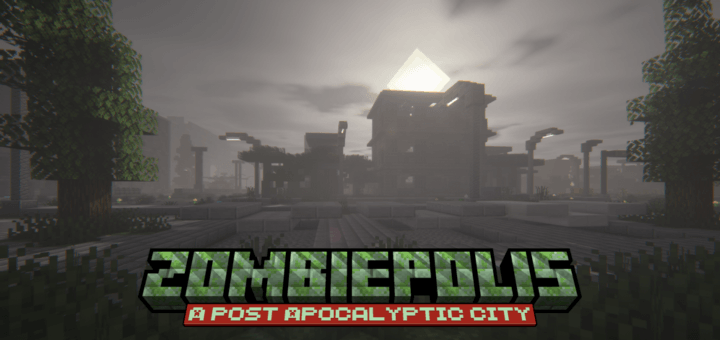
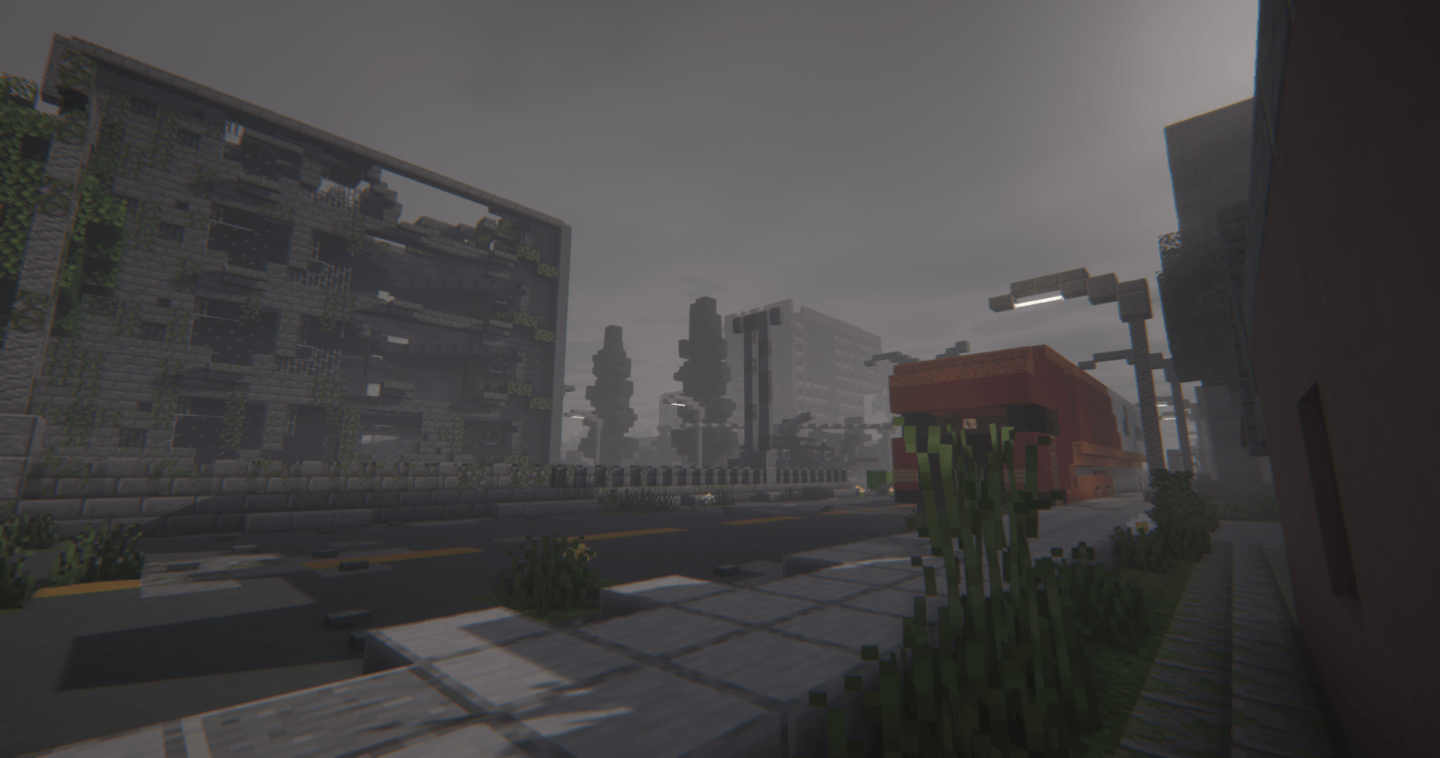
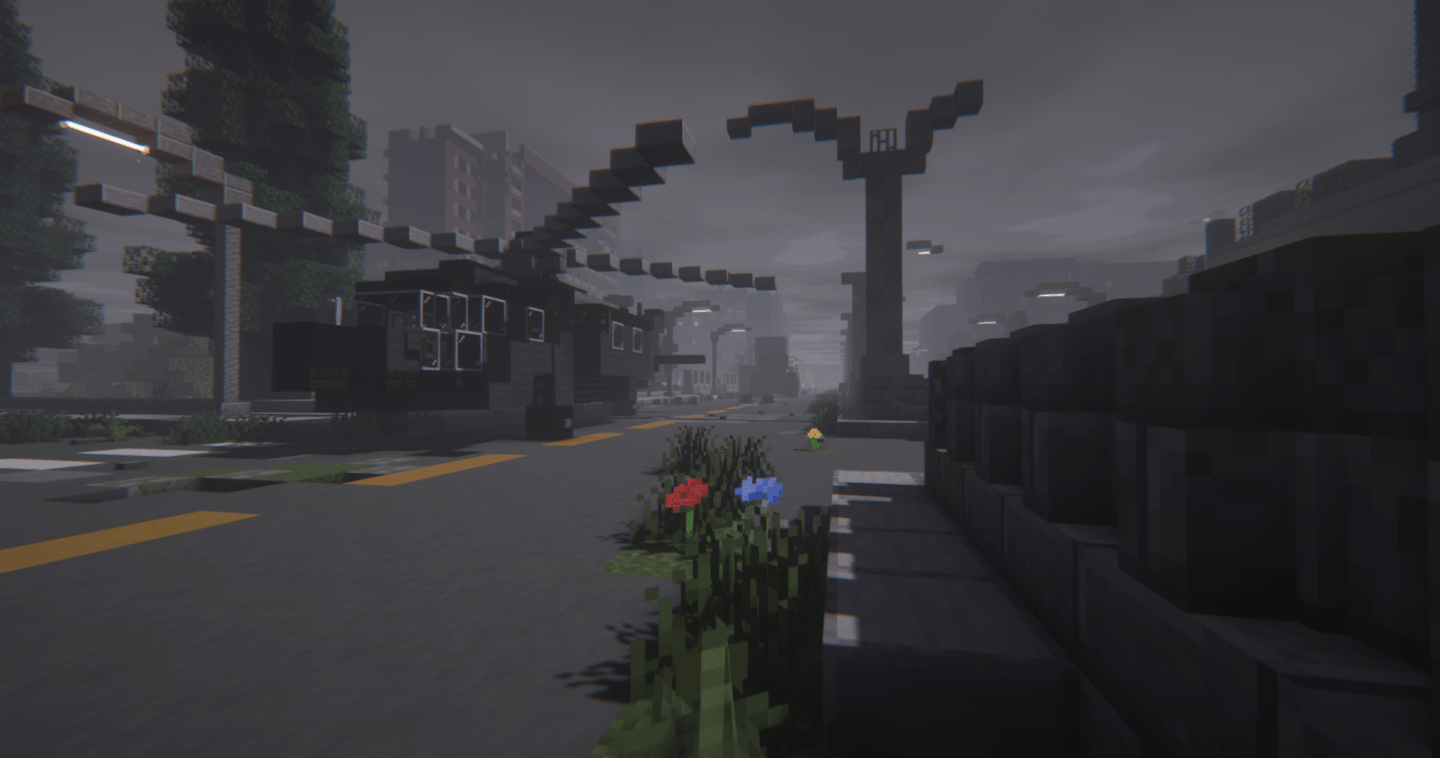
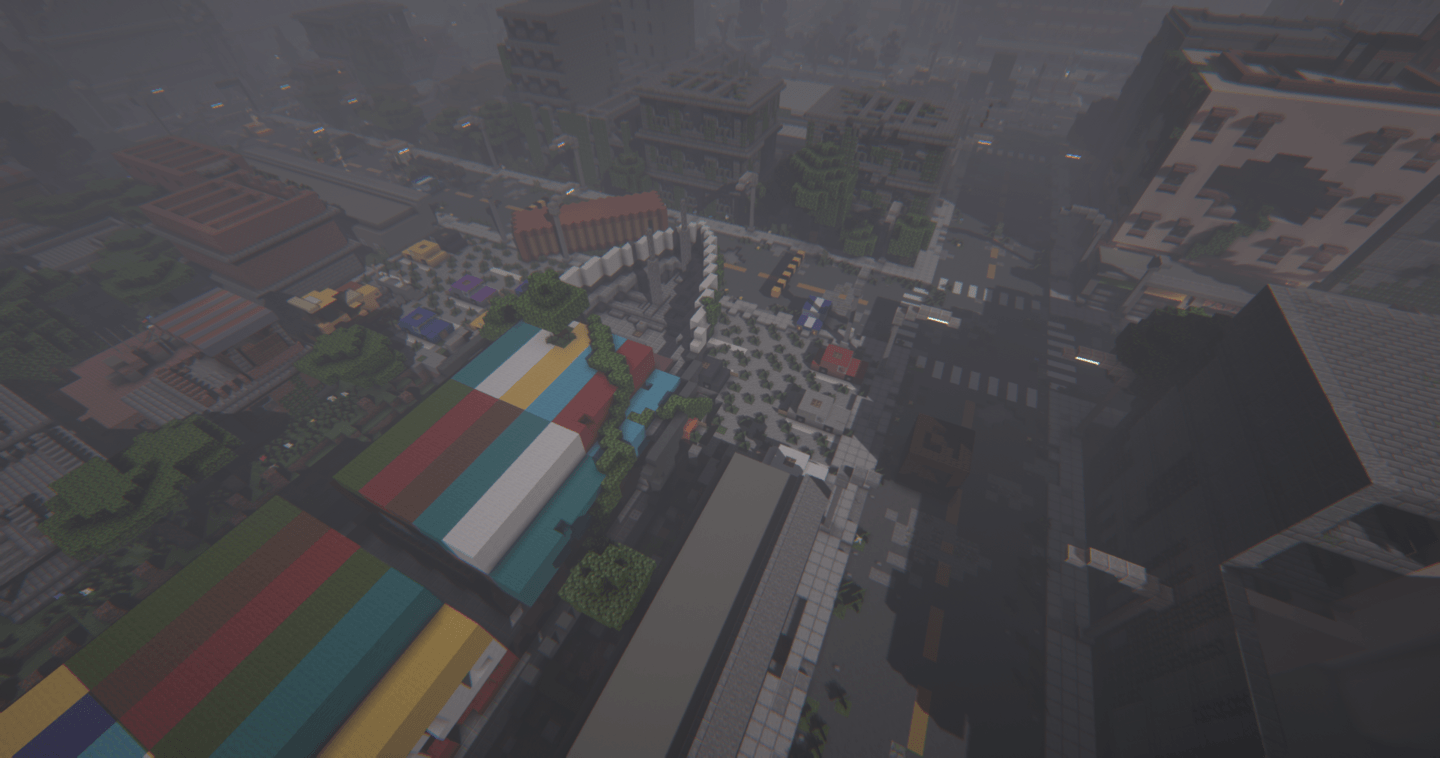
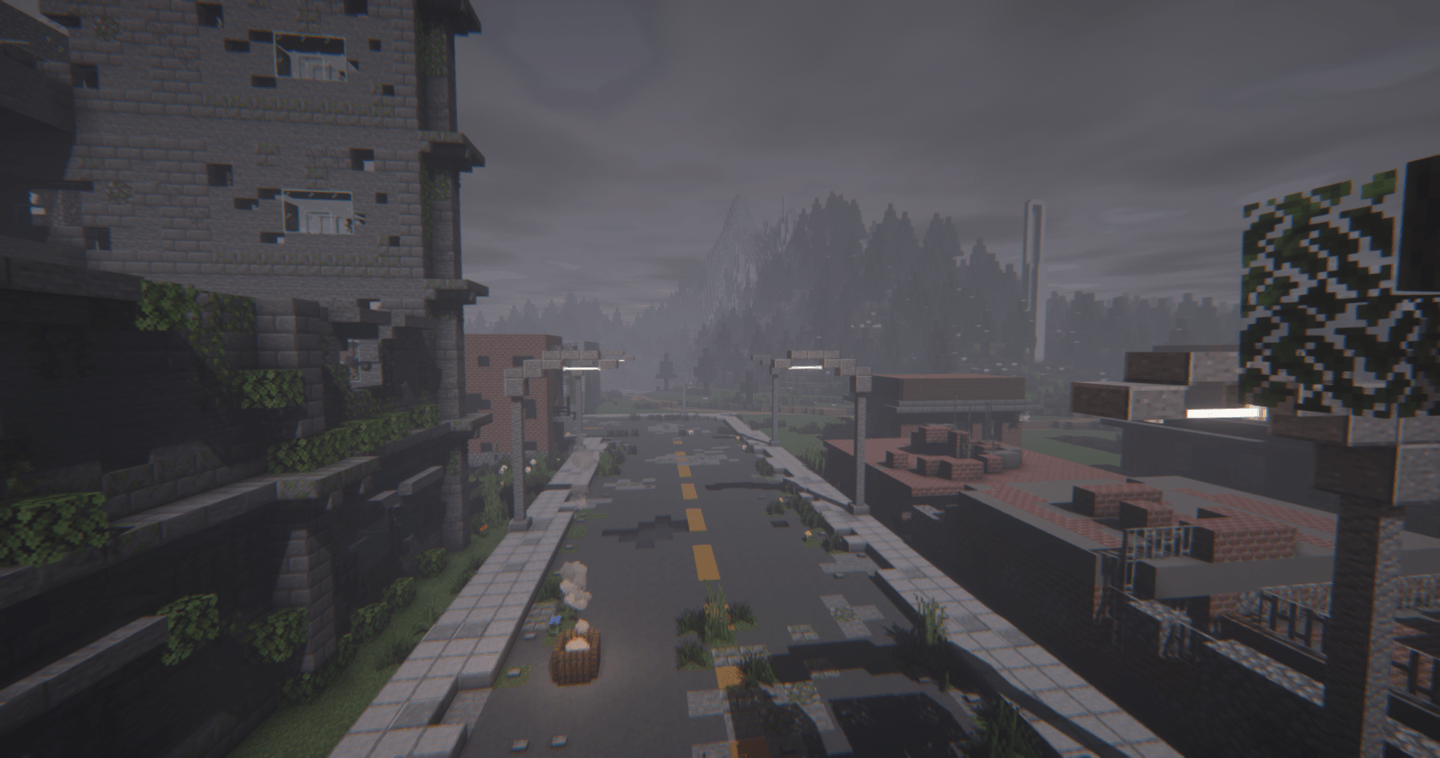
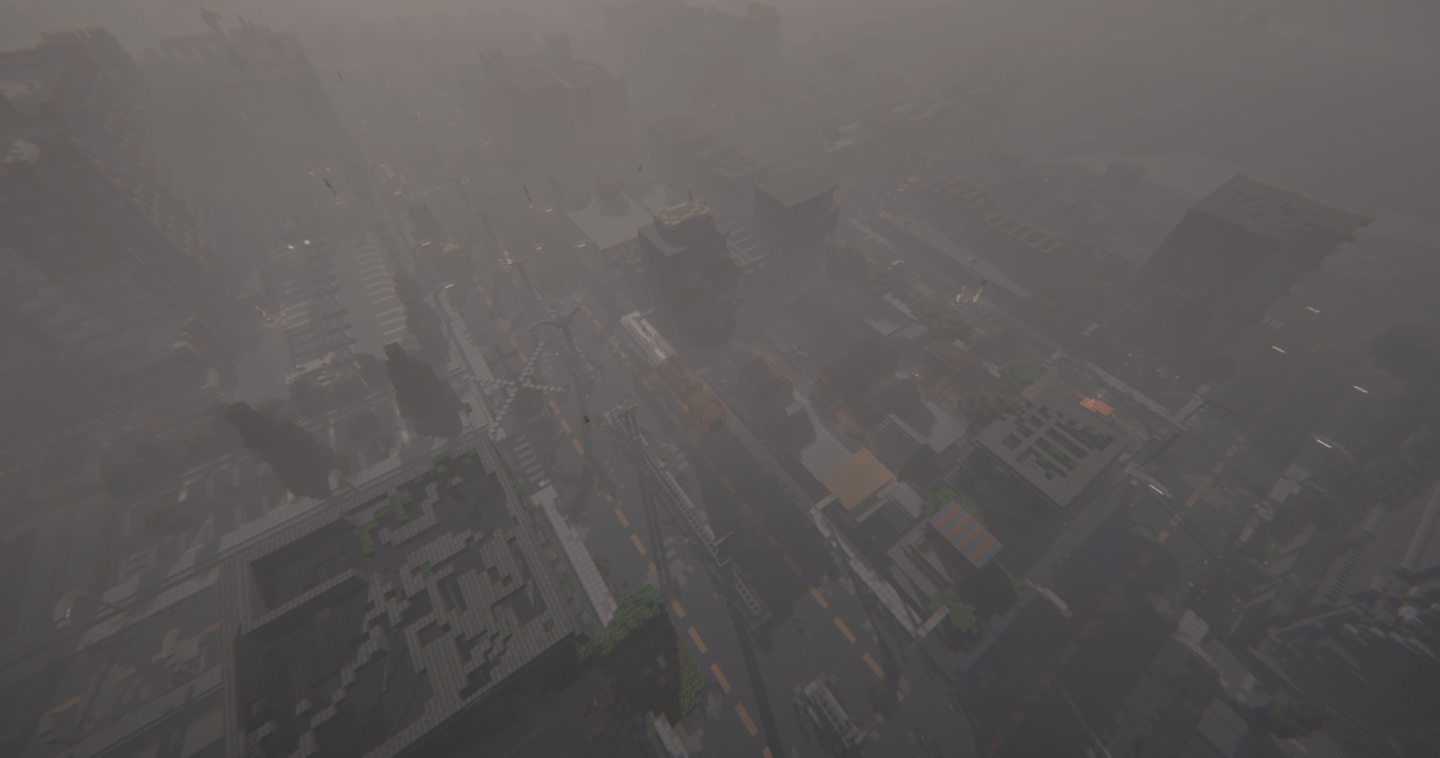
Zombiepolis: A Post-Apocalyptic City
Zombiepolis is a detailed post-apocalyptic city map built for survival, exploration, and atmospheric gameplay. Explore a ruined coastal city that has been reclaimed by nature after an unknown disaster. Search abandoned buildings, explore dangerous locations, collect resources, and survive in a world where every place can hide something unexpected.
Zombiepolis is designed for Minecraft Java Edition and Minecraft Bedrock Edition, making it suitable for PC, mobile, console, and multiplayer gameplay.
Explore the Ruins of Zombiepolis
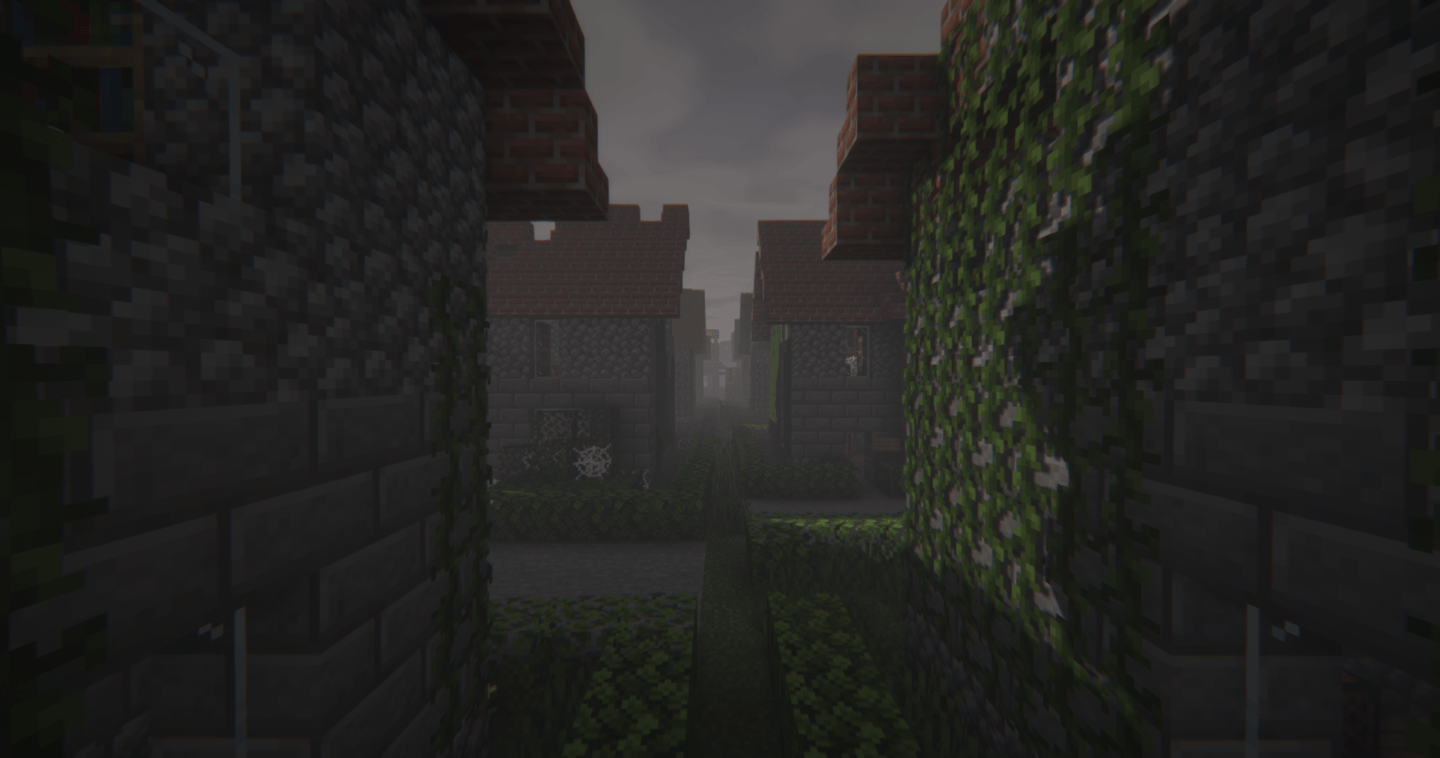
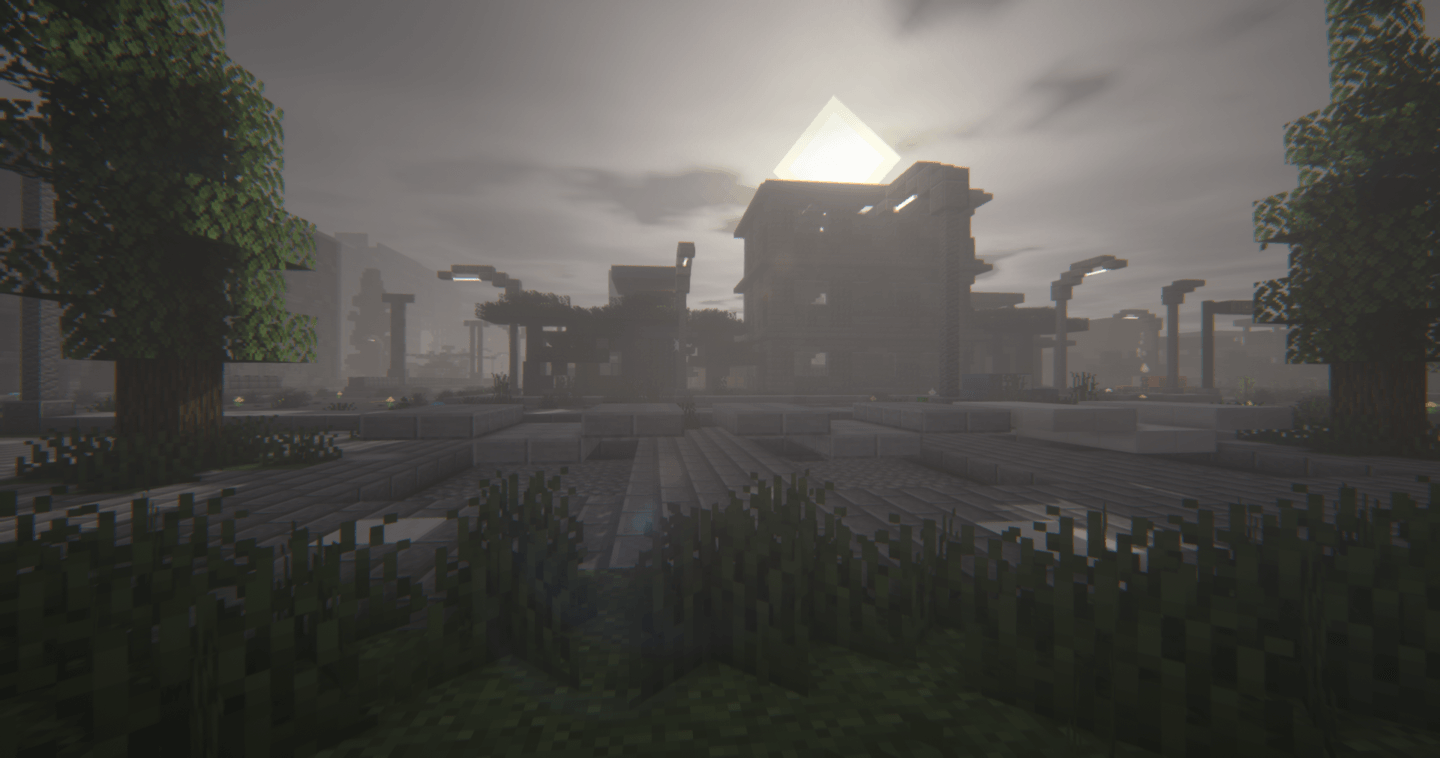
The city is located on a large custom island surrounded by mountains, forests, plains, and beaches. The urban environment features abandoned buildings, damaged roads, crashed vehicles, overgrown vegetation, and detailed locations designed to create a believable post-apocalyptic atmosphere.
Featured Locations
Stranded Cargo Ship: A large container ship has crashed along the city waterfront.
- Airplane Crash: A passenger aircraft has crashed directly into a high-rise apartment building.
- Overgrown Roads: Wide roads are filled with abandoned vehicles, debris, roadblocks, and vegetation.
- City Hospital: A large medical complex with emergency areas, a rooftop helipad, and surrounding urban structures.
- Broadcast Towers: Tall communication towers provide unique viewpoints across the city.
- Abandoned Buildings: Explore residential buildings and other locations throughout the city.
- Coastal Environment: Discover beaches, mountains, forests, plains, and other natural areas surrounding the city.
Survival and Scavenging
Zombiepolis is designed around urban scavenging and survival. Instead of relying on traditional underground mining, players must explore the city and search for useful resources.
Look through buildings, apartments, warehouses, vehicles, and other locations to find food, equipment, weapons, medical supplies, and other resources.
The island has a defined playable area, making it suitable for both solo survival and multiplayer zombie apocalypse scenarios.
Multiple Ways to Play
Zombiepolis is a multipurpose map that can be used for different Minecraft game modes and custom scenarios:
- Zombie apocalypse survival
- Survival challenges
- Multiplayer survival
- PvP
- Hide and Seek
- Hunger Games
- Zombie roleplay
- Adventure gameplay
- Custom zombie campaigns
- Gun and weapon survival
- Mutant creature challenges
Recommended Mods and Add-ons
For the best post-apocalyptic experience, Zombiepolis can be combined with zombie mods, weapon mods, add-ons, shaders, and texture packs.
Recommended additions include:
- Zombie mods or add-ons
- Mods that prevent zombies from burning during daylight
- Gun and firearm mods
- Sniper and military weapon packs
- Military vehicles and tanks
- Mutant creature mods
- Post-apocalyptic texture packs
- Fog and weather effects
- Overcast or cloudy sky textures
- Custom zombie sounds and background music
- Shaders that match the dark and abandoned atmosphere
Combine Zombiepolis with your favorite zombie and survival mods to create your own Minecraft zombie apocalypse experience.
Optimized for Minecraft
Zombiepolis was designed as a detailed yet lightweight environment. The map focuses on creating an atmospheric city while keeping the world suitable for survival and multiplayer gameplay.
Whether you are looking for a Minecraft zombie map, post-apocalyptic city map, survival map, abandoned city, or multiplayer apocalypse world, Zombiepolis provides a large environment to explore and customize.
Map Information
Map Name: Zombiepolis
Genre: Post-Apocalyptic, Zombie Survival, City
Platforms: Minecraft Java Edition and Minecraft Bedrock Edition
Gameplay: Survival, PvP, Multiplayer, Hide and Seek, Hunger Games, Roleplay
Map Creator: Tasrif Ibn Mizan
Developer: RenderPhoenix Creatives
Origin: Made in Bangladesh
Credits
Zombiepolis is owned and developed by RenderPhoenix Creatives
Content creators are free to use the map to create and upload videos or other content on platforms such as YouTube. Proper credit must be given to RenderPhoenix Creatives, along with the original download link.
Re-uploading the map, redistributing the files, or sharing modified/new download links is not permitted.
- Edition: Minecraft Bedrock
- File type: .mcworld
- Minecraft versions listed: 1.15, 1.18, 1.19
- How to install: Download the .mcworld file. → Open it — Minecraft imports it as a new world. → Find it in your Worlds list and play.
- Where to get it: Opens on CurseForge — not every file is mirrored on our own servers.
Install steps are the general flow for this file type — How to install Minecraft Bedrock maps walks through it step by step.
- Pack type: .mcworld — a ready-made world
- Download size: 8.8 MB
- Download link checked 11 Sept 2026 — working
These come from our own check of the pack file, not from the source page.