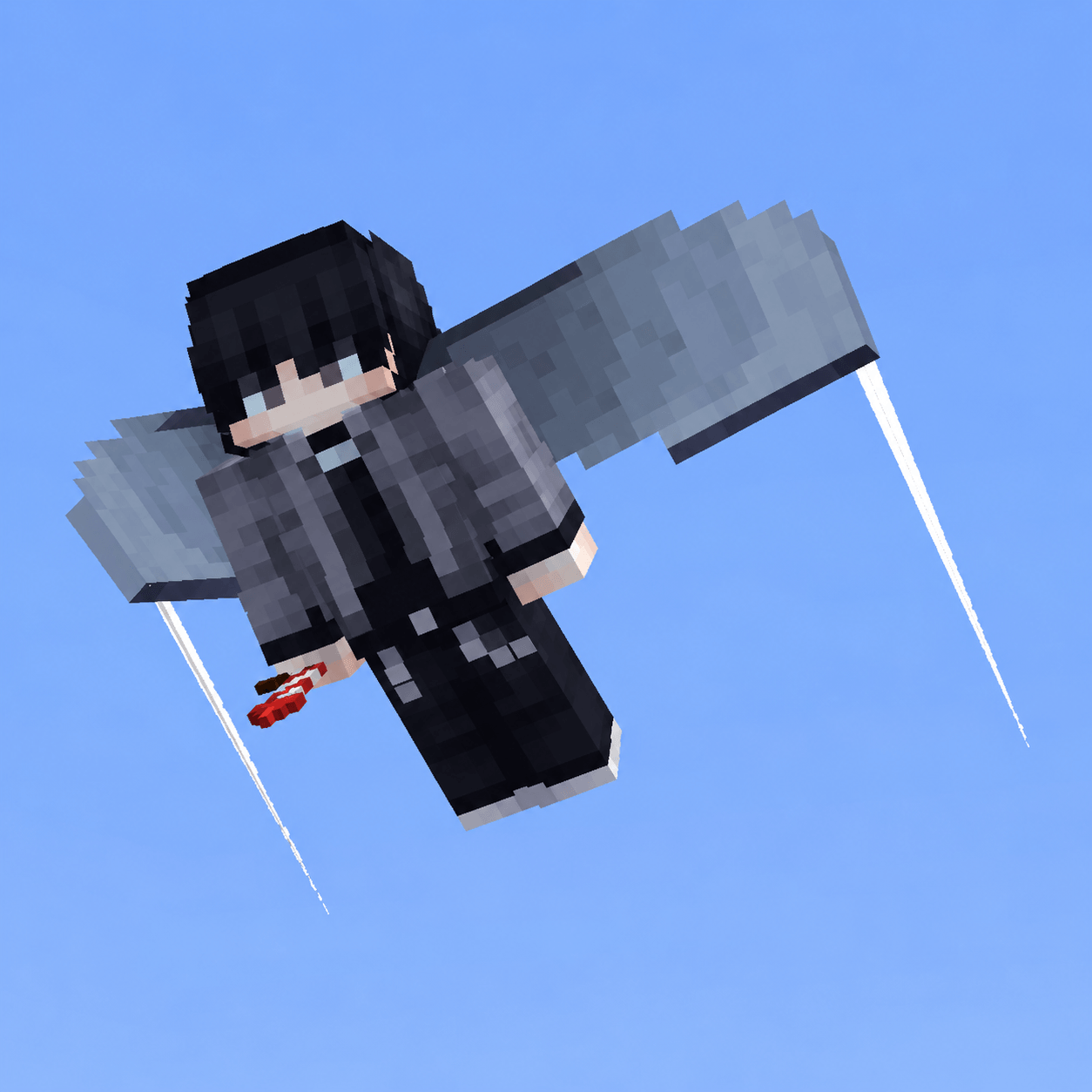
🪽 Elytra Contrails | Minecraft Bedrock
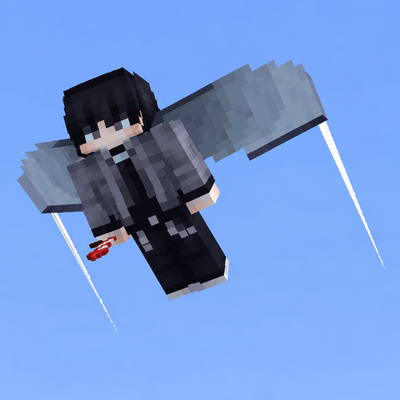
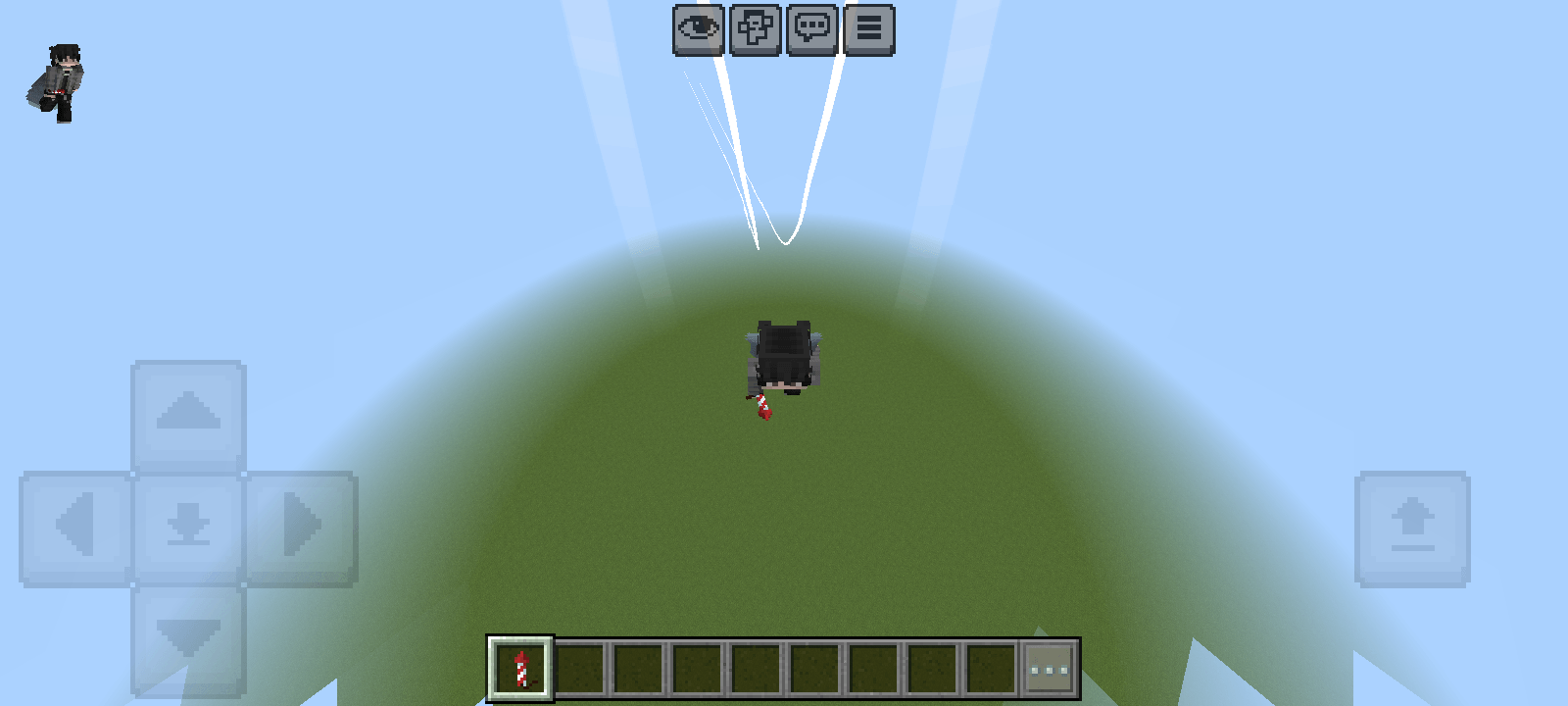
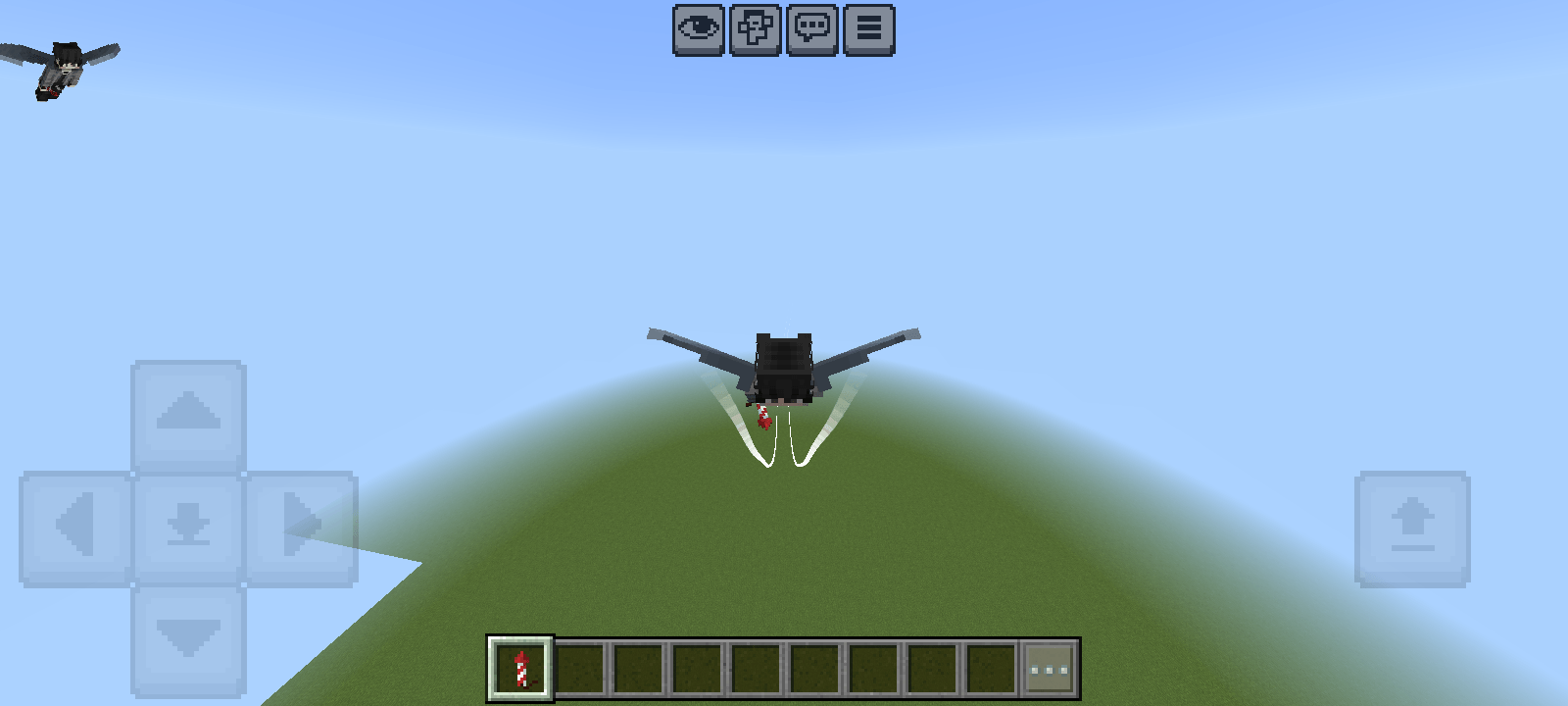
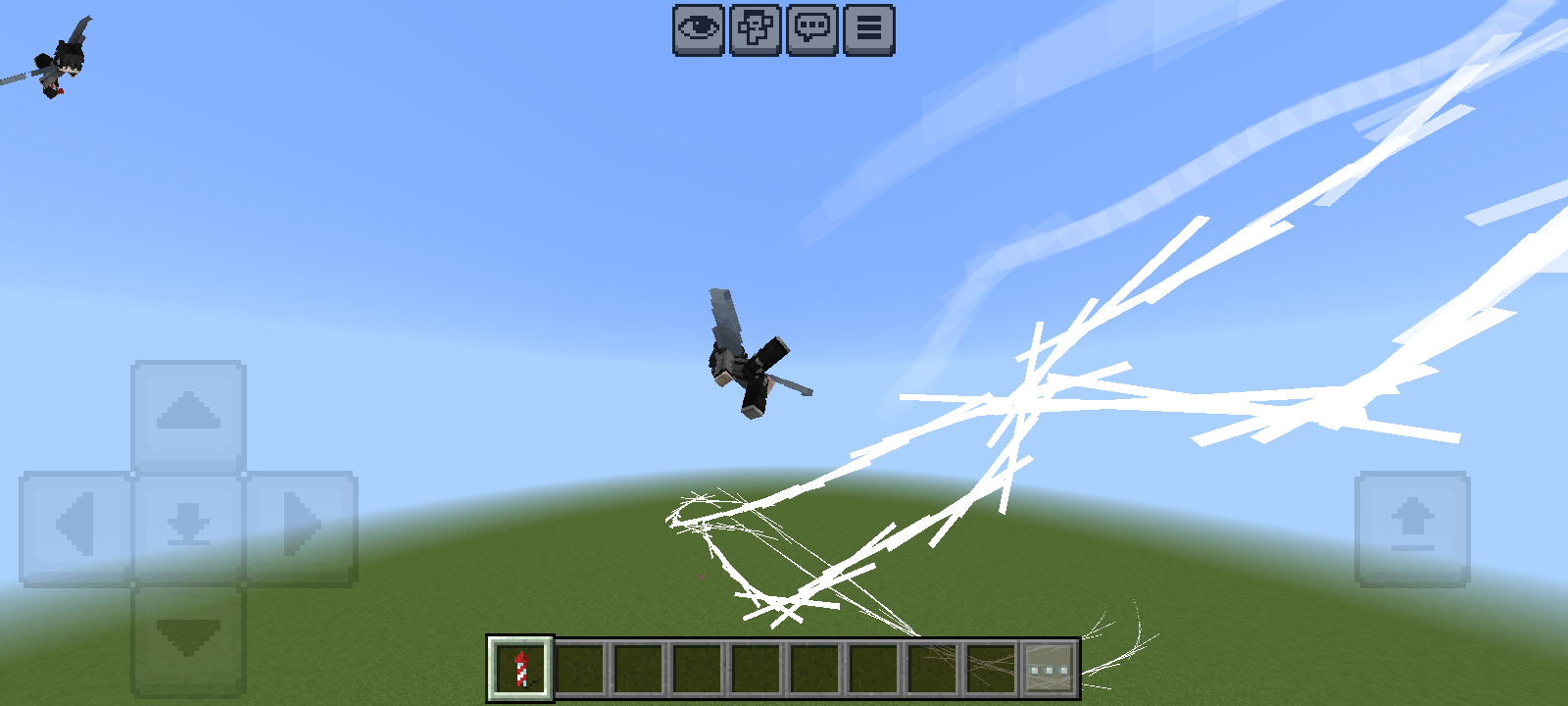
Take your Elytra flights to the next level with beautiful and eye-catching contrail effects! ✨
Elytra Contrails is a Minecraft Bedrock Edition resource pack that adds stylish visual trails while flying with an Elytra.
🚀 FEATURES
• Adds visual contrail effects while flying with an Elytra
• Makes Elytra flights look more dynamic and stylish
• Designed specifically for Minecraft Bedrock Edition
• Easy to install and use
• Works in both Survival and Creative worlds
• Enhances the visual experience without changing core gameplay mechanics
• Great for PvP, survival, creative builds, showcases, and adventure worlds
🎮 HOW TO USE
1. Import the Elytra Contrails .mcpack file into Minecraft Bedrock Edition.
2. Wait for the resource pack to finish importing.
3. Open your world settings.
4. Go to the Resource Packs section.
5. Find Elytra Contrails and activate it.
6. Enter your world and equip an Elytra.
7. Start flying and enjoy the contrail effects! 🪽💨
📦 INSTALLATION
Download the .mcpack file and open it with Minecraft Bedrock Edition. Minecraft should automatically import the resource pack
- Edition: Minecraft Bedrock
- File type: .mcpack
- Minecraft version listed: 26.40
- How to install: Download the .mcpack. → Open it — Minecraft imports it under Resource Packs. → Activate it in Global Resources, or for one world under Resource Packs → Available.
- Where to get it: Opens on CurseForge — not every file is mirrored on our own servers.
Install steps are the general flow for this file type — How to install Minecraft Bedrock texture packs walks through it step by step.
Elytra Contrails is a free Minecraft Bedrock texture pack. Compatible with Minecraft 26.40. Downloaded 110 times (via CurseForge). Download it and open it directly in the game.