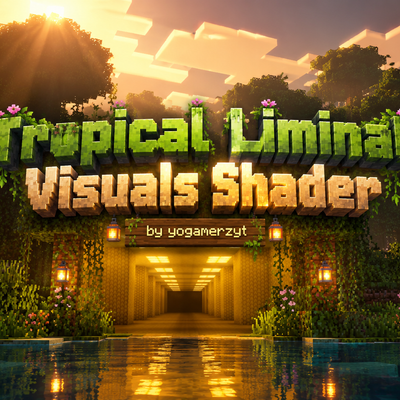
Tropical Liminal Visuals Shader
Cinematic Vibrant Visuals pack with warm jungle golden-hour lighting, teal tropical haze, liminal golden interiors, deep atmospheric fog, enhanced water…
⬇ Download on CurseForge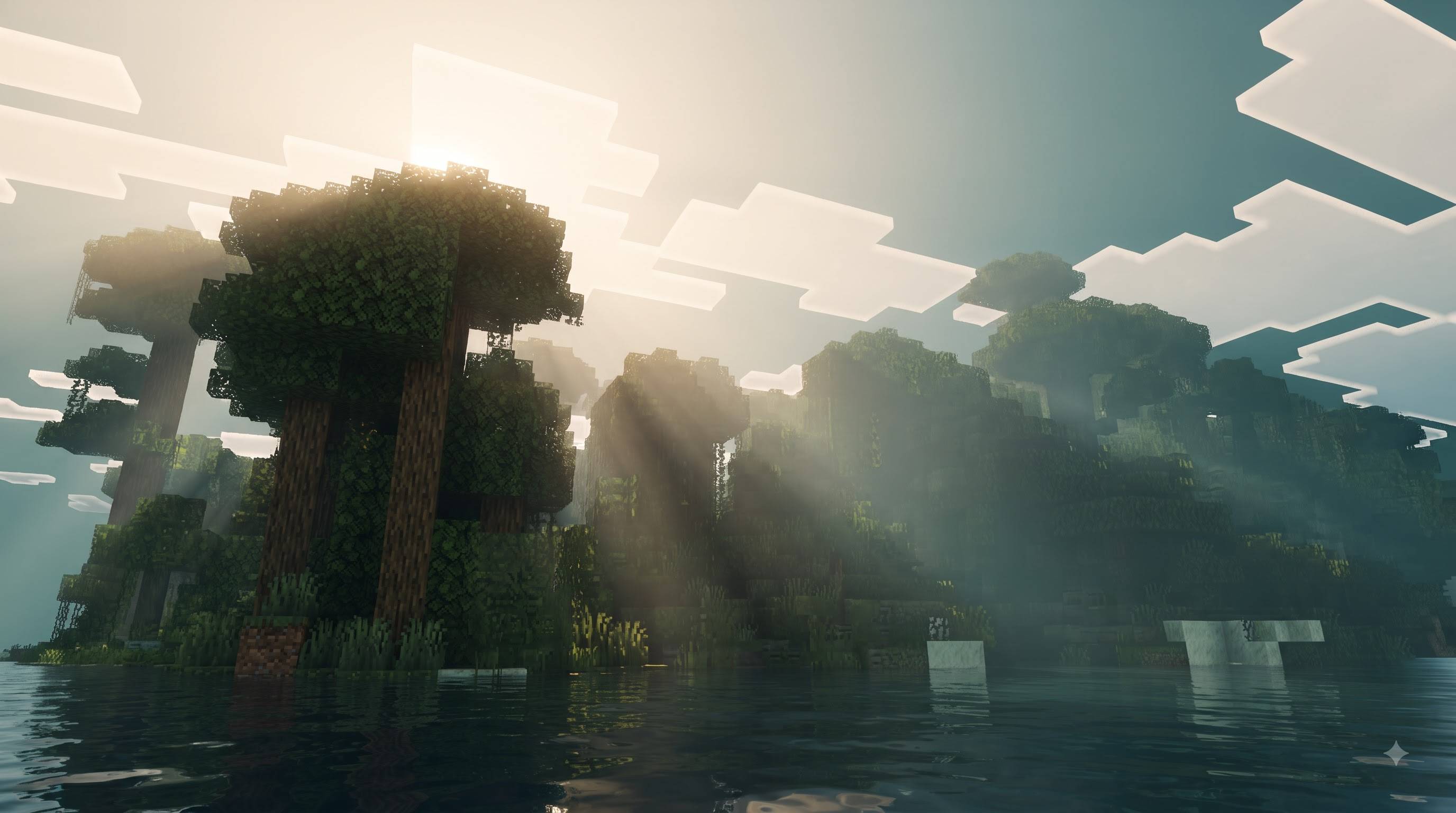
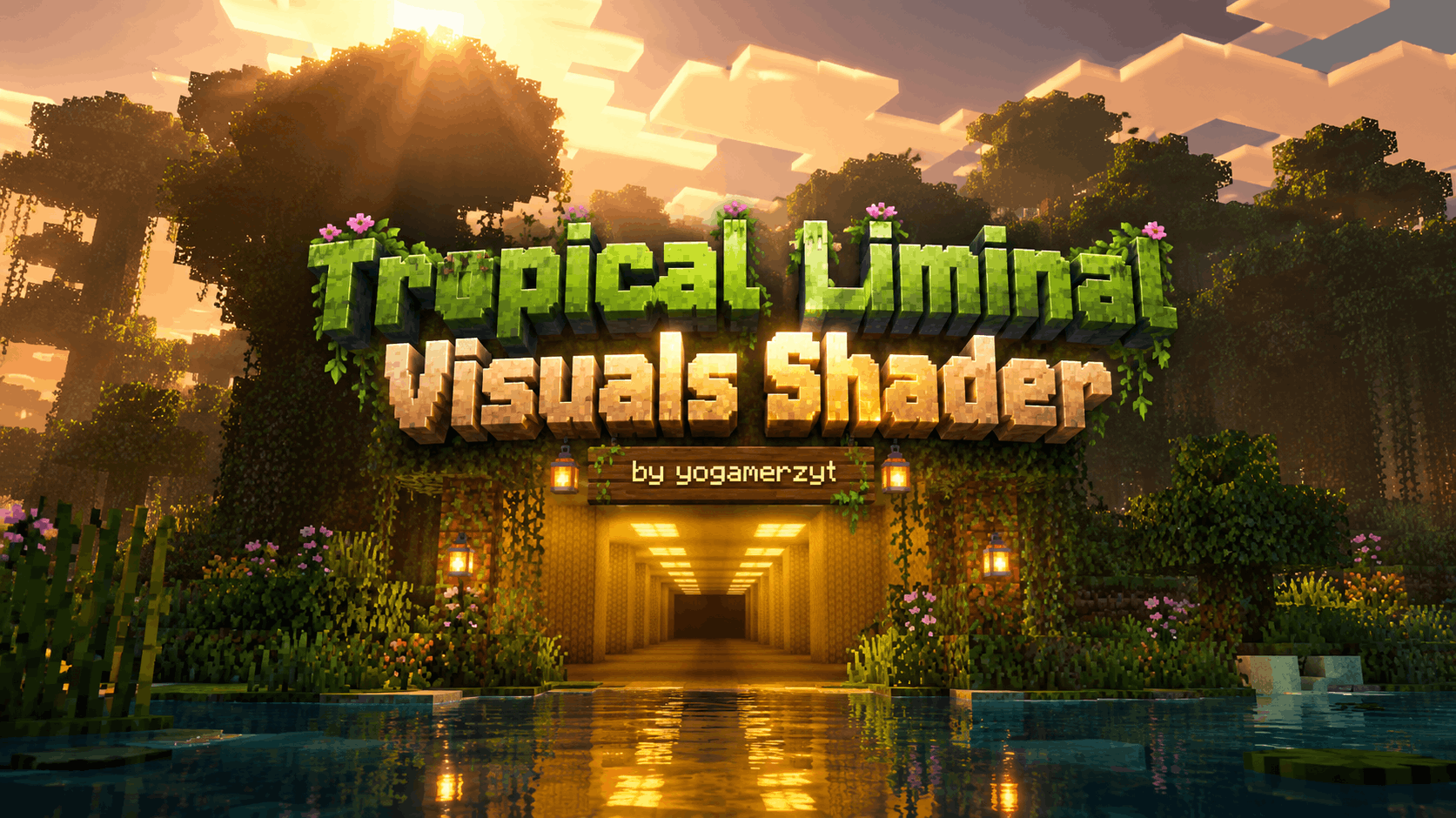
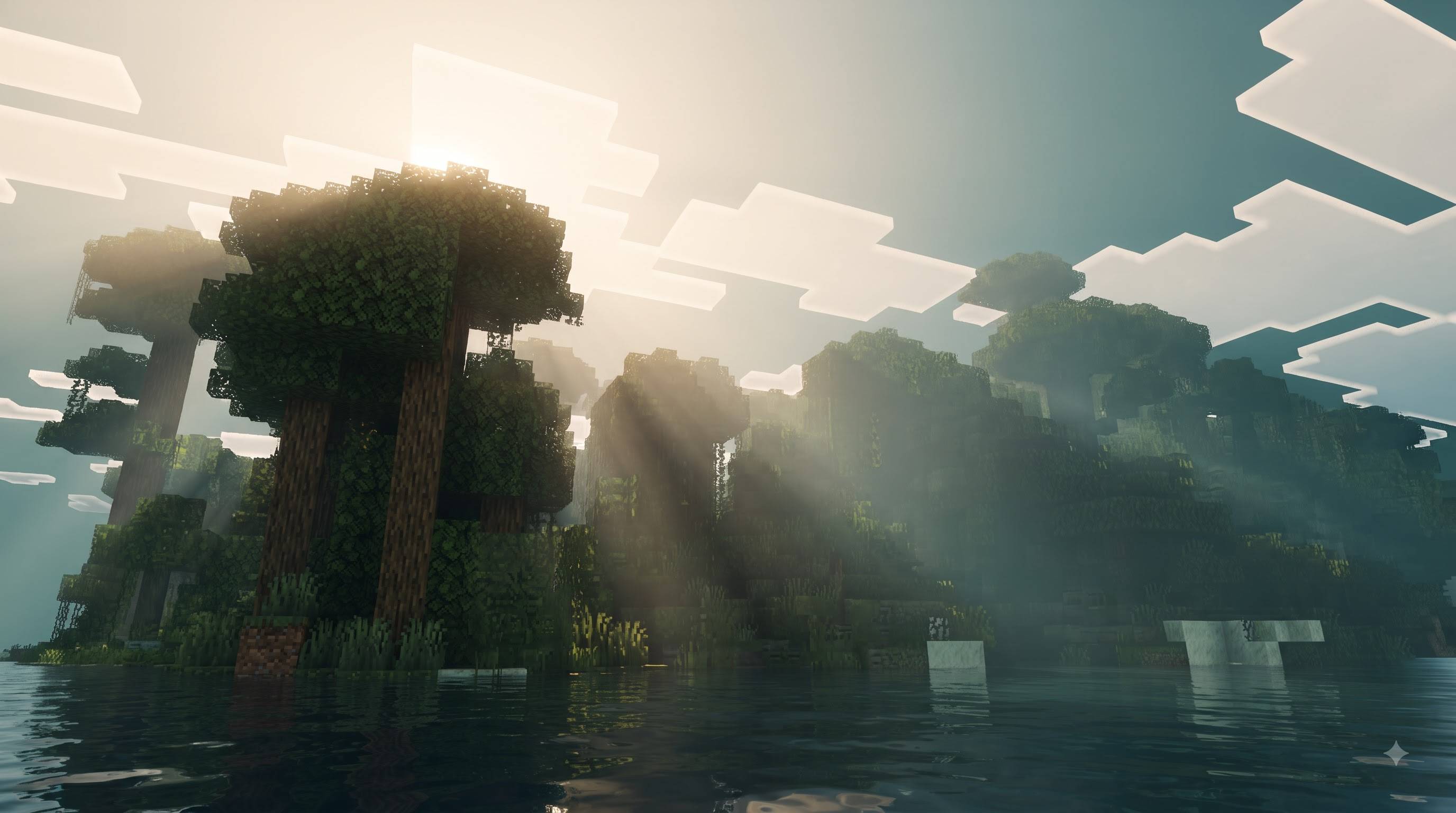
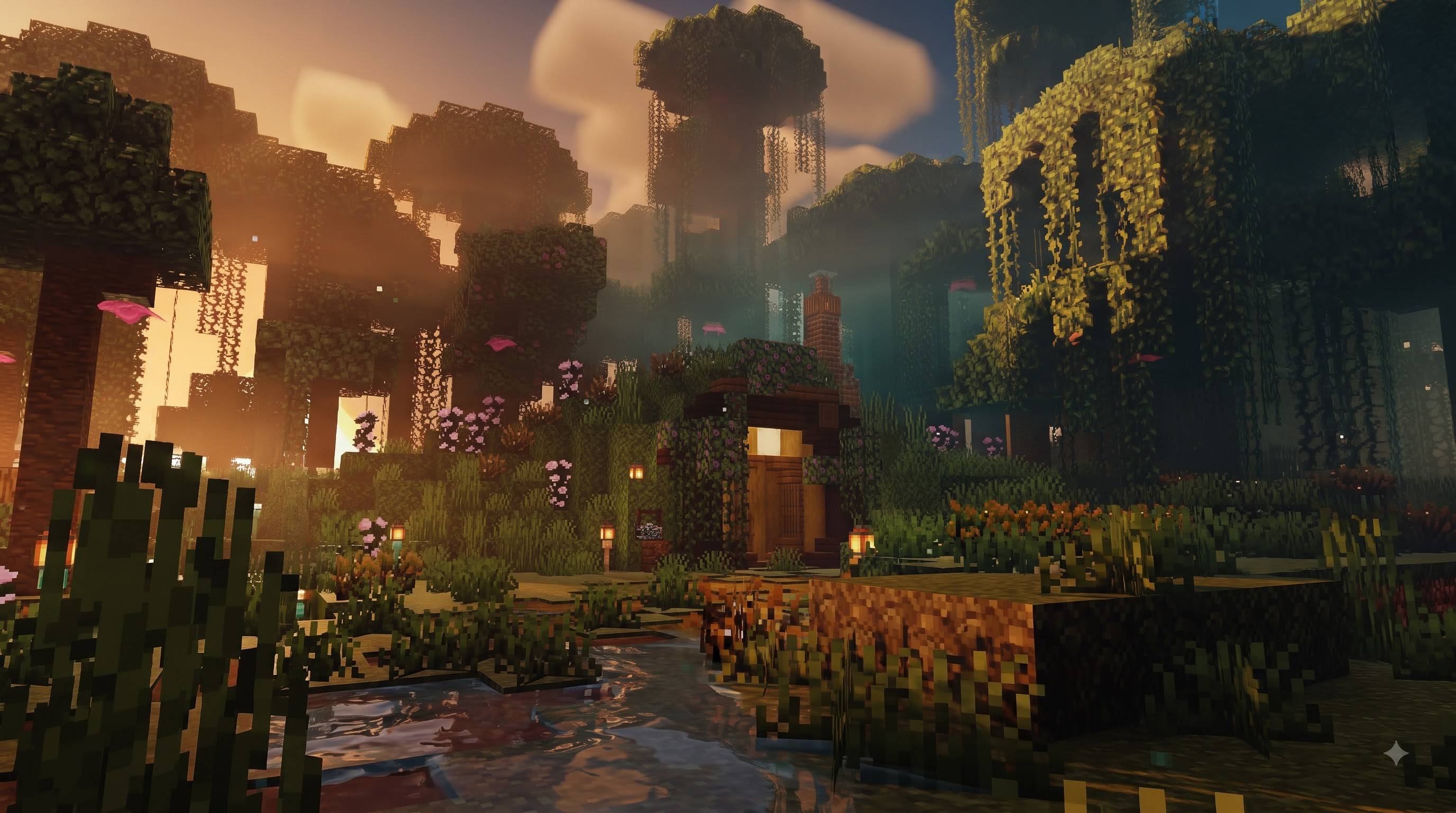
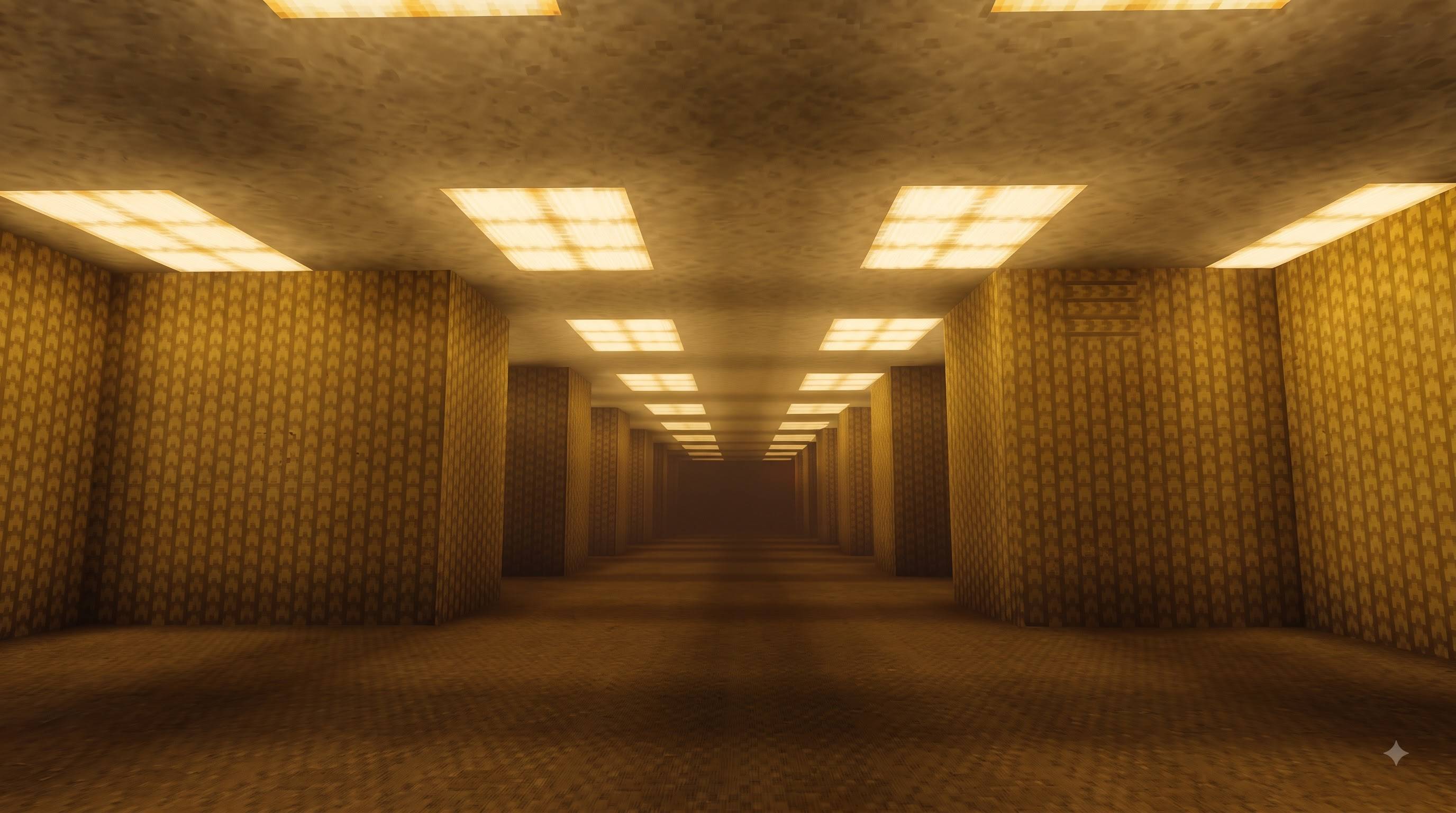
Tropical Liminal Visuals Shader by yogamerzyt brings a premium cinematic look to Minecraft Bedrock Edition using the official Vibrant Visuals system.
This pack is designed around dense jungle atmospheres, golden-hour warmth, cool teal tropical water scenes and liminal golden indoor spaces. It focuses on lighting, atmosphere, color grading and depth rather than just recoloring textures.
Main Features:
- Warm cinematic sunset / golden-hour lighting
- Cool teal & cyan tropical atmosphere
- Strong environmental depth and soft volumetric-style haze
- Filmic color grading with controlled contrast
- Darker, moodier water with better depth
- Improved foliage light response (leaves with subsurface feel)
- Soft glow on torches, lanterns and glowstone
- Natural shadows and better material roughness
- Fully compatible with Vibrant Visuals (PBR)
Works best when Graphics Mode is set to Vibrant Visuals.
Supported Versions:
Minecraft Bedrock 1.21.120 and above (1.21.x – 1.26.x range)
How to Install:
- Download and import the .mcpack
- Activate the pack in Global Resources or World Resource Packs
- Go to Settings → Video → Graphics Mode → Vibrant Visuals
- Enjoy the cinematic look
Credits
- Shader / Pack Creator: yogamerzyt
- Visual concept & atmosphere design inspired by cinematic jungle, tropical and liminal references
- Built using official Minecraft Bedrock Vibrant Visuals / PBR system
- Edition: Minecraft Bedrock
- File type: .mcpack
- Minecraft versions listed: 1.21.80, 26.0
- How to install: Download the .mcpack. → Open it — Minecraft imports it under Resource Packs. → Activate it in Global Resources, or for one world under Resource Packs → Available.
- Where to get it: Opens on CurseForge — not every file is mirrored on our own servers.
Install steps are the general flow for this file type — How to install Minecraft Bedrock texture packs walks through it step by step.
- Pack type: .mcpack — a single pack
- Manifest requires Minecraft 1.21.80 or newer
- Complete pack — everything it depends on is inside the file
- Download size: 10 KB
- Download link checked 13 Sept 2026 — working
These come from our own check of the pack file, not from the source page.