Cherry cinematic Shader
Vibrant cinematic visuals for Minecraft Bedrock. Beautiful cherry blossom lighting, clear reflective water, soft sunlight & golden sunsets. By…
⬇ Download on CurseForge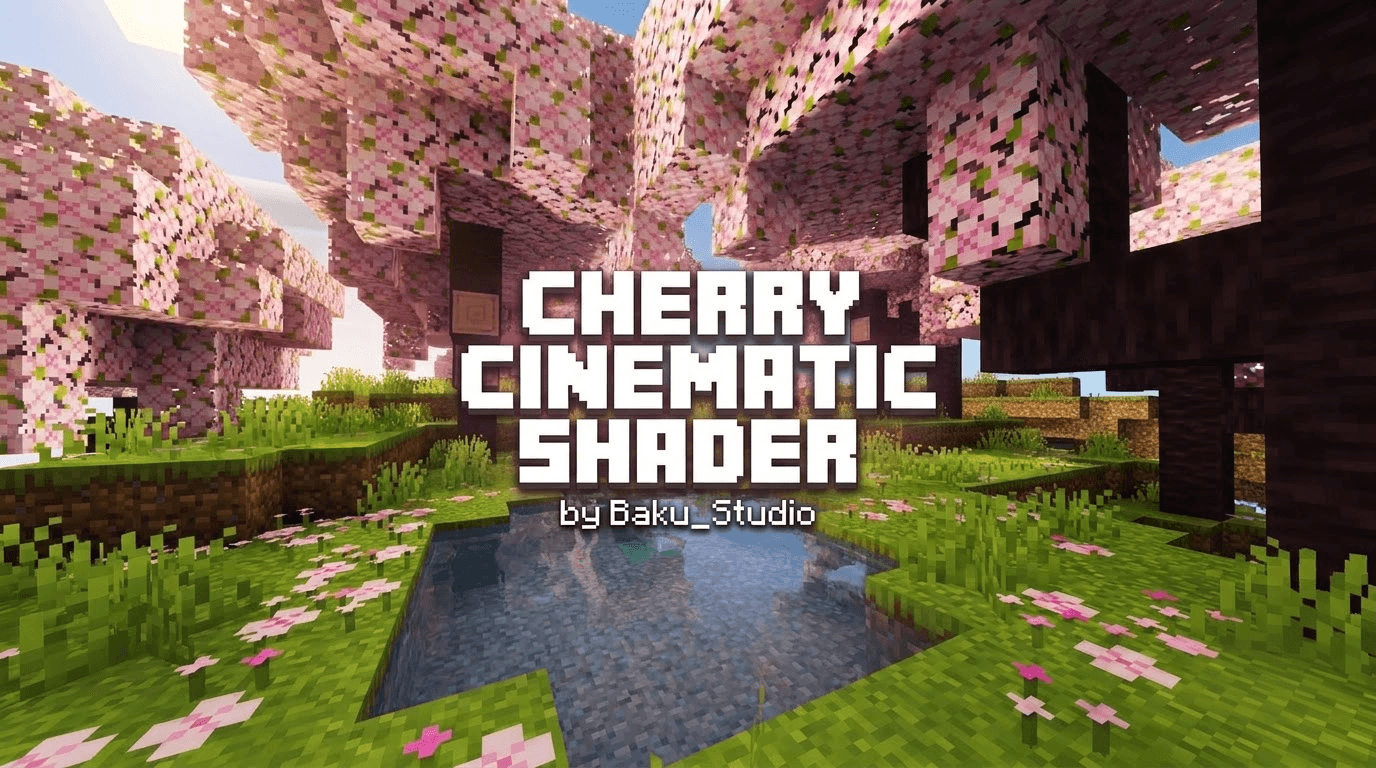
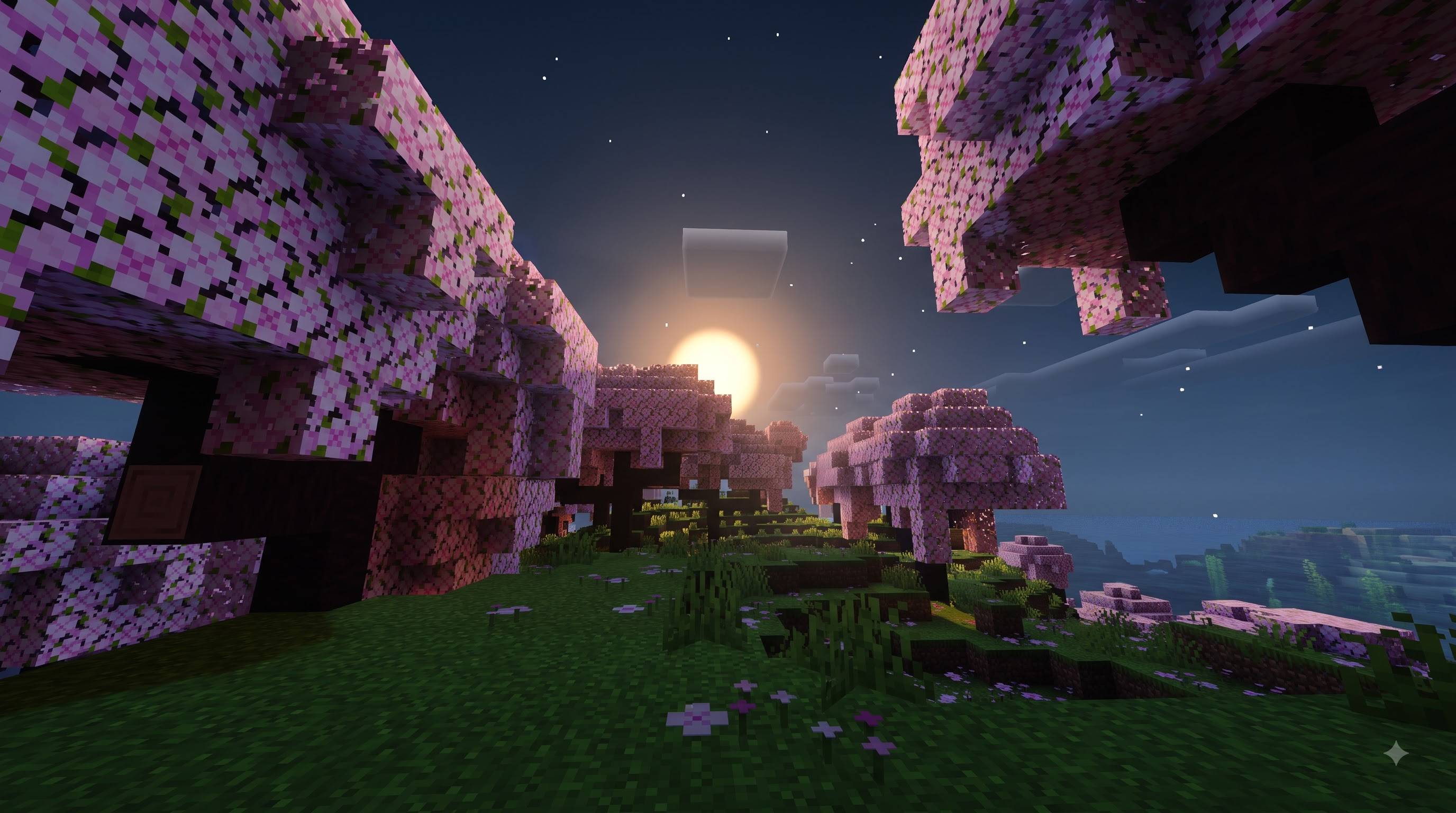
Cherry Cinematic Shader
by Baku_Studio
Experience a polished cinematic look in Minecraft Bedrock while staying true to the classic Minecraft feel.
This pack is specially tuned for:
• Vibrant green grass and rich foliage
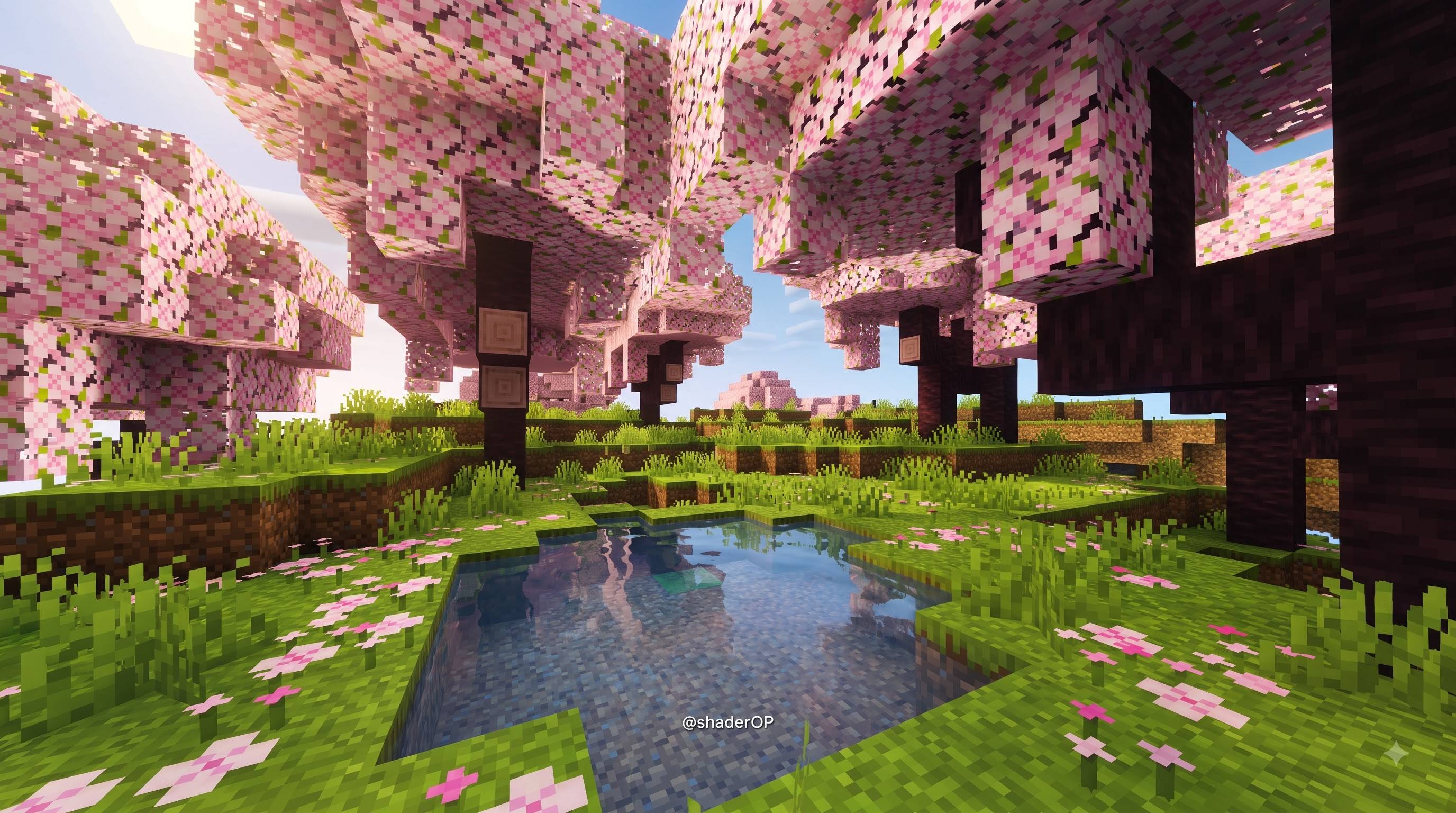
• Beautiful pink cherry blossom trees with soft lighting
• Clear, transparent and reflective water
• Soft natural sunlight with good depth and contrast
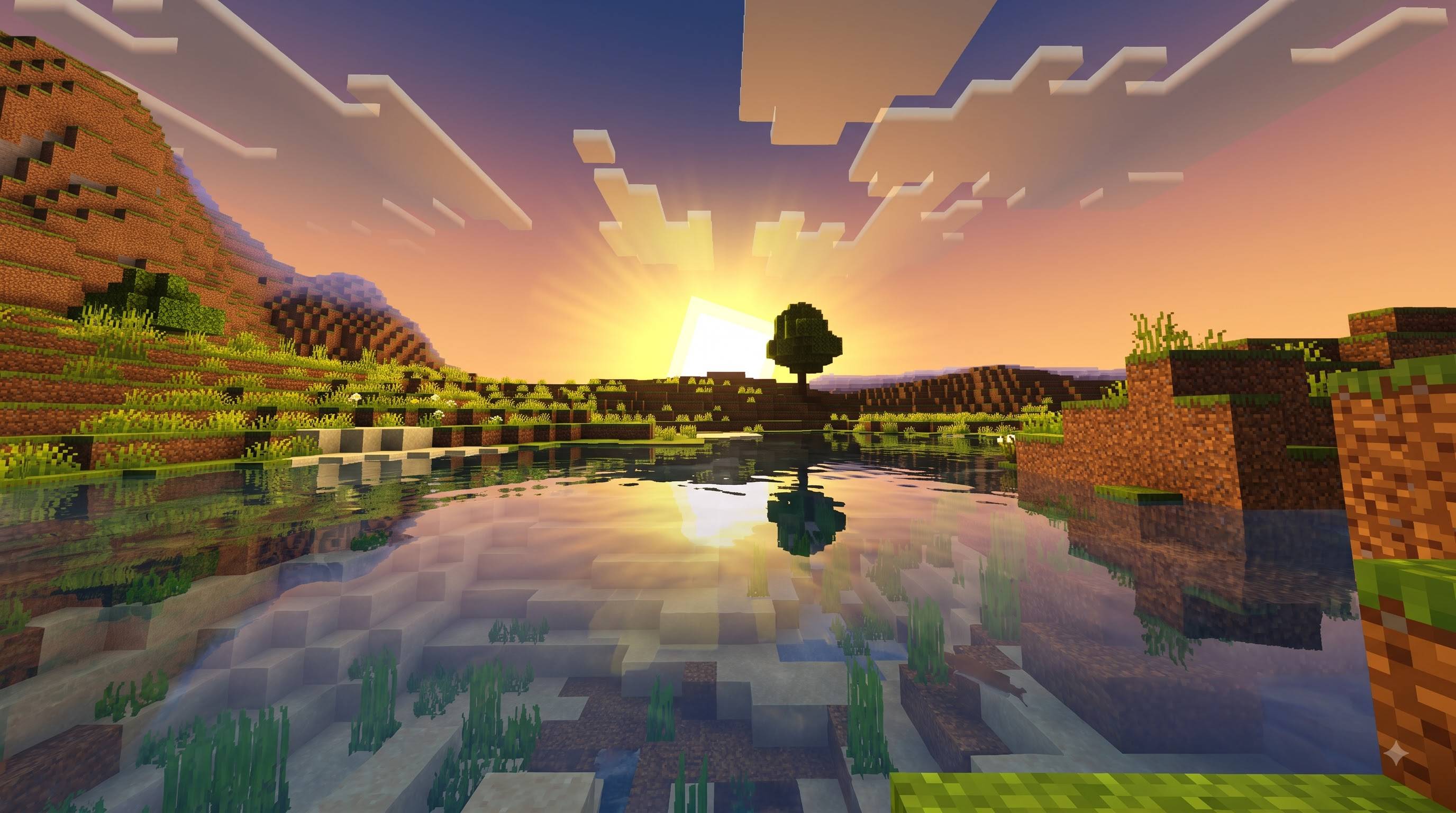
• Stunning golden sunsets with warm horizon and water reflections
• Clean atmospheric sky and mild depth haze
Features:
• Custom color grading (vibrant yet natural)
• Enhanced directional lighting and ambient response
• Clear water with visible underwater terrain, subtle waves and caustics
• Keyframed day/night + sunset lighting
• Soft cinematic highlights
• PBR fallback values for better surface response
• Lightweight and mobile-friendly
How to use:
1. Import the .mcpack
2. Activate the resource pack
3. Go to Settings → Video → Graphics Mode
4. Enable "Vibrant Visuals"
5. Enjoy
Recommended:
• Brightness: 50–65%
• Render Distance: 8–16 chunks
Supported versions: Minecraft Bedrock 1.21 – 1.26
Note: This pack works with the official Vibrant Visuals (deferred) system. Without Vibrant Visuals enabled, the visual changes will be very limited.
Credits:
Created by: Baku_Studio
Pack Name: Cherry Cinematic Shader
Visual style inspired by cinematic cherry blossom scenes and golden hour lighting.
Uses only official Minecraft Bedrock Vibrant Visuals (PBR) system.
No third-party shader code was copied.
Special thanks to everyone who supports and uses the pack.
Import → Activate pack → Enable Vibrant Visuals in Video settings.
- Edition: Minecraft Bedrock
- File type: .mcpack
- Minecraft versions listed: 1.21.100, 26.0
- How to install: Download the .mcpack. → Open it — Minecraft imports it under Resource Packs. → Activate it in Global Resources, or for one world under Resource Packs → Available.
- Where to get it: Opens on CurseForge — not every file is mirrored on our own servers.
Install steps are the general flow for this file type — How to install Minecraft Bedrock texture packs walks through it step by step.
- Save it as Cherry_Cinematic_Shader.mcaddon before opening — it downloads as .mcpack, but it is a .mcaddon pack
- Manifest requires Minecraft 1.21.120 or newer
- Complete pack — everything it depends on is inside the file
- Download size: 9 KB
- Download link checked 13 Sept 2026 — working
These come from our own check of the pack file, not from the source page.