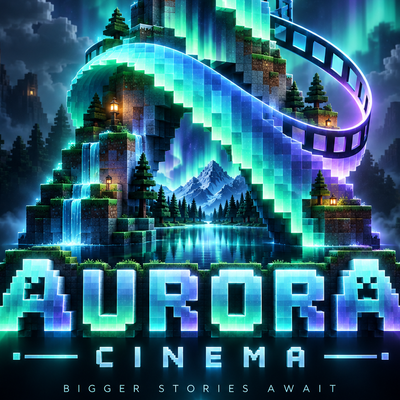
Aurora Cinema
Aurora Cinema is a cinematic Minecraft Bedrock realism pack designed to make your world feel more immersive with upgraded textures, realistic clouds…
⬇ Download on CurseForge
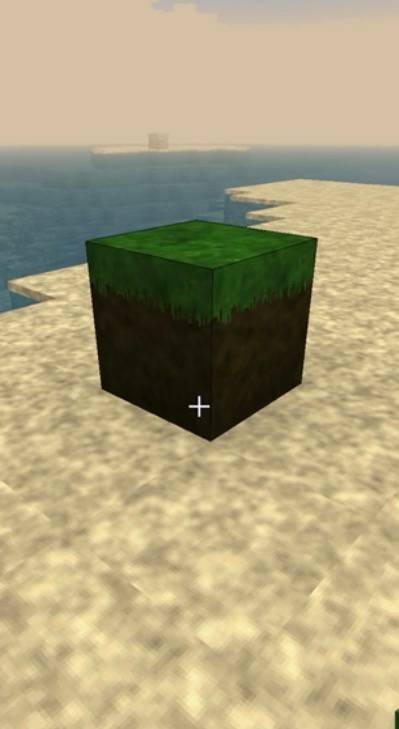
Aurora Cinema v8
Aurora Cinema v8 is a cinematic Minecraft Bedrock realism pack built to make your world feel more immersive, atmospheric, and dramatic while still keeping the original Minecraft style.
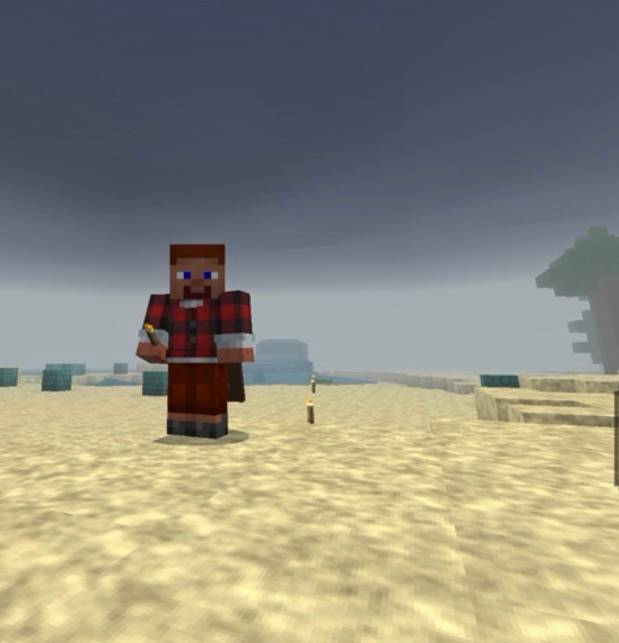
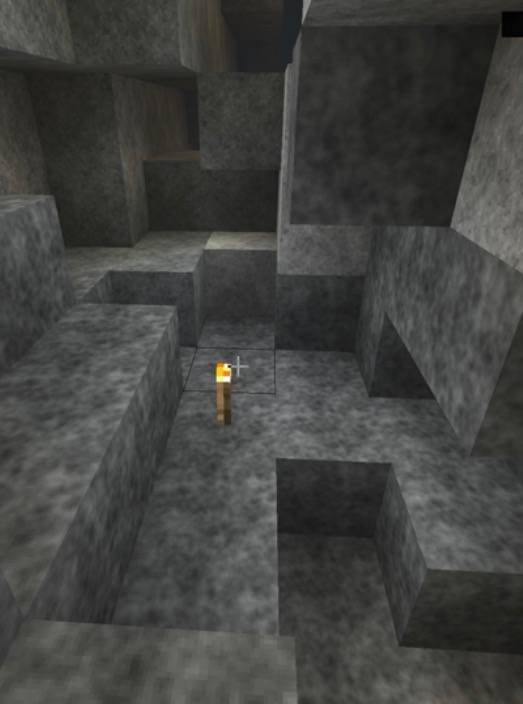
The pack upgrades the environment with improved textures, enhanced terrain details, realistic clouds, richer lighting, atmospheric fog, detailed leaves and ores, and cinematic visual effects.
Aurora Cinema also includes a Behavior Pack that adds random natural-disaster-style events, making exploration and survival more unpredictable.
Main Features
- Cinematic and realistic Minecraft-style textures
- Improved grass, dirt, stone, wood, terrain, and natural blocks
- More detailed leaves and vegetation
- Enhanced ore and mineral textures
- Improved Nether and End materials
- Realistic thick cloud textures
- Stronger contrast and atmospheric lighting
- PBR materials for supported Minecraft Bedrock graphics modes
- Soft shadow settings
- Volumetric-style fog effects
- Improved water and environmental atmosphere
- Designed for Minecraft Bedrock Edition
- Optimized with mobile/iPhone/iPad gameplay in mind
Random Disaster System
Aurora Cinema v8 includes randomly occurring environmental events.
Rising Floods
Flood events can temporarily raise water levels around active areas by approximately 1–5 blocks.
The water rises progressively during the event instead of appearing instantly, creating the feeling of a real flood.
Fog Events
Dense atmospheric fog can randomly appear and last anywhere from approximately 1 to 10 minutes.
Visibility may become heavily reduced during stronger fog events.
Tornadoes
Random tornado events can last approximately 1 to 7 minutes.
Tornadoes include:
- Moving funnel effects
- Rotating dust and particles
- Strong storm atmosphere
- Wind forces near the tornado
- Camera shake when close
- Thunderstorm effects
Other Events
Aurora Cinema may also include environmental events such as:
- Thunderstorms
- Earthquakes
- Dust storms
- Cold snaps
- Heavy atmospheric weather
These events are designed to happen occasionally rather than constantly, so normal Minecraft gameplay remains enjoyable.
Vanilla Mobs Stay Vanilla
Aurora Cinema does not replace Minecraft mob textures.
Animals, villagers, monsters, and other mobs keep their normal Minecraft appearance.
The realism improvements mainly focus on the environment, atmosphere, blocks, weather, and lighting.
Vibrant Visuals
For the best experience, use Vibrant Visuals if your Minecraft Bedrock version and device support it.
Aurora Cinema includes material information designed to take advantage of features such as:
- Improved lighting
- Surface depth
- Material roughness
- Metallic surfaces
- Atmospheric effects
- Better shadows
The pack can still be used without Vibrant Visuals, although some advanced visual effects may look different.
Installation
- Download the Aurora Cinema v8 .mcaddon file.
- Open the file using Minecraft.
- Wait for Minecraft to import the packs.
- Create a new world or edit an existing world.
- Activate Aurora Cinema v8 RP under Resource Packs.
- Activate Aurora Cinema v8 BP under Behavior Packs.
- Enable cheats if you want to manually test disaster commands.
- Enable Vibrant Visuals if available on your device.
My Channel
Watch previews, updates, showcases, and future Aurora Cinema releases here:
Channel Link: https://www.youtube.com/@TESLAACARBOY
⸻
Important Warning
Some disaster events, especially floods, can temporarily modify the world around the player.
For important Survival worlds, it is strongly recommended to create a backup or copy of your world before enabling the Behavior Pack.
Aurora Cinema is designed primarily as a cinematic realism and environmental experience.
Version
Aurora Cinema v8
Future releases will continue using clear version numbers so different versions of the pack are easy to identify.
⸻
Turn ordinary Minecraft worlds into cinematic adventures.
Explore realistic landscapes, dramatic skies, dense fog, rising water, violent storms, and unpredictable tornadoes with Aurora Cinema.
- Edition: Minecraft Bedrock
- File type: .mcpack
- Minecraft version listed: 26.40
- How to install: Download the .mcpack. → Open it — Minecraft imports it under Resource Packs. → Activate it in Global Resources, or for one world under Resource Packs → Available.
- Where to get it: Opens on CurseForge — not every file is mirrored on our own servers.
Install steps are the general flow for this file type — How to install Minecraft Bedrock texture packs walks through it step by step.
Aurora Cinema is a free Minecraft Bedrock texture pack. Compatible with Minecraft 26.40. Downloaded 3 times (via CurseForge). Download it and open it directly in the game.