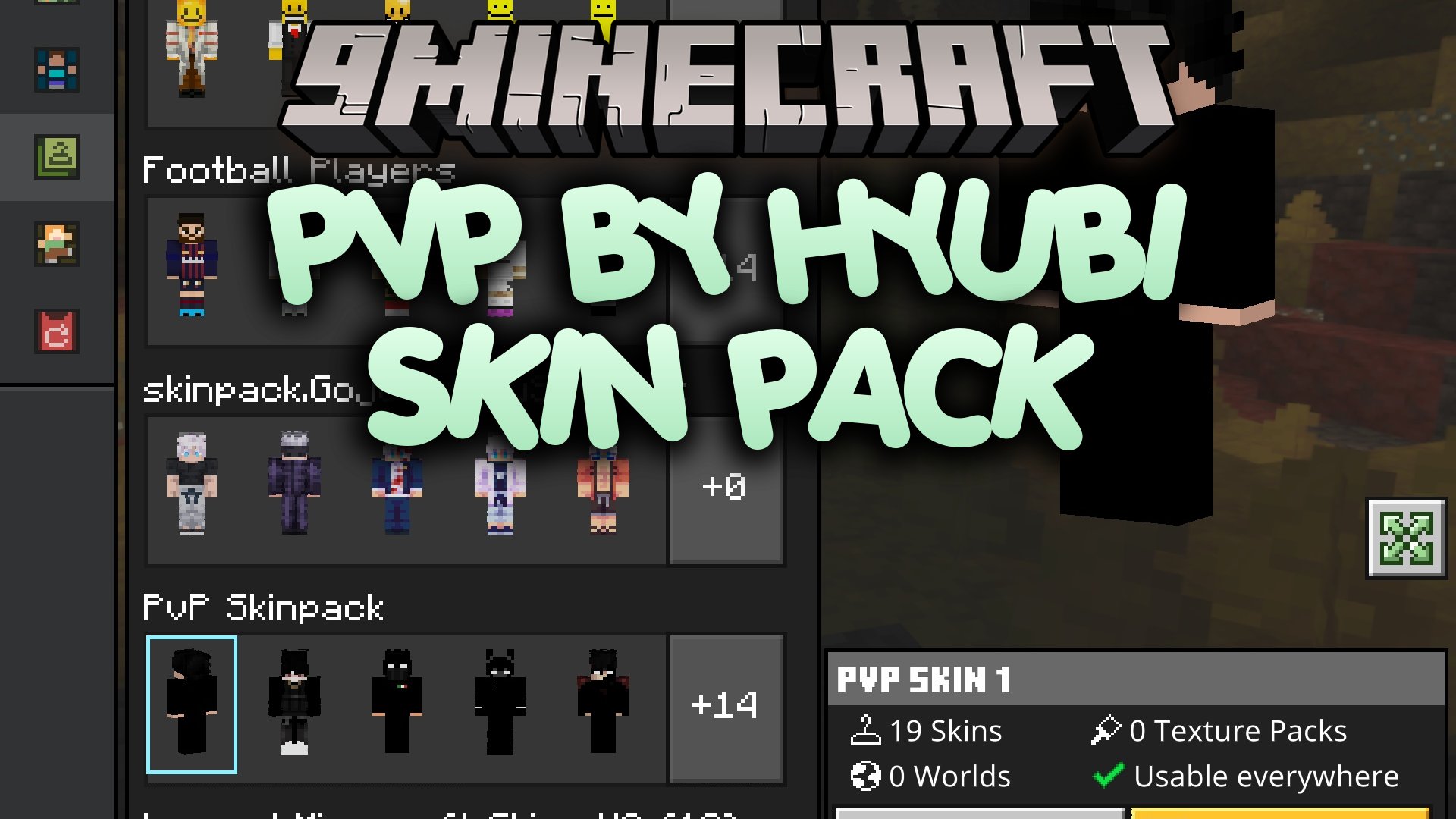
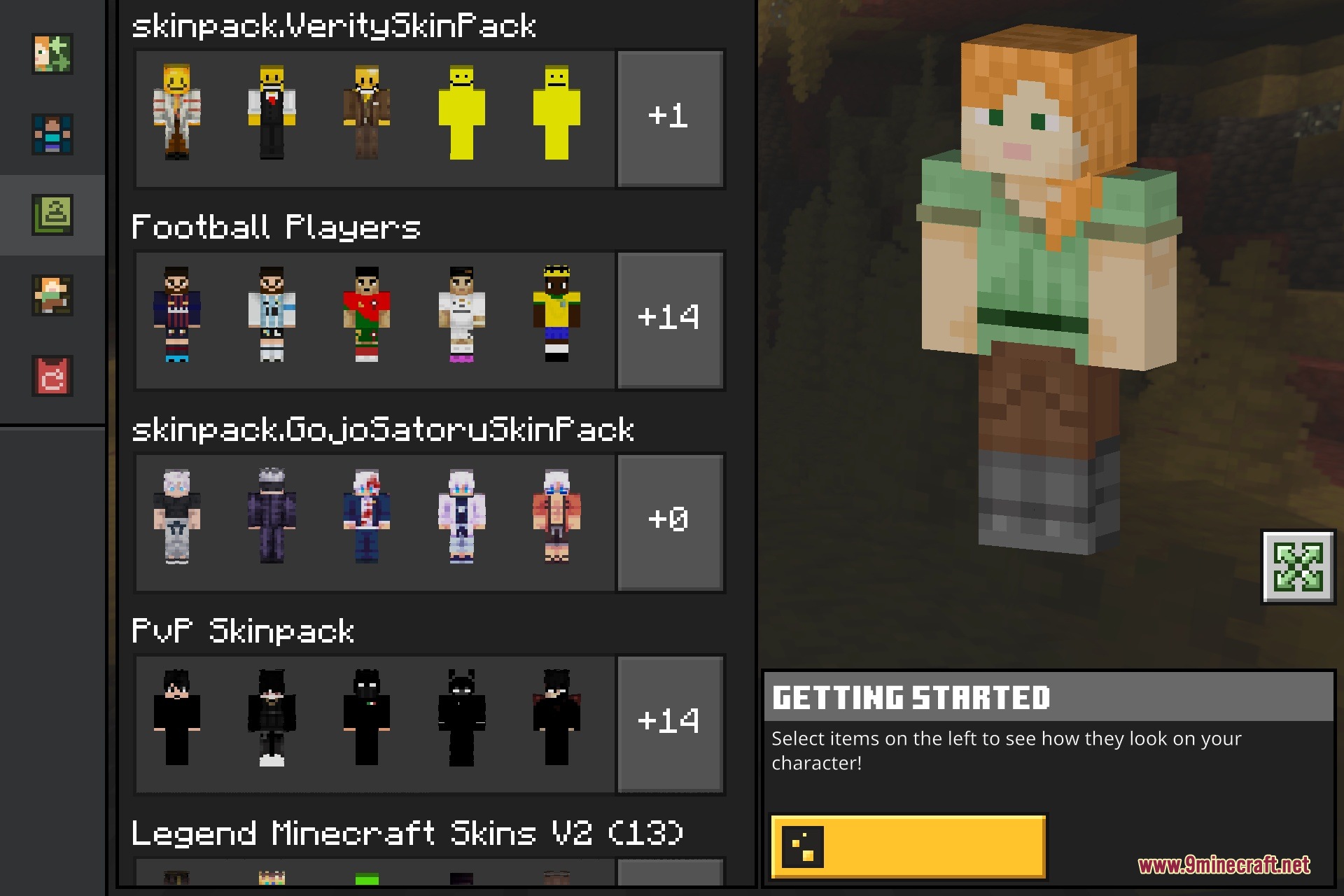
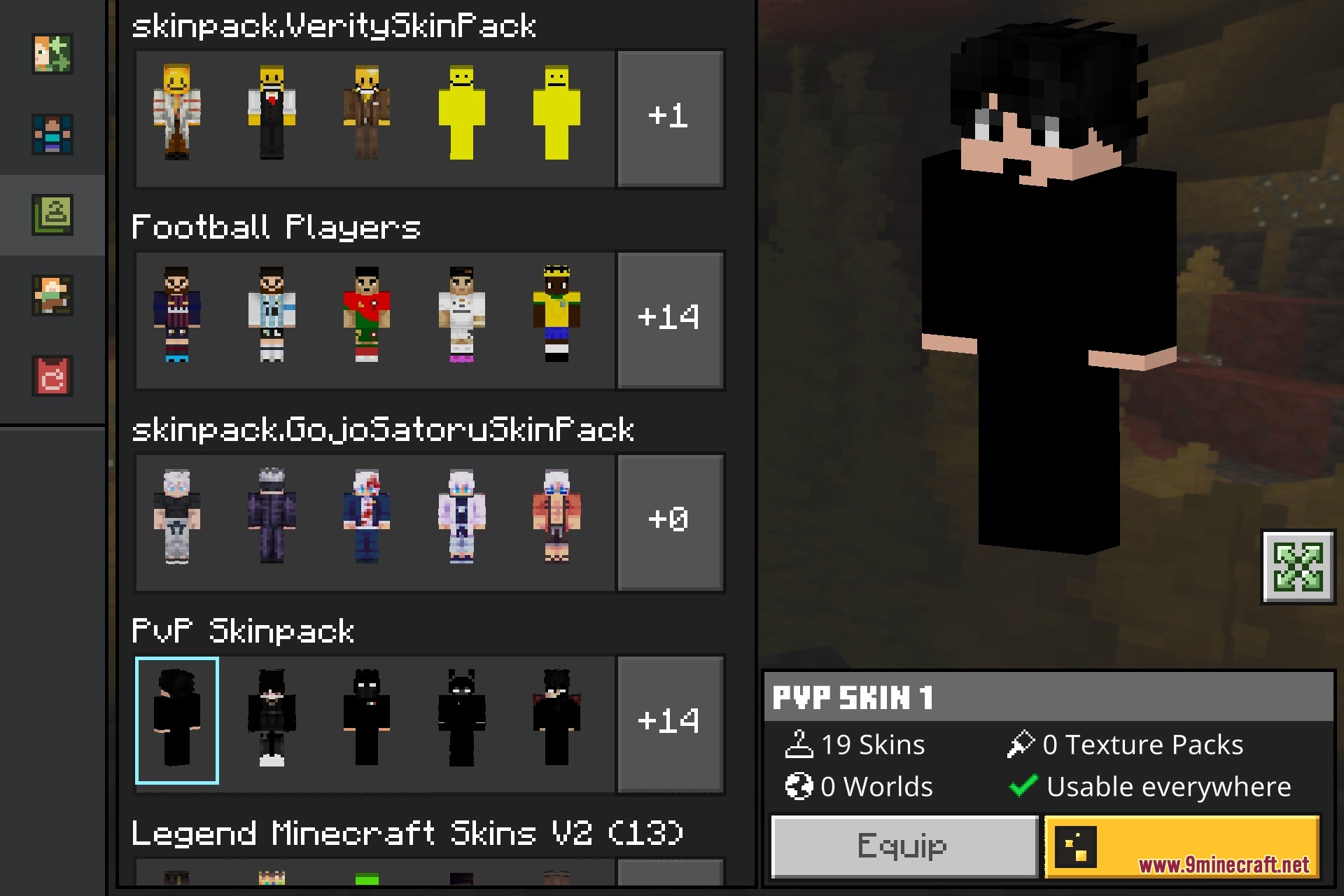
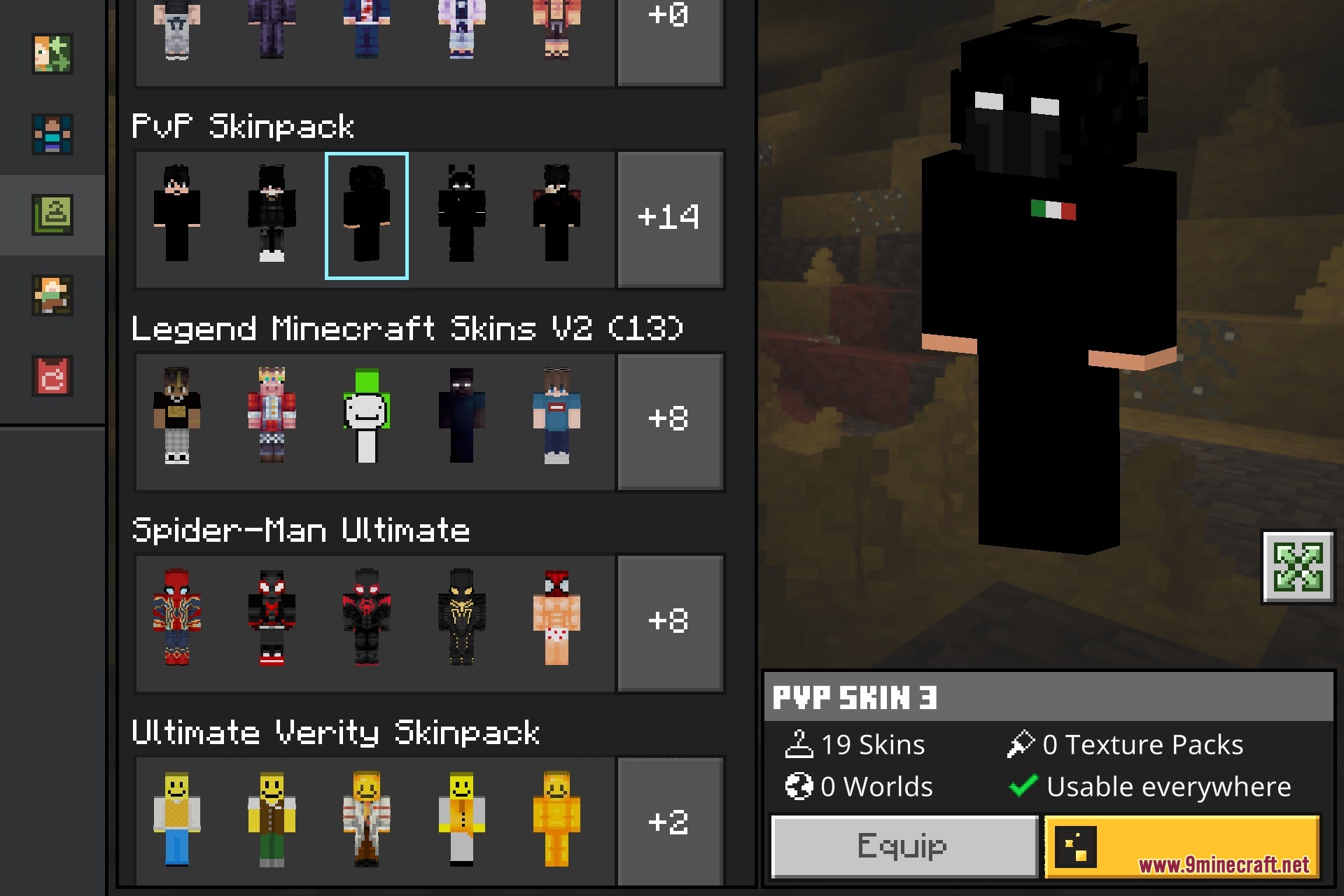
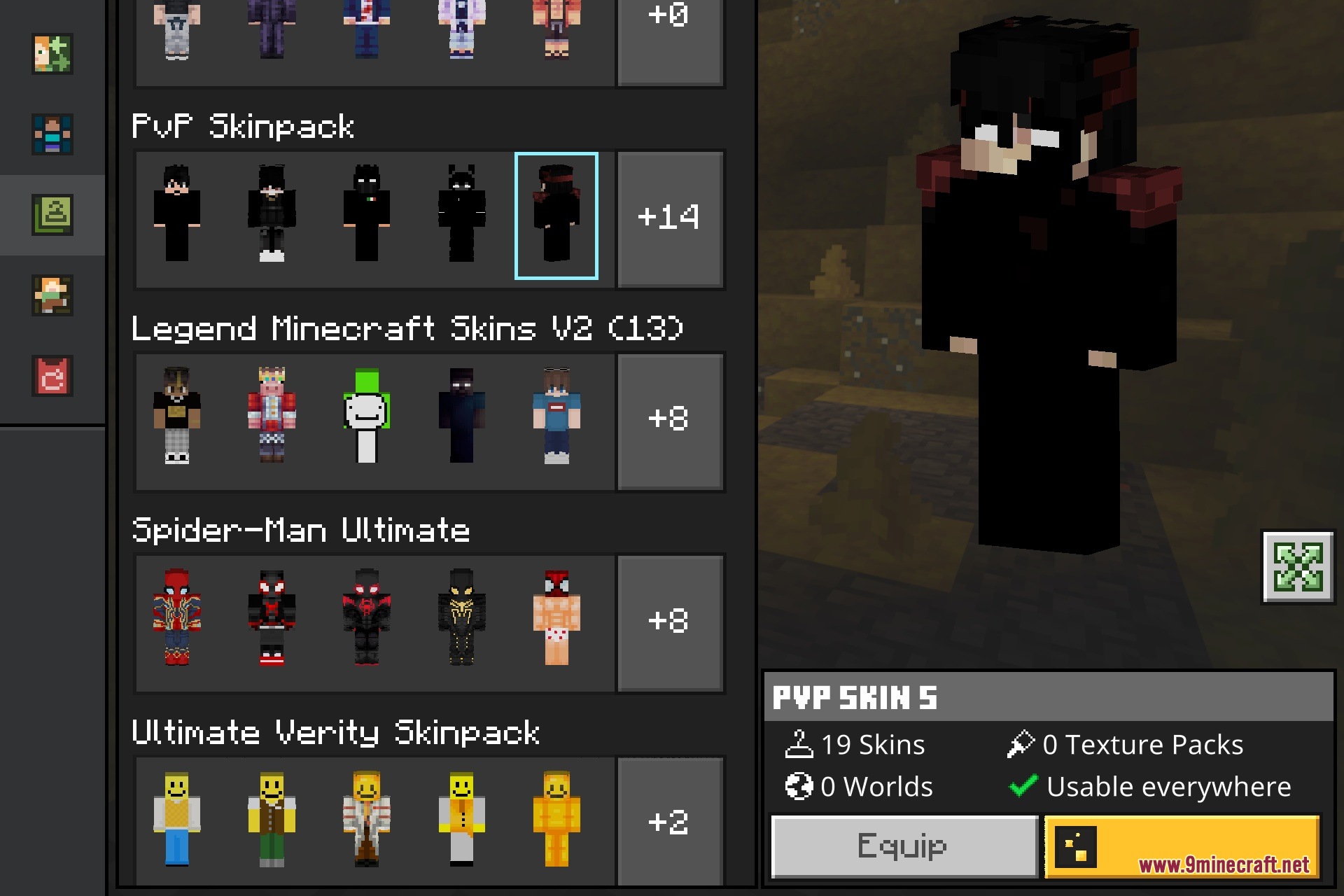


PVP by HYUBI Skin Pack provides a dark and clean selection of combat-style skins for your Bedrock adventures. It lets you dress up in sharp black outfits complete with shadowy details and intense battle accents. You can wear these cool styles while fighting on competitive servers, playing minigames, or exploring survival worlds.
Features:
- Features dark and clean combat-style skins for competitive players.
- Includes sleek black outfits with shadowy accents and highlights.
- Adds an intense red-and-white theme suited for battle.
- Works well in multiplayer servers, minigames, and survival worlds.
- Designed with clean 64x resolution textures for crisp details.
Screenshots:
PVP by HYUBI Skin Pack Download Links
Quick facts
- Edition: Minecraft Bedrock
- File type: .mcpack
- Minecraft version listed: 1.21
- How to install: Download the .mcpack skin pack. → Open it — Minecraft imports it. → Open the Dressing Room and select the skin.
- Where to get it: In MC Skins, or directly above on this page.
Install steps are the general flow for this file type — How to apply a custom Minecraft skin walks through it step by step.
Verified by MCModsHub
- Pack type: .mcpack — a single pack
- Complete pack — everything it depends on is inside the file
- Download size: 34 KB
- Download link checked 22 Sept 2026 — working
- Mirrored on our own servers — the download does not depend on the original host
These come from our own check of the pack file, not from the source page.