Texture packsBedrock
Outlined Foliage | The Best Outlined Grass Resource Pack
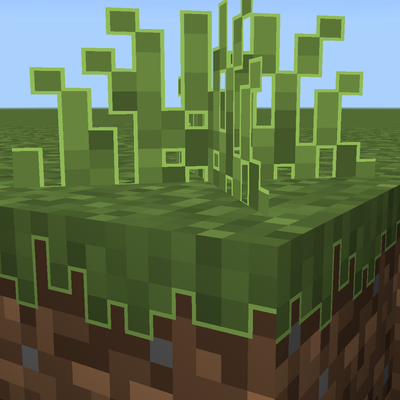
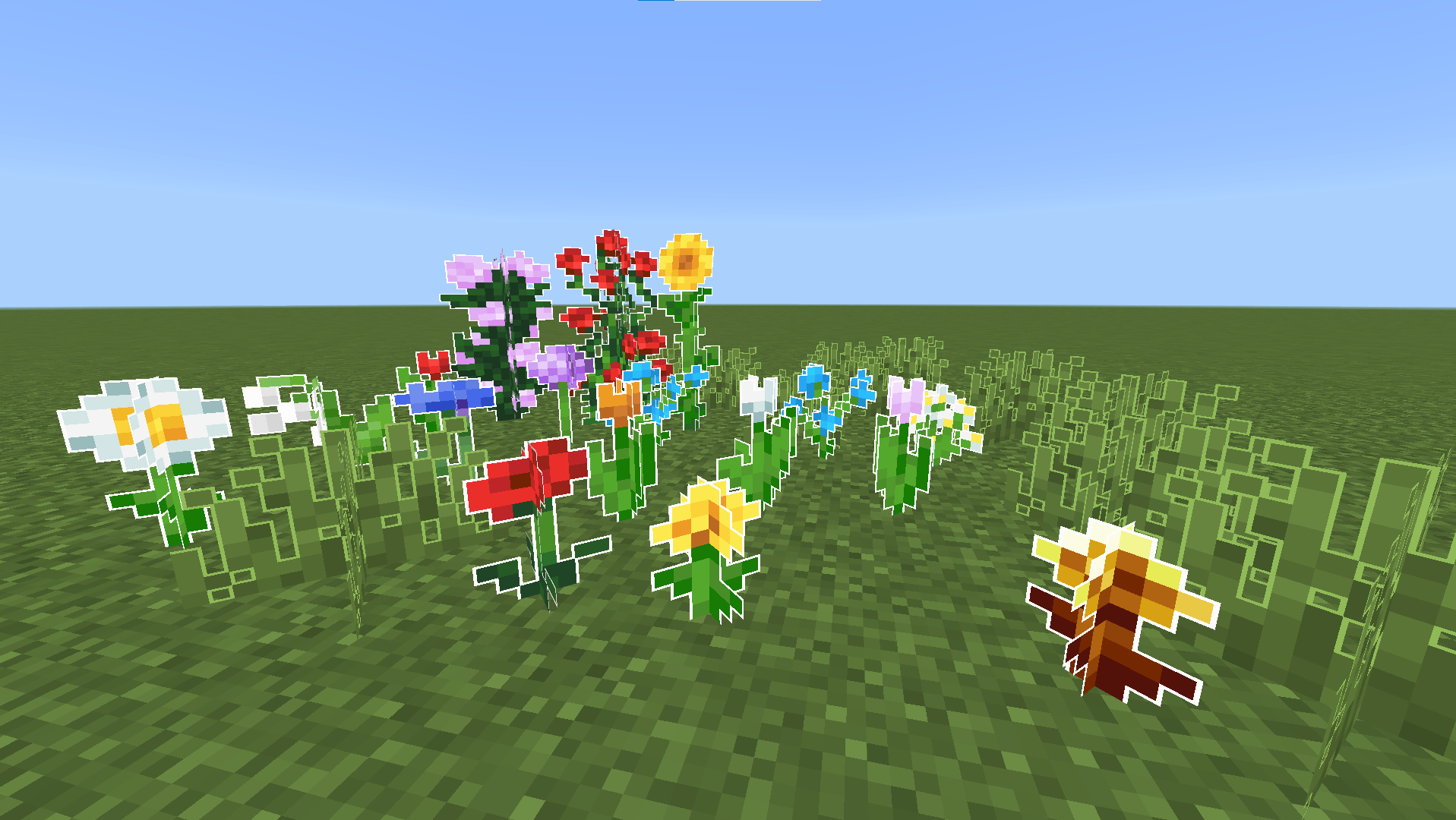
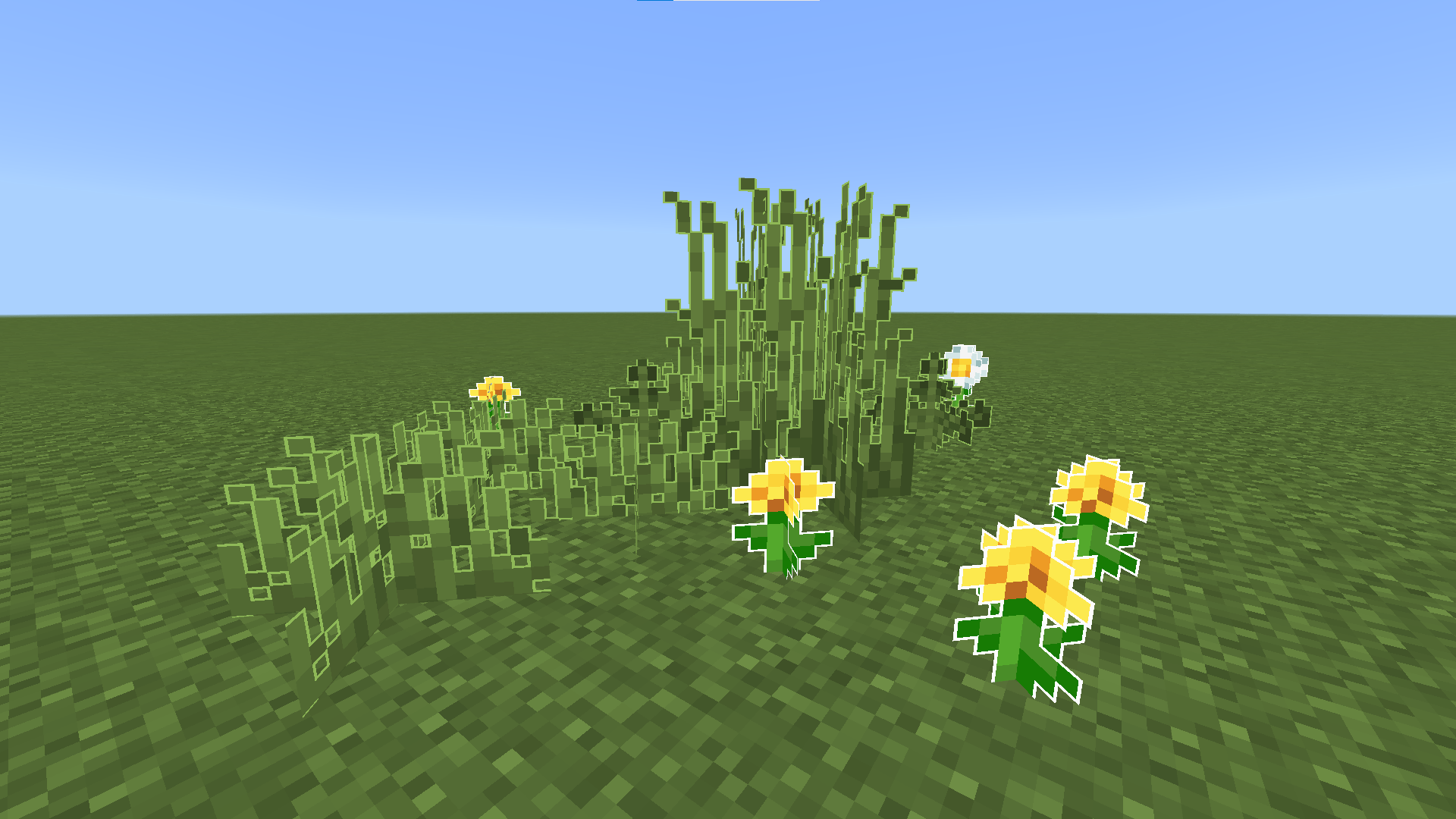
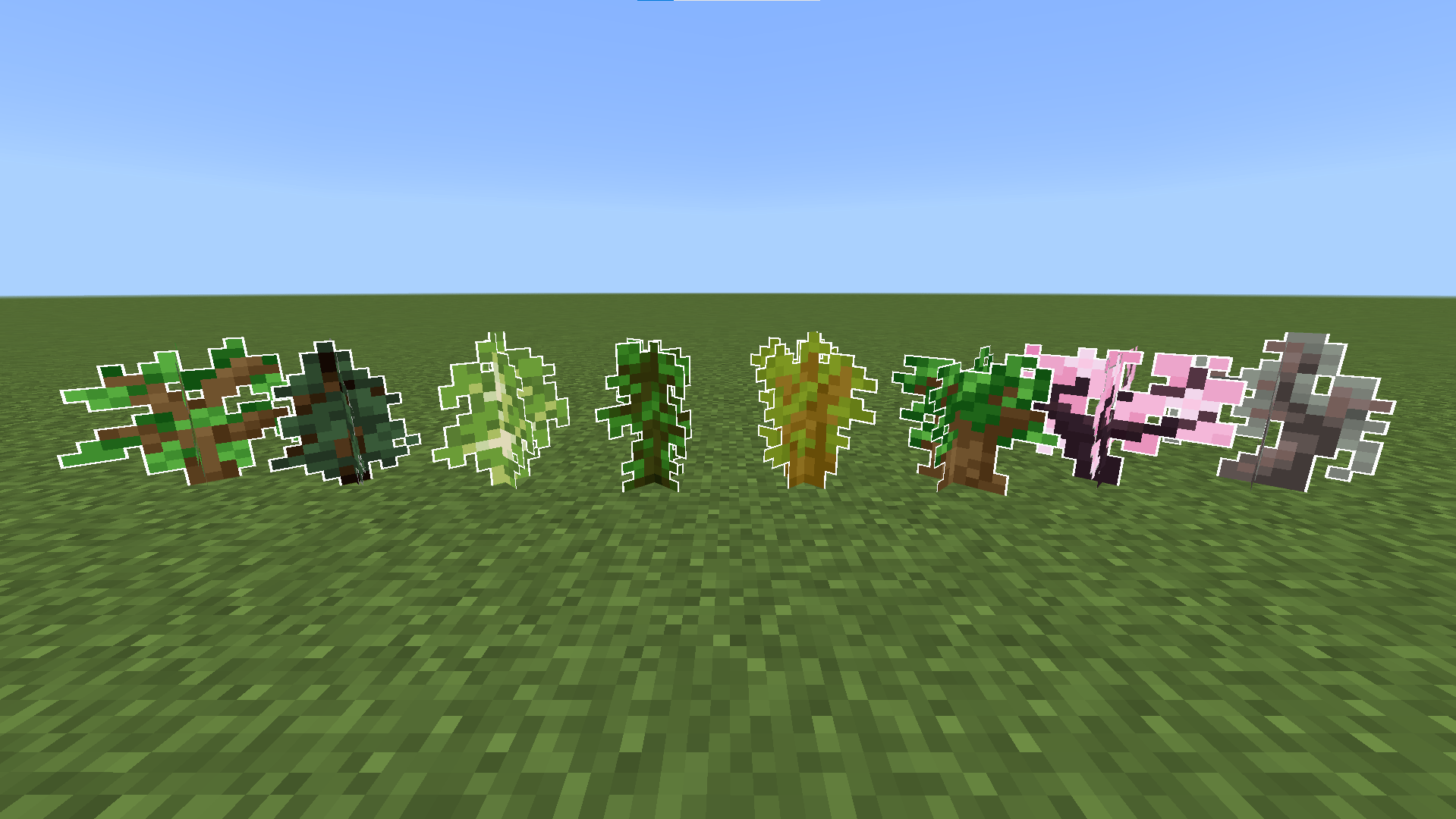
Outlined Foliage adds a precise 1/6th pixel outline to all foliage in Minecraft Bedrock. Framing leaves, plants, vines, and grass with a micro-border…
⬇ Download on CurseForgeThe author built this one for Minecraft 26.40. On other versions it may install and then do nothing.
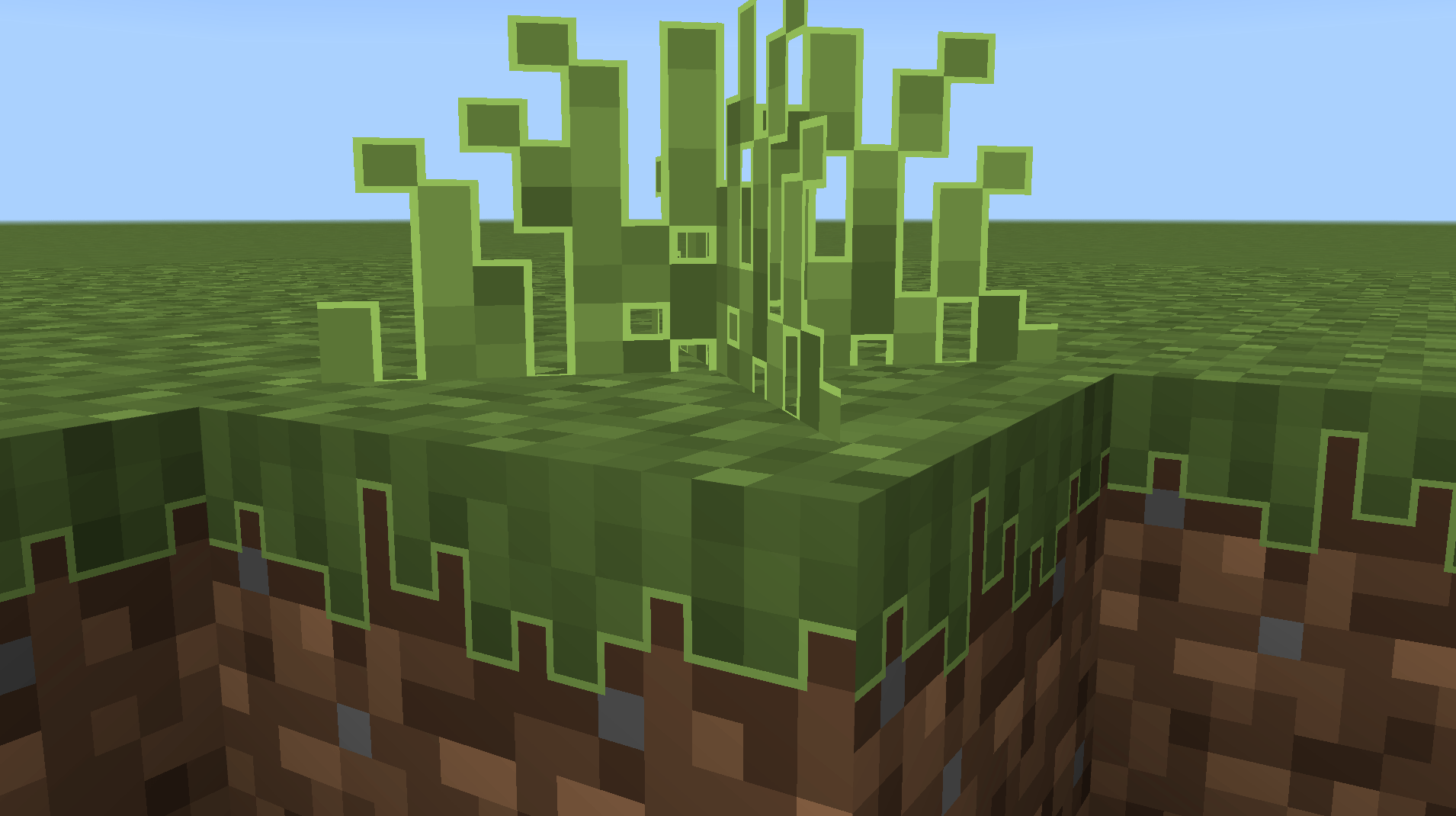
Key Features:
- Micro-Precision Borders: Uses a custom 1/6th pixel outline to give foliage a clean, distinct edge.
- Universal Foliage Coverage: Applies seamlessly to all leaf variants, grass, tall plants, ferns, vines, and nether vegetation.
- Performance Friendly: Designed to be lightweight and fully compatible with Minecraft Bedrock Edition on mobile, console, and PC.
- Enhanced Depth: The fine borders create subtle separation between overlapping blocks, making forests and jungles feel more detailed and three-dimensional.
Perfect for players who love the vanilla aesthetic but want a sharper, more defined look for their natural environments. :D
Quick facts
- Edition: Minecraft Bedrock
- File type: .mcpack
- Minecraft version listed: 26.40
- How to install: Download the .mcpack. → Open it — Minecraft imports it under Resource Packs. → Activate it in Global Resources, or for one world under Resource Packs → Available.
- Where to get it: Opens on CurseForge — not every file is mirrored on our own servers.
Install steps are the general flow for this file type — How to install Minecraft Bedrock texture packs walks through it step by step.
Verified by MCModsHub
- Pack type: .mcpack — a single pack
- Manifest requires Minecraft 1.26.40 or newer
- Complete pack — everything it depends on is inside the file
- Download size: 148 KB
- Download link checked 17 Sept 2026 — working
These come from our own check of the pack file, not from the source page.