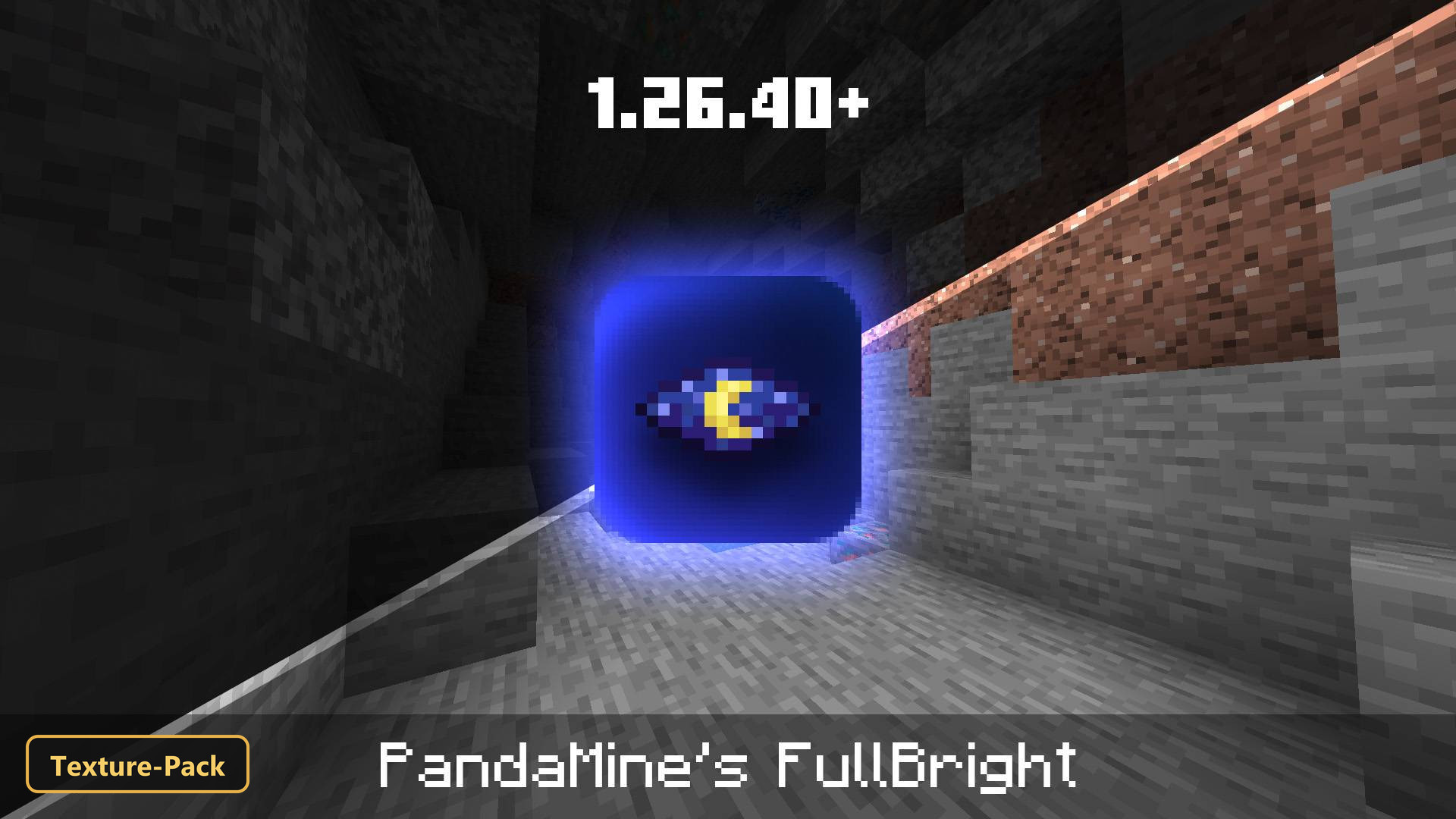
PandaMine's Fullbright (26+) – MCPE/Bedrock Texture Pack
PandaMine's Fullbright brightens every corner of the world, so caves and other dark areas stay readable and mobs are easy to spot whatever the light level.
⬇ Download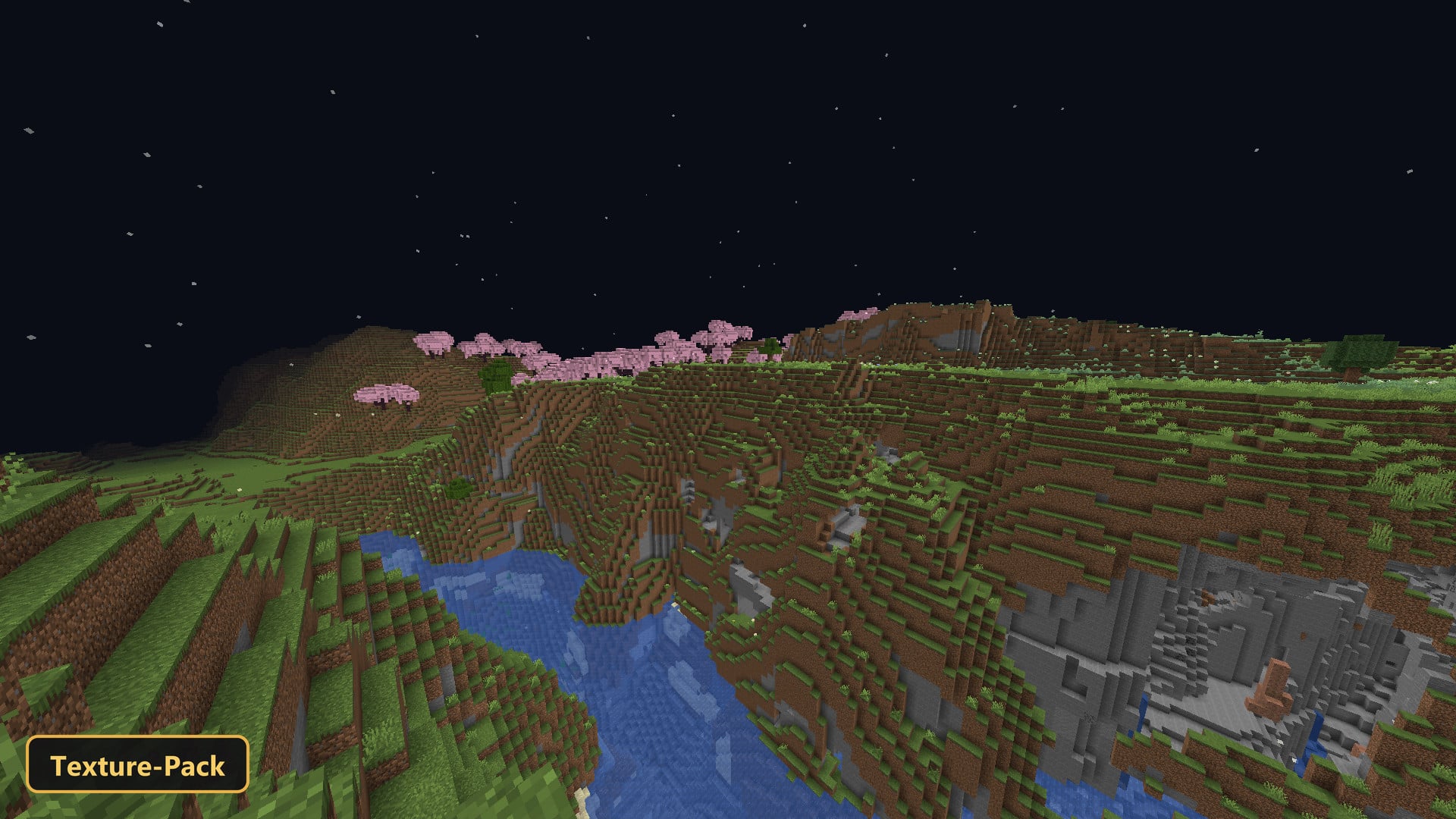
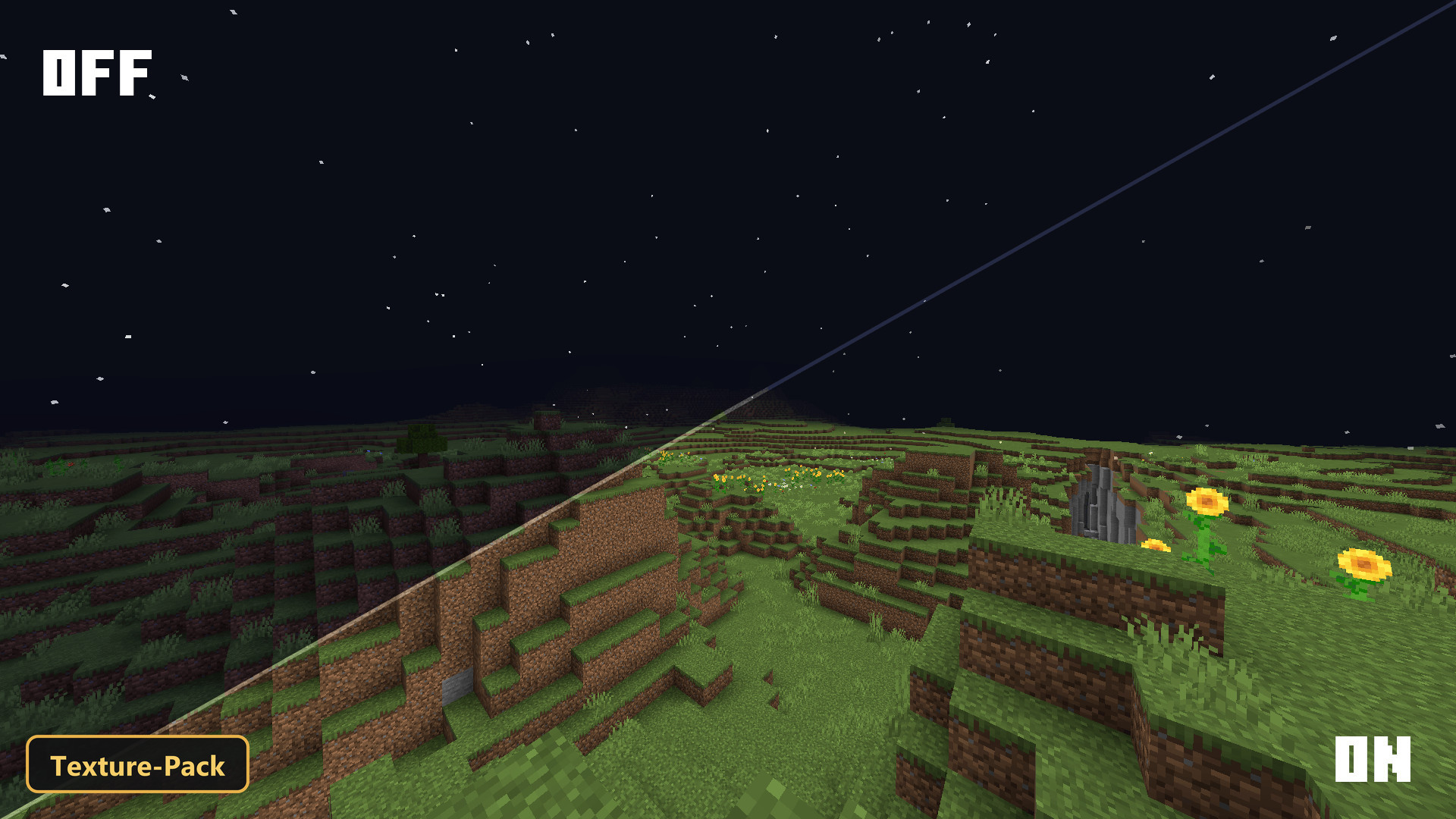
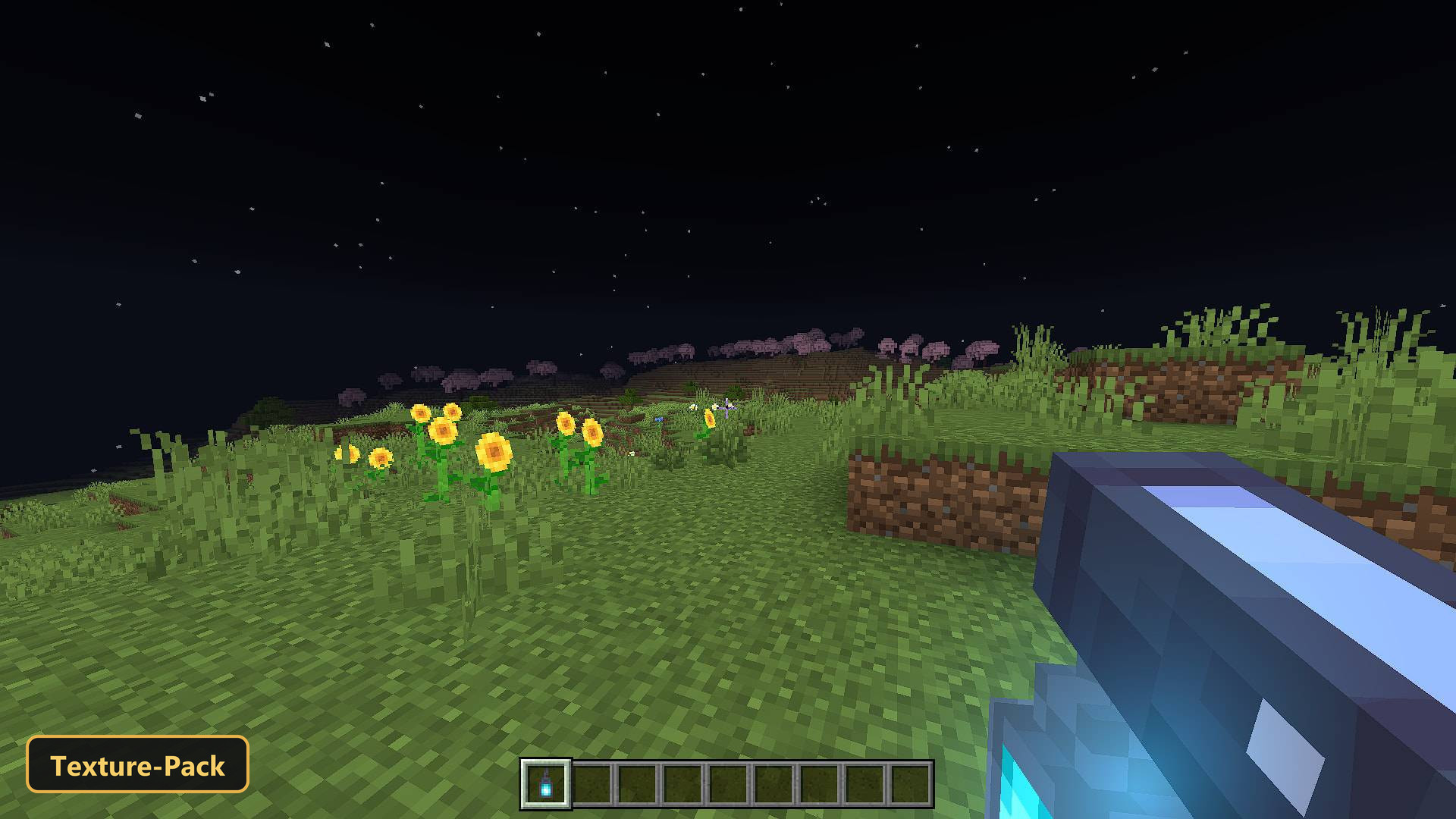
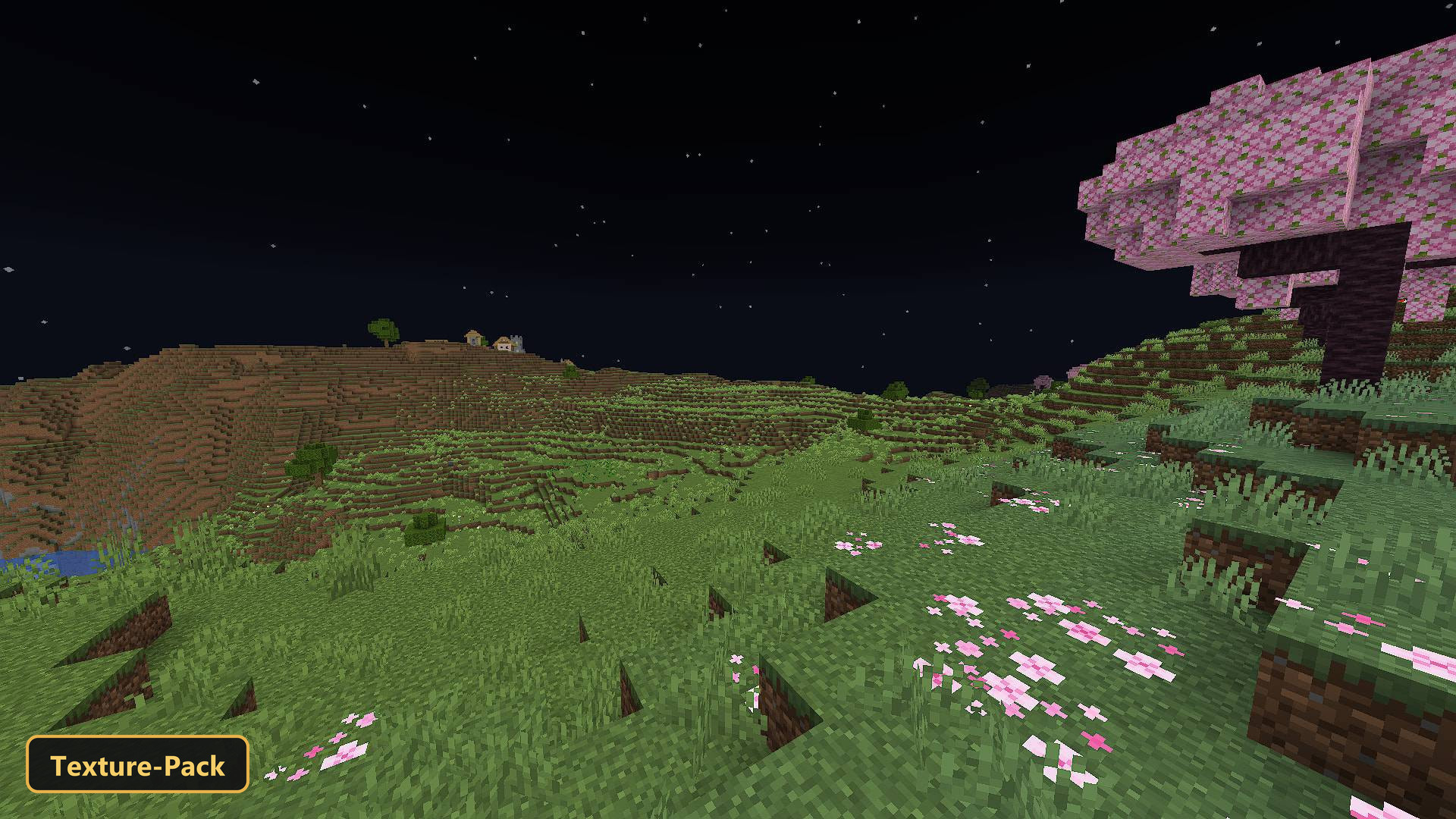
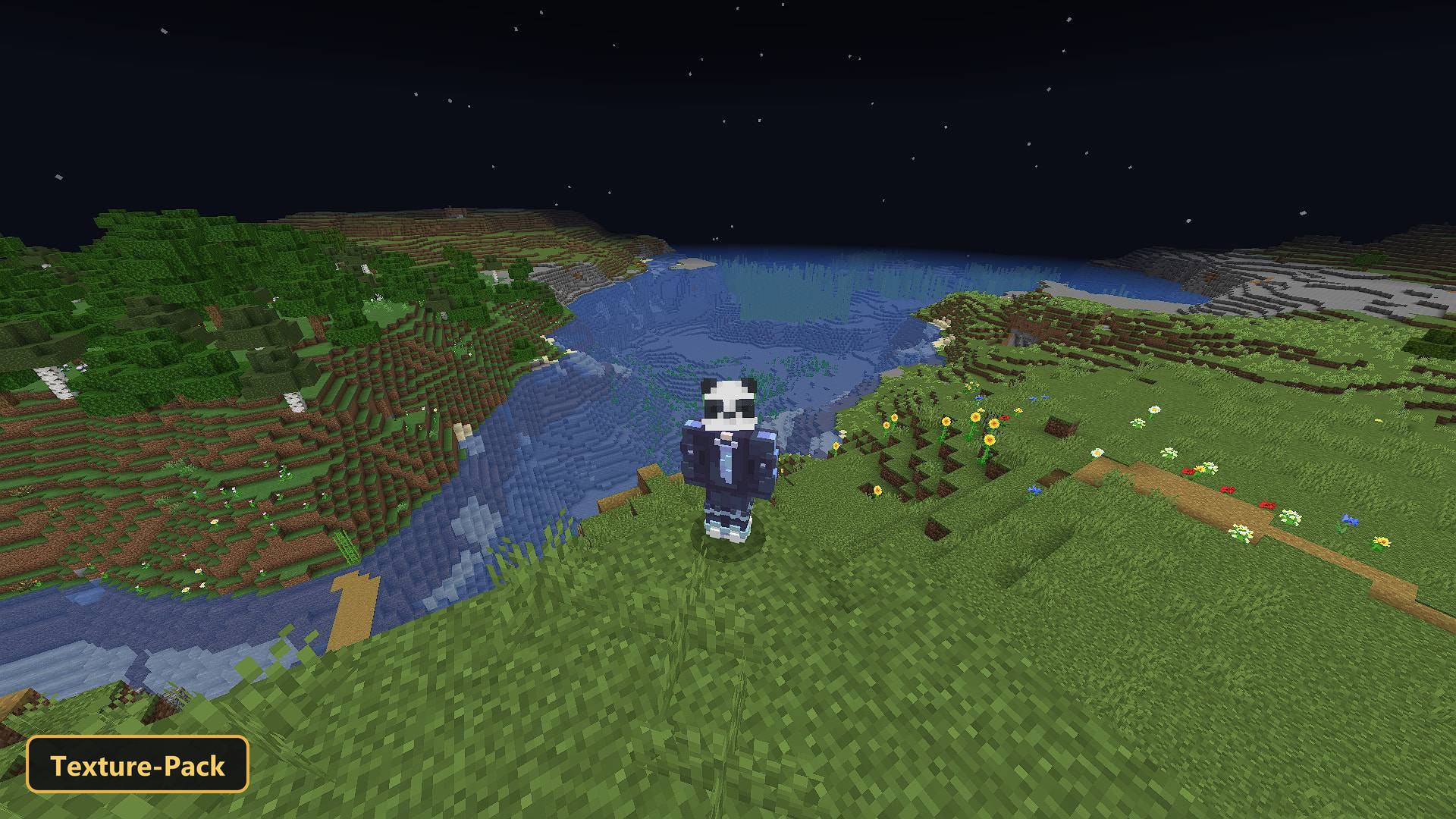
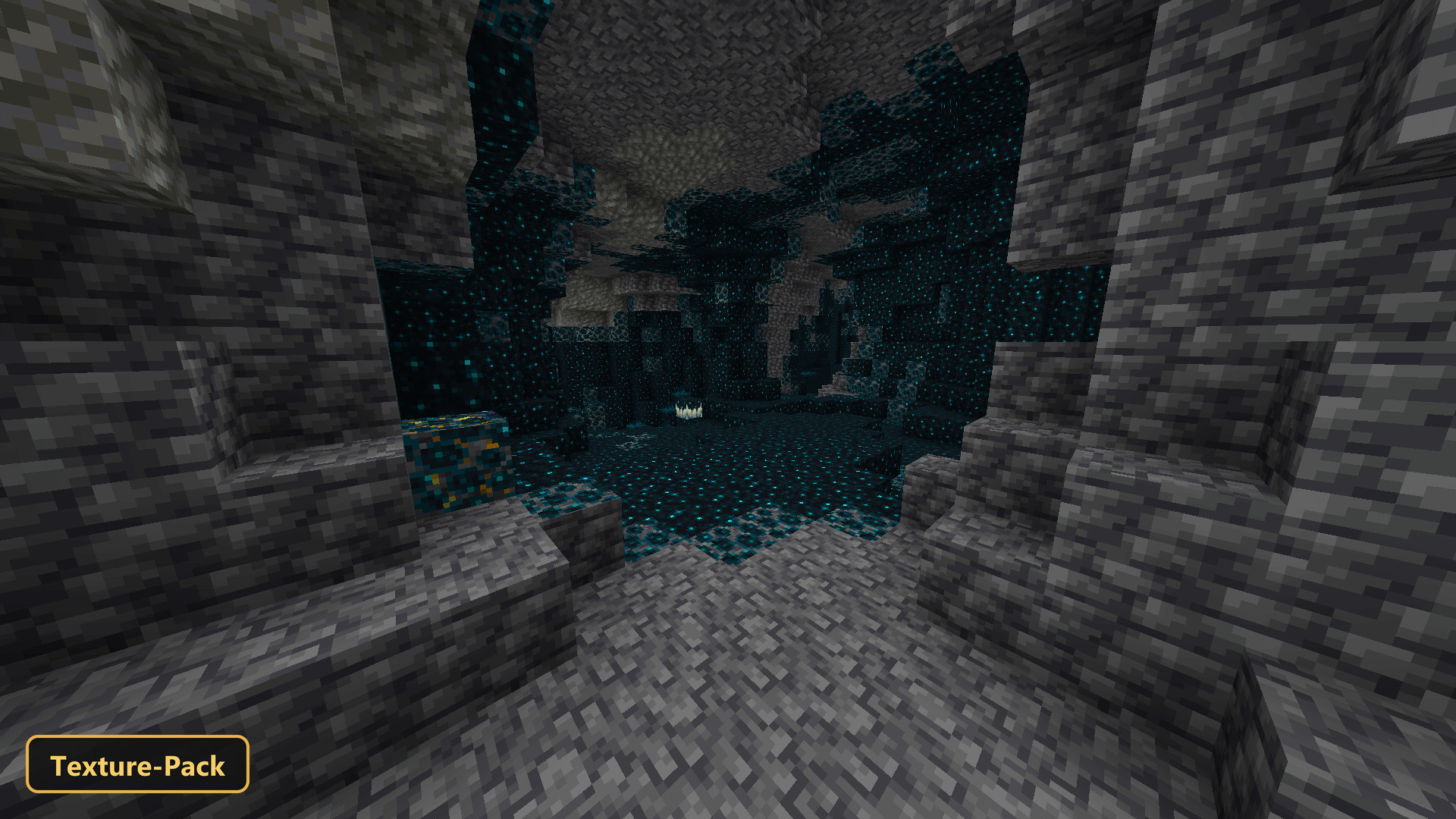
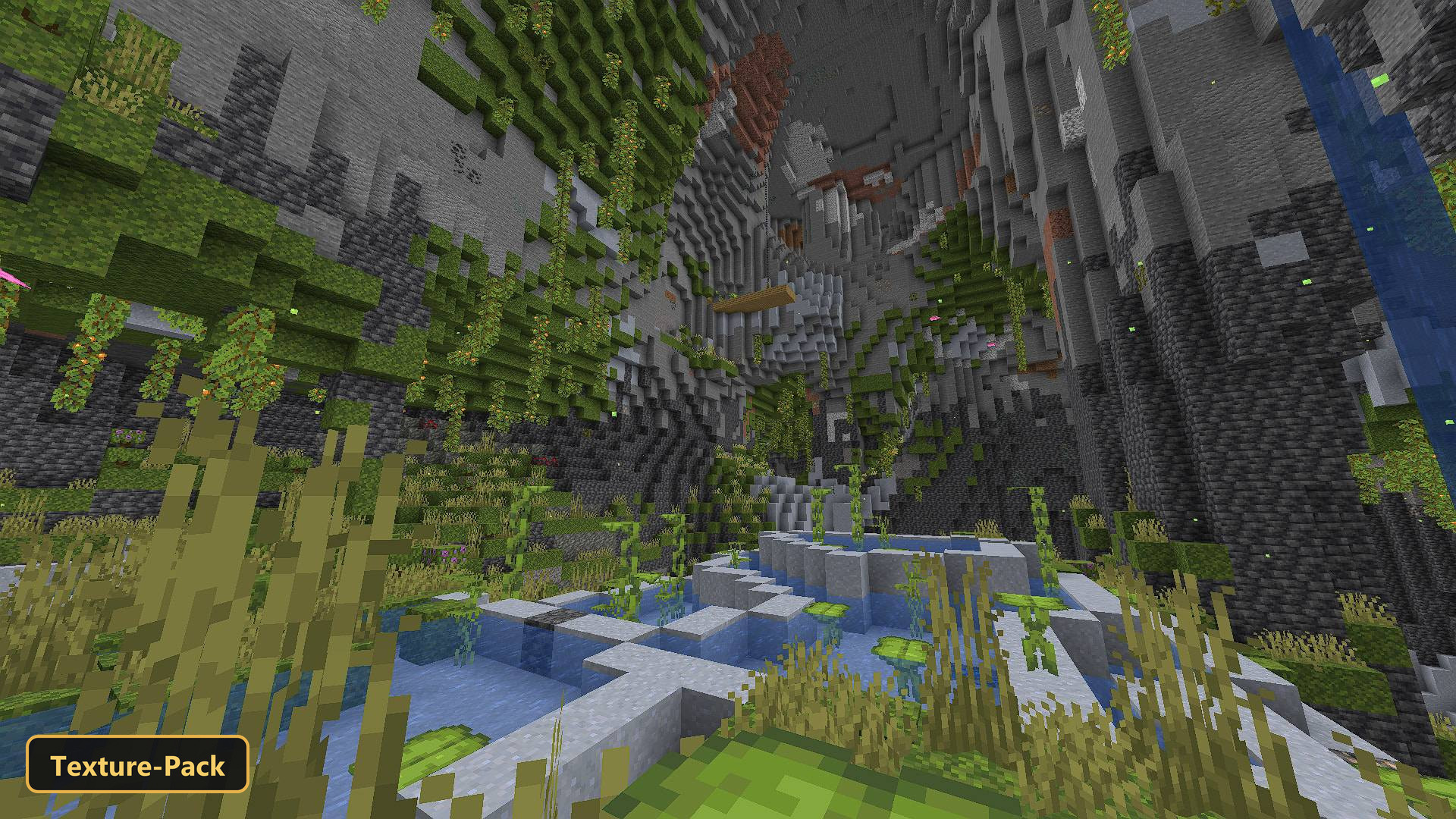
PandaMine’s Fullbright brightens every corner of the world, so caves and other dark areas stay readable and mobs are easy to spot whatever the light level. It works as a RenderDragon shader rather than a plain texture pack.
Beyond the fullbright effect, the pack adds custom sun and moon lighting through the day-night cycle and a few UI tweaks. The goal is a consistently bright view for players who dislike dark spots while exploring underground or fighting hostile mobs. Separate builds exist for android, ios and windows, so each player should pick the one that matches the device.
Requirements:
- MCPE/Bedrock 26.40
- RenderDragon shader (not a plain texture pack)
- Separate builds per platform: android, ios, windows
Features:
- RenderDragon shader (not a plain texture pack)
- Custom sun and moon lighting through the day-night cycle
- Also includes custom UI tweaks
Screenshots:
- Edition: Minecraft Bedrock
- File type: .mcpack
- How to install: Download the .mcpack. → Open it — Minecraft imports it under Resource Packs. → Activate it in Global Resources, or for one world under Resource Packs → Available.
- Where to get it: In MCModsHub, or directly above on this page.
Install steps are the general flow for this file type — How to install Minecraft Bedrock texture packs walks through it step by step.
- Pack type: .mcpack — a single pack
- Manifest requires Minecraft 1.26.30 or newer
- Complete pack — everything it depends on is inside the file
- Download link checked 22 Sept 2026 — working
- Mirrored on our own servers — the download does not depend on the original host
These come from our own check of the pack file, not from the source page.