ShadersBedrock
Baku Abandoned City Shader (26.x, 1.21) – Cinematic Sunlight and Smooth Water
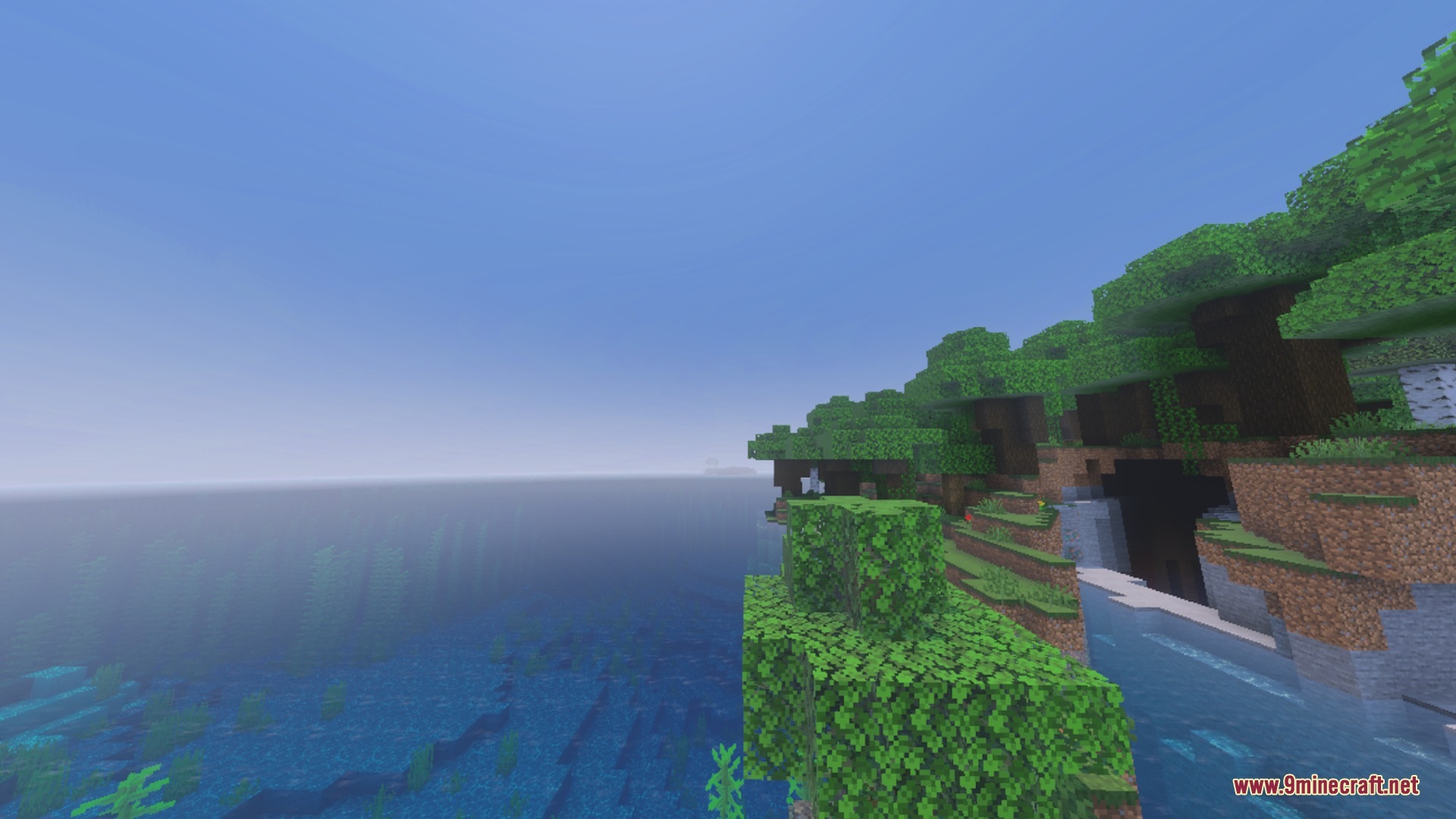
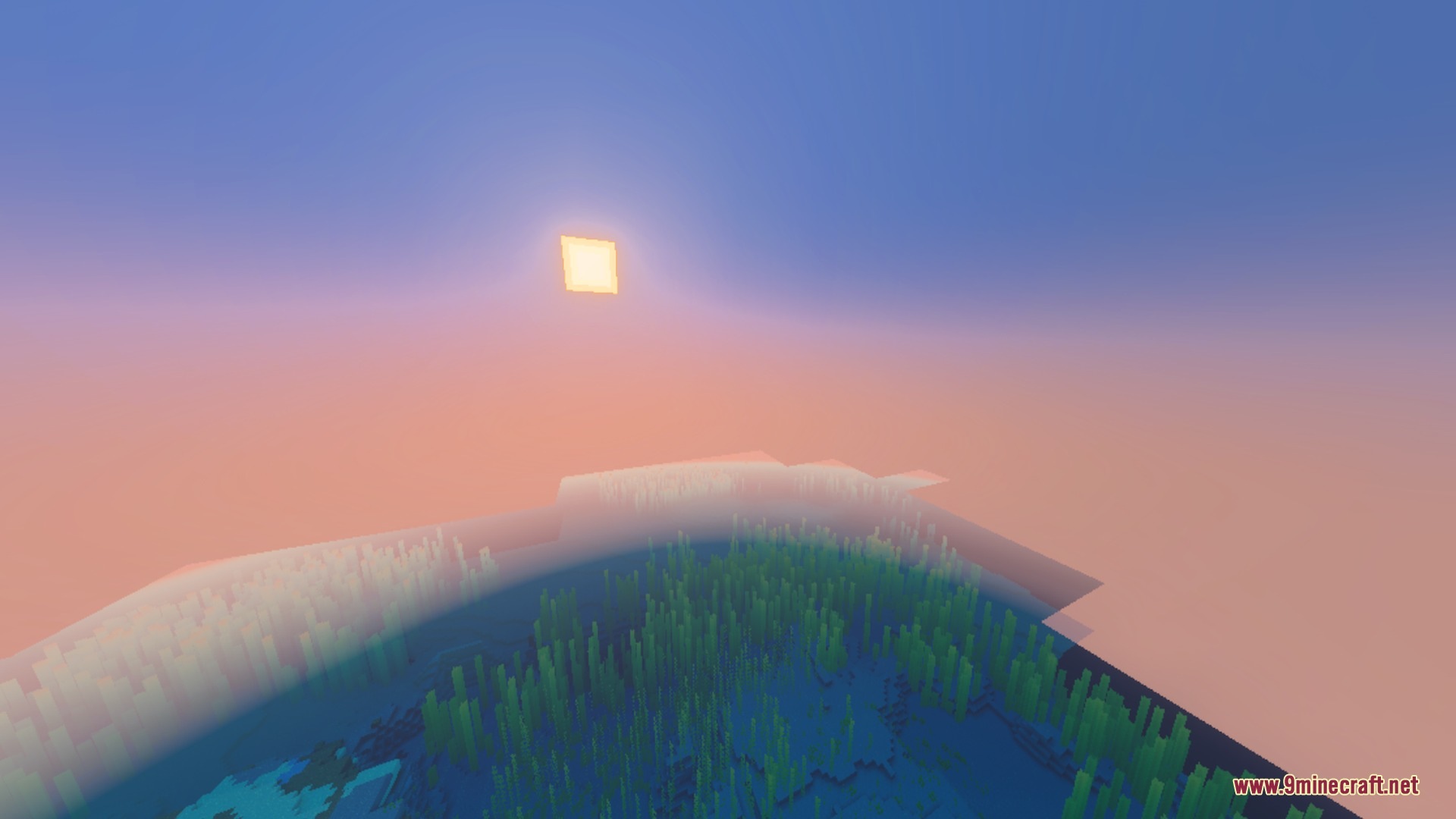
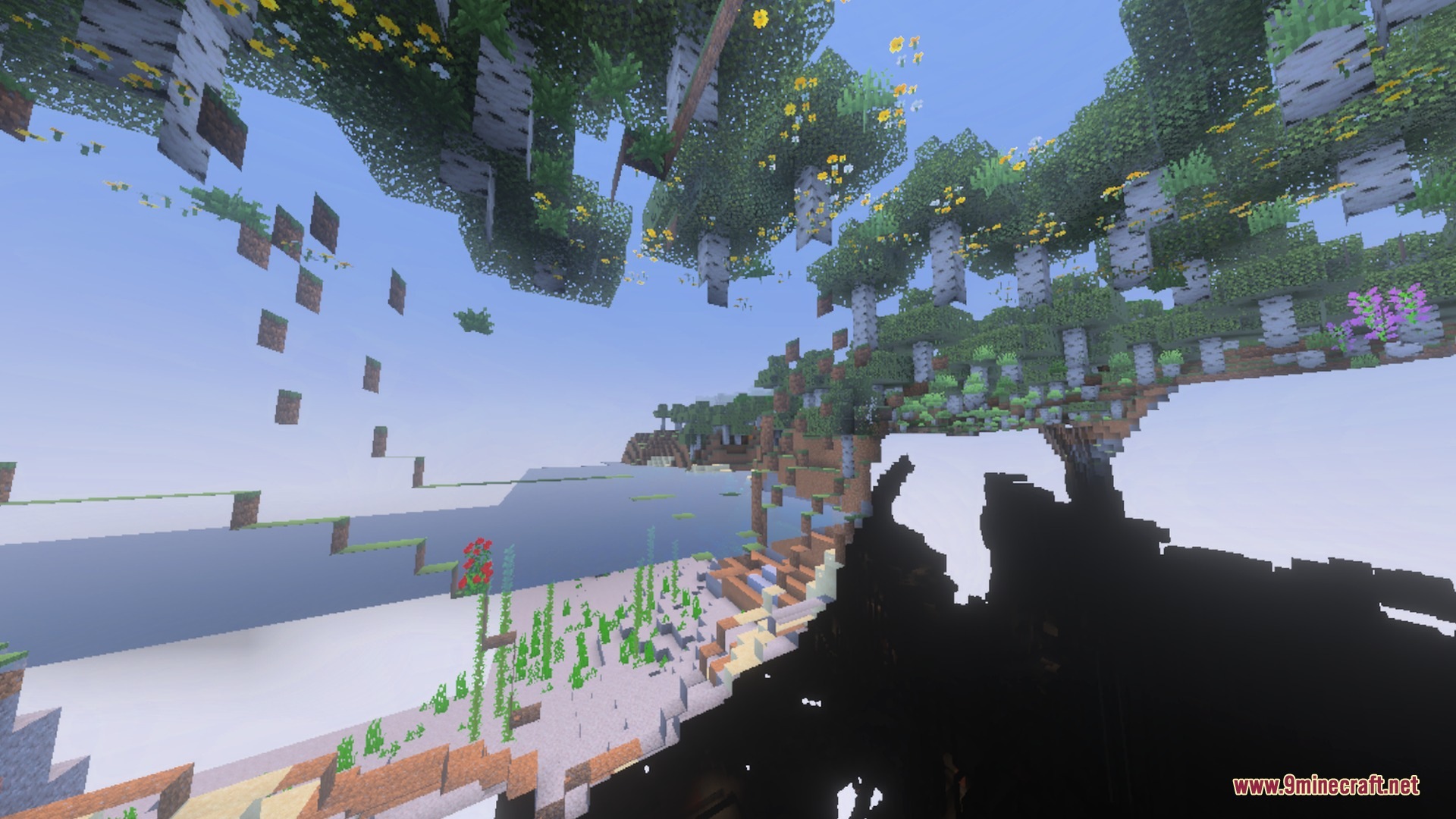
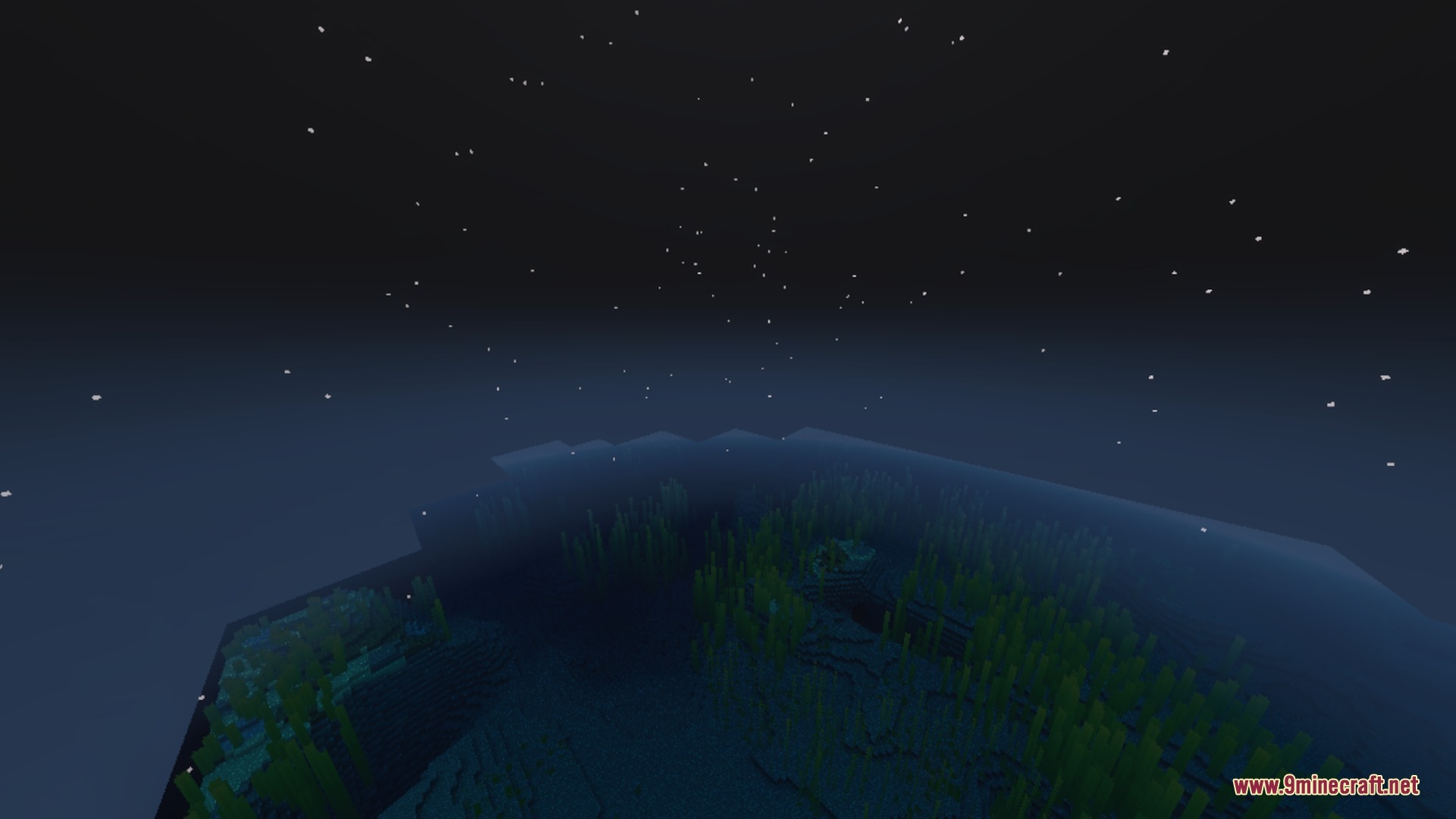
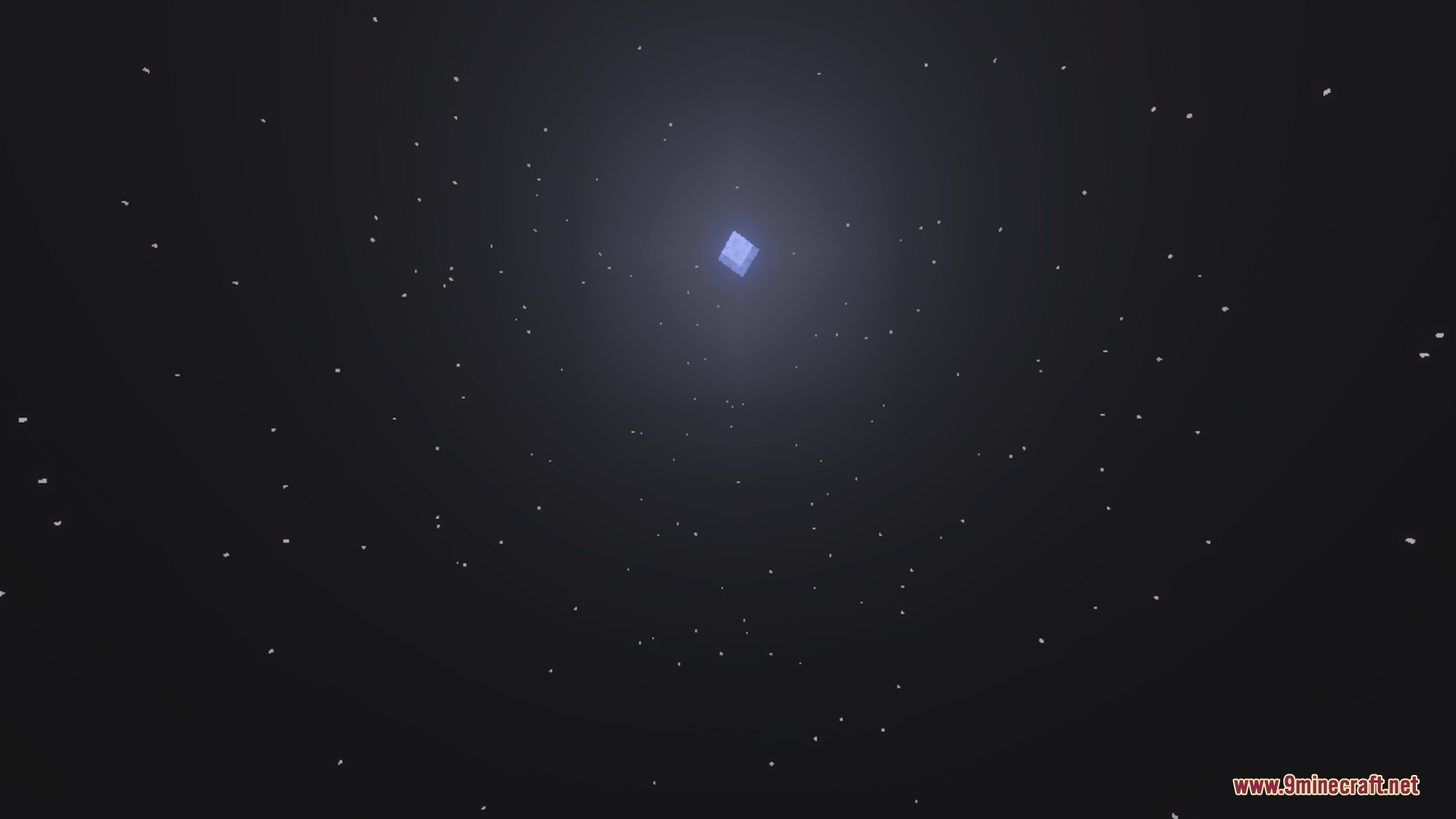
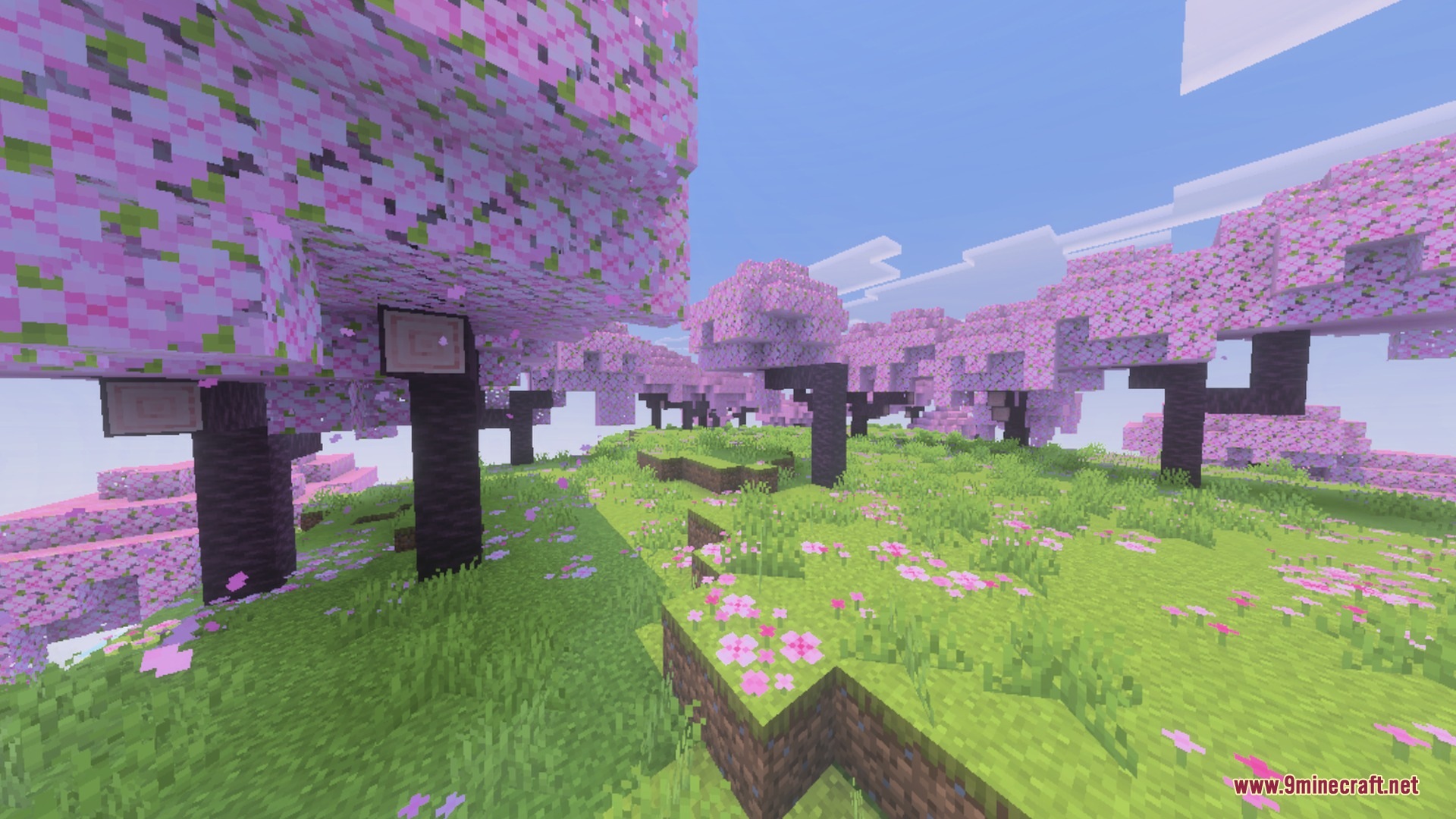
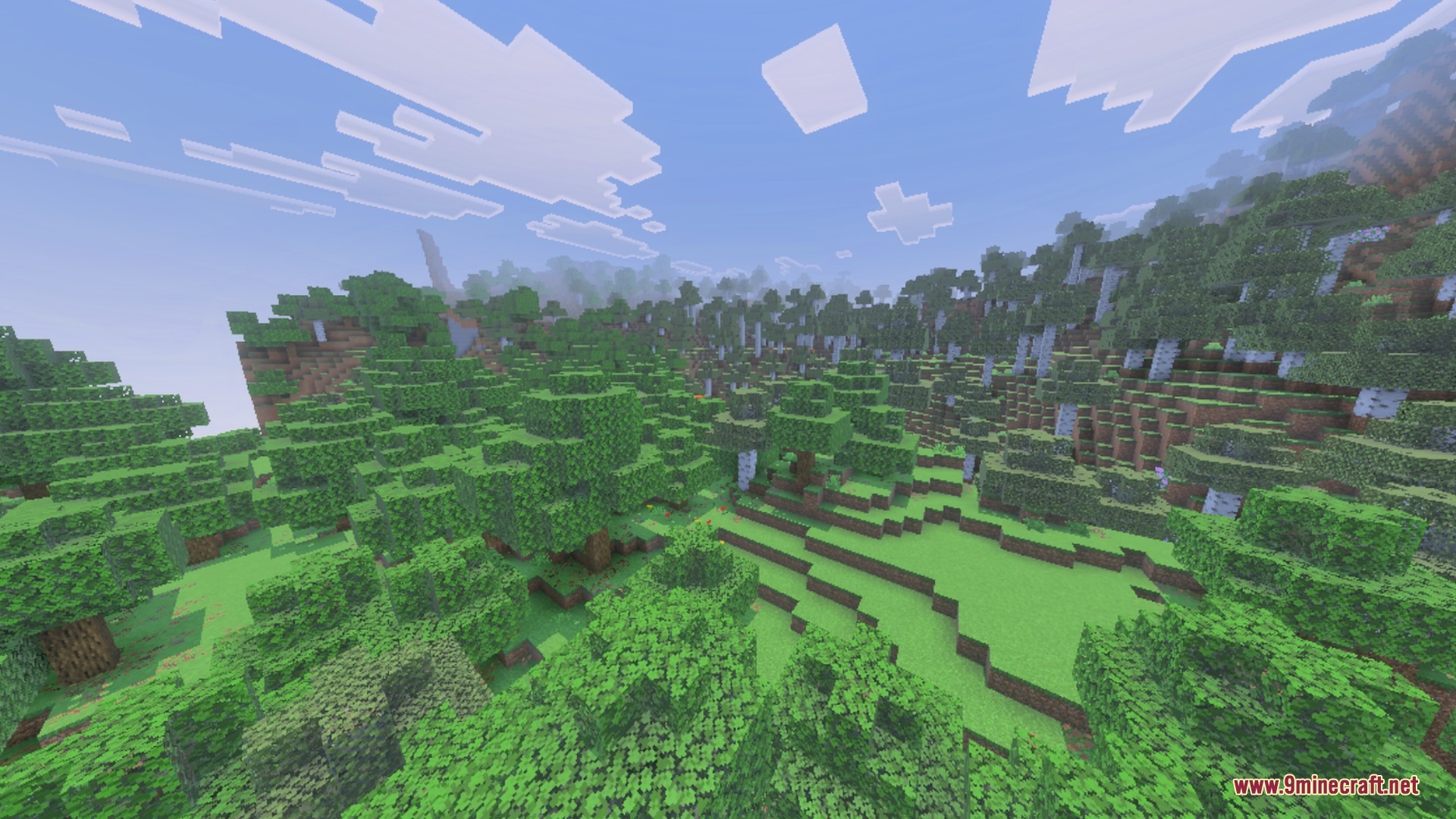
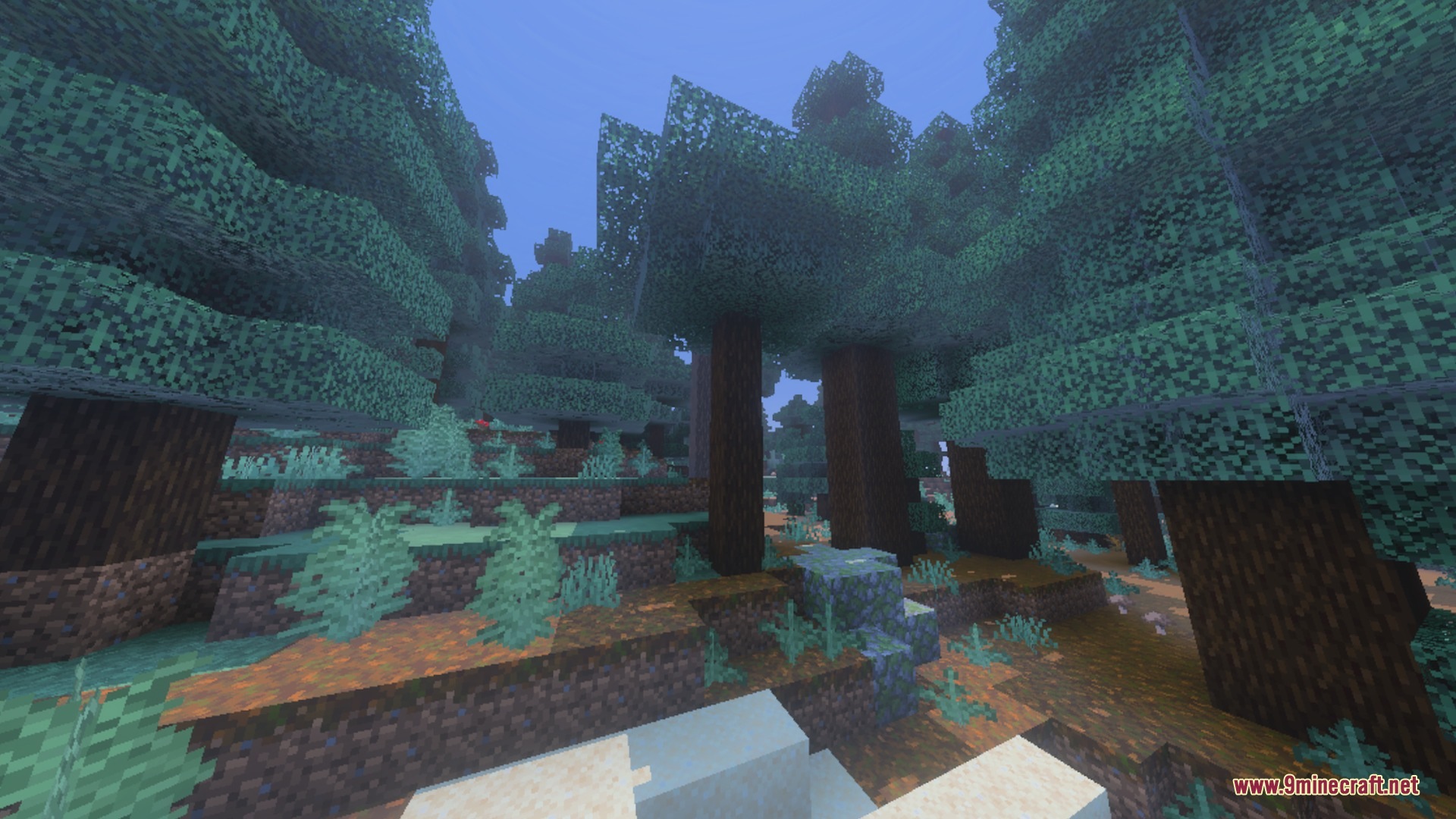
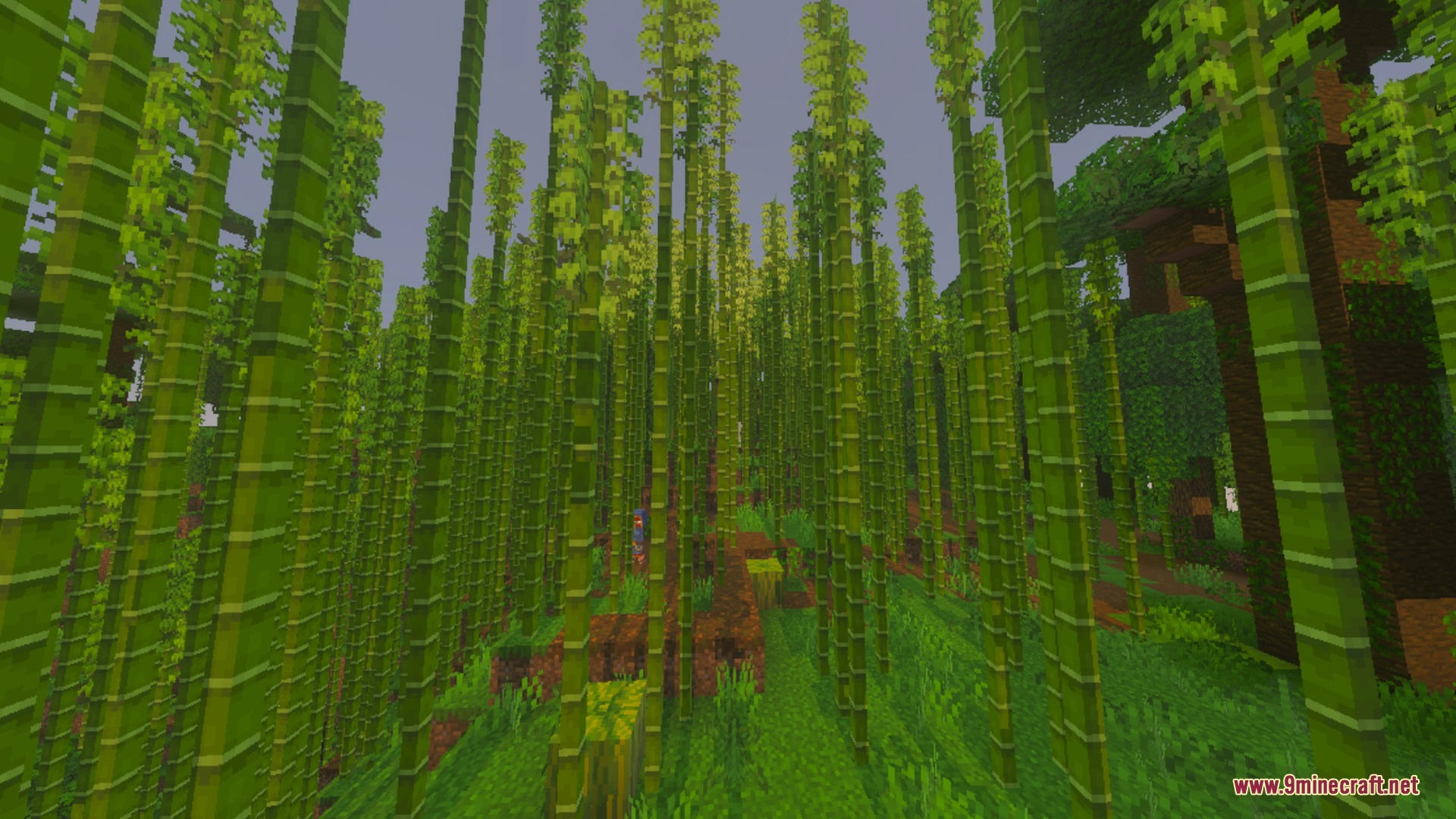
Baku Abandoned City upgrades your world with a soft, cinematic daylight look built for the Vibrant Visuals graphics mode. It adds warm sunlight, gentle atmospheric fog, and calm teal water while keeping the classic block style intact. The lightweight design provides smooth visual improvements across all supported devices.
Features:
- Soft warm sunlight with smooth highlights and balanced ambient shadows.
- Multi-layered distance fog and bright horizon glow create depth.
- Translucent teal water features gentle surface waves and soft reflections.
- Cinematic color grading brings muted green tones to vegetation.
- Lightweight configuration ensures smooth performance across mobile and console devices.
Screenshots:
Baku Abandoned City Shader Download Links
Quick facts
- Edition: Minecraft Bedrock
- File type: .mcpack
- Minecraft version listed: 1.21
- How to install: Download the .mcpack. → Open it — Minecraft imports it under Resource Packs. → Activate it in Global Resources, or for one world under Resource Packs → Available.
- Where to get it: In MCModsHub, or directly above on this page.
Install steps are the general flow for this file type — How to install Minecraft Bedrock texture packs walks through it step by step.
Verified by MCModsHub
- Pack type: .mcpack — a single pack
- Manifest requires Minecraft 1.21.120 or newer
- Complete pack — everything it depends on is inside the file
- Download link checked 22 Sept 2026 — working
- Mirrored on our own servers — the download does not depend on the original host
These come from our own check of the pack file, not from the source page.