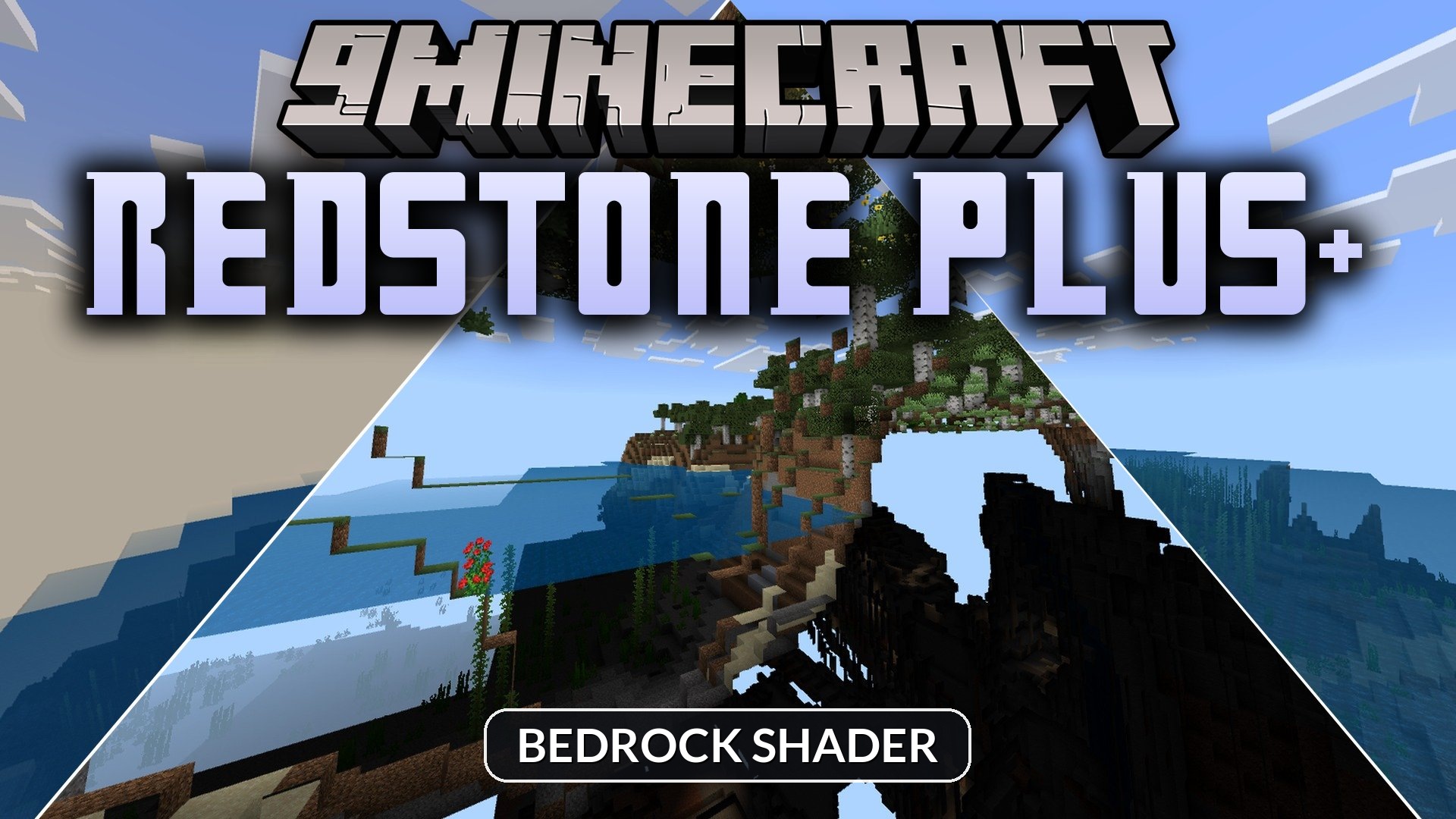
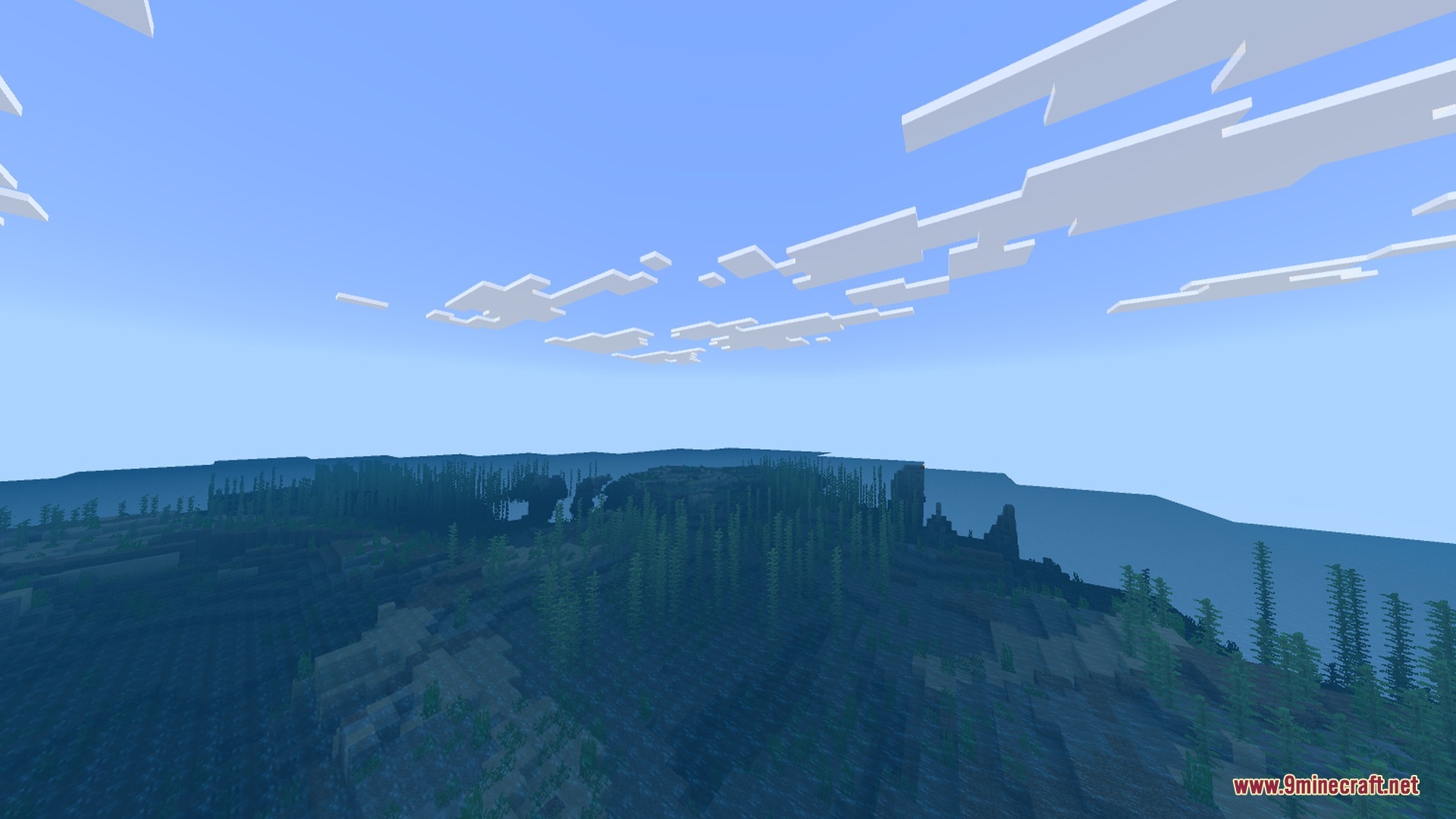
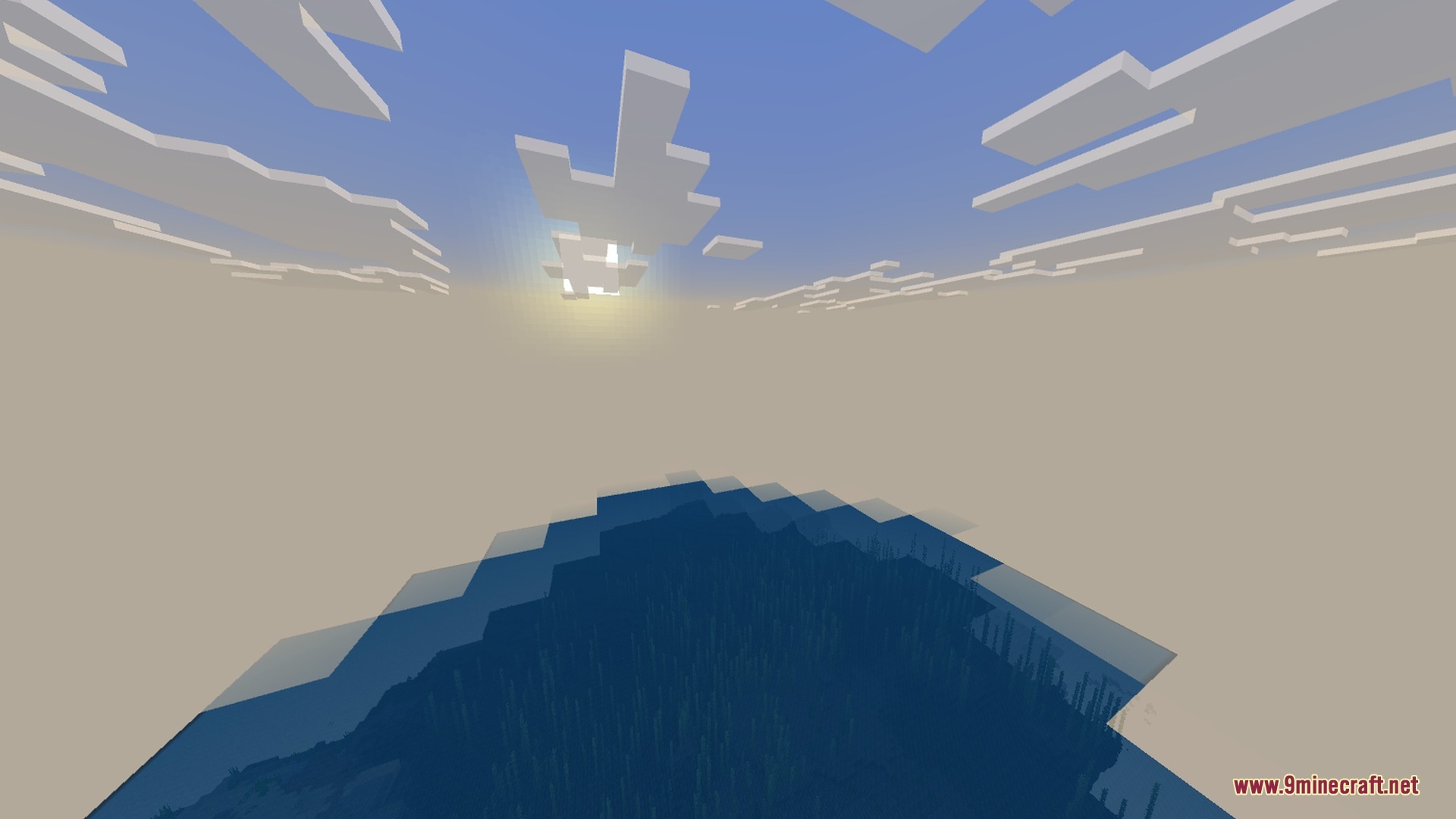
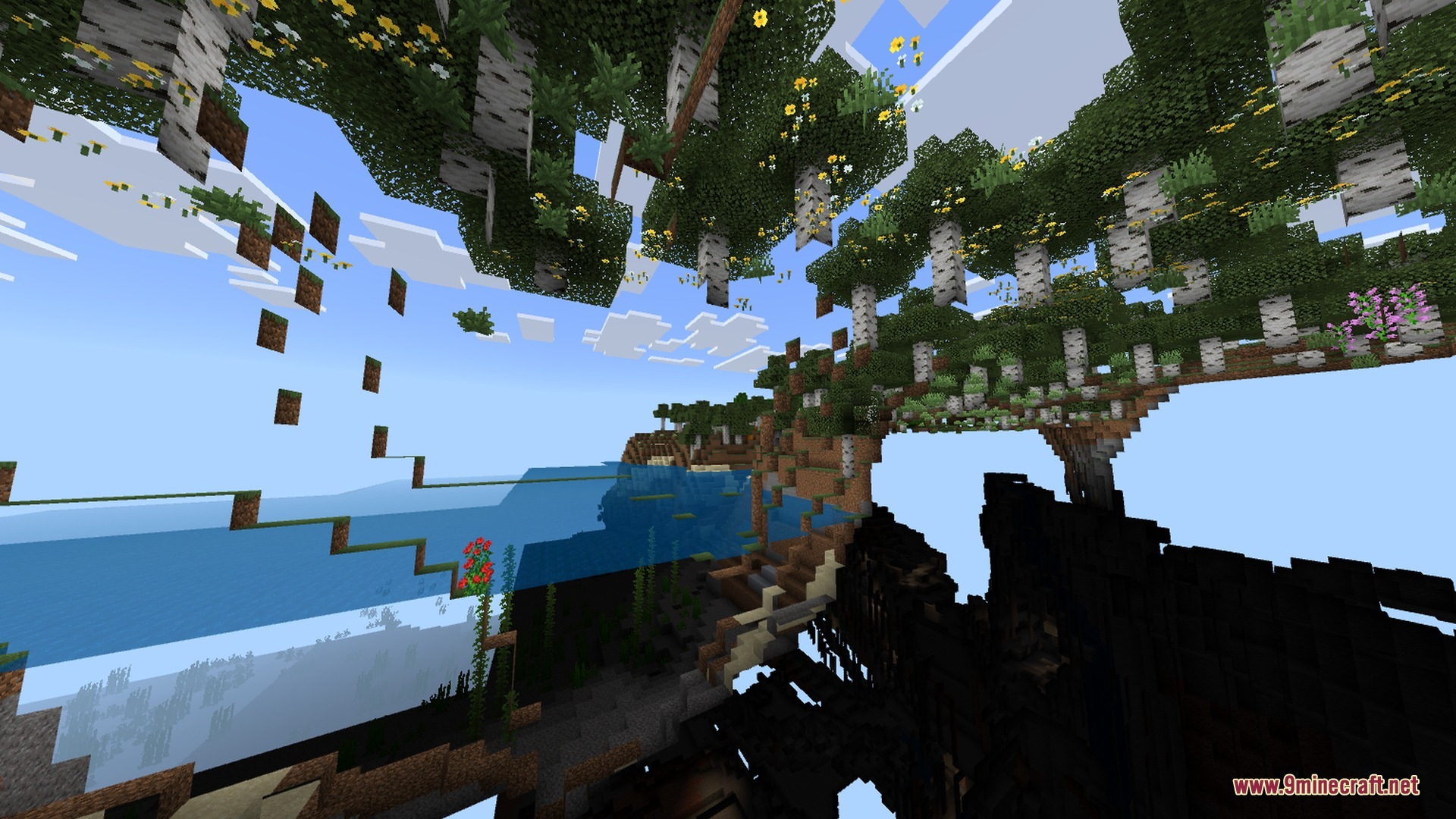
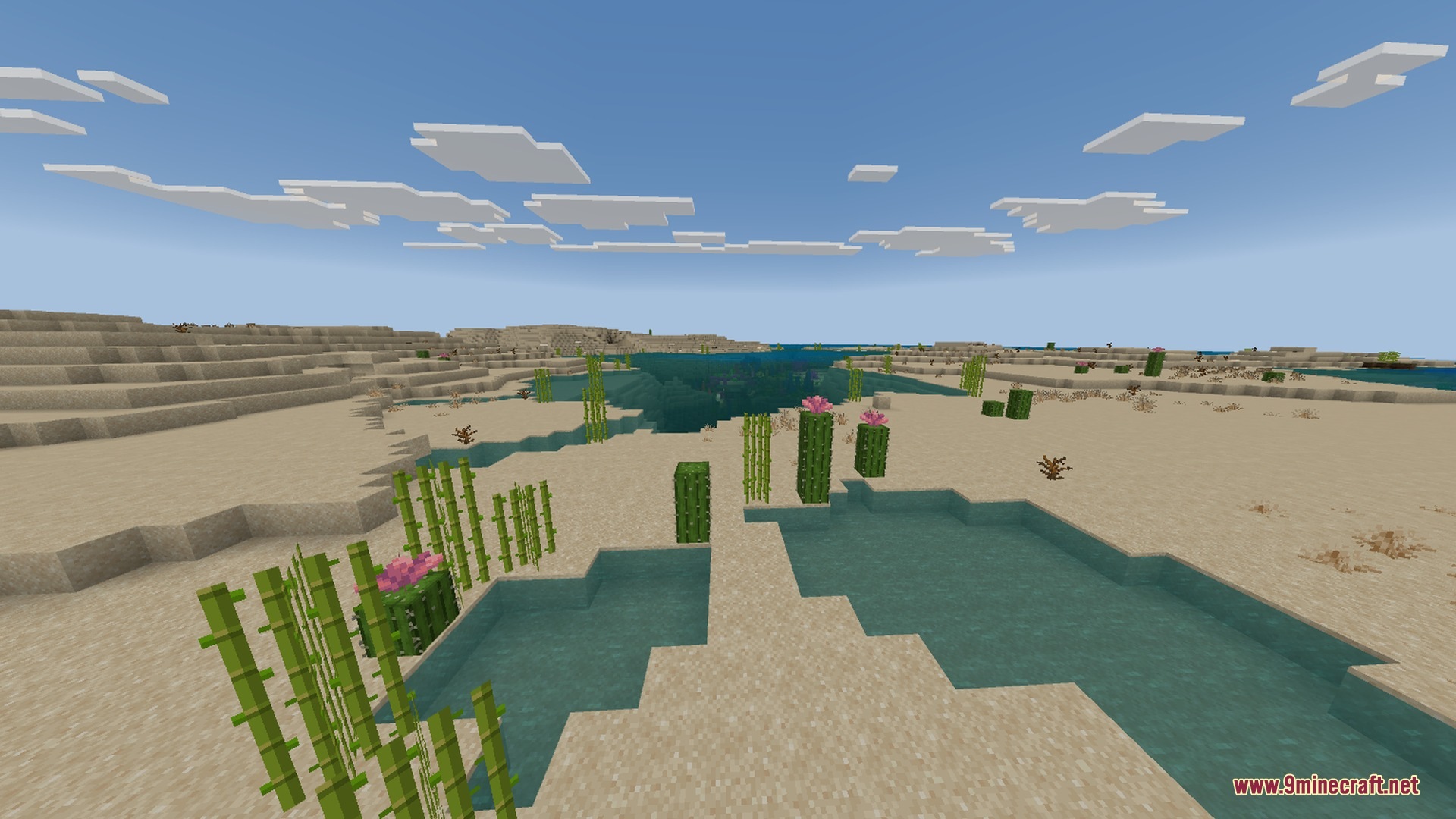
Redstone Plus+ improves visibility and visual clarity for technical builds in your world. It adds clear direction indicators to hoppers and observers while keeping mechanics completely vanilla. This visual upgrade runs smoothly on mobile devices and helps you build complex systems without mistakes.
Features:
- Directional indicators show exact hopper item flow.
- Observer faces clearly display their output direction.
- Clean lines make redstone dust and crosses easier to read.
- Updated visuals for redstone lamps and repeaters.
- Better visibility for tripwires and lodestone compasses.
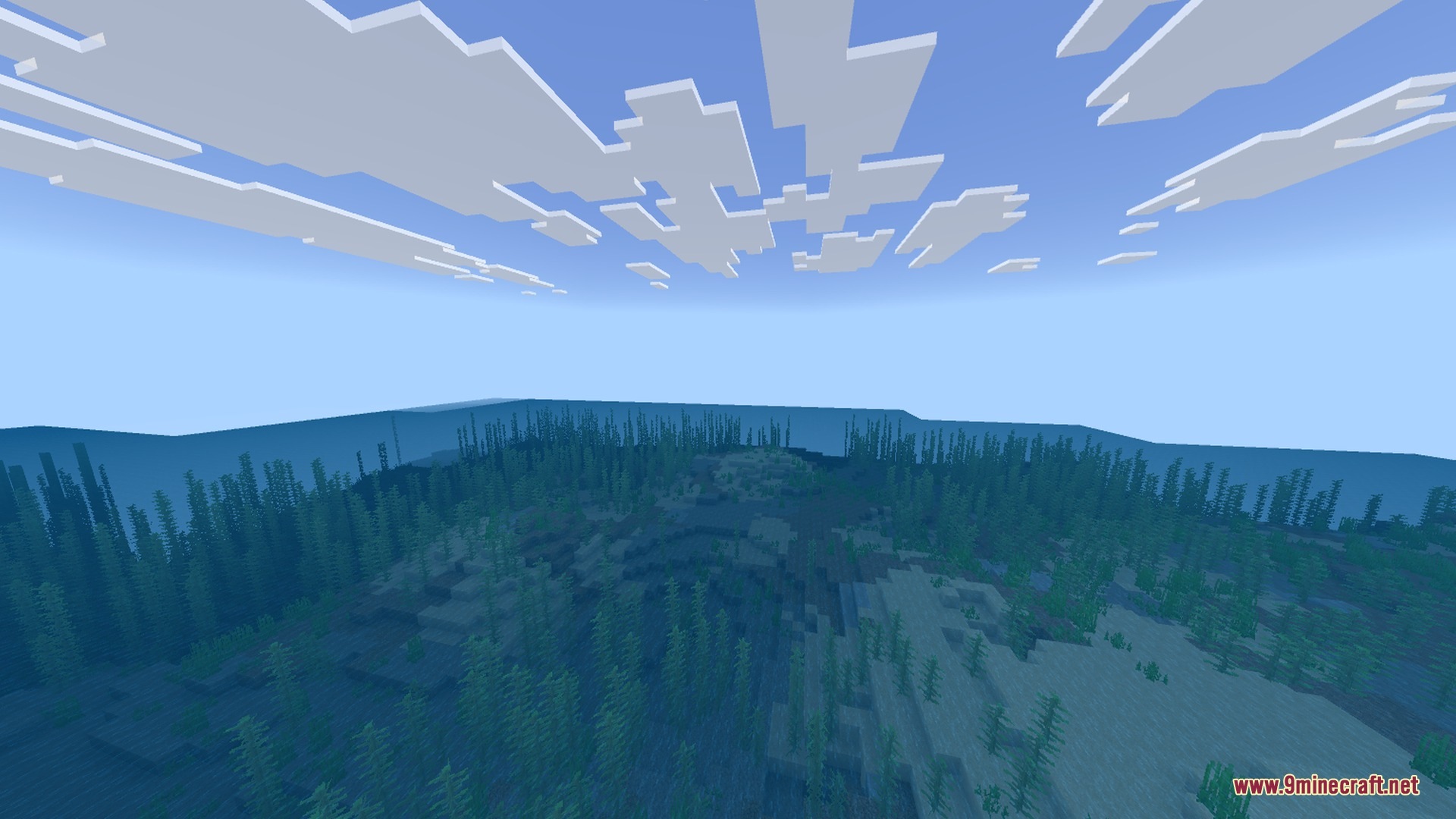
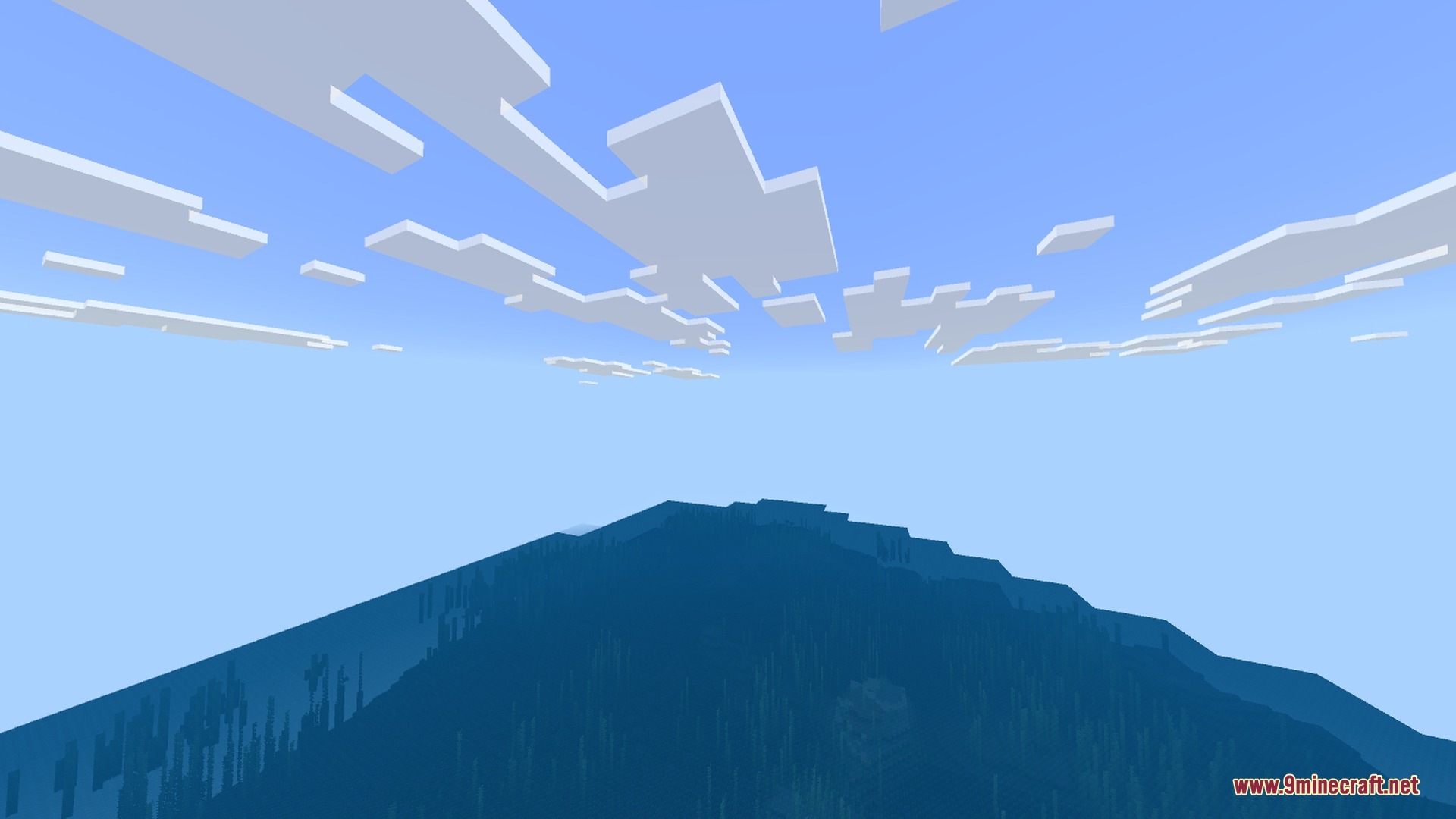
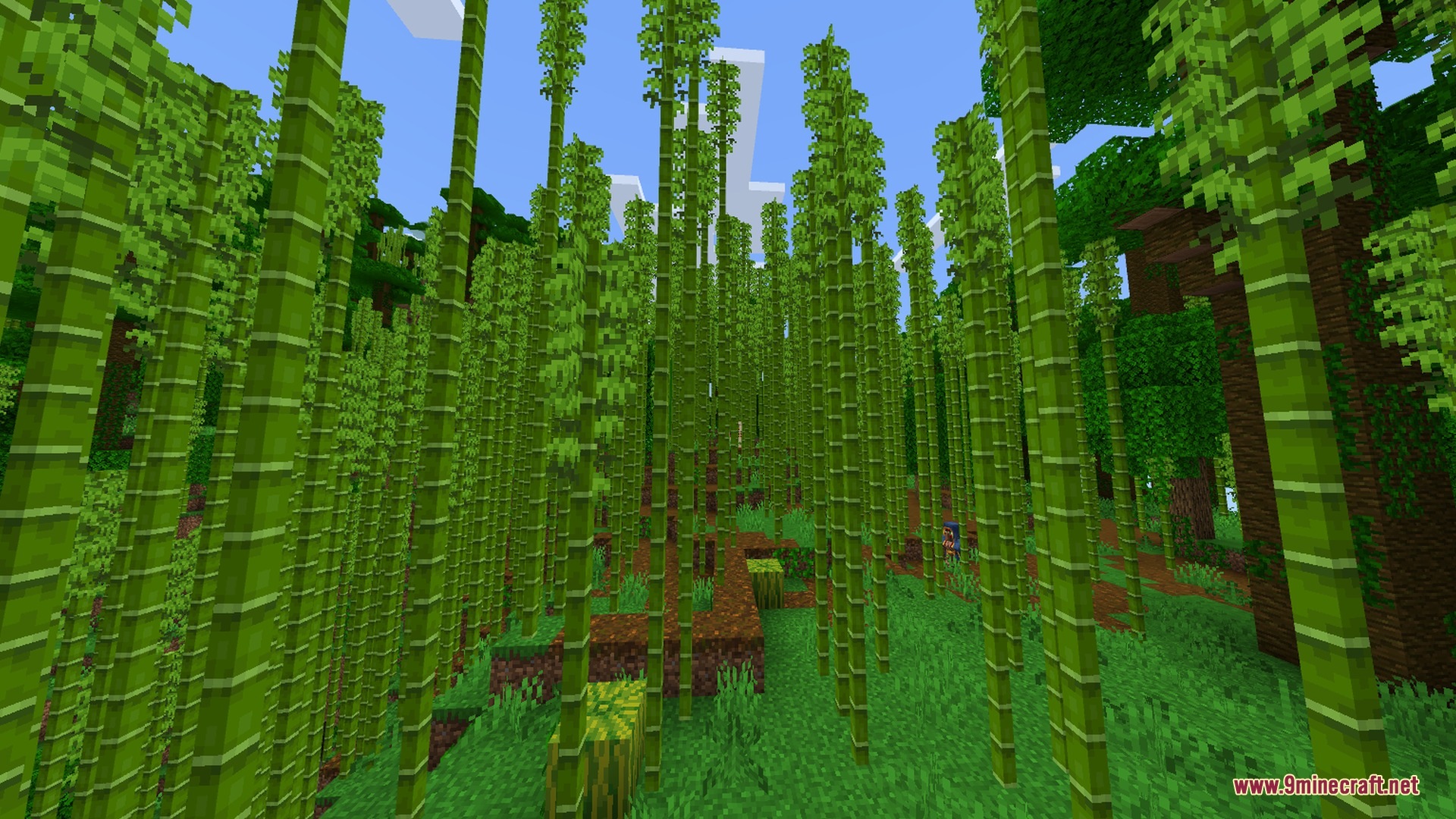
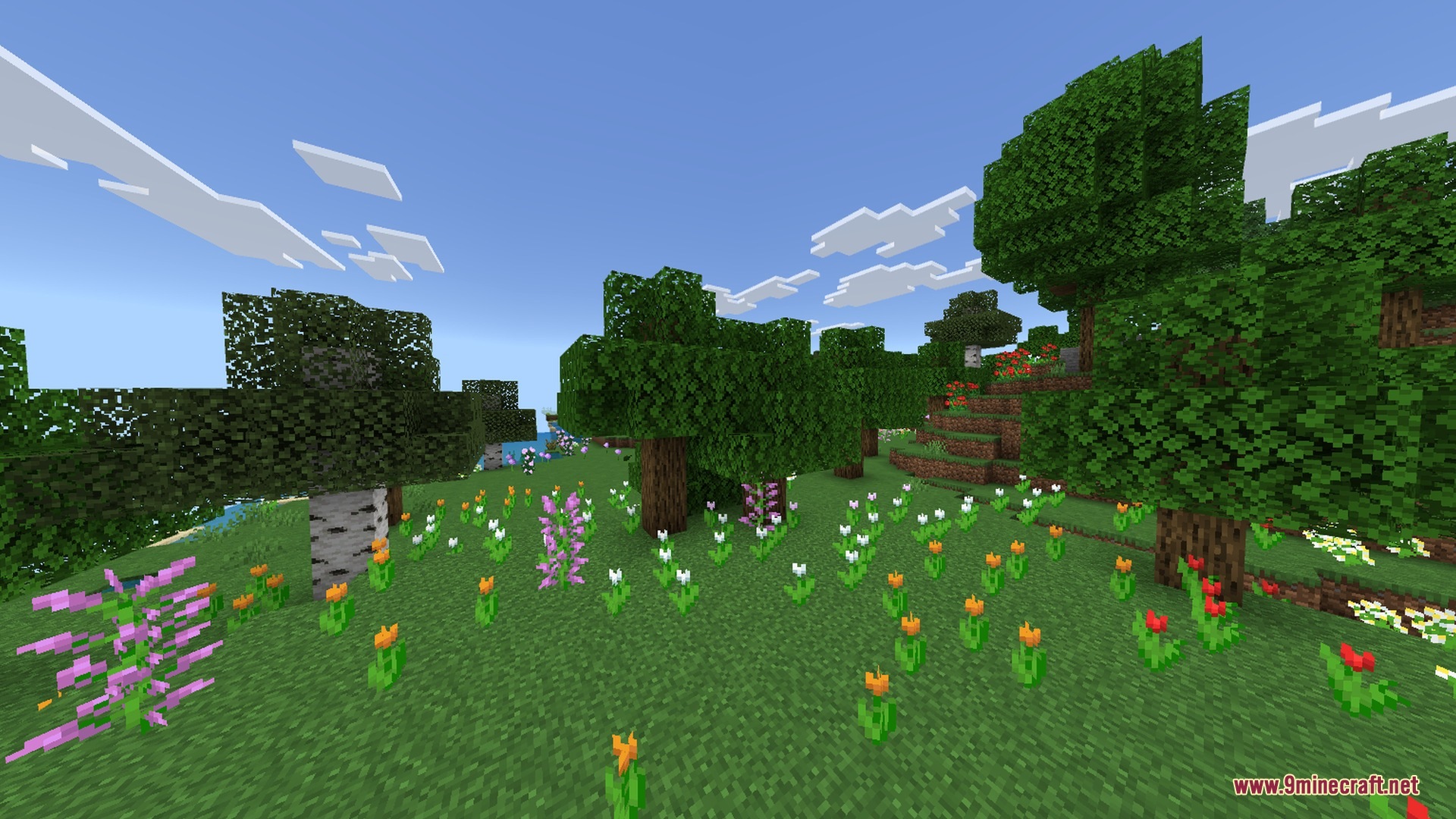
Screenshots:
Redstone Plus+ Shader Download Links
Quick facts
- Edition: Minecraft Bedrock
- File type: .mcpack
- Minecraft version listed: 1.21
- How to install: Download the .mcpack. → Open it — Minecraft imports it under Resource Packs. → Activate it in Global Resources, or for one world under Resource Packs → Available.
- Where to get it: In MCModsHub, or directly above on this page.
Install steps are the general flow for this file type — How to install Minecraft Bedrock texture packs walks through it step by step.
Verified by MCModsHub
- Pack type: .mcpack — a single pack
- Manifest requires Minecraft 1.26.0 or newer
- Complete pack — everything it depends on is inside the file
- Download link checked 22 Sept 2026 — working
- Mirrored on our own servers — the download does not depend on the original host
These come from our own check of the pack file, not from the source page.