ShadersBedrock
HORROR HILL VISUAL Shader (26.x, 1.21) – Volumetric Fog and Desaturated Tones
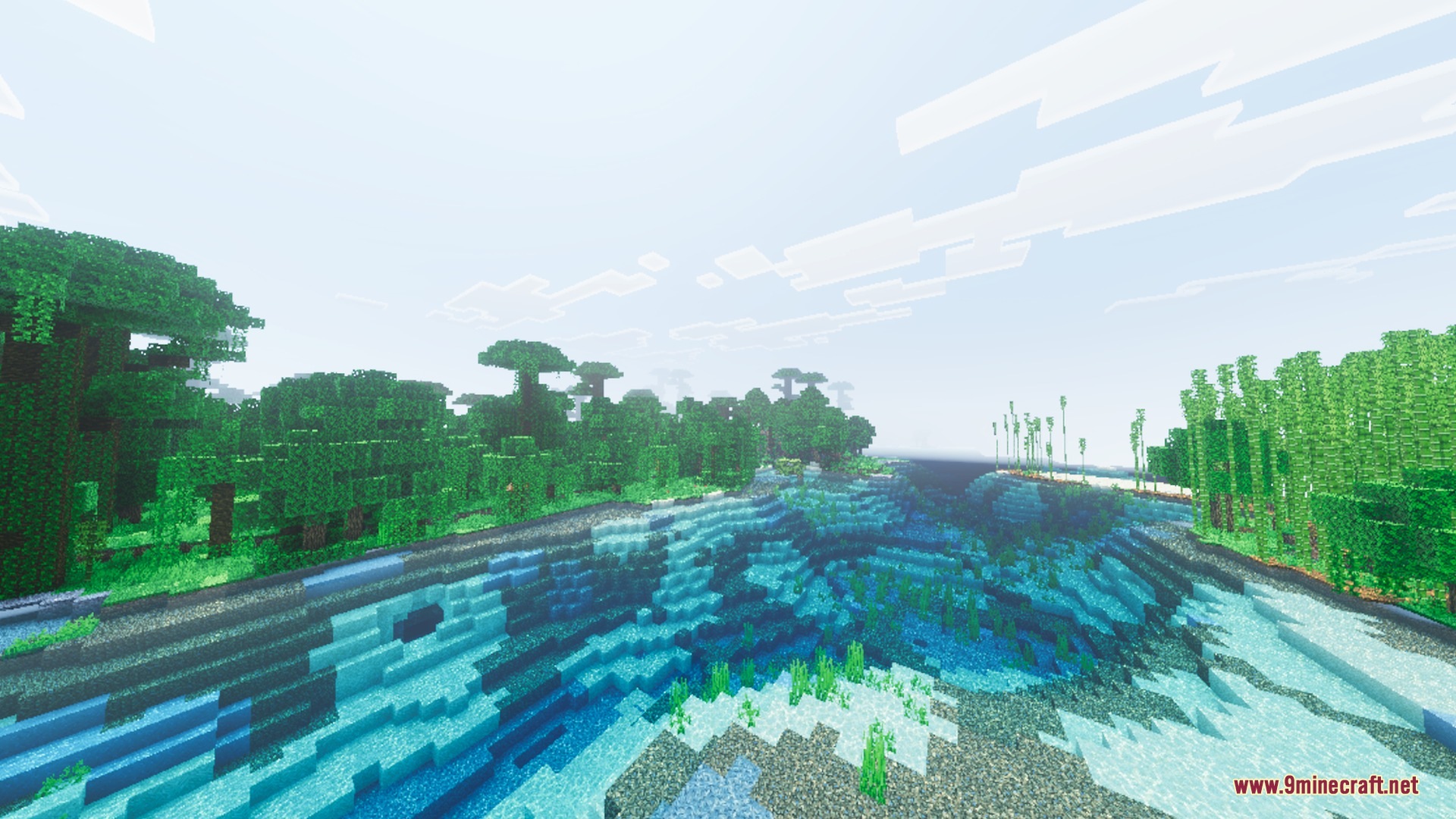
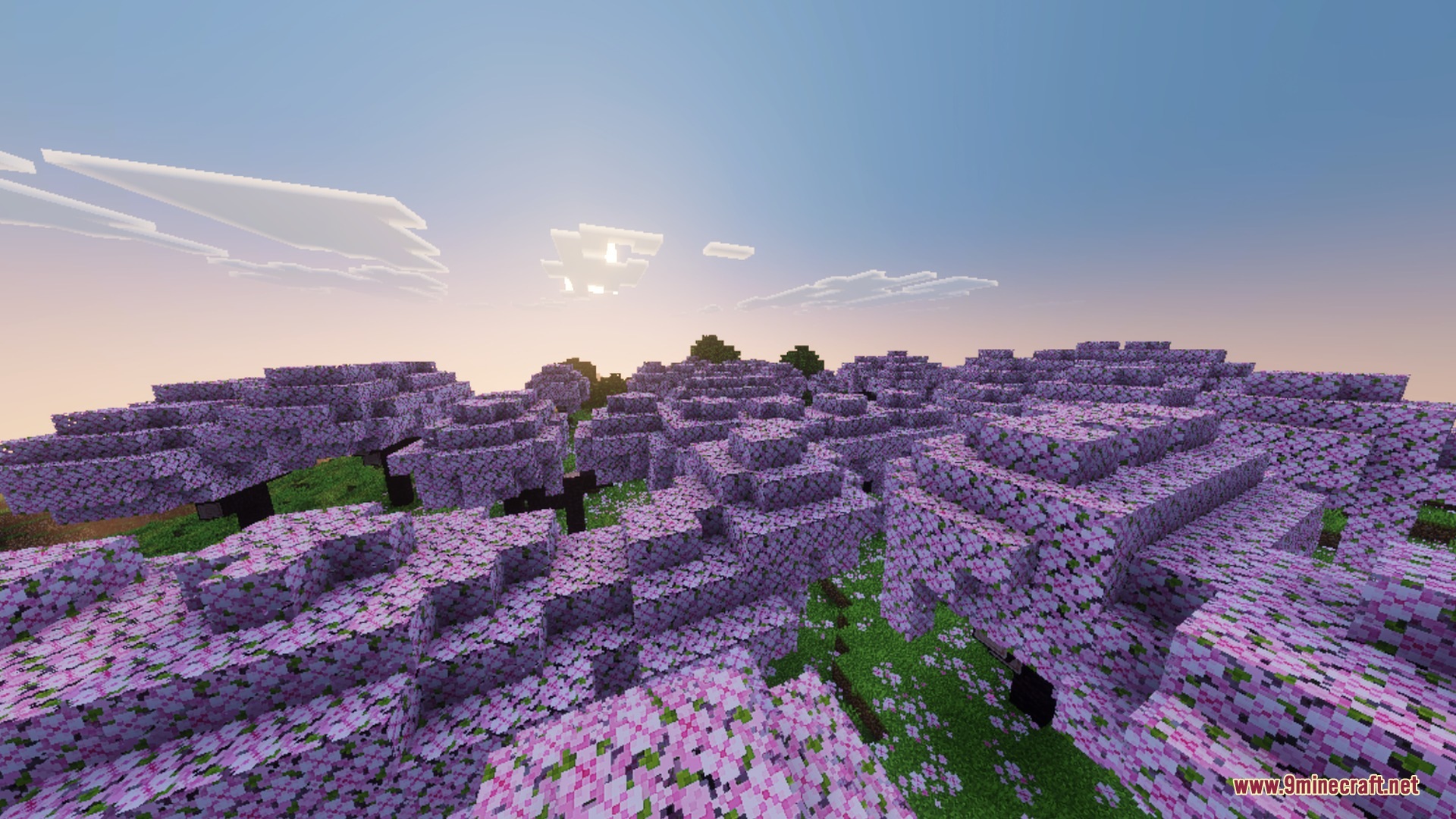
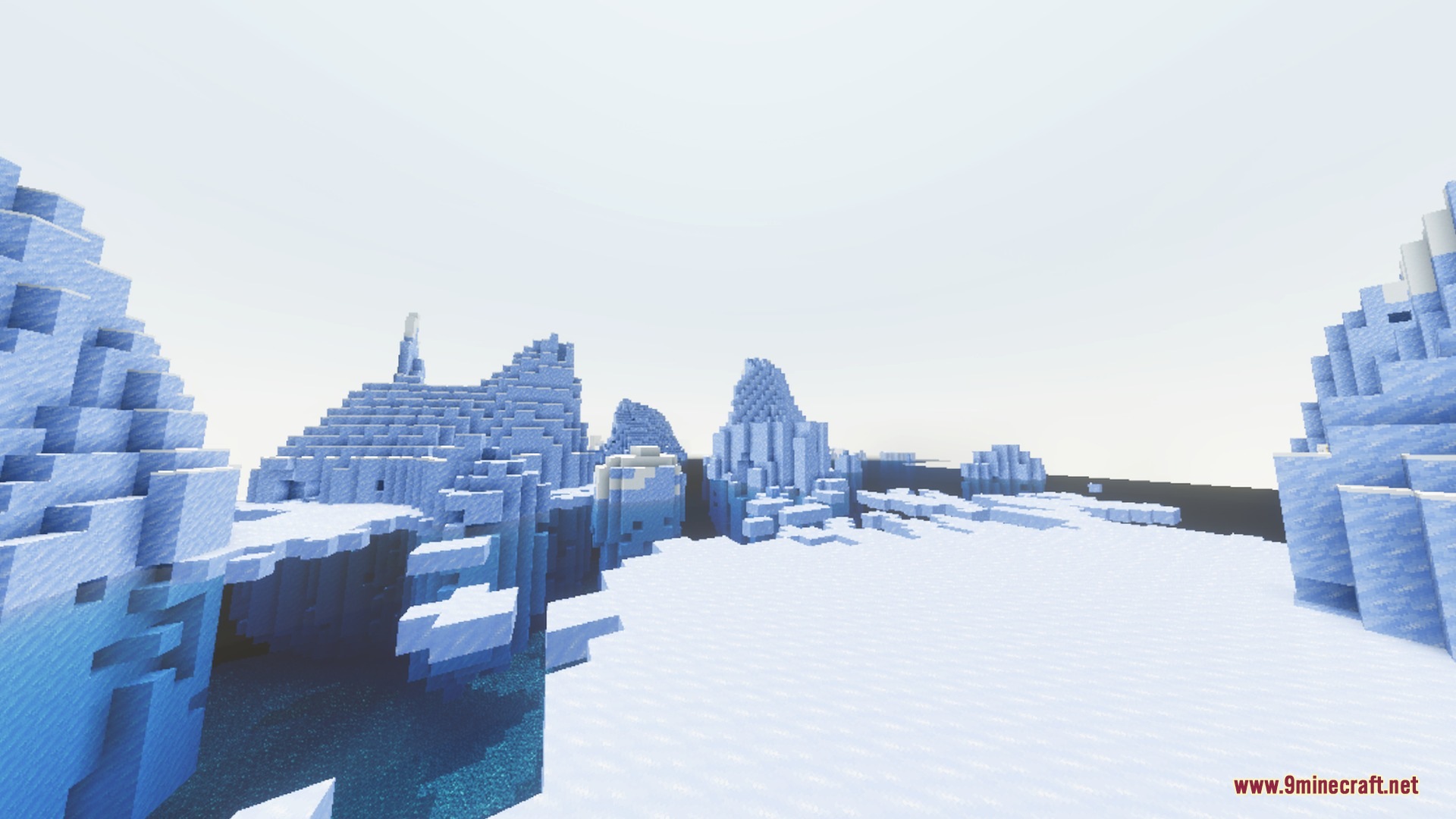
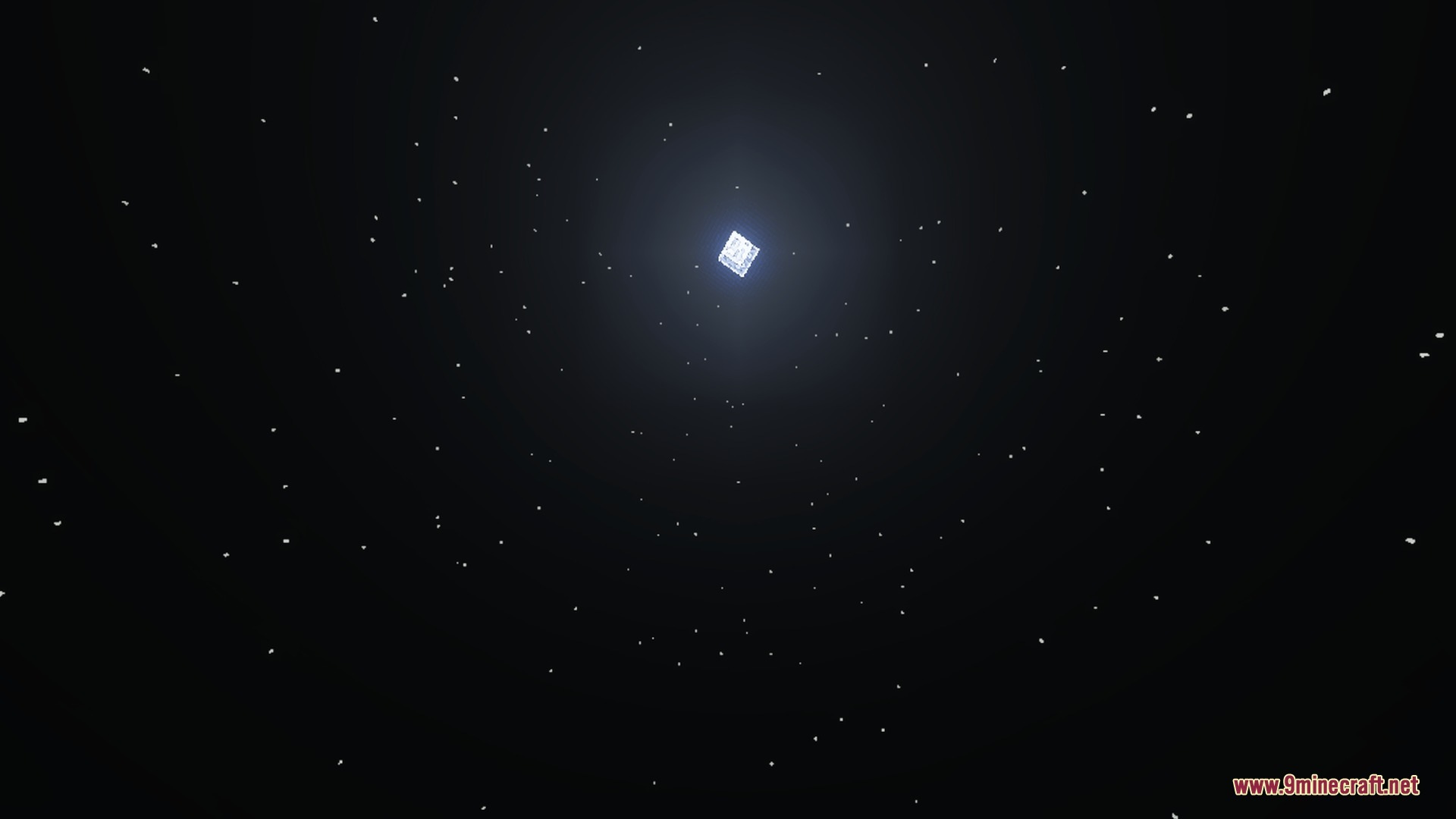
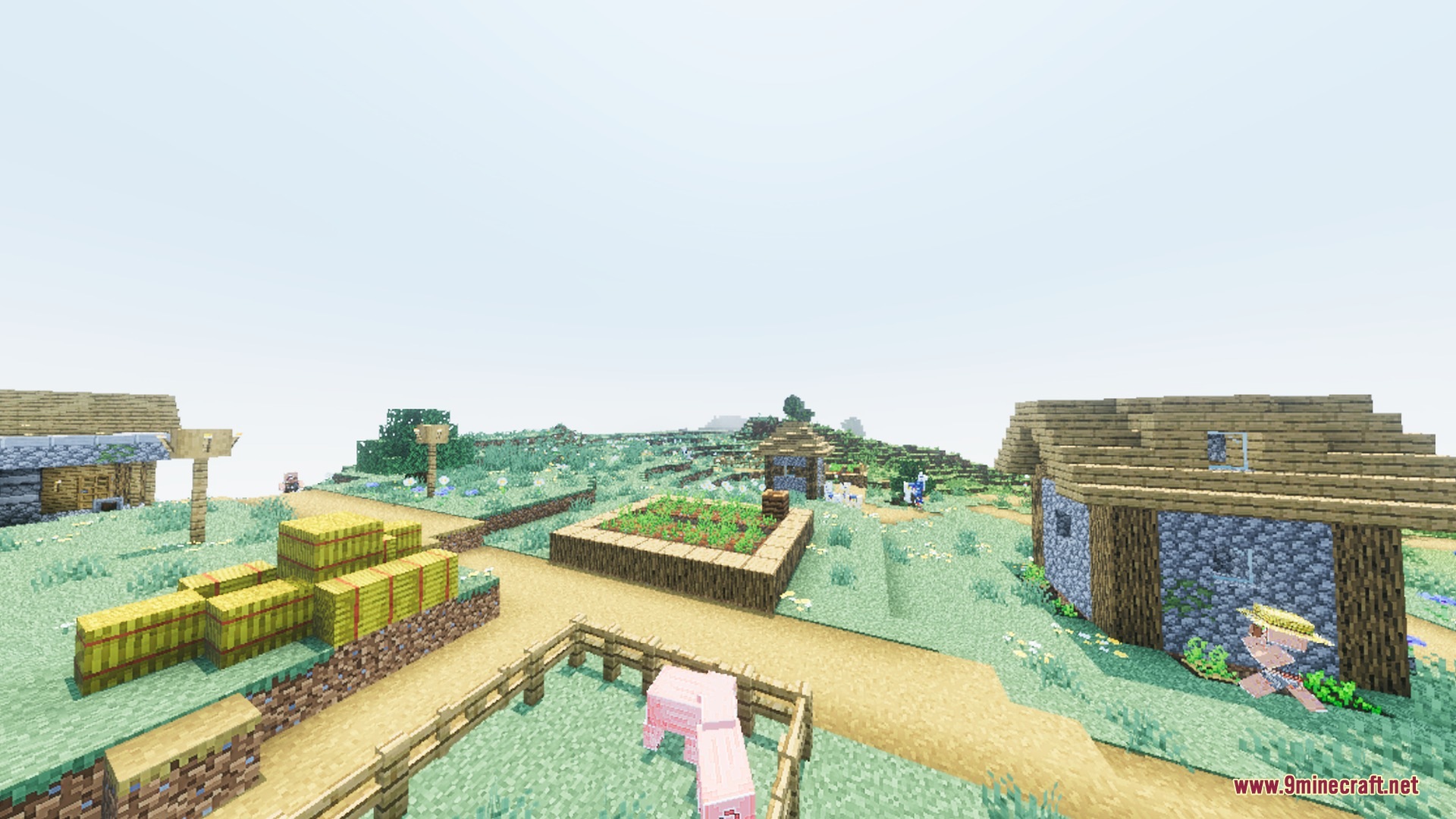
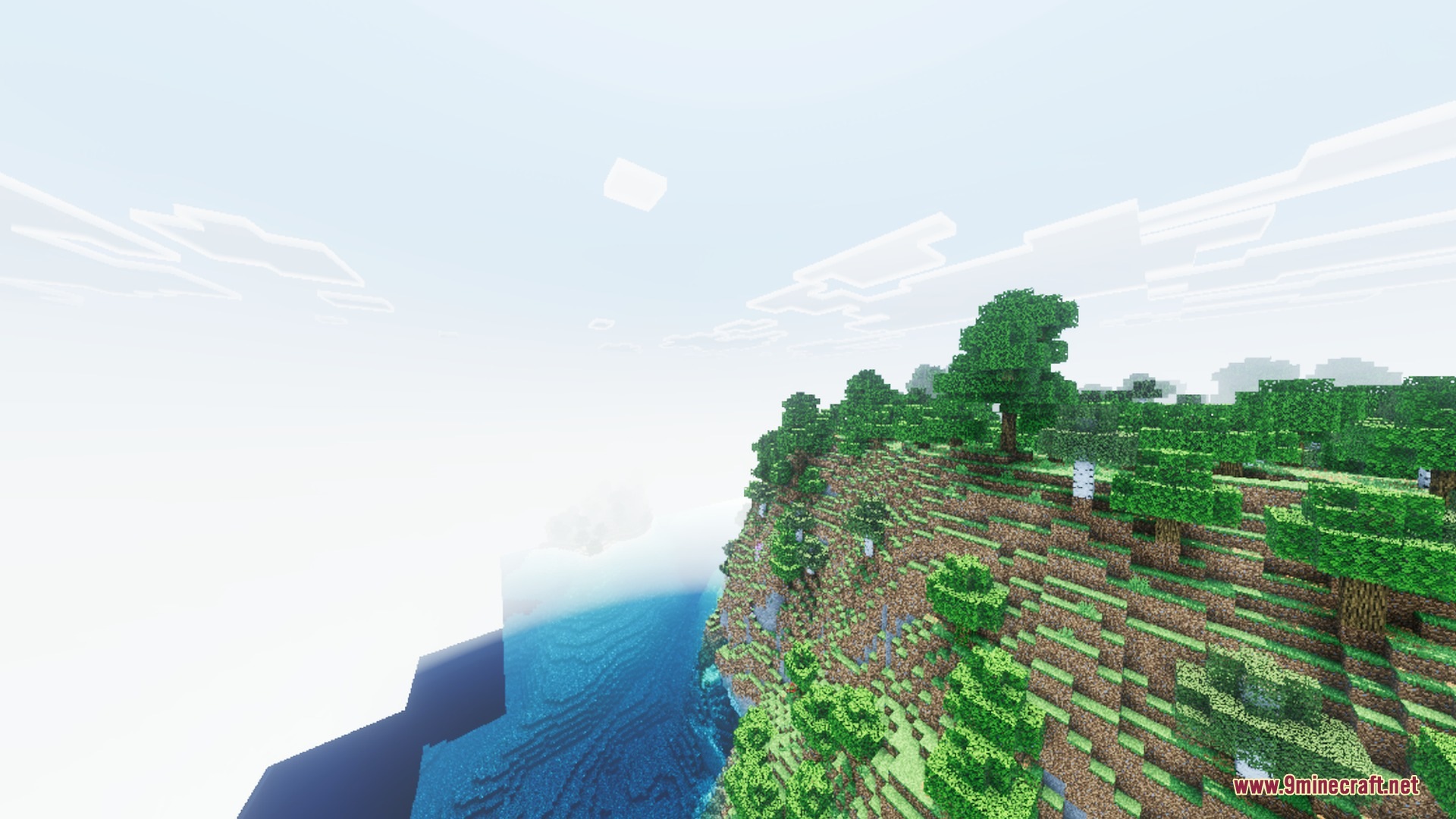
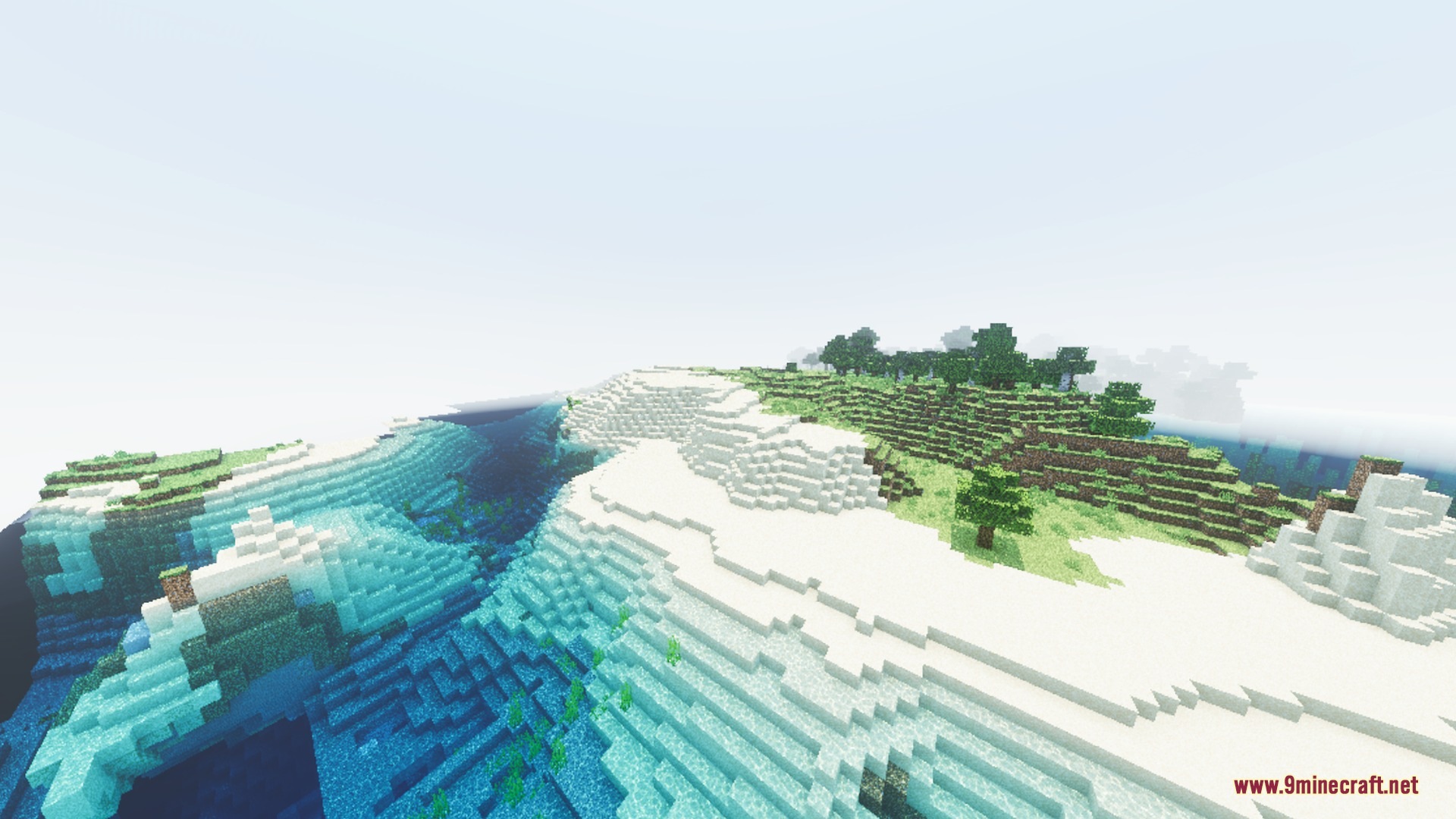
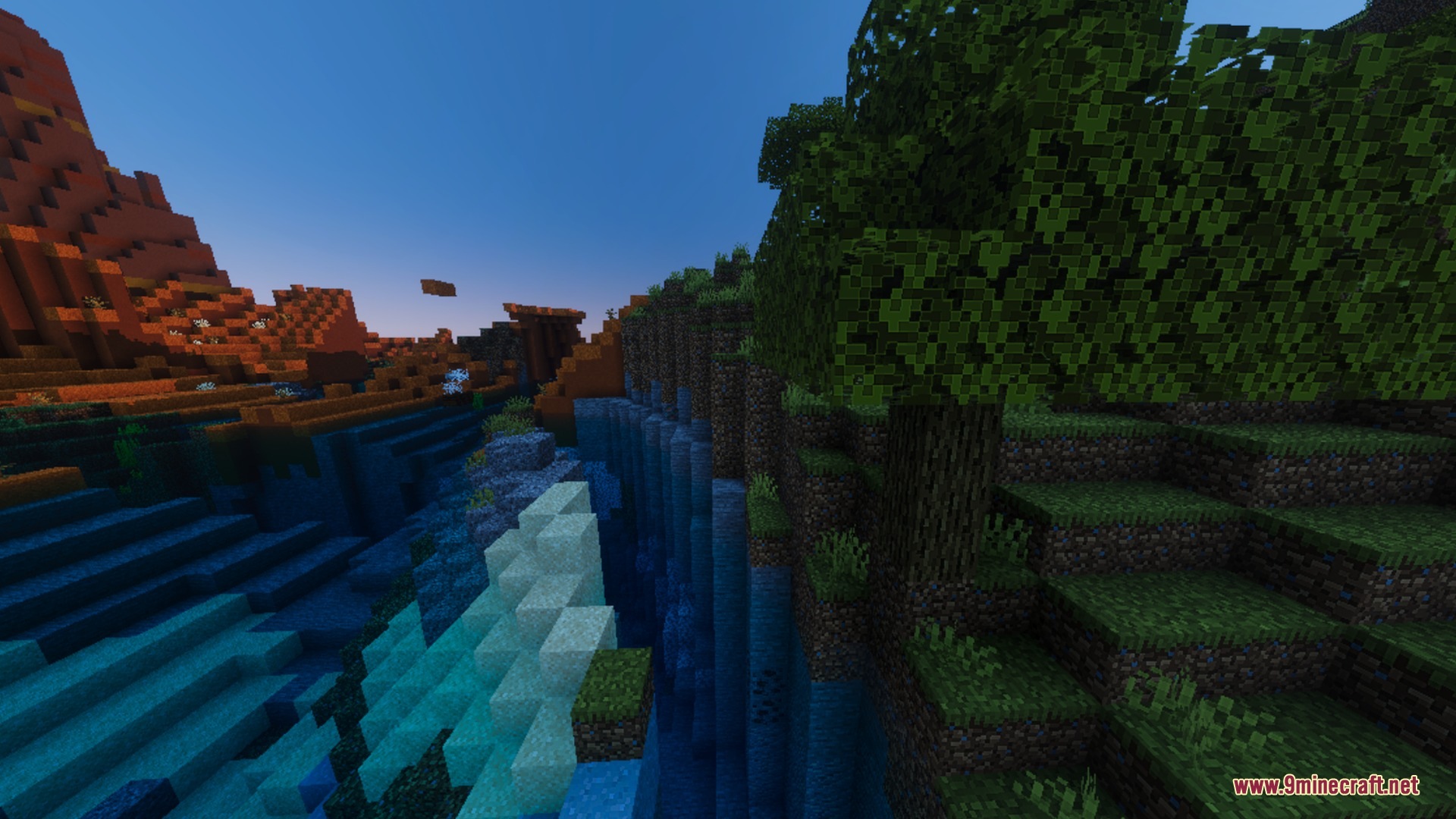
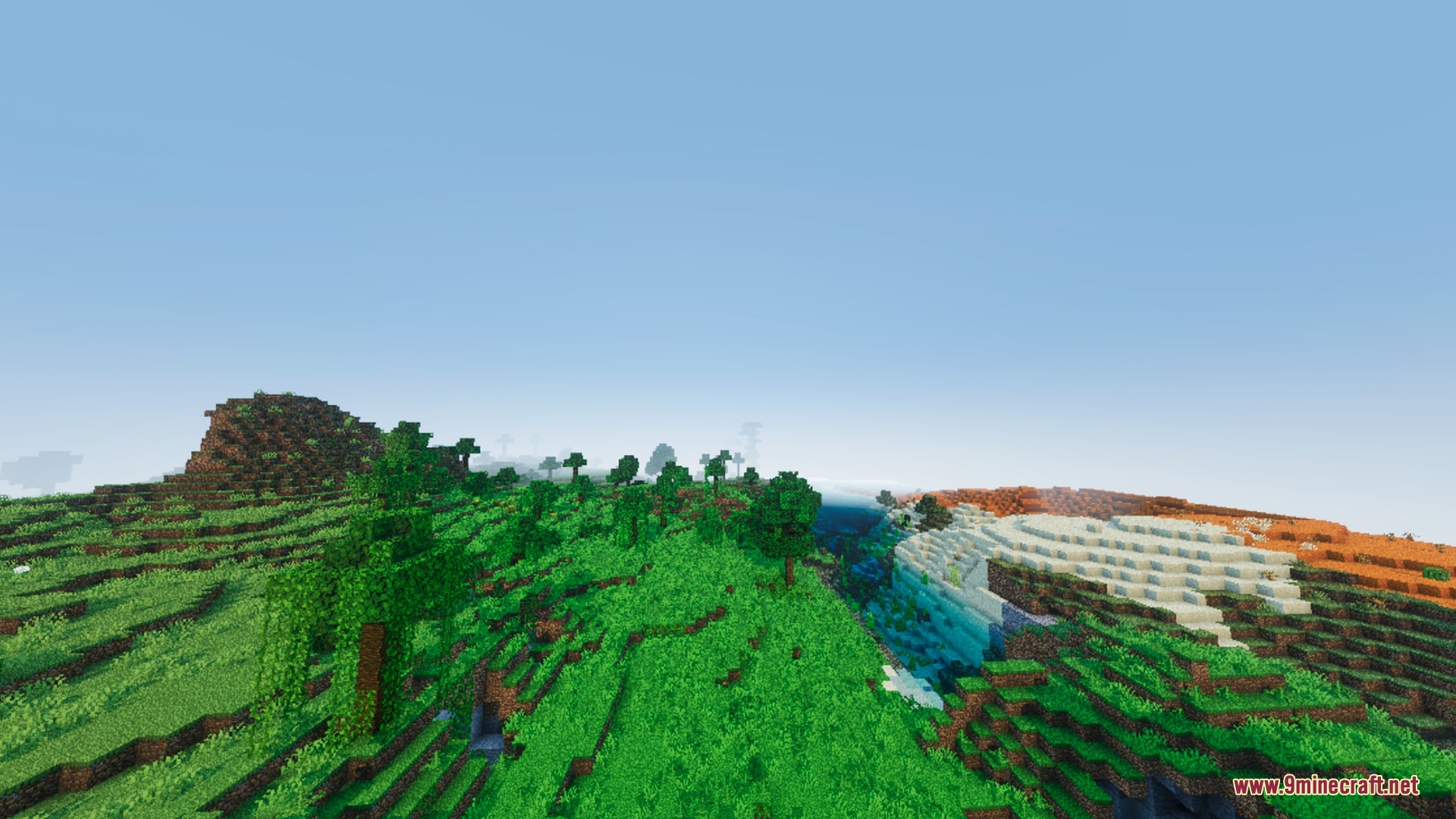
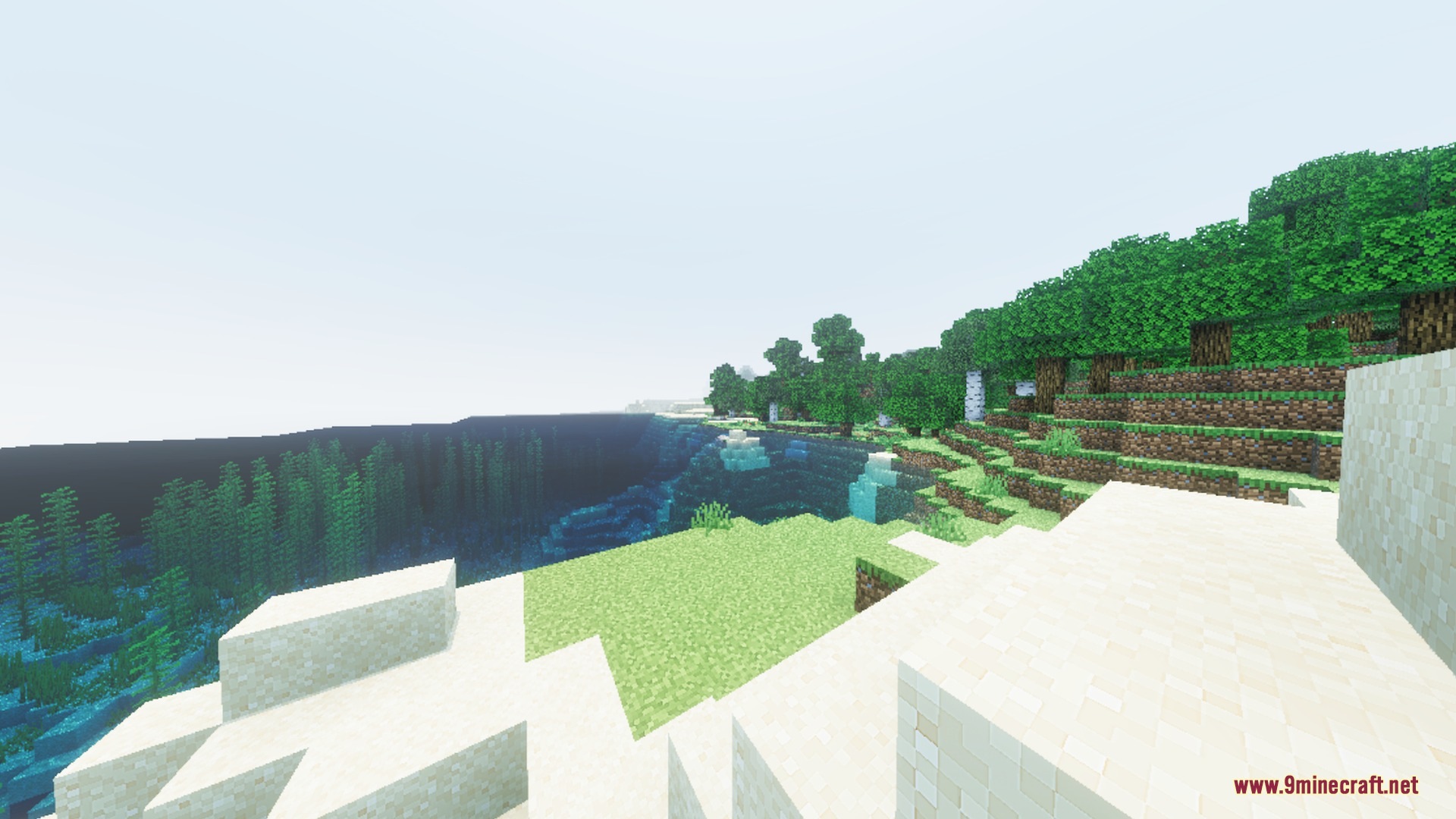
HORROR HILL VISUAL transforms the look of your world into an eerie, overcast setting using the built-in Vibrant Visuals system. It alters environmental fog, color grading, sky tones, and water clarity across every vanilla biome. You can explore darker dimensions and shadowy landscapes without changing your original block textures.
Features:
- Adds nine custom volumetric fog profiles across all three dimensions.
- Adjusts sunlight and ambient lighting for a colder, dimmer appearance.
- Applies unique color grading to desaturate and darken every biome.
- Gives rivers and oceans a murky look with custom water settings.
- Covers all 87 vanilla biomes without replacing original block textures.
Screenshots:
HORROR HILL VISUAL Shader Download Links
Quick facts
- Edition: Minecraft Bedrock
- File type: .mcpack
- Minecraft version listed: 1.21
- How to install: Download the .mcpack. → Open it — Minecraft imports it under Resource Packs. → Activate it in Global Resources, or for one world under Resource Packs → Available.
- Where to get it: In MCModsHub, or directly above on this page.
Install steps are the general flow for this file type — How to install Minecraft Bedrock texture packs walks through it step by step.
Verified by MCModsHub
- Pack type: .mcpack — a single pack
- Manifest requires Minecraft 1.21.90 or newer
- Complete pack — everything it depends on is inside the file
- Download link checked 22 Sept 2026 — working
- Mirrored on our own servers — the download does not depend on the original host
These come from our own check of the pack file, not from the source page.