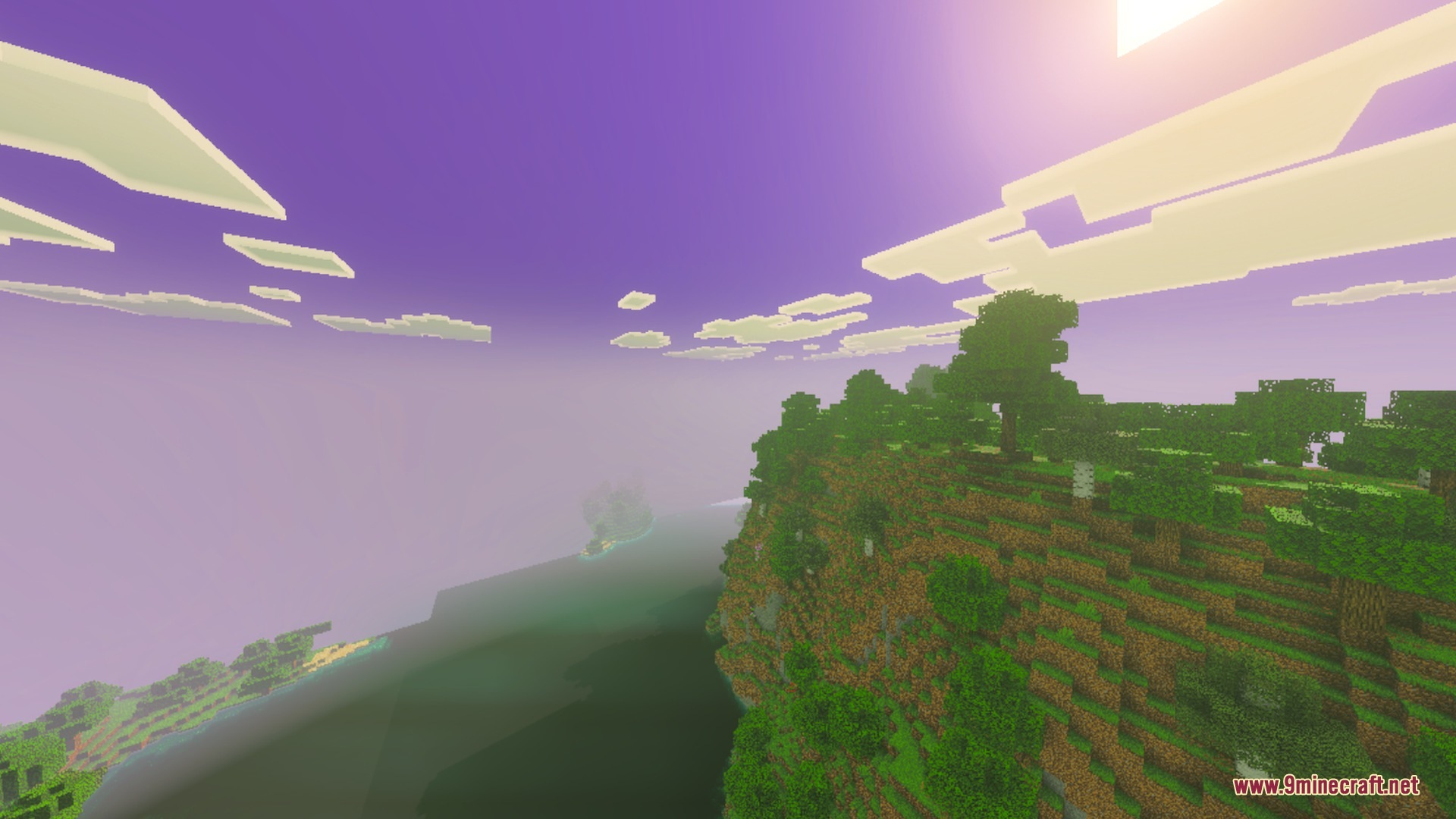
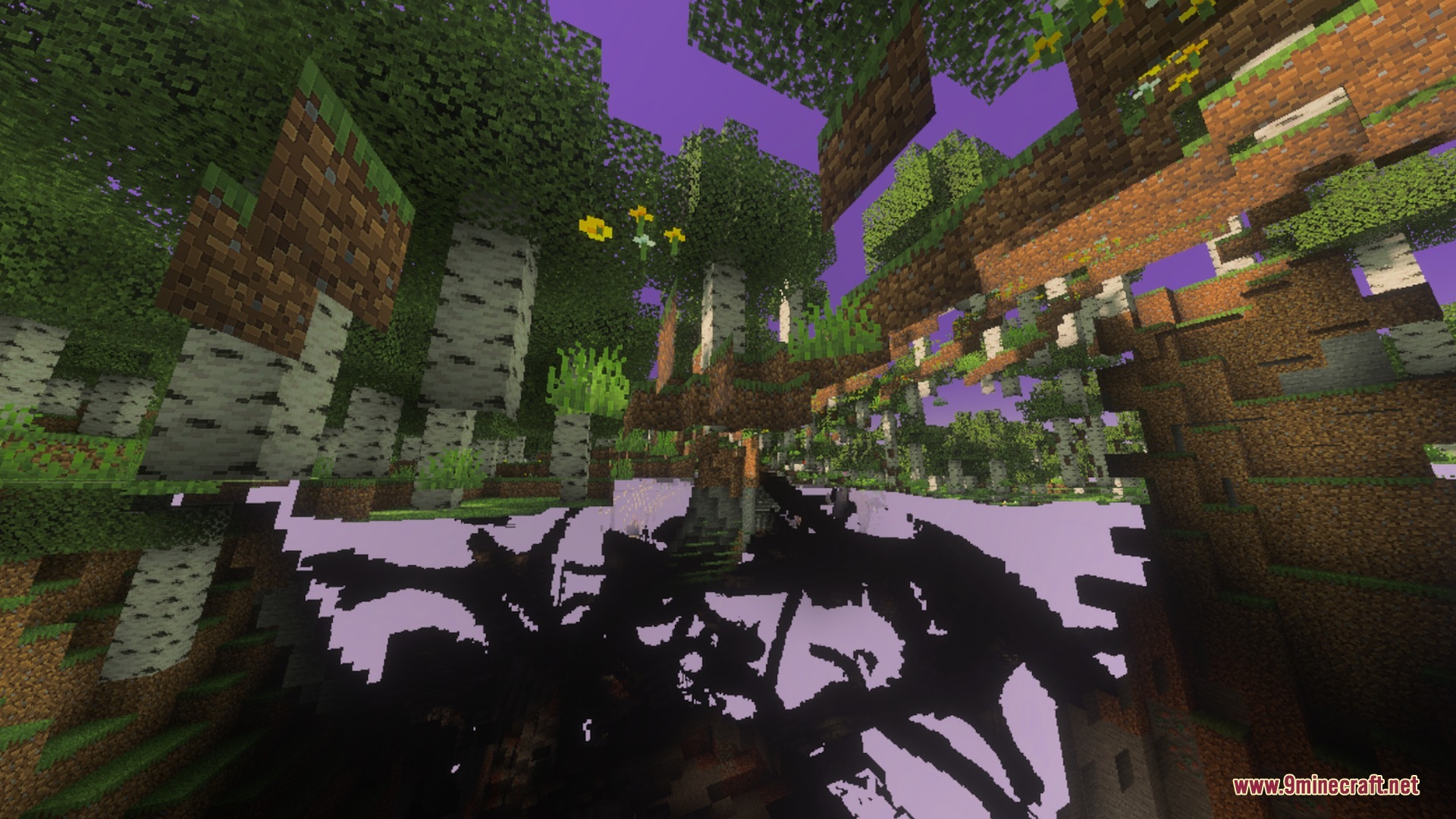
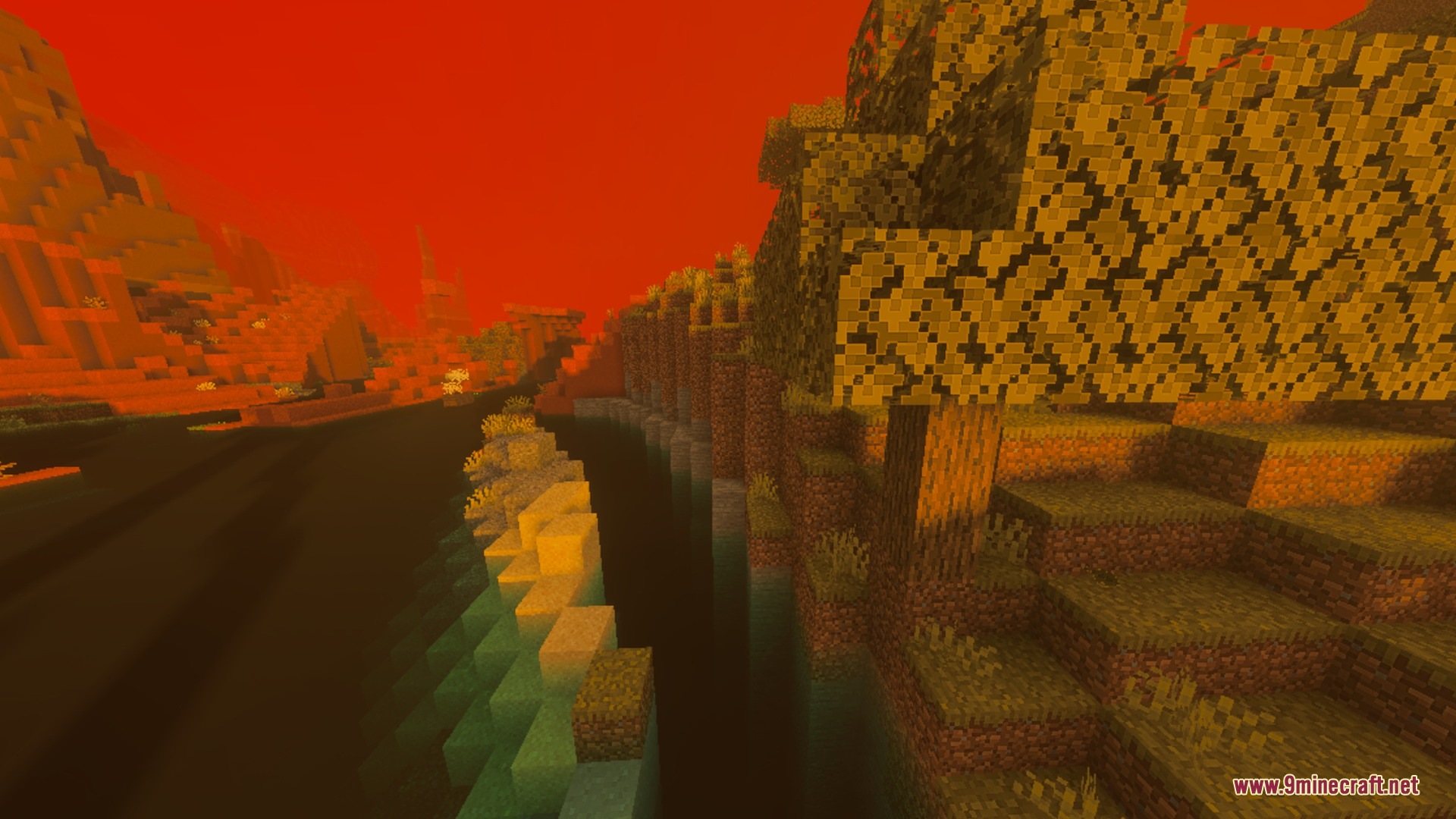
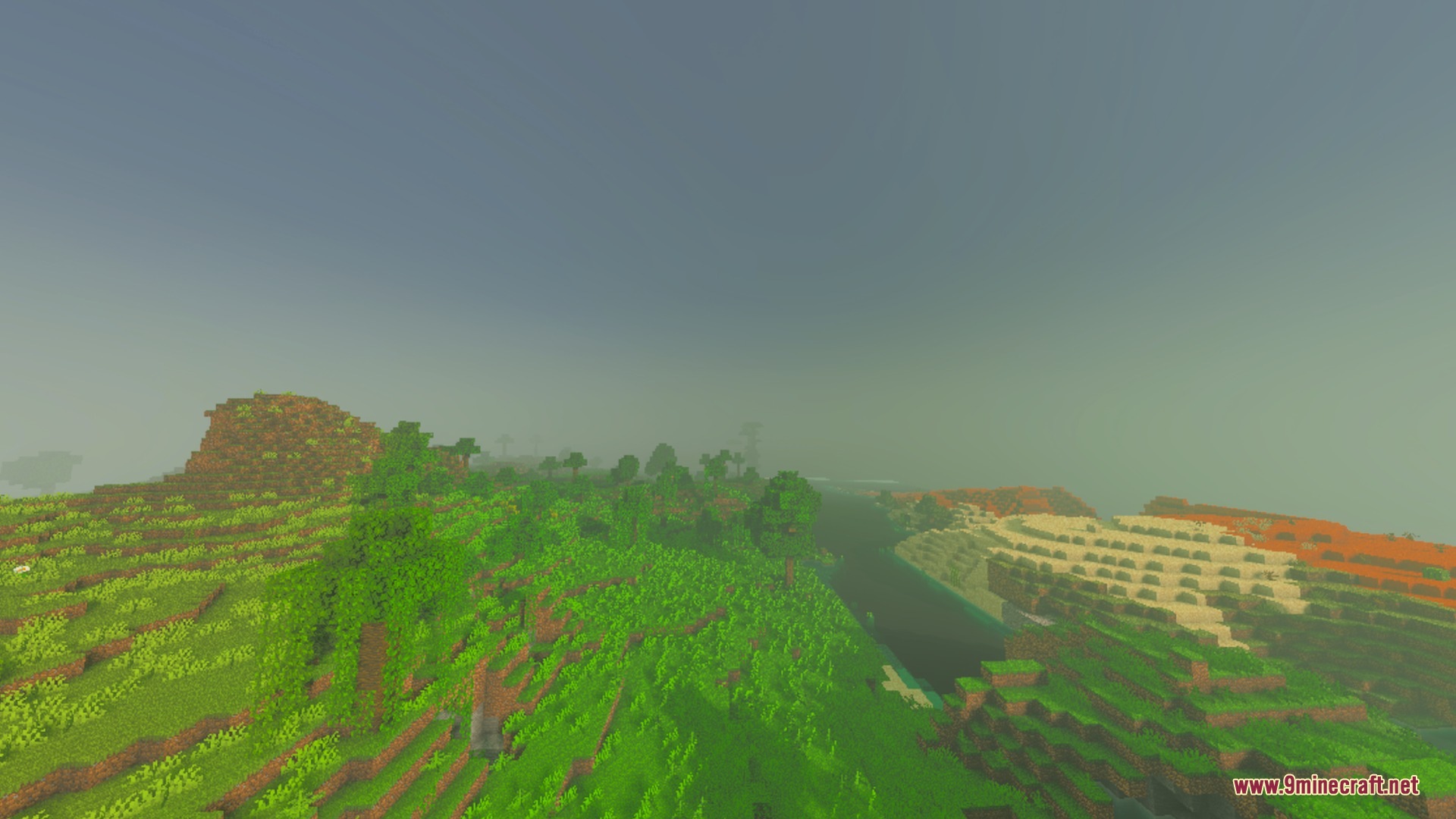
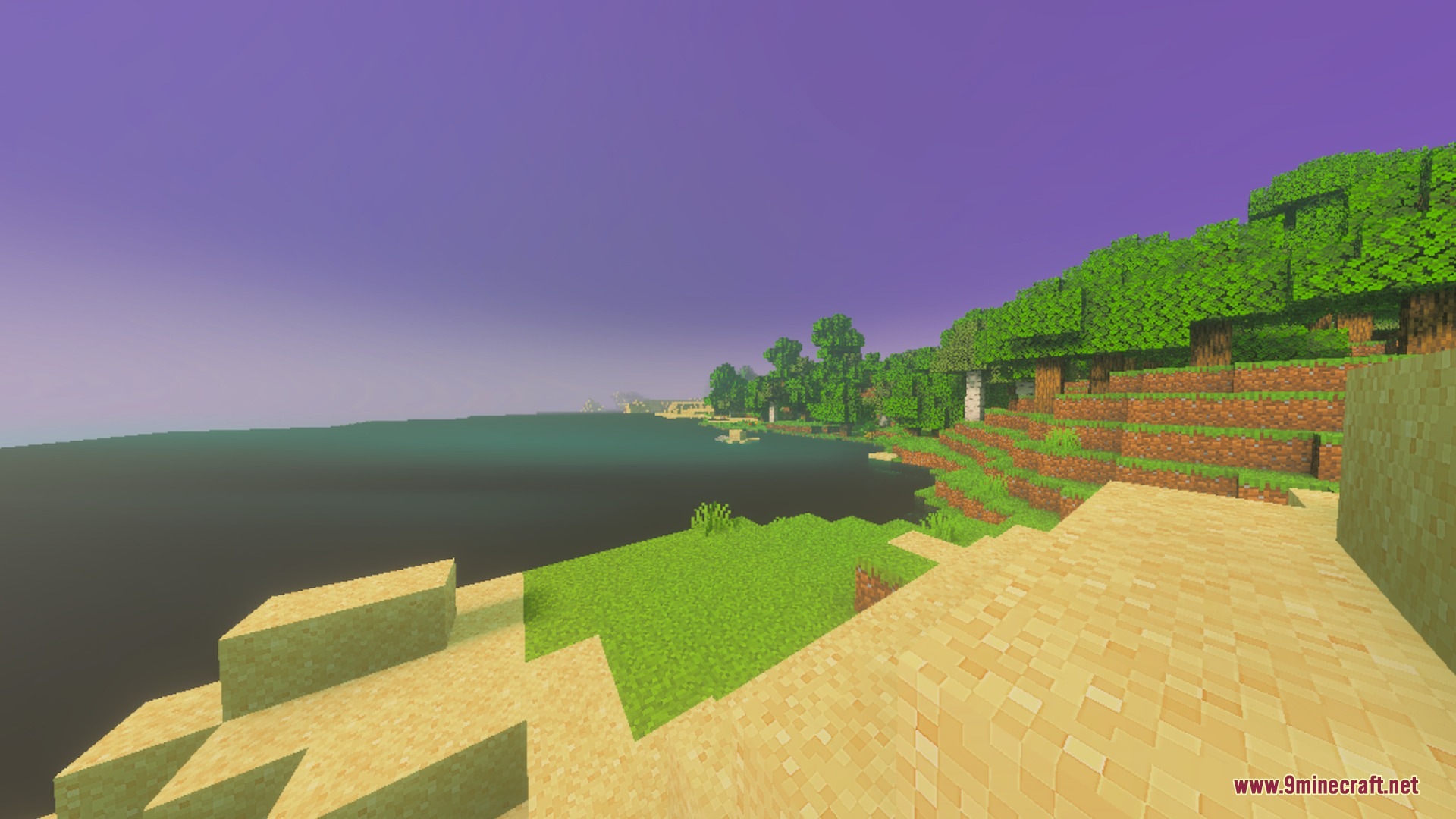
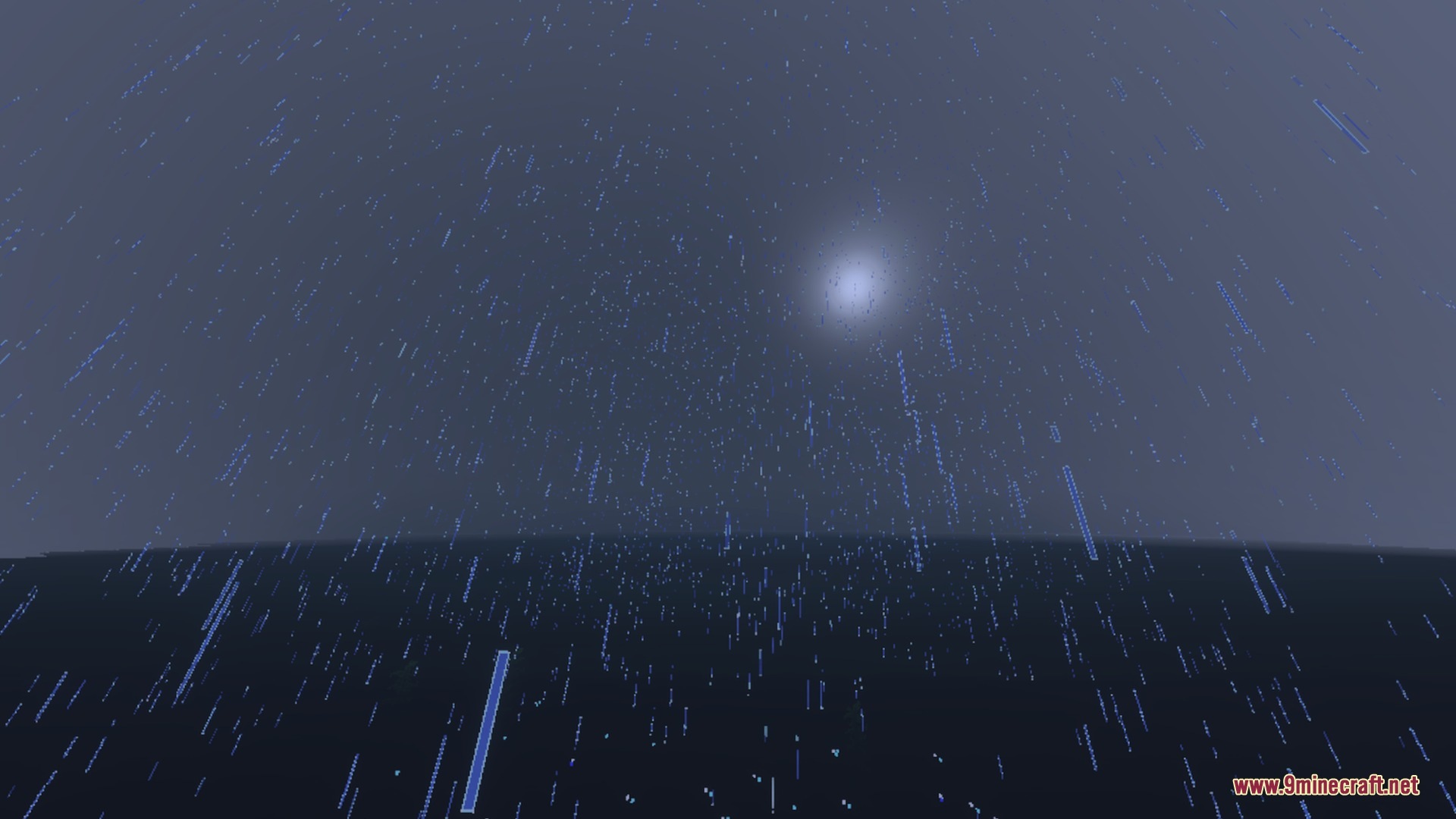
CartoonGlow turns your Bedrock world into a colorful fantasy landscape with pastel skies and glowing water. It replaces harsh dark shadows with soft blue-violet tones to give every area a clean painted look. You can explore dozens of vibrant biomes filled with custom mist, bright sunsets, and rich ambient colors.
Features:
- Custom fantasy color palettes across eighty-seven unique biomes.
- Animated water waves with natural caustics and crystal-clear ice visuals.
- Biome-specific colored fog including sakura haze and icy mountain mist.
- Soft blue-violet tinted shadows with no harsh dark borders.
- Custom glowing light colors for over fifty emissive block sources.
Screenshots:
CartoonGlow Shaders Download Links
Quick facts
- Edition: Minecraft Bedrock
- File type: .mcpack
- Minecraft version listed: 1.21
- How to install: Download the .mcpack. → Open it — Minecraft imports it under Resource Packs. → Activate it in Global Resources, or for one world under Resource Packs → Available.
- Where to get it: In MCModsHub, or directly above on this page.
Install steps are the general flow for this file type — How to install Minecraft Bedrock texture packs walks through it step by step.
Verified by MCModsHub
- Pack type: .mcpack — a single pack
- Manifest requires Minecraft 1.21.40 or newer
- Complete pack — everything it depends on is inside the file
- Download size: 223 KB
- Download link checked 22 Sept 2026 — working
- Mirrored on our own servers — the download does not depend on the original host
These come from our own check of the pack file, not from the source page.