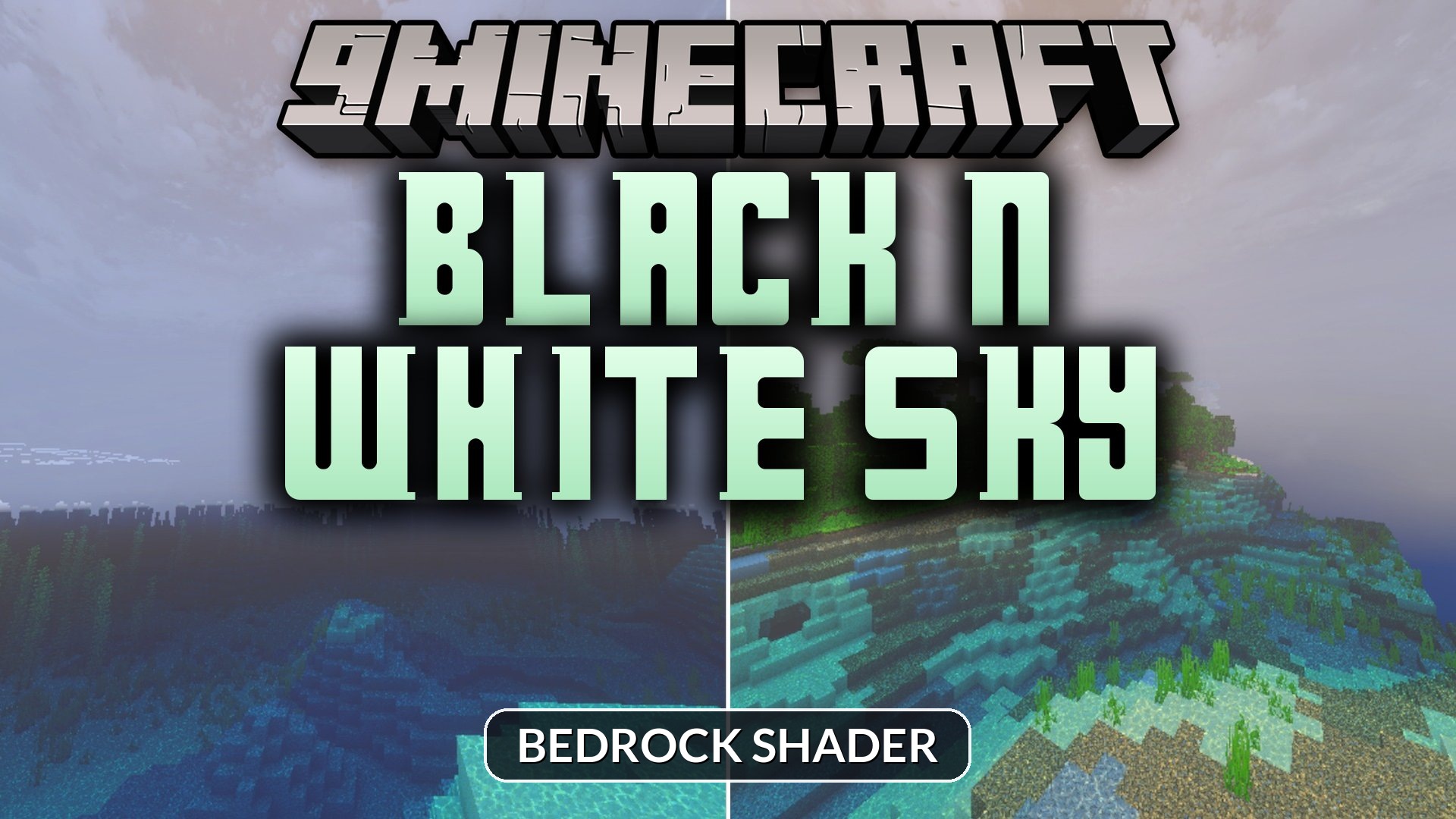
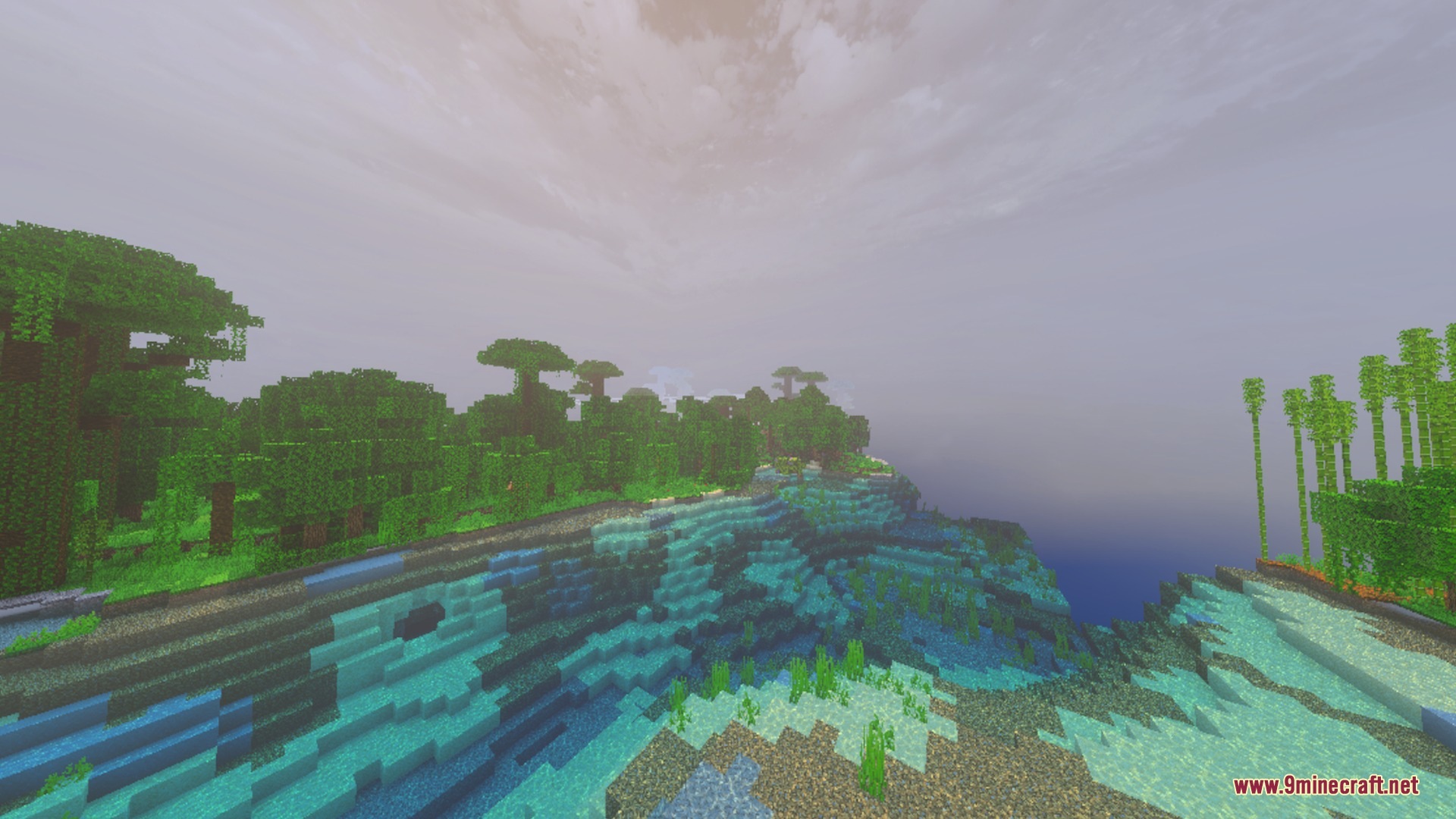
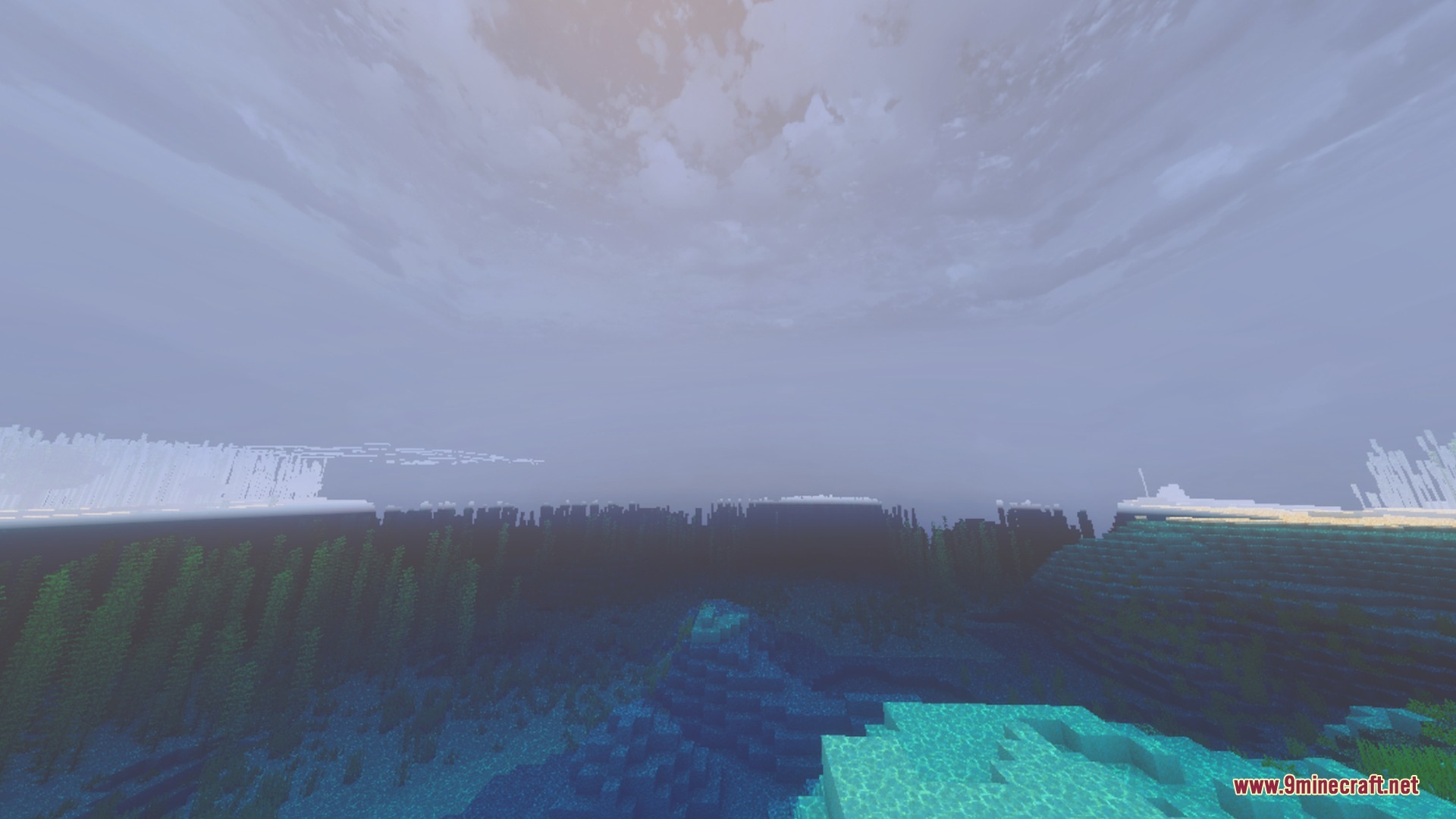
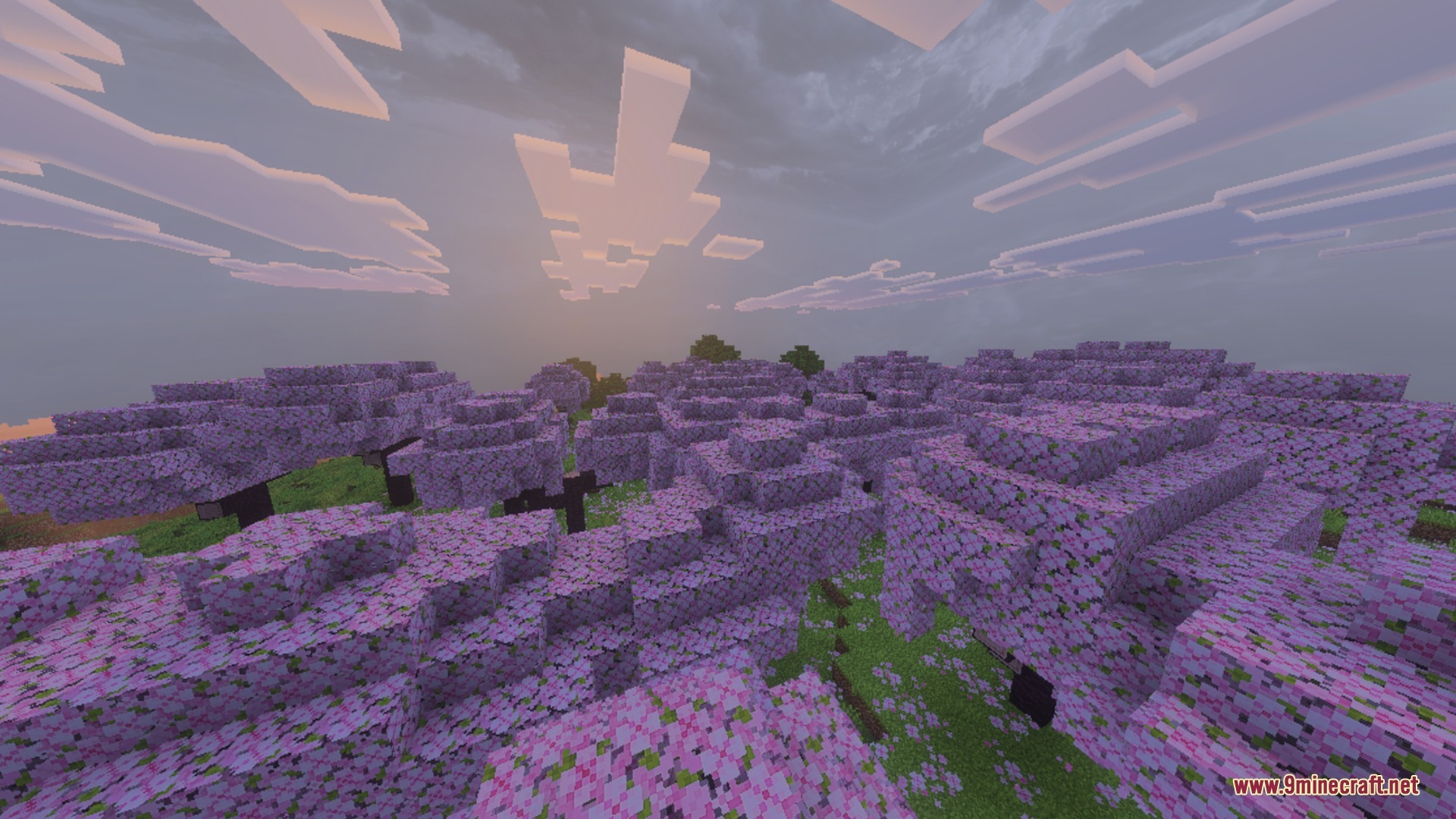
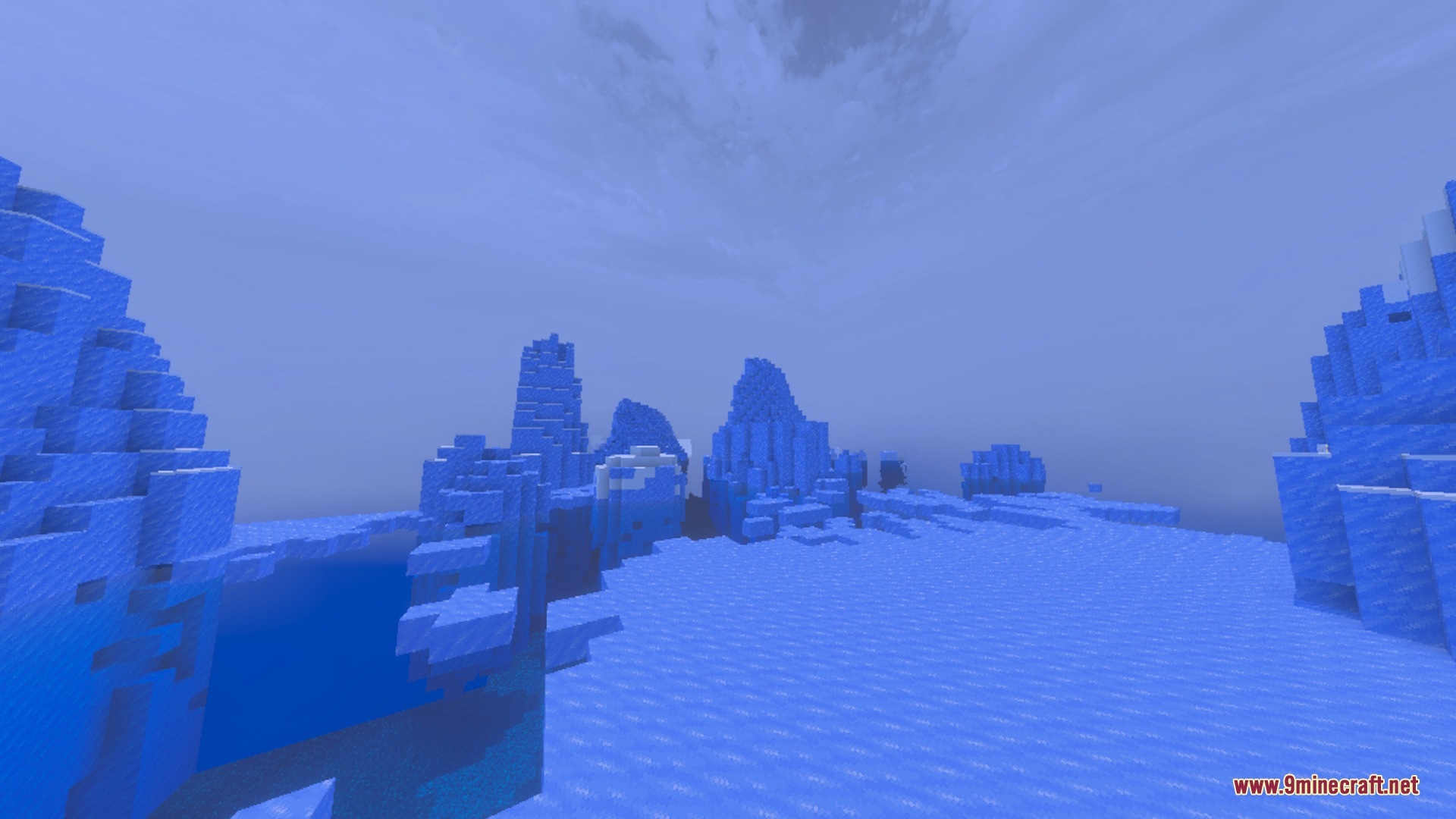
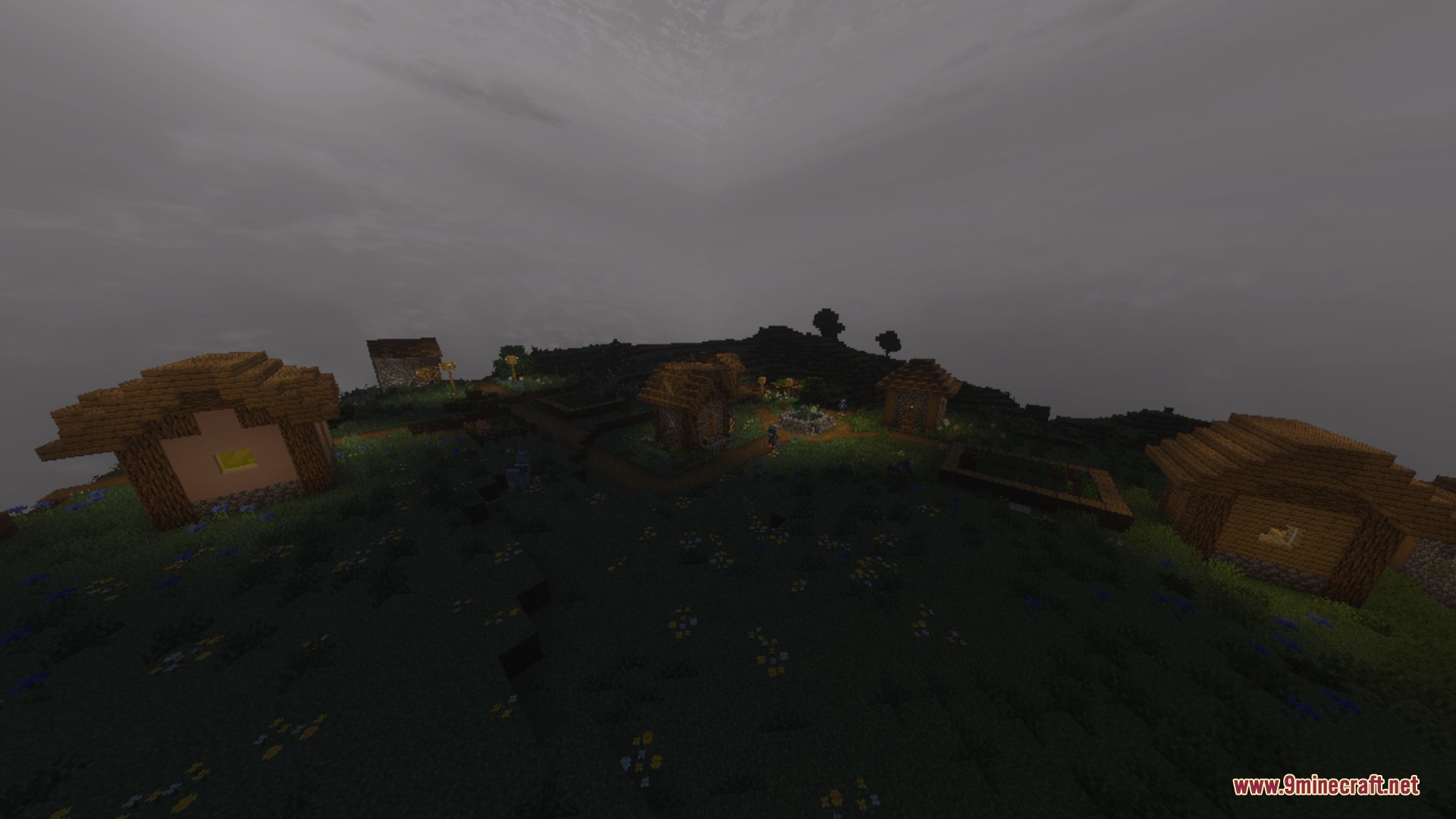
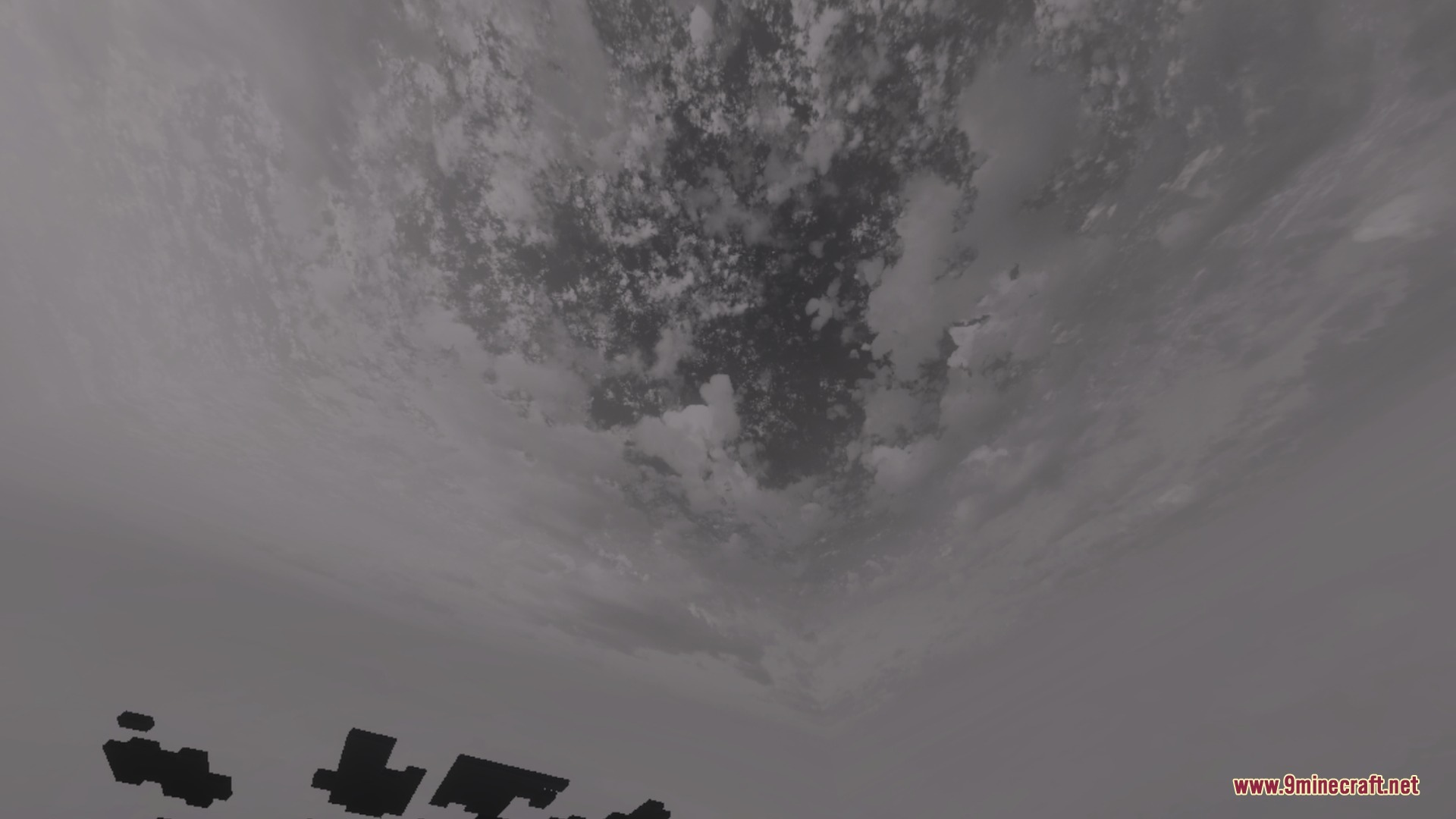
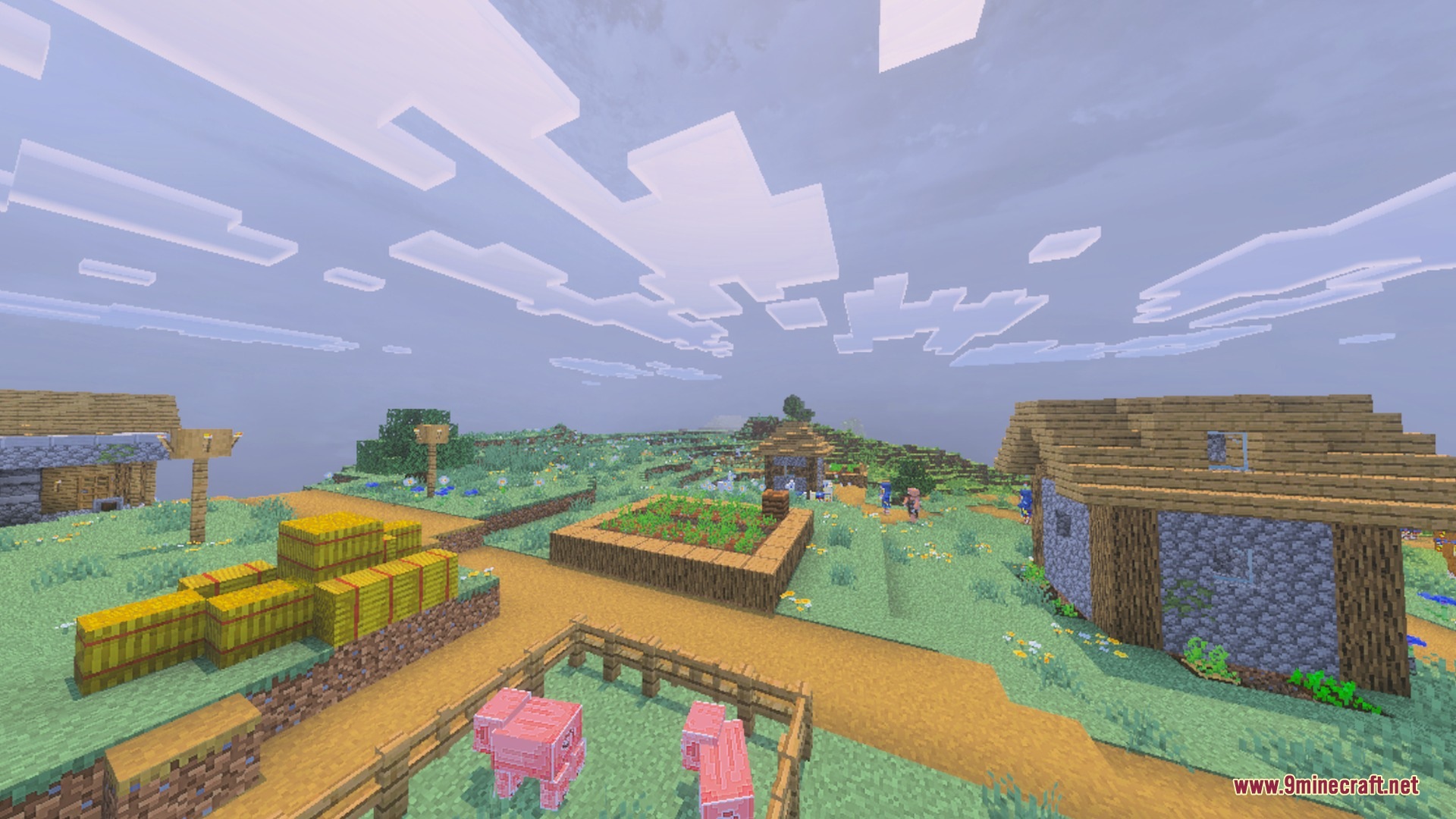
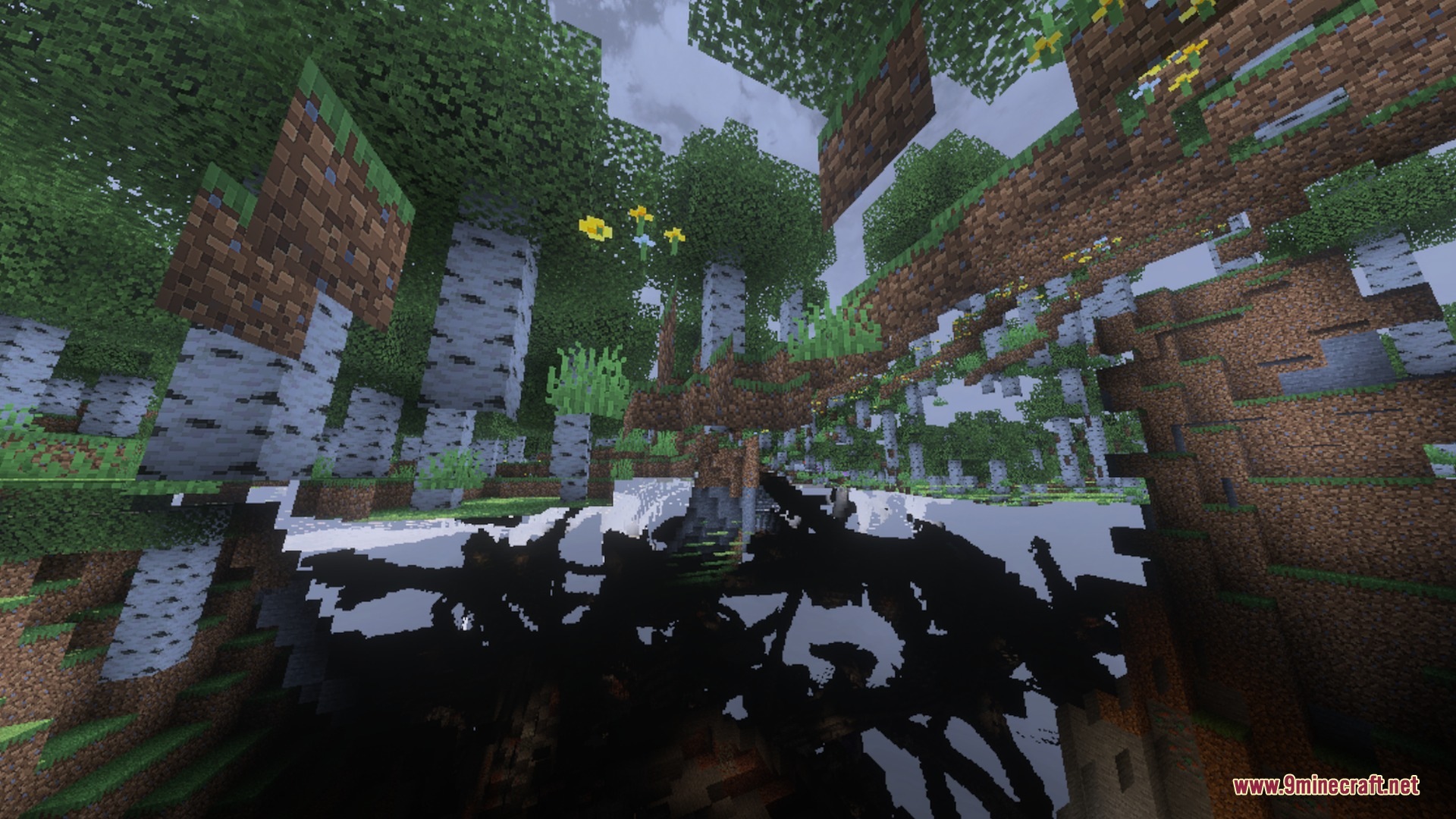
Black n white sky replaces your default horizon with a clean and minimal look. It adds soft, detailed clouds that keep your view clear without slowing down your game. This gives you better visibility during PvP fights while making your world feel fresh and pleasant.
Features:
- Adds a high-quality custom sky with a clean aesthetic.
- Features smooth and detailed cloud designs.
- Improves visibility during PvP matches with minimal distraction.
- Runs smoothly on mobile devices without heavy textures.
- Pairs well with other visual packs for better scenes.
Screenshots:
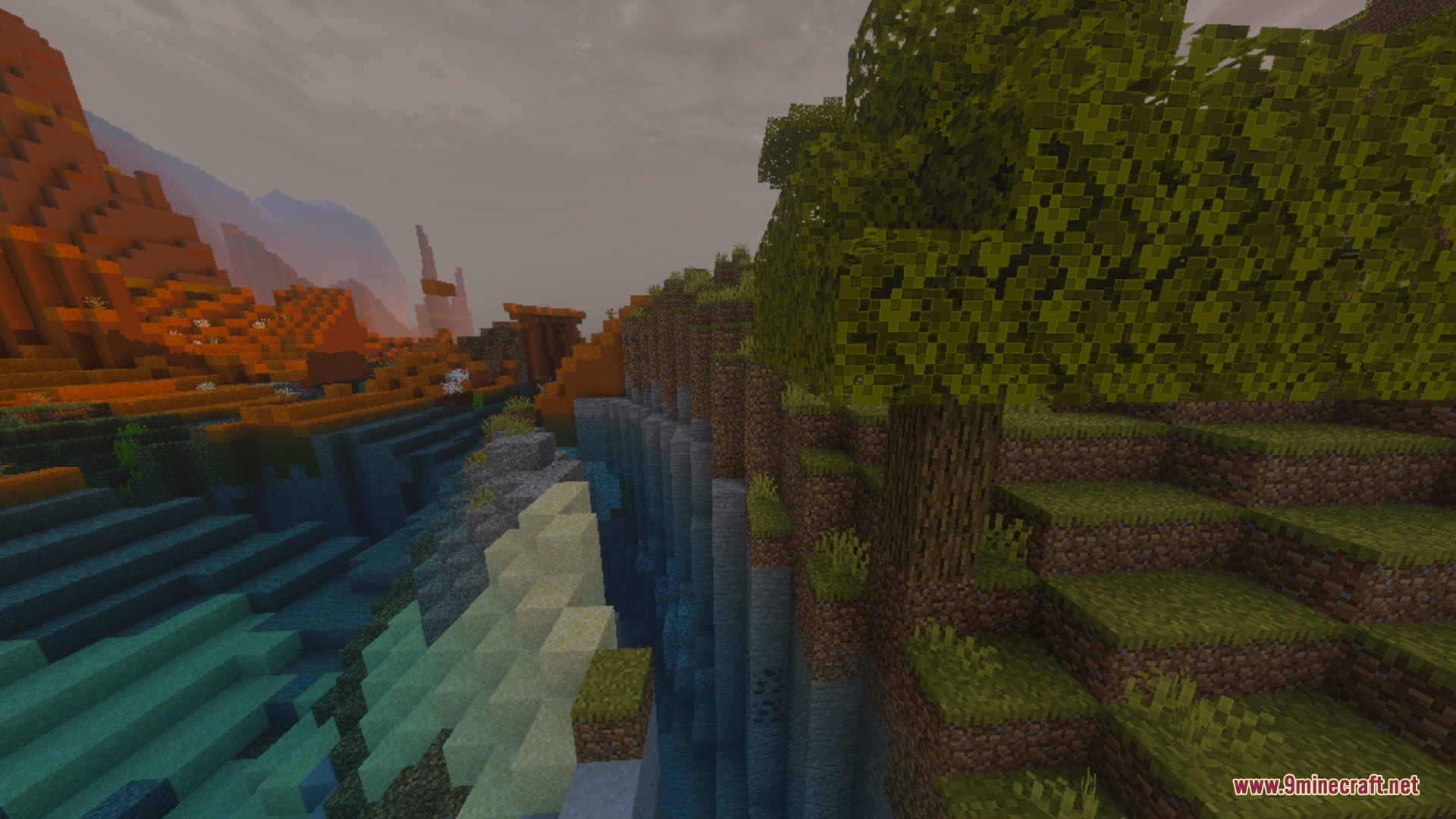
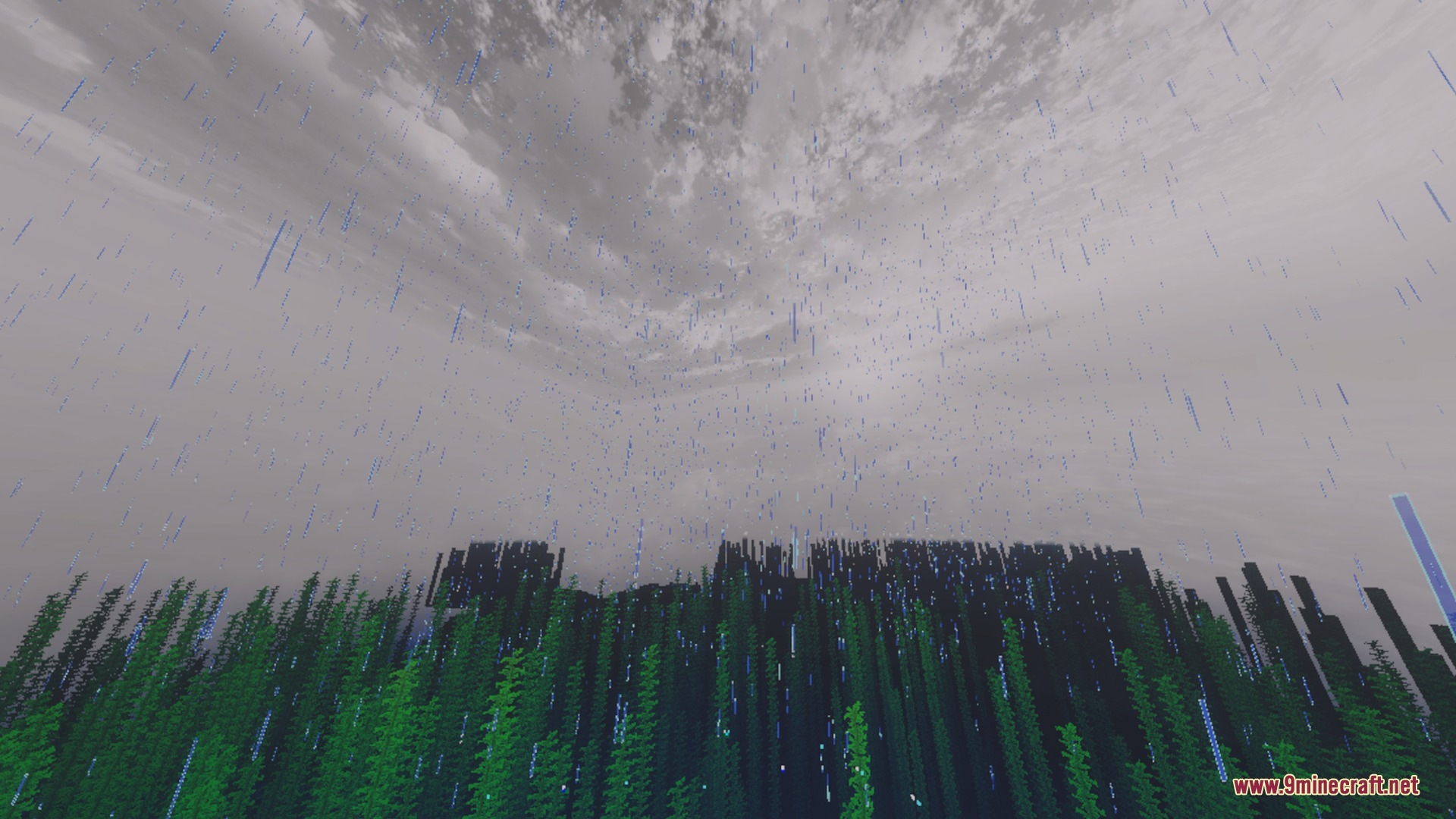
Black N White Sky Shader Download Links
Quick facts
- Edition: Minecraft Bedrock
- File type: .mcpack
- Minecraft version listed: 1.21
- How to install: Download the .mcpack. → Open it — Minecraft imports it under Resource Packs. → Activate it in Global Resources, or for one world under Resource Packs → Available.
- Where to get it: In MCModsHub, or directly above on this page.
Install steps are the general flow for this file type — How to install Minecraft Bedrock texture packs walks through it step by step.
Verified by MCModsHub
- Pack type: .mcpack — a single pack
- Manifest requires Minecraft 1.17.0 or newer
- Complete pack — everything it depends on is inside the file
- Download link checked 22 Sept 2026 — working
- Mirrored on our own servers — the download does not depend on the original host
These come from our own check of the pack file, not from the source page.