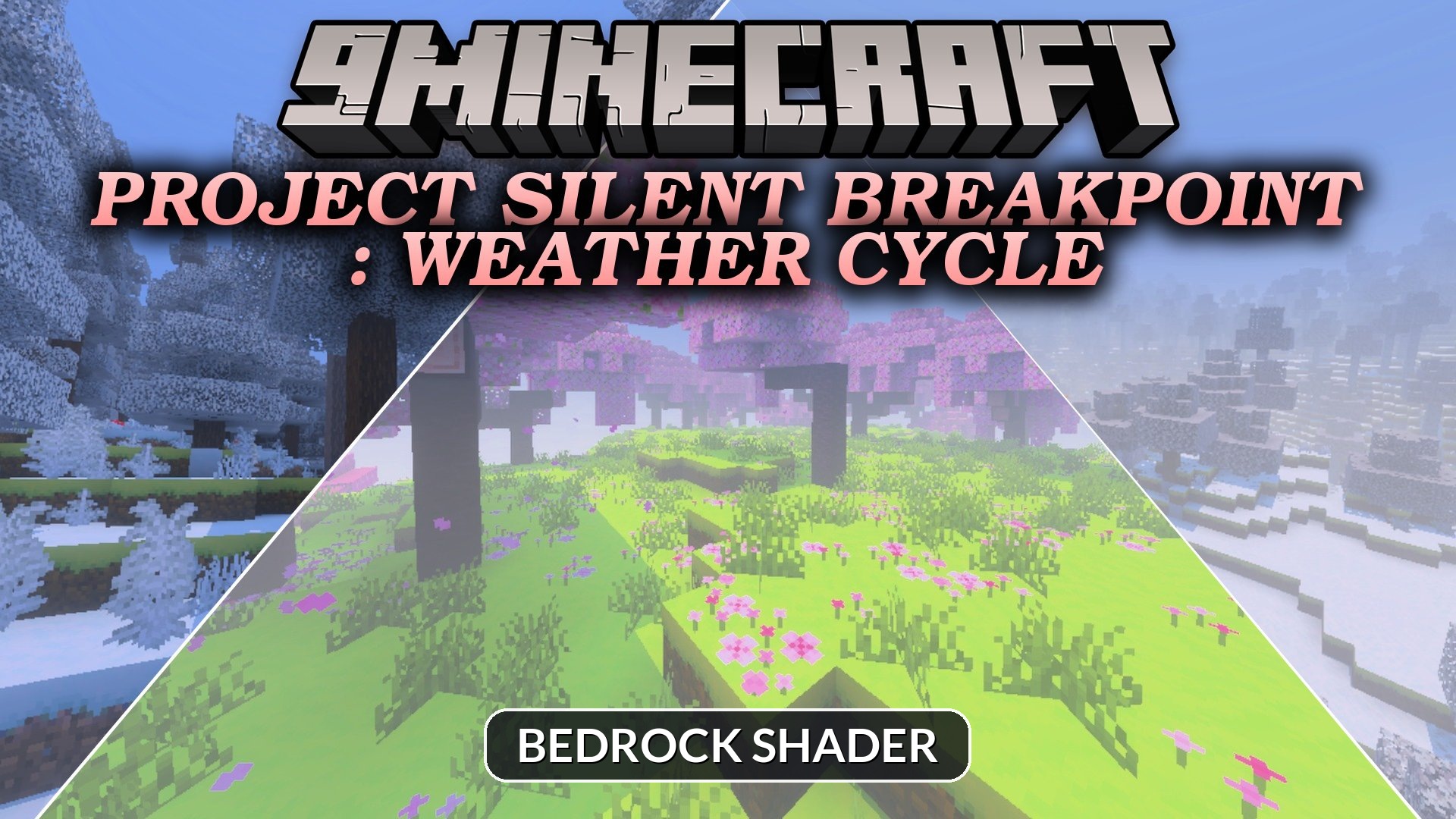
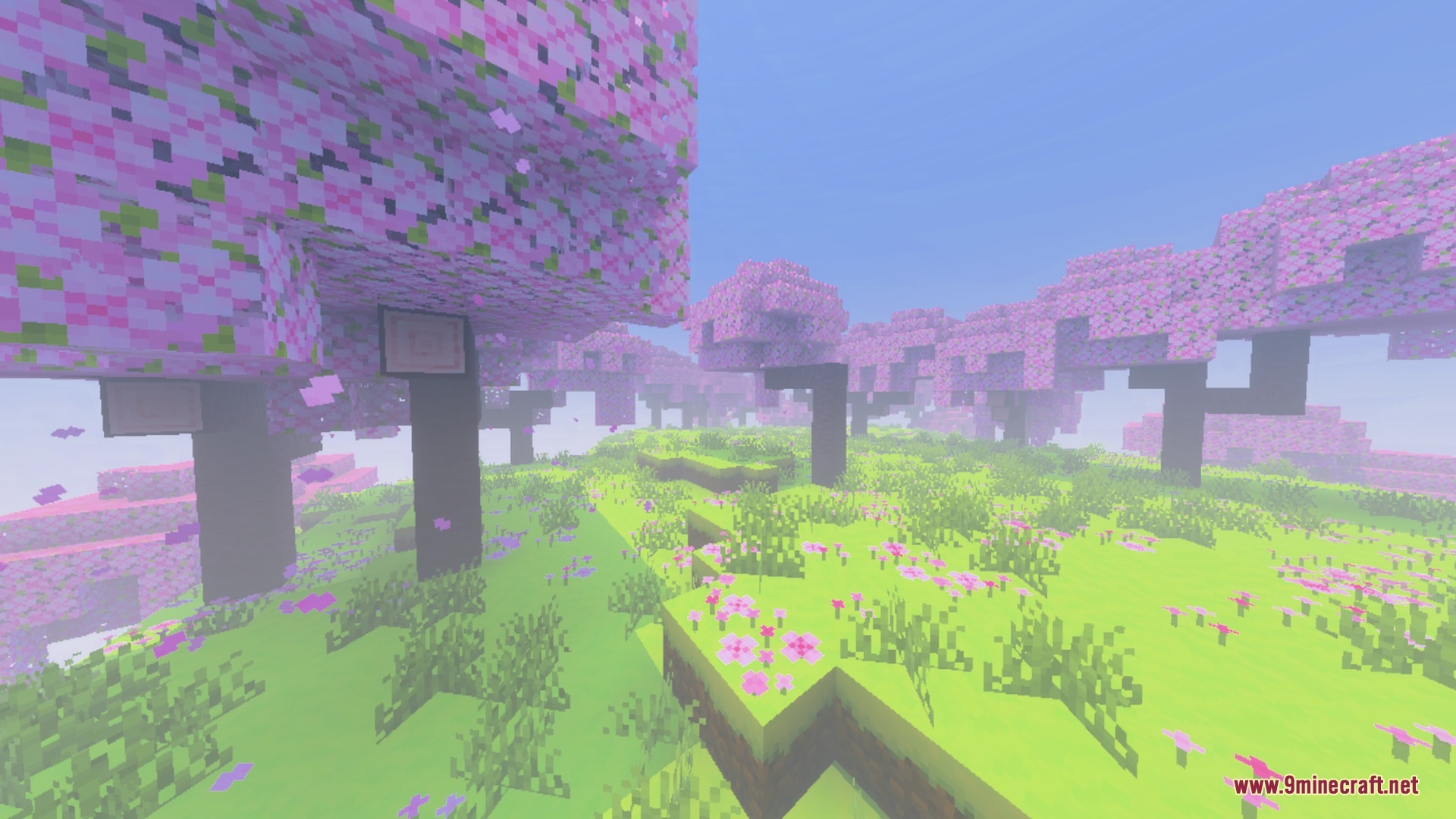
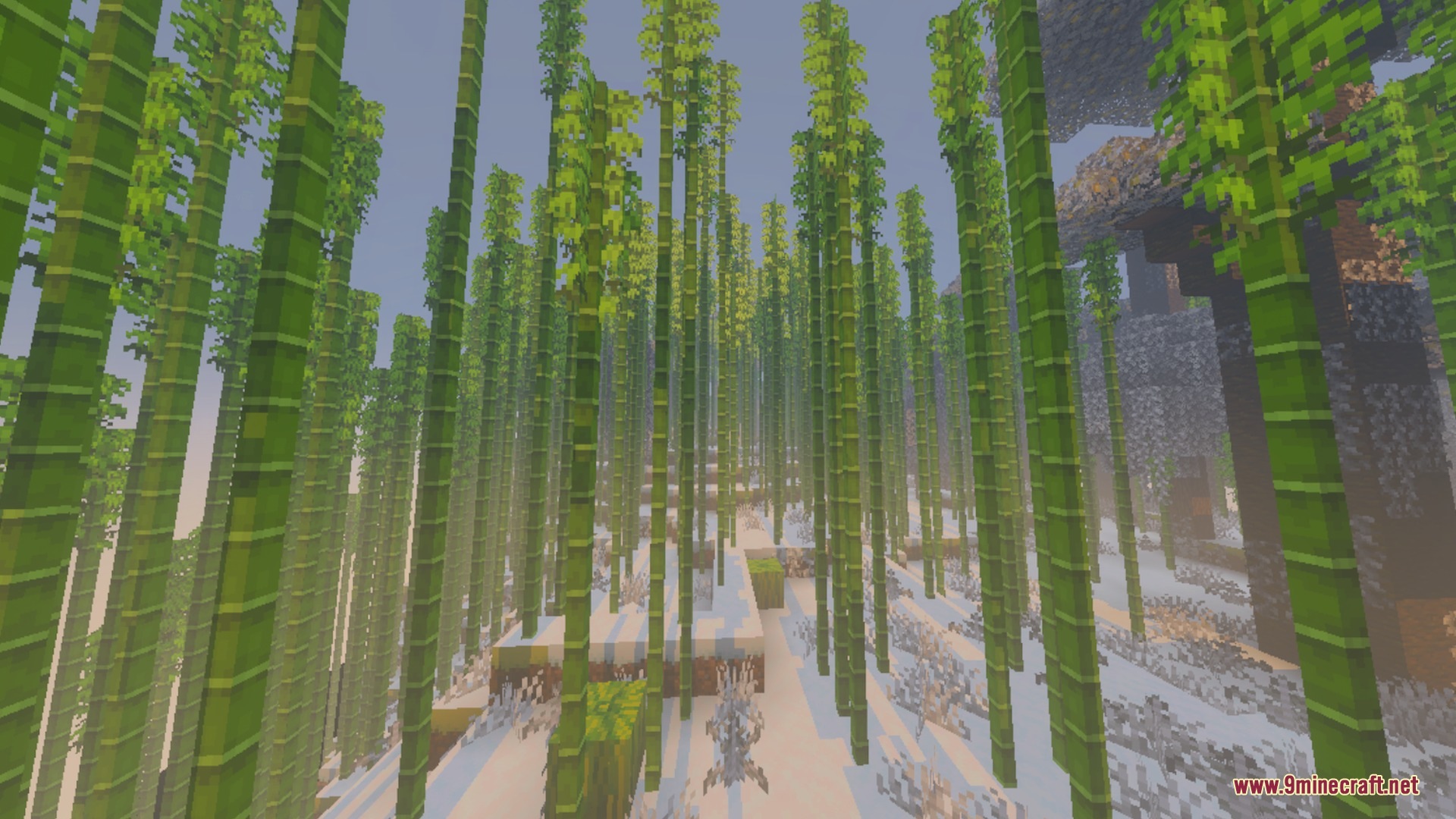
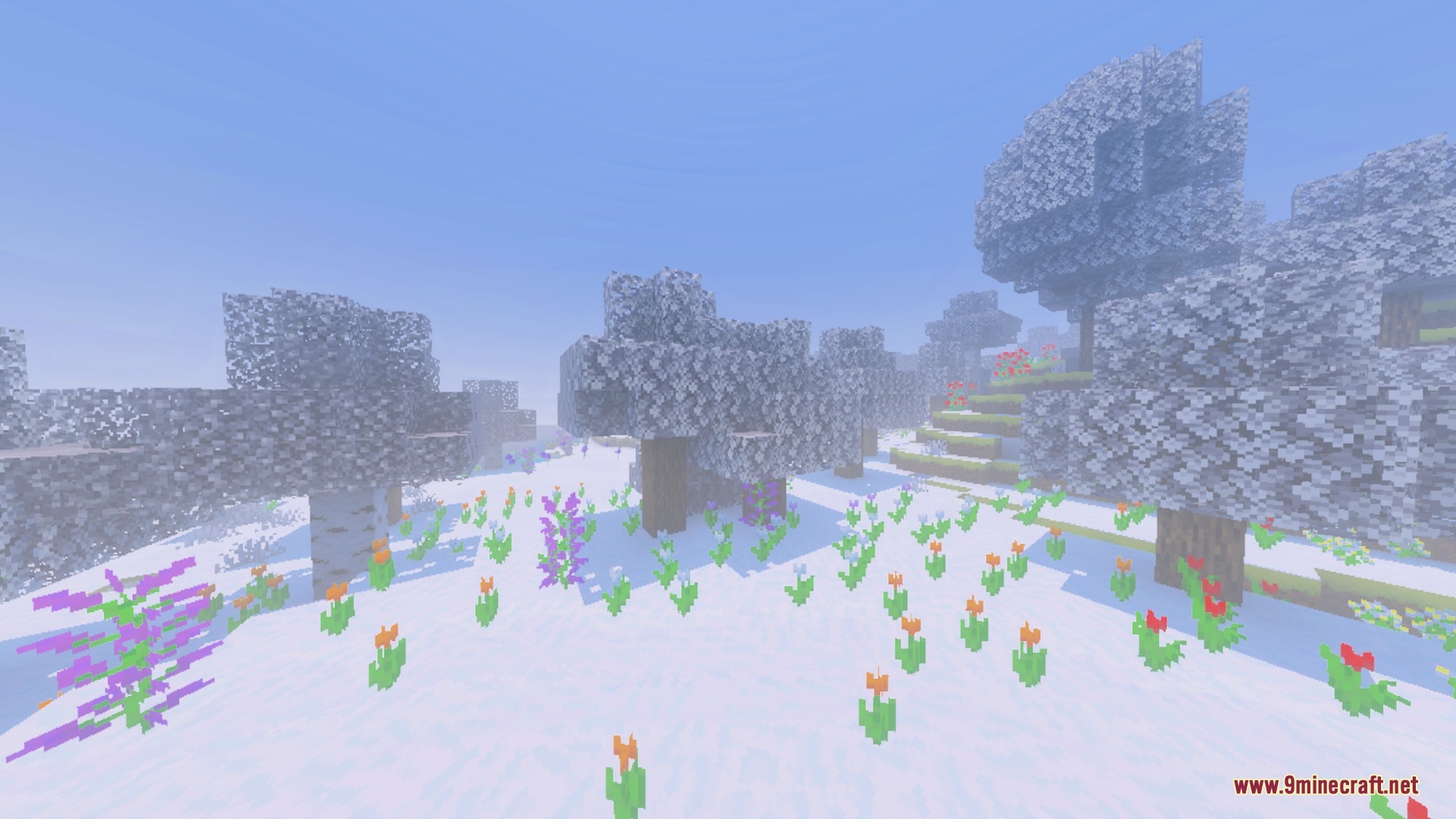
Project Silent Breakpoint : Weather Cycle brings customizable atmospheric presets to your Bedrock world. It lets you switch between different tactical environments like thick fog and arctic winter tones. The pack runs smooth across all devices to keep your frame rates high during gameplay.
Features:
- Normal cycle offers clear lighting for long-range combat.
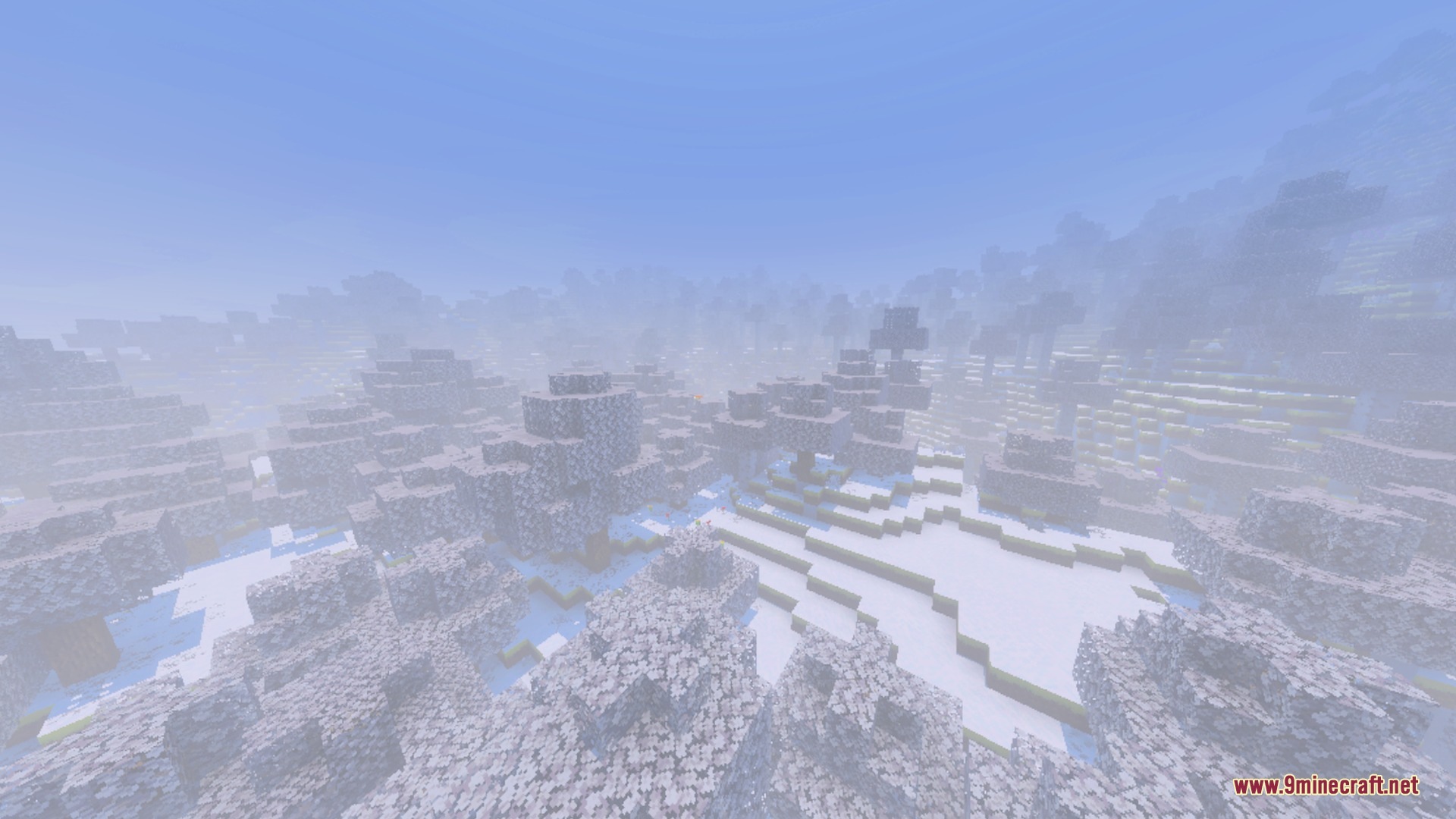
- Dark Mist mode adds thick fog for stealth missions.
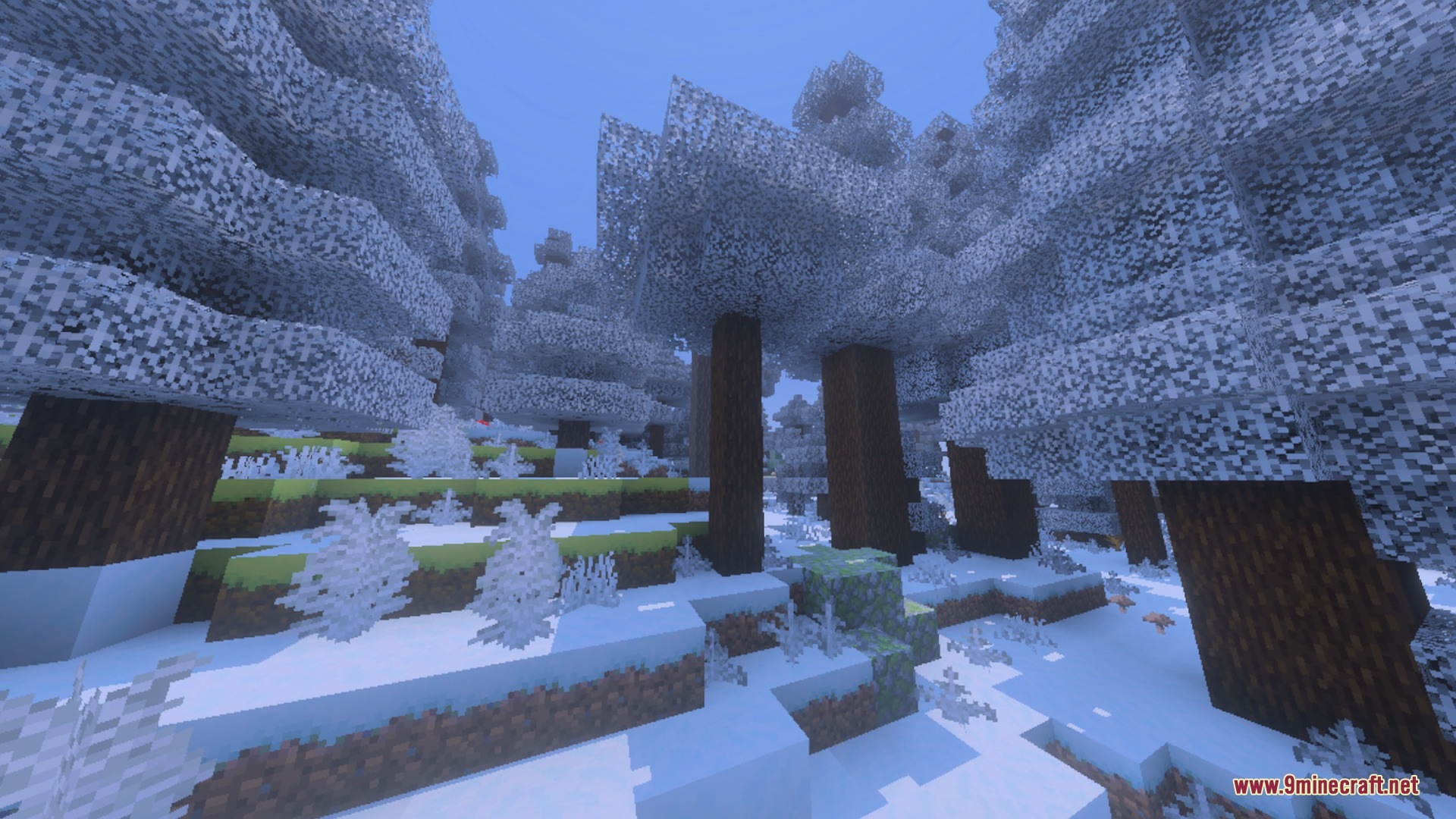
- Winter cycle creates a frozen aesthetic for arctic maps.
- Quick subpack slider allows easy weather switching in settings.
- Lightweight design runs smooth on low-end mobile devices.
Configuration:
Go to your resource pack menu and click the gear icon on the pack. Move the slider to select between Normal, Mist, or Winter modes.
Screenshots:
Project Silent Breakpoint Weather Cycle Shader Download Links
Quick facts
- Edition: Minecraft Bedrock
- File type: .mcpack
- Minecraft version listed: 1.21
- How to install: Download the .mcpack. → Open it — Minecraft imports it under Resource Packs. → Activate it in Global Resources, or for one world under Resource Packs → Available.
- Where to get it: In MCModsHub, or directly above on this page.
Install steps are the general flow for this file type — How to install Minecraft Bedrock texture packs walks through it step by step.
Verified by MCModsHub
- Pack type: .mcpack — a single pack
- Manifest requires Minecraft 1.21.30 or newer
- Complete pack — everything it depends on is inside the file
- Download size: 9.7 MB
- Download link checked 22 Sept 2026 — working
- Mirrored on our own servers — the download does not depend on the original host
These come from our own check of the pack file, not from the source page.