ShadersBedrock
Etherveil Shader (26.x, 1.21) – Custom Biome Fog and Sky Colors on Any Phone


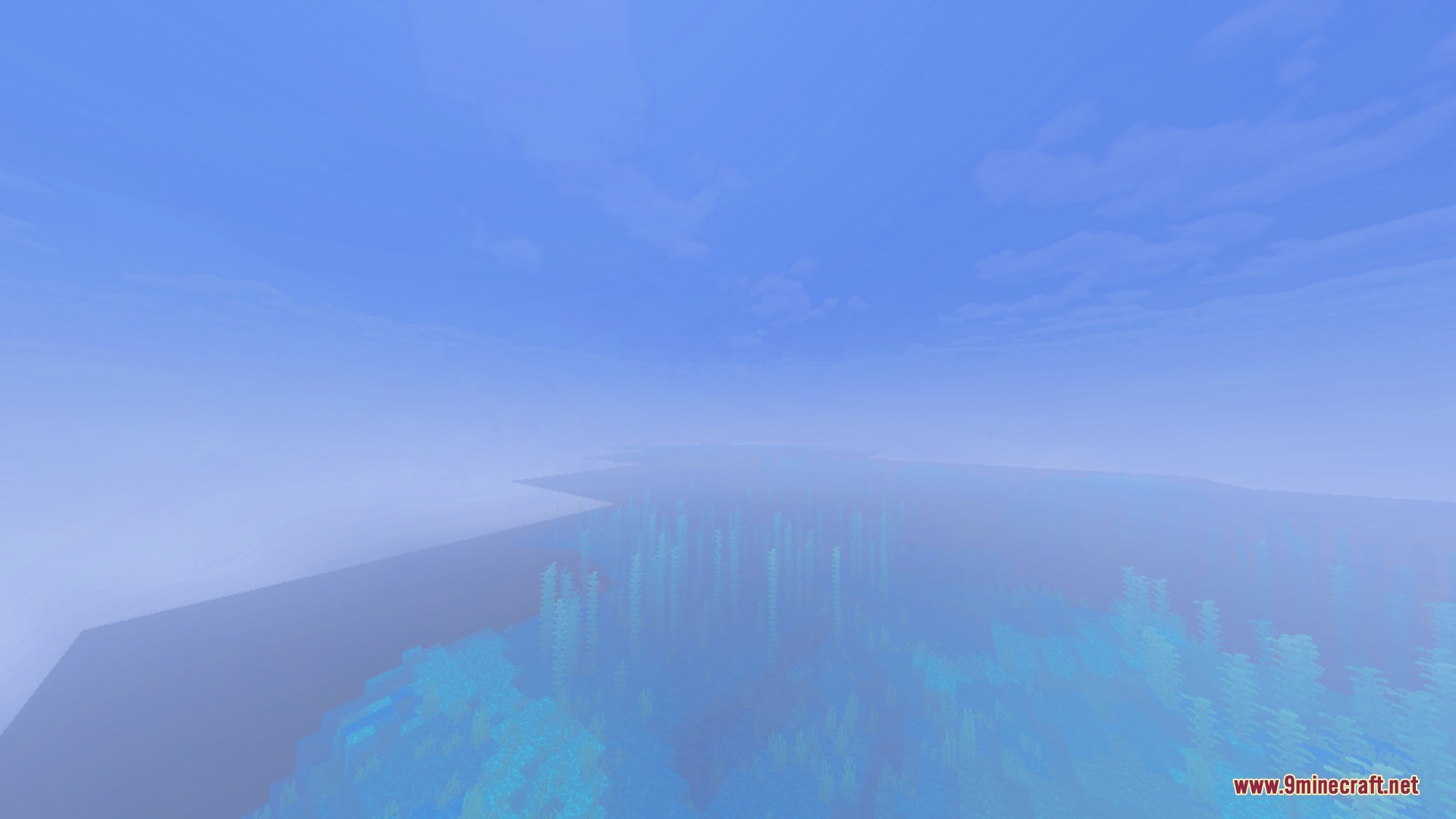
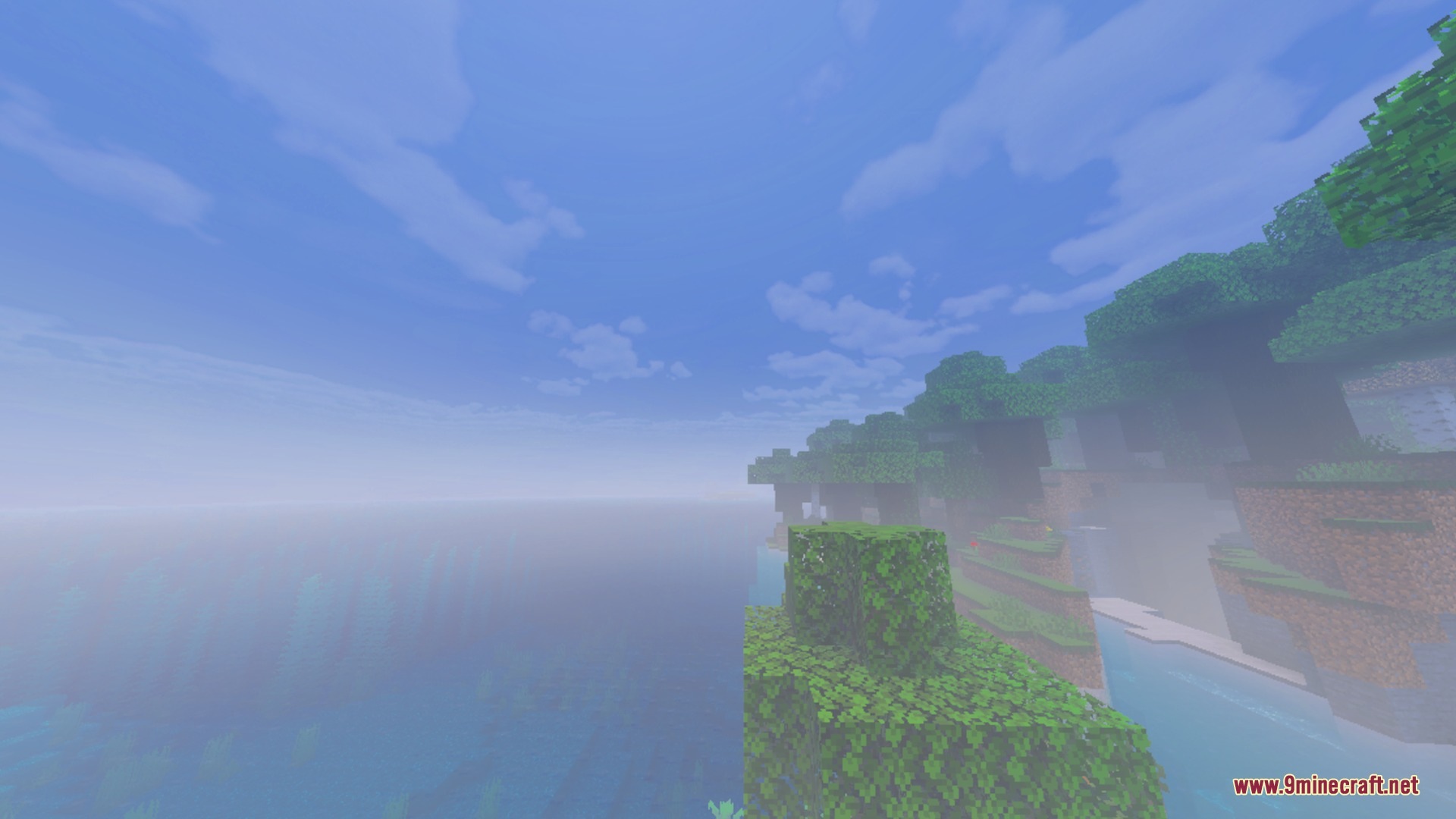
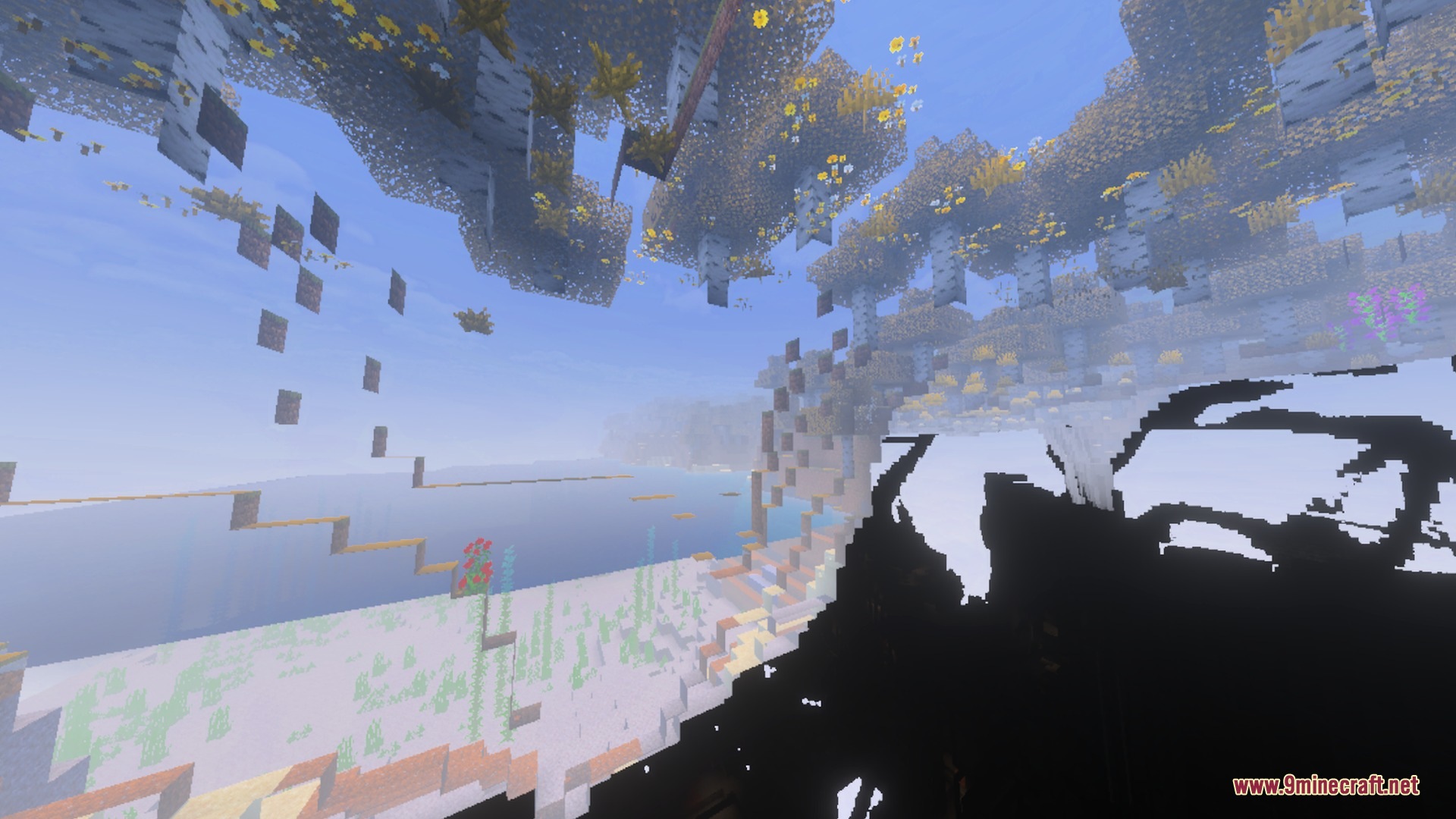
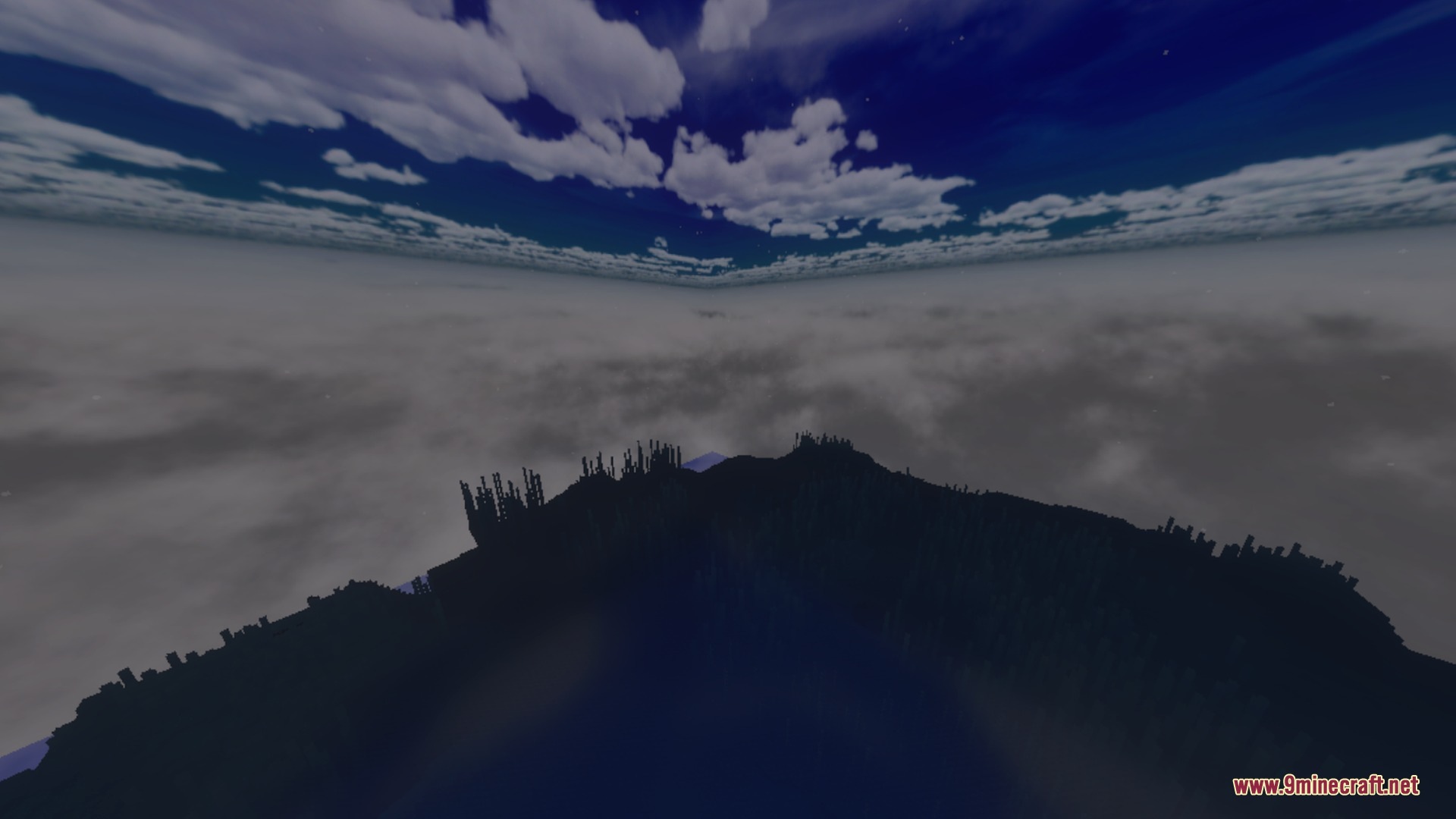
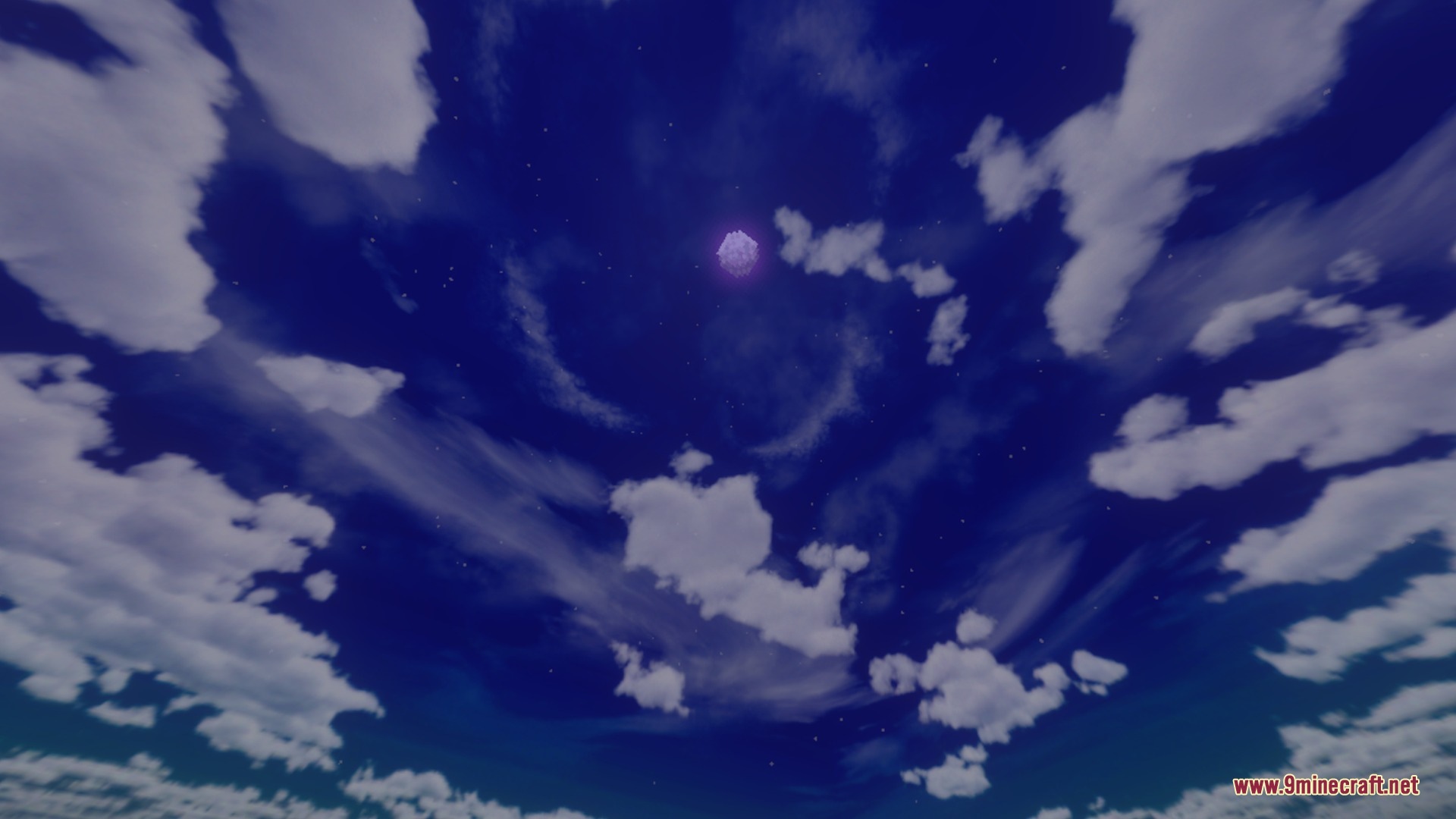
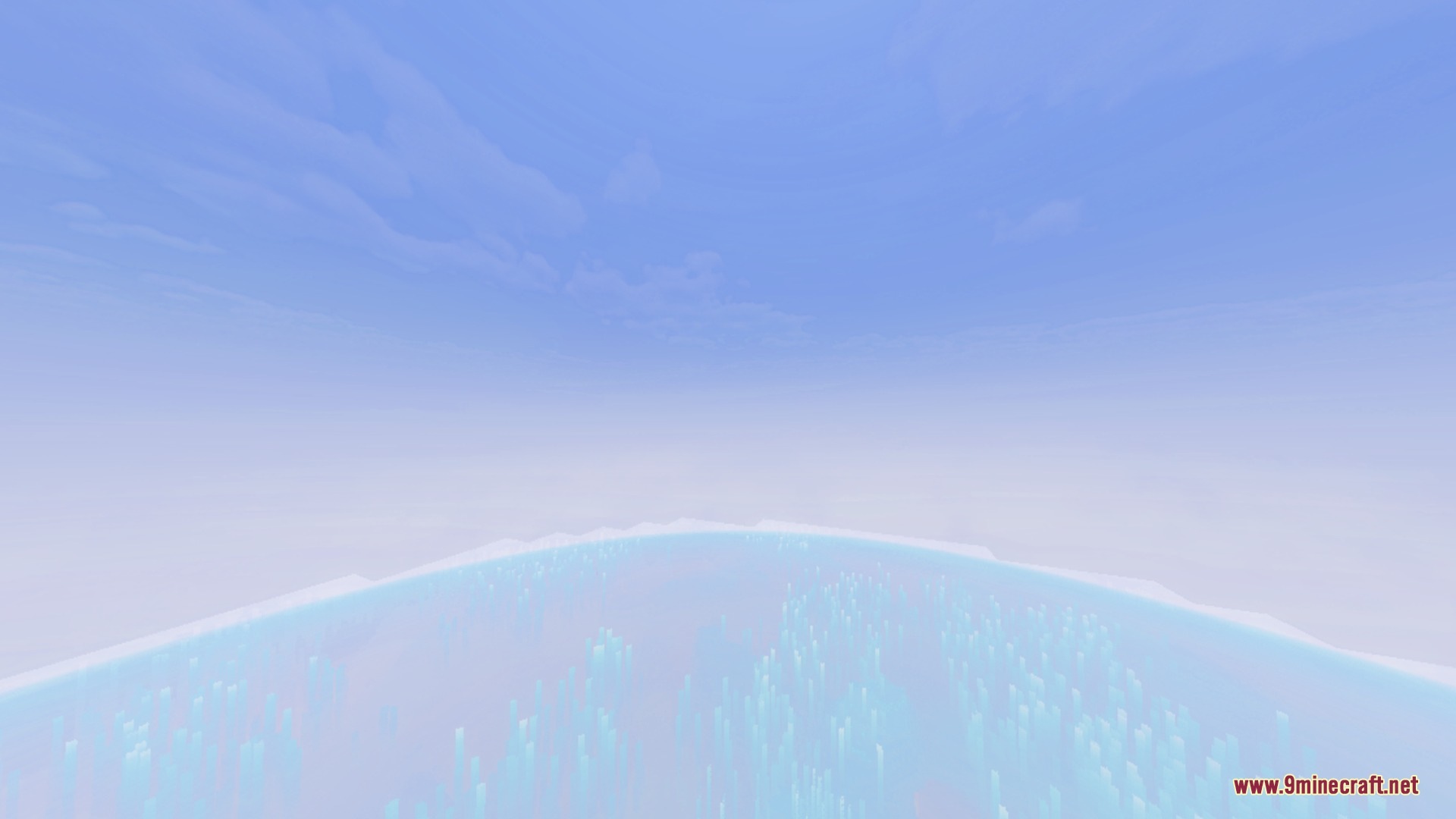
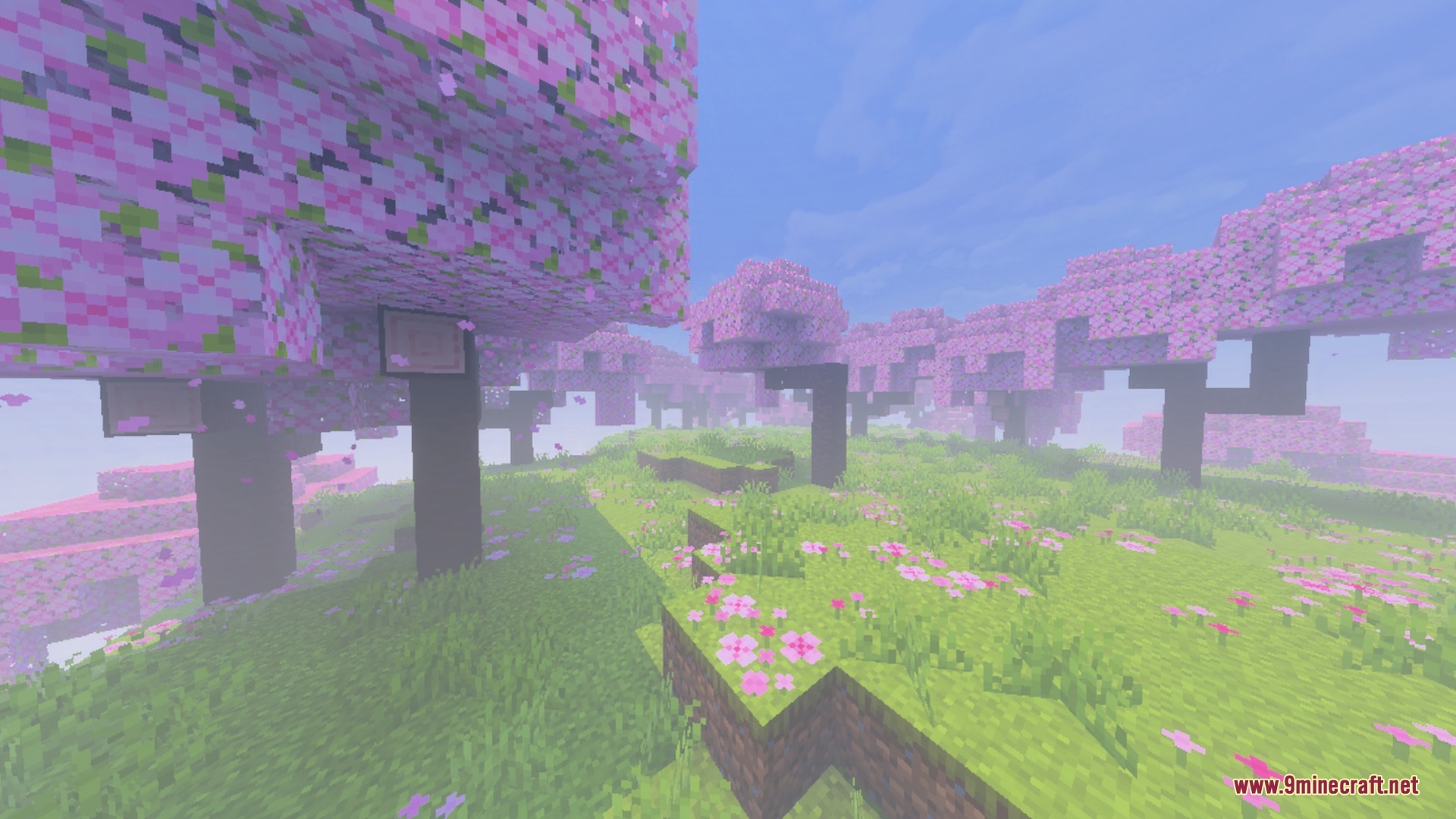
Etherveil gives your Minecraft world a cinematic look while keeping your gameplay smooth. It adds custom fog colors and atmospheres across every biome, from bright deserts to dark caves. It also adjusts water tones and dimension skies to create scenic views on any device.
Features:
- Adds unique fog colors and moods to every biome.
- Provides distinct visuals for the Nether and the End.
- Shifts water and weather tones to match each area.
- Runs smoothly on low-end mobile devices without dropping frames.
Screenshots:
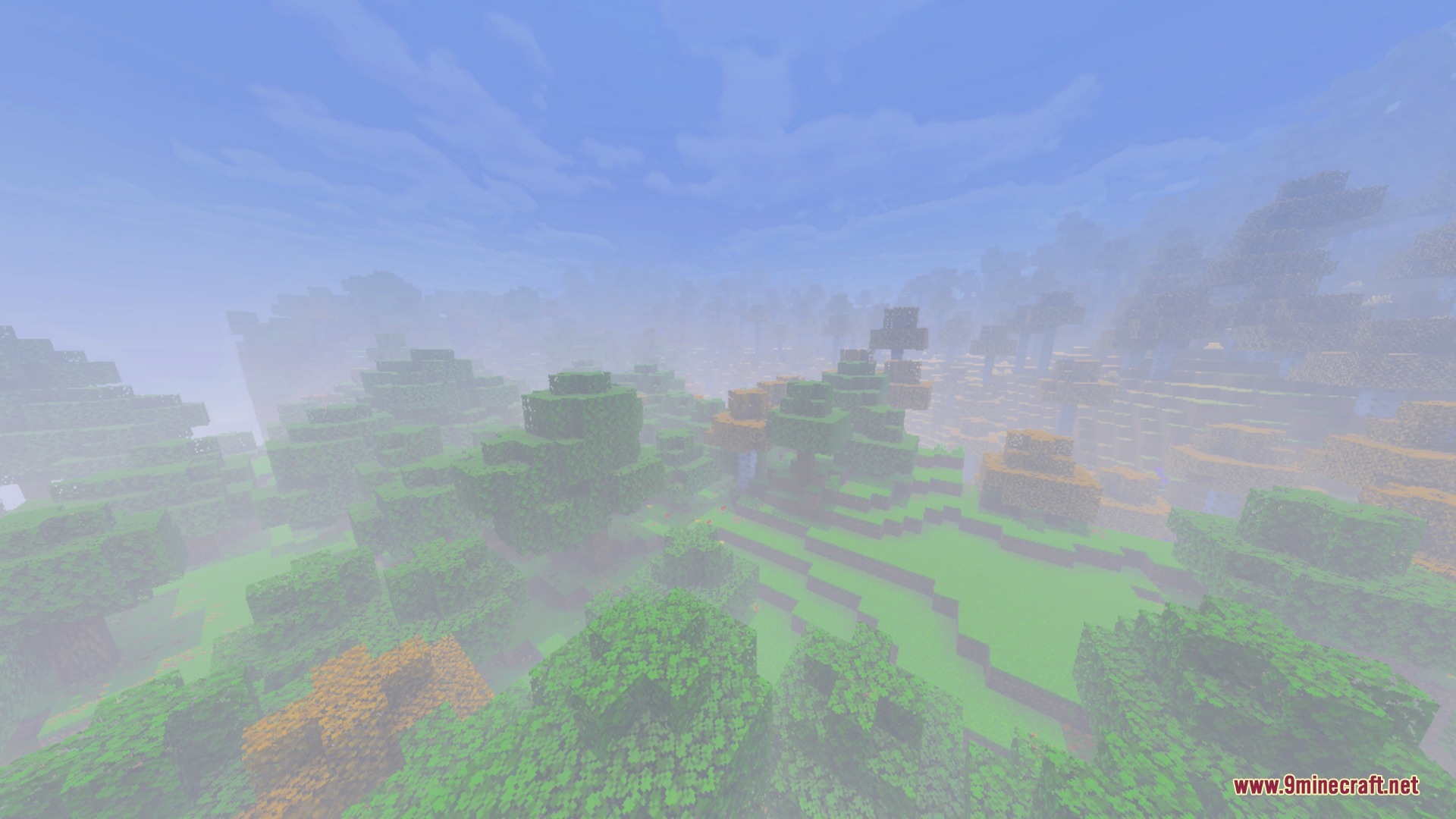
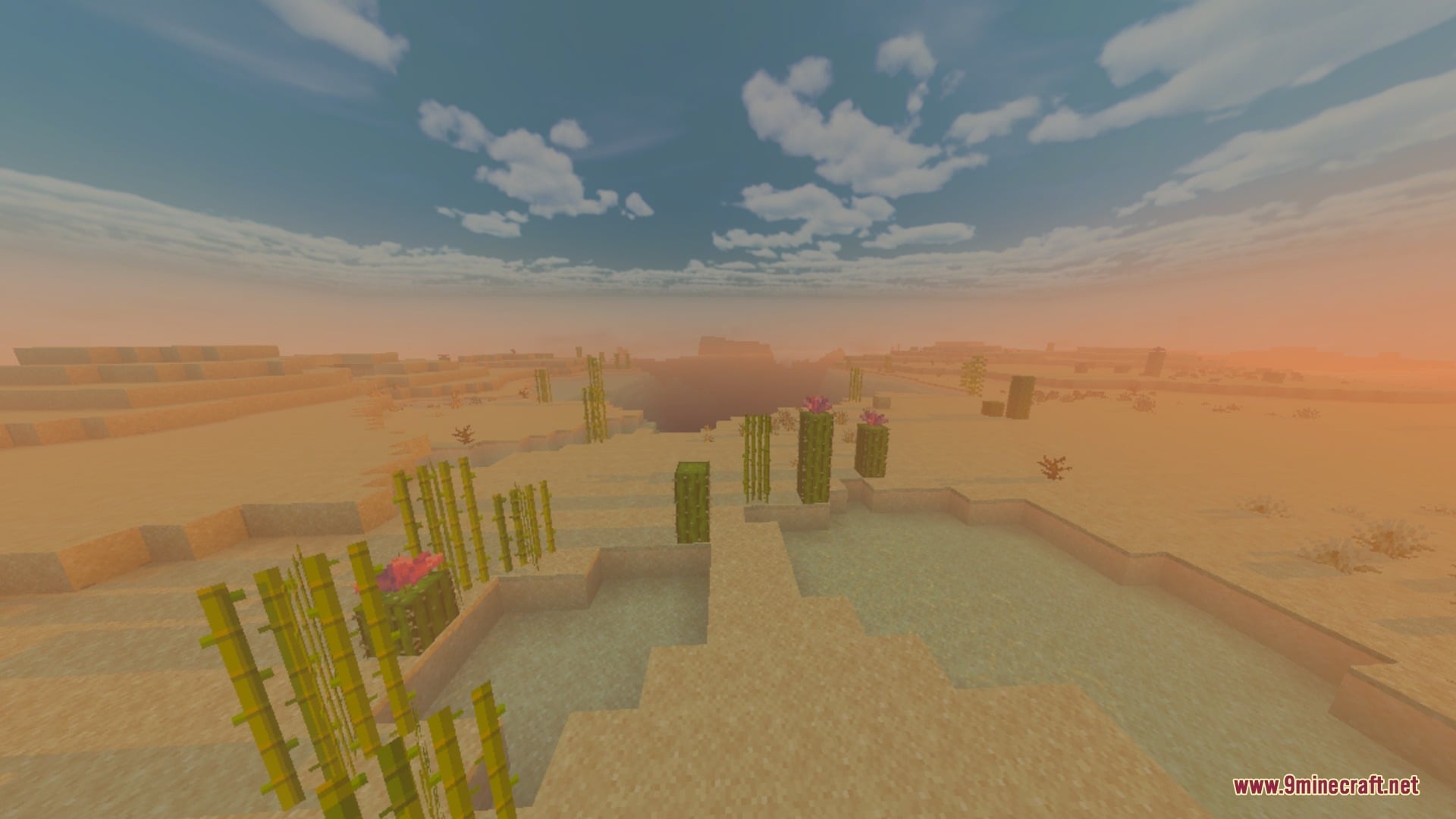
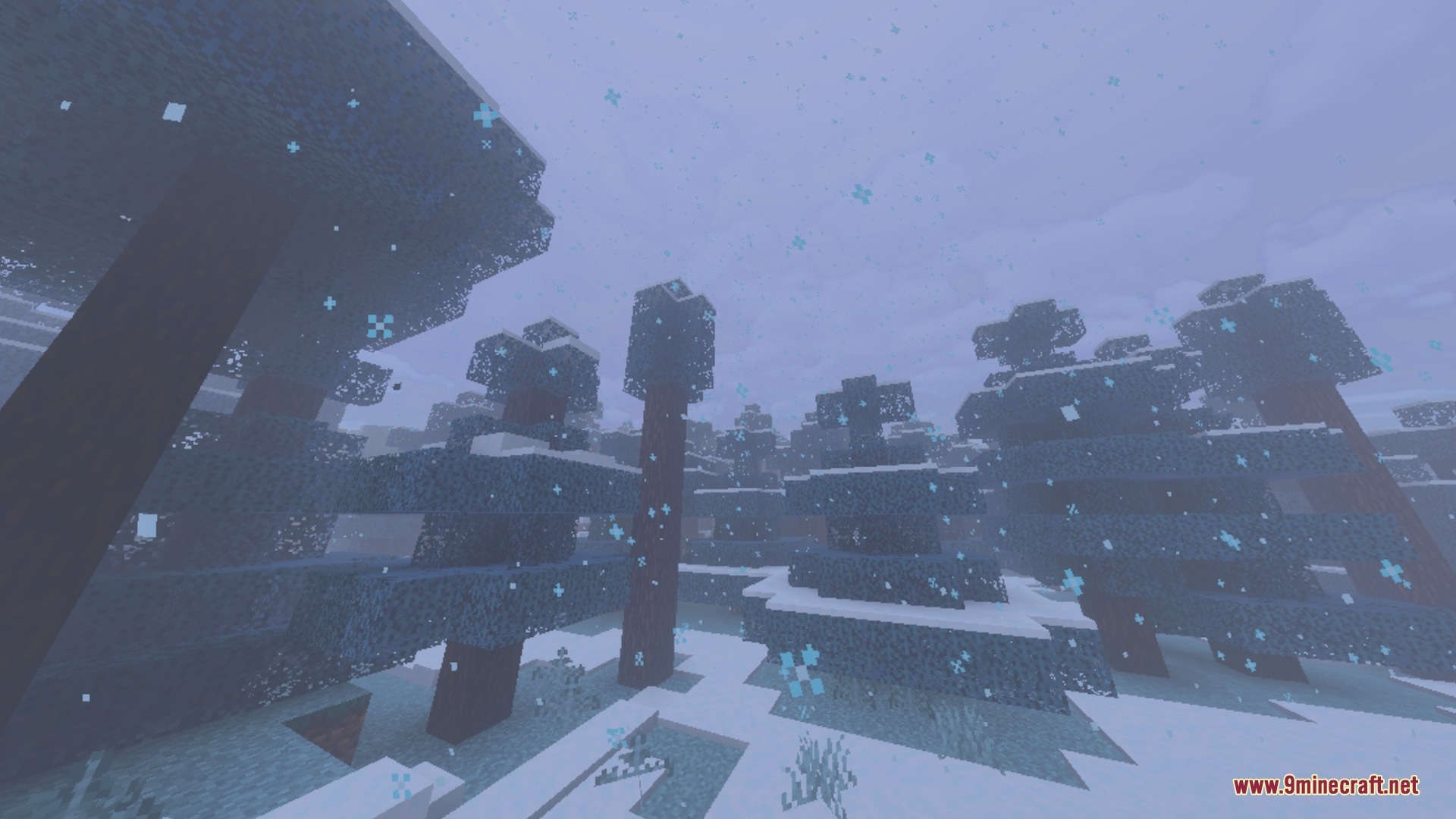
Etherveil Shader Download Links
Quick facts
- Edition: Minecraft Bedrock
- File type: .mcpack
- Minecraft version listed: 1.21
- How to install: Download the .mcpack. → Open it — Minecraft imports it under Resource Packs. → Activate it in Global Resources, or for one world under Resource Packs → Available.
- Where to get it: In MCModsHub, or directly above on this page.
Install steps are the general flow for this file type — How to install Minecraft Bedrock texture packs walks through it step by step.
Verified by MCModsHub
- Pack type: .mcaddon — behaviour and resource pack in one file
- Manifest requires Minecraft 1.21.0 or newer
- Complete pack — everything it depends on is inside the file
- Download link checked 22 Sept 2026 — working
- Mirrored on our own servers — the download does not depend on the original host
These come from our own check of the pack file, not from the source page.