YG Dreamy Shader
YG Dreamy Shader turns Bedrock's Vibrant Visuals into a warm, glowing dreamscape — golden god rays through the trees, saturated dawn-to-dusk skies, and…
⬇ Download on CurseForge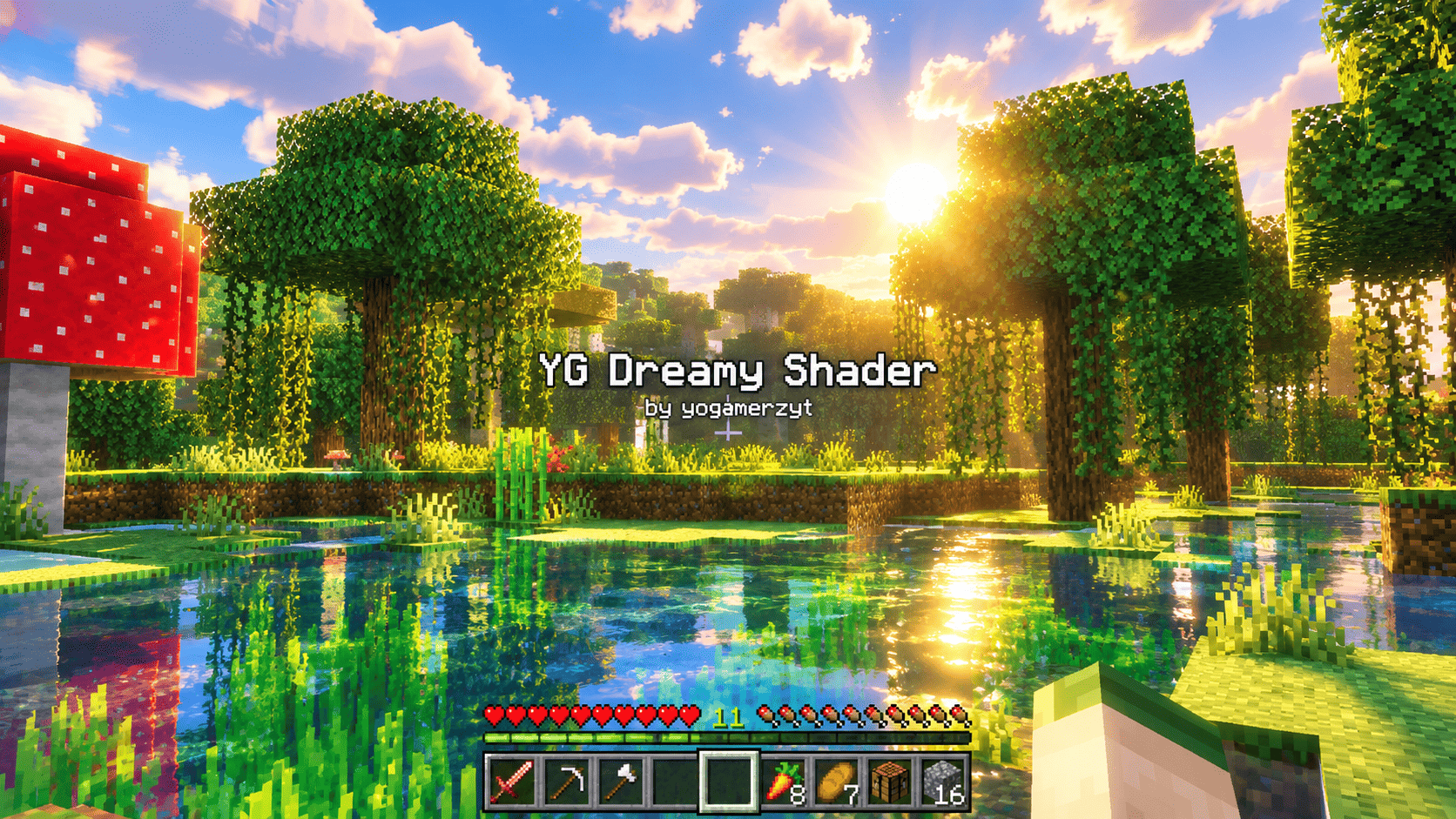
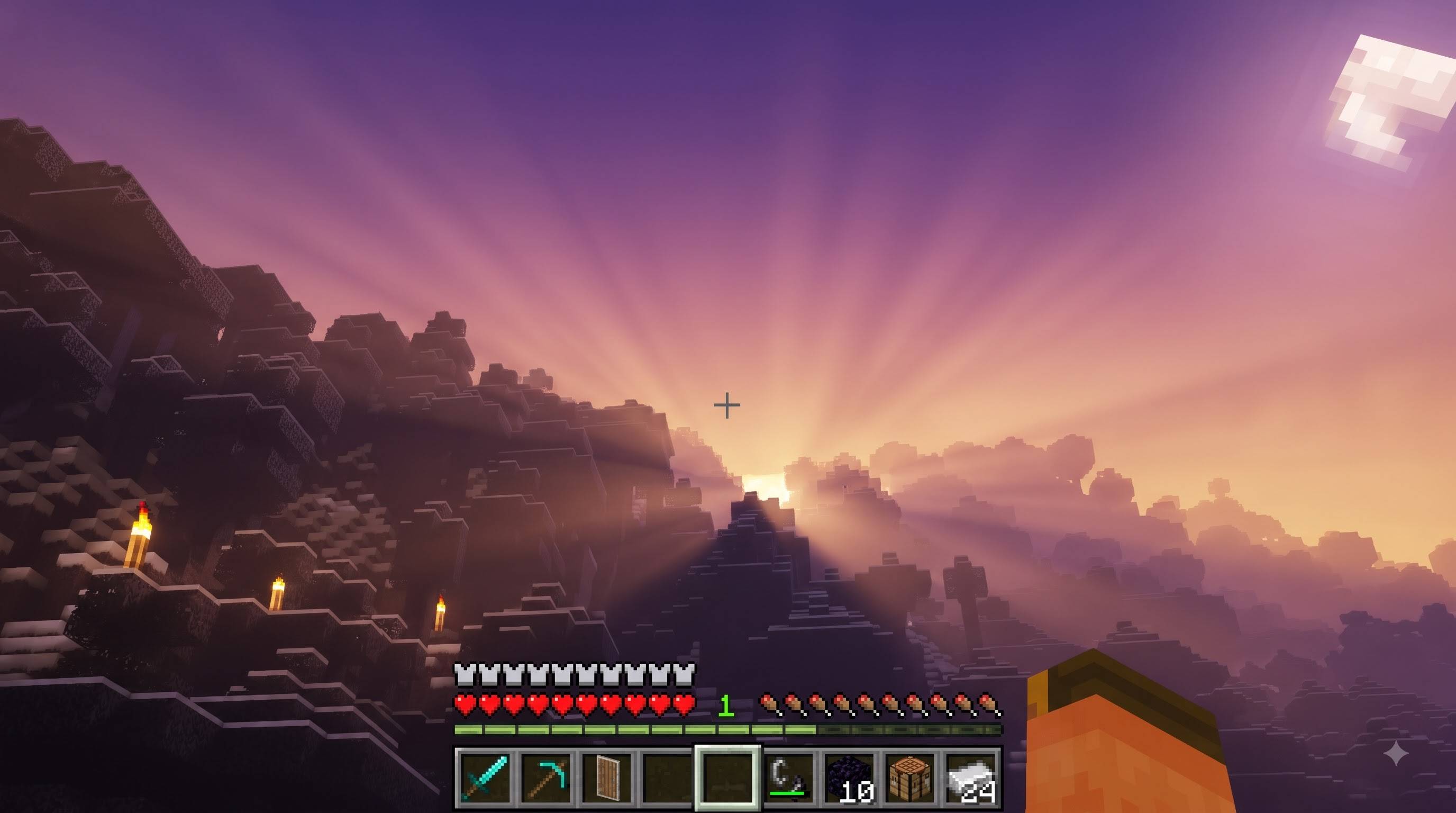
YG Dreamy Shader is a hand-tuned Vibrant Visuals configuration for Minecraft: Bedrock Edition, built to make every biome feel like it's lit from within. Unlike traditional GLSL shader packs for Java Edition, YG Dreamy Shader runs entirely on Mojang's native Vibrant Visuals (RenderDragon) pipeline — no mods, no heavy external renderer, just a resource pack you drop straight into Minecraft.
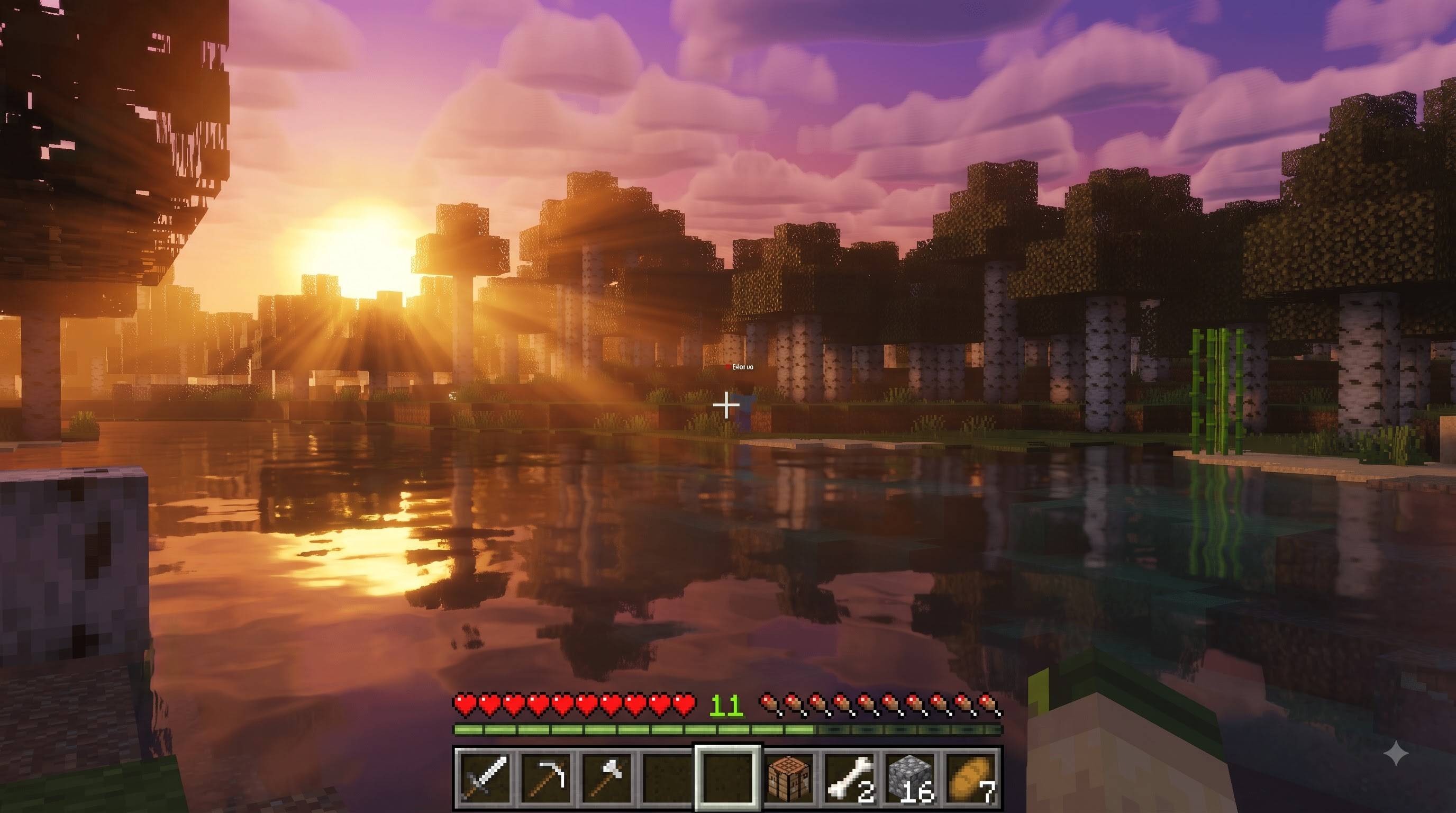
The heart of this pack is light. Sun rays have been sharpened and intensified so that early morning and late evening light cuts dramatically through forest canopies, bamboo groves, and swamp mist, creating those unmistakable "god ray" moments PC shader fans love. The sky itself has been retuned across the full day-night cycle: sunrise and sunset horizons burn with deeper oranges and pinks, the overhead sky reads richer and more saturated, and moonlit nights carry a cool, believable blue glow.
Color grading has been pushed further across shadows, midtones, and highlights, giving the whole world a warmer, more vivid, slightly dreamy look without blowing out detail or crushing shadows — thanks to ACES tone mapping doing the heavy lifting under the hood. Water reflects and catches caustic light more noticeably, glowing blocks like torches, lanterns, glowstone, shroomlight, and portals burn brighter, and volumetric fog has been thickened just enough to make light shafts genuinely visible without fogging up your view distance.
The Nether and The End get special attention. Crimson Forest, Warped Forest, Basalt Deltas, Soul Sand Valley, and the classic Nether wastes each carry their own boosted, neon-leaning color identity, while the End's purple skies and glowing towers are pushed into full, saturated glow — matching the moody, otherworldly look that inspired this edit.
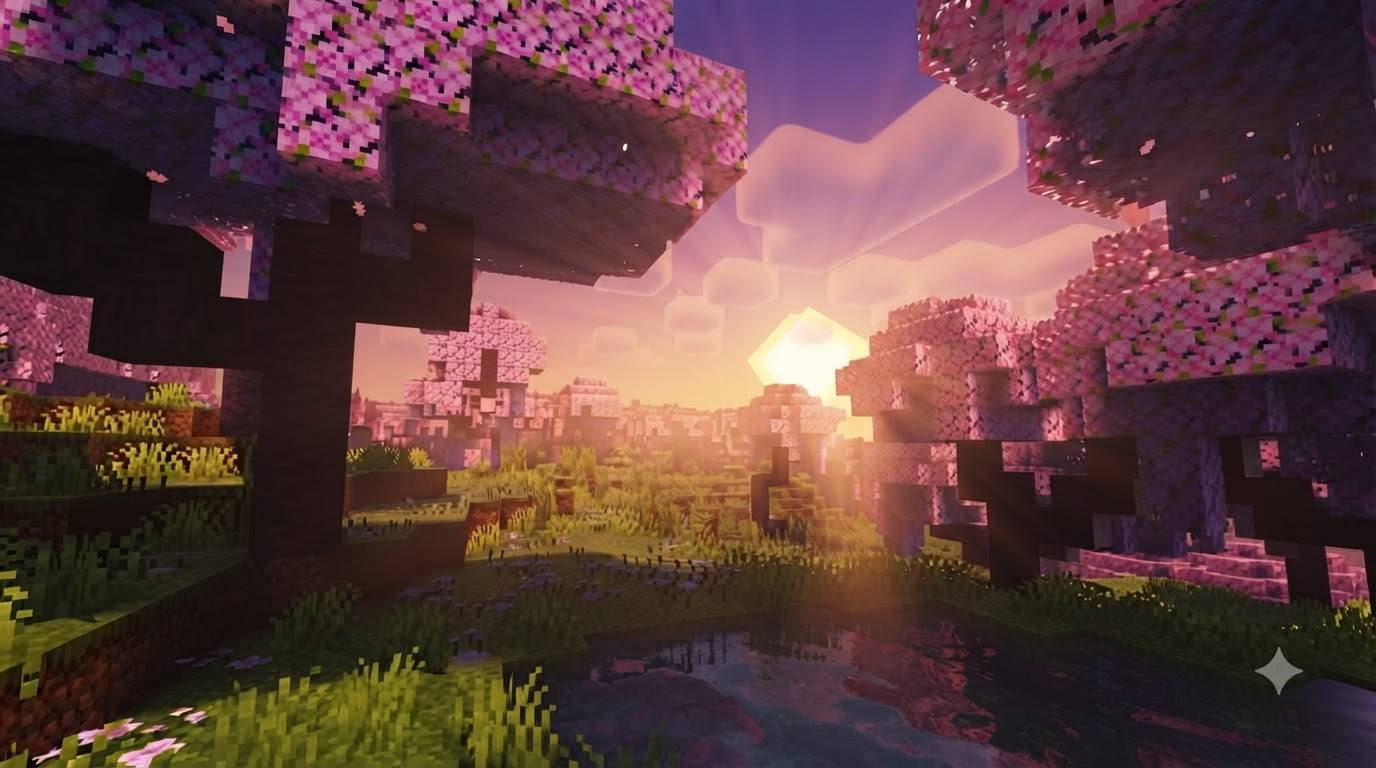
Every biome in the game is covered, from oceans and mesas to cherry groves and the pale garden, each with its own fine-tuned atmosphere, fog, and color grading file, so the pack behaves consistently no matter where you explore. It ships with two cloud options — vanilla clouds for lower-end devices, and a custom 32x cloud subpack for a softer, more painterly sky on stronger hardware.
YG Dreamy Shader is best experienced on devices that support Vibrant Visuals (Minecraft 1.21.120+, with PBR/RenderDragon graphics enabled). It's built for players who want their Bedrock world to feel cinematic — warm sunsets, glowing biomes, and rays of light you can actually see — without installing a single shader mod.
Credits
- Glow/color tuning & rebrand (YG Dreamy Shader): yogamerzyt
- Visual style originally inspired by: BSL Shaders (Java Edition) by CaptTatsu
- Rendering engine: Mojang's Vibrant Visuals / RenderDragon
Key Features
- Boosted, sharpened sun god-rays at sunrise/sunset
- Richer, more saturated sky colors across the full day-night cycle
- Enhanced color grading (ACES tone mapping, no blown highlights)
- Glowing water caustics + stronger emissive blocks (torches, glowstone, portals)
- Denser, more visible volumetric light shafts
- Unique boosted neon atmospheres for every Nether biome + The End
- Two cloud options (vanilla / custom 32x)
- Runs natively — no shader mod required, just a resource pack
- Edition: Minecraft Bedrock
- File type: .mcpack
- Minecraft versions listed: 1.21.100, 26.0
- How to install: Download the .mcpack. → Open it — Minecraft imports it under Resource Packs. → Activate it in Global Resources, or for one world under Resource Packs → Available.
- Where to get it: Opens on CurseForge — not every file is mirrored on our own servers.
Install steps are the general flow for this file type — How to install Minecraft Bedrock texture packs walks through it step by step.
- Pack type: .mcpack — a single pack
- Manifest requires Minecraft 1.21.120 or newer
- Complete pack — everything it depends on is inside the file
- Download size: 18.0 MB
- Download link checked 18 Sept 2026 — working
These come from our own check of the pack file, not from the source page.