🩸 Overview
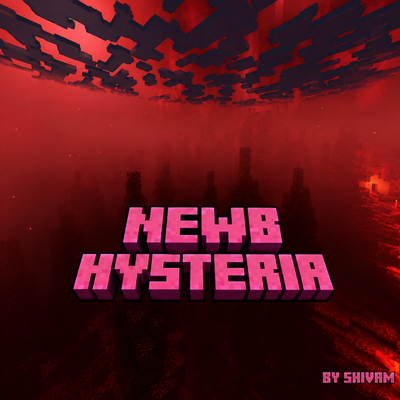
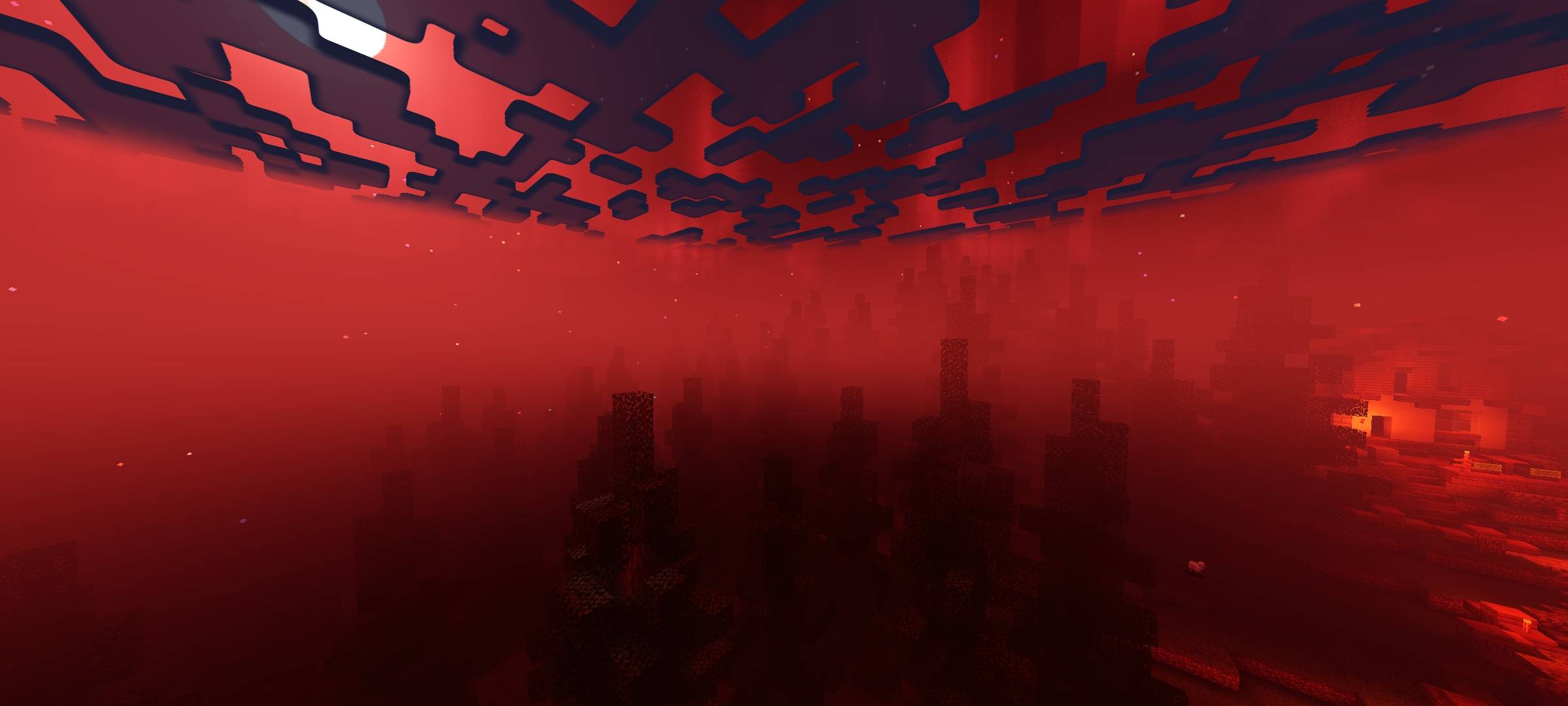
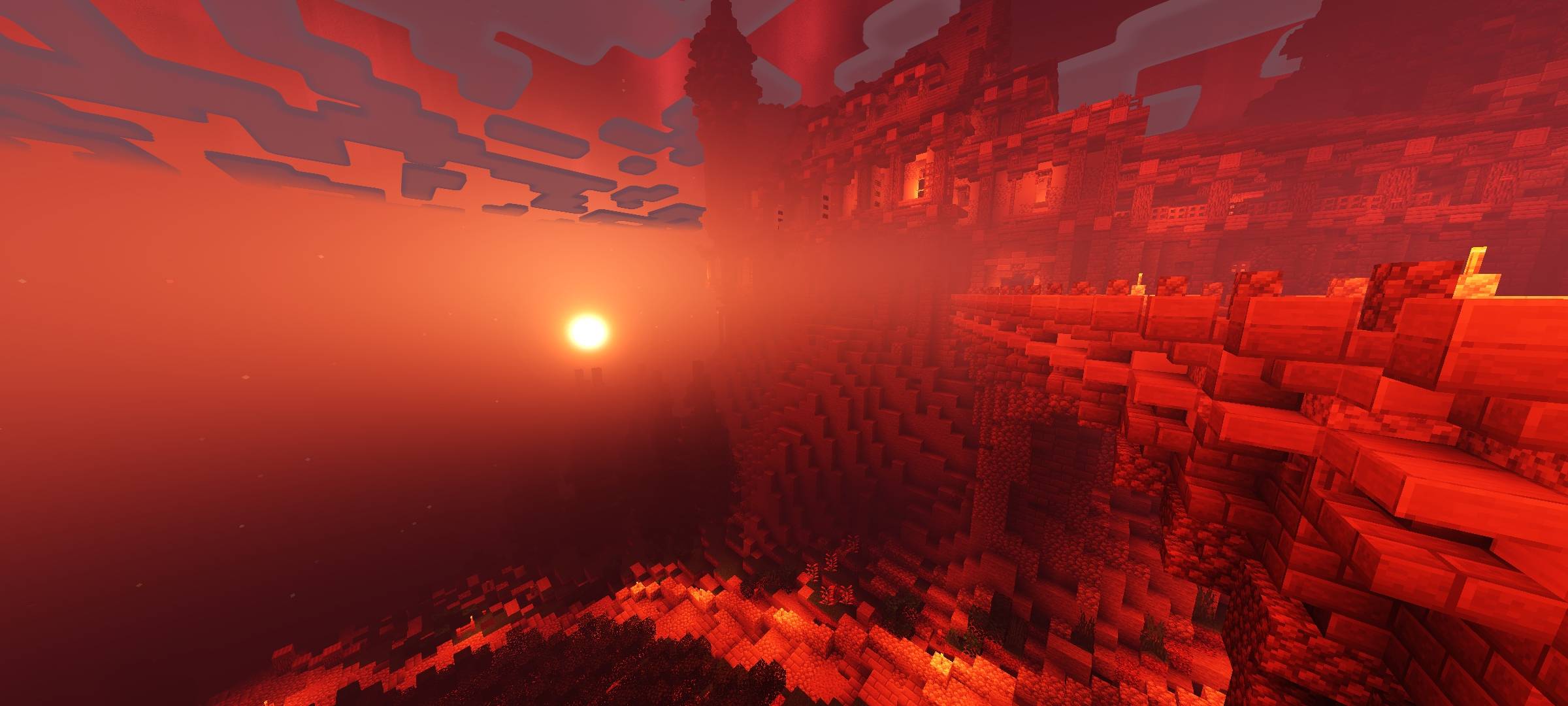
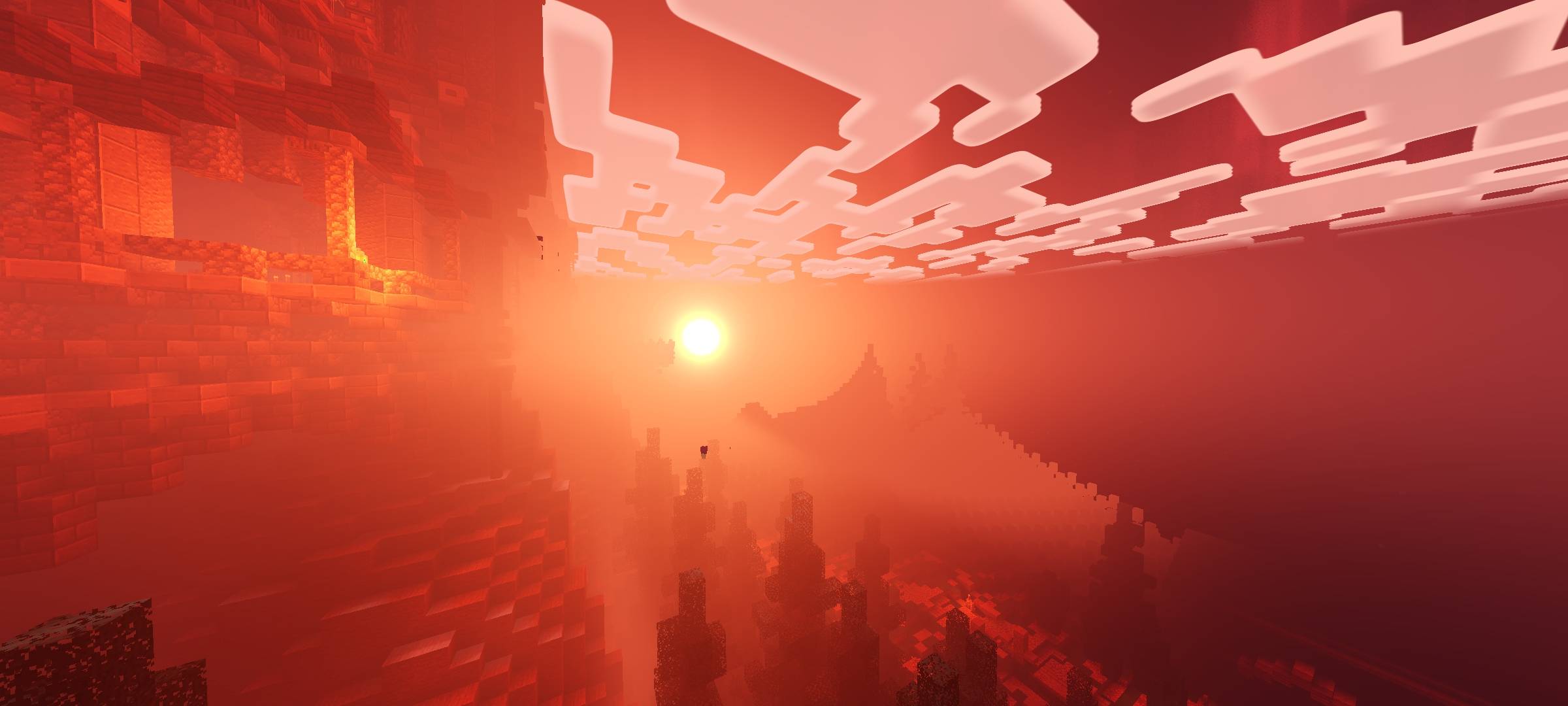
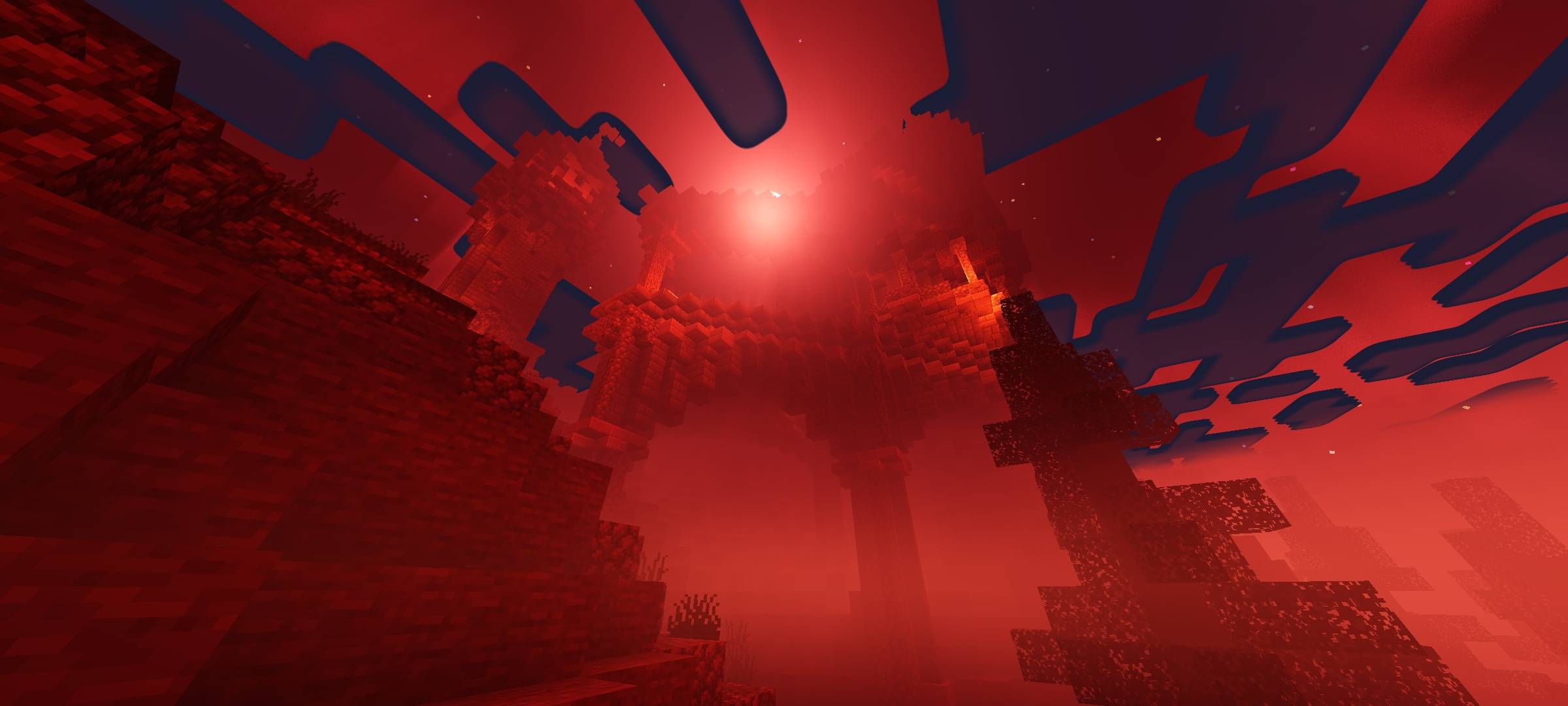
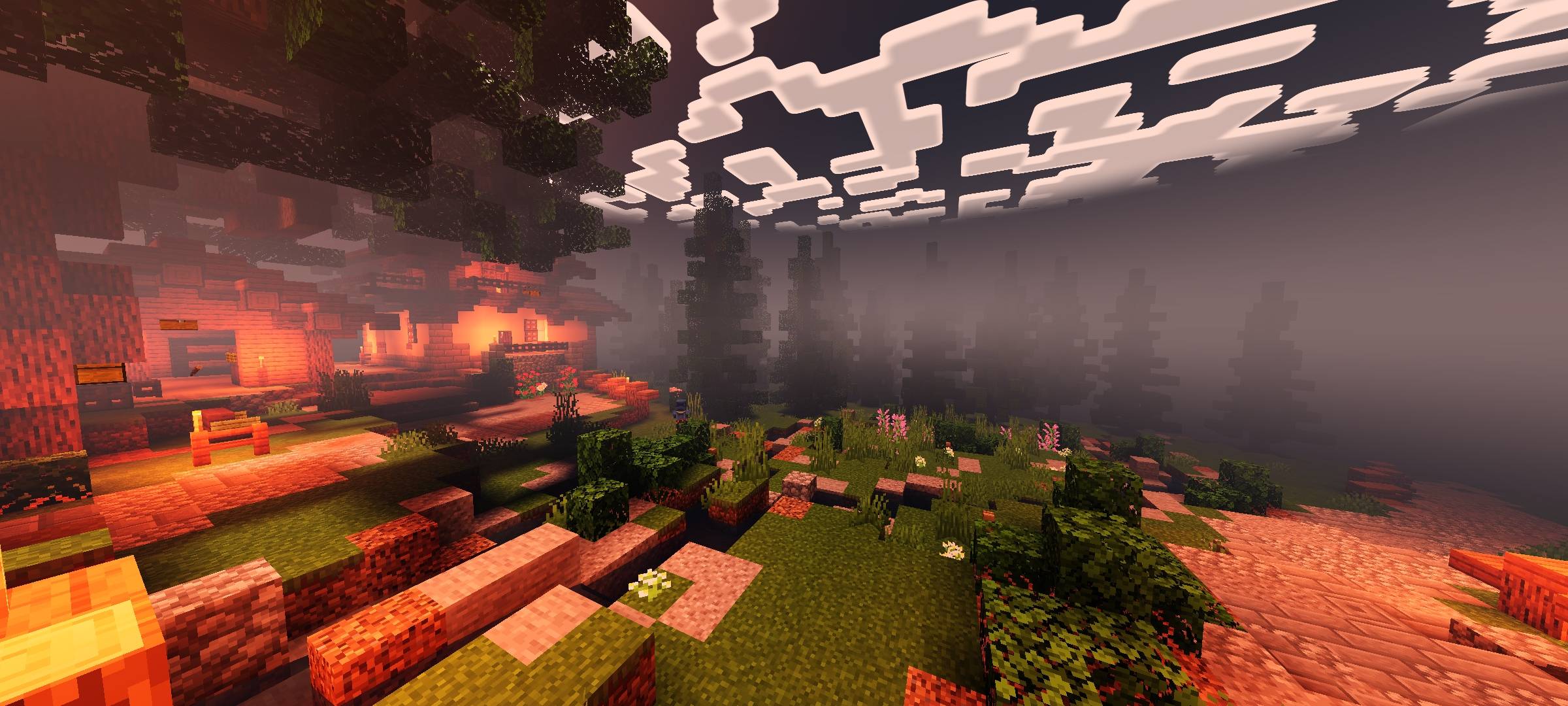
CraftEdge Horror transforms Minecraft Bedrock into a dark and atmospheric horror experience with blood-red skies eerie lighting heavy fog dramatic shadows and terrifying environmental effects.
🌅 Sky & Atmosphere
- Blood-red horror atmosphere
- Dark grey daytime sky
- Blood-red sunrise and sunset
- Red-tinted night sky
- Large glowing Blood Moon
- Blood-red End sky
- End black-hole effect
- Blood-red aurora at night
- Rare red shooting stars
- Enhanced sun and moon glow
- Subtle god rays
🌑 Lighting & Shadows
- Deep and dramatic shadows
- Darker cave and ambient lighting
- Blood-tinted sunlight
- Atmospheric lighting
- Dim hellfire-style torch lighting
- Dark Nether ambient lighting
- Dark End ambient lighting
- Entity edge highlights
🌫️ Fog & Weather
- Thick distance fog
- Ground-level mist
- Extra heavy fog during rain
- Atmospheric rain
- Thicker wind-driven rain particles
- Rain mist and wet-world atmosphere
🌊 Water & Environment
- Animated water waves and ripples
- Dark and murky water
- Water reflections
- Subtle sun and moon reflections
- Wet-ground reflections
- Rain puddle effects
- Enhanced underwater caustics
- Enhanced underwater atmosphere
🌿 Animations & Visual Effects
- Eerie glowing ores
- Animated plants
- Animated lanterns
- Lava noise animation
- Pixel-style vanilla clouds
🎬 Cinematic Color
- ACES filmic tone mapping
- Cinematic contrast
- Reduced saturation
- Darker horror-focused color grading
⚙️ Compatibility
- Minecraft Bedrock Edition
- Minecraft 26.30+
- Designed for RenderDragon shader loaders
📖 Tutorial
🤖 Android
- Download the .mcpack file.
- Open the file with Minecraft.
- Wait for the pack to finish importing.
- Open Minecraft and go to Settings → Global Resources.
- Find CraftEdge Horror and activate it.
- Restart Minecraft if required.
🪟 Windows
- Install a compatible RenderDragon shader loader.
- Import CraftEdge Horror.
- Open Minecraft and go to Settings → Global Resources.
- Activate CraftEdge Horror.
- Restart Minecraft if required.
🐧 Linux
- Install a compatible RenderDragon shader loader.
- Import CraftEdge Horror.
- Open Global Resources.
- Activate CraftEdge Horror.
- Restart Minecraft if required.
❤️ Credits
CraftEdge Horror is based on Newb Shader by devendrn.
Modified and recompiled as CraftEdge Horror by Shivam.
Original Newb Shader Repository:
github.com/devendrn/newb-shader
🔗 Community
Quick facts
- Edition: Minecraft Bedrock
- File type: .mcpack
- Minecraft versions listed: 26.30, 26.40
- How to install: Download the .mcpack. → Open it — Minecraft imports it under Resource Packs. → Activate it in Global Resources, or for one world under Resource Packs → Available.
- Where to get it: Opens on CurseForge — not every file is mirrored on our own servers.
Install steps are the general flow for this file type — How to install Minecraft Bedrock texture packs walks through it step by step.
Verified by MCModsHub
- Pack type: .mcpack — a single pack
- Manifest requires Minecraft 1.26.30 or newer
- Complete pack — everything it depends on is inside the file
- Download size: 6.3 MB
- Download link checked 18 Sept 2026 — working
These come from our own check of the pack file, not from the source page.