Golden Glow Shader
A warm, cinematic golden-hour reskin for Vibrant Visuals — glowing low sun, soft amber haze, filmic color grading, and tannin-warm water across 47 biomes…
⬇ Download on CurseForge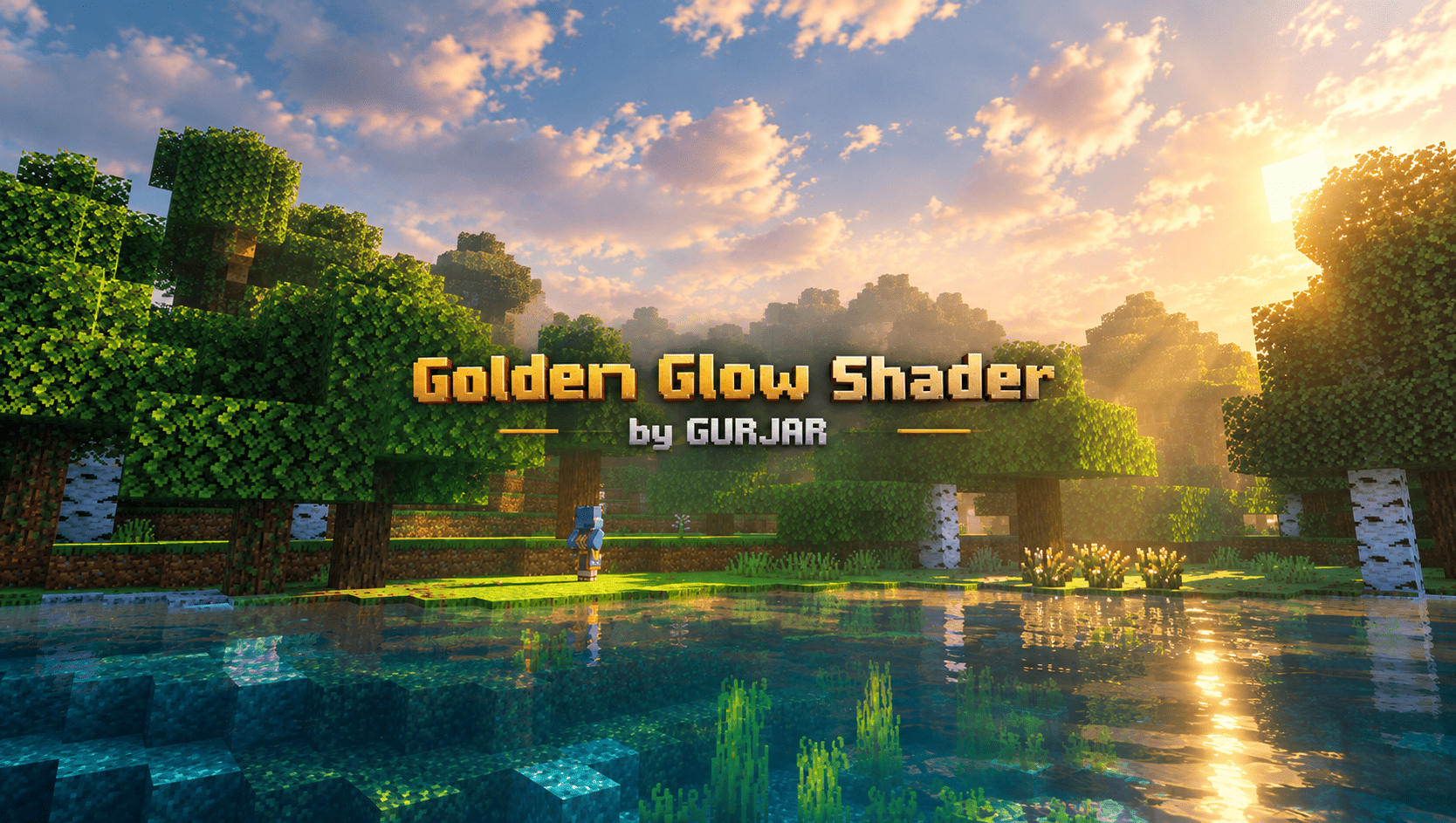
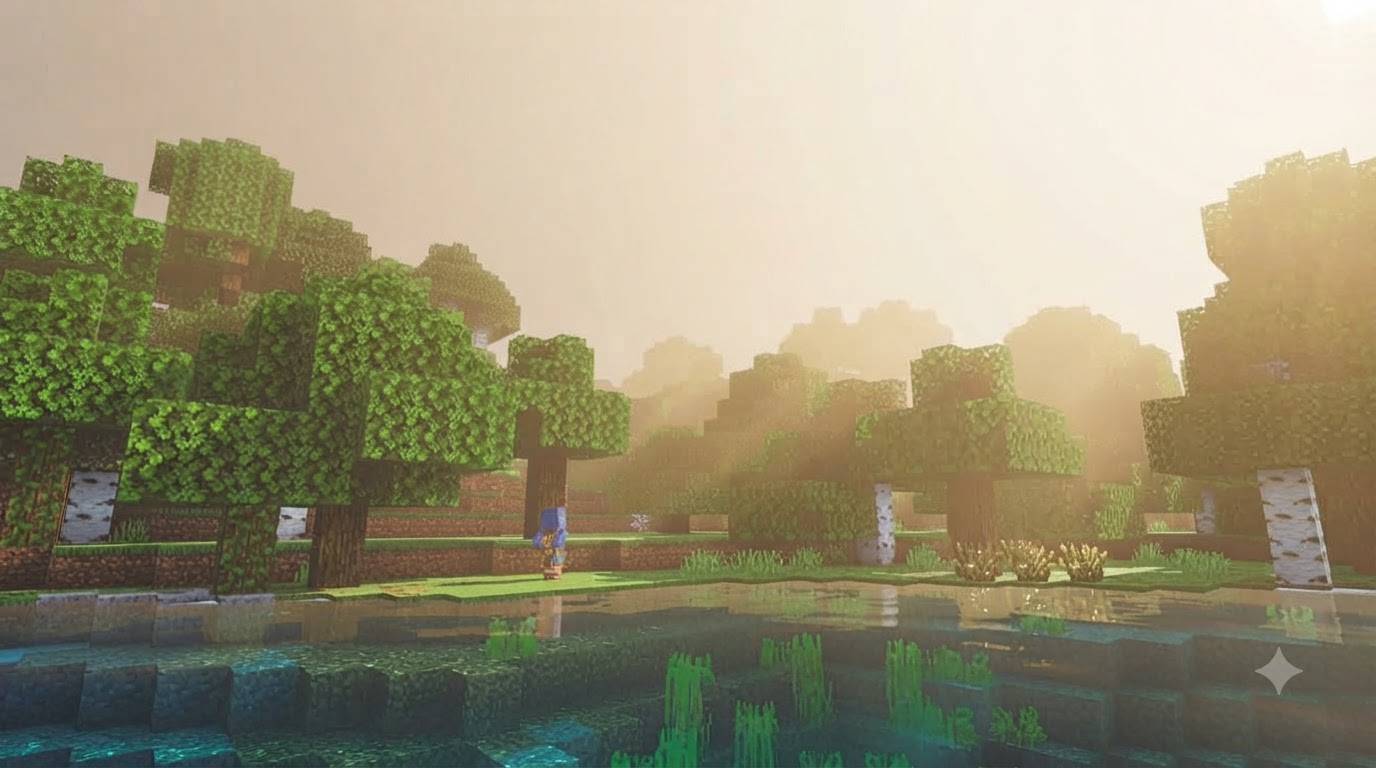
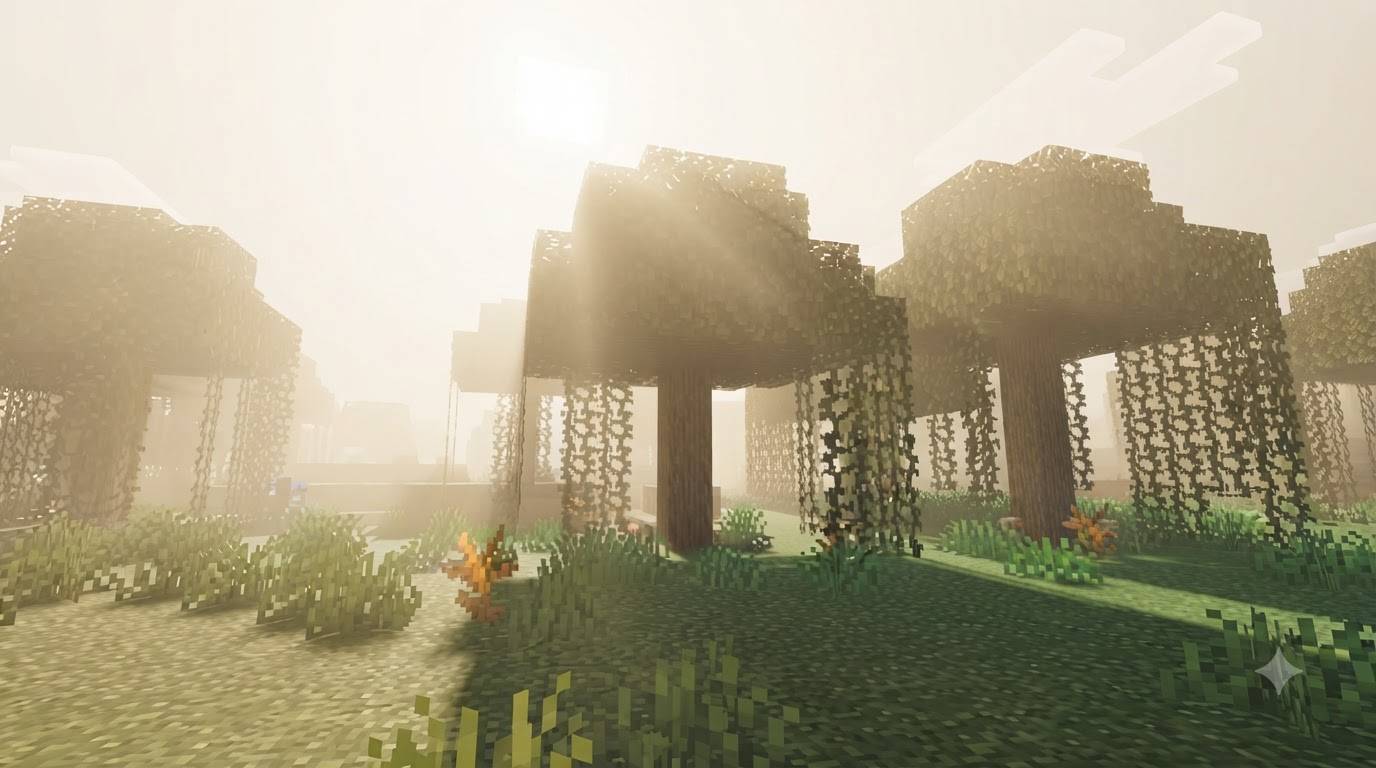
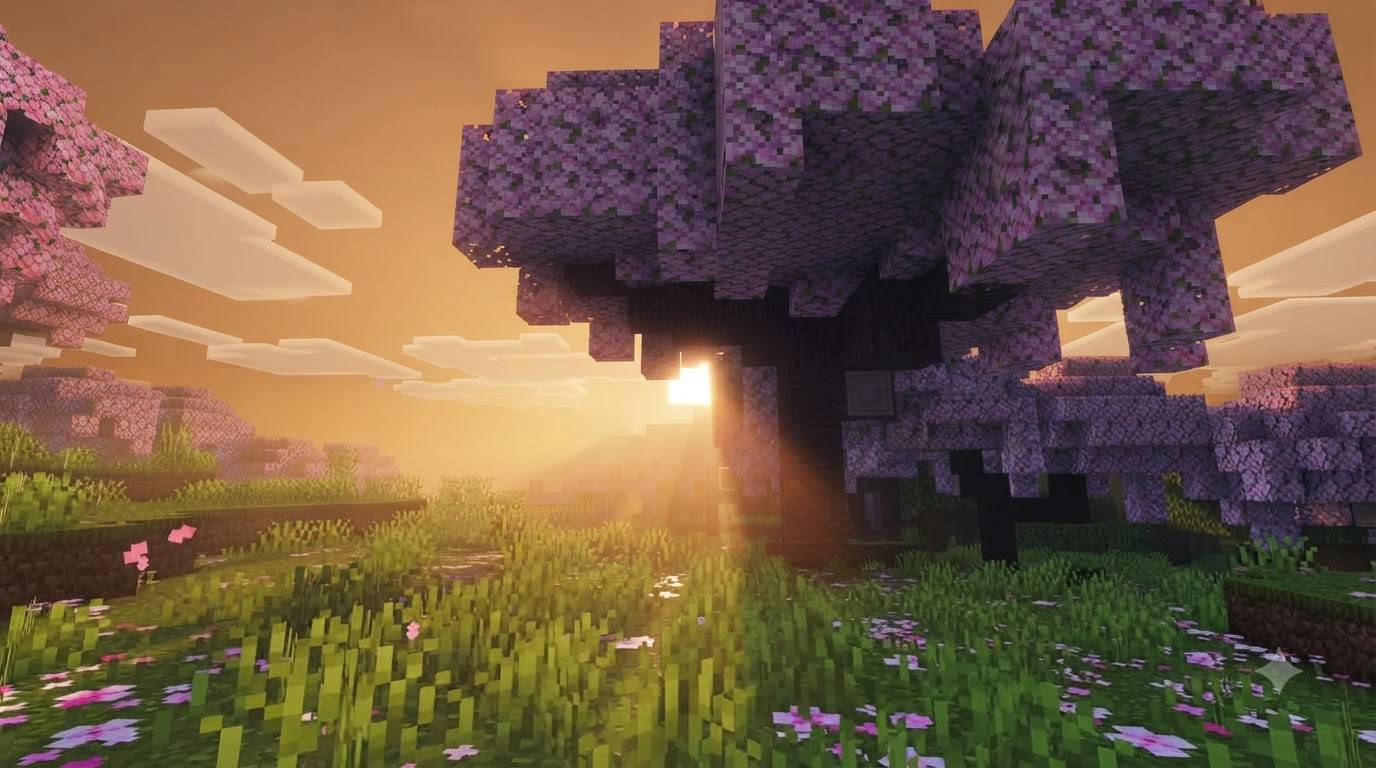
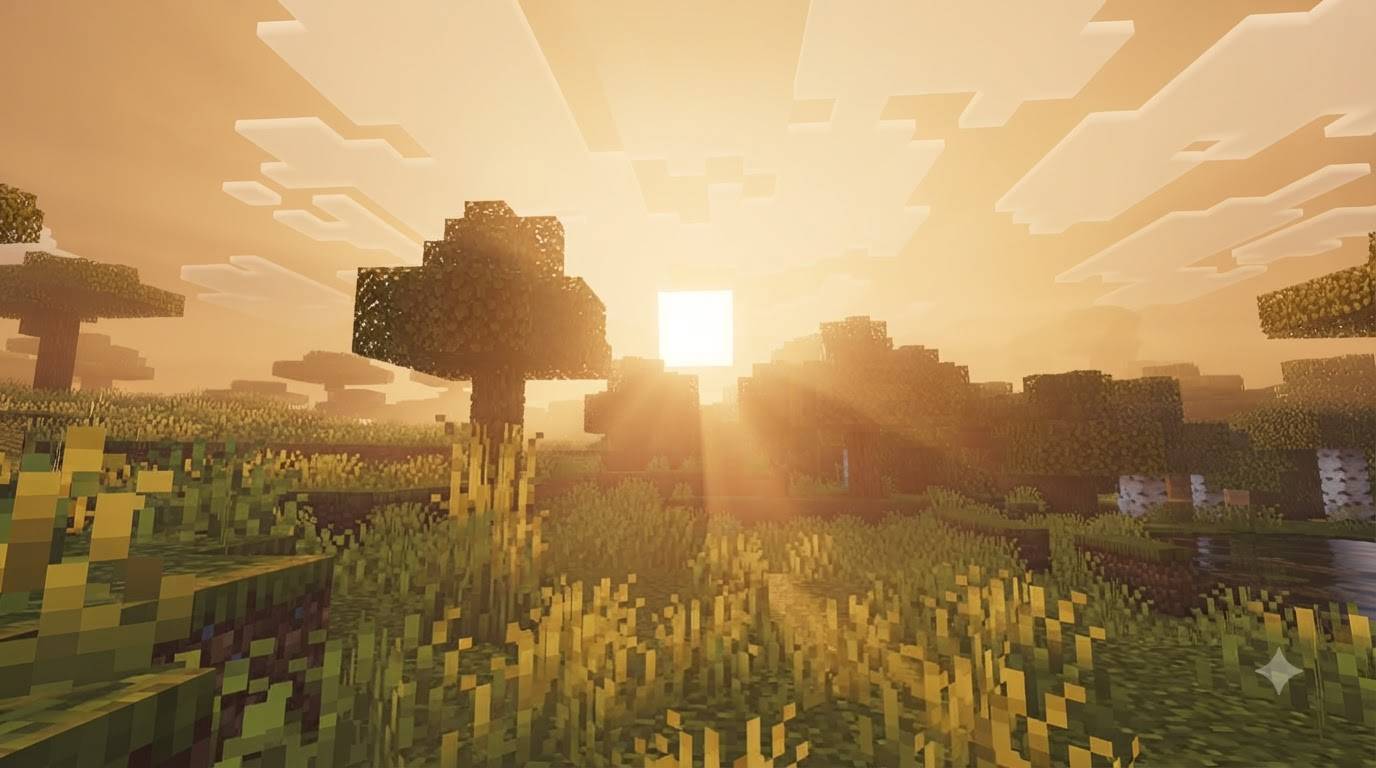
Golden Glow Shader reskins Minecraft Bedrock's Vibrant Visuals renderer for a warm, cinematic look inspired by golden-hour photography. Instead of a compiled shader binary, it is built entirely from Mojang's official Vibrant Visuals JSON systems: lighting, atmospherics, color grading and water. That keeps it lightweight and transparent, and compatible with every device Vibrant Visuals already runs on, from phones to consoles to PC, with no extra performance cost beyond Vibrant Visuals itself.
The sunrise and sunset window is stretched and deepened, with the sun's color sliding through warm gold and amber instead of snapping straight from white to dark. Mie scattering around the sun is boosted for a soft, glowing halo, while the sky blends from a warm cream horizon into a deep dusk zenith overhead. Color grading pushes orange-leaning highlights against slightly cooler shadows for a filmic split-tone, finished with ACES tonemapping, lifted saturation, and a warm 5200K color temperature that ties the whole scene together. Water gets gentle tannin warmth, visible caustics, and softened waves, so lakes, rivers and oceans glow instead of looking flat and blue.
Rather than one global override, these settings are applied individually across 47 overworld biomes, so plains, forests, jungles, deserts, oceans, swamps and snowy biomes each get an appropriate variant — swamps run murkier and greener, open water stays clearer and tealer, deserts and savannas lean into the warmth naturally. Cherry Grove breaks from the orange palette entirely for its own rose-and-gold variant, matching its pink blossoms instead of fighting them.
Requirements: Minecraft Bedrock 1.26.40 or newer, with the "Vibrant Visuals" experimental toggle switched on in world settings. No other experiments, add-ons, or behavior packs are needed — just enable Vibrant Visuals and apply the pack.
Created by GURJAR.
Credits
Author / Creator: GURJAR
Built with: Minecraft Bedrock's official Vibrant Visuals JSON API (lighting, atmospherics, color grading, water, client biomes) — no third-party shader code or compiled binaries included.
Engine target: Minecraft Bedrock 1.26.40+
Key Features
Extended, deepened golden-hour sun with a soft glowing halo
Warm horizon-to-zenith sky gradient
Filmic color grading (orange highlights / cool shadows) with ACES tonemapping
Tannin-warm, clearer water with visible caustics and softened waves
Per-biome tuning across 47 overworld biomes (not one flat global look)
Unique rose-gold variant for Cherry Grove
Pure JSON — no compiled shader binaries, small download size
Requirements
Minecraft Bedrock Edition 1.26.40 or newer
Vibrant Visuals experimental toggle enabled in world settings
No other experiments or add-ons required
Installation
Download and open `GoldenGlowShader_by_GURJAR_v0.1.1.mcpack` — Minecraft will import it automatically.
Create or edit a world → Settings → Experiments → enable Vibrant Visuals.
Go to Resource Packs, find Golden Glow Shader under My Packs, and activate it.
Play — the effect is visible immediately, strongest around in-game sunrise/sunset.
- Edition: Minecraft Bedrock
- File type: .mcpack
- Minecraft versions listed: 1.21.80, 26.0
- How to install: Download the .mcpack. → Open it — Minecraft imports it under Resource Packs. → Activate it in Global Resources, or for one world under Resource Packs → Available.
- Where to get it: Opens on CurseForge — not every file is mirrored on our own servers.
Install steps are the general flow for this file type — How to install Minecraft Bedrock texture packs walks through it step by step.
- Pack type: .mcpack — a single pack
- Manifest requires Minecraft 1.26.40 or newer
- Complete pack — everything it depends on is inside the file
- Download size: 36 KB
- Download link checked 18 Sept 2026 — working
These come from our own check of the pack file, not from the source page.