Texture packsBedrock
Visual Shield Textures
Bedrock texture pack listed for Minecraft 1.16–1.21. File opened and checked on 18 Sep 2026; installs from the MC Bedrock Mods app on Android.
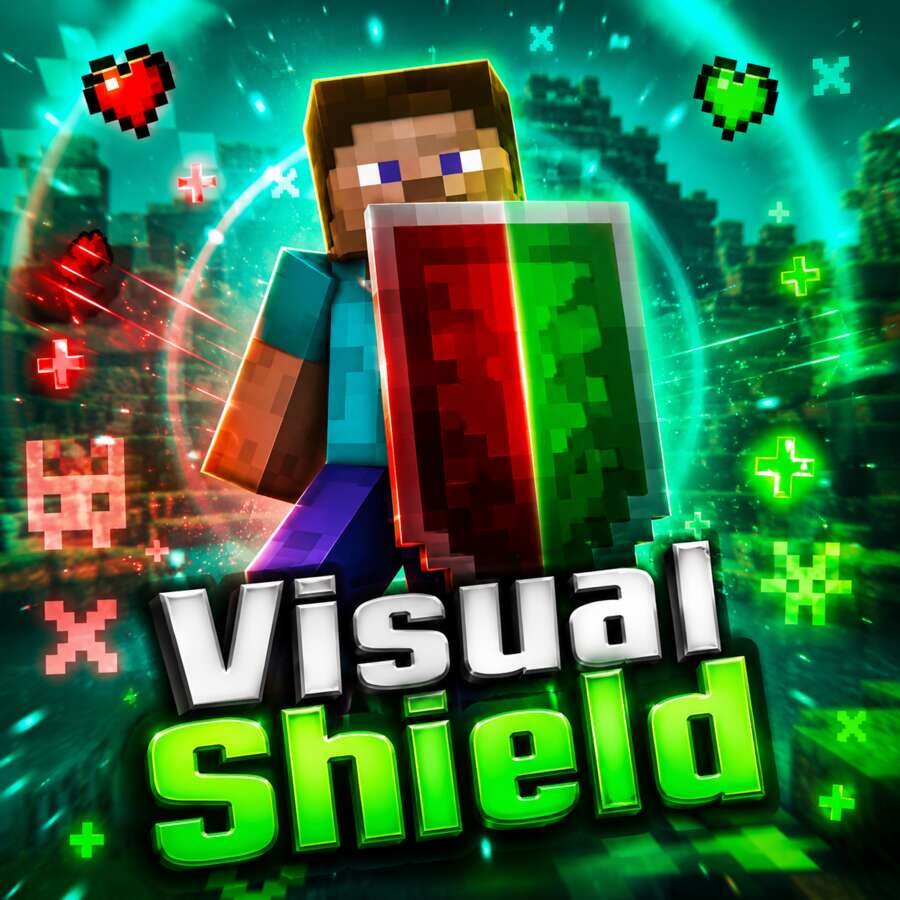
In Minecraft Pocket Edition combat, the Shield's status can now be determined by its glow. Visual Shield uses a dual indicator system where green and red…
⬇ DownloadВ бою Minecraft Pocket Edition состояние Щита теперь можно определить по его свечению. Visual Shield использует двойную систему индикаторов, где зеленый и красный цвета показывают разные состояния защиты.
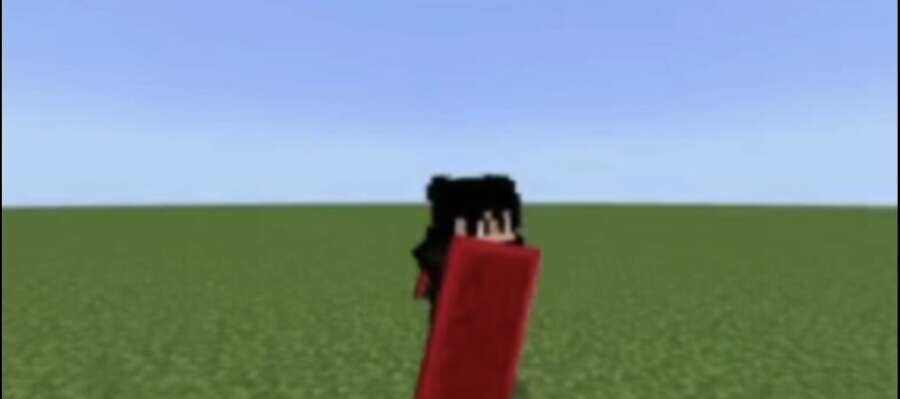
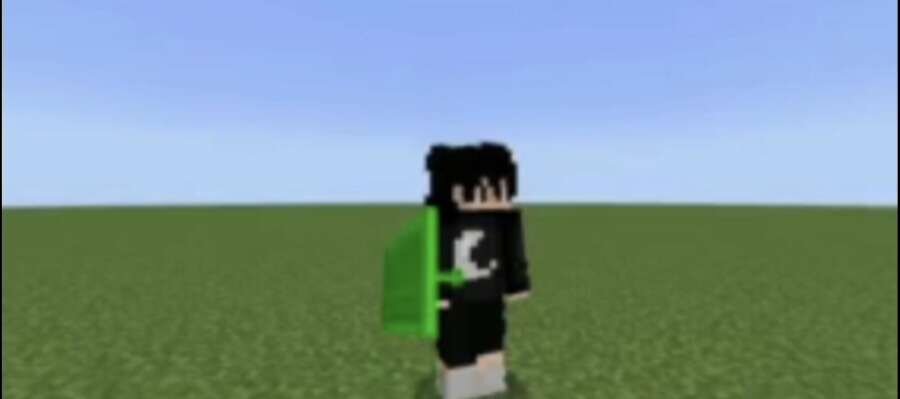
Зеленое свечение означает, что силовое поле снято или уже перезаряжено: обзор не ограничен, а атаки и способности снова доступны. Красный цвет указывает на полностью активированный щит, который временно блокирует нанесение урона и атакующие навыки. Так ты сразу понимаешь, когда можно переходить в атаку.
Зеленое свечение означает, что силовое поле снято или уже перезаряжено: обзор не ограничен, а атаки и способности снова доступны. Красный цвет указывает на полностью активированный щит, который временно блокирует нанесение урона и атакующие навыки. Так ты сразу понимаешь, когда можно переходить в атаку.
Quick facts
- Edition: Minecraft Bedrock
- File type: .mcpack
- Minecraft version listed: 1.21.132
- How to install: Download the .mcpack. → Open it — Minecraft imports it under Resource Packs. → Activate it in Global Resources, or for one world under Resource Packs → Available.
- Where to get it: In MCModsHub, or directly above on this page.
Install steps are the general flow for this file type — How to install Minecraft Bedrock texture packs walks through it step by step.
File checked by MCModsHub
- Pack type: .mcpack — a single pack
- Manifest requires Minecraft 1.16.0 or newer
- Complete pack — everything it depends on is inside the file
- Download size: 171 KB
- Download link checked 18 Sept 2026 — working
- Mirrored on our own servers — the download does not depend on the original host
These come from our own check of the pack file, not from the source page.