Pixel Edge (26+) – MCPE/Bedrock Shader
Bedrock texture pack listed for Minecraft 1.16. File opened and checked on 22 Sep 2026; installs from the MC Bedrock Mods app on Android.
⬇ Download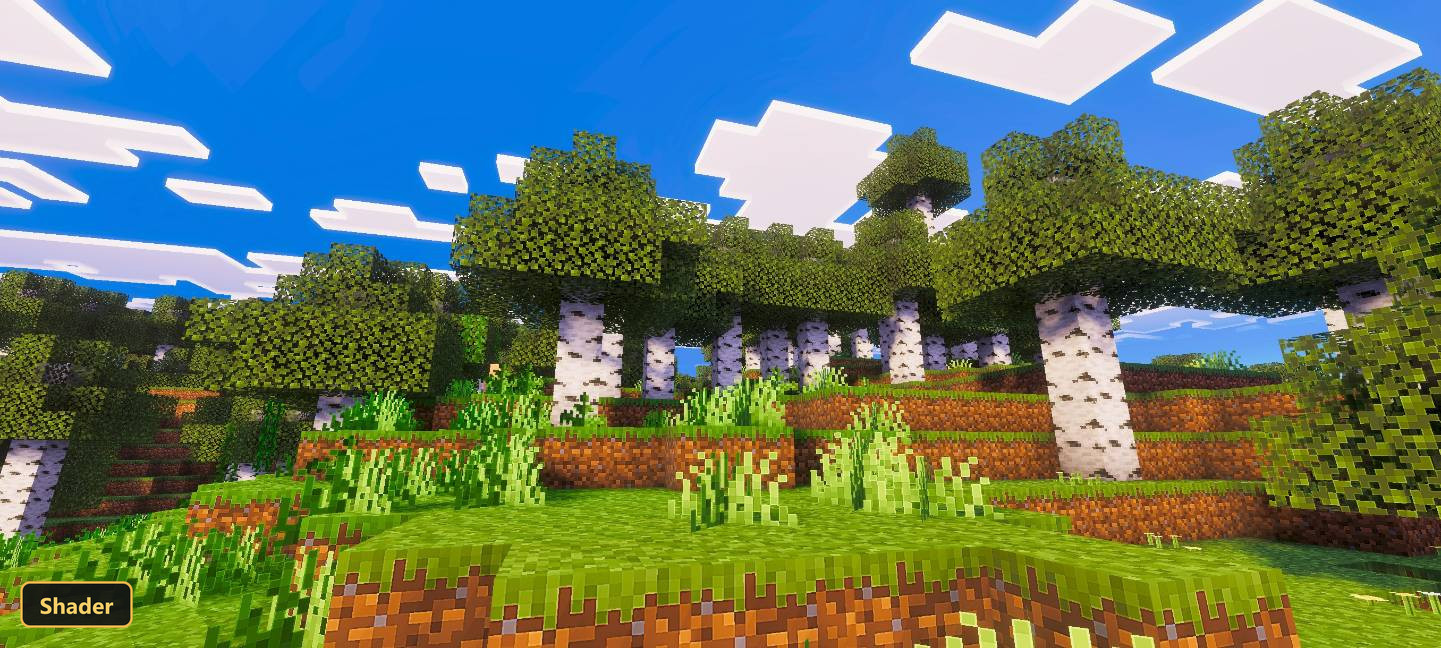
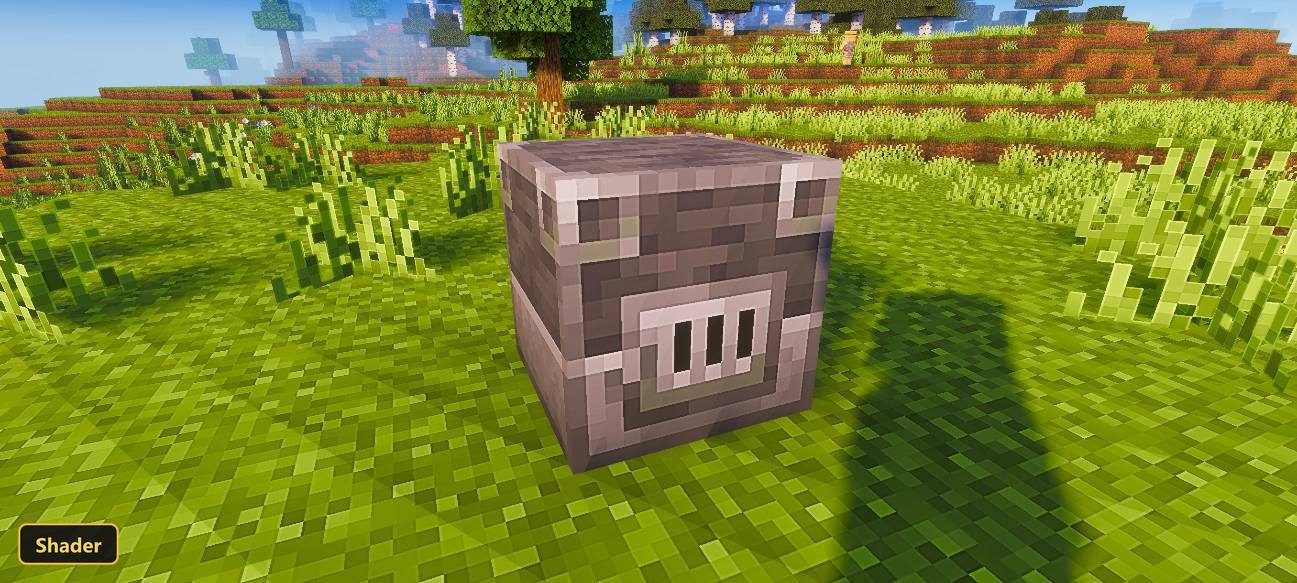
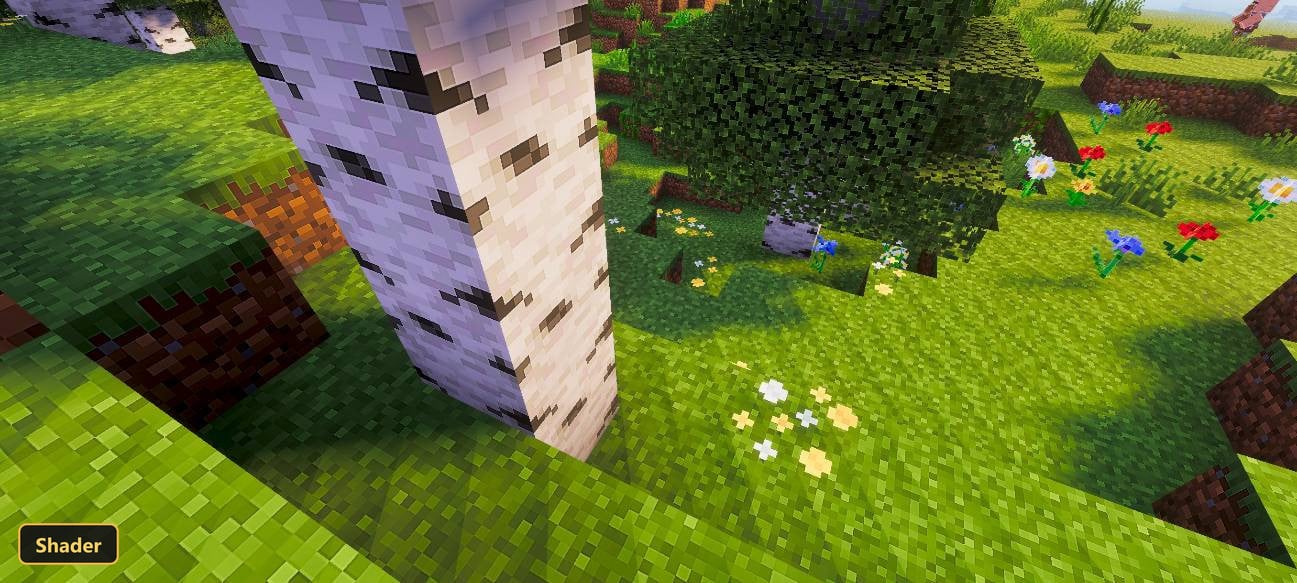
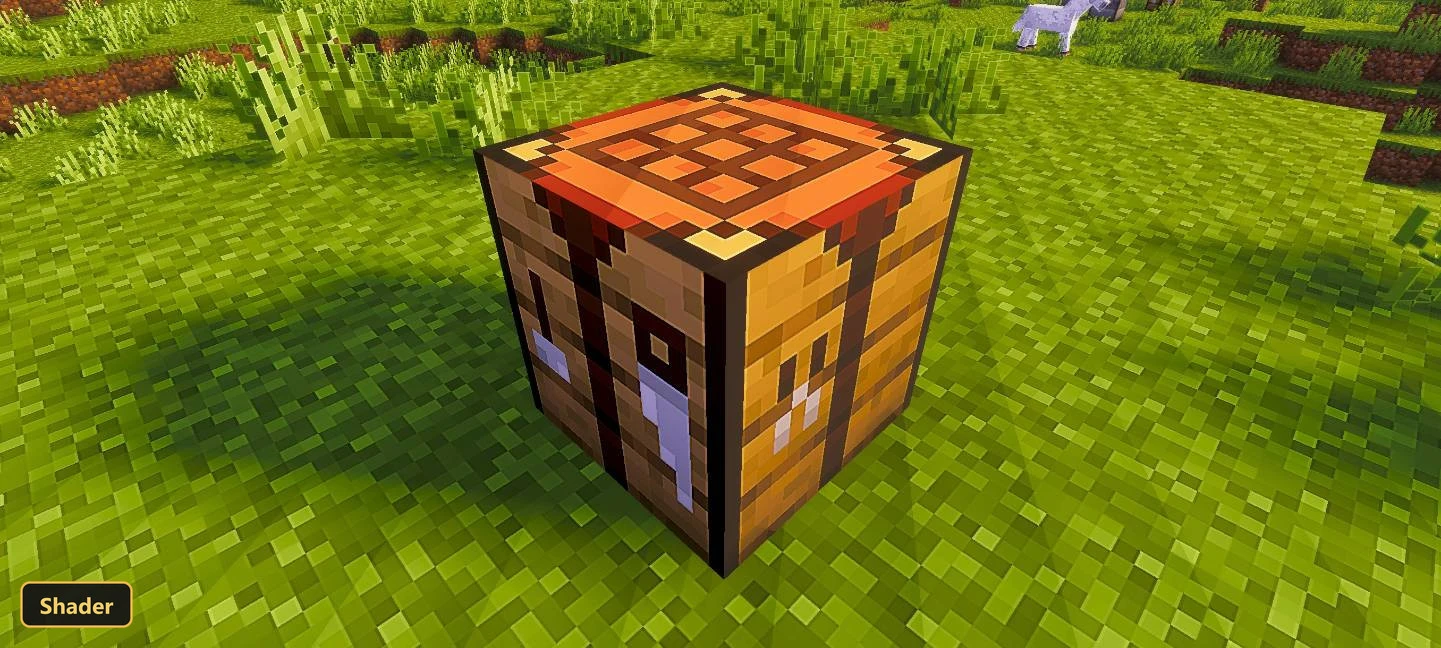
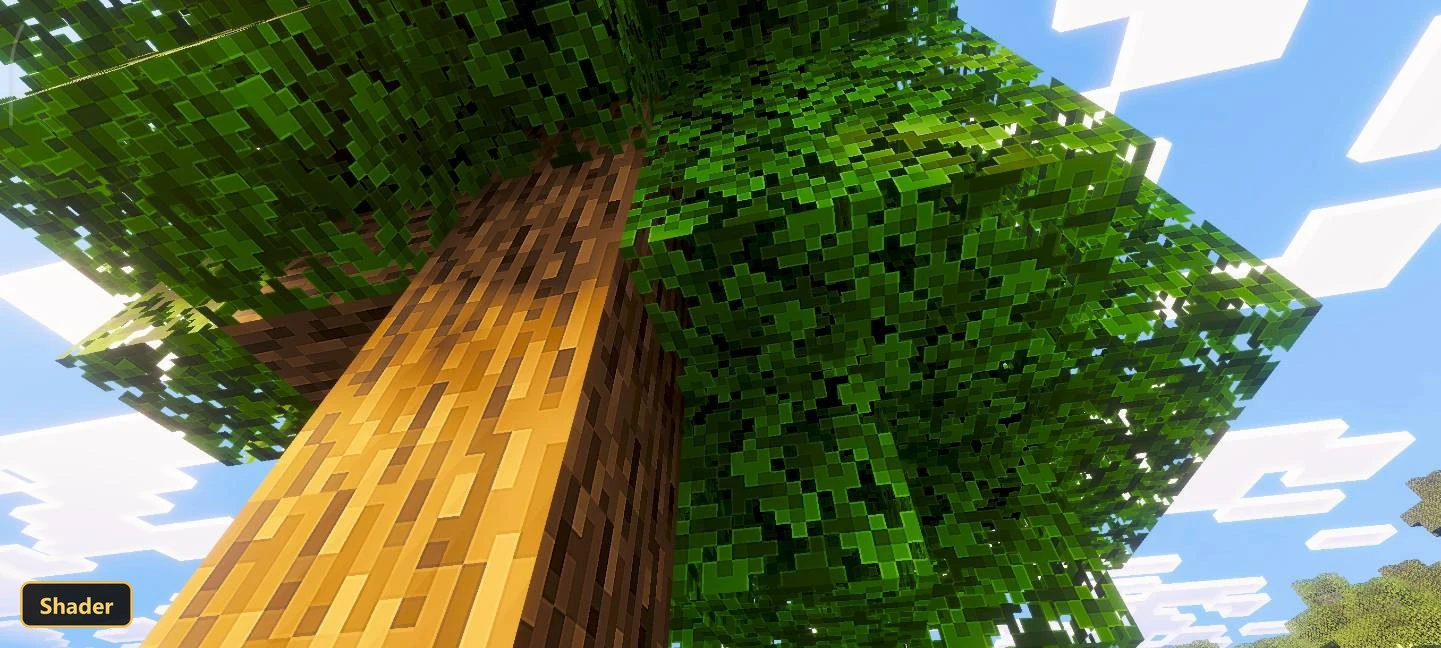
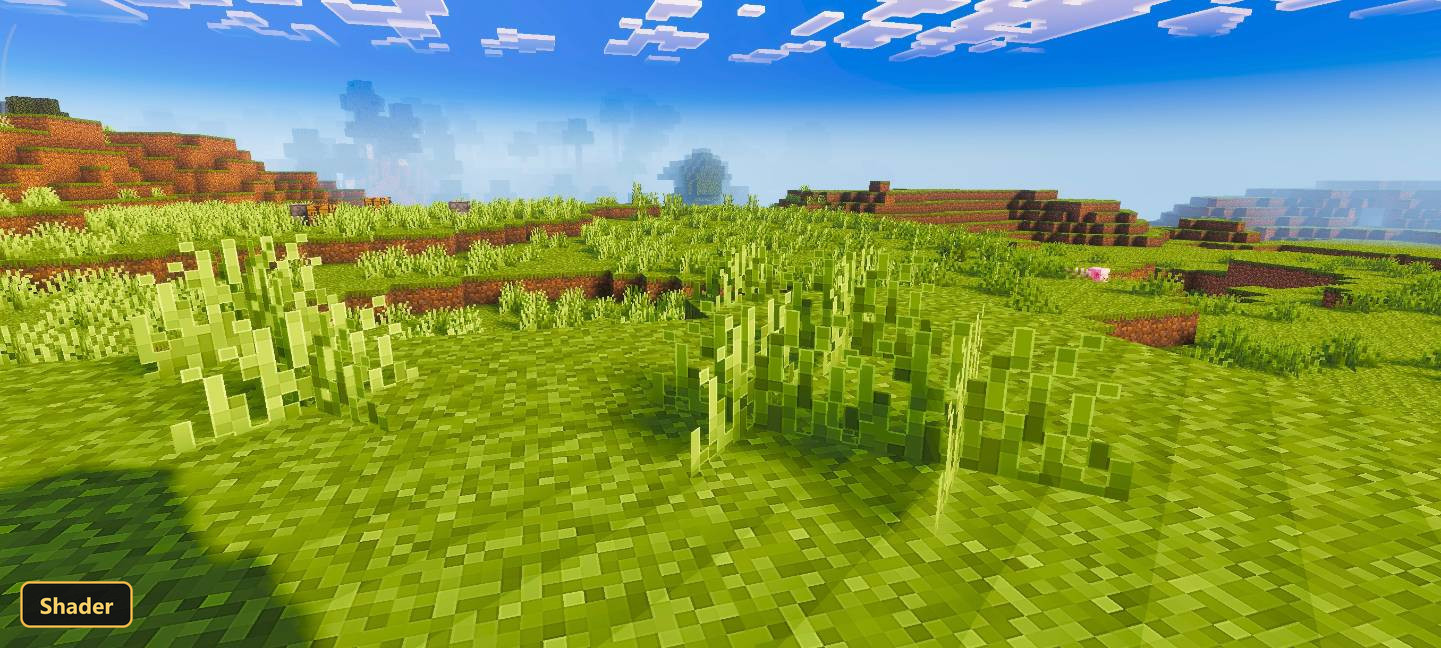
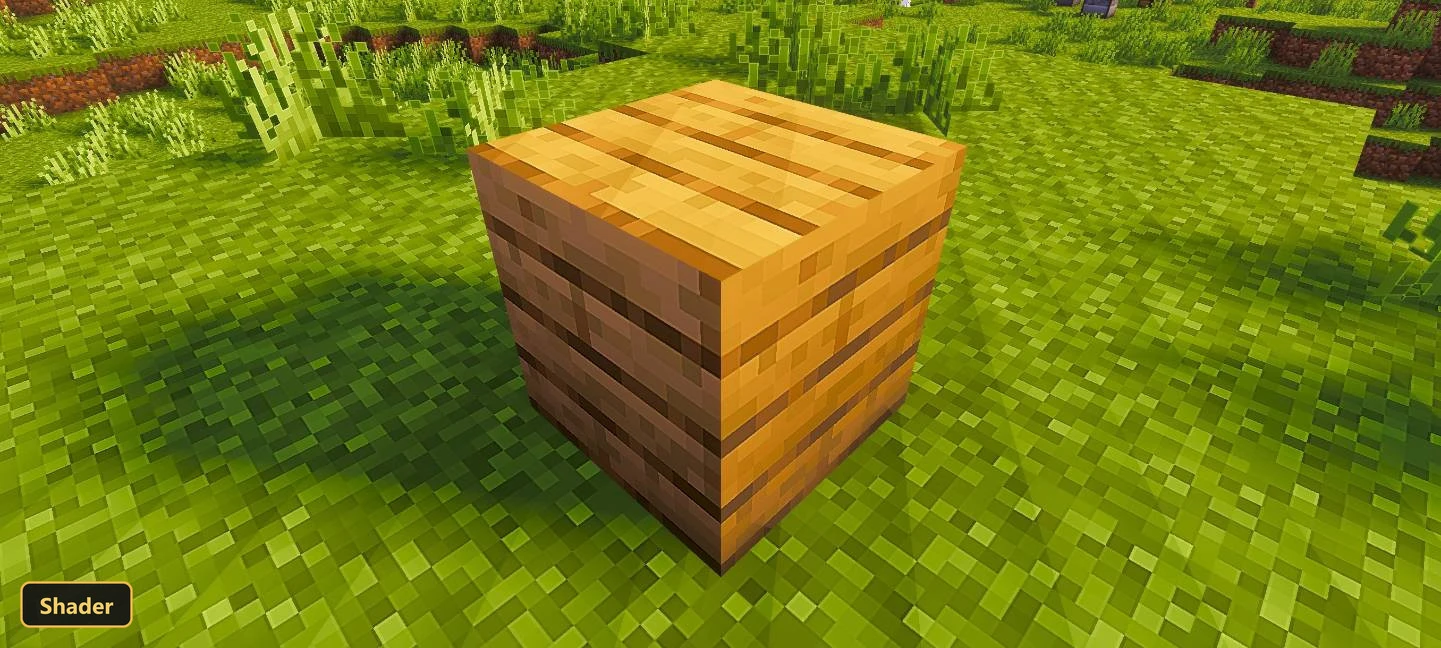
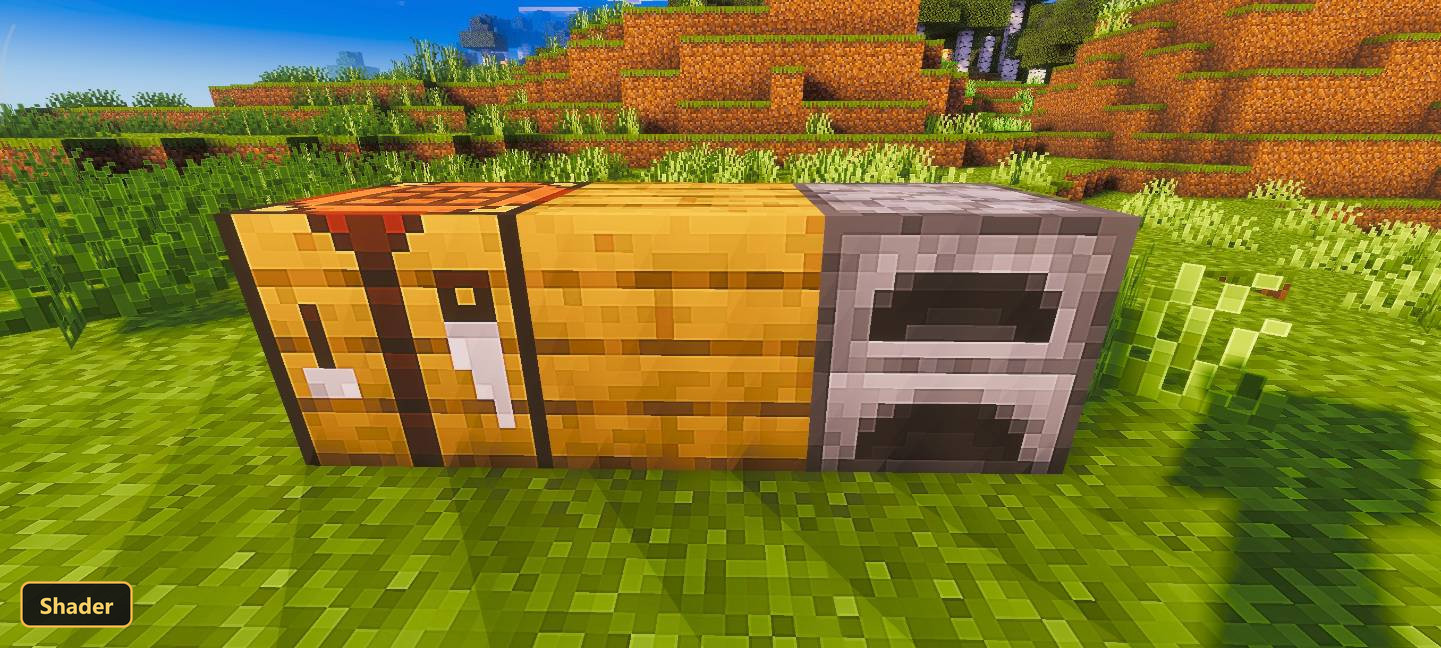
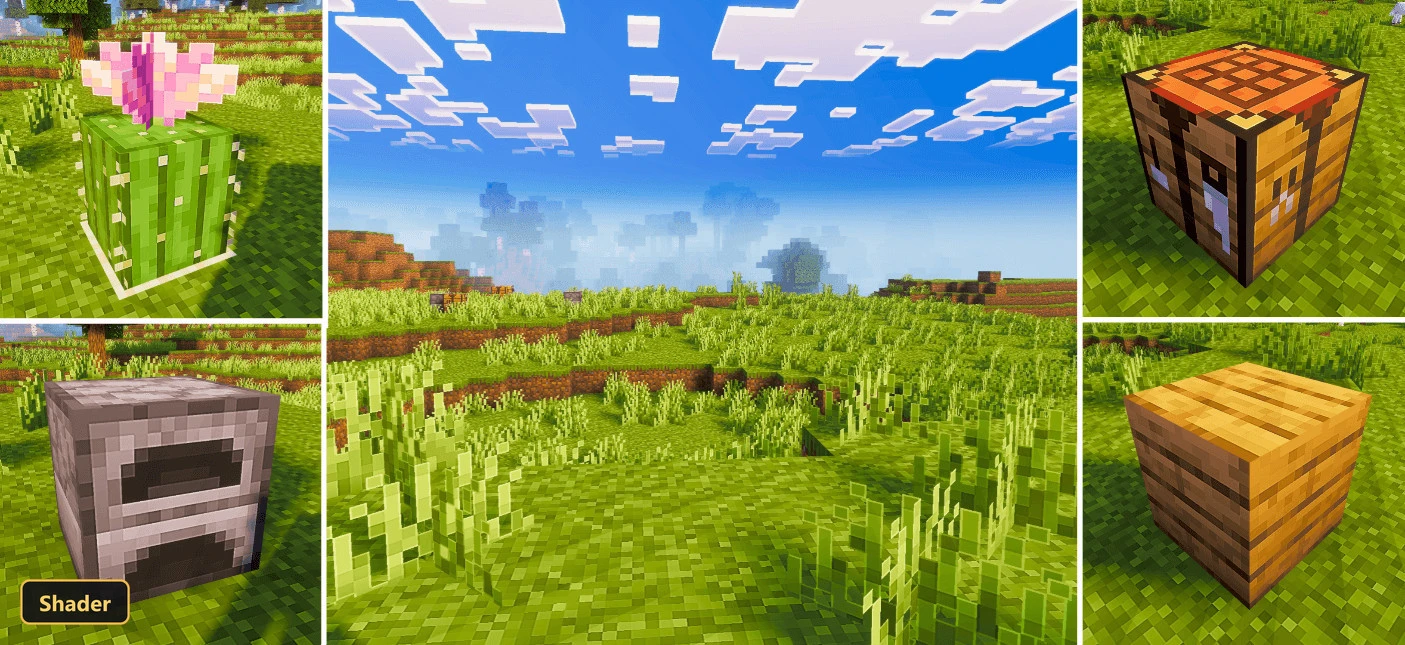
Sharper outlines and cleaner boundaries on blocks, items and entities are the focus of Pixel Edge. It retextures all three, along with paintings, at 128x, keeping the vanilla look but making each texture crisper and more defined.
The art direction stays close to the original game, so nothing looks out of place. The change is mostly in clarity: block and item edges read clearly, and the overall picture looks tidier. It is listed as a shader but works as a high resolution retexture for Minecraft Bedrock, so it needs no special loader.
Requirements:
- MCPE/Bedrock 26.30

Features:
- Retextures blocks, items, entities, paintings at 128x resolution
Screenshots:


- Edition: Minecraft Bedrock
- File type: .mcpack
- How to install: Download the .mcpack. → Open it — Minecraft imports it under Resource Packs. → Activate it in Global Resources, or for one world under Resource Packs → Available.
- Where to get it: In MCModsHub, or directly above on this page.
Install steps are the general flow for this file type — How to install Minecraft Bedrock texture packs walks through it step by step.
- Pack type: .mcaddon — behaviour and resource pack in one file
- Manifest requires Minecraft 1.16.0 or newer
- Complete pack — everything it depends on is inside the file
- Download link checked 22 Sept 2026 — working
- Mirrored on our own servers — the download does not depend on the original host
These come from our own check of the pack file, not from the source page.