ShadersBedrock
Vanilla Atmosphere Shader (26.x) – Soft Shadows and Water Caustics for Bedrock


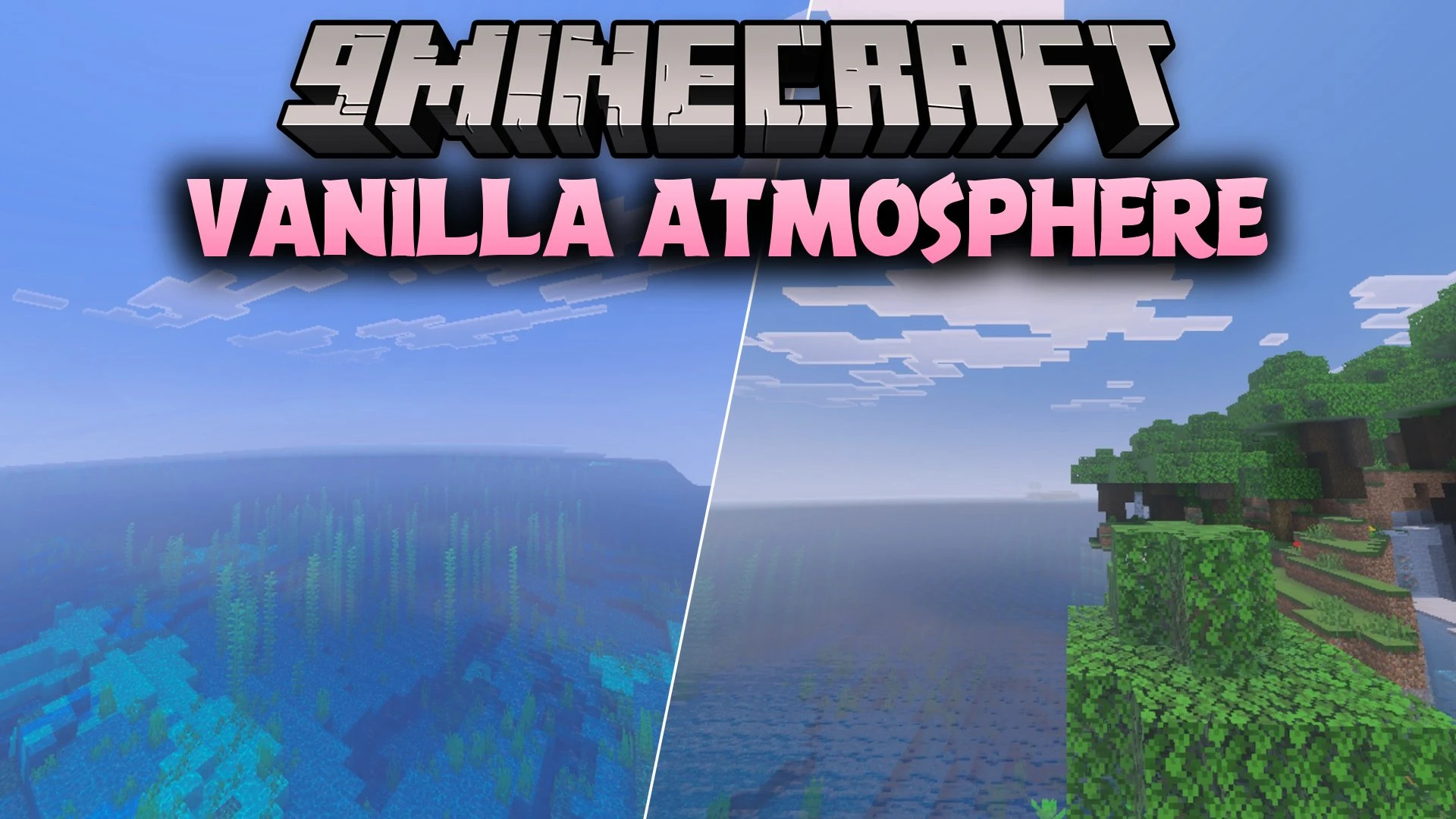
Vanilla Atmosphere Shader enhances your Minecraft Bedrock worlds with cinematic lighting, natural water effects, and soft shadows while keeping standard vanilla block textures. It adjusts skies, sunlight, and moonlit nights across different biomes without changing the classic block artwork. You can also pick between three visual profiles to balance extra water details with game performance.
Features:
- Biome-aware skies, lighting, and color grading for distinct environments.
- Soft shadows with smooth indirect lighting across your world.
- Custom natural water effects with subtle waves and underwater caustics.
- Colored light support for torches, lanterns, and soul fire.
- Three built-in profiles including Natural, Cinematic, and Performance.
Screenshots:


Vanilla Atmosphere Shader Download Links
Quick facts
- Edition: Minecraft Bedrock
- File type: .mcpack
- How to install: Download the .mcpack. → Open it — Minecraft imports it under Resource Packs. → Activate it in Global Resources, or for one world under Resource Packs → Available.
- Where to get it: In MCModsHub, or directly above on this page.
Install steps are the general flow for this file type — How to install Minecraft Bedrock texture packs walks through it step by step.
Verified by MCModsHub
- Save it as 512951.mcaddon before opening — it downloads as .mcpack, but it is a .mcaddon pack
- Manifest requires Minecraft 1.26.40 or newer
- Complete pack — everything it depends on is inside the file
- Download size: 176 KB
- Download link checked 22 Sept 2026 — working
- Mirrored on our own servers — the download does not depend on the original host
These come from our own check of the pack file, not from the source page.