ShadersBedrock
Real Darkness Shader (26.x) – Pitch-Black Night Lighting for Bedrock Survival


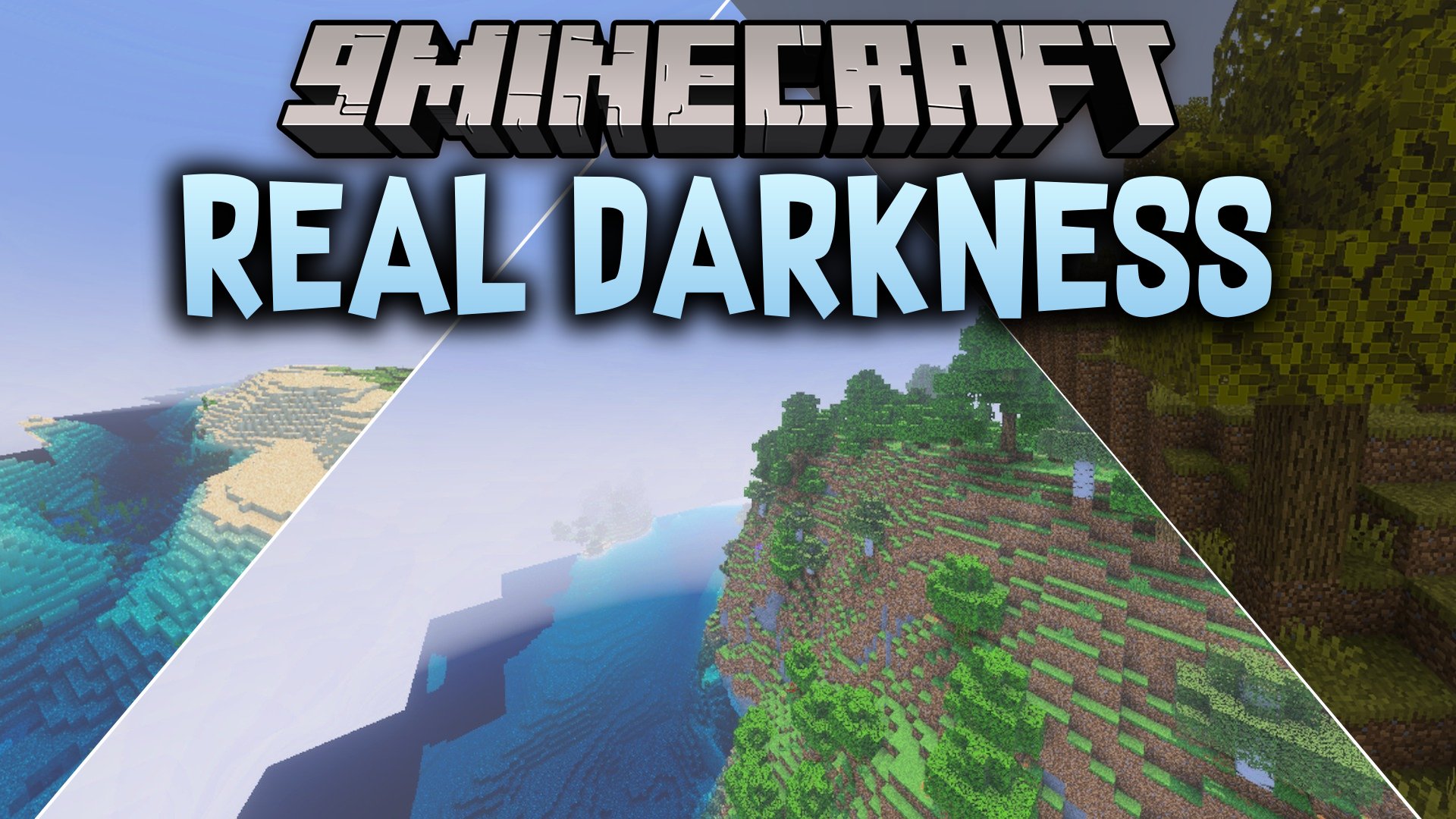
Real Darkness Shader brings pitch-black darkness to your Minecraft Bedrock world. It turns unlit caves, night areas, the Nether, and the End completely black so you cannot see anything without a light source. This makes carrying torches and lanterns essential for your survival adventures.
Features:
- Makes unlit caves and night skies completely pitch black.
- Requires you to use torches and lights to see.
- Works across the Overworld, Nether, and the End dimensions.
- Runs smoothly on Android, iOS, and Windows devices.
Screenshots:
Real Darkness Shader Download Links
Quick facts
- Edition: Minecraft Bedrock
- File type: .mcpack
- How to install: Download the .mcpack. → Open it — Minecraft imports it under Resource Packs. → Activate it in Global Resources, or for one world under Resource Packs → Available.
- Where to get it: In MCModsHub, or directly above on this page.
Install steps are the general flow for this file type — How to install Minecraft Bedrock texture packs walks through it step by step.
Verified by MCModsHub
- Save it as 512952.mcaddon before opening — it downloads as .mcpack, but it is a .mcaddon pack
- Manifest requires Minecraft 1.26.40 or newer
- Complete pack — everything it depends on is inside the file
- Download size: 13.7 MB
- Download link checked 22 Sept 2026 — working
- Mirrored on our own servers — the download does not depend on the original host
These come from our own check of the pack file, not from the source page.