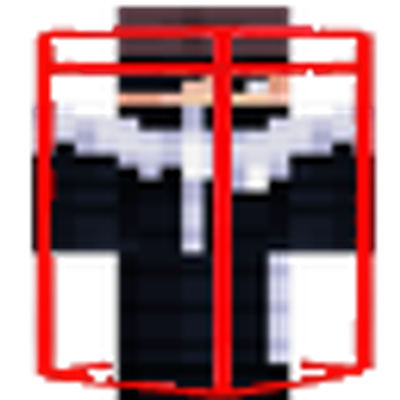
Hitbox Indicator with Label
Renders clear visible hitboxes and overhead labels on players for improved combat precision and target tracking.
⬇ Download on CurseForgeThe author built this one for Minecraft 26.0. On other versions it may install and then do nothing.
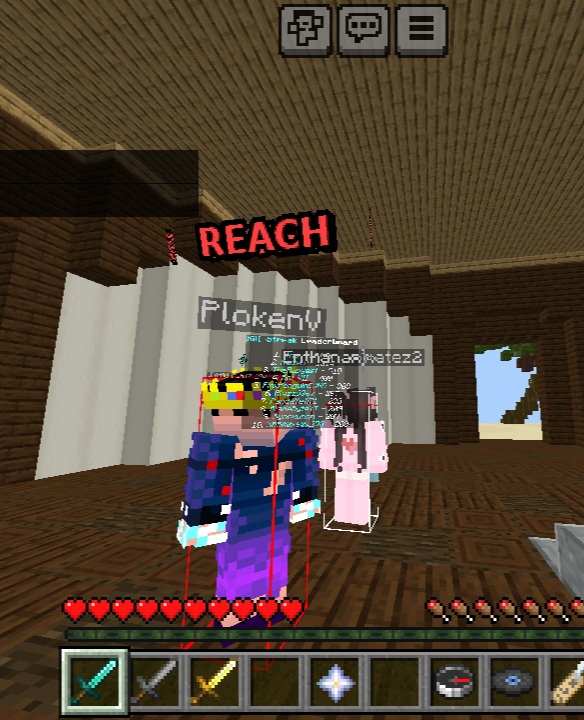
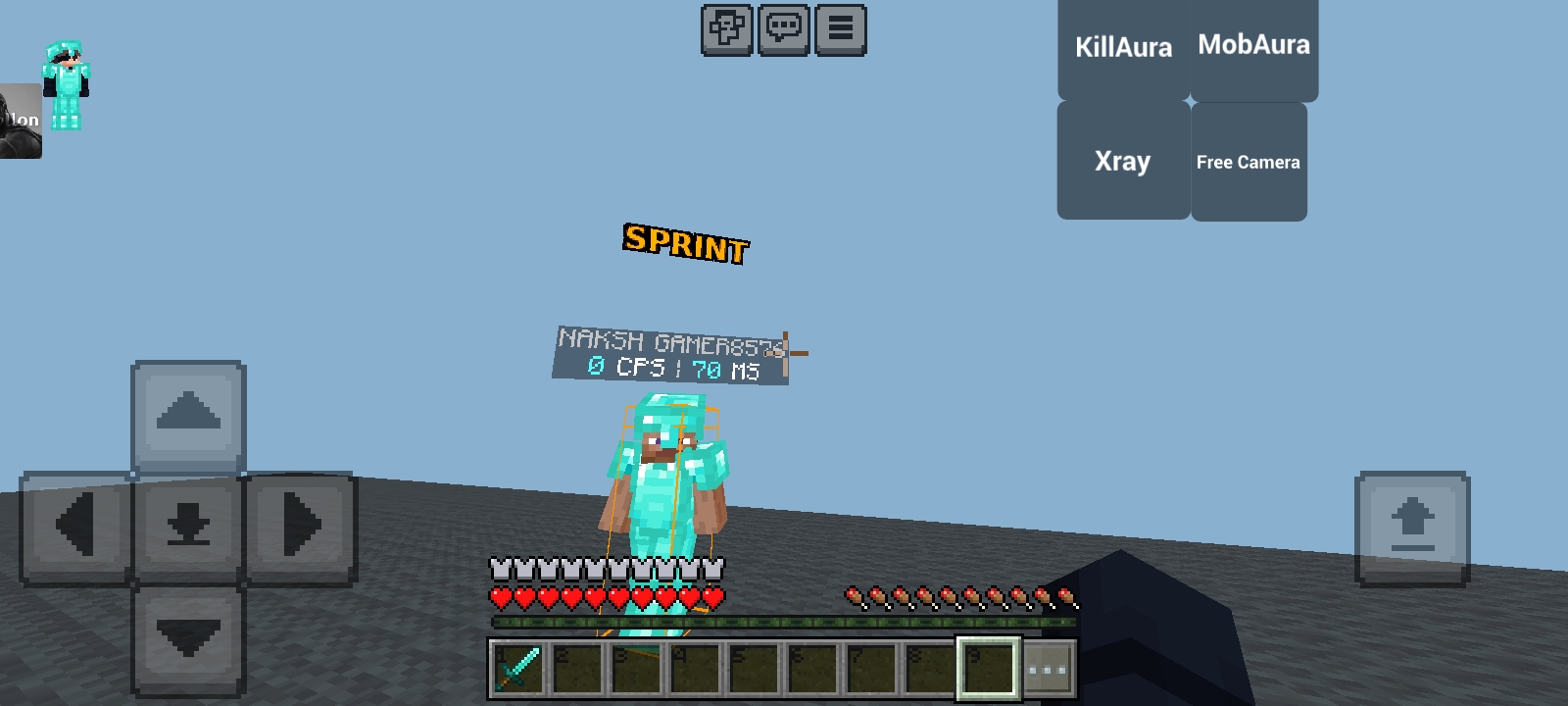
Hitbox Indicator is a competitive utility resource pack for Minecraft Bedrock Edition engineered to elevate spatial awareness and targeting precision during combat scenarios. By overriding standard render controllers and integrating custom geometry, this pack projects real-time visual wireframes and indicators directly onto player entities.
Key Features
Precision Geometry Overlays: Incorporates custom hitbox.geo.json geometry to render clear, real-time bounding boxes around player collision bounds.
Enhanced Target Acquisition: Utilizes specialized label geometry (hb_label.geo.json) and textures (label.png) to track opponent positioning in high-density fights.
Performance-Optimized Footprint: Constructed with minimal texture assets and streamlined controller logic to preserve peak client performance and high frame rates.
Seamless Compatibility: Modifies player entity definitions (player.entity.json) to apply visual layers without altering core game mechanics or client stability.
Setup & Priority
Activation: Load the .mcpack file and activate it under Global Resources in main settings or within individual world settings.
Pack Order: Move Hitbox Indicator to the top of your active Resource Pack hierarchy to ensure geometry overrides render over default textures.
Credits & Disclaimer
Original Creator: Full credit for the creation and design of this resource pack goes strictly to GODLIKE PRIME.
Intellectual Property: No copyright, ownership, or original work is claimed over these files. All credit remains entirely with the original author.
- Edition: Minecraft Bedrock
- File type: .mcpack
- Minecraft version listed: 26.0
- How to install: Download the .mcpack. → Open it — Minecraft imports it under Resource Packs. → Activate it in Global Resources, or for one world under Resource Packs → Available.
- Where to get it: Opens on CurseForge — not every file is mirrored on our own servers.
Install steps are the general flow for this file type — How to install Minecraft Bedrock texture packs walks through it step by step.
- Pack type: .mcpack — a single pack
- Manifest requires Minecraft 1.26.0 or newer
- Complete pack — everything it depends on is inside the file
- Download size: 33 KB
- Download link checked 19 Sept 2026 — working
These come from our own check of the pack file, not from the source page.