GURJAR X Cinematic Shader
GURJAR X Cinematic Shader brings a single, always-on cinematic visual style to Minecraft Bedrock — dramatic golden-hour lighting, rich warm color grading…
⬇ Download on CurseForge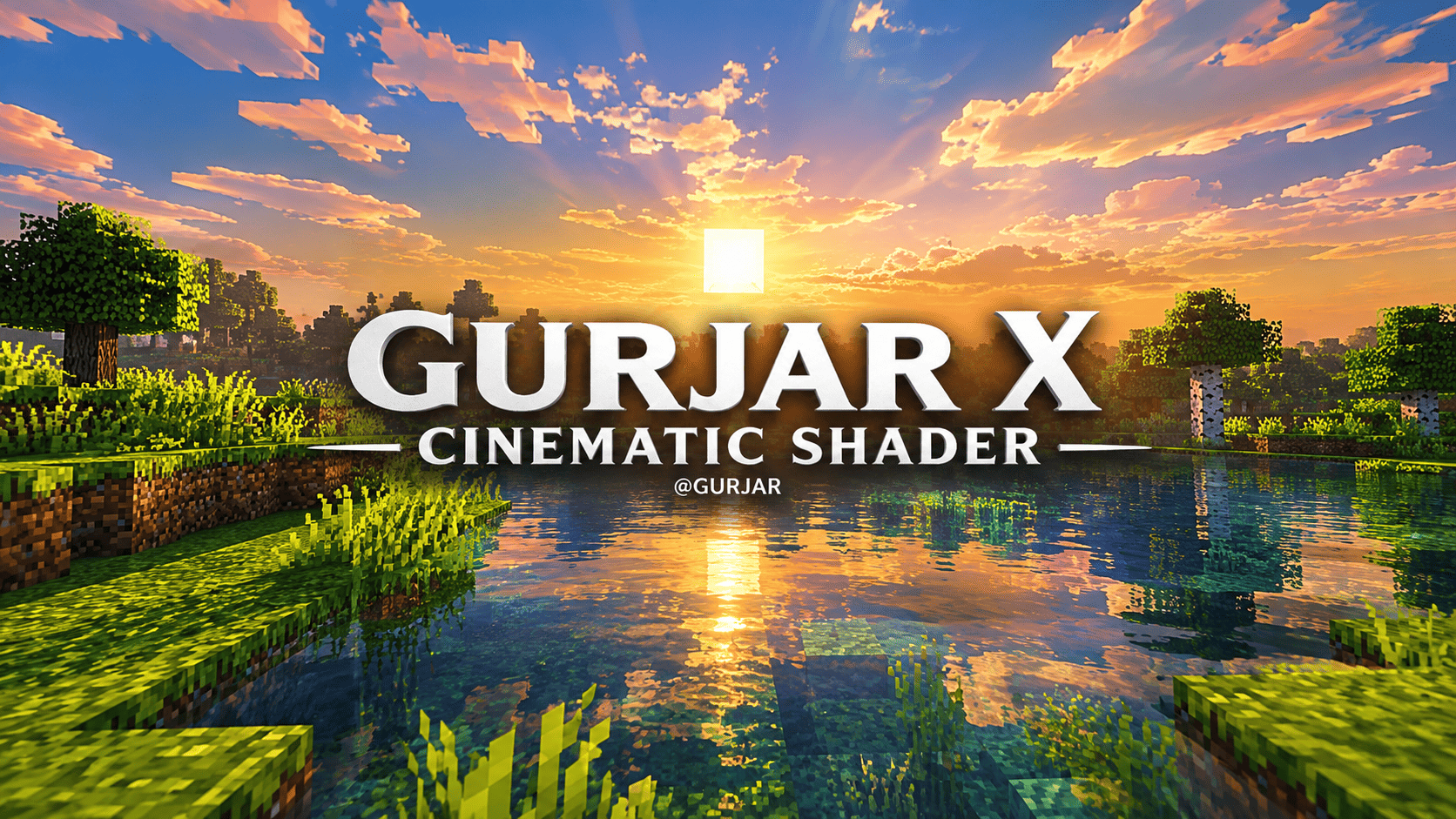
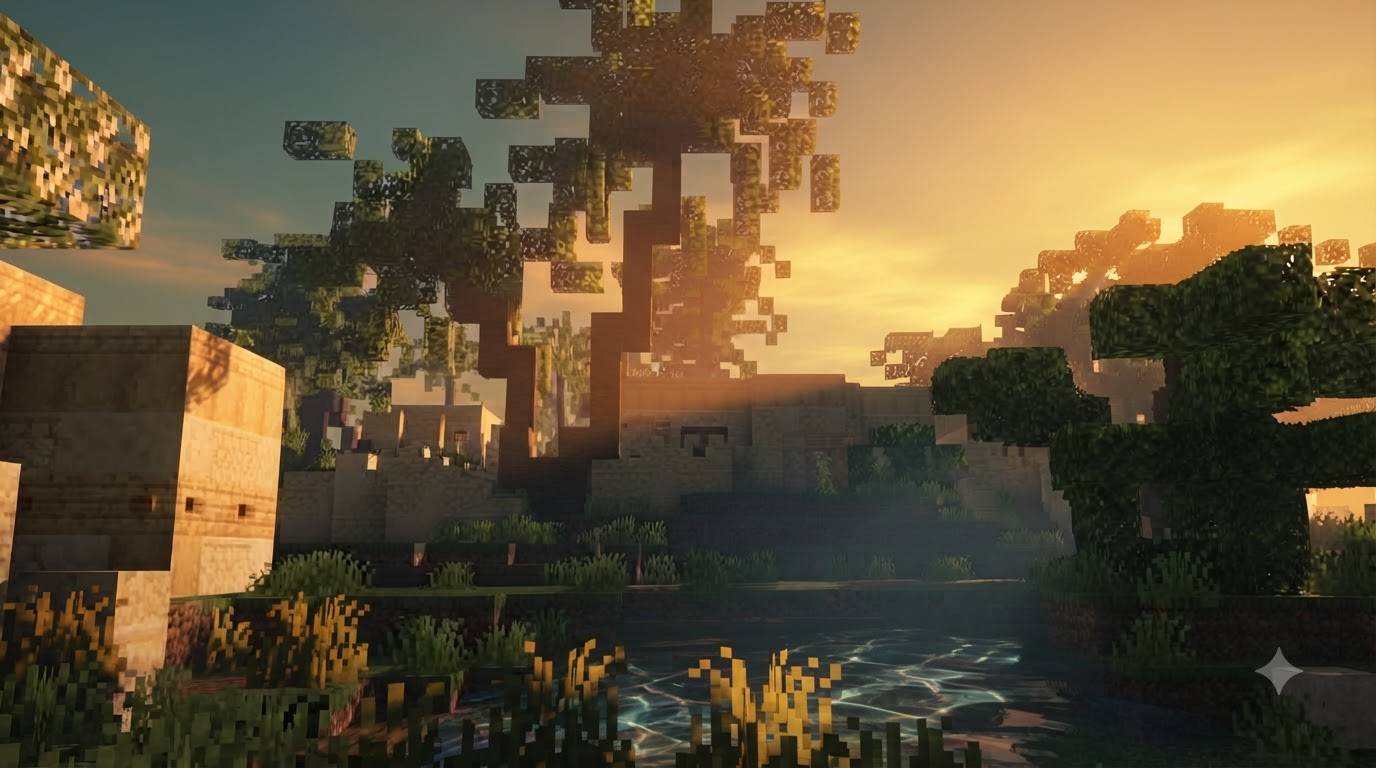
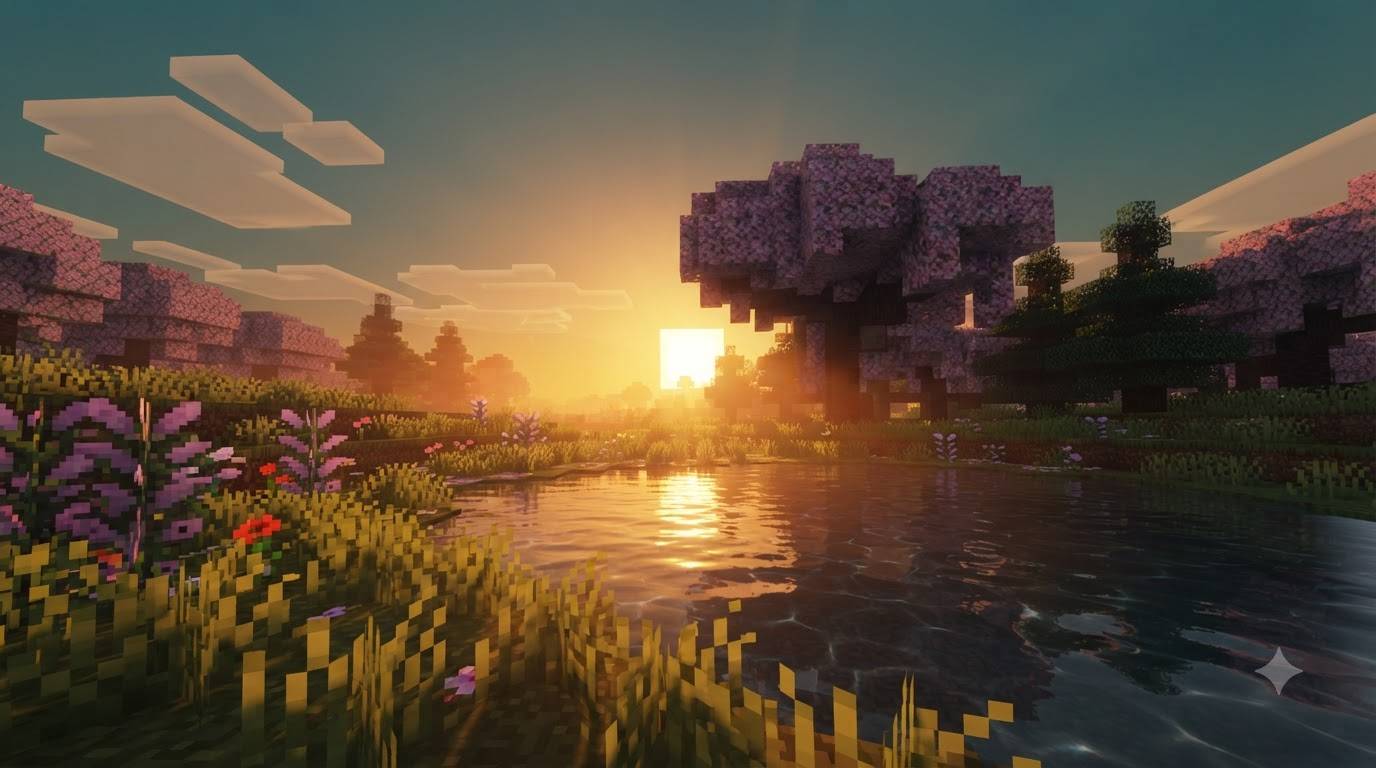
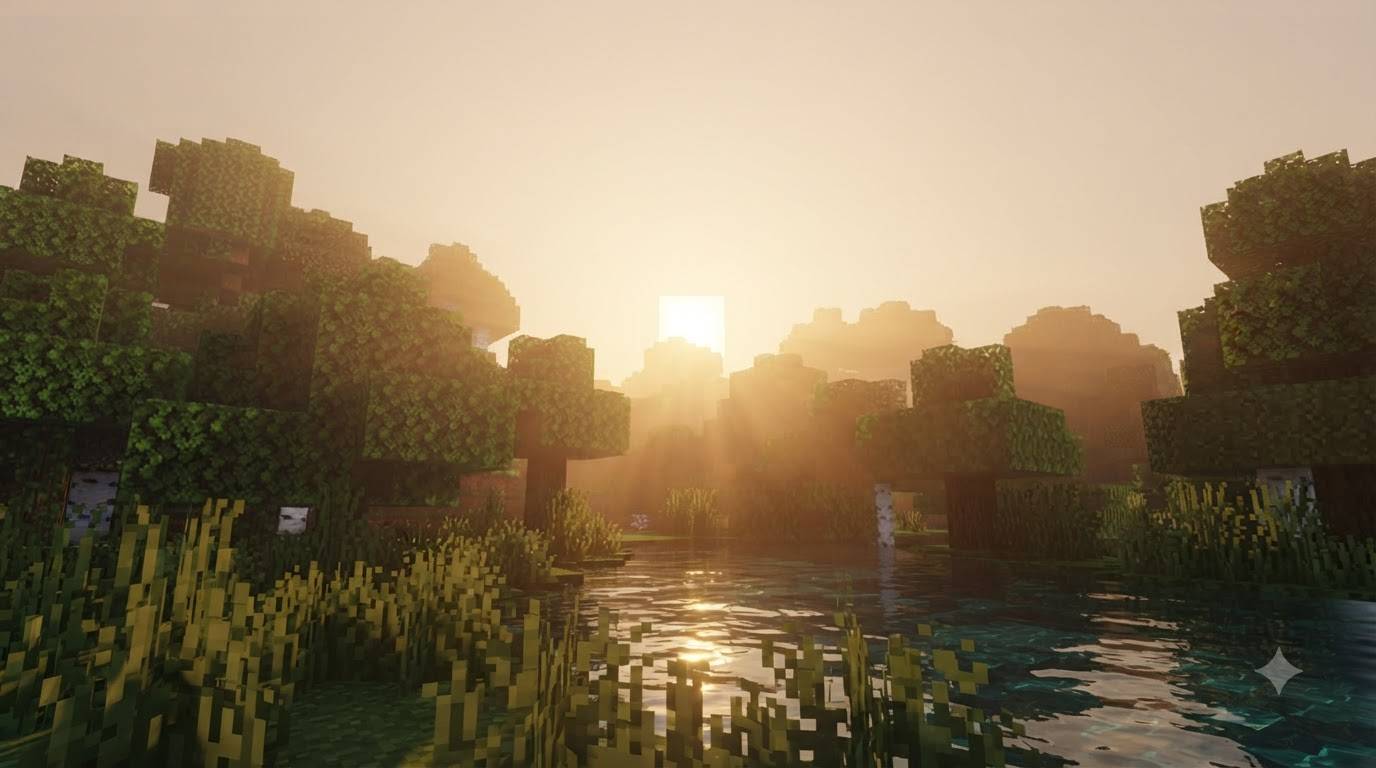
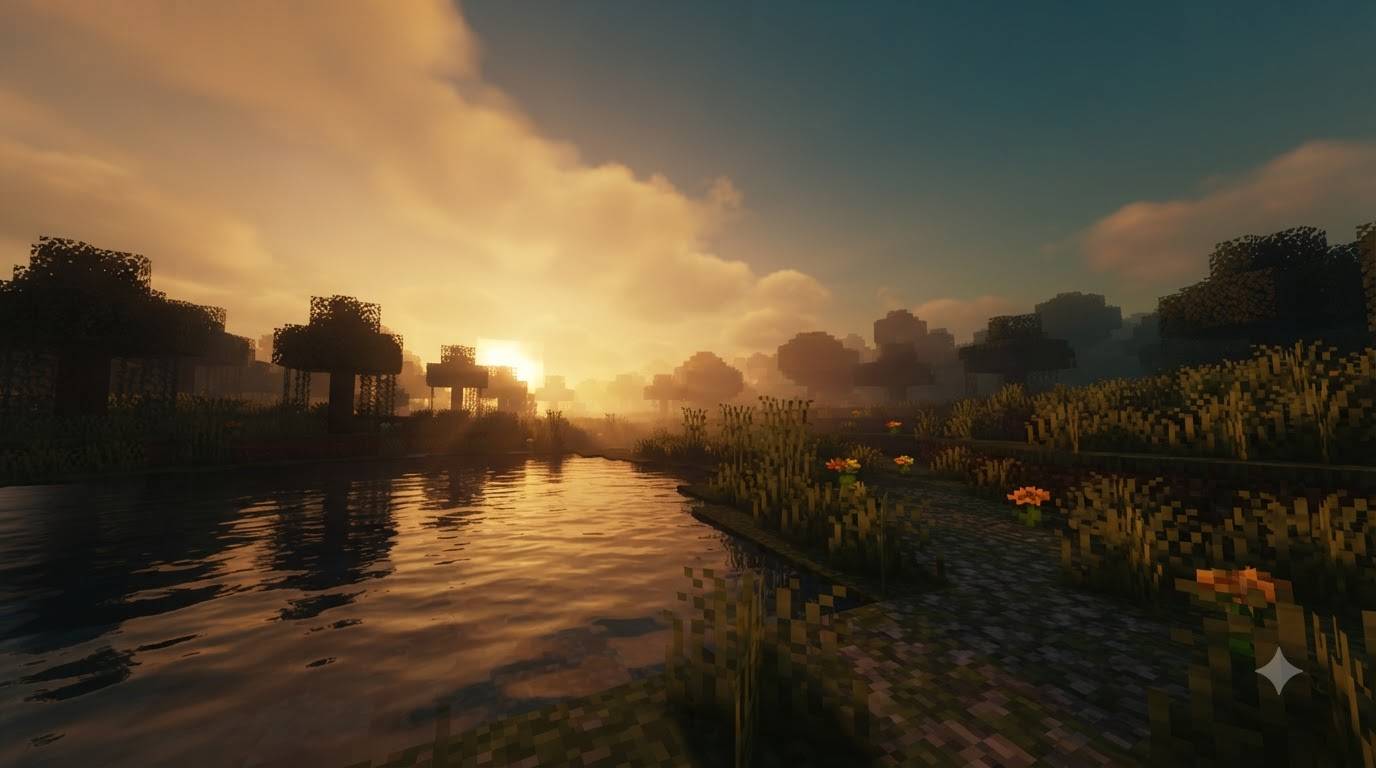
GURJAR X Cinematic Shader is a lightweight, single-style visual pack for Minecraft Bedrock Edition, built on Mojang's native Vibrant Visuals render pipeline. Instead of overwhelming you with multiple filters to choose from, this pack focuses on doing one thing exceptionally well: delivering a warm, dramatic, movie-like atmosphere that makes every sunrise, sunset, and quiet lakeside moment feel cinematic.
Lighting & Sky — The sun and moon follow custom illuminance and color curves that shift through deep ambers, soft pinks, and cool blues across the day/night cycle, so golden hour genuinely feels golden. Mie scattering and horizon blending are fine-tuned for a hazy, atmospheric sky instead of the flat vanilla look.
Color Grading — A Hable tone-mapping curve, combined with separate midtone, highlight, and shadow grading, gives the image richer contrast, warmer highlights, and slightly cool, desaturated shadows — the same technique real films use to visually separate light from dark.
Shadows — Soft shadow filtering with a wider texel size produces gentler, more natural shadow edges instead of harsh vanilla pixelation.
Water — Custom wave shape, wind-driven ripples, and a dedicated caustics texture add depth and motion to oceans, rivers, and lakes, making water feel alive rather than a flat blue texture.
No sliders, no subpack menu — enable the pack and the cinematic look is active by default.
Requirements: Minecraft Bedrock 1.21.80+, with the Vibrant Visuals experimental toggle enabled in world settings, on a device capable of running the deferred rendering pipeline. Without Vibrant Visuals enabled, these effects won't appear.
Install: Tap the .mcpack file to import it, then activate it under Resource Packs before creating or loading a world.
🙌 Credits
- Creator: GURJAR
- Edition: Minecraft Bedrock
- File type: .mcpack
- Minecraft versions listed: 1.21.100, 26.0
- How to install: Download the .mcpack. → Open it — Minecraft imports it under Resource Packs. → Activate it in Global Resources, or for one world under Resource Packs → Available.
- Where to get it: Opens on CurseForge — not every file is mirrored on our own servers.
Install steps are the general flow for this file type — How to install Minecraft Bedrock texture packs walks through it step by step.
- Pack type: .mcpack — a single pack
- Manifest requires Minecraft 1.21.80 or newer
- Complete pack — everything it depends on is inside the file
- Download size: 1.1 MB
- Download link checked 19 Sept 2026 — working
These come from our own check of the pack file, not from the source page.