Player Heart Indicator
Player Heart Display Shows a heart icon with your current HP above your head whenever you take damage — auto-hides at full health. Resource pack only, no…
⬇ Download on CurseForge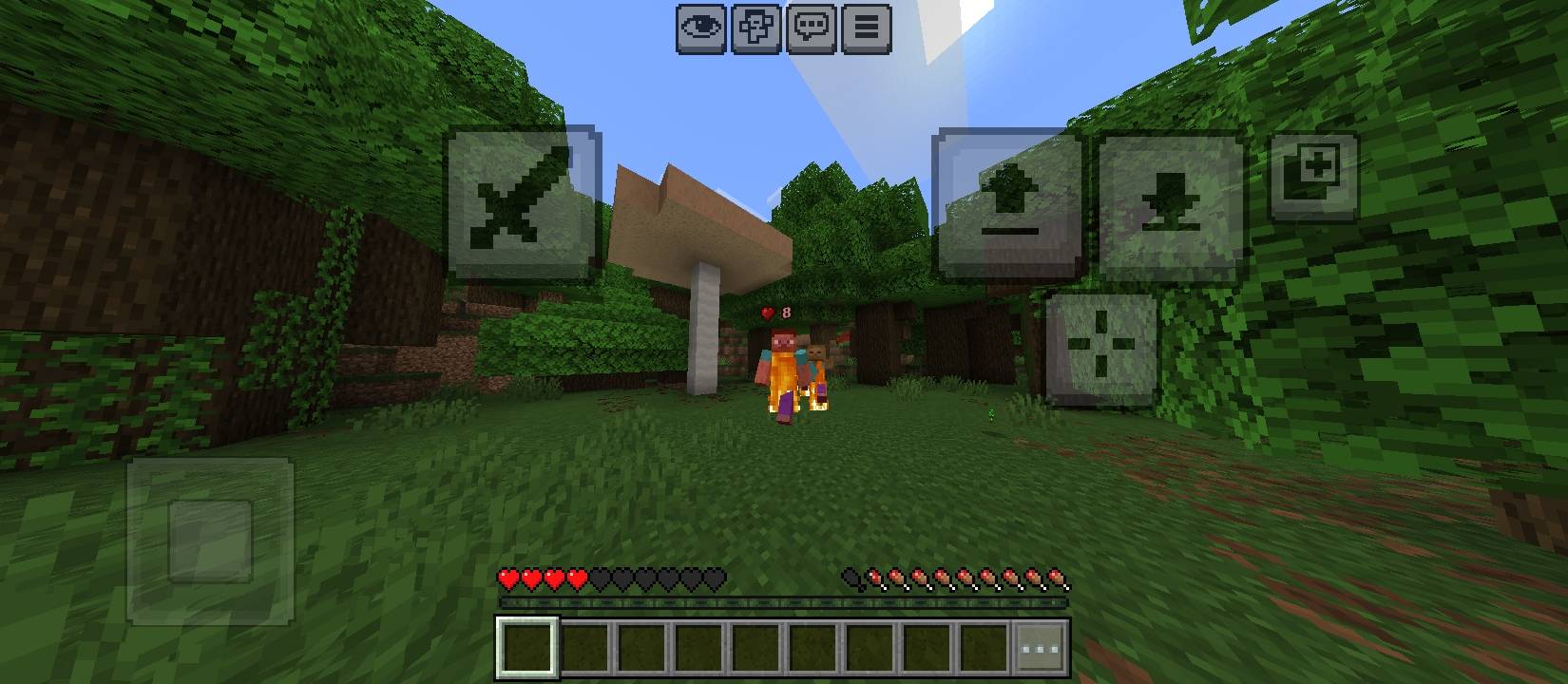
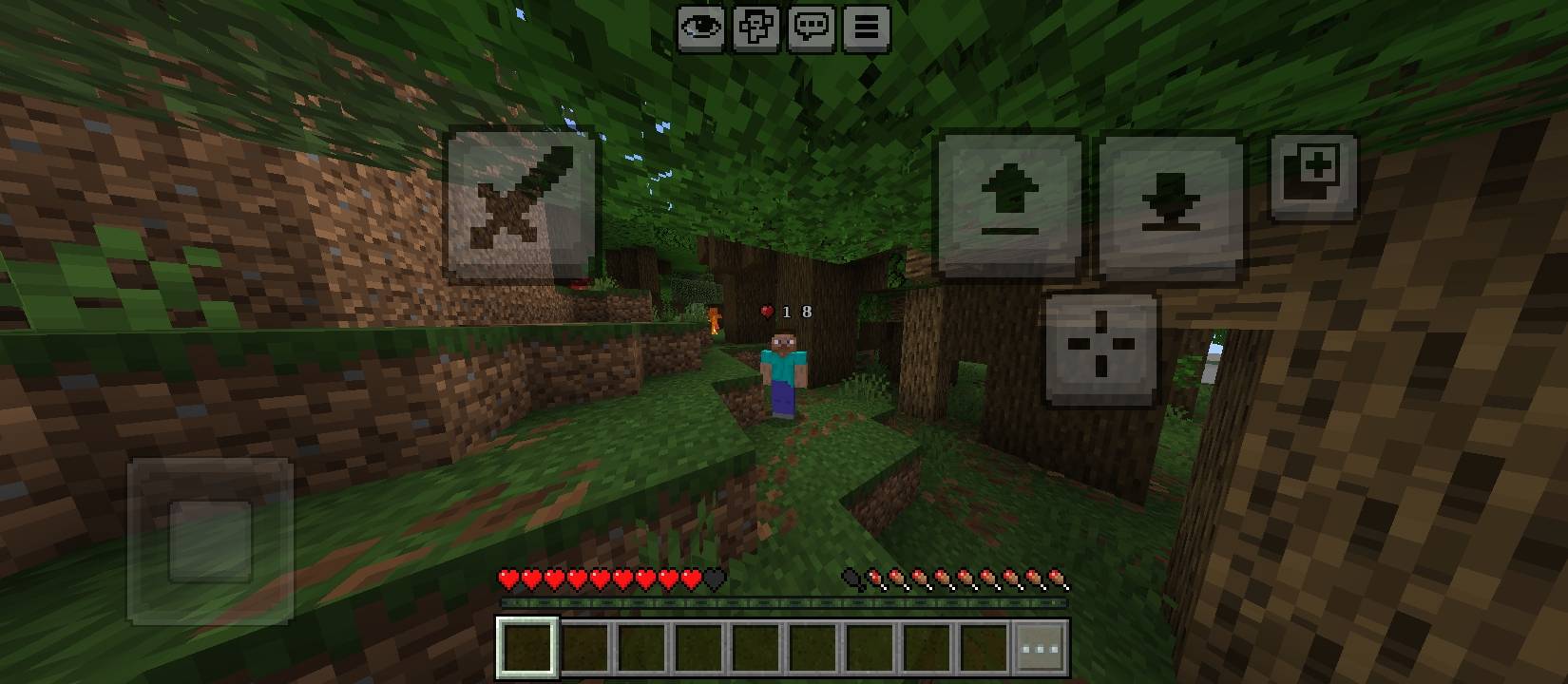
Player Heart Display
A Minecraft Bedrock resource pack that shows a heart icon with your current health number floating above your character whenever you take damage. It disappears automatically once you're back to full health (20 HP), so it stays out of the way when you don't need it.
Features:
Heart icon + live HP number, rendered above the player's head
Automatically hides at full health, shows below it
Clean, readable pixel-art style number display
Resource pack only — no experimental toggles, no scripting, just enable and play
Compatible with standard Bedrock worlds and realms (no special permissions required)
Notes:
Currently supports the player only
Works in third-person view
- Edition: Minecraft Bedrock
- File type: .mcpack
- Minecraft versions listed: 1.21.81, 1.21.93, 1.21.73
- How to install: Download the .mcpack. → Open it — Minecraft imports it under Resource Packs. → Activate it in Global Resources, or for one world under Resource Packs → Available.
- Where to get it: Opens on CurseForge — not every file is mirrored on our own servers.
Install steps are the general flow for this file type — How to install Minecraft Bedrock texture packs walks through it step by step.
- Pack type: .mcpack — a single pack
- Complete pack — everything it depends on is inside the file
- Download size: 14 KB
- Download link checked 19 Sept 2026 — working
These come from our own check of the pack file, not from the source page.