ShadersBedrock
Bright Visual Shader (26.x, 1.21) – PBR Surface Reflections and Aurora Skies


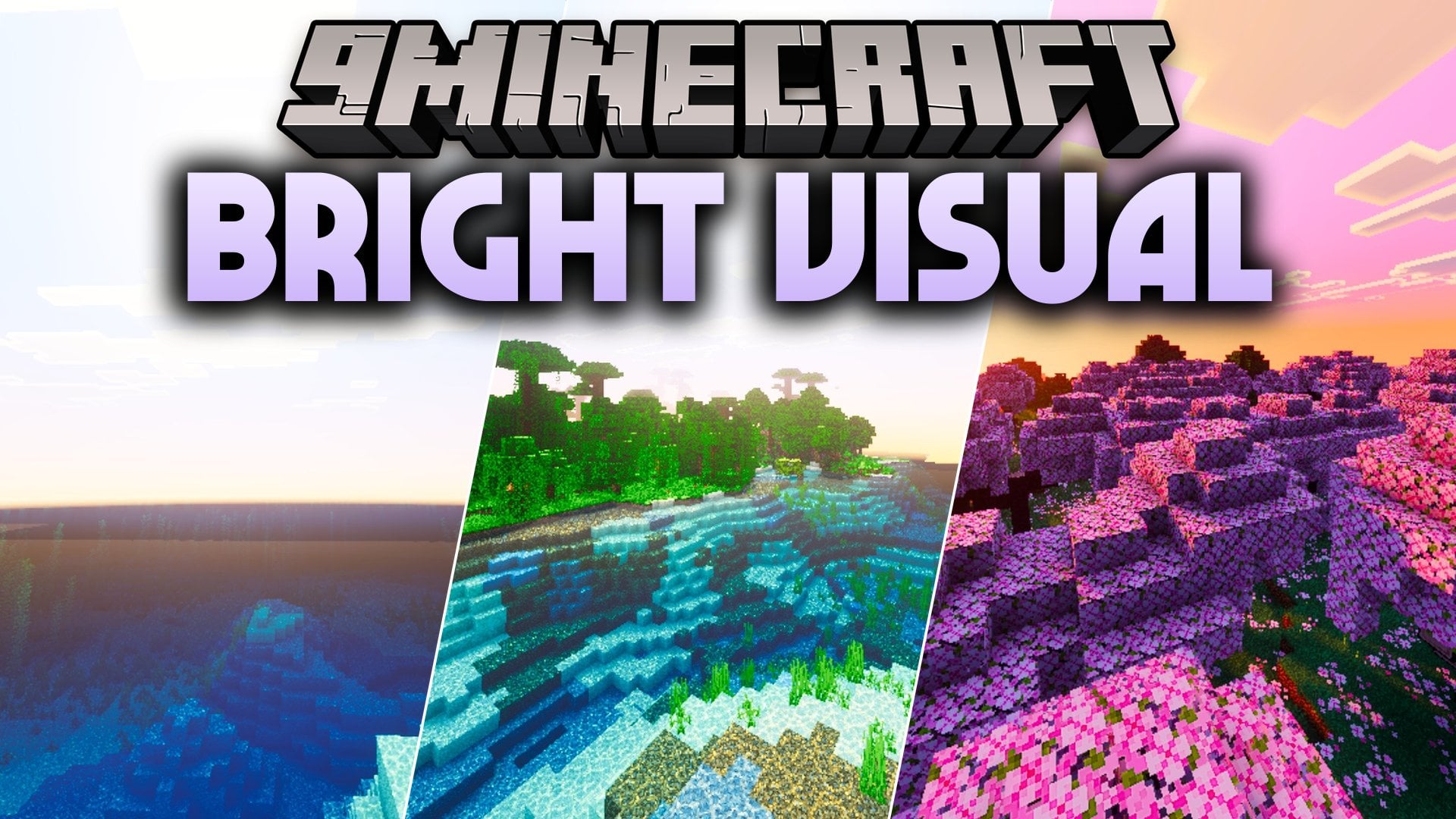
Bright Visual Shader upgrades your Minecraft Bedrock worlds with vibrant colors, custom sky gradients, and full PBR materials across all vanilla biomes. It adds rich local lighting to torches and lanterns while giving blocks and ores realistic reflections. You can also enjoy reworked water textures and colorful animated auroras in the night sky.
Features:
- Full PBR support with realistic reflections on blocks and ores.
- Custom sky gradients with bright sunrise and sunset horizon tones.
- Recolored local light sources like torches, soul fire, and lanterns.
- Animated aurora beam effects that drift across the night sky.
- Reworked water surfaces with custom normal maps and smooth reflections.
Screenshots:


Bright Visual Shader Download Links
Quick facts
- Edition: Minecraft Bedrock
- File type: .mcpack
- Minecraft version listed: 1.21
- How to install: Download the .mcpack. → Open it — Minecraft imports it under Resource Packs. → Activate it in Global Resources, or for one world under Resource Packs → Available.
- Where to get it: In MCModsHub, or directly above on this page.
Install steps are the general flow for this file type — How to install Minecraft Bedrock texture packs walks through it step by step.
Verified by MCModsHub
- Pack type: .mcpack — a single pack
- Manifest requires Minecraft 1.21.0 or newer
- Complete pack — everything it depends on is inside the file
- Download size: 3.1 MB
- Download link checked 23 Sept 2026 — working
- Mirrored on our own servers — the download does not depend on the original host
These come from our own check of the pack file, not from the source page.