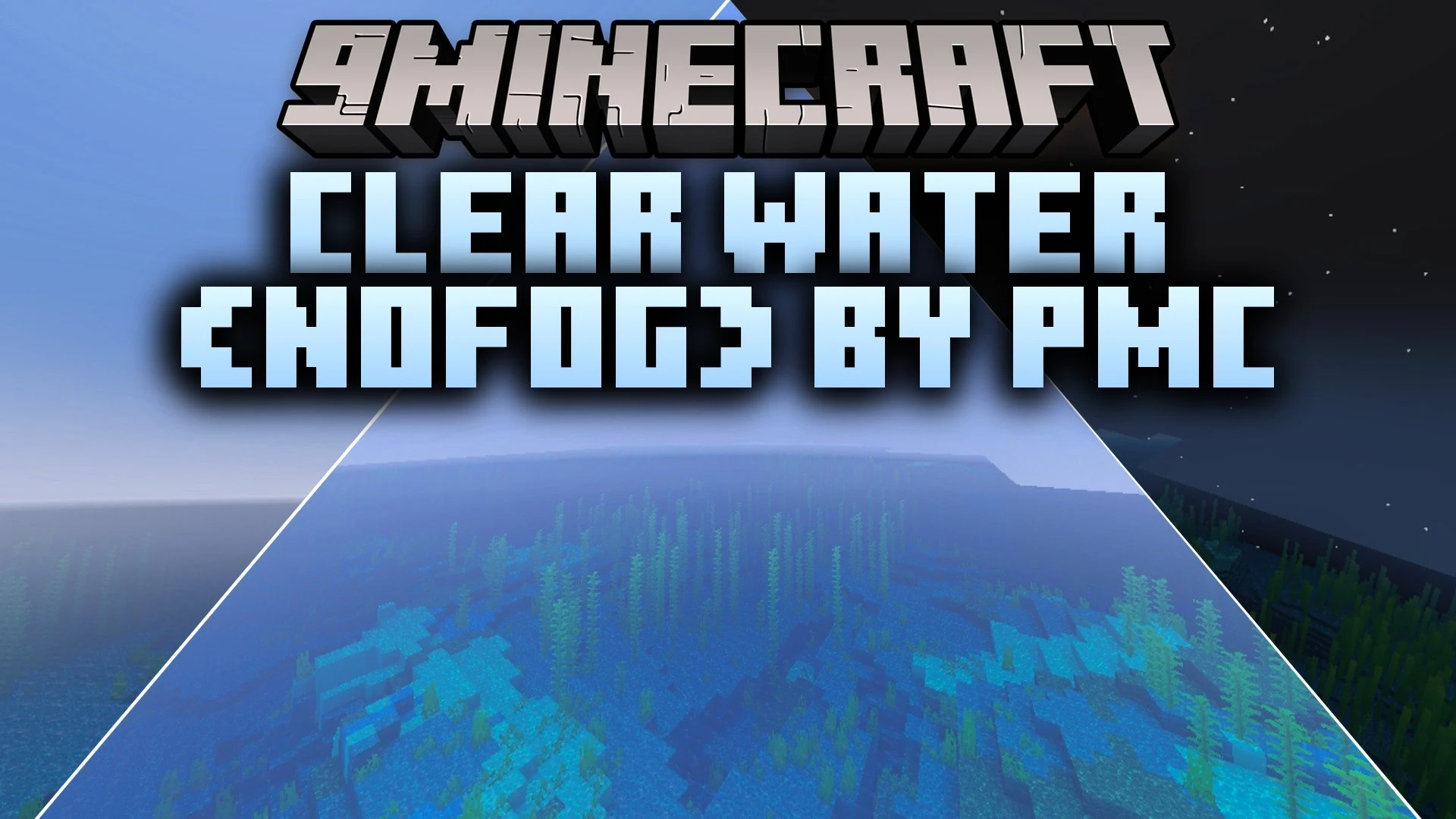


Clear Water (NoFog) by PMC Shader removes underwater fog and distance haze across oceans, rivers, and swamps in Minecraft Bedrock. It gives you clear underwater visibility, making it easy to find shipwrecks, hunt for treasure, or build aquatic bases. This lightweight shader runs smoothly on mobile devices without causing frame drops.
Features:
- Removes murky water fog for clear vision below the surface.
- Eliminates distance haze across oceans, rivers, and swamps.
- Runs smoothly on mobile devices and low-end phones.
- Helps players find treasure, shipwrecks, and ocean structures easily.
- Works great for building underwater bases in survival worlds.
Screenshots:


Clear Water NoFog by PMC Shader Download Links
Quick facts
- Edition: Minecraft Bedrock
- File type: .mcpack
- Minecraft version listed: 1.21
- How to install: Download the .mcpack. → Open it — Minecraft imports it under Resource Packs. → Activate it in Global Resources, or for one world under Resource Packs → Available.
- Where to get it: In MCModsHub, or directly above on this page.
Install steps are the general flow for this file type — How to install Minecraft Bedrock texture packs walks through it step by step.
Verified by MCModsHub
- Pack type: .mcpack — a single pack
- Manifest requires Minecraft 1.16.100 or newer
- Complete pack — everything it depends on is inside the file
- Download size: 1.0 MB
- Download link checked 23 Sept 2026 — working
- Mirrored on our own servers — the download does not depend on the original host
These come from our own check of the pack file, not from the source page.