GURJAR X Retro Shader
GURJAR X Retro Shader brings a warm, nostalgic golden-orange atmosphere to Minecraft Bedrock — hazy amber skies, soft muted lighting and old-school warm…
⬇ Download on CurseForge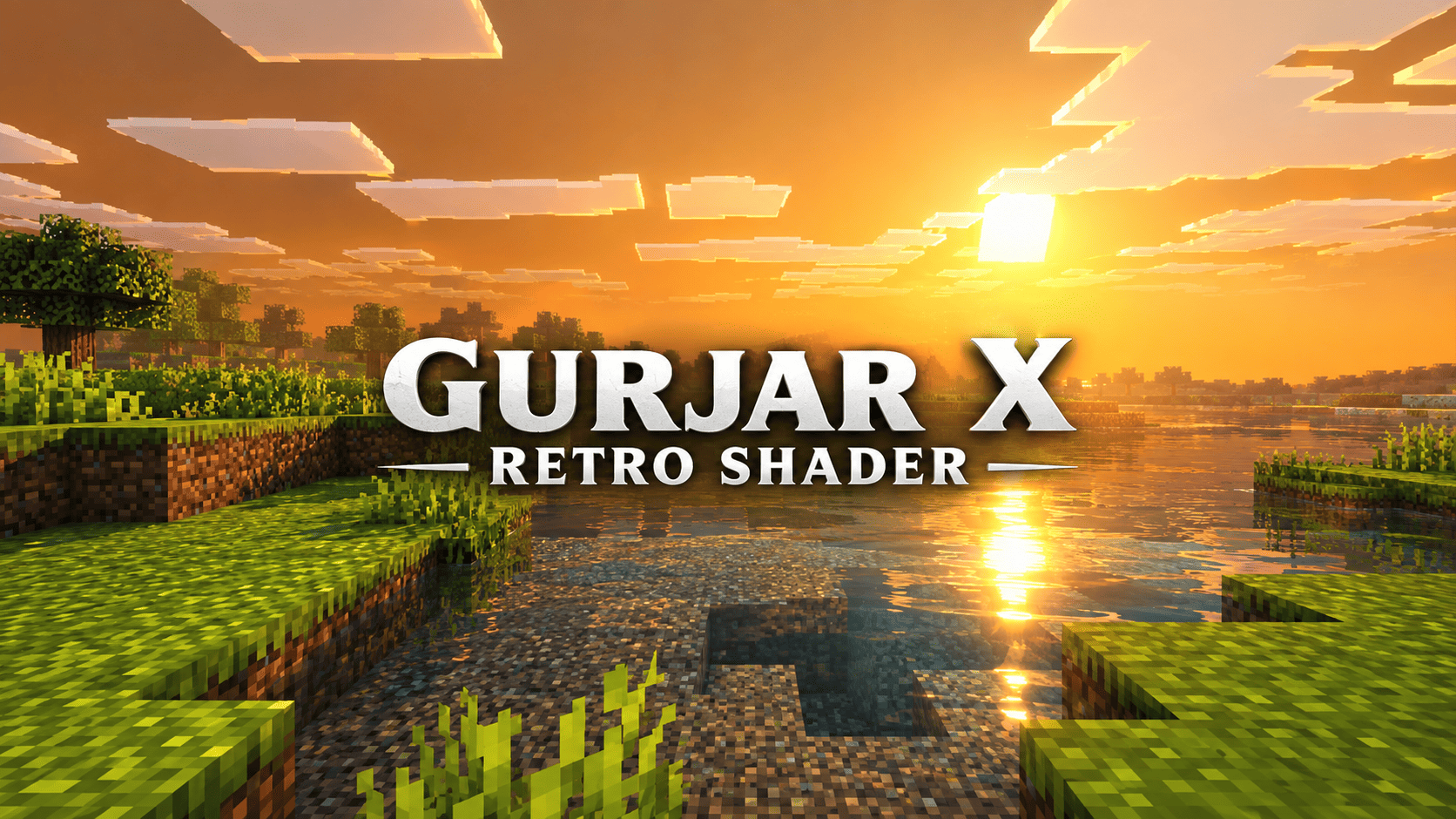
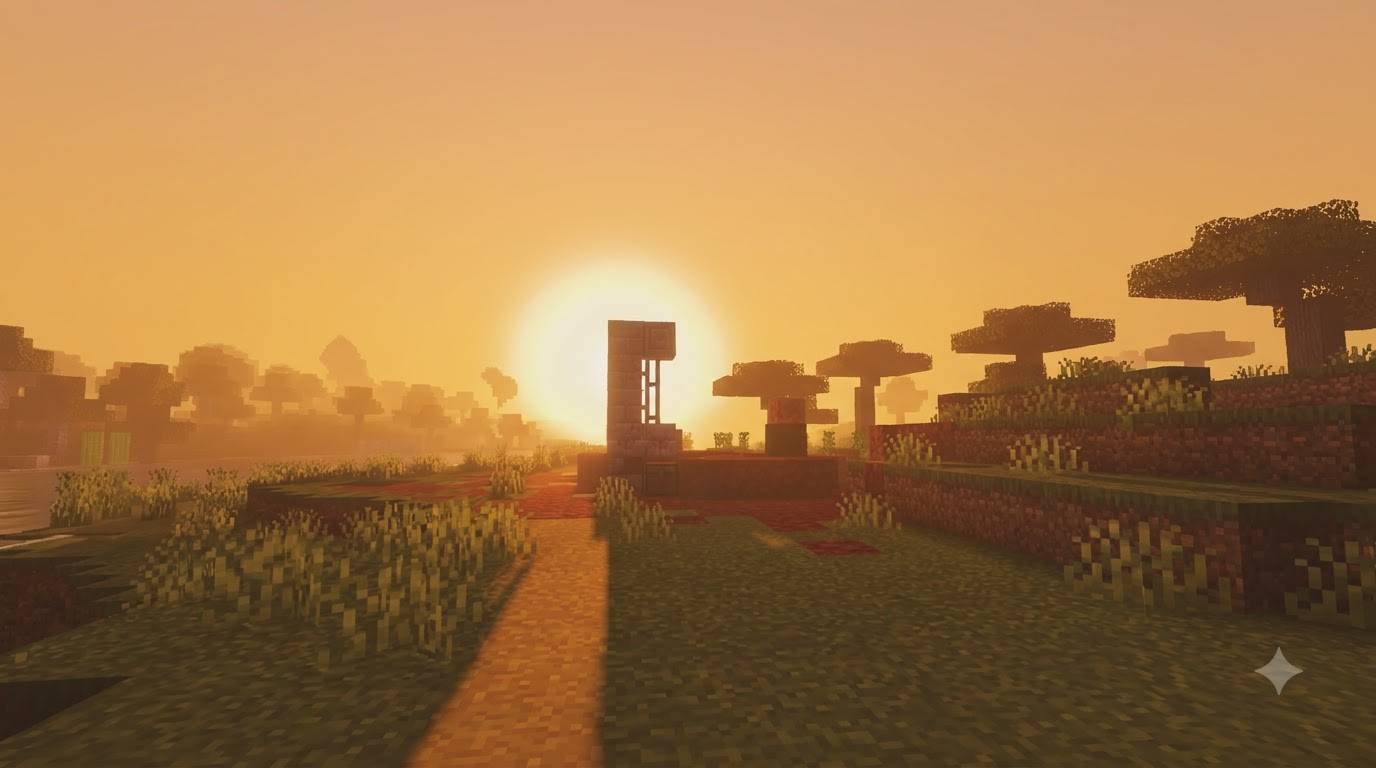
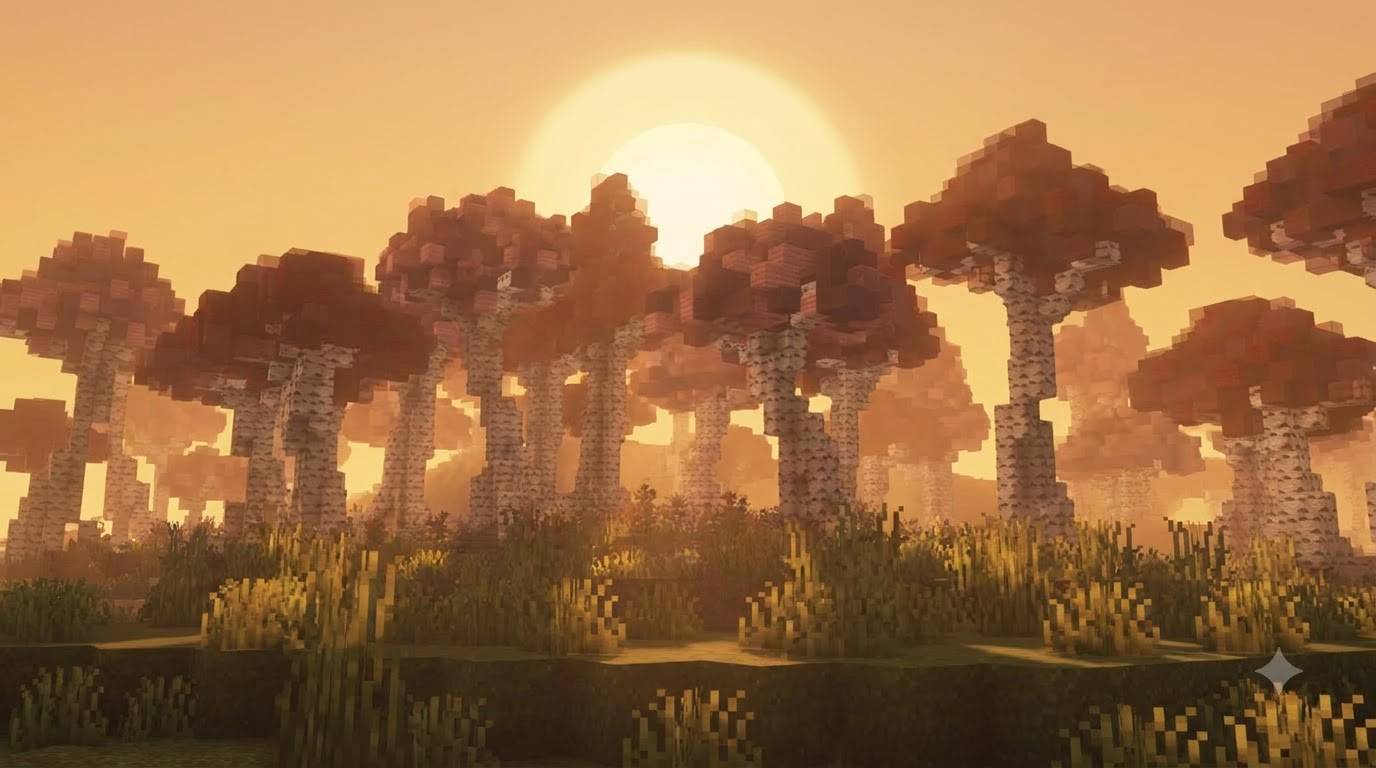
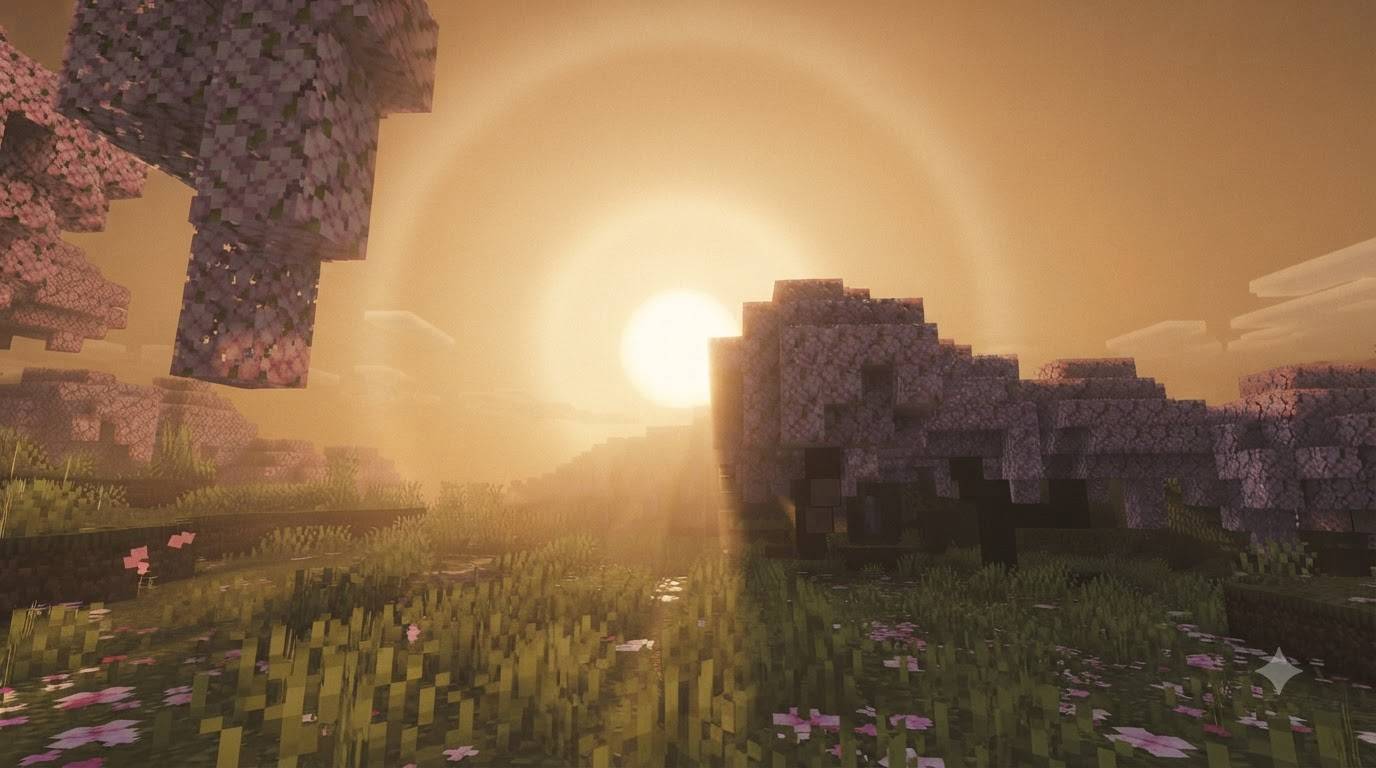
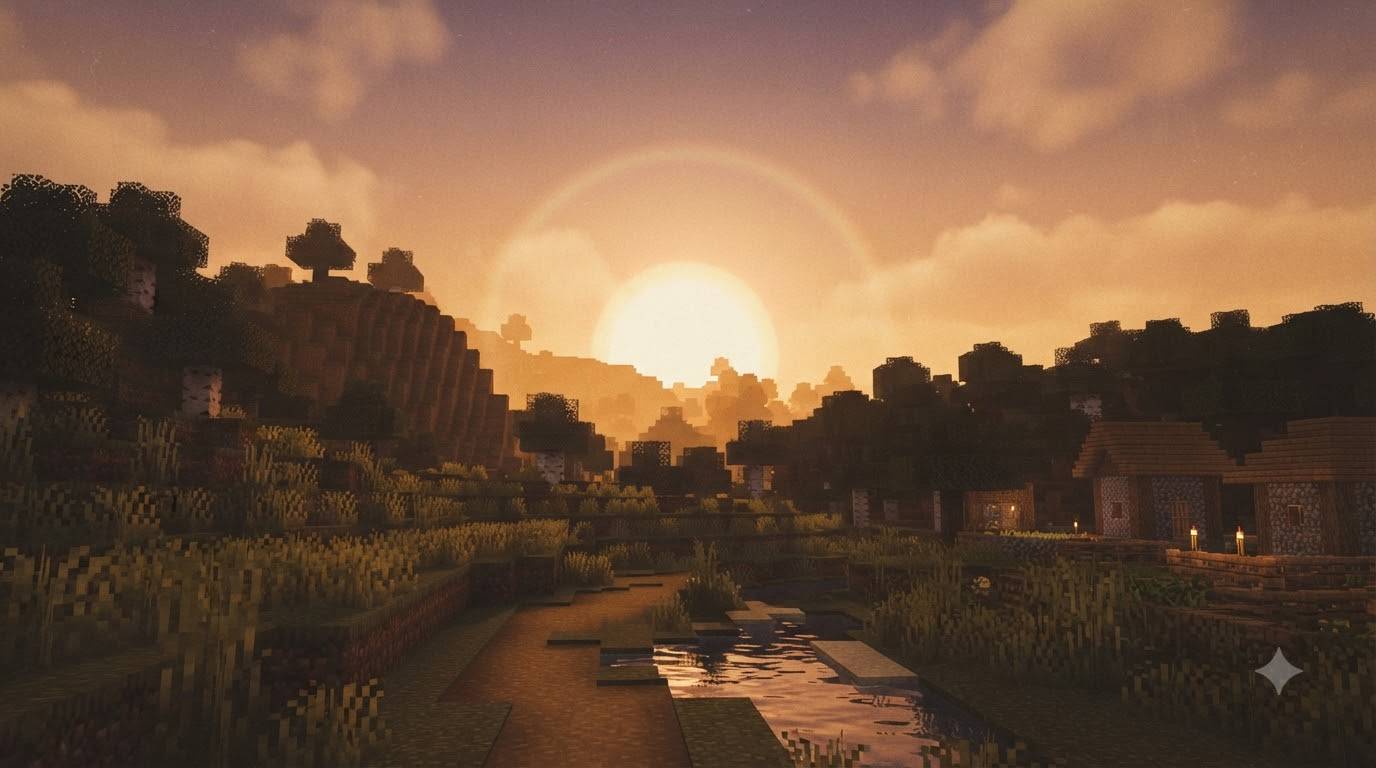
GURJAR X Retro Shader is a lightweight, single-style visual pack for Minecraft Bedrock Edition, built on Mojang's native Vibrant Visuals render pipeline. It's designed to capture the warm, nostalgic feeling of golden-hour gameplay — the kind of hazy amber sky and soft glowing light that older games and film photography are known for.
Atmospherics — The sky is tinted with rich amber and orange tones (zenith and horizon colors shifting between warm gold and burnt orange), with boosted sun scattering that makes the sun itself glow with a soft, wide halo. This gives every sunrise and sunset a dramatic, hazy, almost dreamlike quality instead of the sharp, clinical vanilla sky.
Lighting — Sun illuminance dips gently at midday and rises at dawn/dusk, keeping the golden-hour feeling present through more of the day rather than just a few fleeting minutes. Sun color shifts through warm amber-browns throughout the cycle, reinforcing the retro, sun-washed mood.
Color Grading — Midtones, highlights, and shadows are all pushed with warm gamma and offset values, plus a Hable tone-mapping curve, to create that slightly faded, warm-toned "old footage" look — saturated but never harsh, nostalgic rather than neon-bright.
Shadows & Water — Soft-filtered shadows keep the scene gentle and non-distracting, while animated waves and caustics add subtle life and movement to lakes, rivers, and oceans without overwhelming the retro aesthetic.
No sliders, no subpack menu — enable it and the Retro look is active immediately.
Requirements: Minecraft Bedrock 1.21.80+, with the Vibrant Visuals experimental toggle enabled at world creation.
Install: Tap the .mcpack file to import, then activate it under Resource Packs before creating or loading a world — and make sure no other GURJAR X shader pack is active at the same time.
🙌 Credits - GURJAR
- Edition: Minecraft Bedrock
- File type: .mcpack
- Minecraft versions listed: 1.21.100, 26.0
- How to install: Download the .mcpack. → Open it — Minecraft imports it under Resource Packs. → Activate it in Global Resources, or for one world under Resource Packs → Available.
- Where to get it: Opens on CurseForge — not every file is mirrored on our own servers.
Install steps are the general flow for this file type — How to install Minecraft Bedrock texture packs walks through it step by step.
- Pack type: .mcpack — a single pack
- Manifest requires Minecraft 1.21.80 or newer
- Complete pack — everything it depends on is inside the file
- Download size: 172 KB
- Download link checked 20 Sept 2026 — working
These come from our own check of the pack file, not from the source page.