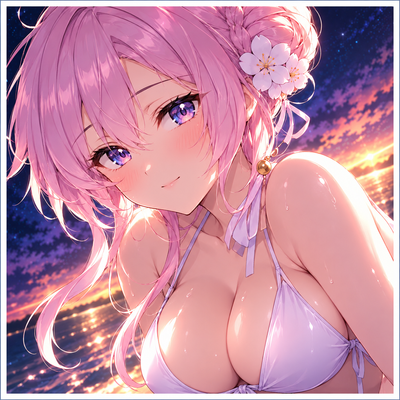
Mizuha Mimori Swimsuit Ui | Anime Girl Animated Ui
Transform Minecraft Bedrock with a Mizuha Mimori Swimsuit UI inspired by Blue Archive, featuring an animated menu, custom GUI screens, HD character…
⬇ Download on CurseForge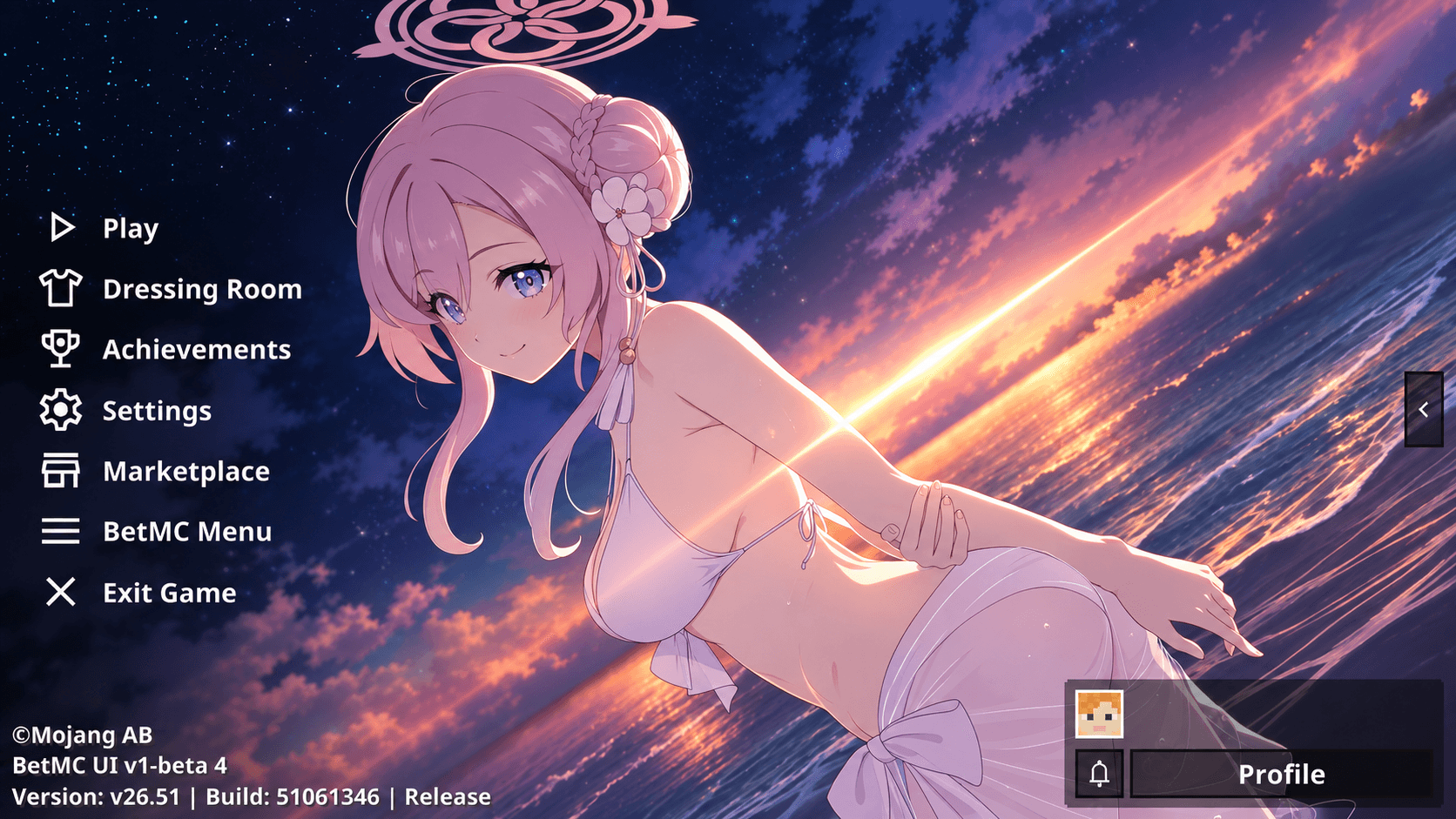
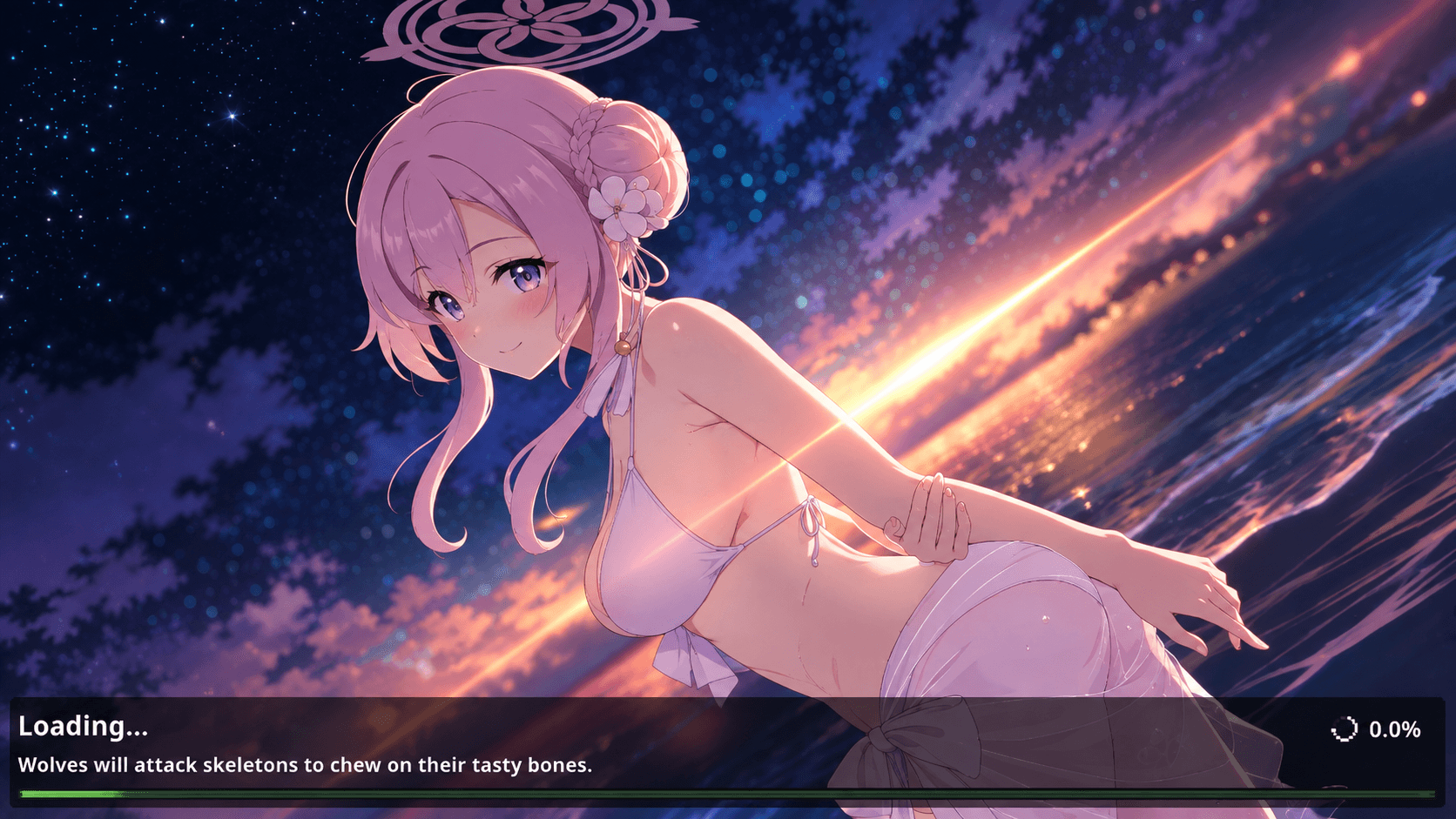
Mizuha Mimori Swimsuit UI | Anime Girl Animated UI
Blue Archive Inspired Minecraft Bedrock UI
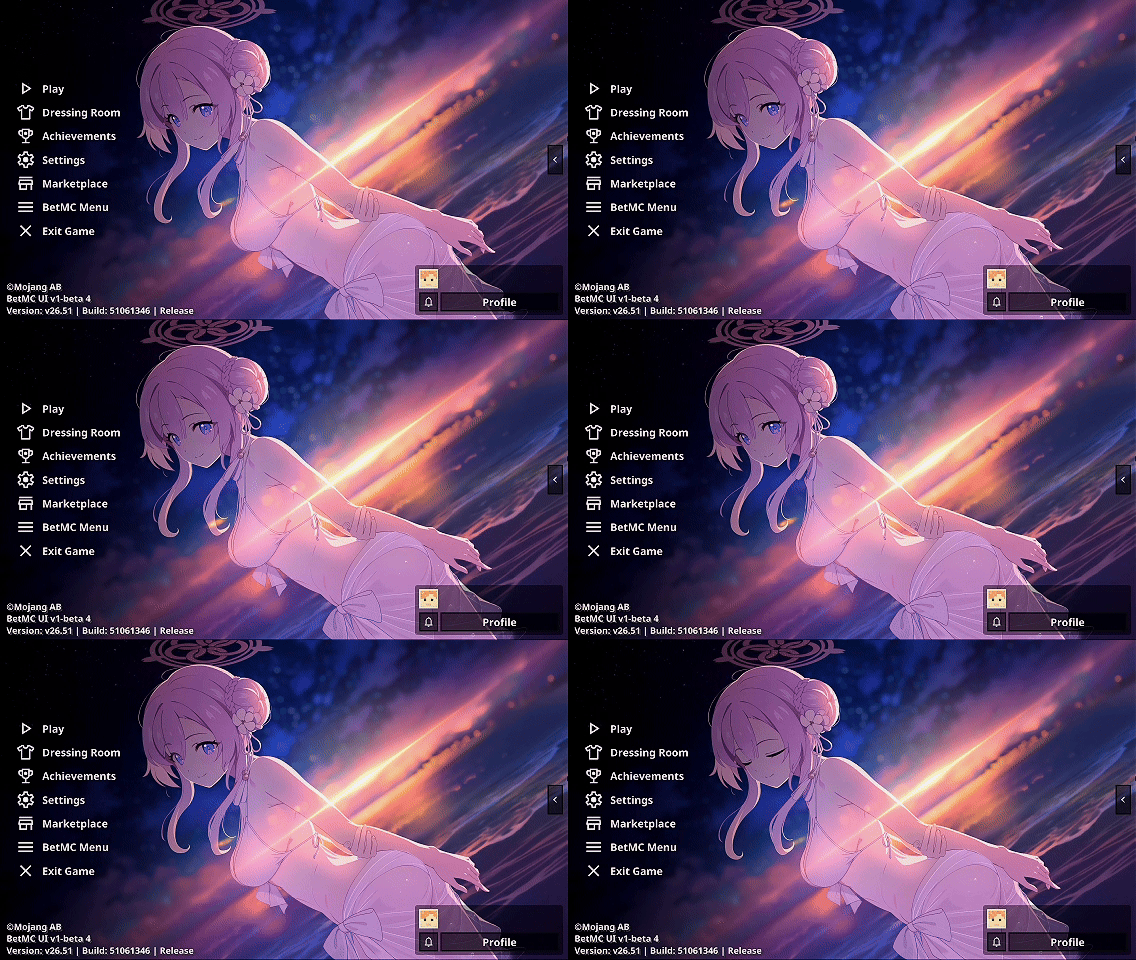
Give Minecraft Bedrock a fresh anime makeover with Mizuha Mimori Swimsuit UI, a custom interface inspired by Mizuha Mimori from Blue Archive.
Built around her swimsuit appearance and the sunset ocean artwork shown throughout the interface, this pack combines an animated menu, custom GUI styling, detailed character artwork, and a bright summer-themed presentation to create a more distinctive Minecraft experience while keeping navigation clean and practical.
Rather than acting as a simple background replacement, this pack is designed to make the entire interface feel more polished, character-focused, and visually memorable every time you open the game.
Animated Menu Experience
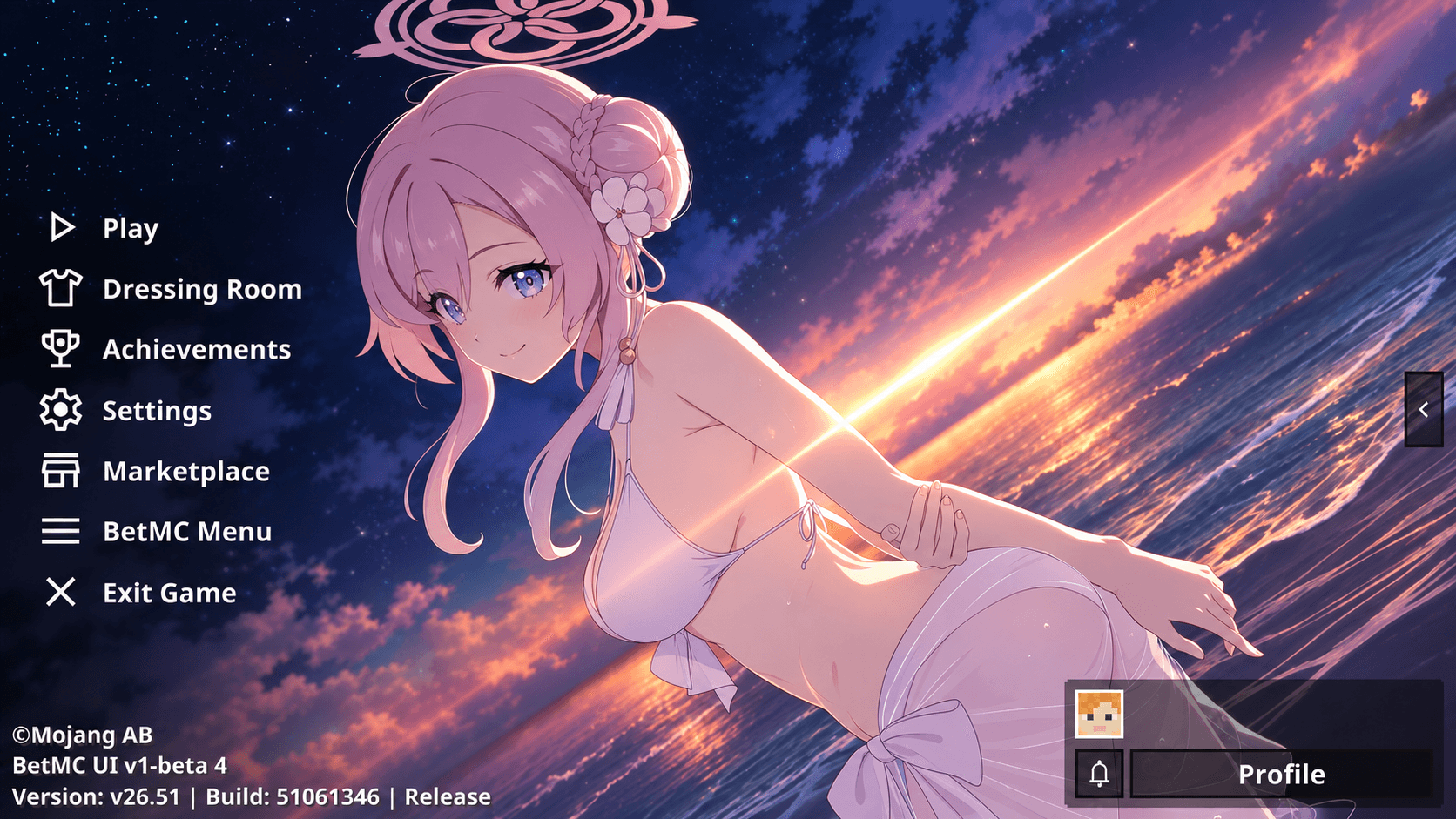
The animated menu is one of the main highlights of this UI.
Instead of opening Minecraft to an ordinary static screen, the interface introduces movement and character-focused visuals that make the main menu feel more alive from the moment the game starts.
Mizuha Mimori's swimsuit design, soft pink hair, ocean setting, and warm sunset lighting create a lighter and more refreshing style that stands out from more generic anime UI packs.
Animated visuals, custom GUI elements, and a beautiful beach-sunset atmosphere come together to give Minecraft Bedrock a stylish Blue Archive inspired interface.
Custom Interface Experience
Mizuha Mimori Swimsuit Animated Menu
Blue Archive Inspired Interface
Custom Minecraft GUI Screens
HD Anime Character Artwork
Redesigned Main Menu
Styled Inventory Interface
Custom Pause Menu
Customized Settings Screens
Clean and Familiar Navigation
Summer Beach Aesthetic
Character-Focused Anime Design
Minecraft Bedrock and MCPE Support
Designed Around Mizuha Mimori
Mizuha Mimori gives this UI its own recognizable identity through her elegant swimsuit appearance, soft color palette, and calm summer atmosphere.
The ocean sunset background adds extra visual depth to the interface, making the menu feel brighter, warmer, and more scenic while still preserving a layout that remains easy to use during normal gameplay.
This makes the pack suitable for players who want a Mizuha Mimori Minecraft UI, Blue Archive UI, animated anime menu, or aesthetic Minecraft Bedrock interface that feels unique without becoming cluttered.
Installation (Required)
This UI Pack requires WhoCaresMC Main UI to work properly.
Download WhoCaresMC Main UI:
https://www.curseforge.com/minecraft-bedrock/texture-packs/whocaresmc-main-ui-2
Setup Guide
Download and import WhoCaresMC Main UI.
Download and import this Mizuha Mimori Swimsuit UI Pack.
Open Settings → Global Resources.
Place this Anime UI Pack above WhoCaresMC Main UI in the Global Resources list.
Activate both packs and enjoy your new interface.
Related
This UI Pack is an add-on for WhoCaresMC Main UI, so make sure both packs are enabled.
Clean Design for Everyday Minecraft
A custom interface should improve the visual experience without making basic navigation harder.
Mizuha Mimori Swimsuit UI keeps the familiar Minecraft structure easy to understand while surrounding it with custom anime visuals and a stronger Blue Archive identity.
It works naturally for Survival, Creative, PvP, multiplayer, screenshots, videos, and everyday Minecraft gameplay.
Whether you are opening a world, changing settings, managing your inventory, or returning to the main menu, the Mizuha Mimori theme remains visible throughout the overall experience.
Made for Blue Archive & Anime UI Fans
This pack is designed for players who enjoy Blue Archive, anime resource packs, animated Minecraft menus, custom GUI packs, aesthetic interfaces, and character-themed Minecraft customization.
The warm sunset palette and beach-themed visuals make this UI especially suitable for players who prefer a softer, brighter, and more scenic anime presentation.
It can also be combined with compatible anime skies, inventory textures, bed textures, totems, PvP packs, visual packs, and other themed resources to create a more complete anime Minecraft setup.
Minecraft Bedrock & MCPE Anime UI
Mizuha Mimori Swimsuit UI naturally fits searches for Mizuha Mimori UI, Mizuha Mimori Swimsuit UI, Mizuha Mimori Minecraft UI, Blue Archive UI, Anime Girl Animated UI, Minecraft Animated Menu, Minecraft Anime UI, Minecraft Bedrock GUI, MCPE Anime UI, Custom Minecraft Interface, Aesthetic Minecraft UI, and Blue Archive Resource Pack.
These terms reflect what the pack actually provides: a Mizuha Mimori themed animated Minecraft interface built around custom GUI elements, anime artwork, clean navigation, and a bright beach-sunset visual style.
A Fresh Summer Interface for Minecraft
Mizuha Mimori Swimsuit UI transforms the standard Minecraft Bedrock interface into a brighter, more animated, and more personalized experience while preserving the usability of the original menus.
If you want a clean Blue Archive inspired UI with an animated menu, detailed Mizuha Mimori artwork, custom GUI styling, and a beautiful summer beach atmosphere, this pack is built around exactly that experience.
- Edition: Minecraft Bedrock
- File type: .mcpack
- Minecraft versions listed: 1.21.120, 1.21.122, 1.21.121
- How to install: Download the .mcpack. → Open it — Minecraft imports it under Resource Packs. → Activate it in Global Resources, or for one world under Resource Packs → Available.
- Where to get it: Opens on CurseForge — not every file is mirrored on our own servers.
Install steps are the general flow for this file type — How to install Minecraft Bedrock texture packs walks through it step by step.
- Save it as (1080p)mizuha_mimori_swimsuit.mcaddon before opening — it downloads as .mcpack, but it is a .mcaddon pack
- Manifest requires Minecraft 1.17.0 or newer
- Complete pack — everything it depends on is inside the file
- Download size: 67.6 MB
- Download link checked 20 Sept 2026 — working
These come from our own check of the pack file, not from the source page.