SkinsBedrock
Icons and mobs
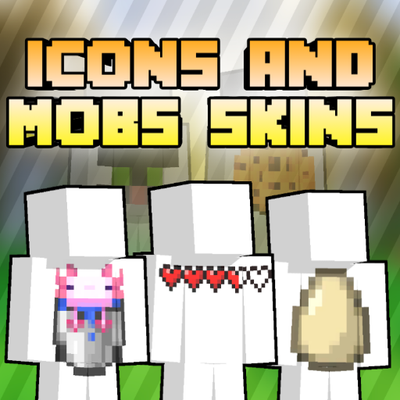
Welcome to the Icons & Mobs Skins Pack. This project contains a collection of 20 custom skins designed with a minimalist style. Each skin features random…
⬇ Download on CurseForge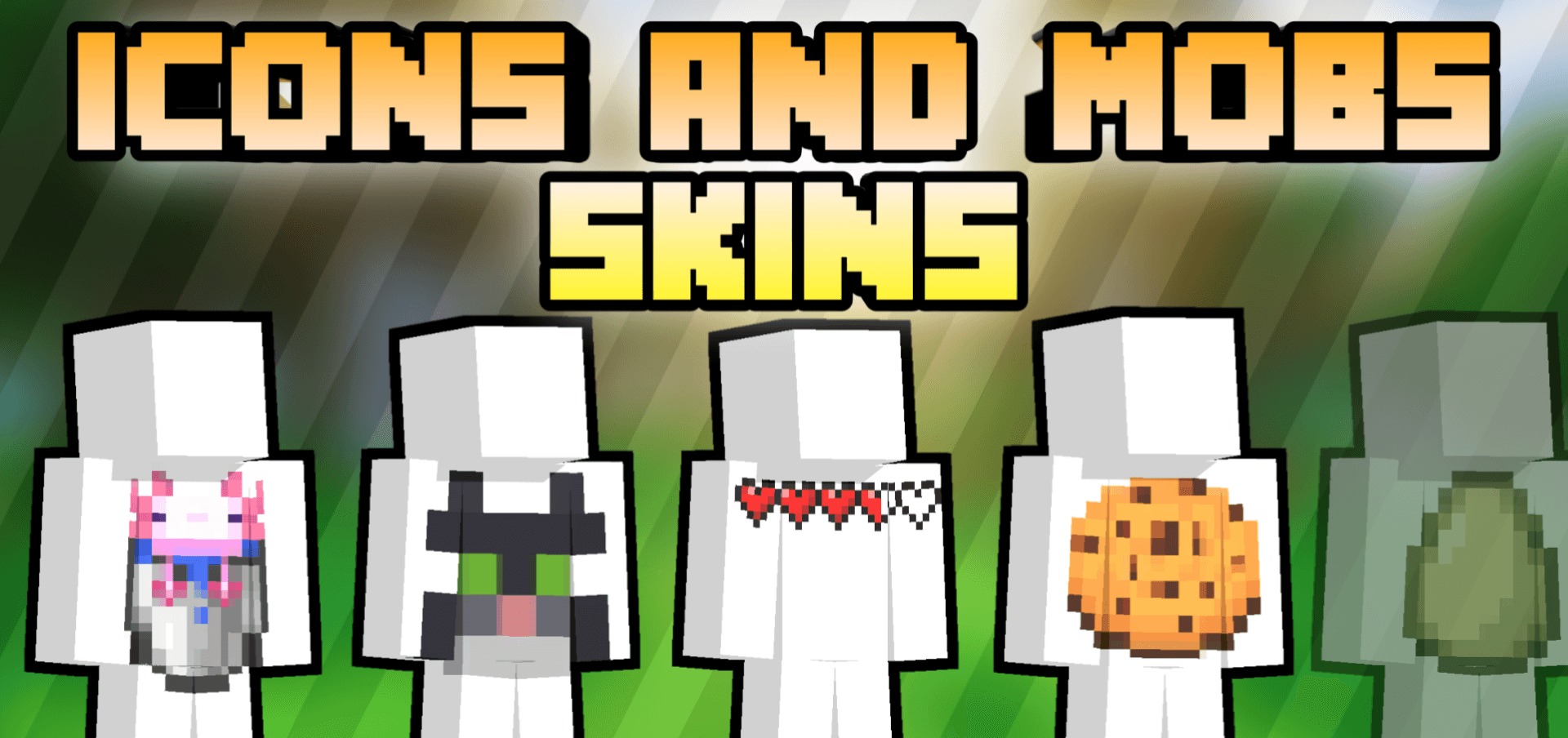
Welcome to the Icons & Mobs Skins Pack.
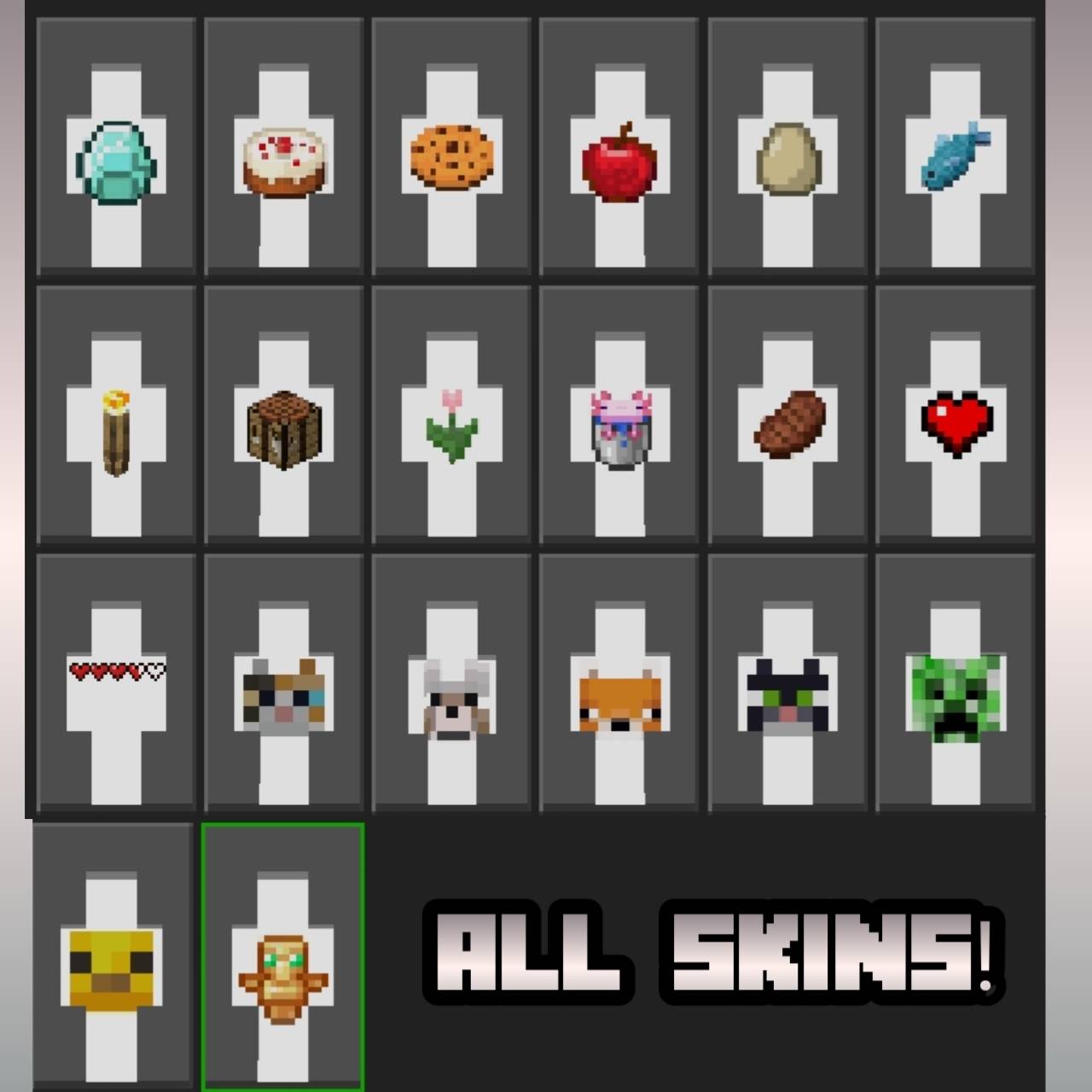
This project contains a collection of 20 custom skins designed with a minimalist style. Each skin features random icons on a solid white background, offering a clean and uniform look for your character.
~ Features:
- 20 Unique Skins: Custom designs.
- Minimalist Design: Clean white base with distinct icon placements.
- High Compatibility: It can be used in multiplayer or single player.
Quick facts
- Edition: Minecraft Bedrock
- File type: .mcpack
- Minecraft versions listed: 1.21.30, 1.21.50, 1.21.81
- How to install: Download the .mcpack skin pack. → Open it — Minecraft imports it. → Open the Dressing Room and select the skin.
- Where to get it: Opens on CurseForge — not every file is mirrored on our own servers.
Install steps are the general flow for this file type — How to apply a custom Minecraft skin walks through it step by step.
Verified by MCModsHub
- Save it as Icons-and-mobs-skins.mcaddon before opening — it downloads as .mcpack, but it is a .mcaddon pack
- Manifest requires Minecraft 1.16.0 or newer
- Complete pack — everything it depends on is inside the file
- Download size: 194 KB
- Download link checked 20 Sept 2026 — working
These come from our own check of the pack file, not from the source page.