GURJAR X Cartoon Shader
GURJAR X Cartoon Shader gives Minecraft Bedrock a bold, punchy, comic-book-style look — vivid blue skies, saturated colors, dramatic sun bloom and…
⬇ Download on CurseForge
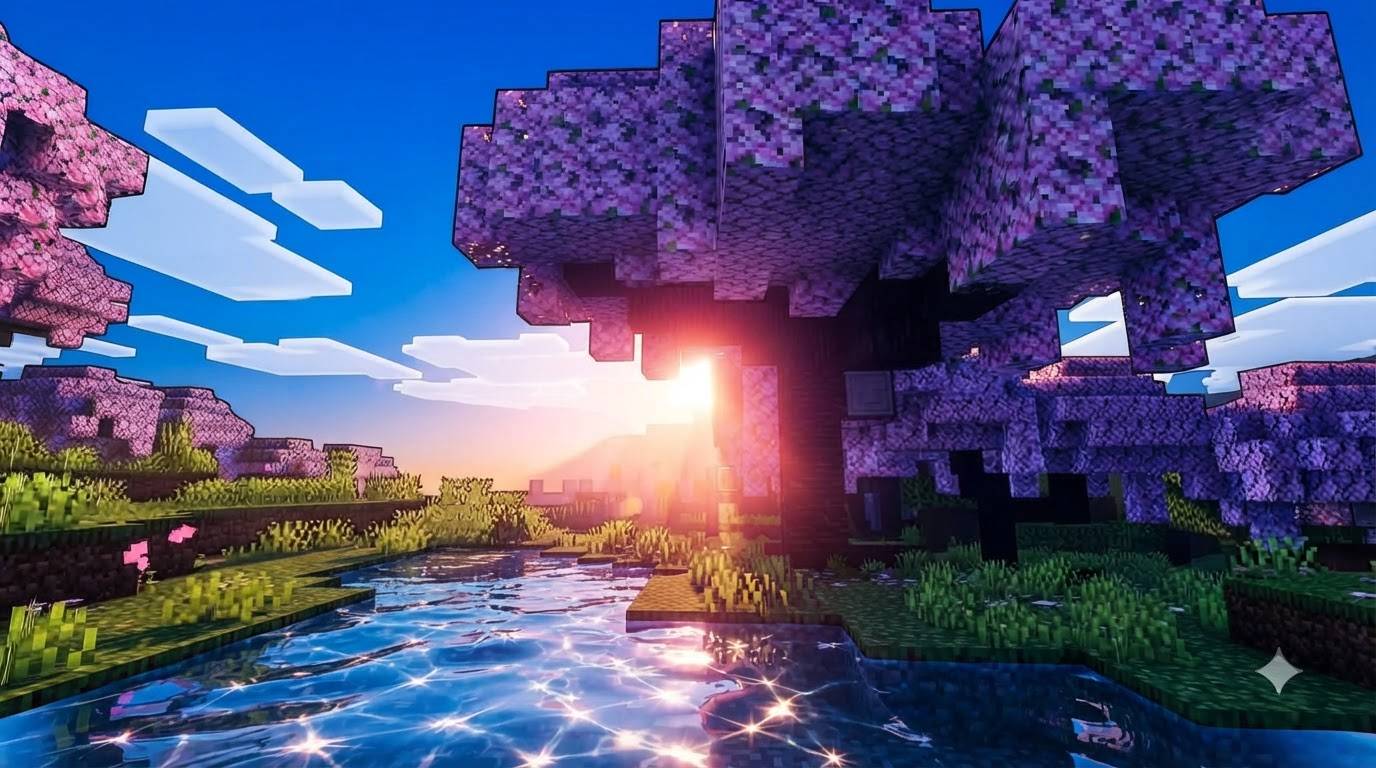
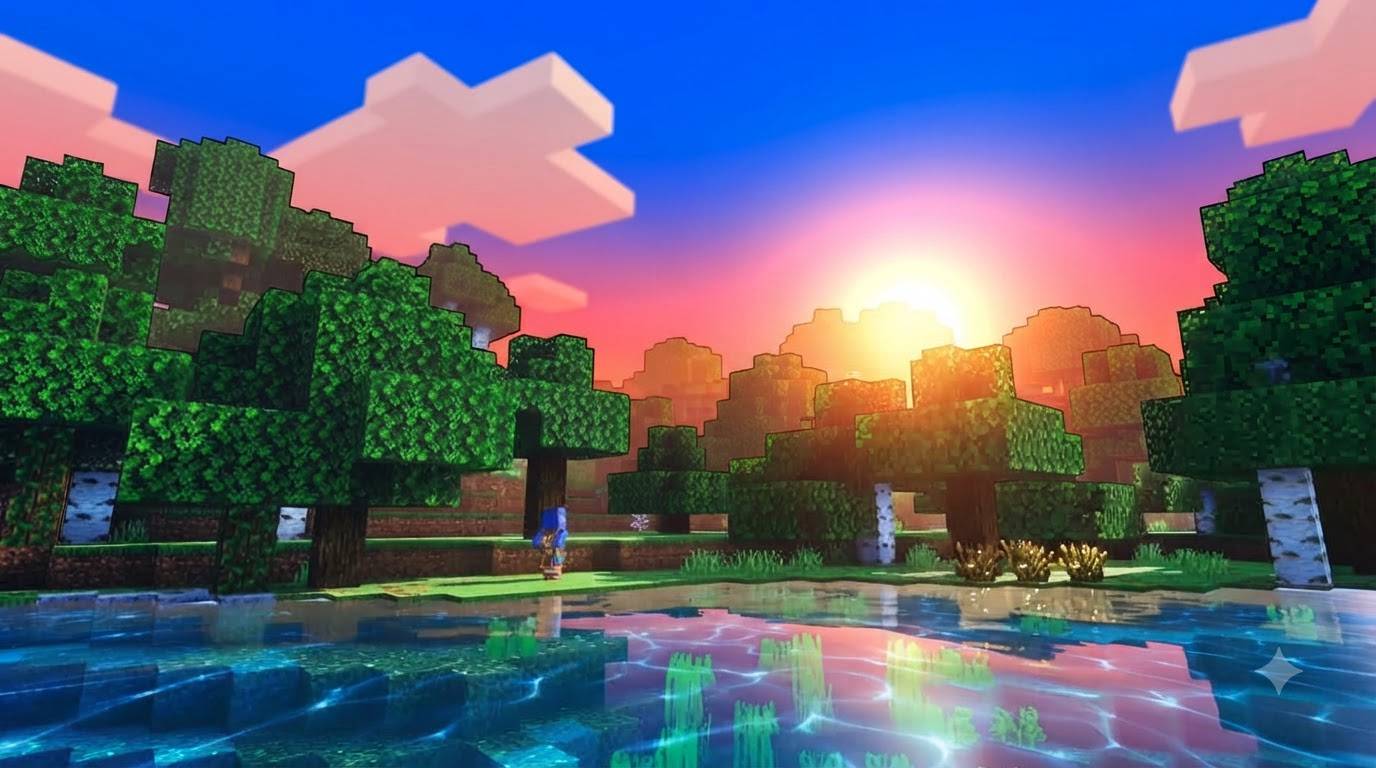
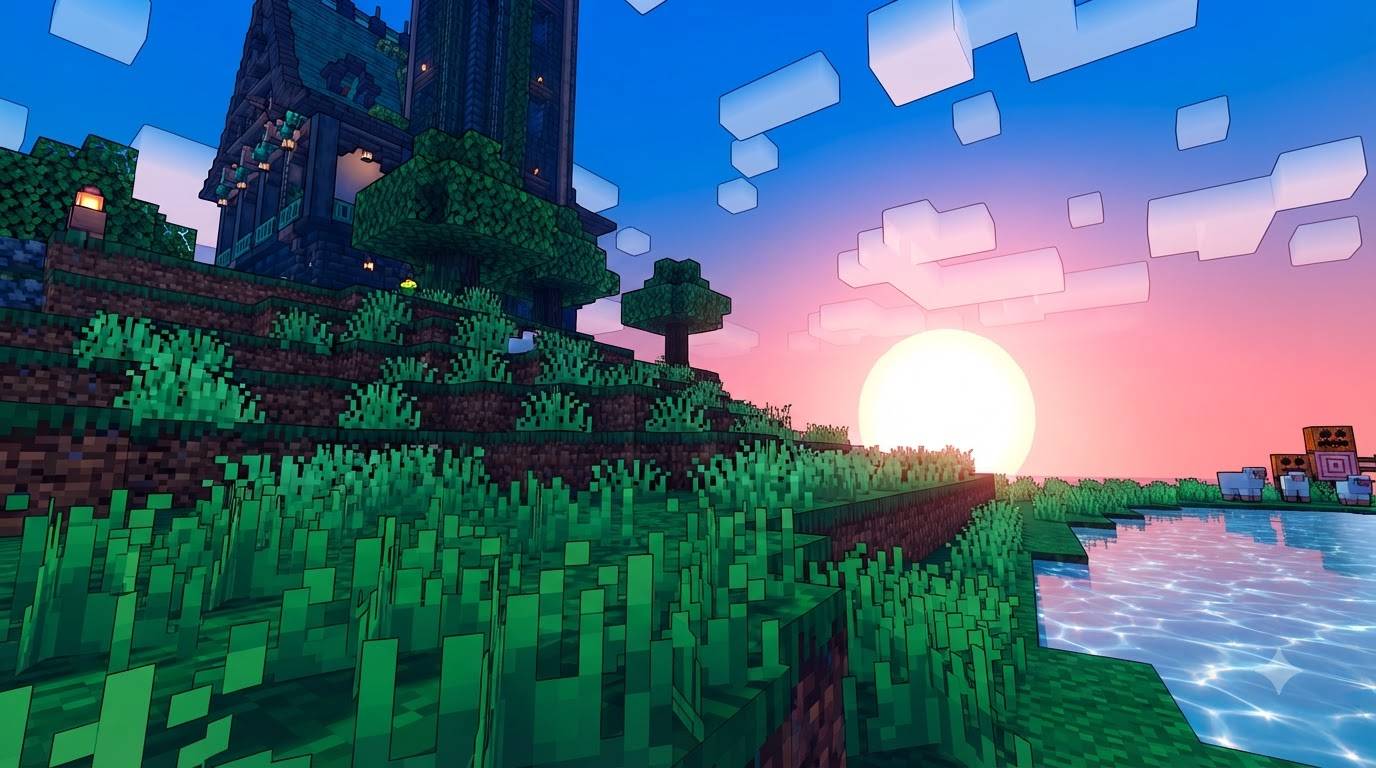
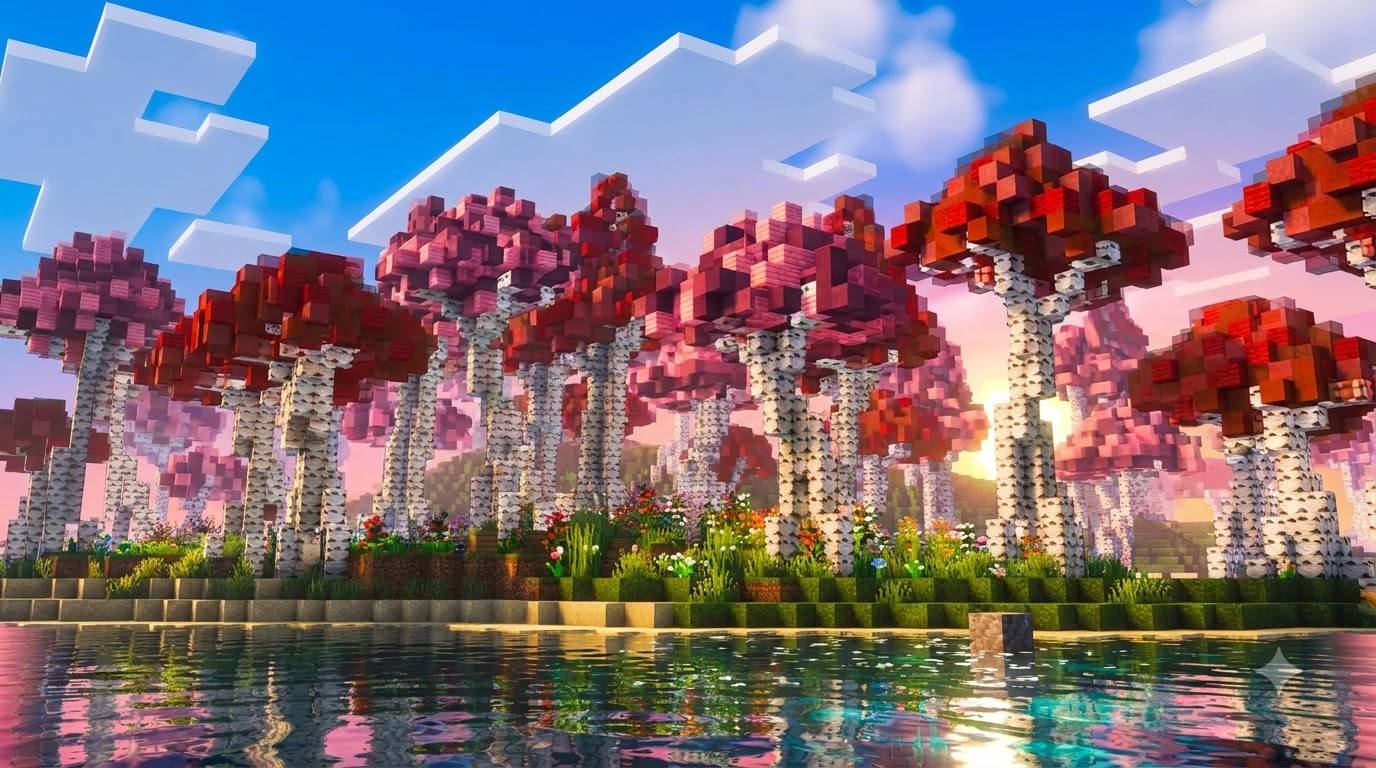
GURJAR X Cartoon Shader is a lightweight, single-style visual pack for Minecraft Bedrock Edition, built on Mojang's native Vibrant Visuals render pipeline. It's designed to give the game a bold, stylized, almost illustrated feel — like a colorful comic panel rather than a realistic photograph.
Atmospherics — The sky uses a strong Rayleigh scattering value, keeping blues rich and vivid rather than washed out, while a high sun intensity (boosted well beyond normal) creates a dramatic, glowing bloom around the sun that dominates the horizon at sunrise and sunset. Fog is kept light and colorful instead of hazy, so distant terrain stays crisp and vibrant.
Color Grading — Cartoon pushes saturation hard across both midtones and highlights, giving grass, water, and sky a punchy, almost hand-painted intensity. Combined with a Hable tone-mapping curve, the result is bold and graphic rather than muted or cinematic — colors pop the way they would in a stylized animated game.
Lighting — The sun's color and brightness cycle is tuned for consistently lively, well-lit scenes, avoiding the deep, moody shadows of more "realistic" shader styles in favor of a brighter, friendlier mood.
Shadows & Water — Shadows stay soft and non-intrusive so they don't clutter the stylized look, while animated waves and caustics keep water lively and eye-catching.
No sliders, no subpack menu — enable it and the Cartoon look is active immediately.
Requirements: Minecraft Bedrock 1.21.80+, with the Vibrant Visuals experimental toggle enabled at world creation.
Install: Tap the .mcpack file to import, then activate it under Resource Packs — and make sure it is the ONLY shader-style pack active (disable Cinematic/Vivid/Retro/original Brazz Shader if installed) before creating or loading a world.
🙌 Credits -GURJAR
- Edition: Minecraft Bedrock
- File type: .mcpack
- Minecraft versions listed: 1.21.100, 1.21.132, 26.0
- How to install: Download the .mcpack. → Open it — Minecraft imports it under Resource Packs. → Activate it in Global Resources, or for one world under Resource Packs → Available.
- Where to get it: Opens on CurseForge — not every file is mirrored on our own servers.
Install steps are the general flow for this file type — How to install Minecraft Bedrock texture packs walks through it step by step.
- Pack type: .mcpack — a single pack
- Manifest requires Minecraft 1.21.80 or newer
- Complete pack — everything it depends on is inside the file
- Download size: 172 KB
- Download link checked 21 Sept 2026 — working
These come from our own check of the pack file, not from the source page.