Saturation (26+) – MCPE/Bedrock Texture Pack
Bedrock texture pack listed for Minecraft 1.16. File opened and checked on 24 Sep 2026; installs from the MC Bedrock Mods app on Android.
⬇ Download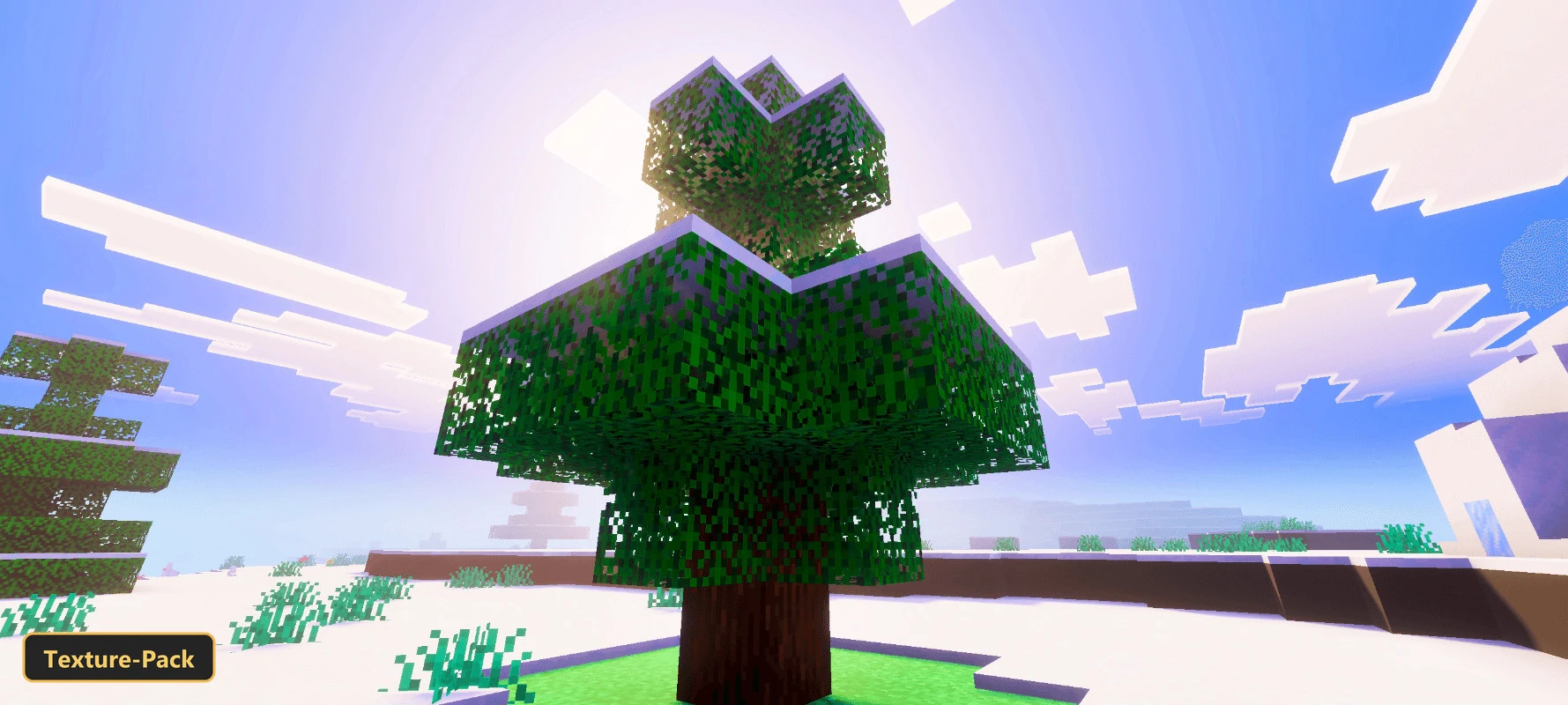
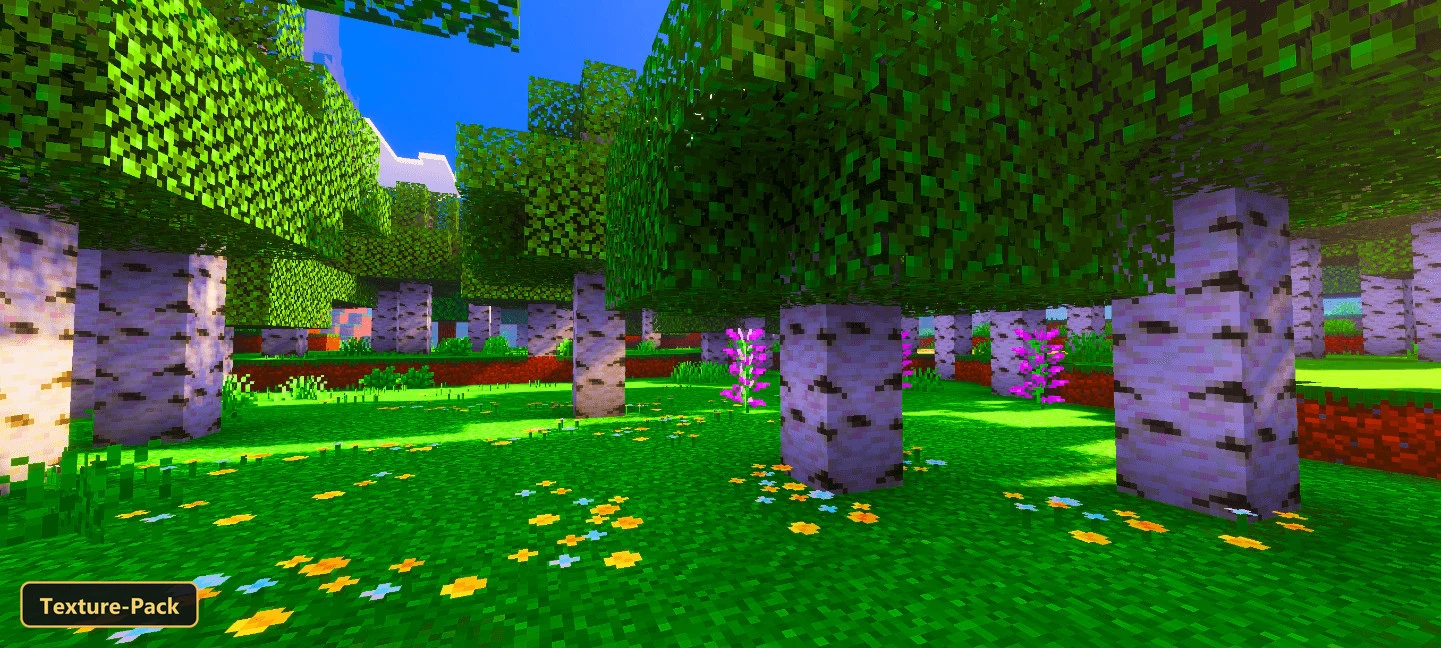
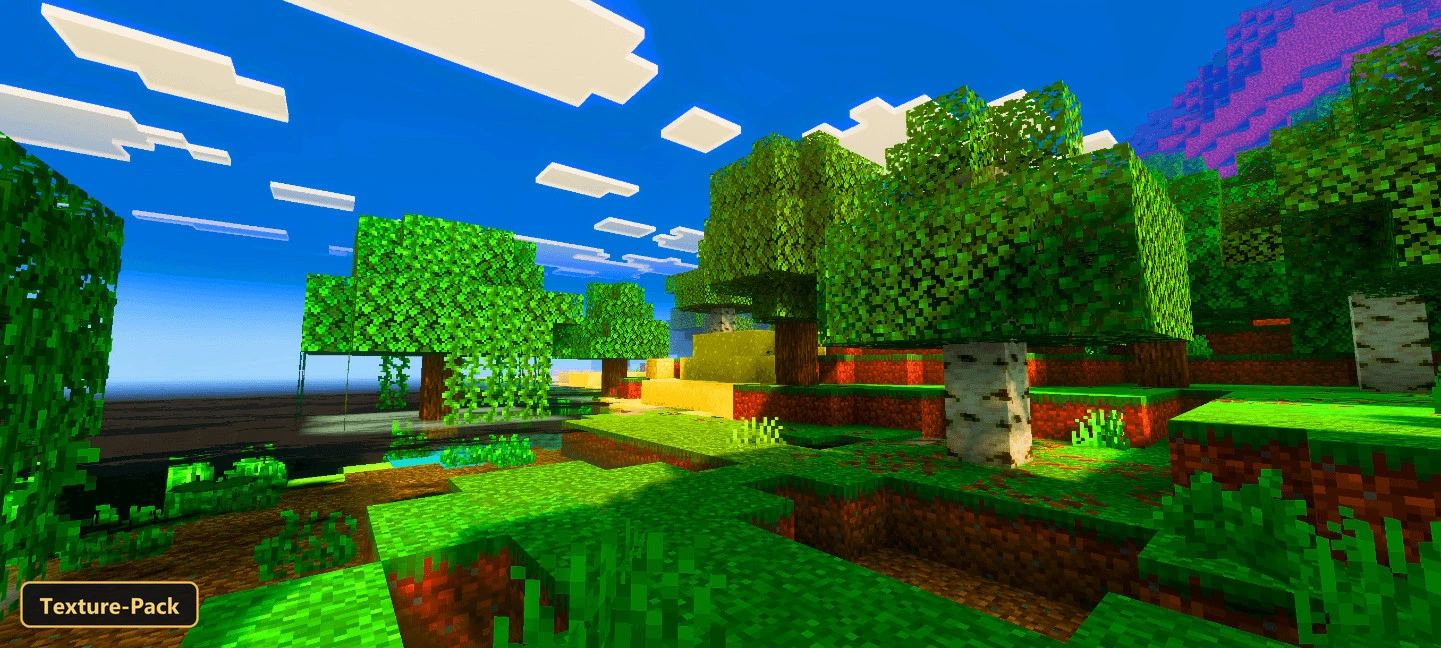
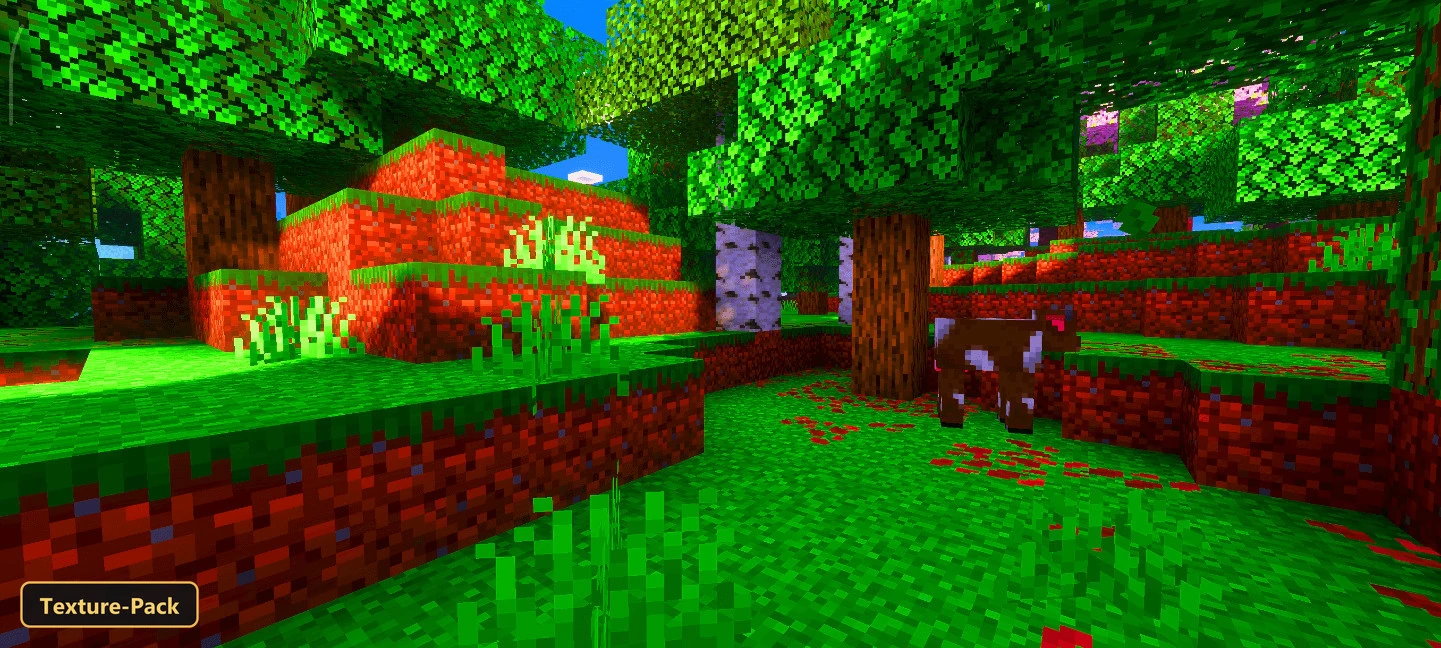
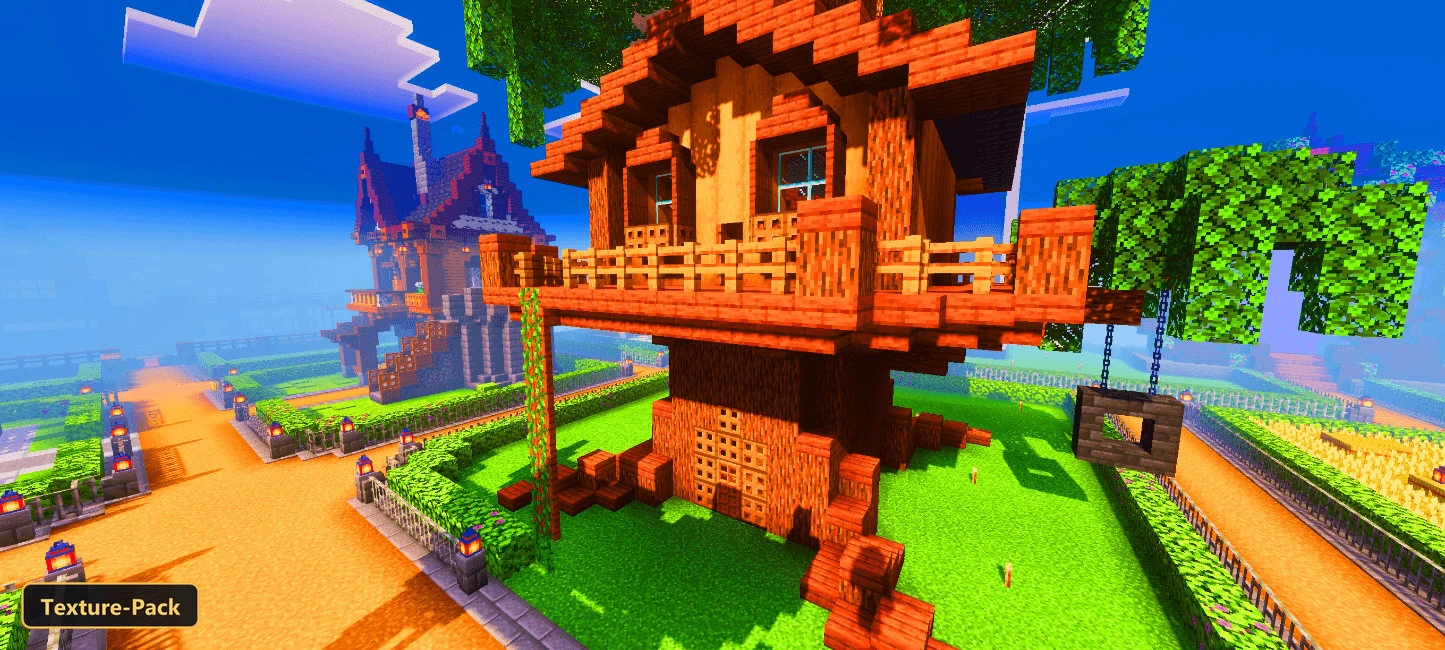
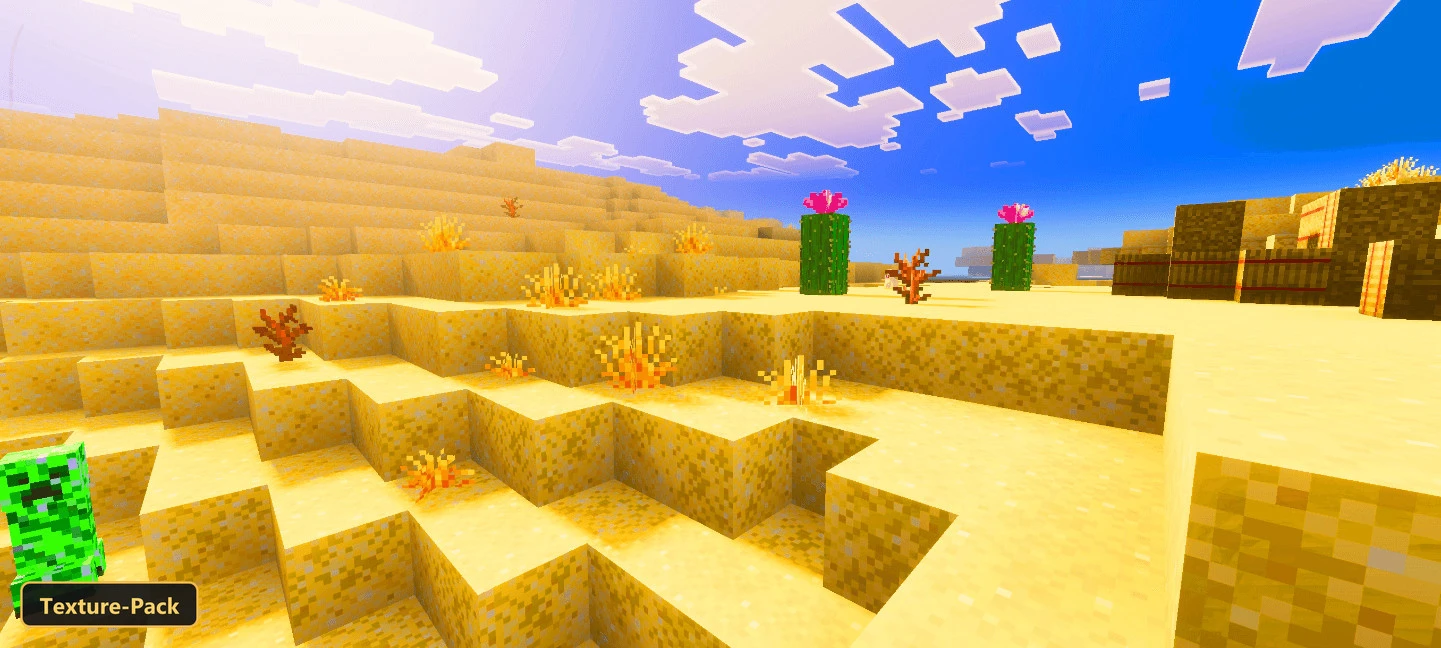
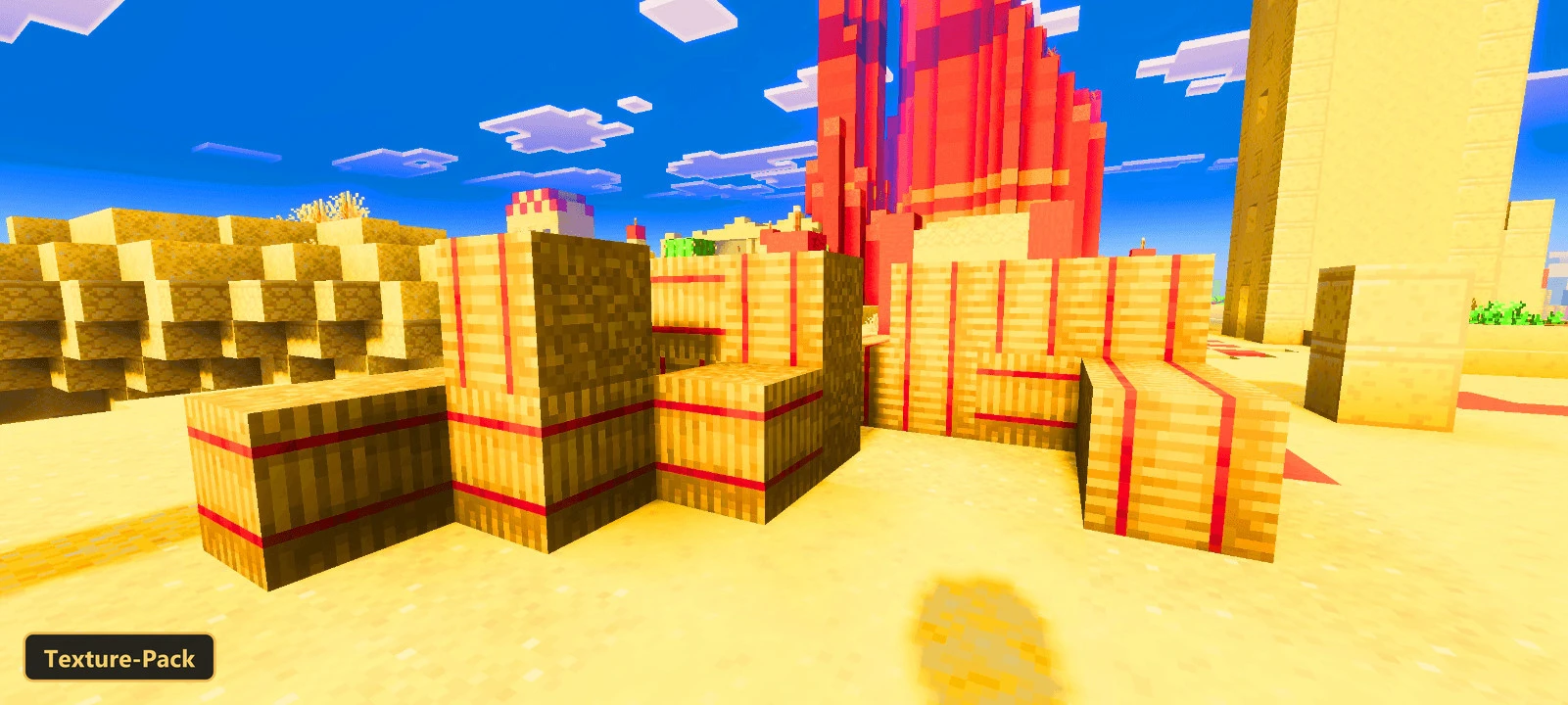
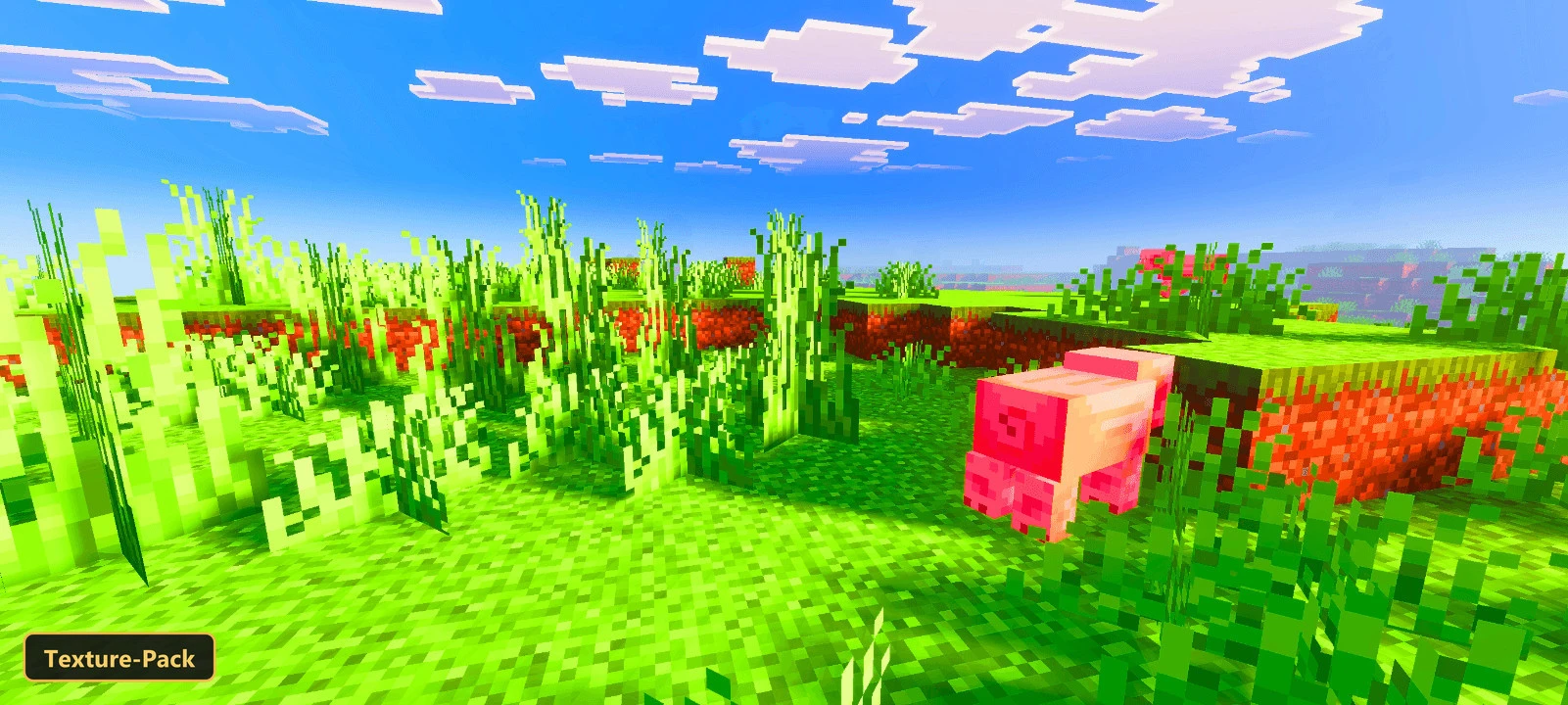
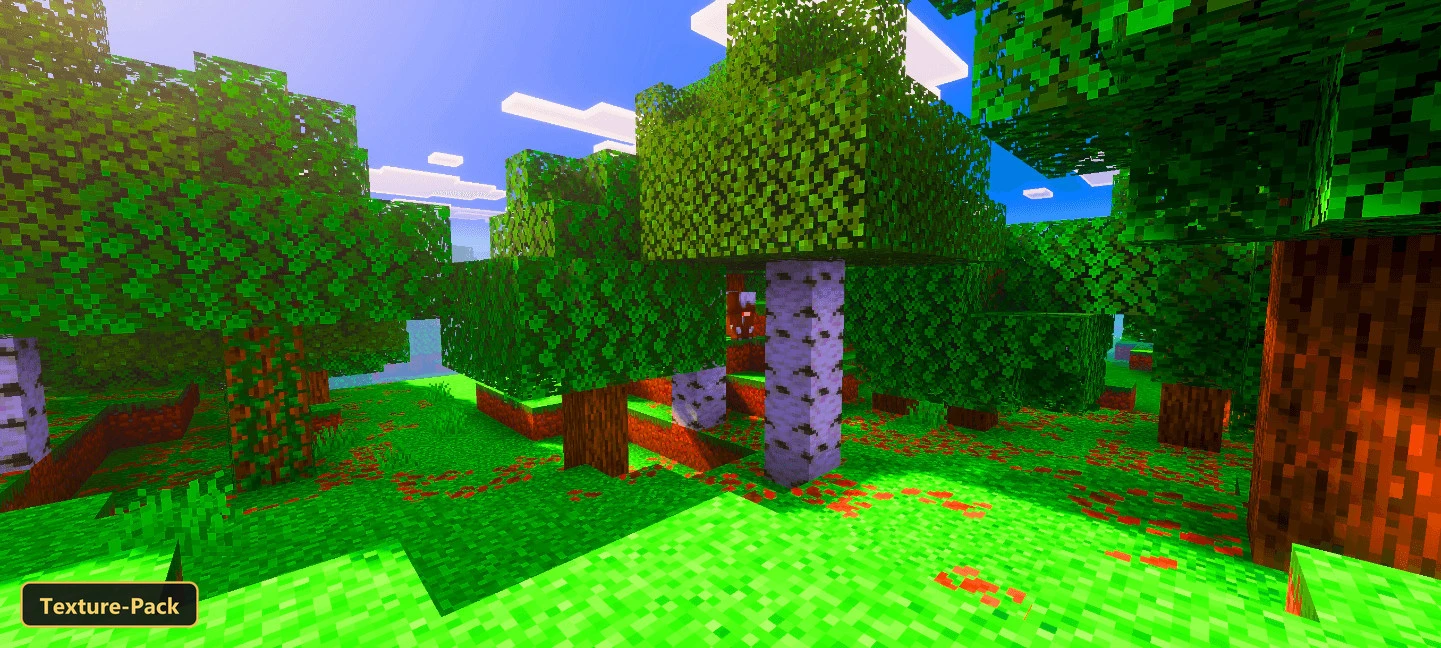
Colors in the default game can look a little flat, and Saturation pushes them toward richer, more saturated tones while keeping the original art direction. It retextures blocks, items, entities and armor at 16x resolution, so everything still looks like familiar Minecraft.
Five in-game options set how strong the effect is: Minimal, Low, Medium, High and Ultra. Preview images may show the saturation stronger than it appears in play, since the pack aims for a balanced result that never looks overly intense.
Requirements:
- MCPE/Bedrock 26.40

Features:
- 5 in-game options: Minimal, Low, Medium, High, Ultra
- Retextures blocks, items, entities, armor at 16x resolution
Screenshots:


- Edition: Minecraft Bedrock
- File type: .mcpack
- How to install: Download the .mcpack. → Open it — Minecraft imports it under Resource Packs. → Activate it in Global Resources, or for one world under Resource Packs → Available.
- Where to get it: In MCModsHub, or directly above on this page.
Install steps are the general flow for this file type — How to install Minecraft Bedrock texture packs walks through it step by step.
- Pack type: .mcaddon — behaviour and resource pack in one file
- Manifest requires Minecraft 1.16.0 or newer
- Complete pack — everything it depends on is inside the file
- Download link checked 24 Sept 2026 — working
- Mirrored on our own servers — the download does not depend on the original host
These come from our own check of the pack file, not from the source page.