
GlowCraft Shader (26+, 1.21) – MCPE/Bedrock Shader
GlowCraft Shader is a Minecraft Bedrock shader built for Vibrant Visuals mode, for Bedrock 1.21.90 – 26.40: PBR materials (MER maps).
⬇ Download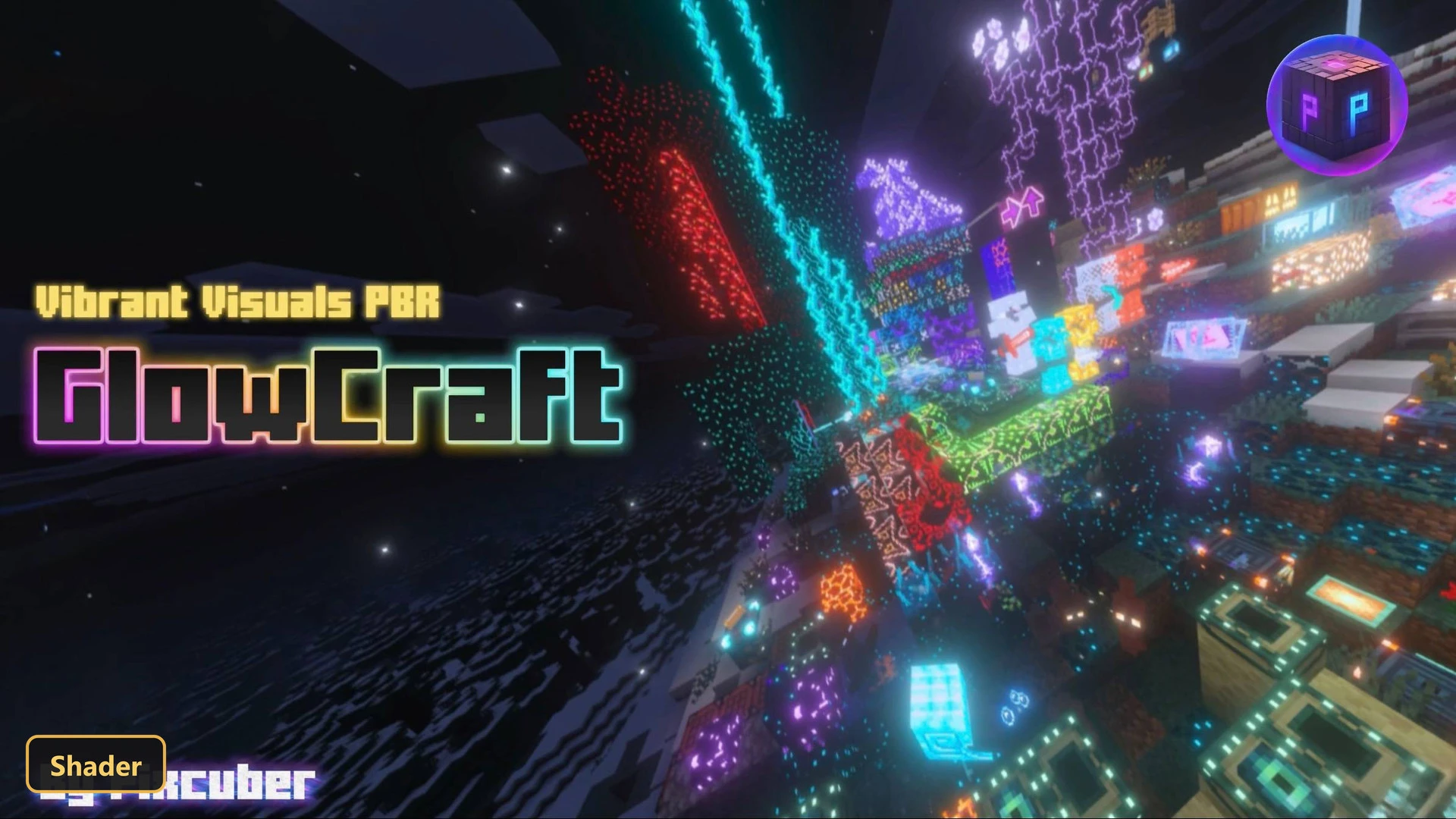


GlowCraft Shader is a PBR texture pack for Minecraft Bedrock that introduces true illumination to the game world. This pack makes blocks, items, and entities appear to glow, enhancing the visual experience significantly. To fully appreciate its effects, players must enable Minecraft Bedrock’s Vibrant Visuals mode, as the additional material effects are designed to work exclusively with this setting activated. The pack also offers two in-game options: users can choose to have the GlowCraft UI on or off, allowing for customization of the interface.
The shader pack retextures various elements within the game at a 16x resolution, applying PBR materials, specifically MER maps, to achieve its distinctive look. This integration of PBR technology means that surfaces interact with light in a more realistic way, contributing to the overall sense of depth and vibrancy. When active, the pack transforms the appearance of many common blocks and items, giving them a luminous quality that stands out in the environment. For optimal display, it is recommended to set the in-game gamma level to its default of 100%.
In addition to retexturing, GlowCraft Shader introduces several visually striking features. Many blocks and particles are designed to glow, with improvements over time extending this effect to a wider range of elements, including various types of armor and tools. Even certain entities now exhibit this glowing characteristic. The pack also enhances the night sky in the End dimension with stars and ensures that light-emitting blocks display their textures correctly without appearing darker than intended. Raindrops, which previously glowed due to a bug, have had this effect removed, ensuring a more consistent visual experience.
The pack also incorporates colored lighting emittance for blocks, a feature that dynamically alters the color of light cast by luminous objects, further enriching the visual depth of the game world. While the shader significantly enhances many aspects, there are certain elements that cannot be made to glow within Vibrant Visuals due to technical limitations. These include glowing armor trims, player skins, and specific portal animations, among others. Despite these constraints, GlowCraft Shader delivers a comprehensive and immersive lighting experience that brings a new level of visual fidelity to Minecraft Bedrock.
Requirements:
- MCPE/Bedrock 1.21.90 – 26.40
all 26 versions26.40, 26.30, 26.20, 26.13, 26.12, 26.11, 26.10, 26.3, 26.0.02, 26.0, 1.21.132, 1.21.131, 1.21.130, 1.21.124, 1.21.123, 1.21.122, 1.21.121, 1.21.120, 1.21.114, 1.21.111, 1.21.101, 1.21.100, 1.21.94, 1.21.93, 1.21.92, 1.21.90
- Includes PBR materials for Minecraft Bedrock's Vibrant Visuals mode — the extra material effects show only with it enabled
Features:
- PBR texture pack for Minecraft Bedrock's Vibrant Visuals mode
- 2 in-game options: GlowCraft UI OFF, GlowCraft UI ON
- PBR materials with metalness, emissive and roughness maps
- Retextures blocks, items, the UI, entities at 16x resolution
- Also includes custom UI tweaks, custom menu splashes
Screenshots:
- Edition: Minecraft Bedrock
- File type: .mcpack
- Minecraft versions listed: 1.21, 1.21.90
- How to install: Download the .mcpack. → Open it — Minecraft imports it under Resource Packs. → Activate it in Global Resources, or for one world under Resource Packs → Available.
- Where to get it: Opens on the file's original source — not every file is mirrored on our own servers.
Install steps are the general flow for this file type — How to install Minecraft Bedrock texture packs walks through it step by step.
GlowCraft Shader (26+, 1.21) – MCPE/Bedrock Shader is a free Minecraft Bedrock texture pack. Compatible with Minecraft 1.21, 1.21.90. Download it and open it directly in the game.