Smooth Pixels Texture Pack (26+) – MCPE/Bedrock Texture Pack
Bedrock texture pack listed for Minecraft 1.19. File opened and checked on 22 Sep 2026; installs from the MC Bedrock Mods app on Android.
⬇ Download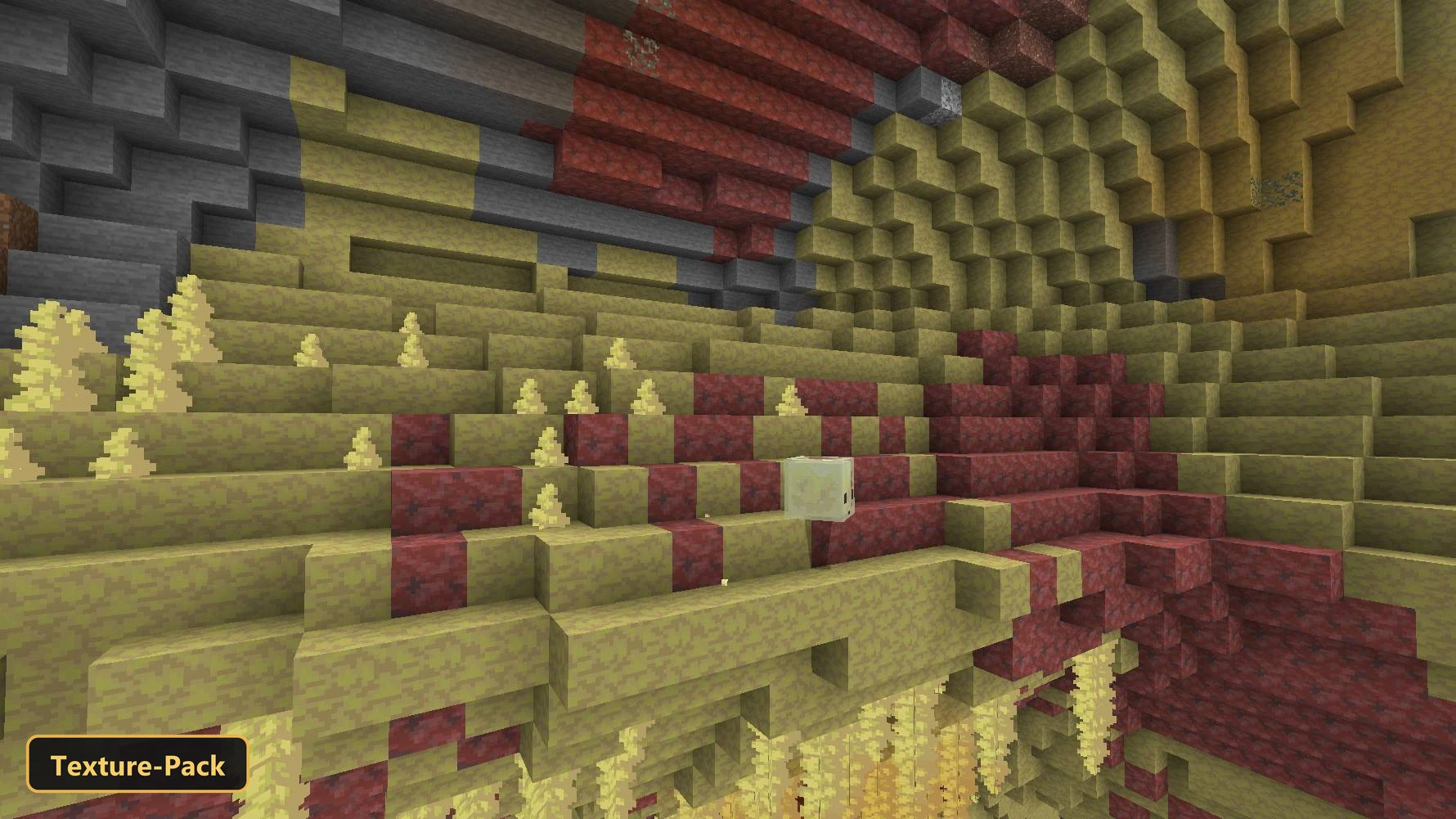
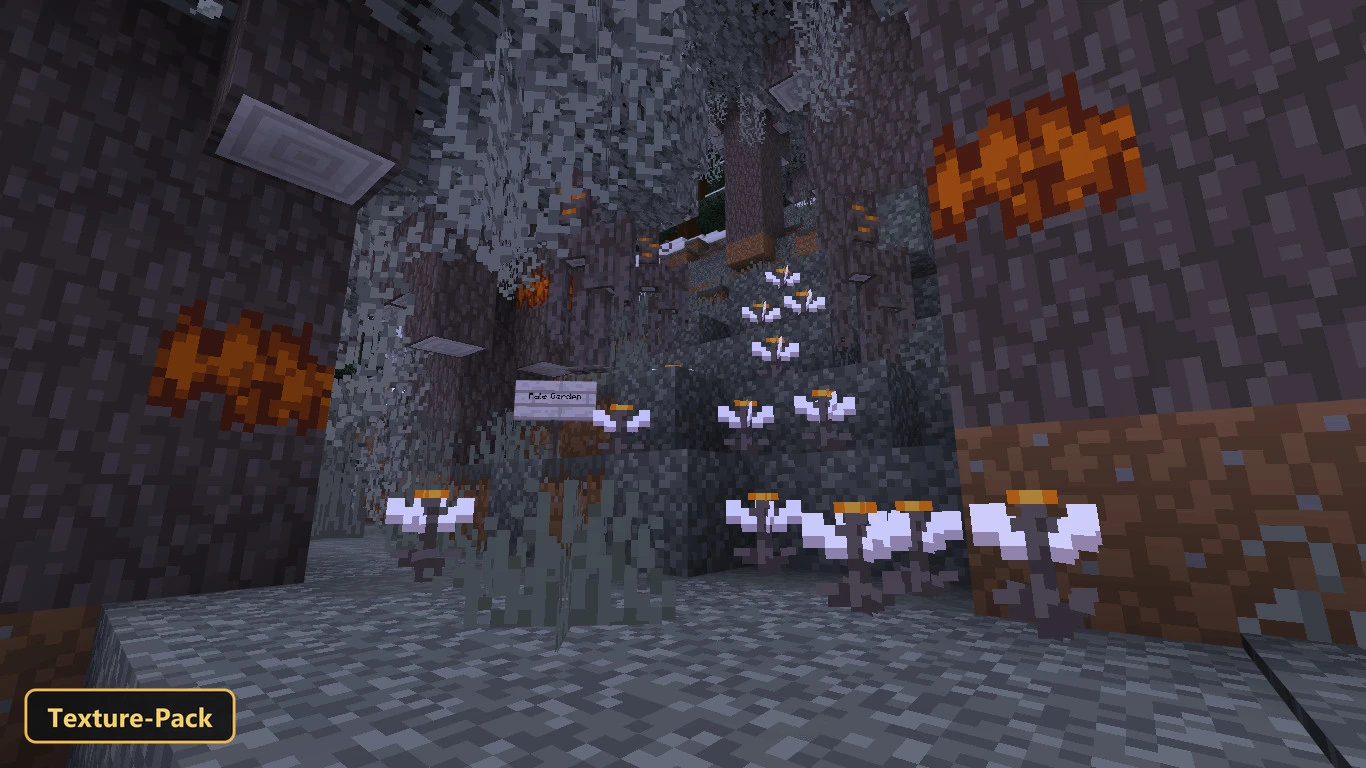
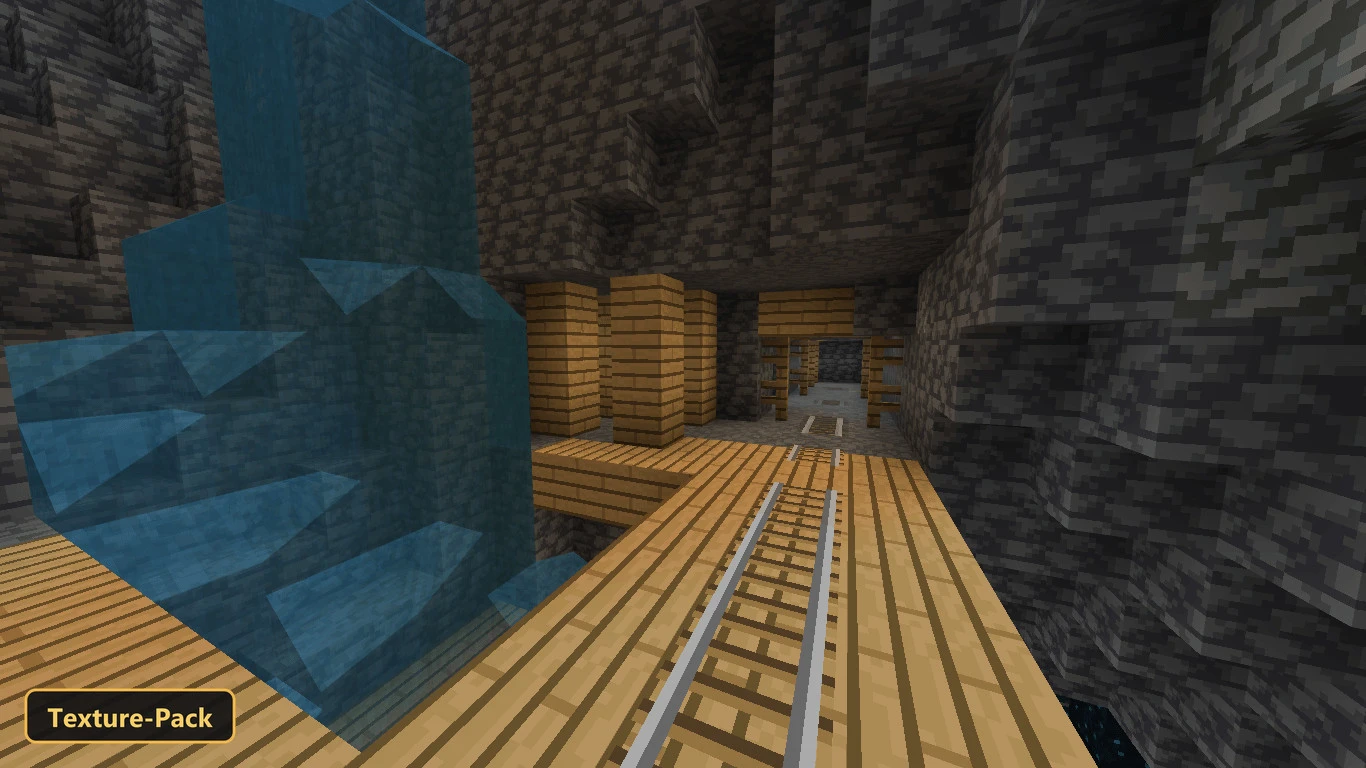
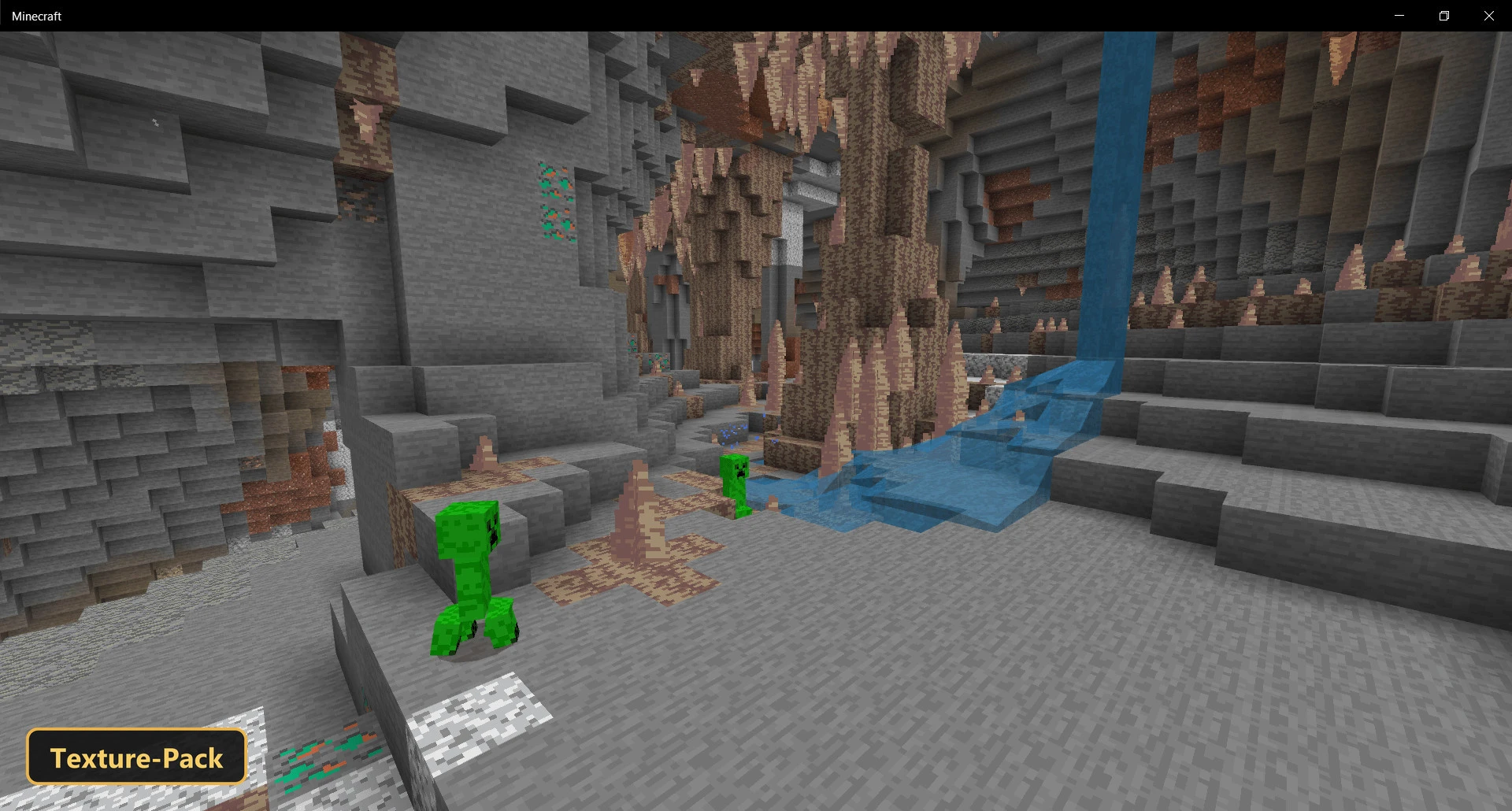
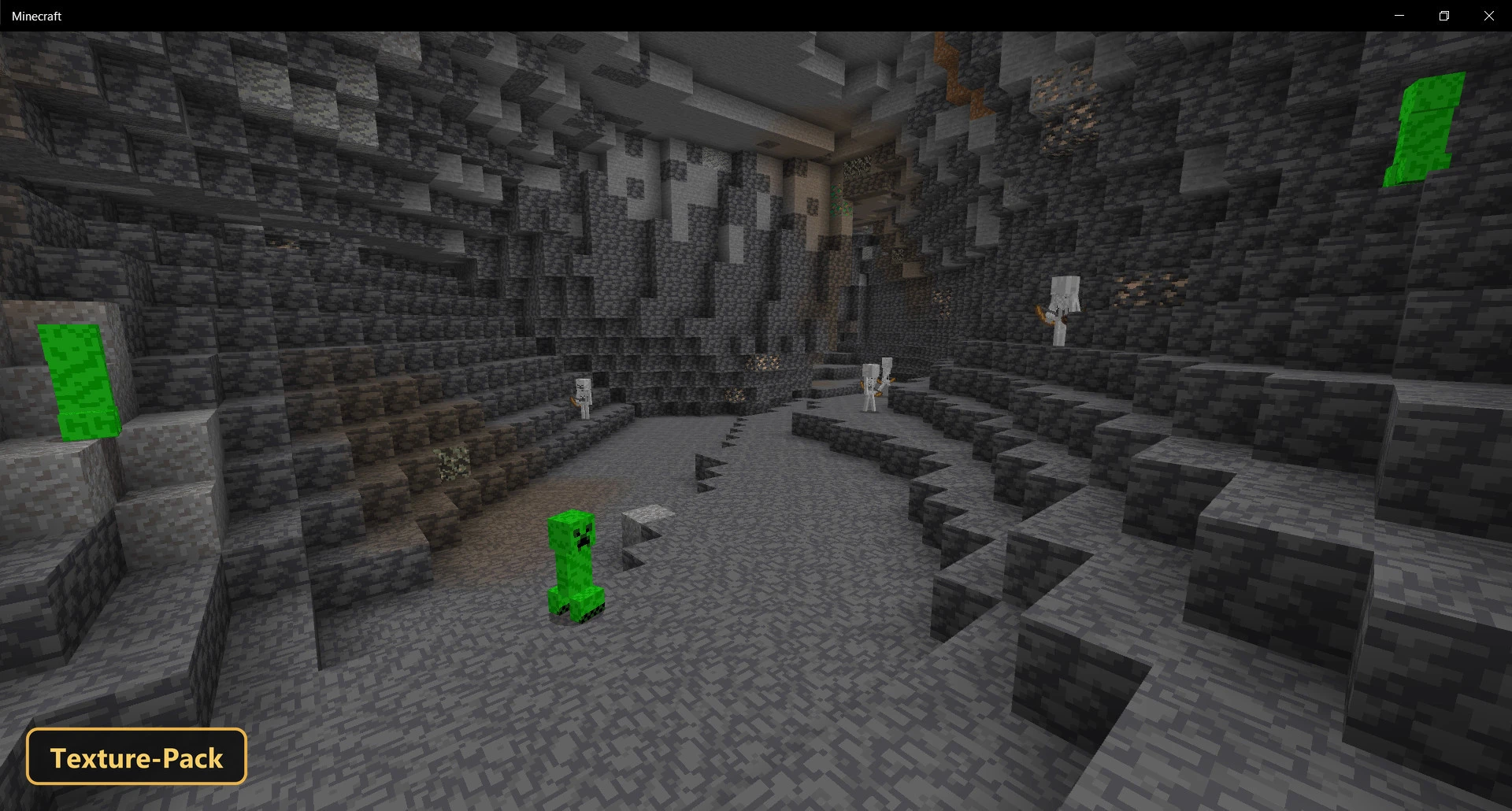
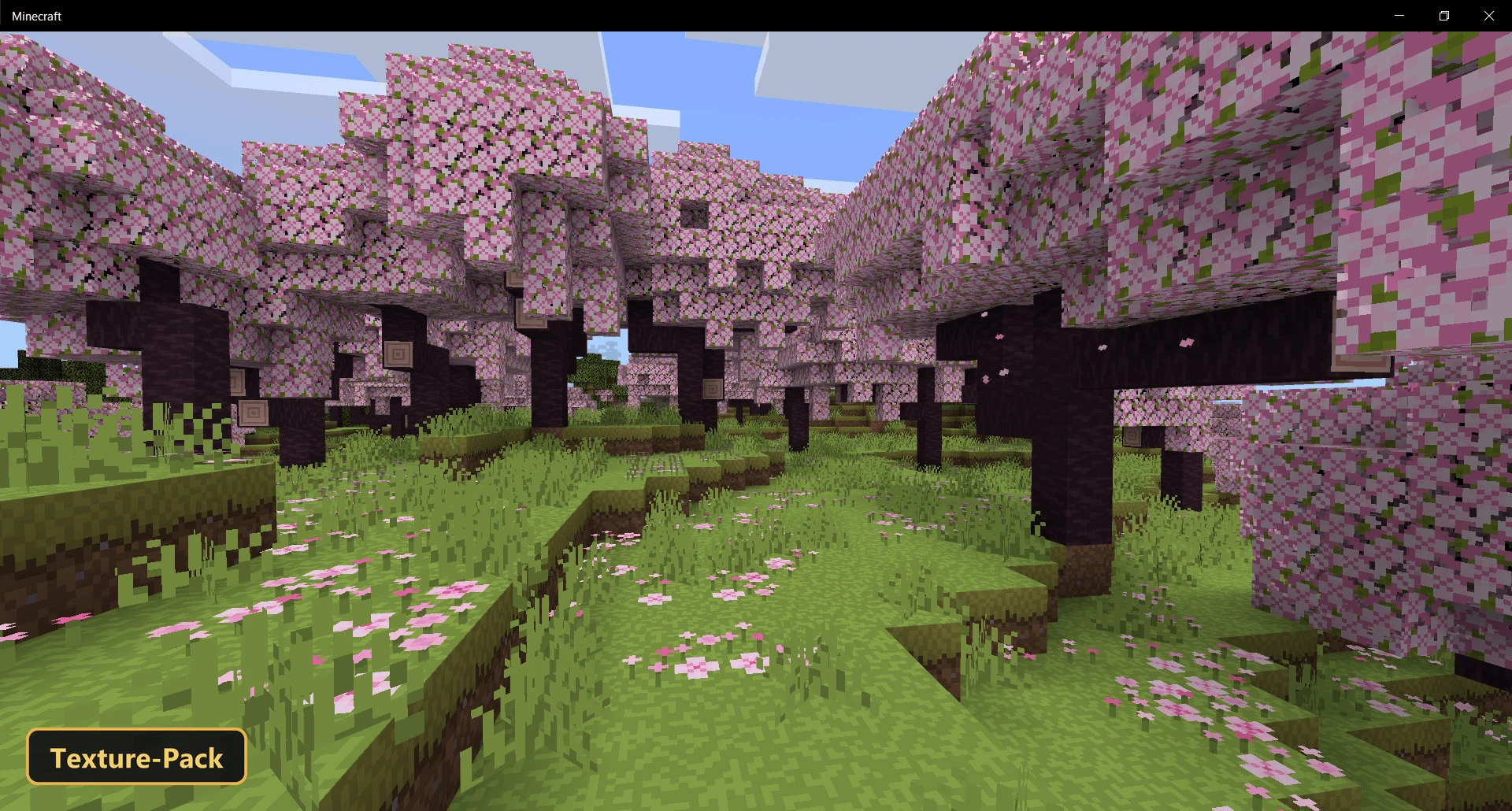
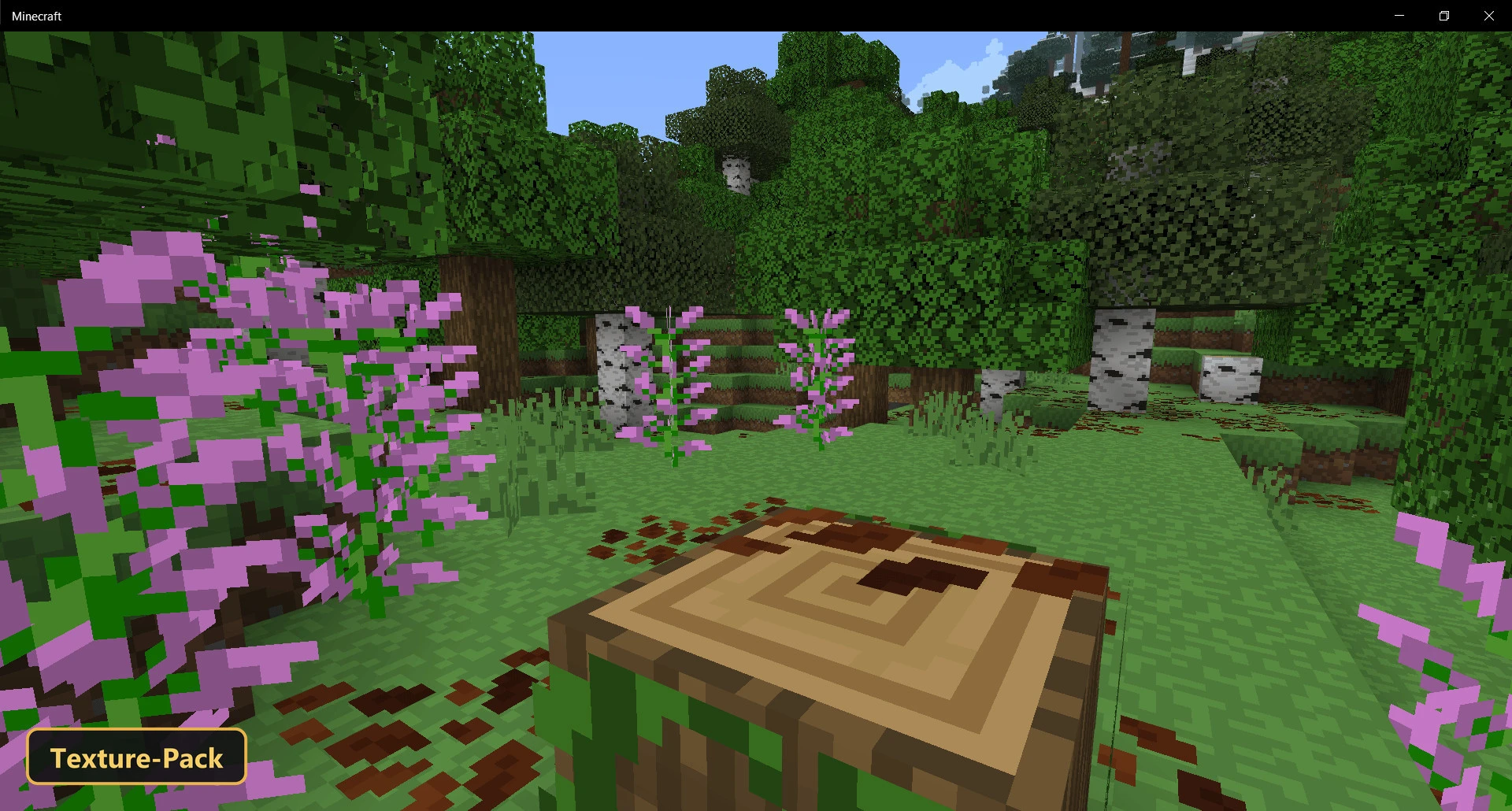
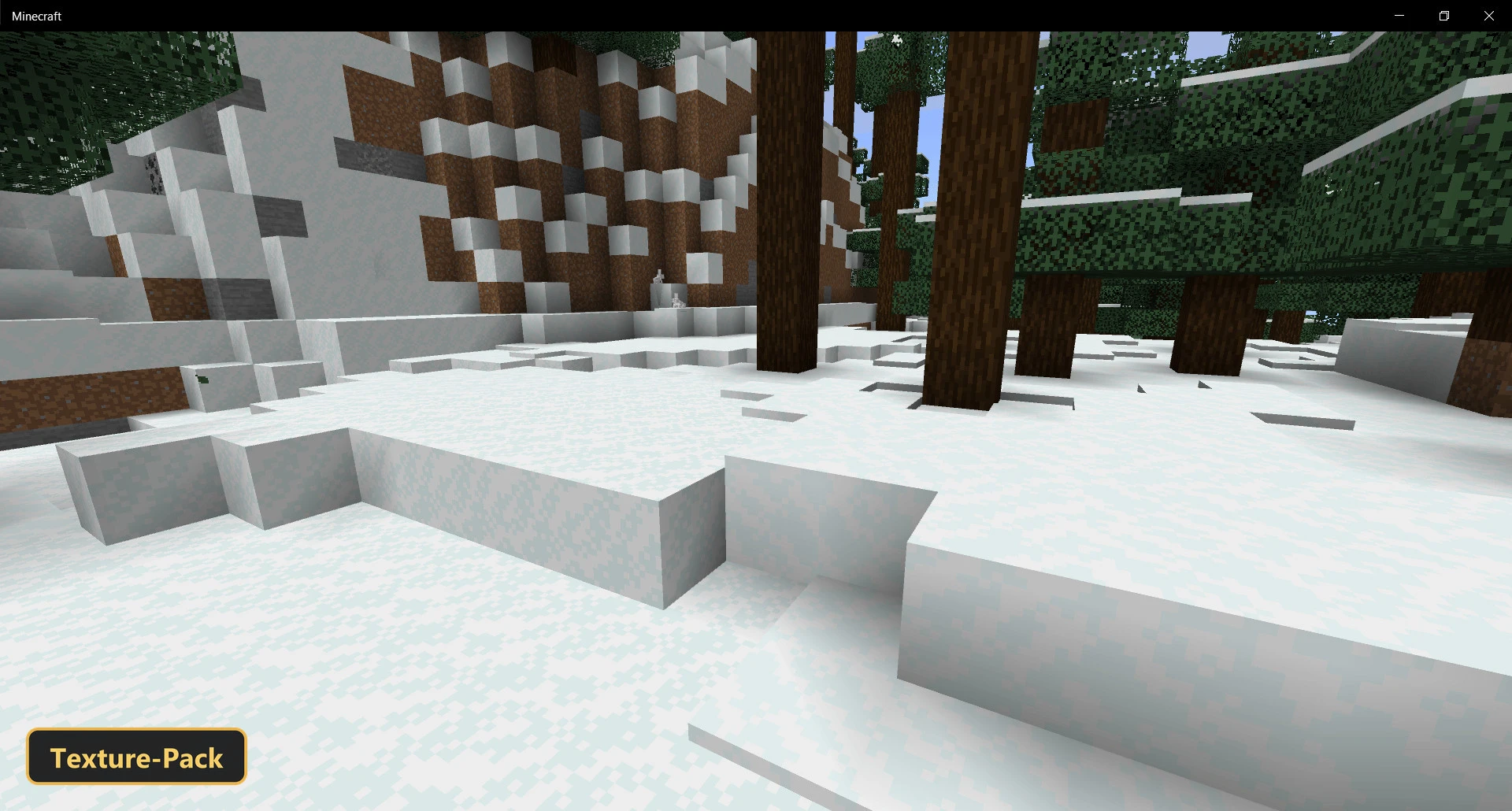
Smooth Pixels Texture Pack cleans up the default look by unifying the color palettes of blocks and other game elements.
It retextures blocks, items, entities and the UI at 16x resolution, smoothing out color variations for a less cluttered, more cohesive world while keeping the core vanilla style. The pack includes PBR materials with metalness, emissive, roughness and height maps, and their lighting and surface effects only appear when Vibrant Visuals mode is turned on. Important details stay easy to notice without distractions.
Requirements:
- MCPE/Bedrock 26.20 – 26.30
all 2 versions26.30, 26.20
- Includes PBR materials for Minecraft Bedrock's Vibrant Visuals mode — the extra material effects show only with it enabled

Features:
- PBR texture pack for Minecraft Bedrock's Vibrant Visuals mode
- PBR materials with metalness, emissive and roughness maps, normal maps, height maps
- Retextures blocks, items, entities, the UI at 16x resolution
Screenshots:


- Edition: Minecraft Bedrock
- File type: .mcpack
- How to install: Download the .mcpack. → Open it — Minecraft imports it under Resource Packs. → Activate it in Global Resources, or for one world under Resource Packs → Available.
- Where to get it: In MCModsHub, or directly above on this page.
Install steps are the general flow for this file type — How to install Minecraft Bedrock texture packs walks through it step by step.
- Pack type: .mcpack — a single pack
- Manifest requires Minecraft 1.19.0 or newer
- Complete pack — everything it depends on is inside the file
- Download link checked 22 Sept 2026 — working
- Mirrored on our own servers — the download does not depend on the original host
These come from our own check of the pack file, not from the source page.