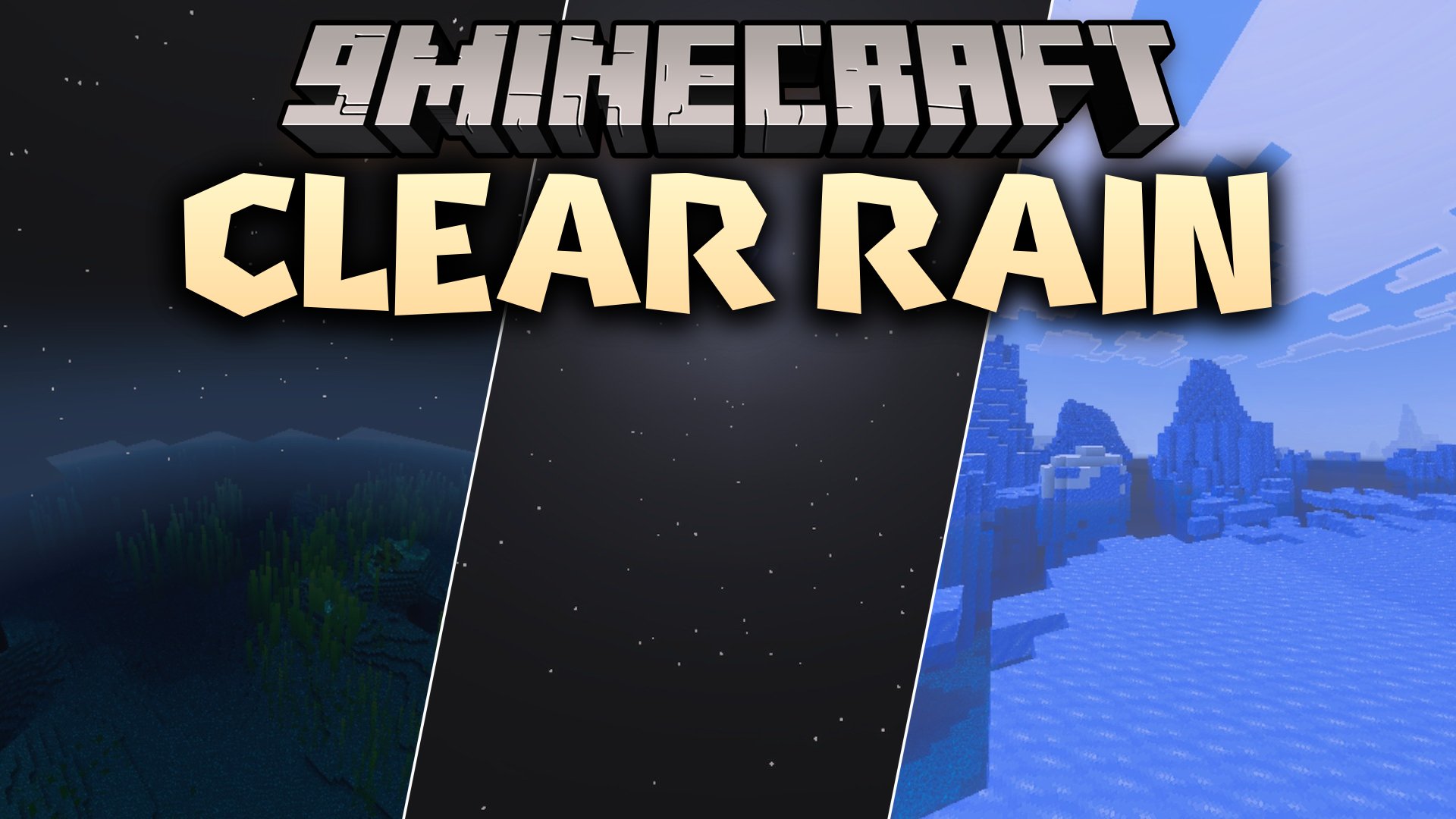


Clear Rain Shader makes stormy weather much easier to see through in your world. It replaces gloomy rain and dark skies with brighter fog, faint rain streaks, and quieter storm sounds. This allows you to build, explore, and fight with clear visibility even during heavy downpours.
Features:
- Brightens Overworld weather fog during rain and snowfall.
- Changes heavy gloomy storms into soft and faint streaks.
- Reduces the size and intensity of rain splash particles.
- Lowers loud ambient rain sounds for a quieter experience.
- Designed to run smoothly on low-end devices.
Screenshots:


Clear Rain Shader Download Links
Quick facts
- Edition: Minecraft Bedrock
- File type: .mcpack
- How to install: Download the .mcpack. → Open it — Minecraft imports it under Resource Packs. → Activate it in Global Resources, or for one world under Resource Packs → Available.
- Where to get it: In MCModsHub, or directly above on this page.
Install steps are the general flow for this file type — How to install Minecraft Bedrock texture packs walks through it step by step.
Verified by MCModsHub
- Pack type: .mcaddon — behaviour and resource pack in one file
- Manifest requires Minecraft 1.26.30 or newer
- Complete pack — everything it depends on is inside the file
- Download link checked 23 Sept 2026 — working
- Mirrored on our own servers — the download does not depend on the original host
These come from our own check of the pack file, not from the source page.