ShadersBedrock
VerdantLite Shader (26.x) – Soft Lighting and Bushy Leaves on Low-End Devices


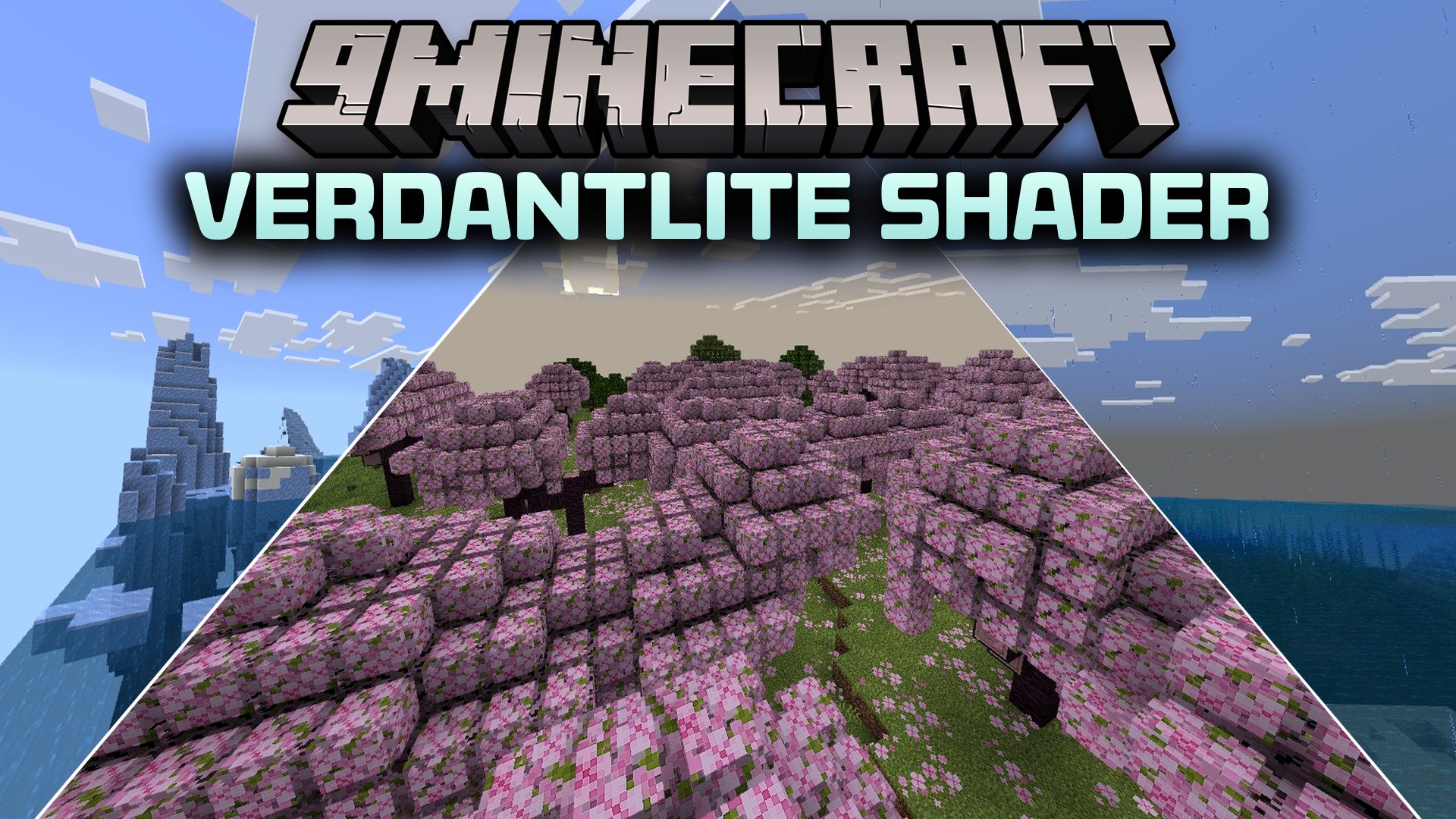
VerdantLite Shader enhances your Minecraft world with clean visuals and soft dynamic lighting. It brings realistic 3D leaves, vibrant skies, and glowing ores to your game without needing high-end RTX hardware. This shader runs smoothly on low-end and mid-range devices while keeping the classic vanilla style intact.
Features:
- Adds detailed 3D leaves to tree canopies across all biomes.
- Includes soft dynamic lighting and custom skies with beautiful clouds.
- Makes ores glow in dark caves for easier mining.
- Adds custom blood visual effects during combat encounters.
- Optimized for smooth framerates on low-end and mid-range devices.
Screenshots:


VerdantLite Shader Download Links
Quick facts
- Edition: Minecraft Bedrock
- File type: .mcpack
- How to install: Download the .mcpack. → Open it — Minecraft imports it under Resource Packs. → Activate it in Global Resources, or for one world under Resource Packs → Available.
- Where to get it: Opens on the file's original source — not every file is mirrored on our own servers.
Install steps are the general flow for this file type — How to install Minecraft Bedrock texture packs walks through it step by step.
VerdantLite Shader (26.x) – Soft Lighting and Bushy Leaves on Low-End Devices is a free Minecraft Bedrock shader. Download it and open it directly in the game.