PrismGlow Vibrant Visuals
PrismGlow Vibrant Visuals | Minecraft Bedrock Shader a colorful cinematic graphics pack for Minecraft Bedrock Edition that transforms your world with…
⬇ Download on CurseForge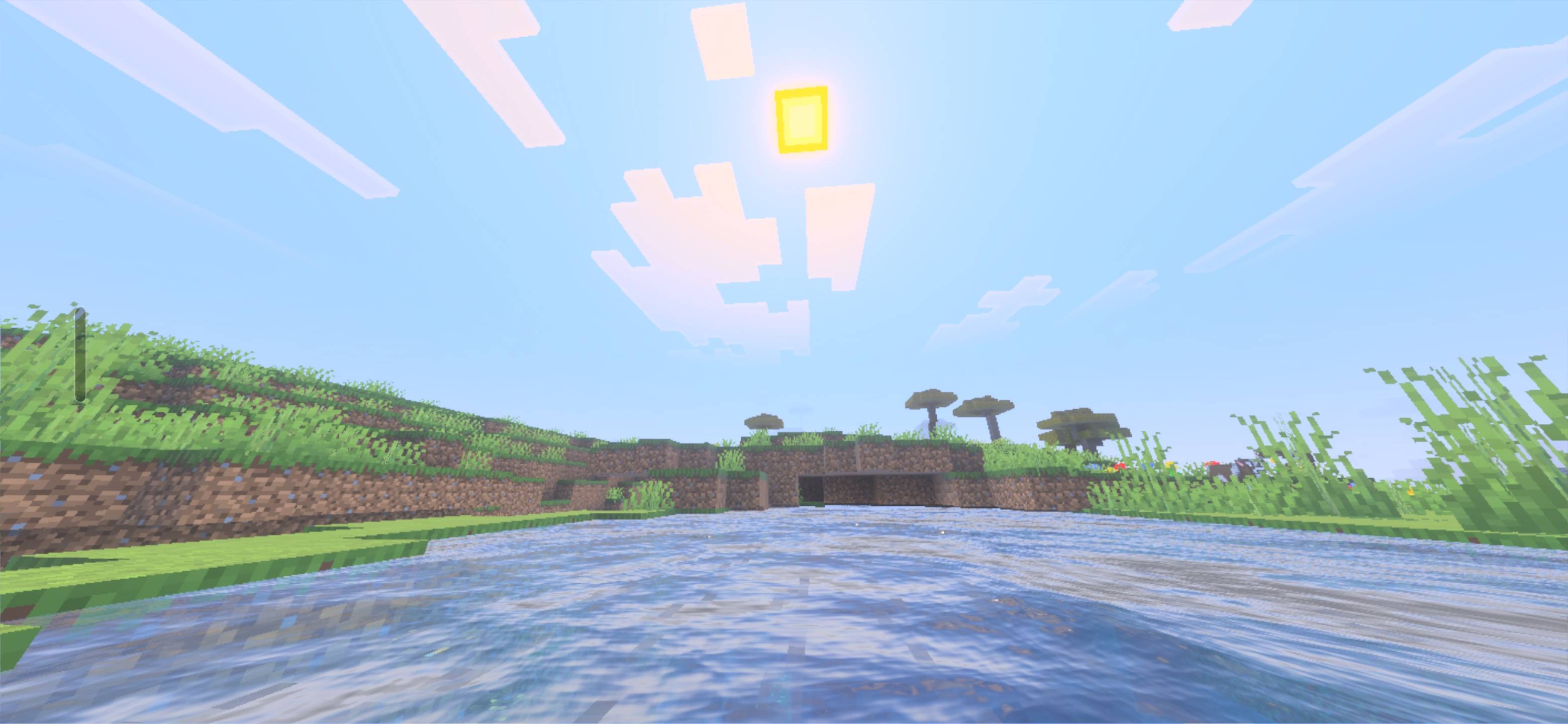
PrismGlow Vibrant Visuals | Minecraft Bedrock Shader
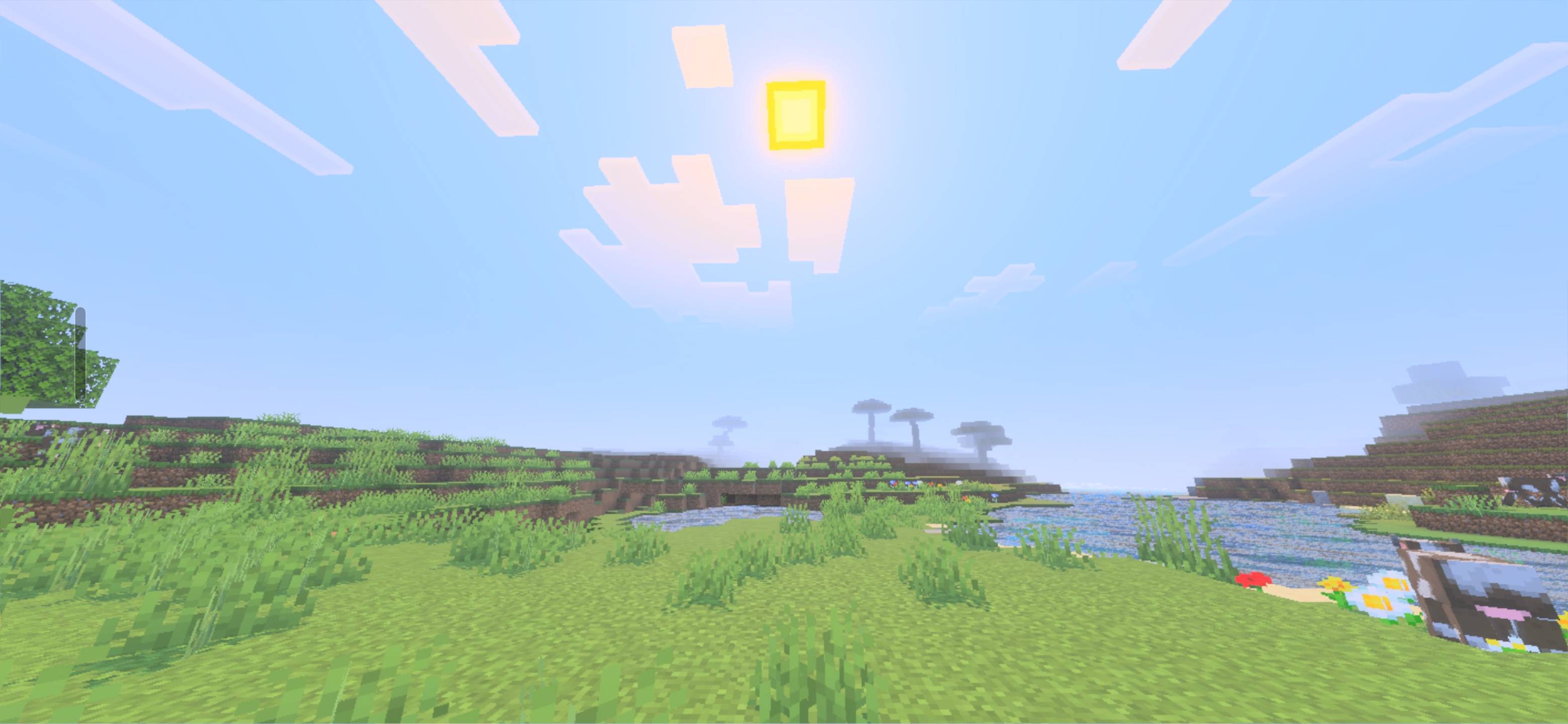
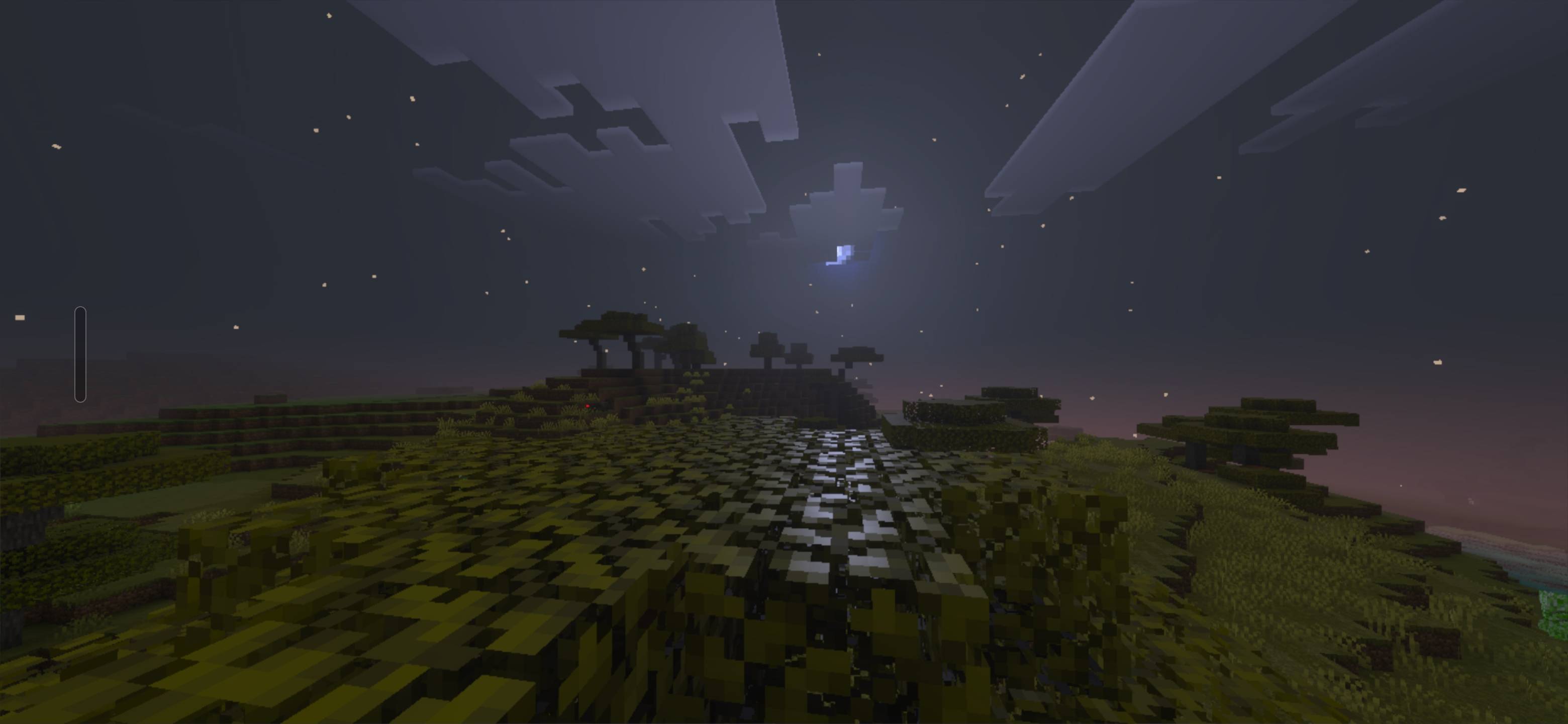
✨ PrismGlow Vibrant Visuals is a colorful cinematic graphics pack for Minecraft Bedrock Edition that transforms your world with beautiful lighting, vibrant colors, atmospheric skies, and stunning water visuals.
Experience Minecraft in a whole new way with golden sunsets, reflective oceans, colorful skies, enhanced atmosphere, and immersive scenery designed specifically for Bedrock's Vibrant Visuals graphics system.
Features
✨ Vibrant and cinematic colors
🌅 Beautiful sunrise and sunset lighting
🌊 Enhanced ocean and water appearance
☁️ Atmospheric sky and cloud visuals
🌿 More immersive natural scenery
💎 Colorful visual atmosphere
🎥 Great for screenshots and cinematic gameplay
📱 Designed for Minecraft Bedrock Edition
⚡ Built for the Vibrant Visuals graphics mode
📥 Installation
Download the .mcpack file.
Open the file with Minecraft Bedrock.
Let Minecraft import the pack.
Open your world settings.
Go to Resource Packs / Global Resources.
Activate PrismGlow Vibrant Visuals.
Enable Vibrant Visuals in your graphics settings.
Enter your world and enjoy! ✨
If you enjoy PrismGlow, leave a comment and share your screenshots or gameplay. ❤️
More updates and improvements are planned for future versions
- Edition: Minecraft Bedrock
- File type: .mcpack
- Minecraft versions listed: 26.12, 26.20, 26.13
- How to install: Download the .mcpack. → Open it — Minecraft imports it under Resource Packs. → Activate it in Global Resources, or for one world under Resource Packs → Available.
- Where to get it: Opens on CurseForge — not every file is mirrored on our own servers.
Install steps are the general flow for this file type — How to install Minecraft Bedrock texture packs walks through it step by step.
- Pack type: .mcpack — a single pack
- Manifest requires Minecraft 1.21.120 or newer
- Complete pack — everything it depends on is inside the file
- Download size: 2.2 MB
- Download link checked 24 Sept 2026 — working
These come from our own check of the pack file, not from the source page.