GURJAR X Noir Shader
GURJAR X Noir Shader transforms Minecraft Bedrock into a dramatic black-and-white world — deep contrast, moody shadows and cinematic monochrome lighting…
⬇ Download on CurseForge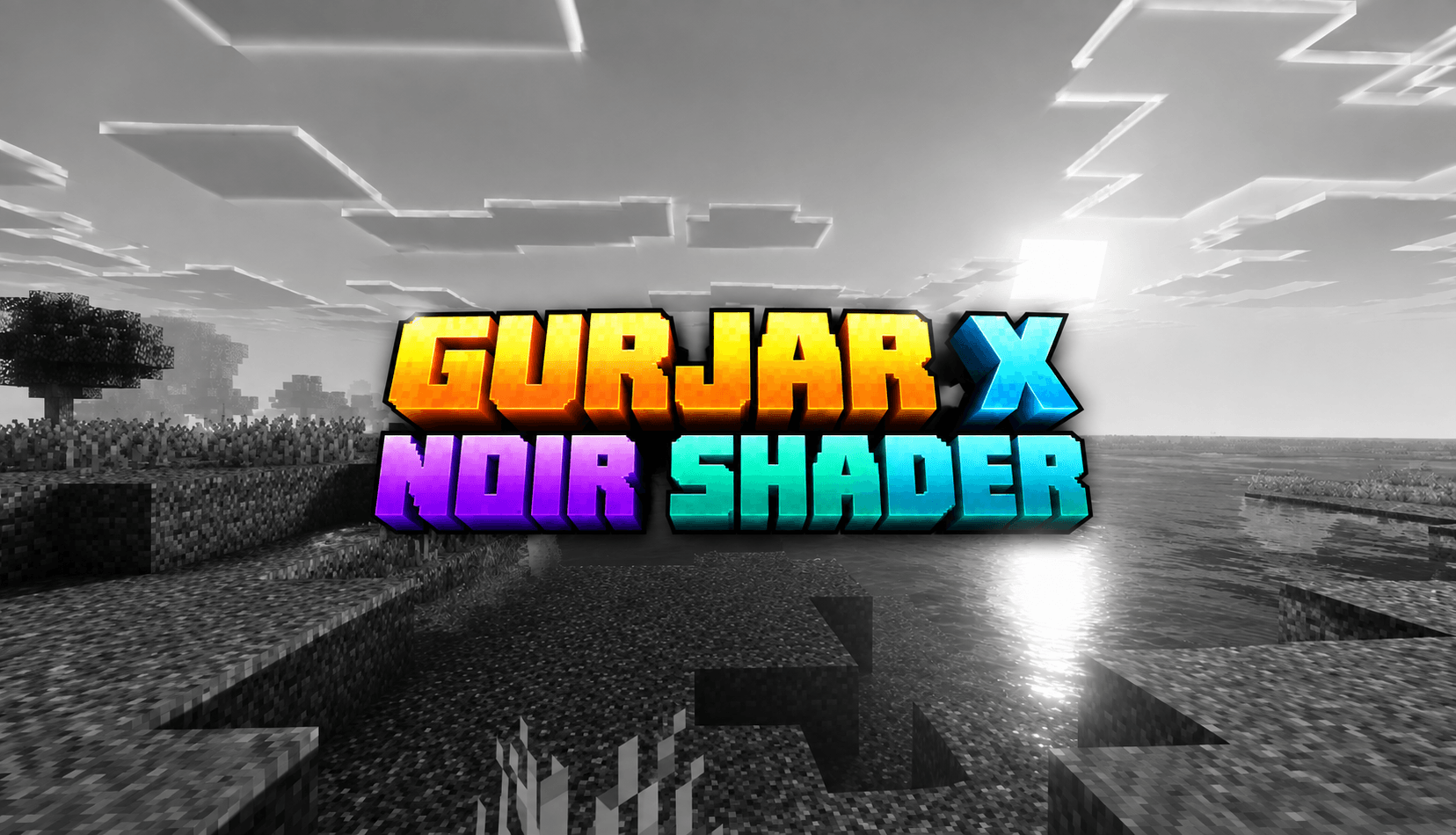
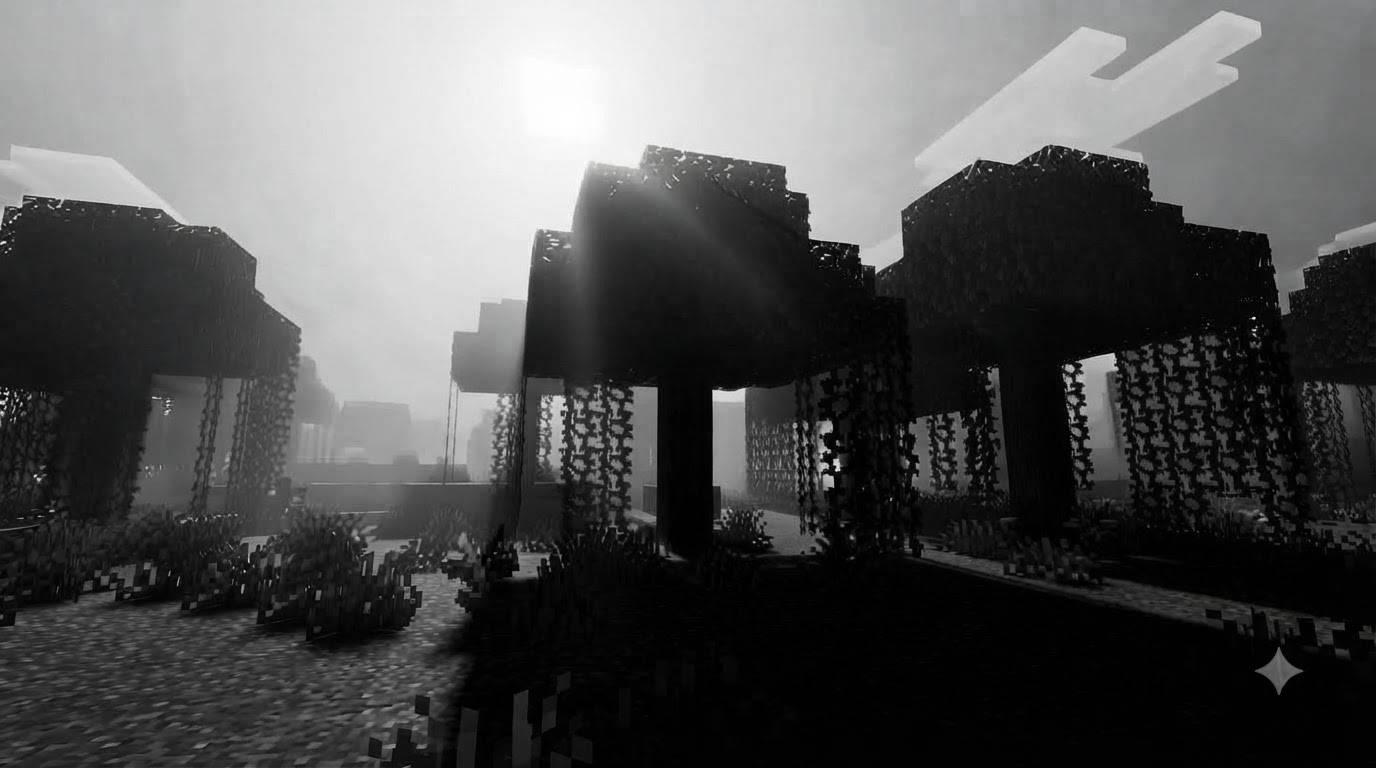
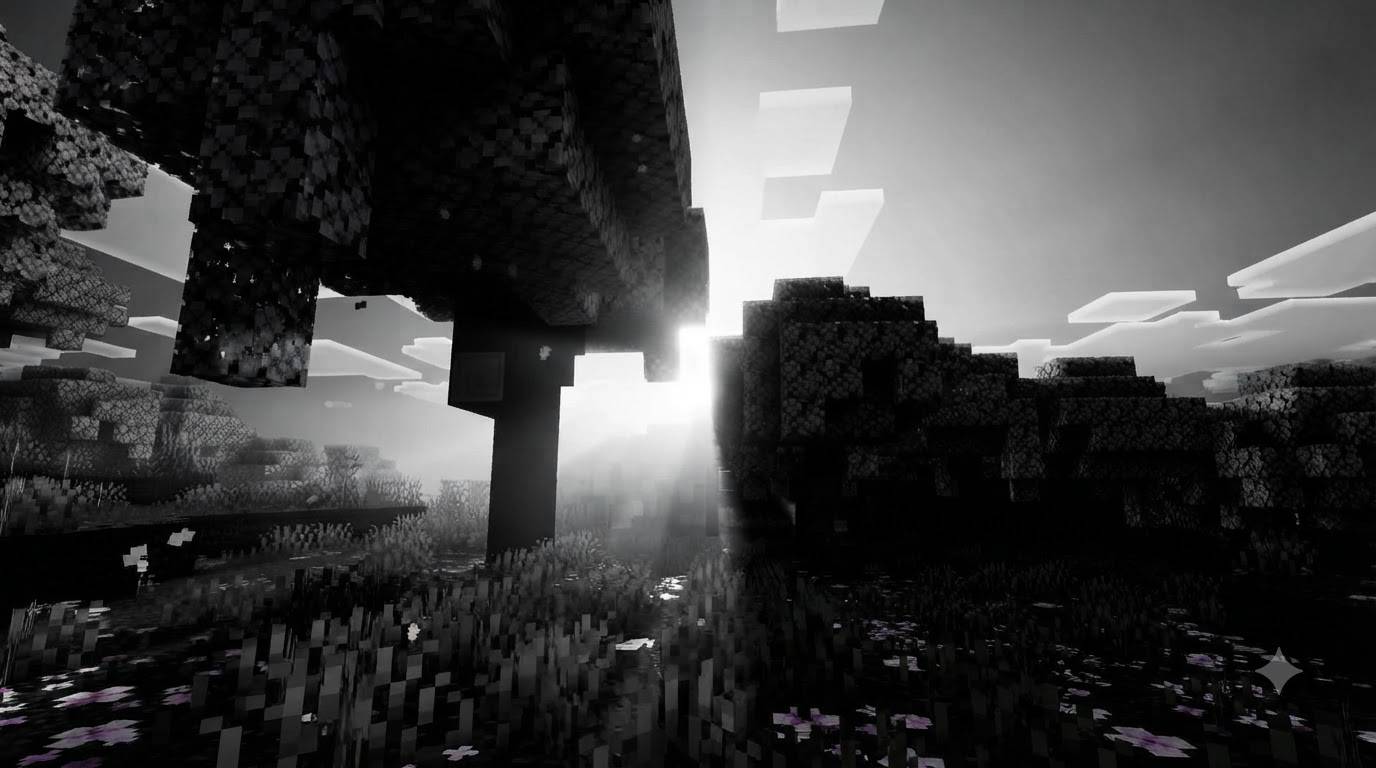
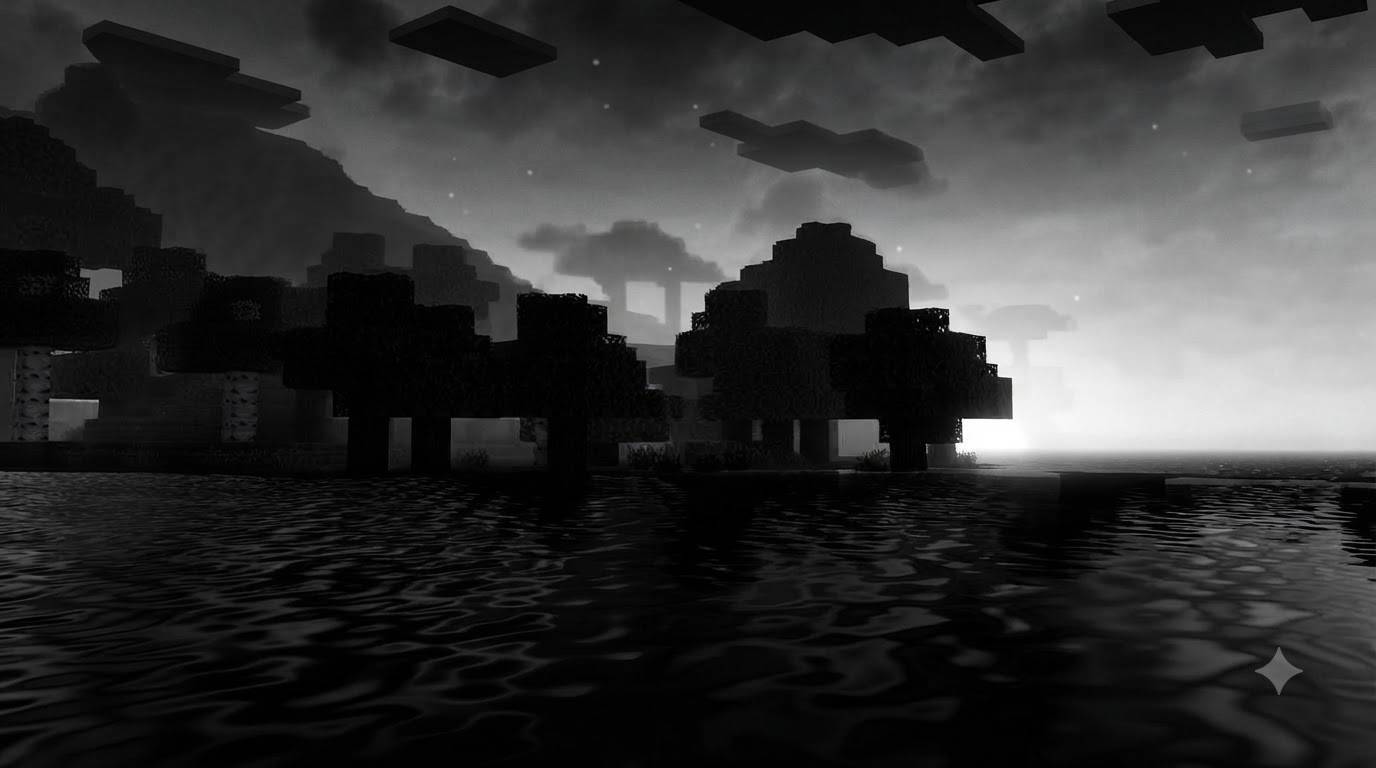
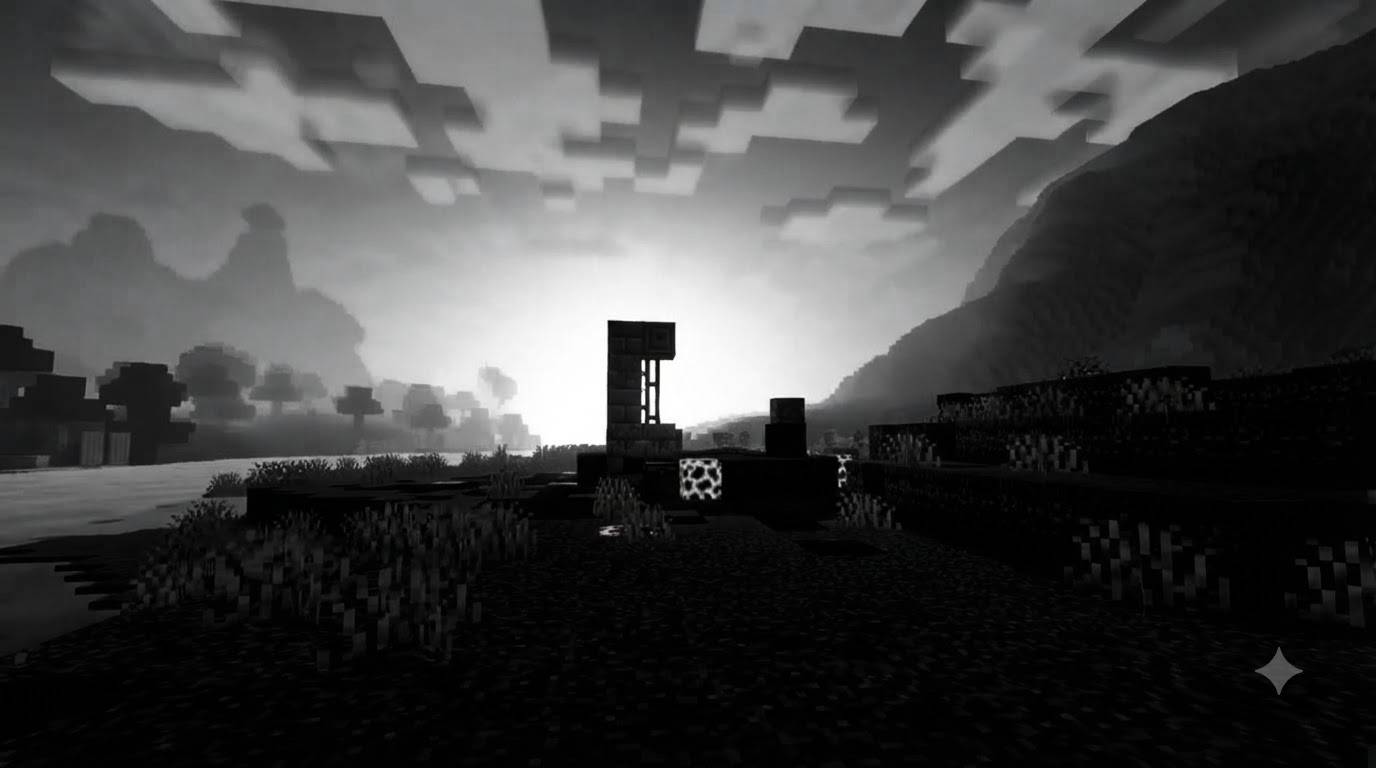
GURJAR X Noir Shader is a lightweight, single-style visual pack for Minecraft Bedrock Edition, built on Mojang's native Vibrant Visuals render pipeline. Where every other filter in this series leans into color — Vivid's saturation, Cartoon's punch, Retro's warmth — Noir strips it all away and goes in the opposite direction entirely: a bold, dramatic, almost entirely monochrome world built around light, shadow, and contrast rather than hue.
Color Grading — This is the heart of the Noir identity. Saturation is pushed down to nearly zero across shadows, midtones, and highlights alike, stripping color out of the entire scene and leaving behind a true black-and-white presentation. But this isn't a flat grayscale filter slapped over the top — contrast and gamma are carefully tuned so that blacks stay deep and rich, whites stay bright and clean, and the full tonal range in between remains readable and detailed, exactly like classic film noir cinematography. The result feels less like a color image with the saturation turned down and more like the game was shot on black-and-white film from the start.
Lighting — Noir leans hard into dramatic, high-contrast lighting. Rather than smooth, even illumination, the sun's brightness and positioning are tuned to create striking pools of light against darker surroundings — long shadows, bright highlights, and a strong sense of directionality. This is what gives Noir its "dramatic lighting" character: scenes feel staged and cinematic, with light doing as much storytelling as the landscape itself.
Atmospherics — Sky scattering is tuned to support the monochrome mood — soft, moody, and atmospheric rather than colorful, so skies read as bright fog-like gradients of light and dark instead of blue expanses. This keeps the focus on shape, silhouette, and contrast, the classic visual language of noir film.
Shadows — Noir uses more defined, higher-contrast shadow rendering than the softer filters in this series, reinforcing the dramatic, high-contrast aesthetic. Shadows aren't just present — they're part of the composition, adding depth and mood to builds, caves, and forests alike.
Water — Even without color, water keeps its natural wave motion and caustic detailing, appearing as shimmering light and dark patterns rather than colored ripples, fitting naturally into the monochrome world without looking flat or lifeless.
Because this pack uses a proper dedicated subpack structure (rather than a root-only setup), it loads reliably and automatically the moment it's enabled — no slider, no filter menu, no risk of silent failure. Enable it, and the Noir look is active immediately, every time you load into a world.
Noir works especially well for atmospheric builds, horror maps, detective/mystery-themed servers, black-and-white photography-style screenshots, or simply for players who want to experience familiar terrain in a completely new, moody light.
Requirements: Minecraft Bedrock 1.21.80+, with the Vibrant Visuals experimental toggle enabled at world creation, on a device capable of running the deferred rendering pipeline.
Install: Tap the .mcpack file to import it into Minecraft, then activate only this pack under Resource Packs before creating or loading a world. If you've previously installed Cinematic, Vivid, Retro, Cartoon, or Standard from this series, make sure they are disabled or removed first — only one shader-style pack should be active at a time.
🙌 Credits - GURJAR
- Edition: Minecraft Bedrock
- File type: .mcpack
- Minecraft versions listed: 1.21.100, 26.0
- How to install: Download the .mcpack. → Open it — Minecraft imports it under Resource Packs. → Activate it in Global Resources, or for one world under Resource Packs → Available.
- Where to get it: Opens on CurseForge — not every file is mirrored on our own servers.
Install steps are the general flow for this file type — How to install Minecraft Bedrock texture packs walks through it step by step.
- Pack type: .mcpack — a single pack
- Manifest requires Minecraft 1.21.80 or newer
- Complete pack — everything it depends on is inside the file
- Download size: 133 KB
- Download link checked 24 Sept 2026 — working
These come from our own check of the pack file, not from the source page.