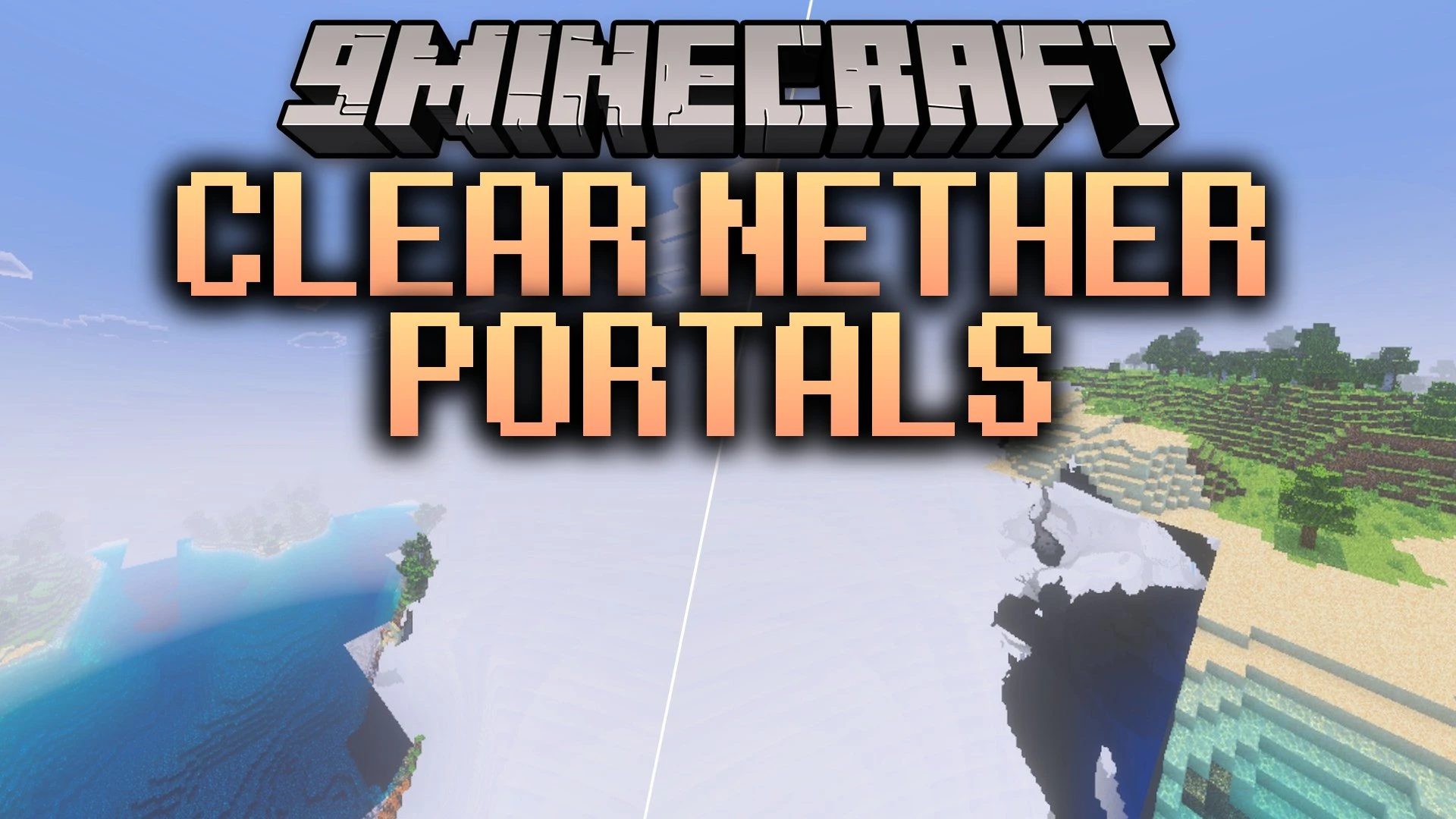


Clear Nether Portals Shader removes the distracting swirling purple texture from portal blocks and replaces it with a clean translucent appearance. It lets you see straight through your portal frames without blocking your builds or surroundings. All Nether portal functions stay exactly the same while giving your world a much cleaner look.
Features:
- Replaces swirling purple portal textures with a clear translucent look.
- Keeps normal portal teleportation features intact.
- Works smoothly on fancy graphics and mobile devices.
- Supports RTX lighting and vibrant visual setups.
- Gives unobstructed views across your bases and surrounding builds.
Screenshots:
Clear Nether Portals Shader Download Links
Quick facts
- Edition: Minecraft Bedrock
- File type: .mcpack
- Minecraft version listed: 1.21
- How to install: Download the .mcpack. → Open it — Minecraft imports it under Resource Packs. → Activate it in Global Resources, or for one world under Resource Packs → Available.
- Where to get it: In MCModsHub, or directly above on this page.
Install steps are the general flow for this file type — How to install Minecraft Bedrock texture packs walks through it step by step.
Verified by MCModsHub
- Pack type: .mcpack — a single pack
- Manifest requires Minecraft 1.19.0 or newer
- Complete pack — everything it depends on is inside the file
- Download size: 62 KB
- Download link checked 24 Sept 2026 — working
- Mirrored on our own servers — the download does not depend on the original host
These come from our own check of the pack file, not from the source page.