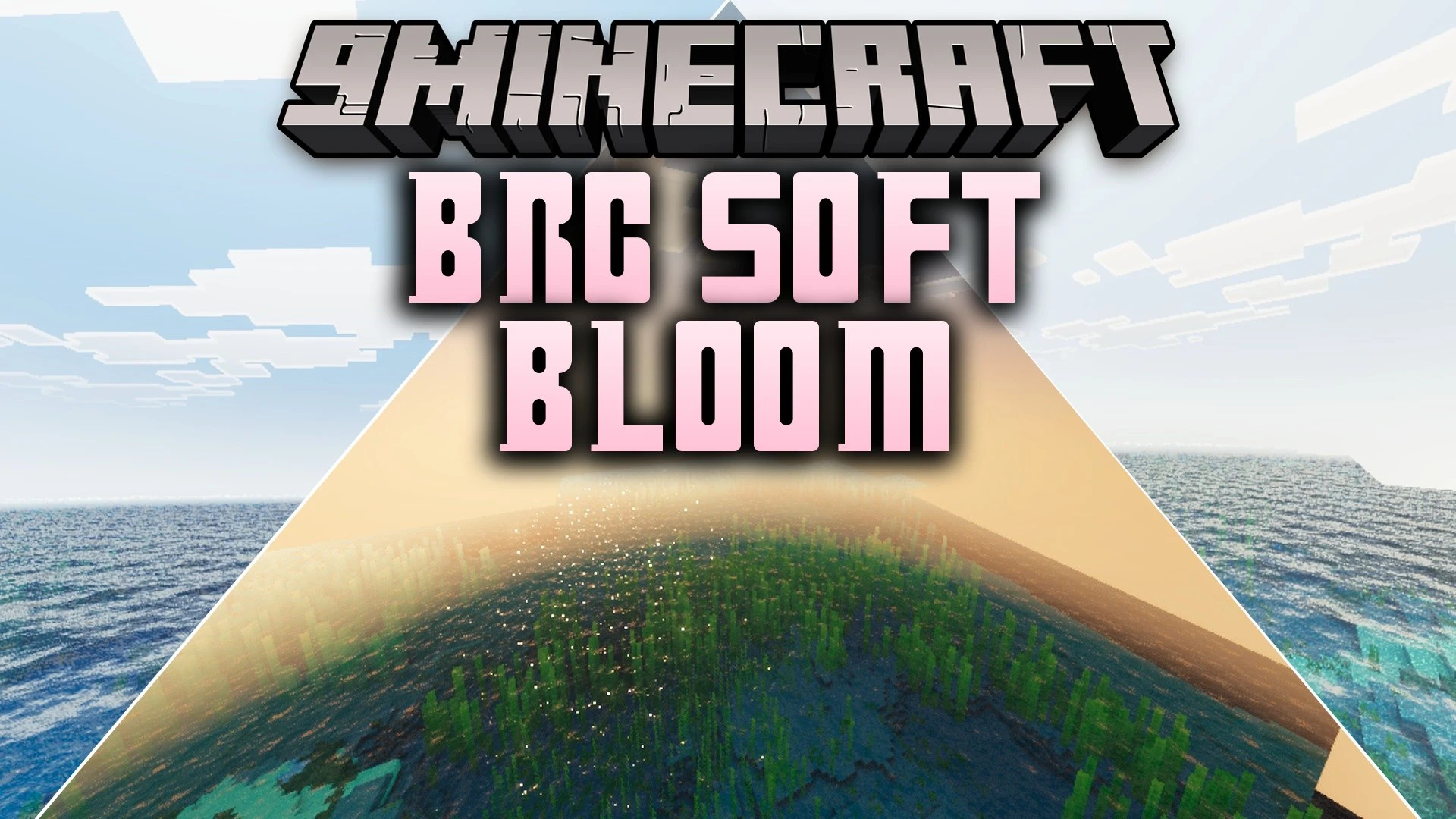


BRG Soft Bloom Shader brings a dreamy look to your Bedrock worlds with gentle bloom effects and warm sunlight. It adds subtle distance haze and enhances water depth across oceans, rivers, and lakes. The shader gives your game balanced day and night lighting while keeping the original block textures unchanged.
Features:
- Soft bloom lighting adds a gentle glow around bright areas.
- Warm natural sunlight creates a peaceful mood across your builds.
- Atmospheric haze adds visual depth to mountains and open landscapes.
- Enhanced water tones provide calm visuals for rivers and oceans.
- Balanced day and night cycles adjust lighting smoothly over time.
Screenshots:


BRG Soft Bloom Shader Download Links
Quick facts
- Edition: Minecraft Bedrock
- File type: .mcpack
- Minecraft version listed: 1.21
- How to install: Download the .mcpack. → Open it — Minecraft imports it under Resource Packs. → Activate it in Global Resources, or for one world under Resource Packs → Available.
- Where to get it: In MCModsHub, or directly above on this page.
Install steps are the general flow for this file type — How to install Minecraft Bedrock texture packs walks through it step by step.
Verified by MCModsHub
- Pack type: .mcpack — a single pack
- Manifest requires Minecraft 1.21.120 or newer
- Complete pack — everything it depends on is inside the file
- Download link checked 24 Sept 2026 — working
- Mirrored on our own servers — the download does not depend on the original host
These come from our own check of the pack file, not from the source page.