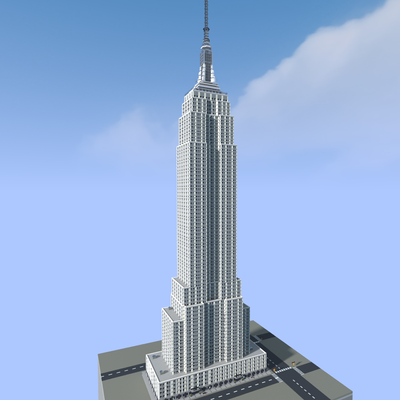
Empire State Building 1:1
Download a 1:1-scale Empire State Building map for Minecraft Bedrock/MCPE! Explore the iconic New York skyscraper at full scale with included world packs.
⬇ Download on CurseForgeThe author built this one for Minecraft 26.50. On other versions it may install and then do nothing.
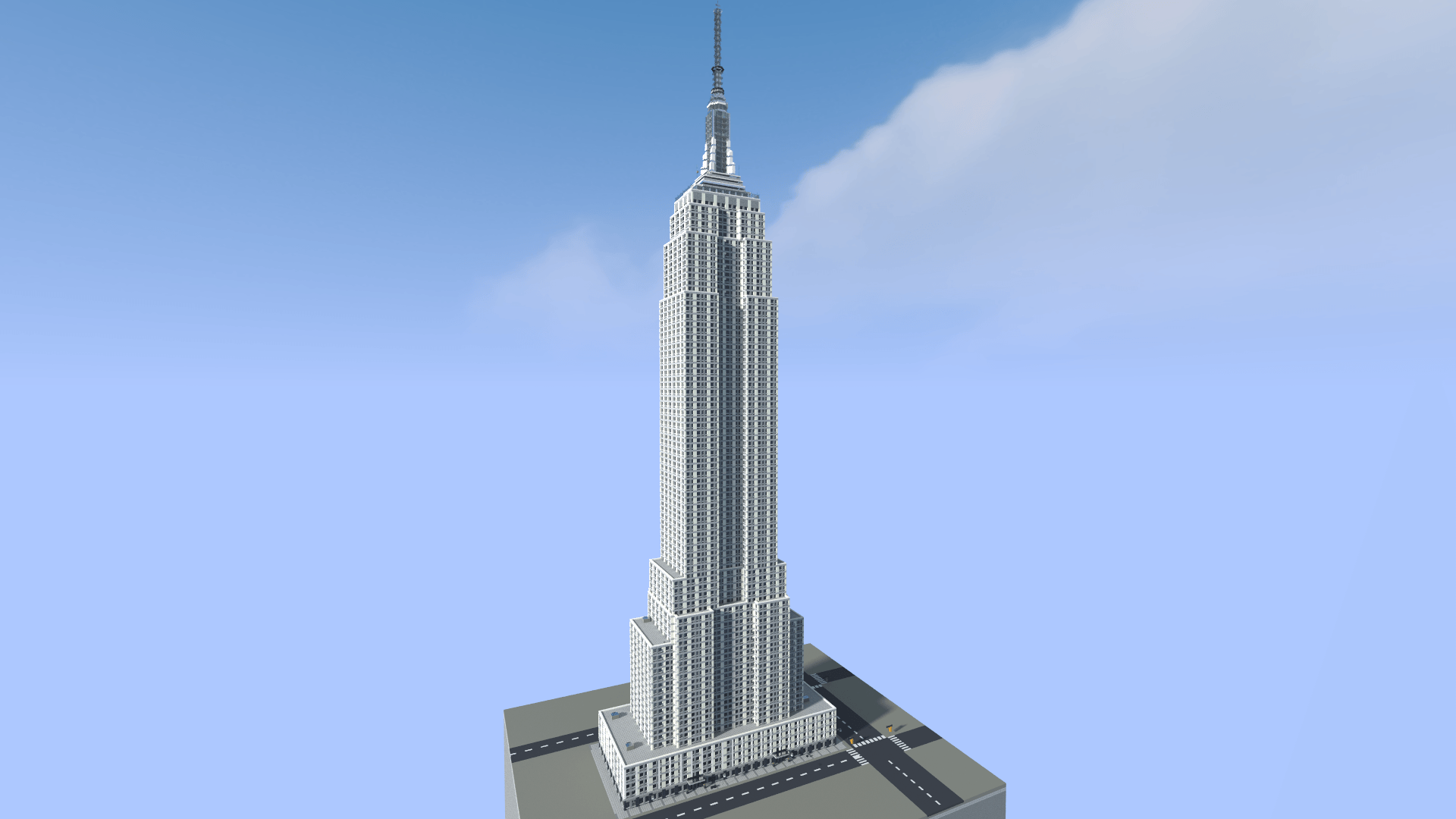

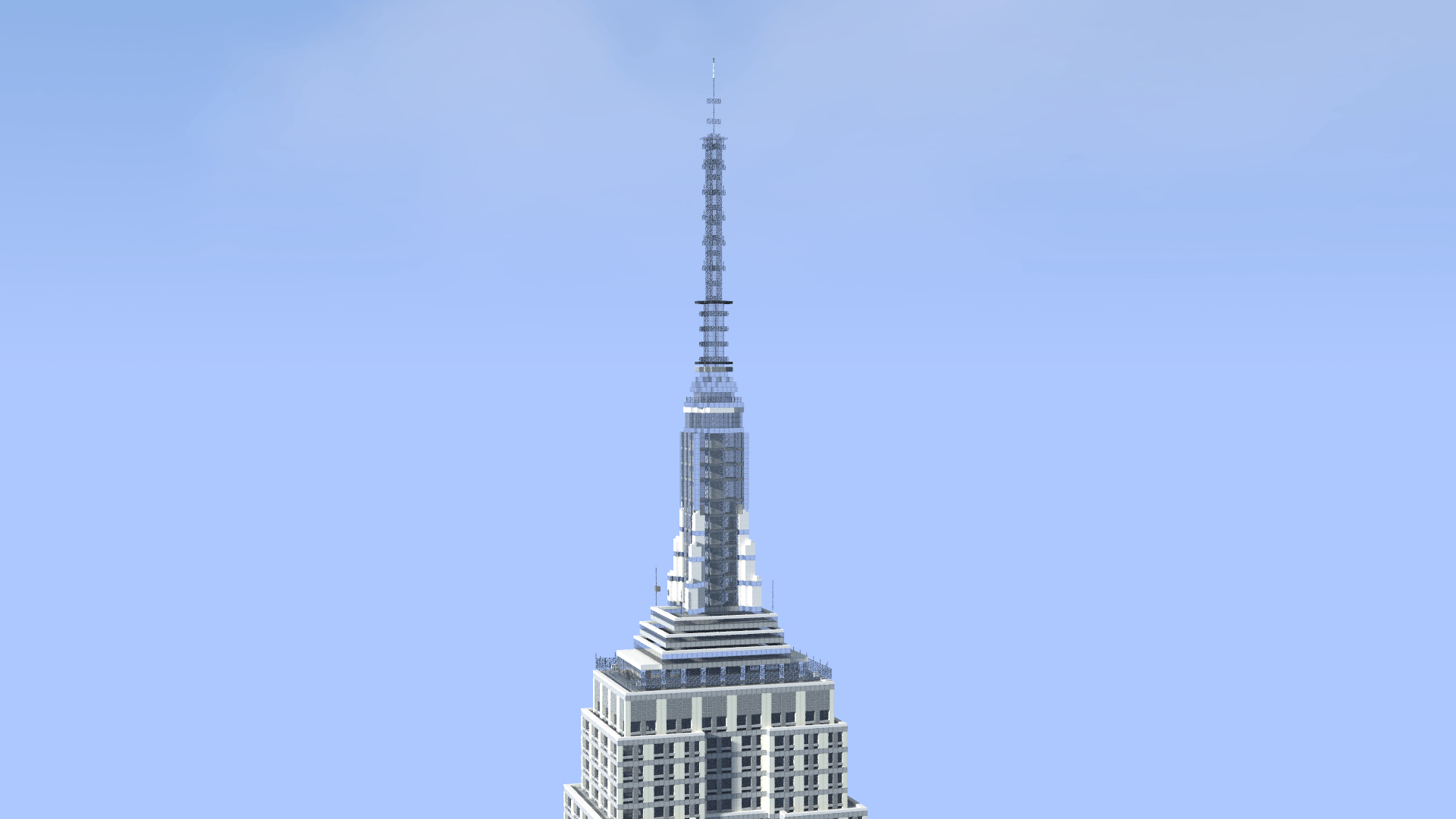
Empire State Building 1:1
Explore a 1:1-scale recreation of the Empire State Building in New York City, built for Minecraft Bedrock Edition.
The skyscraper has been recreated at a scale of 1 block = 1 meter, allowing you to experience the scale and recognizable form of one of New York City's most iconic skyscrapers directly in Minecraft.
A custom world pack is included to support the building dimension and ensure the map loads correctly.
Features
- 1:1-scale recreation of the Empire State Building
- Full-scale skyscraper structure
- Recognizable exterior shape and appearance
- Custom world packs included
- Ready-to-import
.mcworldfile - Suitable for exploration, screenshots, city projects, and showcase videos
Compatibility
Minecraft Bedrock Edition 26.50 or newer is recommended.
The included behavior pack and resource pack are required for the world to function correctly. Do not disable or remove them.
Installation
Download the .mcworld file and open it with Minecraft Bedrock Edition. Minecraft will automatically import the world and its included packs.
When entering the world, the included behavior pack automatically moves the player into the custom building dimension containing the structure.
Usage & Credits
You may use this world and its buildings in your own Minecraft projects.
You may also use this world in videos, screenshots, livestreams, and other publicly shared content. However, clear credit to the original creator is required.
Redistribution of this world or its buildings as a downloadable file is not permitted without permission.
Do not claim this world or its buildings as your own creation.
Created by MakoEnergyGamer.
- Edition: Minecraft Bedrock
- File type: .mcworld
- Minecraft version listed: 26.50
- How to install: Download the .mcworld file. → Open it — Minecraft imports it as a new world. → Find it in your Worlds list and play.
- Where to get it: Opens on CurseForge — not every file is mirrored on our own servers.
Install steps are the general flow for this file type — How to install Minecraft Bedrock maps walks through it step by step.
- Pack type: .mcworld — a ready-made world
- Manifest requires Minecraft 1.26.50 or newer
- Complete pack — everything it depends on is inside the file
- Download size: 1.1 MB
- Download link checked 25 Sept 2026 — working
These come from our own check of the pack file, not from the source page.