oSkullo's Cps Counter
A fully customizable, on-screen CPS (Clicks/Swings Per Second) counter for Minecraft Bedrock. Track your PvP attack speed in real-time with in-game…
⬇ Download on CurseForge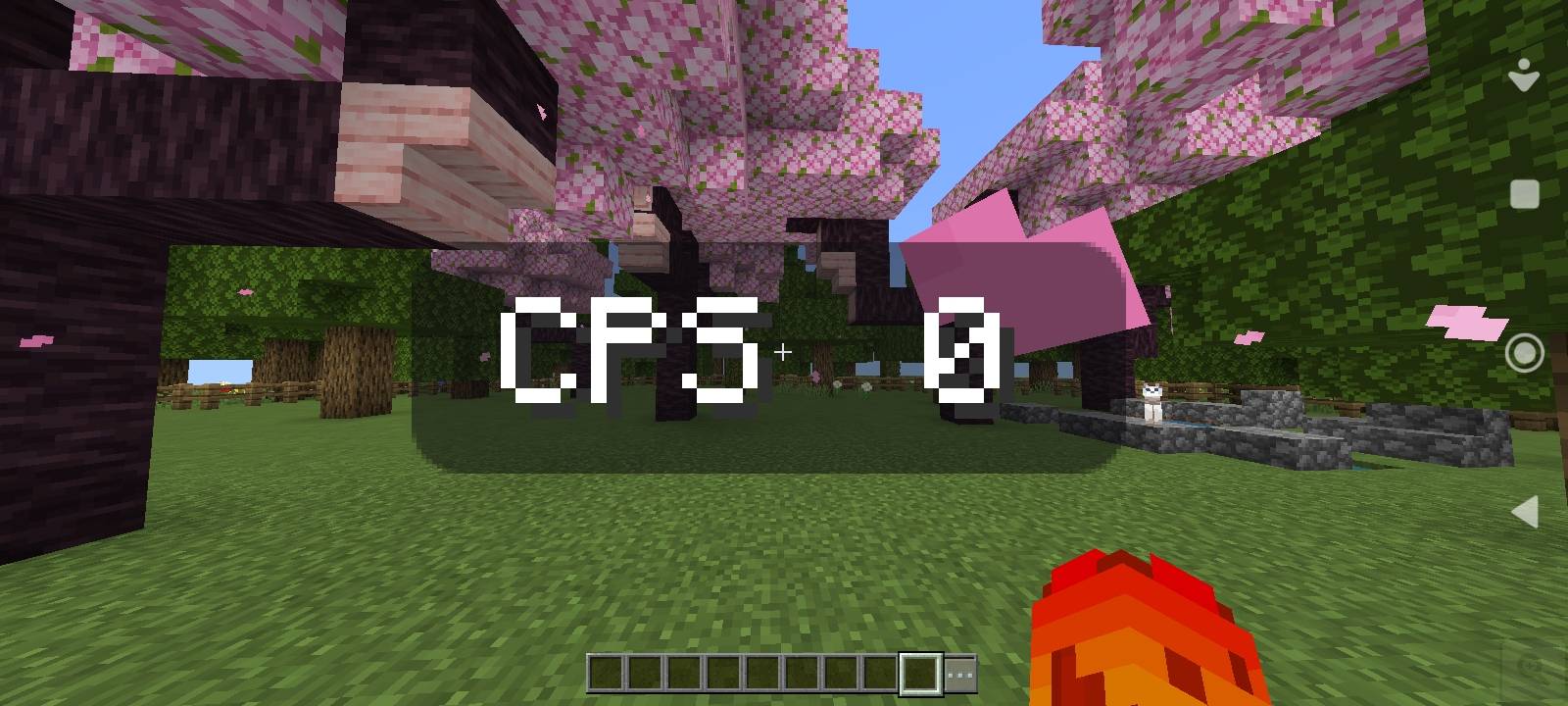
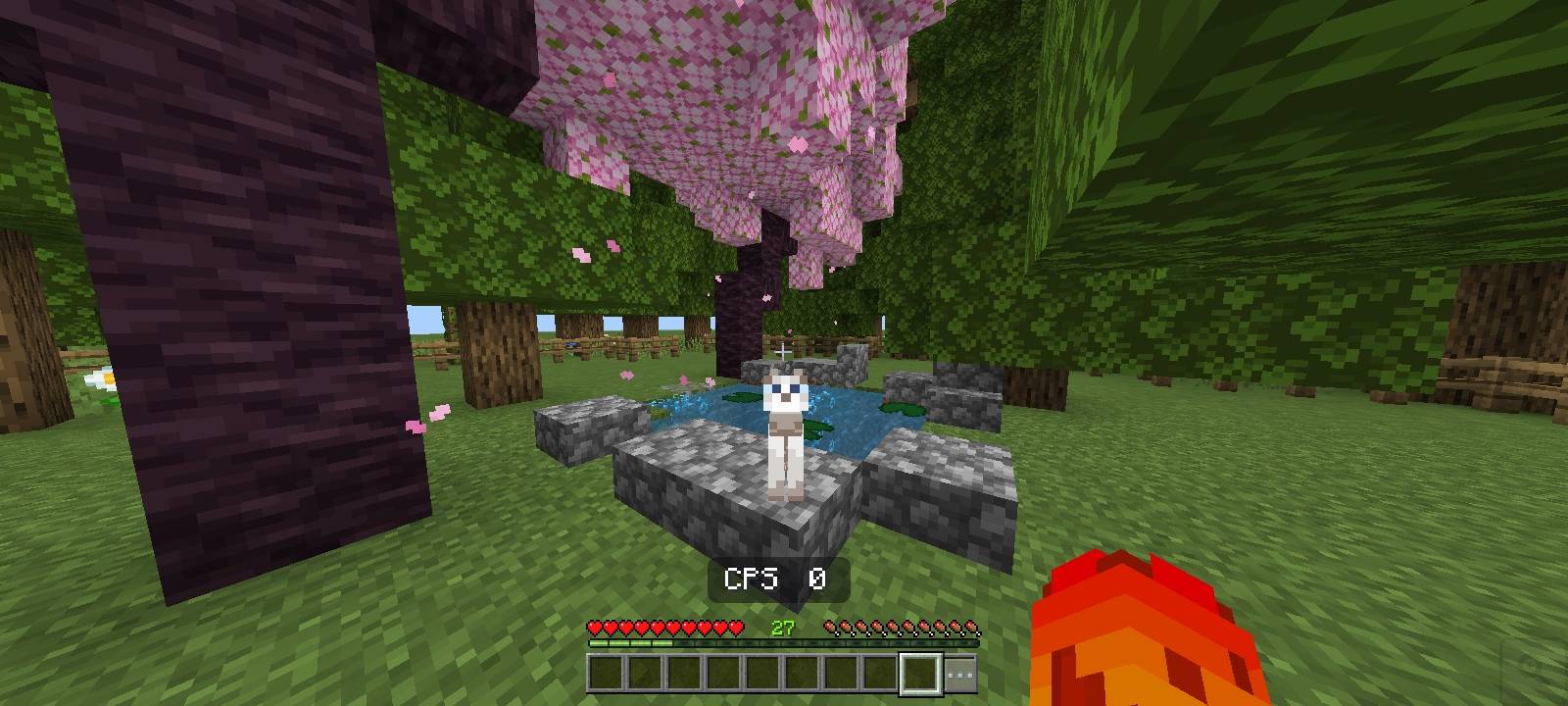
oSkullo's CPS Counter
Keep track of your attack speed and combat performance in real-time. This resource pack adds a clean, customizable CPS counter directly to your HUD, powered entirely by the modern Bedrock UI settings array. You can adjust exactly how the counter looks and where it sits on your screen without ever leaving the game.
The Honest Truth: How It Works
Due to the technical limitations of the Minecraft Bedrock UI engine, it is impossible to read raw hardware inputs (mouse clicks or screen taps) directly.
Because of this, this pack functions as a Hand-Swing Counter. It detects the left-click attacks landed in the last real second based on your character's arm animation.
What this means: It is highly accurate for normal gameplay, PvP, and standard clicking. However, if you are drag-clicking or using macros at extreme speeds (20+ CPS), the counter will not maintain a 1:1 ratio with your hardware because the in-game swing animation simply cannot keep up with those speeds.
Features & In-Game Customization
Taking advantage of the settings array for Minecraft 1.21.0+, you have full control over the HUD element directly from the pack settings:
Visibility Controls: Toggle the entire counter on or off, or choose to hide the "CPS" text label to just show the raw numbers.
Positioning: Freely move the counter anywhere on your screen using the X (Left/Right) and Y (Up/Down) offset sliders.
Scaling: Adjust the size of the counter from a subtle 25% up to a massive 300%.
Background Settings: Toggle the dark background on or off, and fine-tune its opacity (0% to 100%) to ensure it never blocks your crosshair visibility.
Compatibility
Fully compatible with mobile, PC, and console.
Created by oSkullo
YouTube: oSkullo
Discord: discord.gg/oSkullo
- Edition: Minecraft Bedrock
- File type: .mcpack
- Minecraft versions listed: 1.21.30, 1.21.50, 1.21.81
- How to install: Download the .mcpack. → Open it — Minecraft imports it under Resource Packs. → Activate it in Global Resources, or for one world under Resource Packs → Available.
- Where to get it: Opens on CurseForge — not every file is mirrored on our own servers.
Install steps are the general flow for this file type — How to install Minecraft Bedrock texture packs walks through it step by step.
- Pack type: .mcpack — a single pack
- Manifest requires Minecraft 1.21.130 or newer
- Complete pack — everything it depends on is inside the file
- Download size: 28 KB
- Download link checked 25 Sept 2026 — working
These come from our own check of the pack file, not from the source page.