Shrimp's Distinct Potions: BE
Bedrock texture pack listed for Minecraft 26.x. File opened and checked on 25 Sep 2026; installs from the MC Bedrock Mods app on Android.
⬇ Download on CurseForgeThe author built this one for Minecraft 26.50. On other versions it may install and then do nothing.
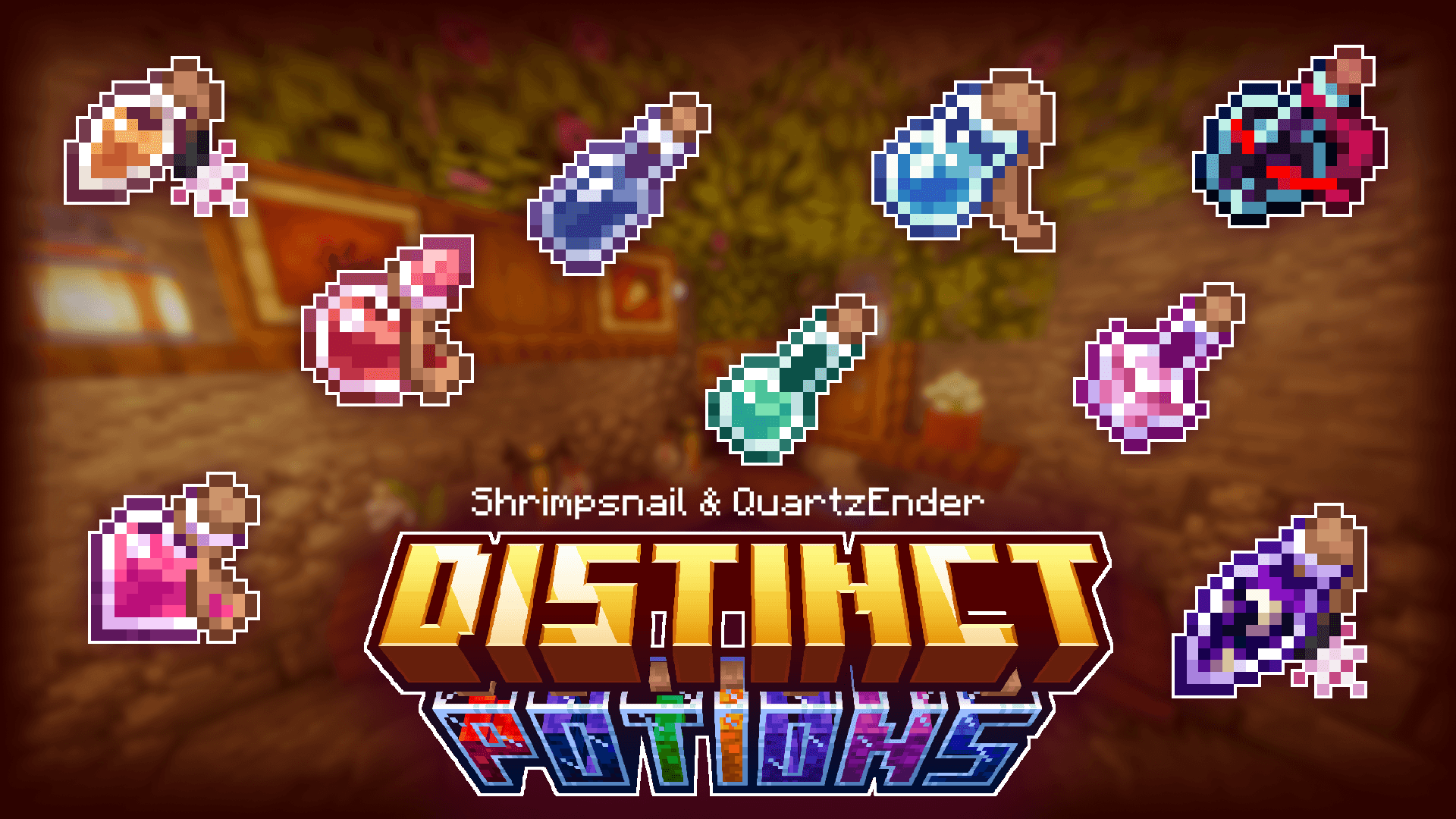
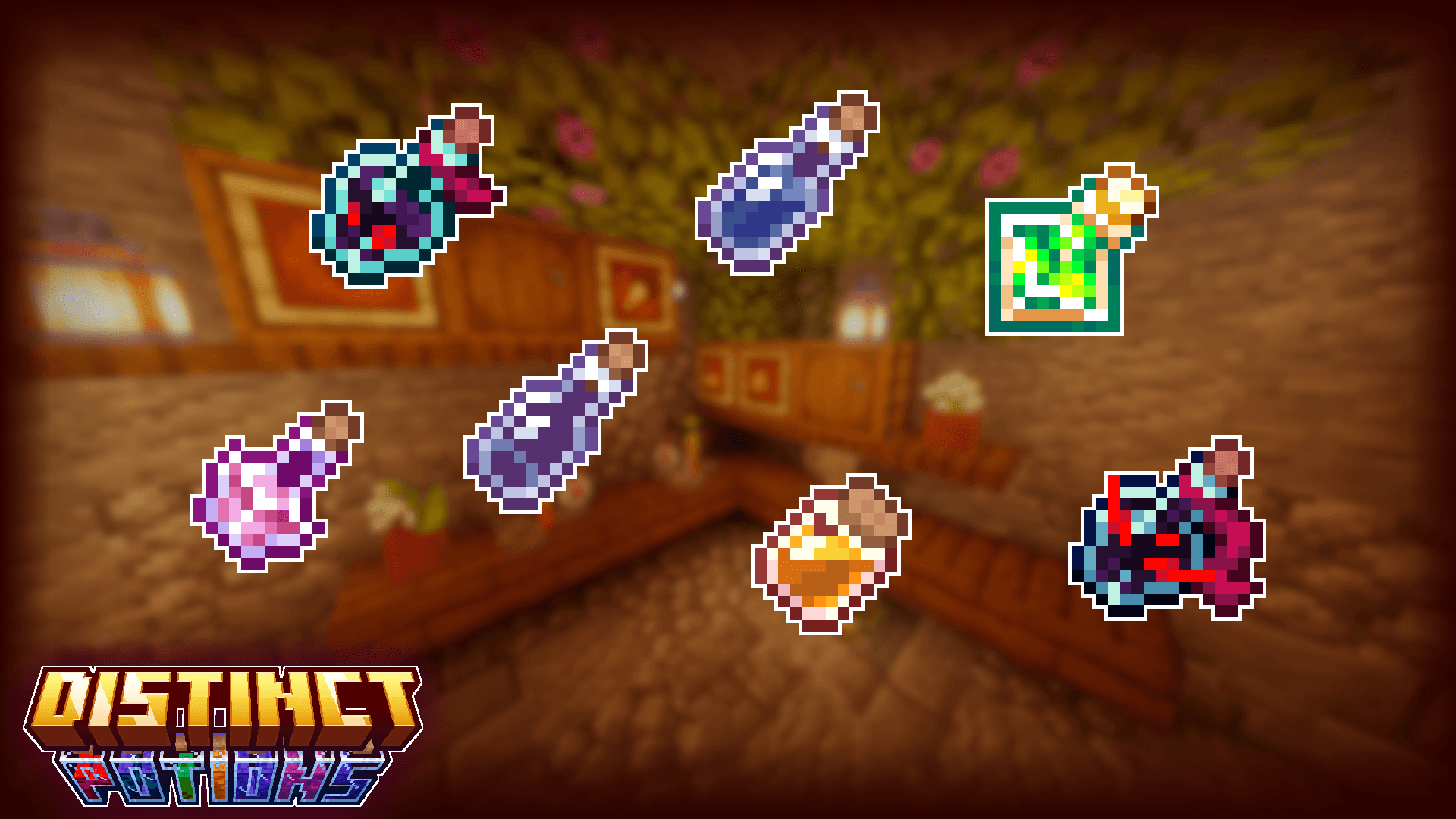
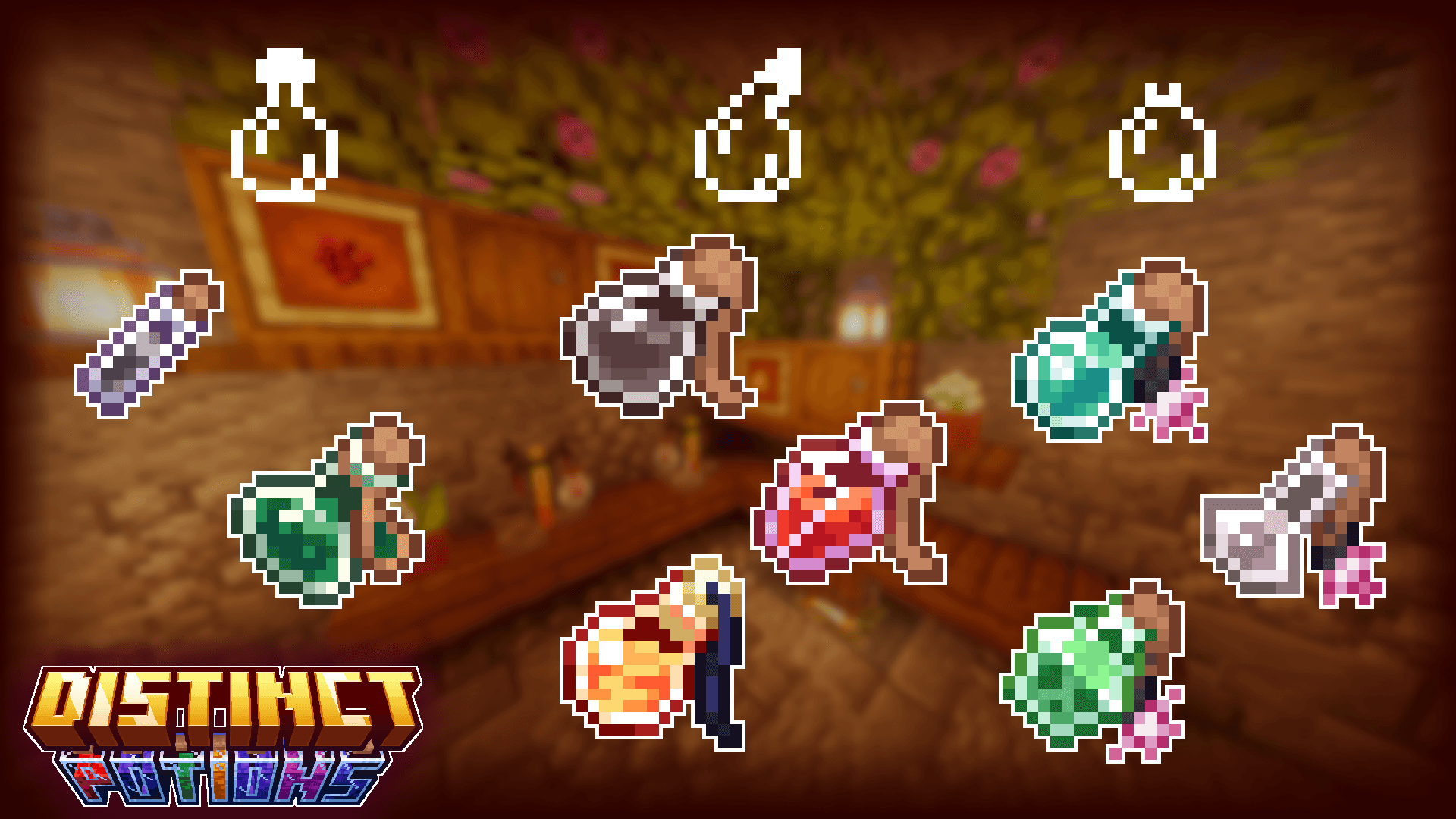
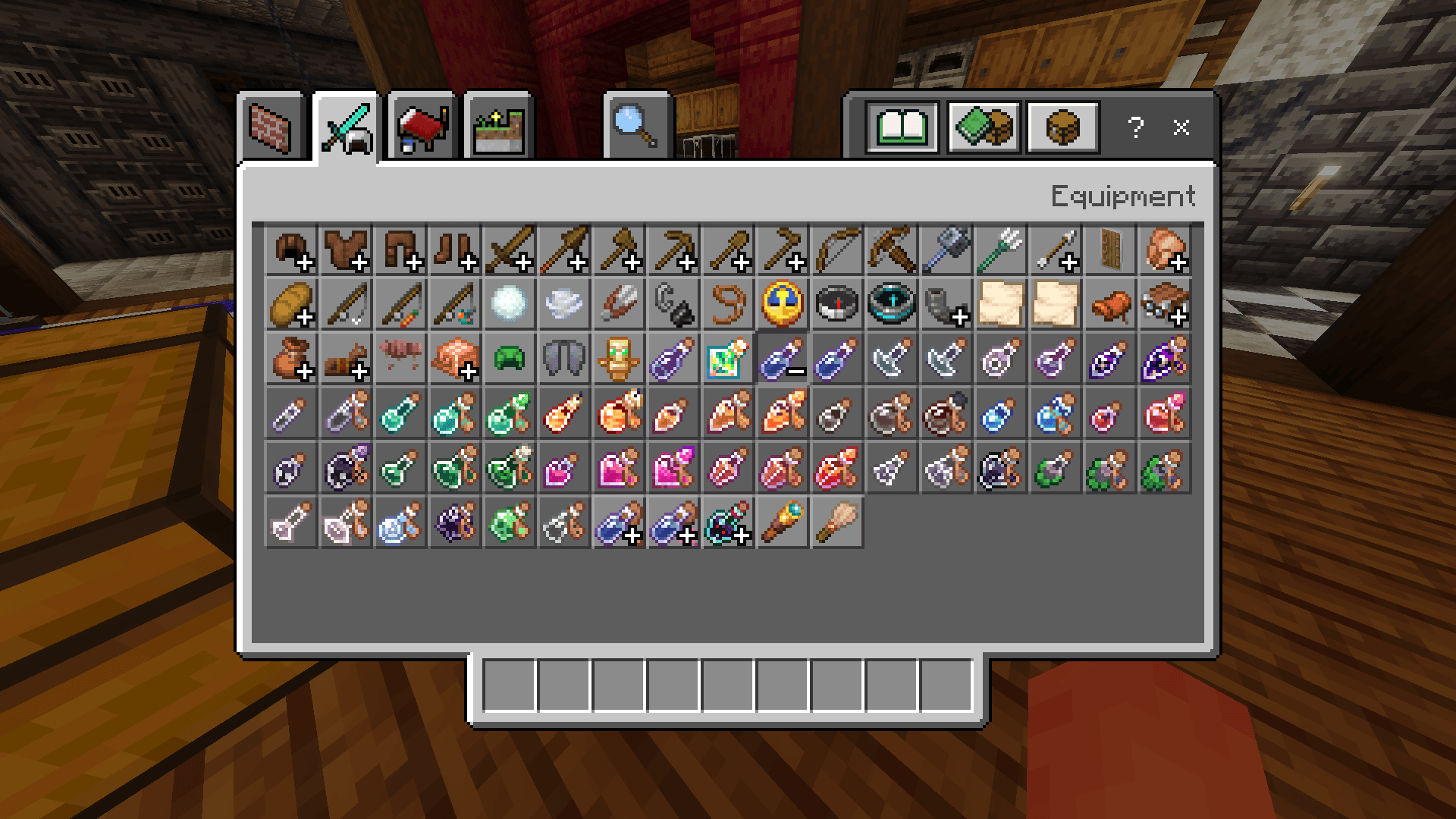
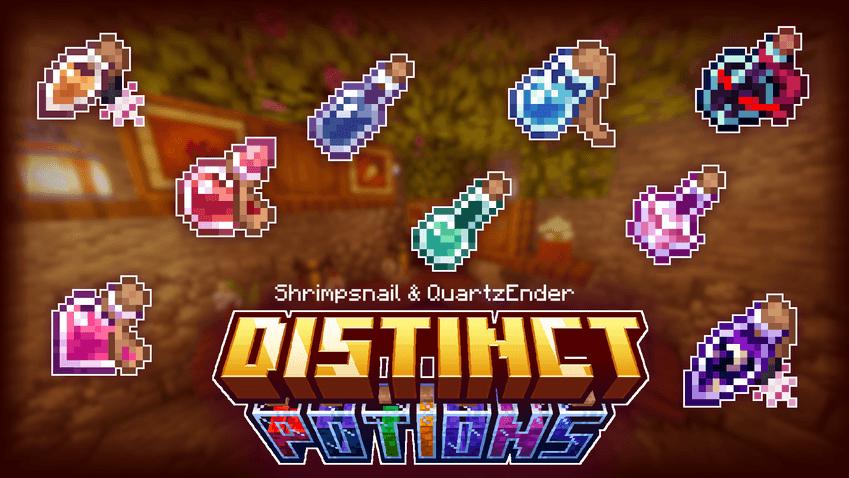
Shrimp's Distinct Potions is now on Bedrock Edition too. Brought to you by Shrimpsnail (designs) and QuartzEnder (code).
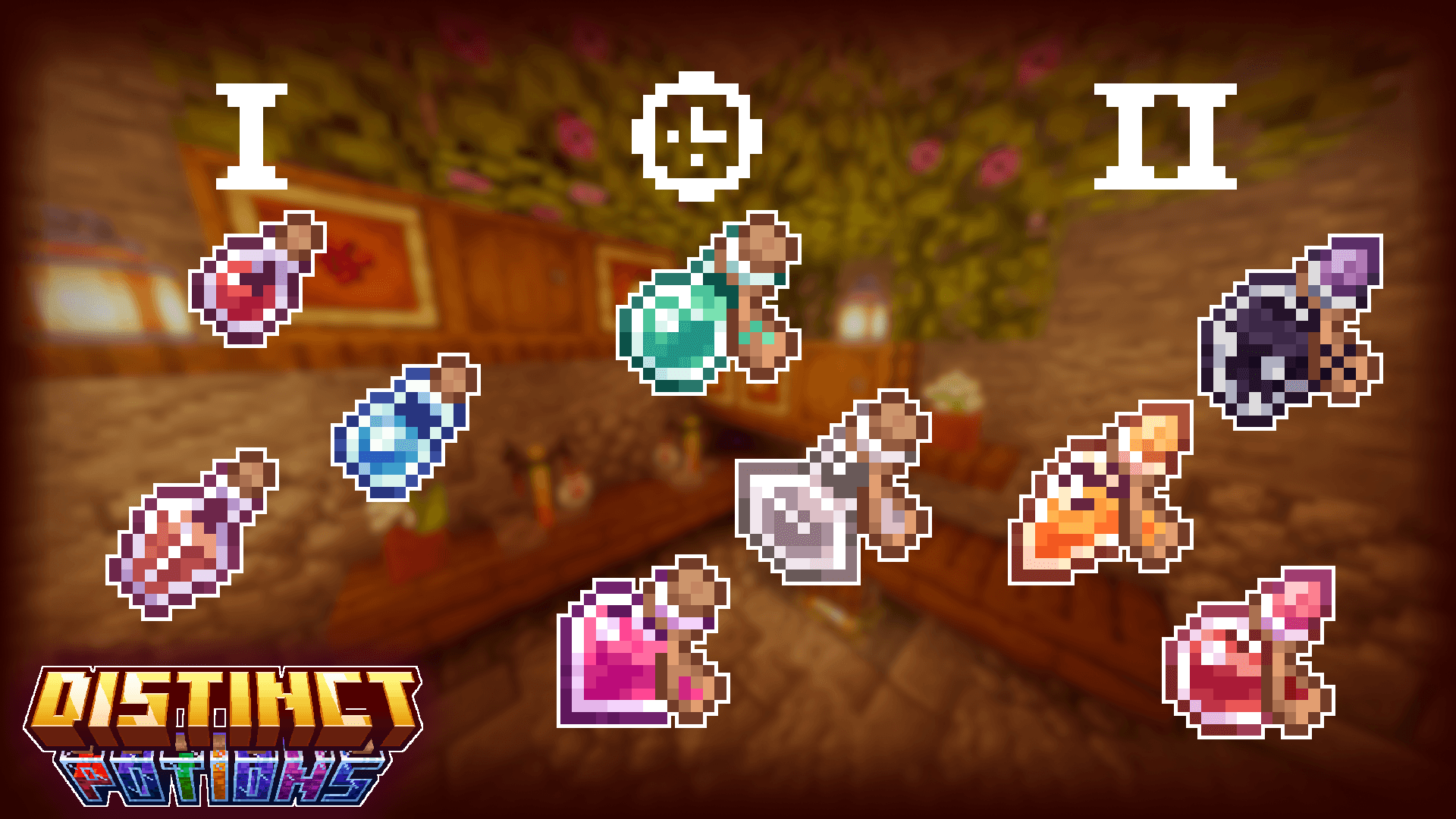
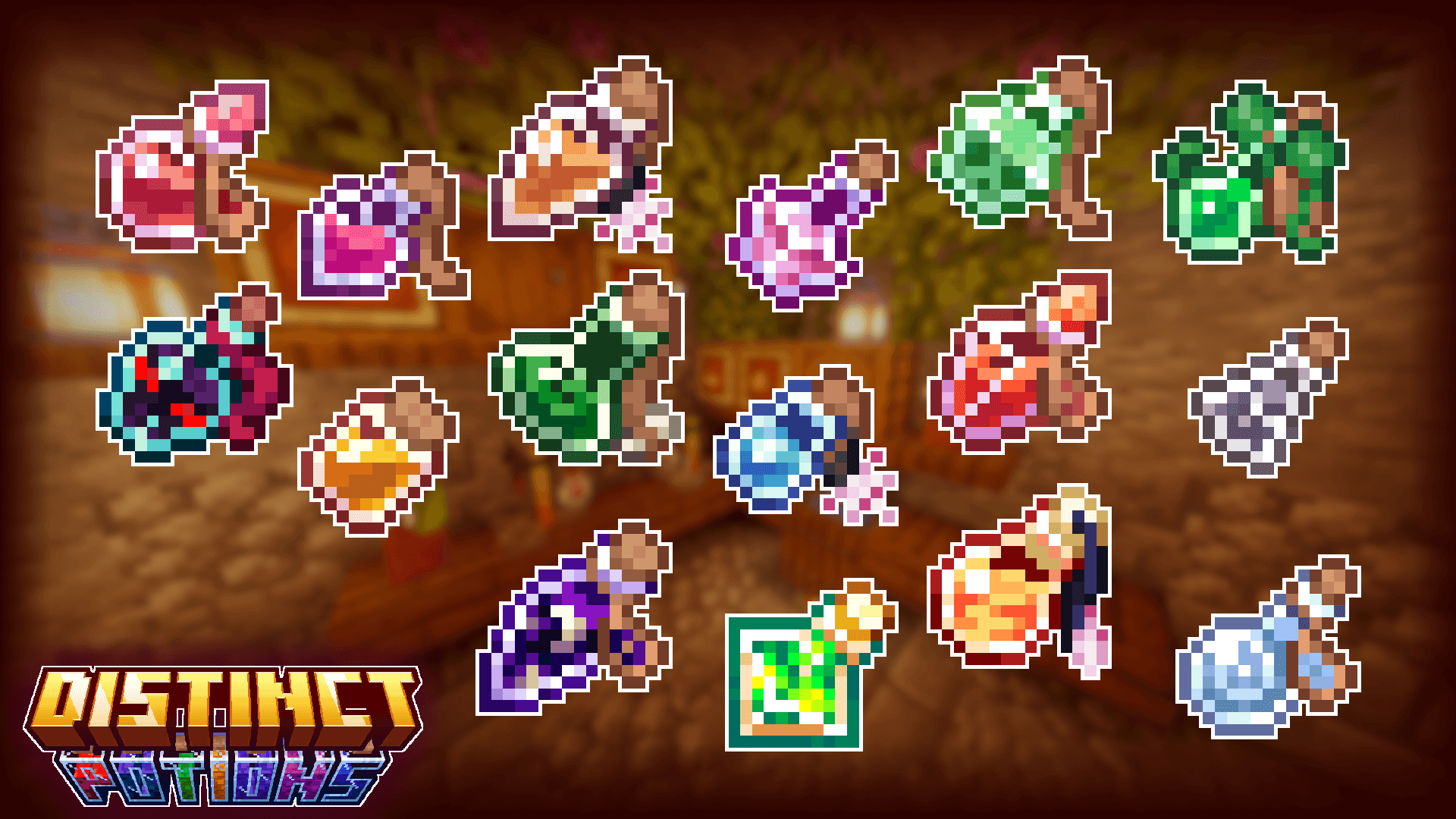
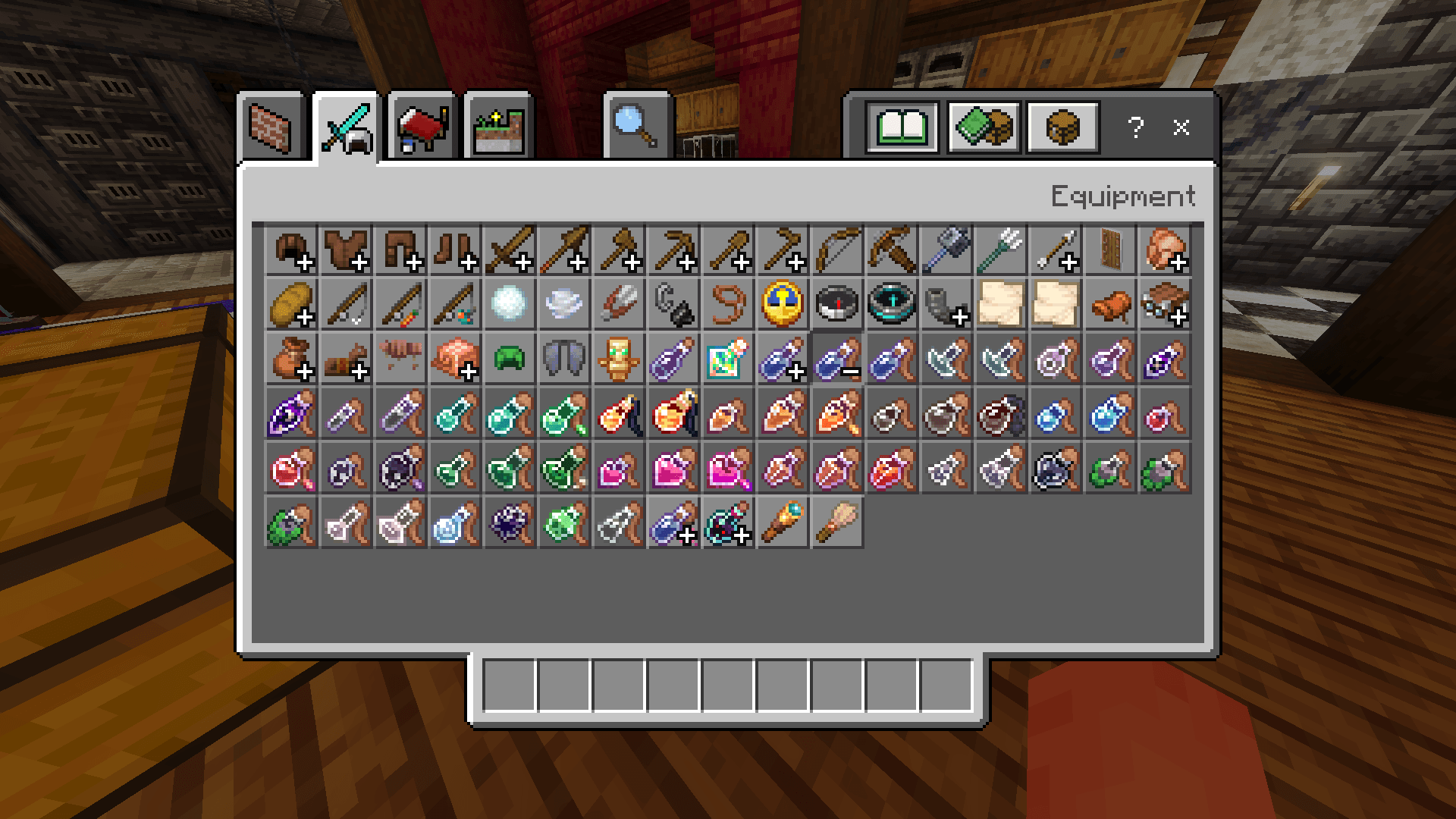
This port for Bedrock of Distinct Potions gives a new more intuitive design to all bottles and potions providing different textures for types and strengths of potions so they can easely be distinguished at a glance.
Download the original version for Java Edition here (Modrinth) or here (Curseforge)
How it works
Along with giving a unique texture to every potion depending on their effect and type, Distinct Potion tries to circumvent Bedrock limitations by having detailed textures: animated textures for the lingering potions and unique textures that depend even on the duration or the strength of the potion.
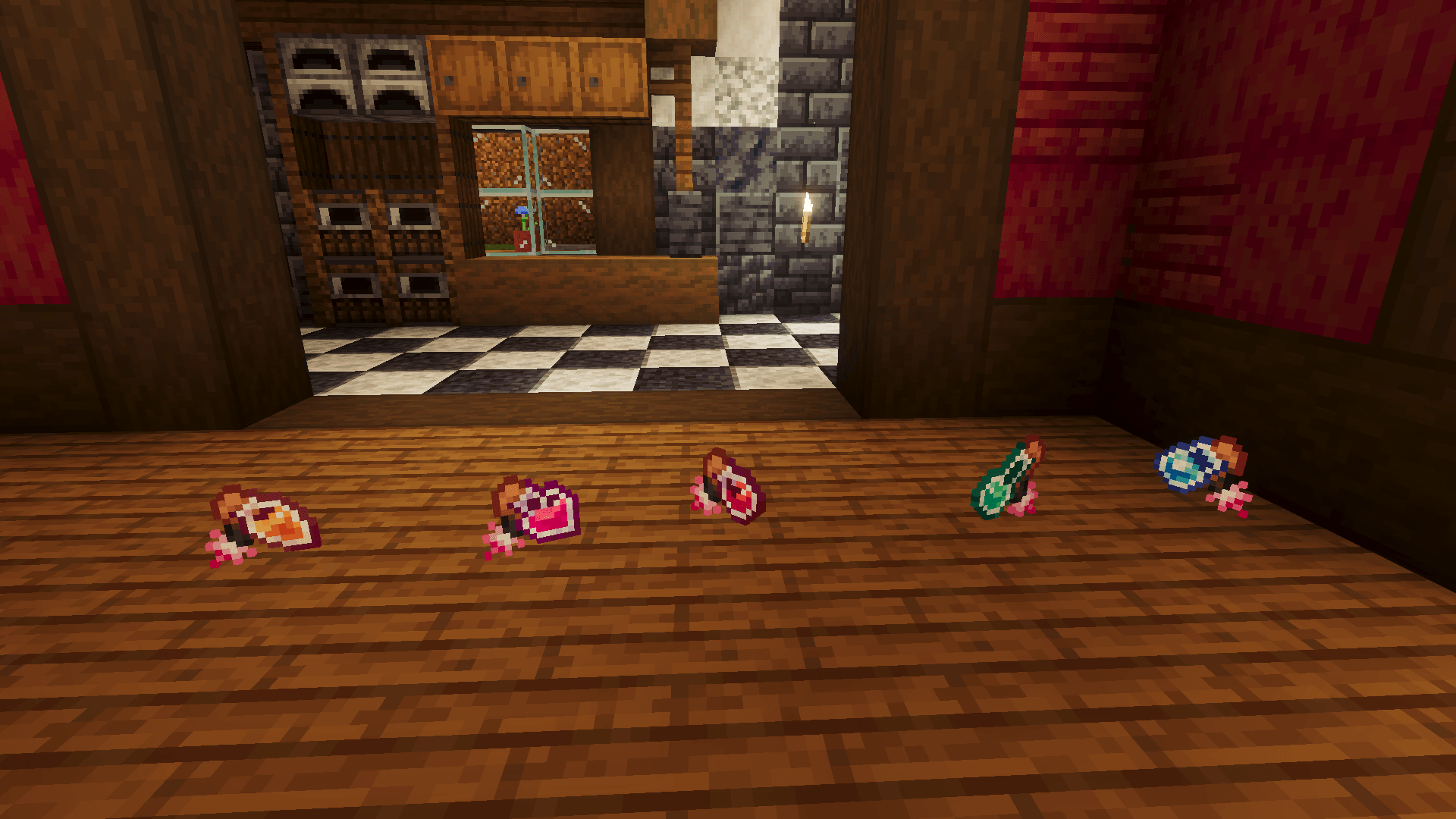
However, since this is normally not possible in Bedrock, detailed potions have their limitations, and will lose temporarily their appearance in favour of base textures, which differ from each other in the potion type and effect only:
- clicking in an inventory slot will cause the potions to revert to their base texture and lose their animation for an instant
- potions dropped on the ground and the ones that will have their base texture
- detailed textures will appear only if the potion is selected in the hotbar
Detailed potions can be disabled by choosing the Performance mode subpack in the pack settings. As the name suggests, this should give a slight performance improvement compared to the Full features subpack (the default one).
- Edition: Minecraft Bedrock
- File type: .mcpack
- Minecraft version listed: 26.50
- How to install: Download the .mcpack. → Open it — Minecraft imports it under Resource Packs. → Activate it in Global Resources, or for one world under Resource Packs → Available.
- Where to get it: Opens on CurseForge — not every file is mirrored on our own servers.
Install steps are the general flow for this file type — How to install Minecraft Bedrock texture packs walks through it step by step.
- Save it as Shrimp's Distinct Potions Bedrock 1.0.mcaddon before opening — it downloads as .mcpack, but it is a .mcaddon pack
- Manifest requires Minecraft 1.26.50 or newer
- Complete pack — everything it depends on is inside the file
- Download size: 214 KB
- Download link checked 15 Oct 2026 — working
These come from our own check of the pack file, not from the source page.